A:AnswerThe Fire TV Edition television does not feature a protective film.
If you receive a product that is damaged in shipping or defective, please return it during your return and exchange time period. For more information please call 1-888-BEST BUY (1-888-237-8289).
David M. - Insignia Support
A:AnswerThe Fire TV Edition television does not support Screen Mirroring.
You can connect a streaming device or adapter that supports it using HDMI.
David M. - Insignia Support
A:AnswerI'm so sorry I'm not very familiar with laptops and computers and the screen mirroring process. I mainly use my Android phone and cast with the Chromecast that we plugged into our TV. Which works excellent I'm sorry I'm not of any help to you
A:AnswerTo search for available apps to download on your Fire TV Edition television please visit: amazon.com > Menu - Shop By Category > Fire TV > Fire TV Apps & Channels > Refine by Device Type select Fire TV Edition TV and search.
Also, you can download the Amazon Fire TV app to your smartphone to control your Fire TV Edition television.
David M. - Insignia Support
A:Answer34.75 inches wide by 20.5 inches high without the feet, real measurements. The one I purchased in Feb. and I doubt it has changed since then. It is the only 39" TV less than 36" wide.
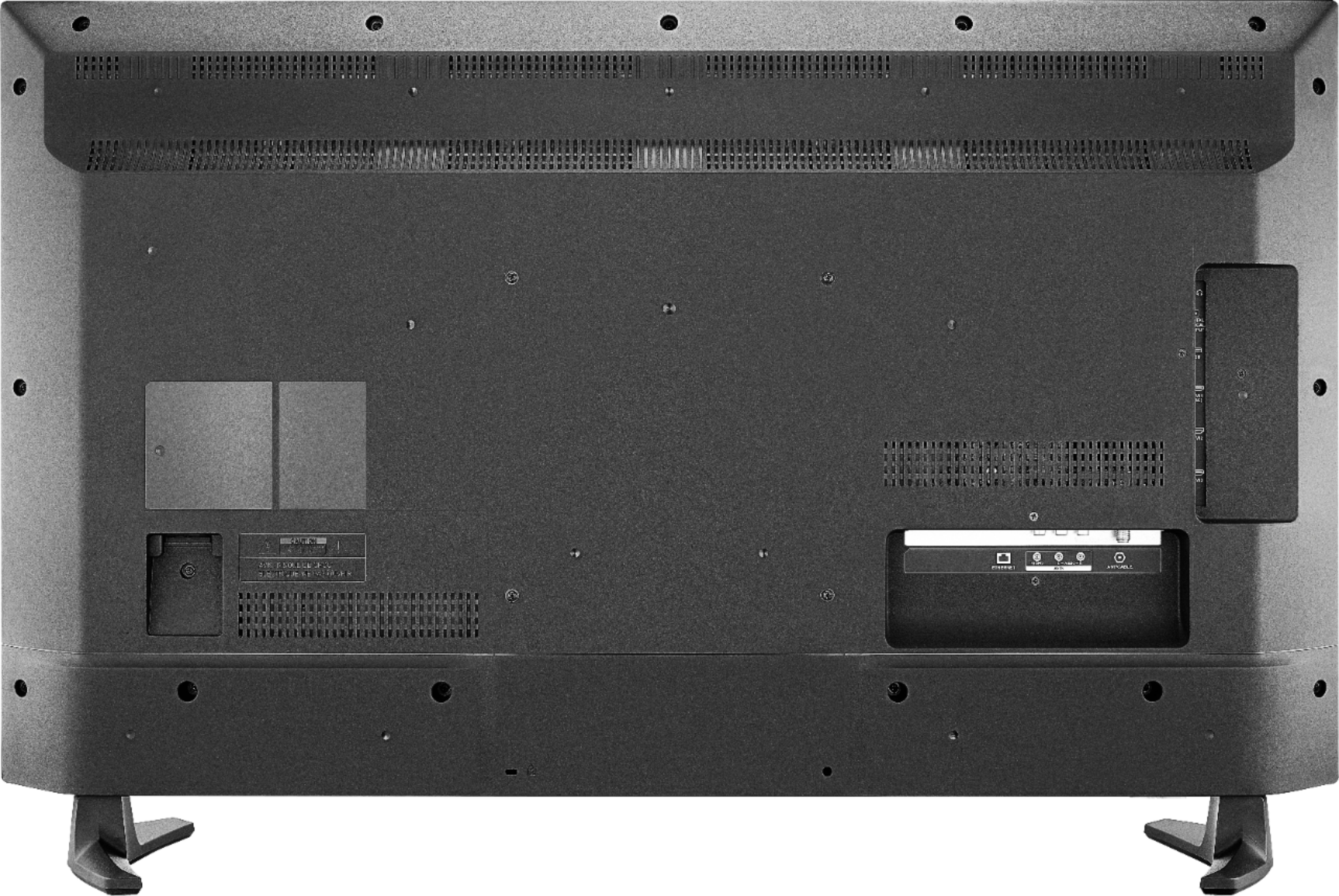
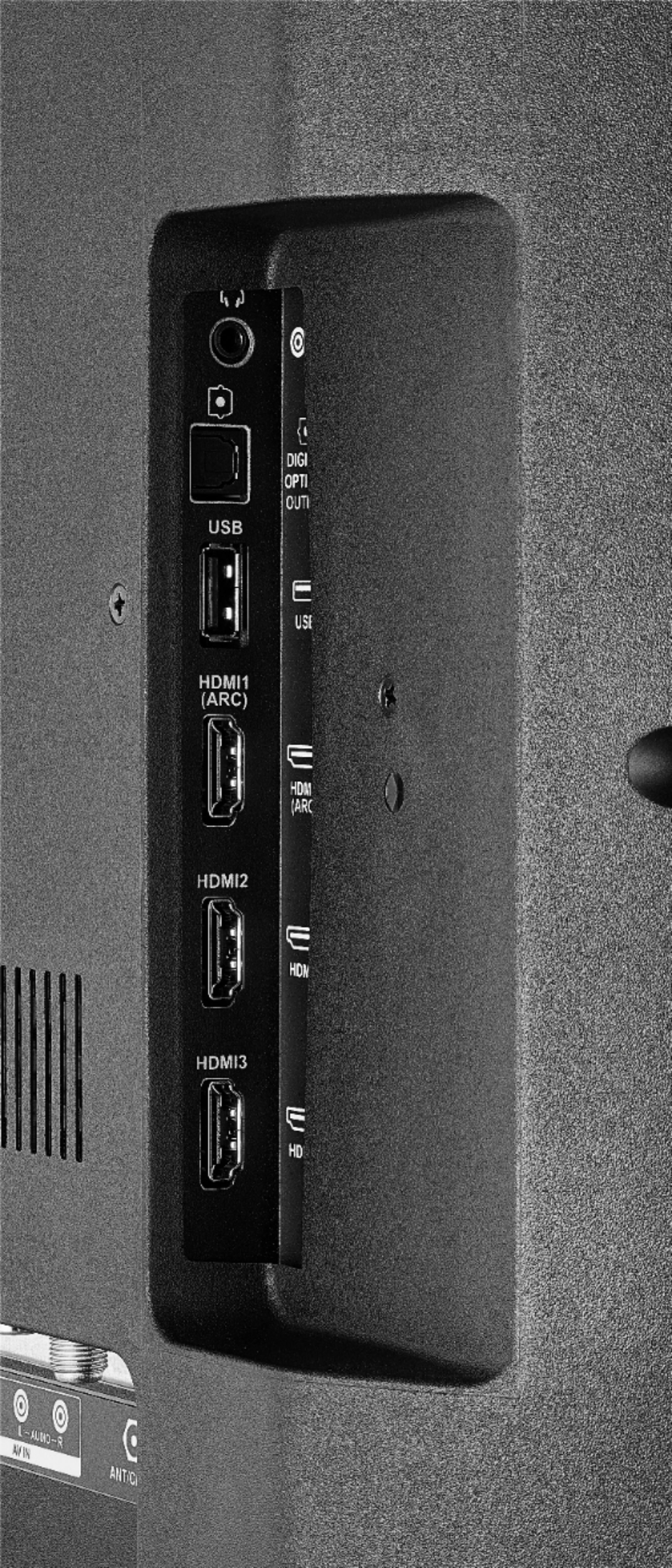
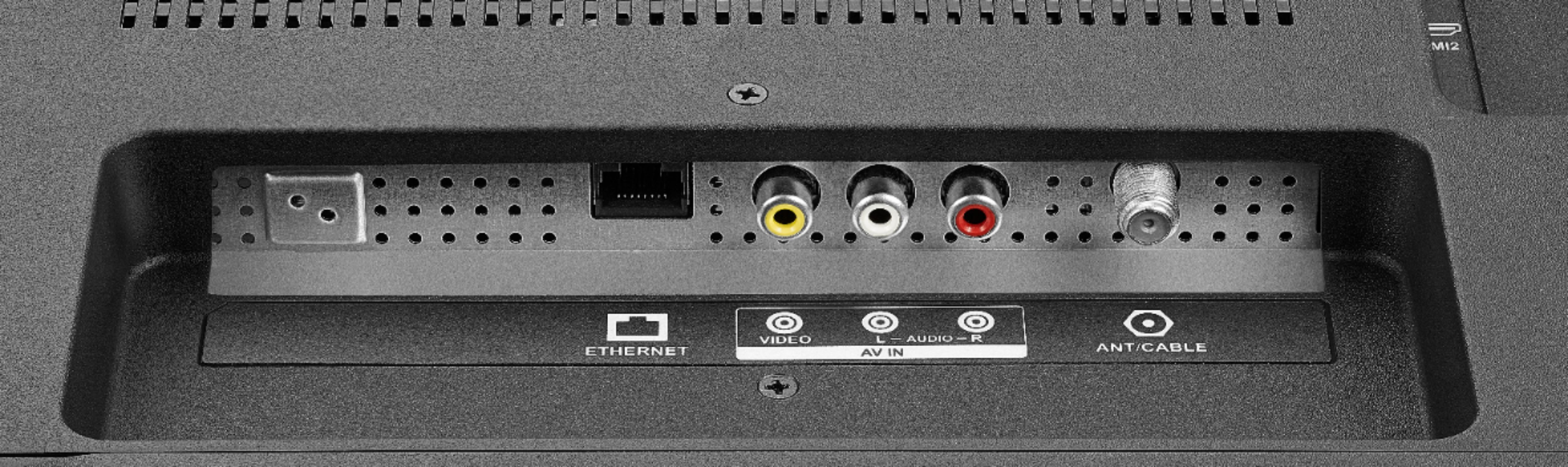
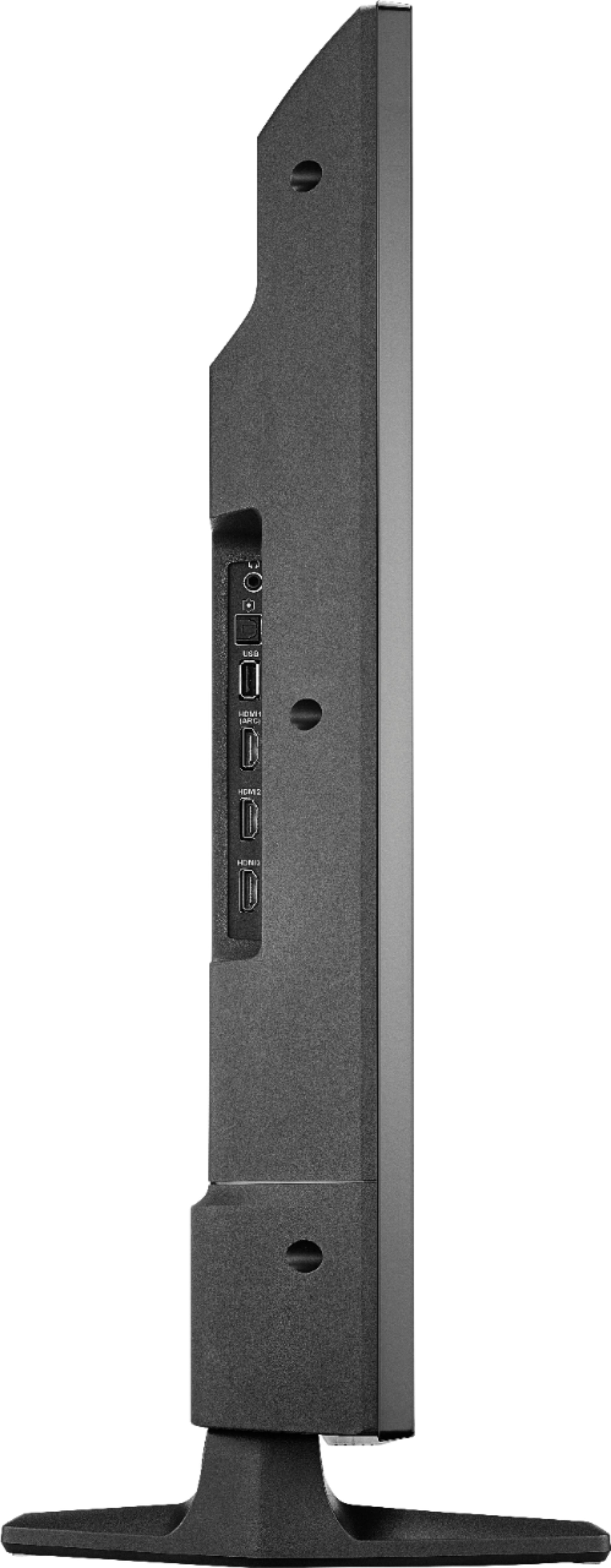
A:AnswerThere are no component YPbBr ports [3] available on this TV. Sort of odd that Insignia omitted them but included the older composite ports. They sell converters on eBay for about $17 to convert to HDMI powered by a USB source [5 volts?]. There are three HDMI ports available on this TV. Make sure you search "YPbBr to HDMI" on eBay and purchase only this direction of input to output. The reverse direction will not work [and they are mixed in the search results].
A:AnswerThe instructions on how to activate the sleep timer on this TV are as follows.Home > Settings > Sleep Timer ; or you can press and hold the Home Button on the Voice Remote for 3 seconds to launch the Quick Access Menu, select Sleep Timer. This function turns off the TV in: 5 , 10 , 15 , 30 , 60, 90, 120, 150, 180 and 240 minutes.
A:AnswerYes, you can listen to the TV while headphones are plugged into the headphone jack. There is no information available for your remaining question.
A:AnswerYes you can do that, but you won't need to purchase any other Fire devices or equipment. Just save the file onto a USB flash drive, and then insert the drive into one of the TV'S built in USB ports. You'll want to change the TV'S setting that will allow apps to be installed from unknown sources, and you'll want so download one of the file explorer apps from the TV'S app store real quick first, but after that you should be all set.
A:AnswerYes. All you need is the HDMI cable. Just make sure that your sound bar is compatible with your TV. I'm sure you can go to settings and add you're devices and setup the CEC function. Yes I just checked the settings you can easily set that up in display and sounds setting on you're Fire TV Edition.
A:Answermake sure the audio is on in whatever you have plugged in. When I use my laptop sometime it goes to the headphone setting by default. Make sure it is right on you unit you are using thru the settings
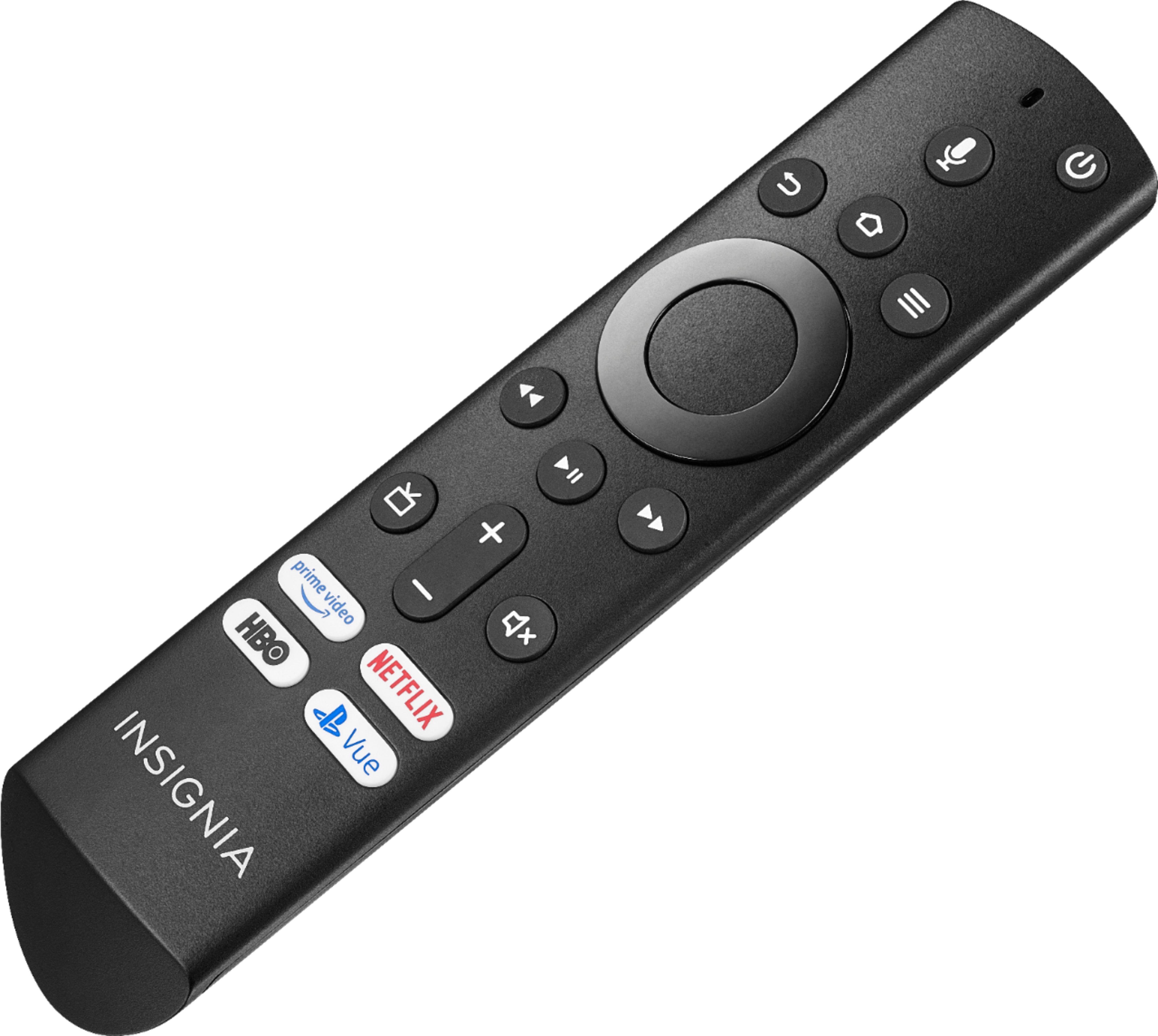
A:AnswerPress the up button on the navigation button, the one just below the microphone. Then you can scroll using the left and right buttons. Click the middle button to choose. Hope this helps.