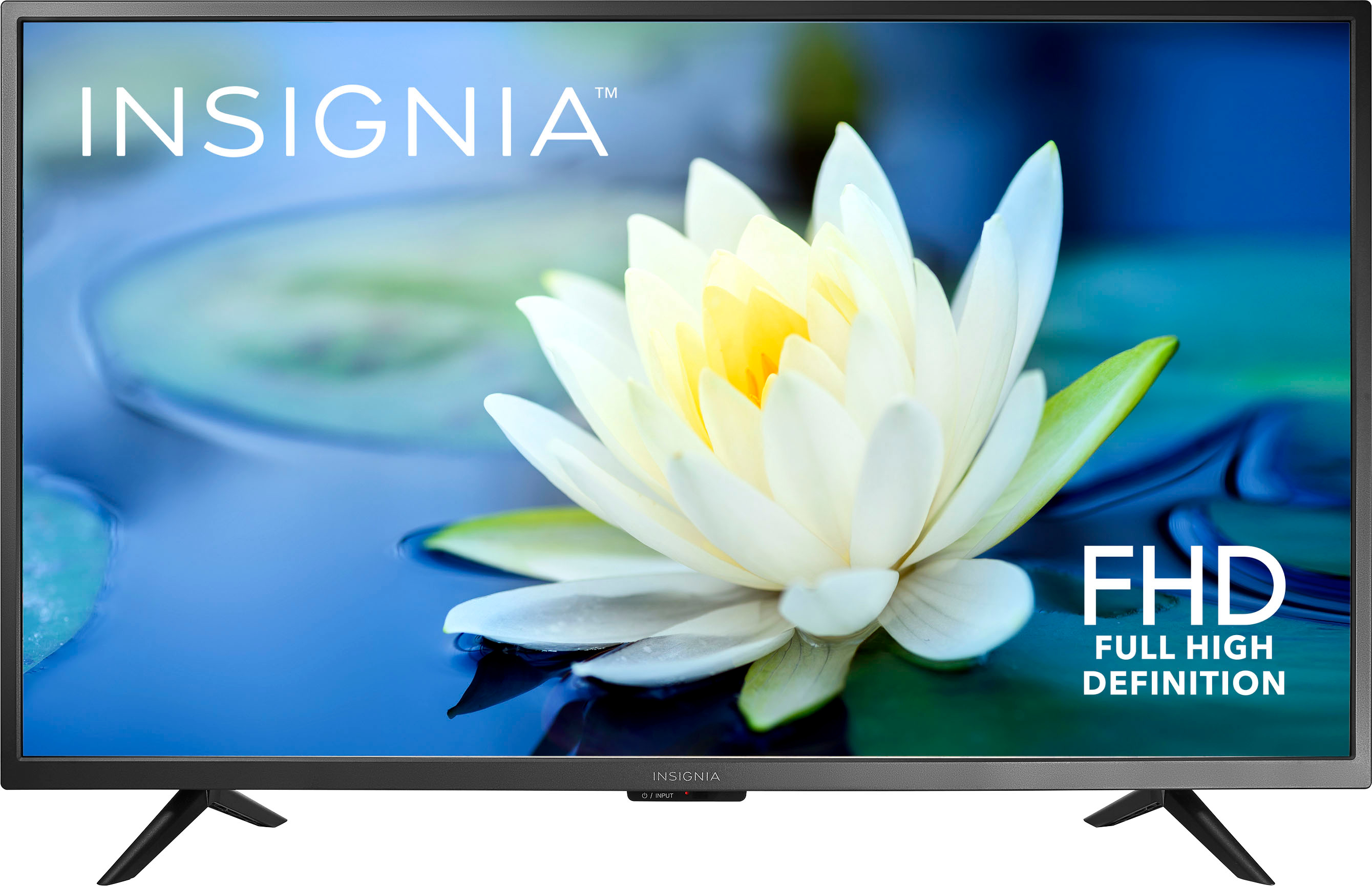
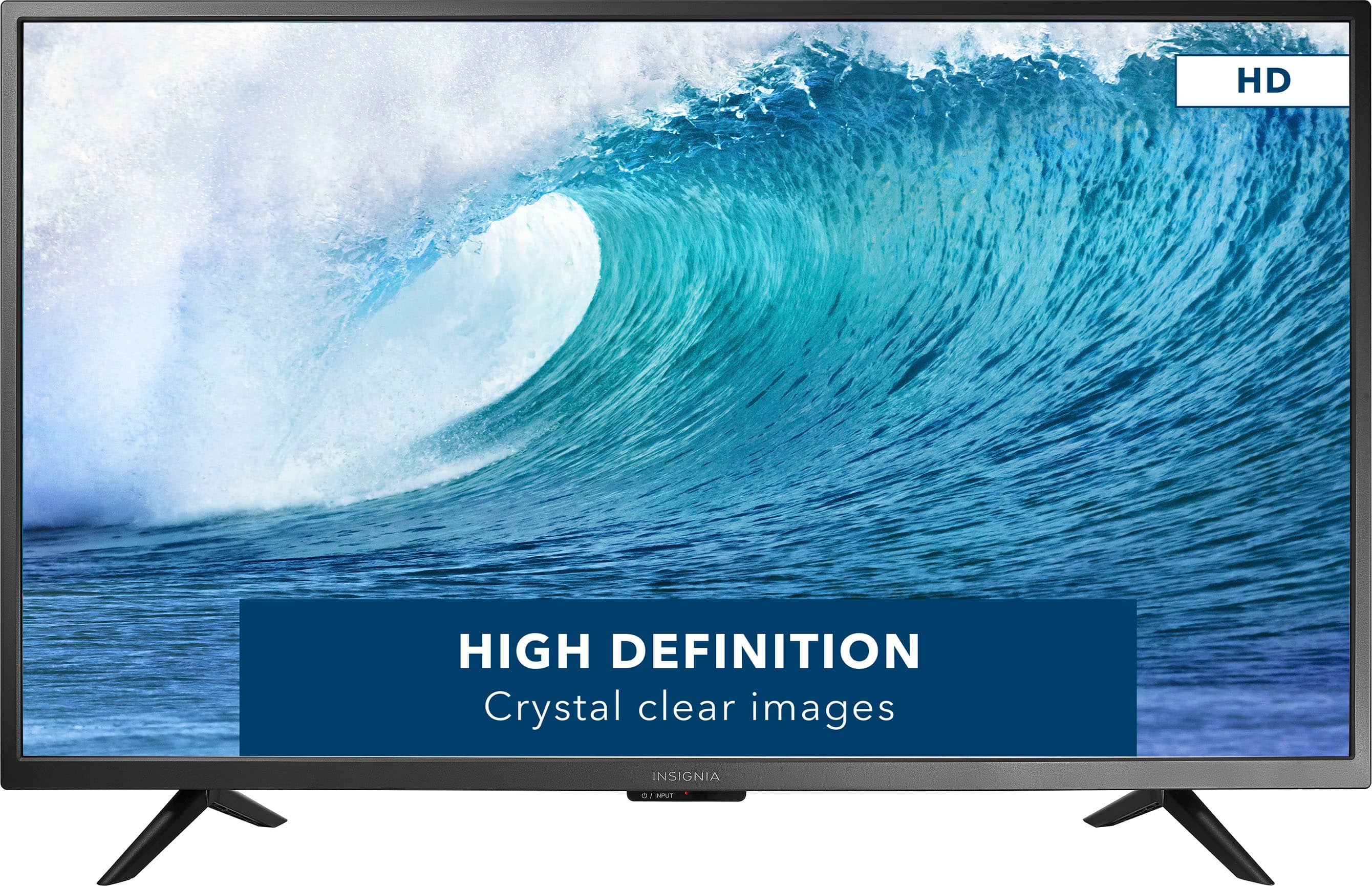
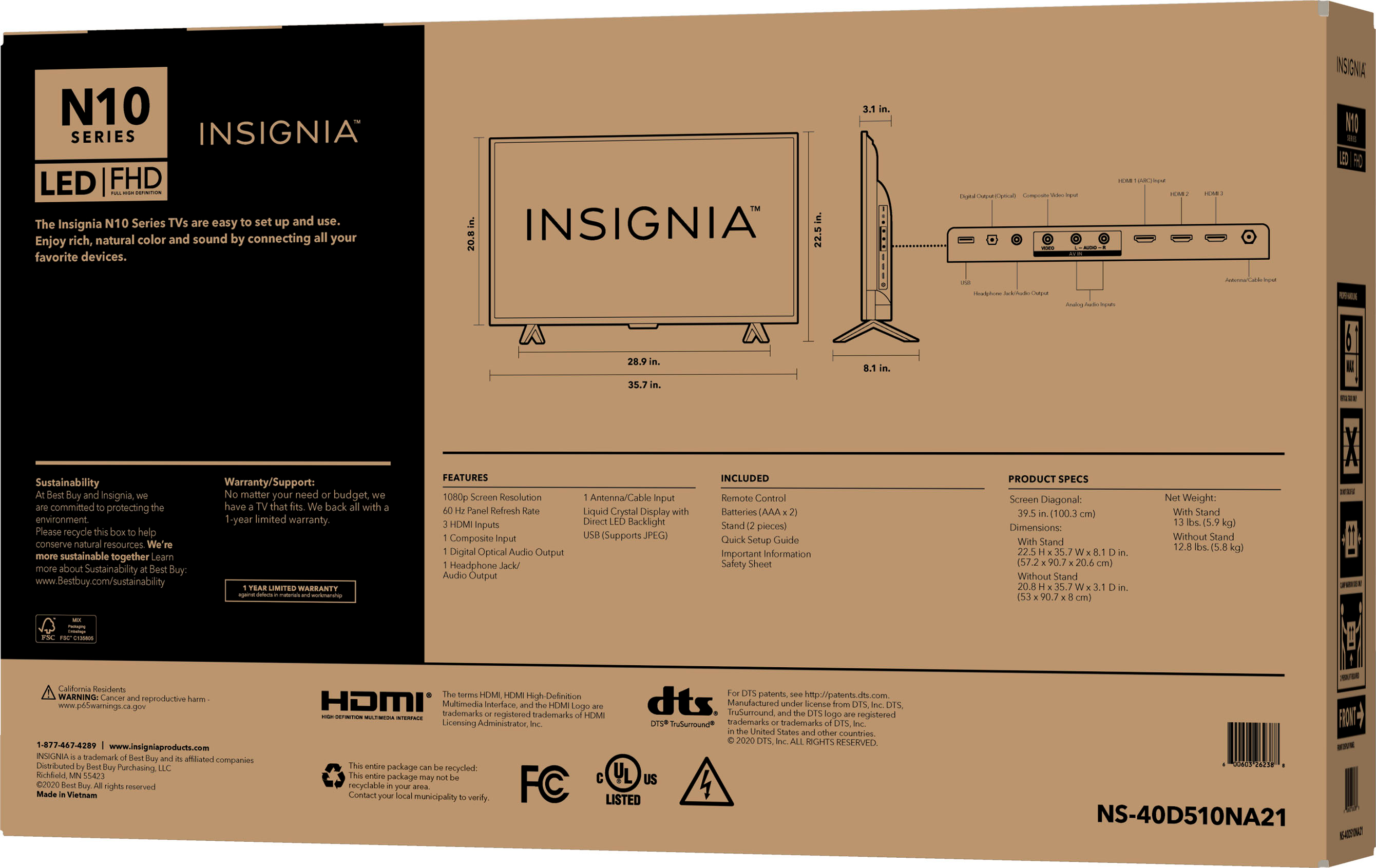
A:AnswerThis is not a smart TV you will need a fire stick or something else to get Netflix or any other streaming service. I use Google tv with chromecast
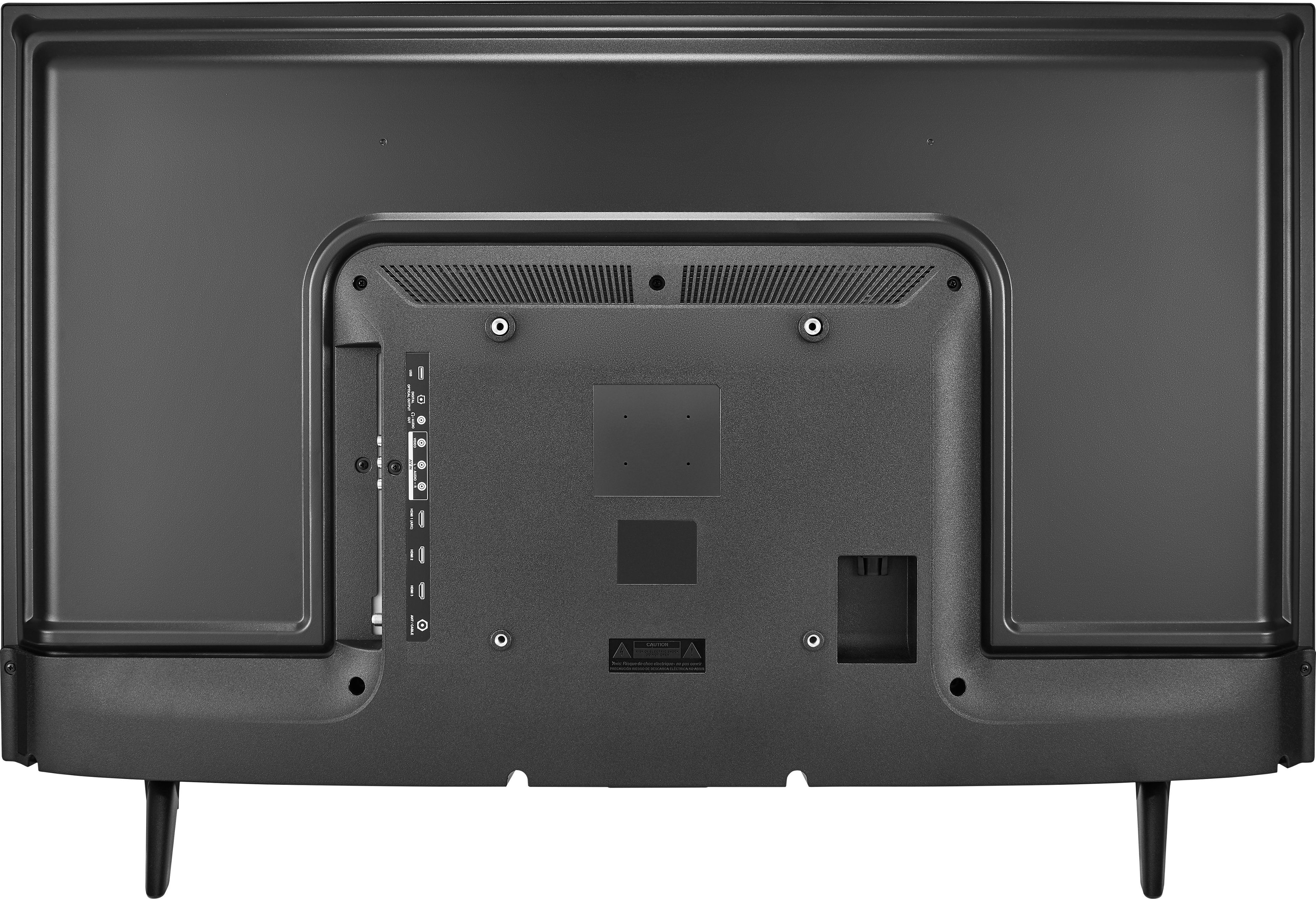
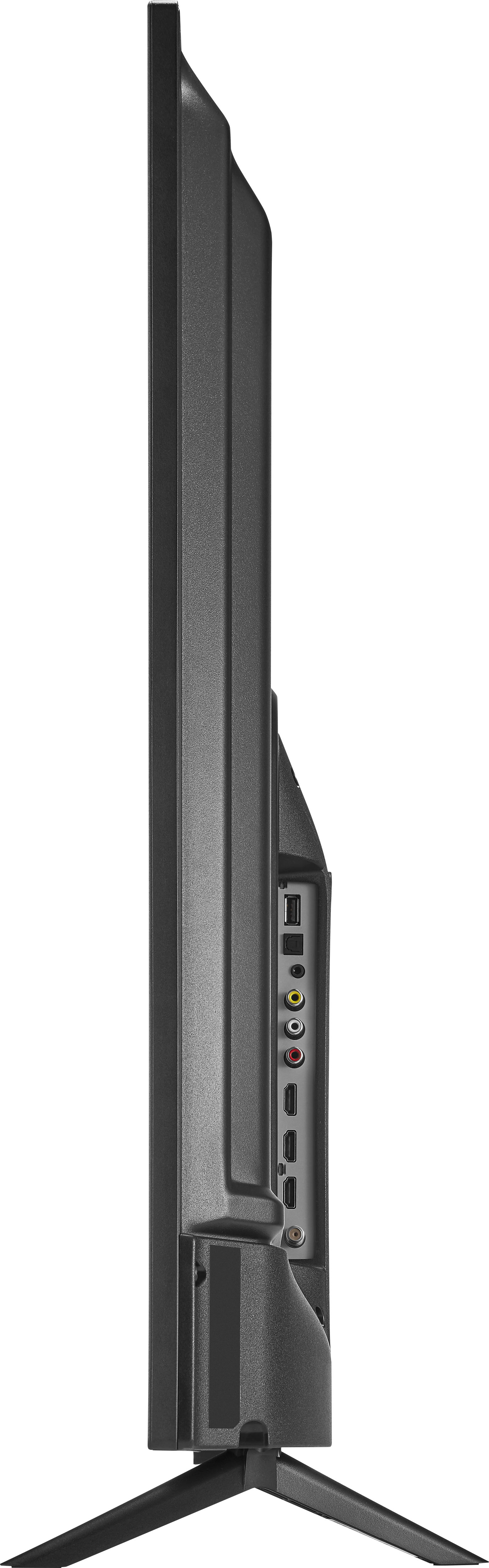
A:AnswerOn the back there is a box sticking out from the back of the TV. On the side of this box there are many inputs. One of them is a standard audio jack. If you plug your earbuds into it, the TV will switch the sound to the audio jack automatically if you have auto detect turned on in the TV's menu.
A:AnswerI just learned this! The HDMI 1 port on the side of my tv is the top one and HDMI 2 is underneath it. I found this out by learning to use a Fire Stick.
A:AnswerYes, if you get one of those audio cables with two male jacks (one on each end) - sometimes called a 'patch cable', you can plug one end into the audio jack on the back of the TV and the other end into the microphone jack of your stereo. Works very well.
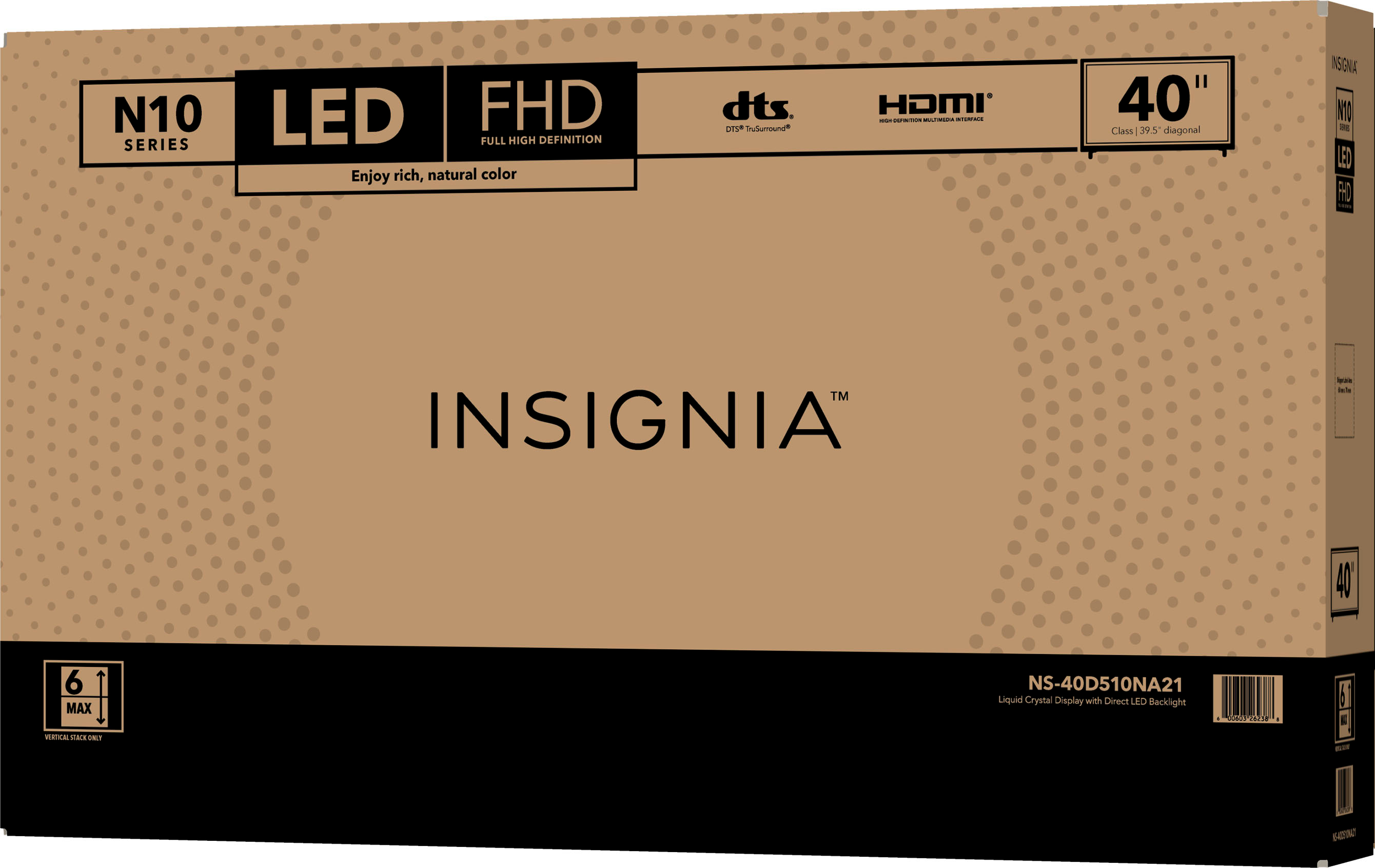
A:Answer40.5" x 24" x 6.5" It is packaged very well with lots of styrofoam pieces too. I was surprised that they just put a piece of cardboard in front of the glass rather than cardboard as well as a plastic film, but my TV arrived with no damage to the glass anyway. They did put the whole TV in a huge plastic bag with little handles to stick your fingers in so that you could pull the TV from the styrofoam frame without touching the glass. That was nice.
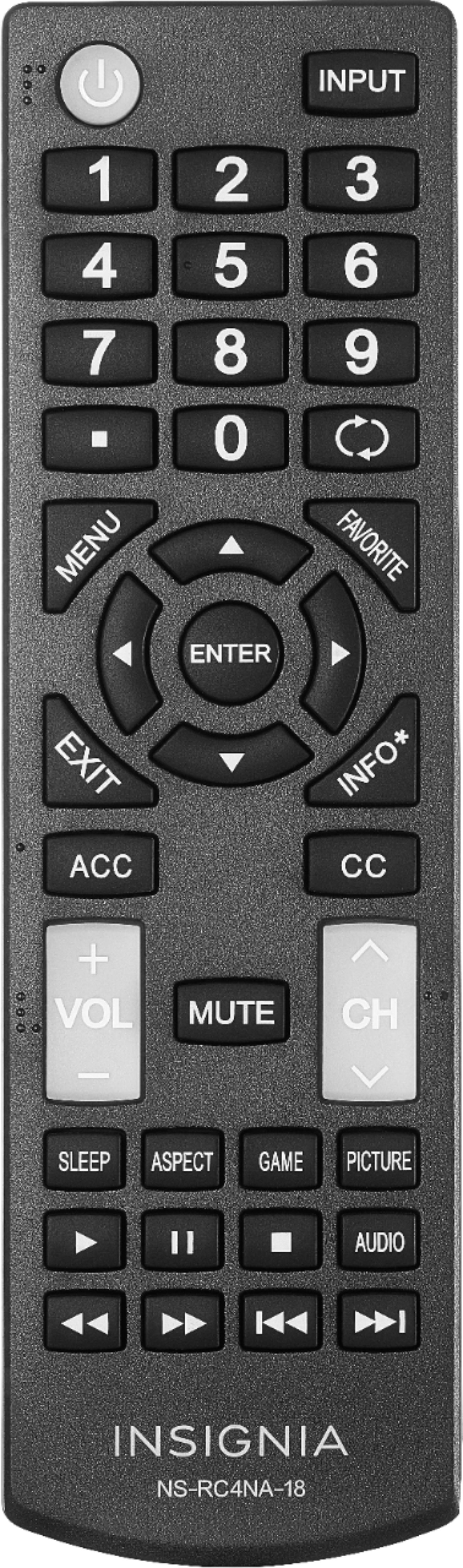
A:AnswerWhen a photo is displayed full-screen from USB flash drive, a control bar appears at the bottom of the photo. Press ENTER to Rotate the photo clockwise. This TV does not have a feature to flip the screen.