A:AnswerMine never did this, but try this:
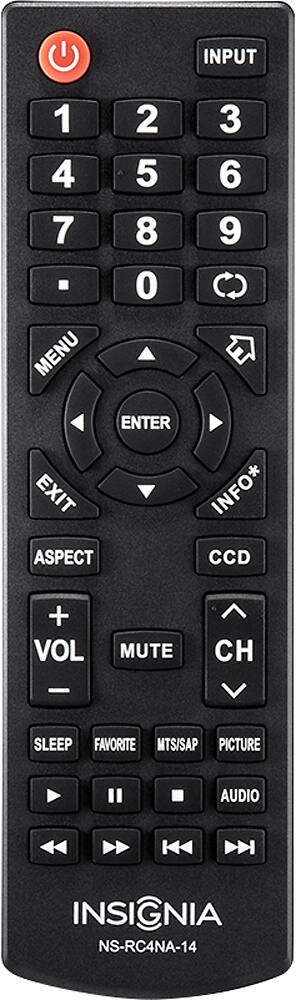
Press Menu
use right arrow to move over to "Settings"
then go down to "Reset to Default"
Press OK on remote
It will open another menu with 2 options
again go down to "Reset to Default"
it will say something like reset to factory settings... select yes and press OK
from there you can set up the tv how ever you want.
A:AnswerI posted this as an answer to some other question. Have this installed and hooked up to an outside OTA HD antenna and it works great. Gets 21 out of 22 Channels.
Channel search was quick as well with indicator as to which channels were found.
A:AnswerInsignia's are made either by Samsung or LG so either way you can get a universal remote with codes that will work. I don't recall seeing a specific one for insignia as the remotes will vary by TV model.
Harmony remotes are a good choice as well if you're looking into a universal.