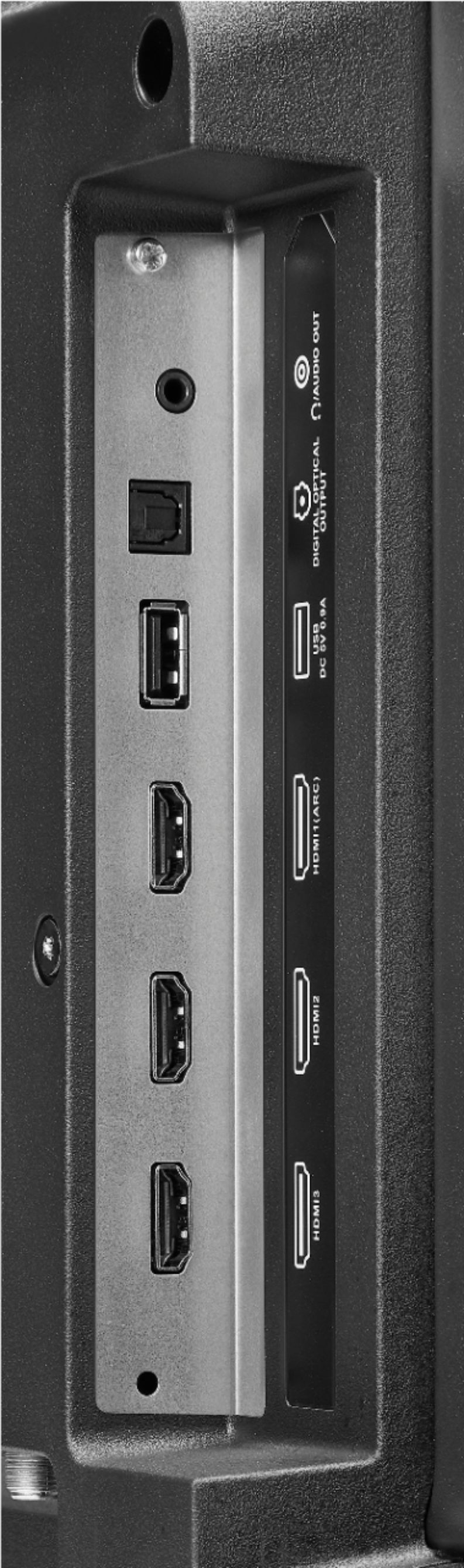
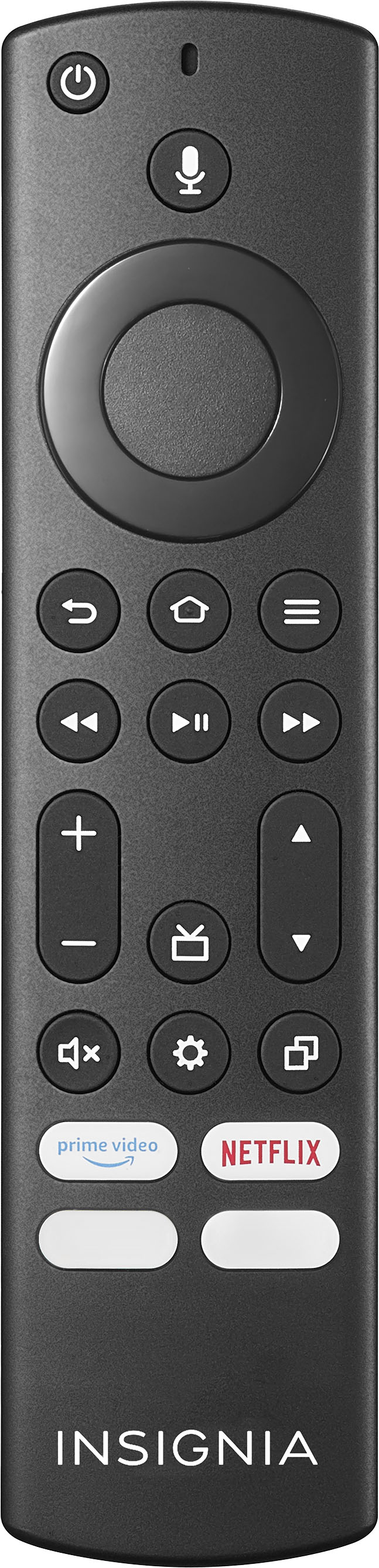
A:AnswerThe included remote works using Bluetooth technology, but other mobile devices cannot be paired to the TV via Bluetooth. Try to hook up a Bluetooth transmitter into the 3.5 mm headphone jack on the TV.
A:AnswerWhen u turn it on u press the source button and select what u are looking for it might be cable, Roku, satellite tv then u chose it’s pretty easy
A:AnswerYes, you can download the YouTube TV app, Disney + and stream Prime Video. You can hook up a USB Flash Drive to watch videos using the VLC app.
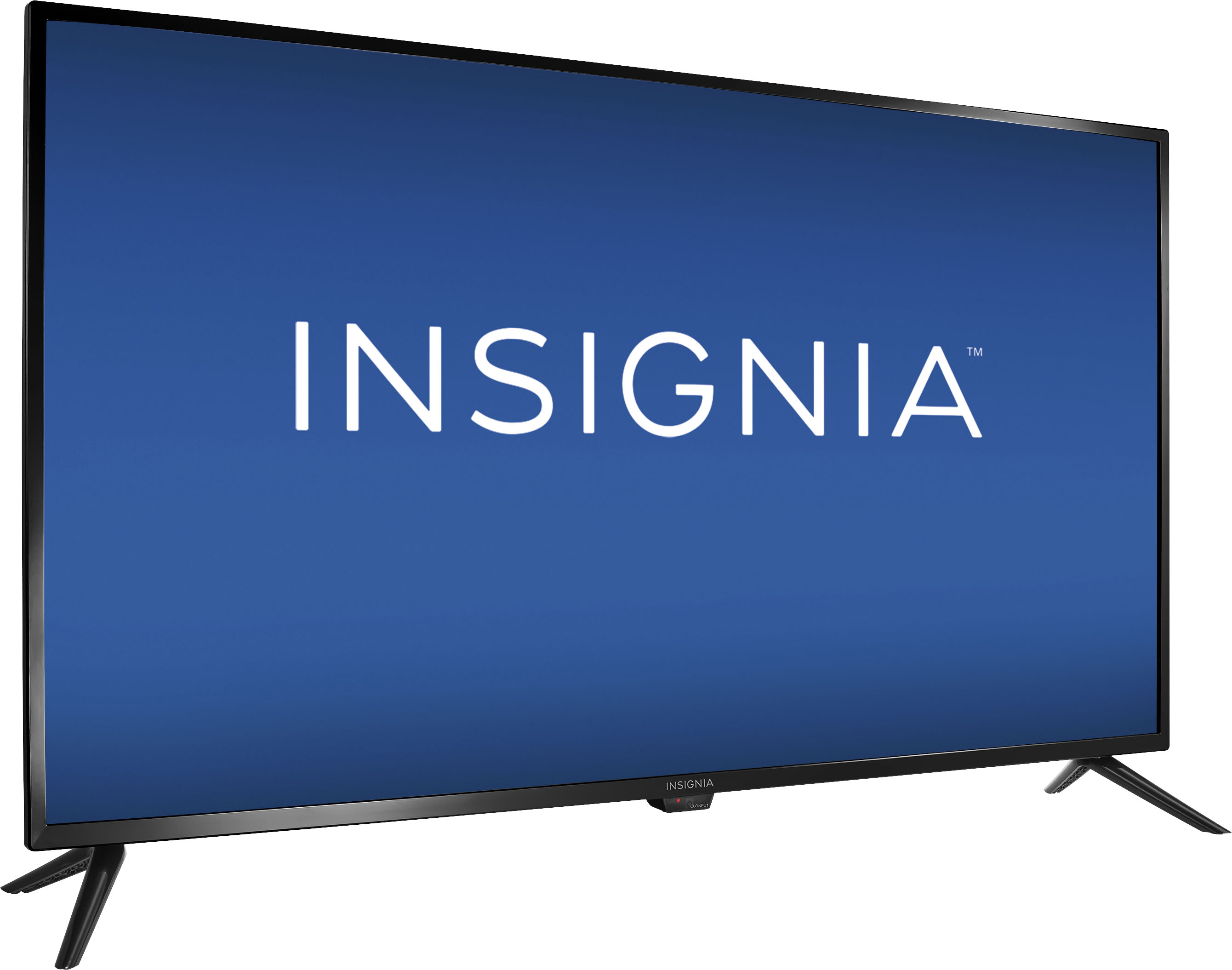
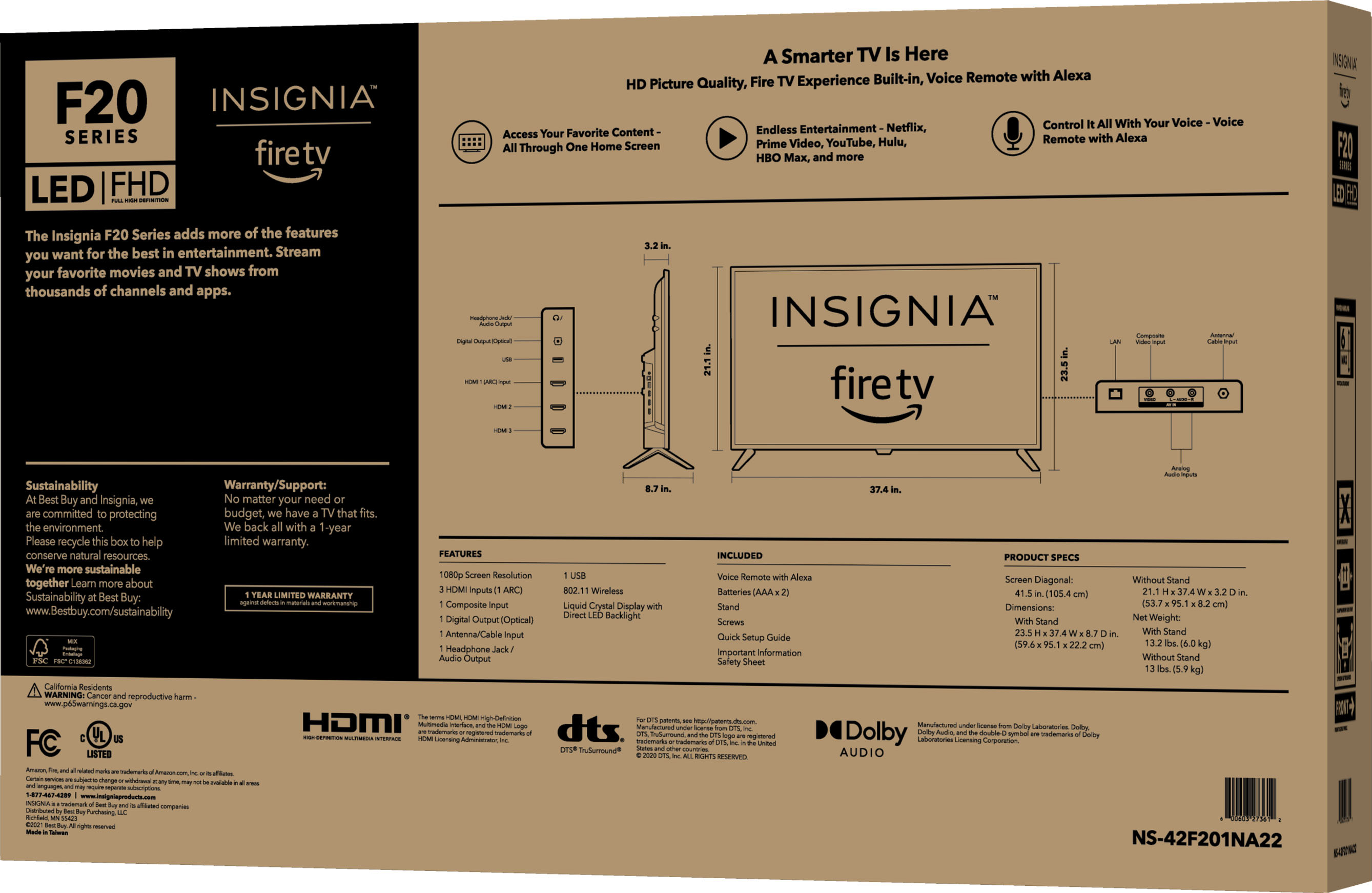
The dimensions are listed under the Specifications section:
37.4" (W) x 23.5" (H) x 8.7" (D).
A:AnswerWhile watching TV press the menu button ( ≡ ) and select Captions and Audio.
To adjust the Closed Caption settings, go to: Settings > Accessibility > Closed Caption.
A:AnswerWe recommend using the included remote to fully control the TV.
Try the Power On feature, when enabled, your TV turns on displaying the last used input: go to Settings > Display & Sounds > Power Controls and select Last Input.
A:AnswerYou can hook up your DirecTV box into one of the HDMI inputs on the TV. You need to use the included remote to control the TV and the DirecTV remote to control the Satellite Box. Try the Power On feature, when enabled, your TV turns on displaying the last used input: go Home > Settings > Display & Sounds > Power On and select Last Input.