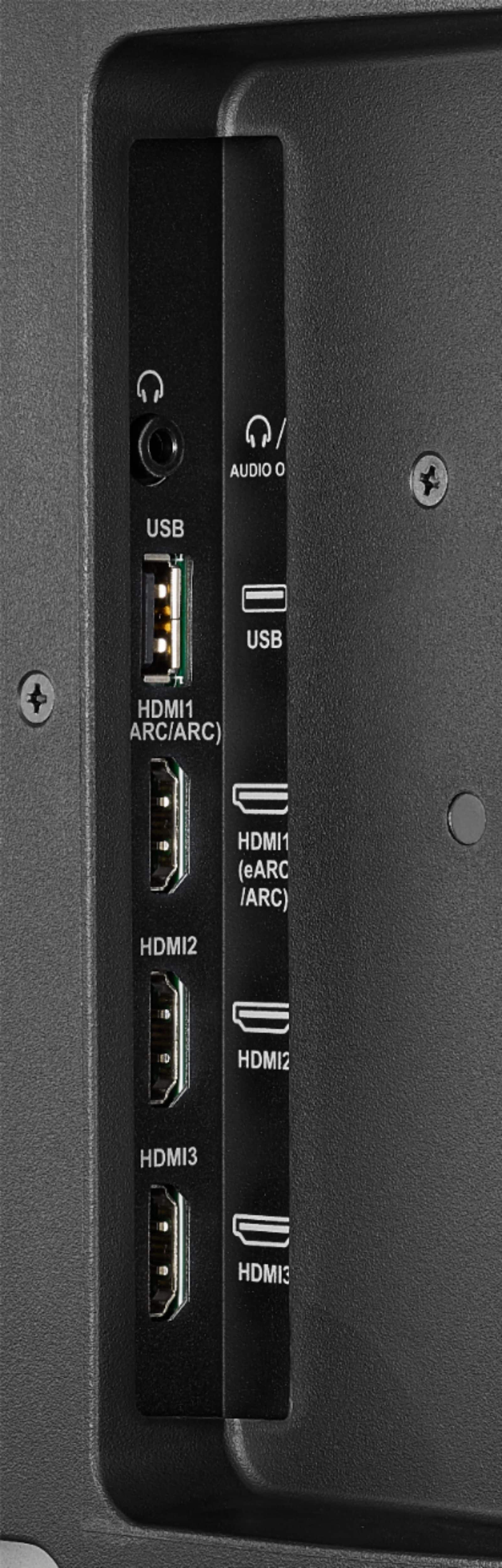
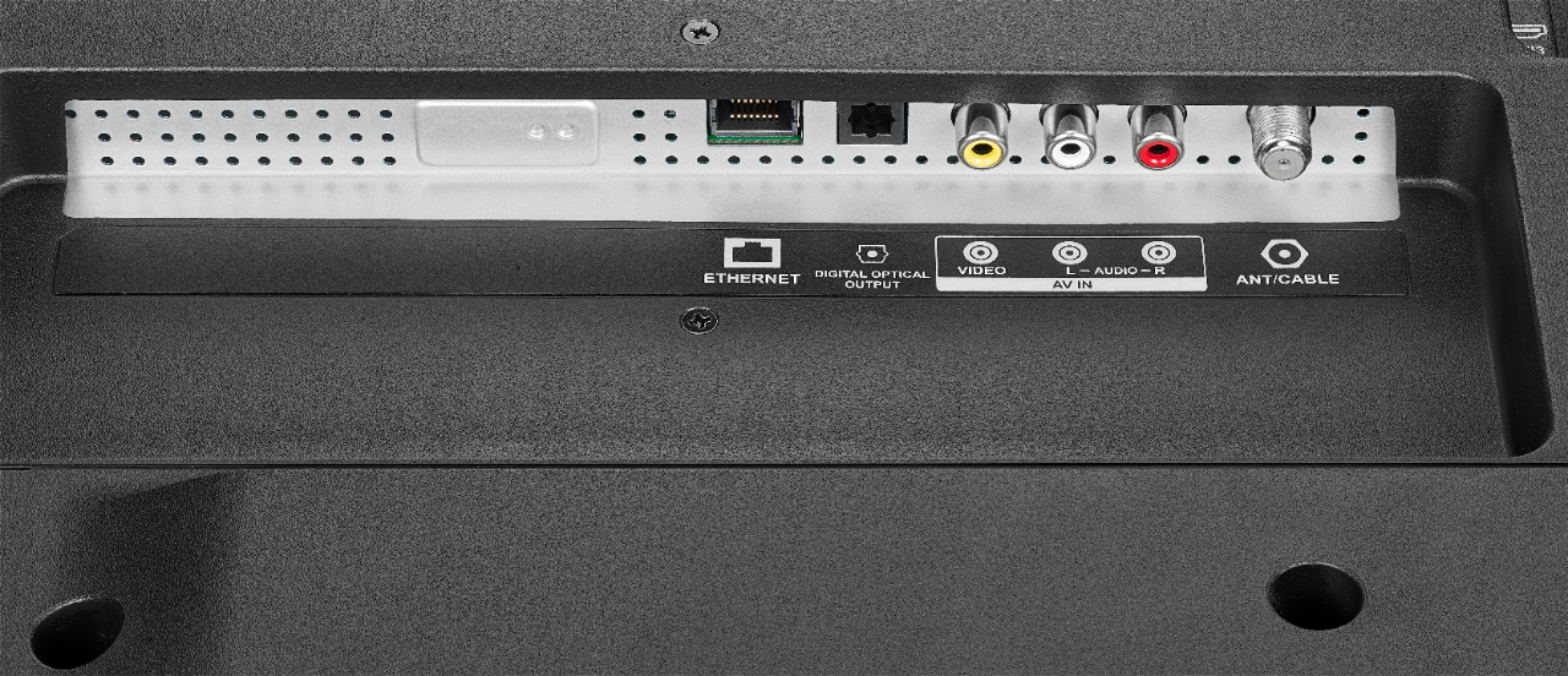
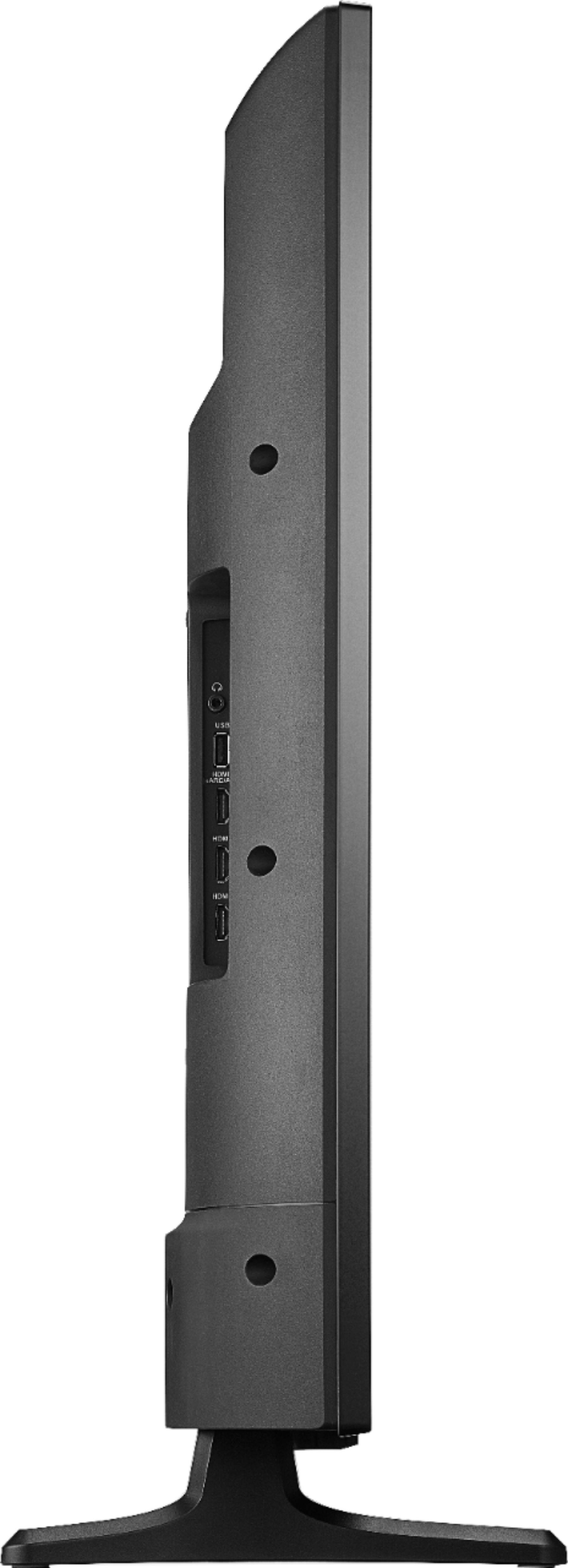
A:AnswerQuickly identify device inputs by assigning personalized labels to them.
1. Highlight an input from the menu.
2. Press the Menu button.
3. Choose Change Device Name.
4. Label each input with an easily identifiable name.
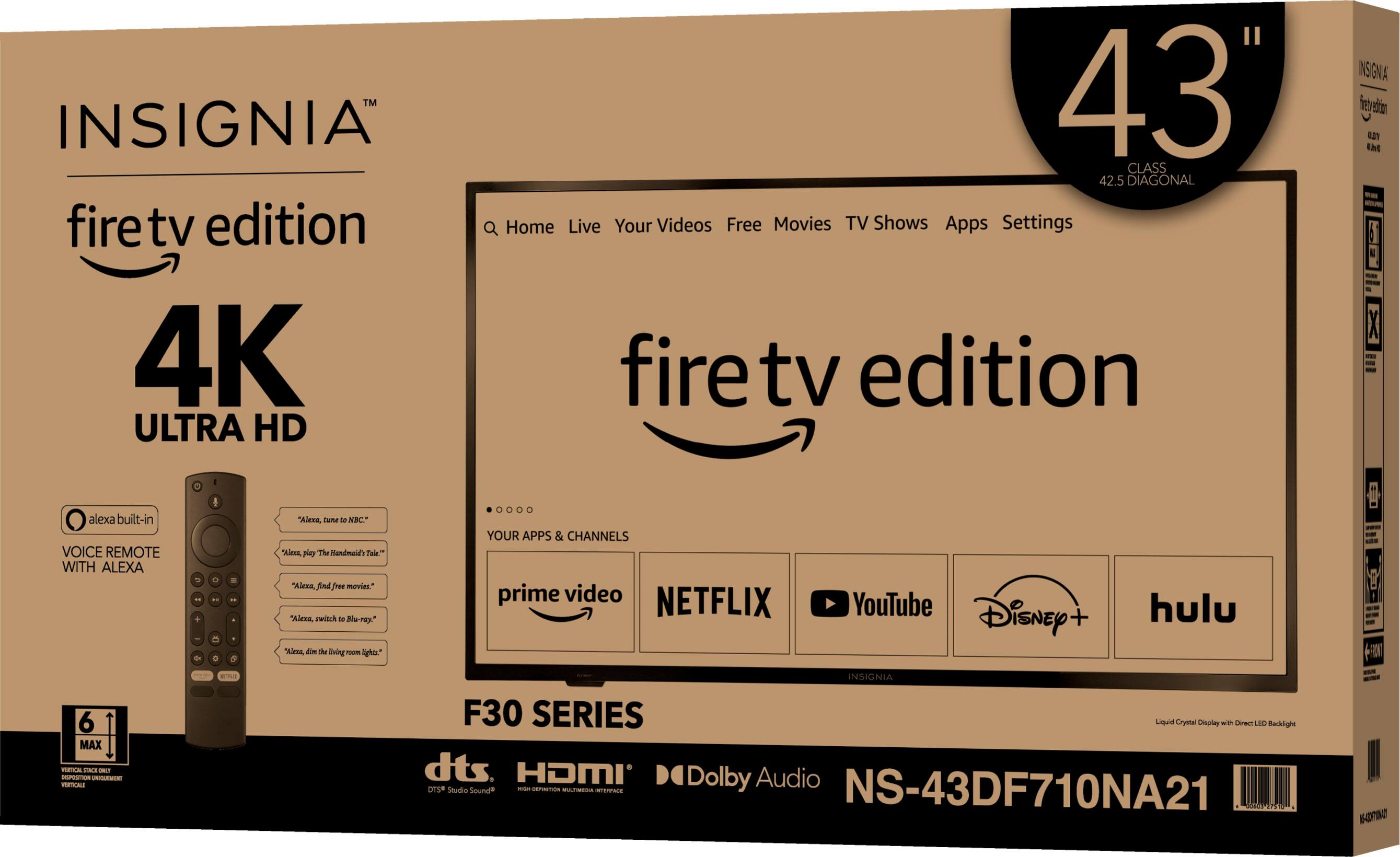
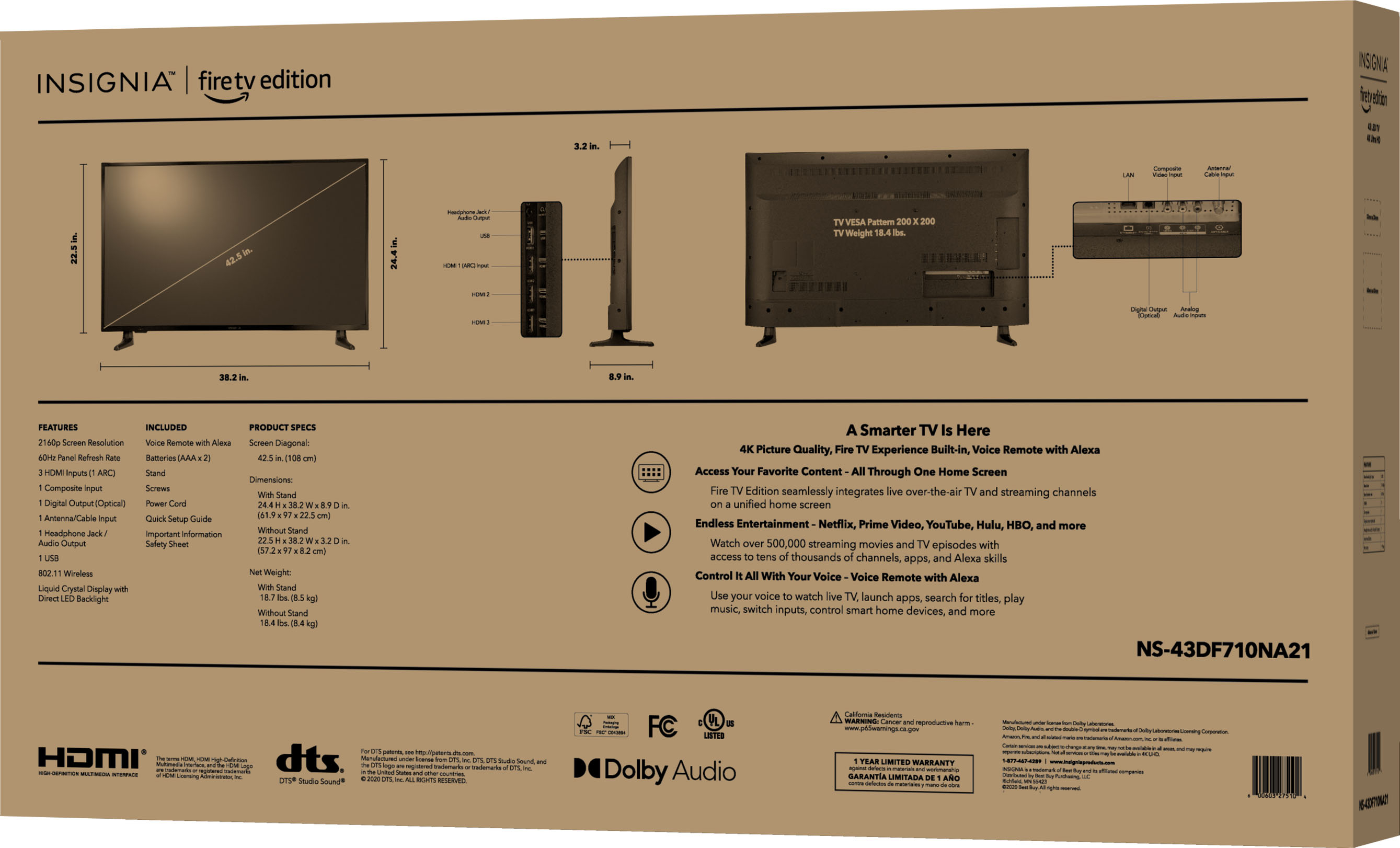
A:AnswerAccording to its specs and according to Consumer Reports and other ratings, the 43" Insignia 4k does support HDR10. It may give you a whole lot more information than you want or need, but can I suggest checking out https://www.rtings.com/tv/reviews/insignia/fire-tv-edition-4k for a comprehensive look at this particular television. I have owned this television for over a month now and it is an amazing piece of electronics for the price.
A:AnswerYes and you can set the size, color and other options and the captions are fast and the best I have ever seen on a television. Setting menu has all the options.
A:AnswerAbsolutely ridiculous, and you won't be able to add additional storage either; the fact that just few apps and you run out of storage, no even the basic updates will be allowed. It is like buying a car with only 1/2 gallon of gas capacity. WRONG!