A:Answersome amazon apps are castable through fire tablets however you’d have to get a chrome cast for most general casting. You can however use your phone as remote and use the built in apps for fire tv which kind of eliminates the need for casting... if it’s for pictures however etc buy a chrome cast or a tv with it built in
A:AnswerWe had an older version of this same TV and it allowed me to, through the YouTube Application. I’m not sure about your phone’s capabilities or your computer’s, however I could do this with my iPhone 7+.
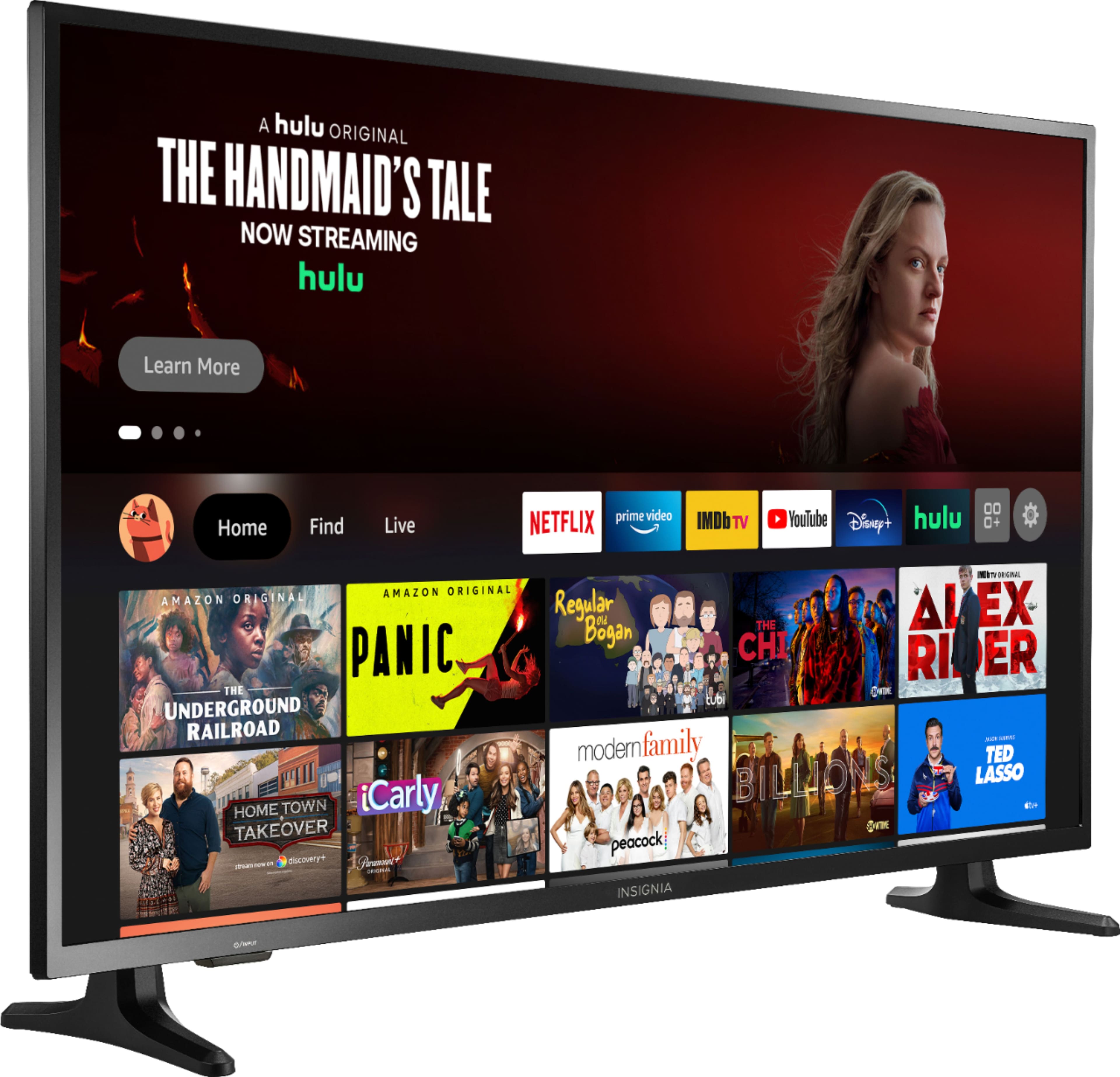
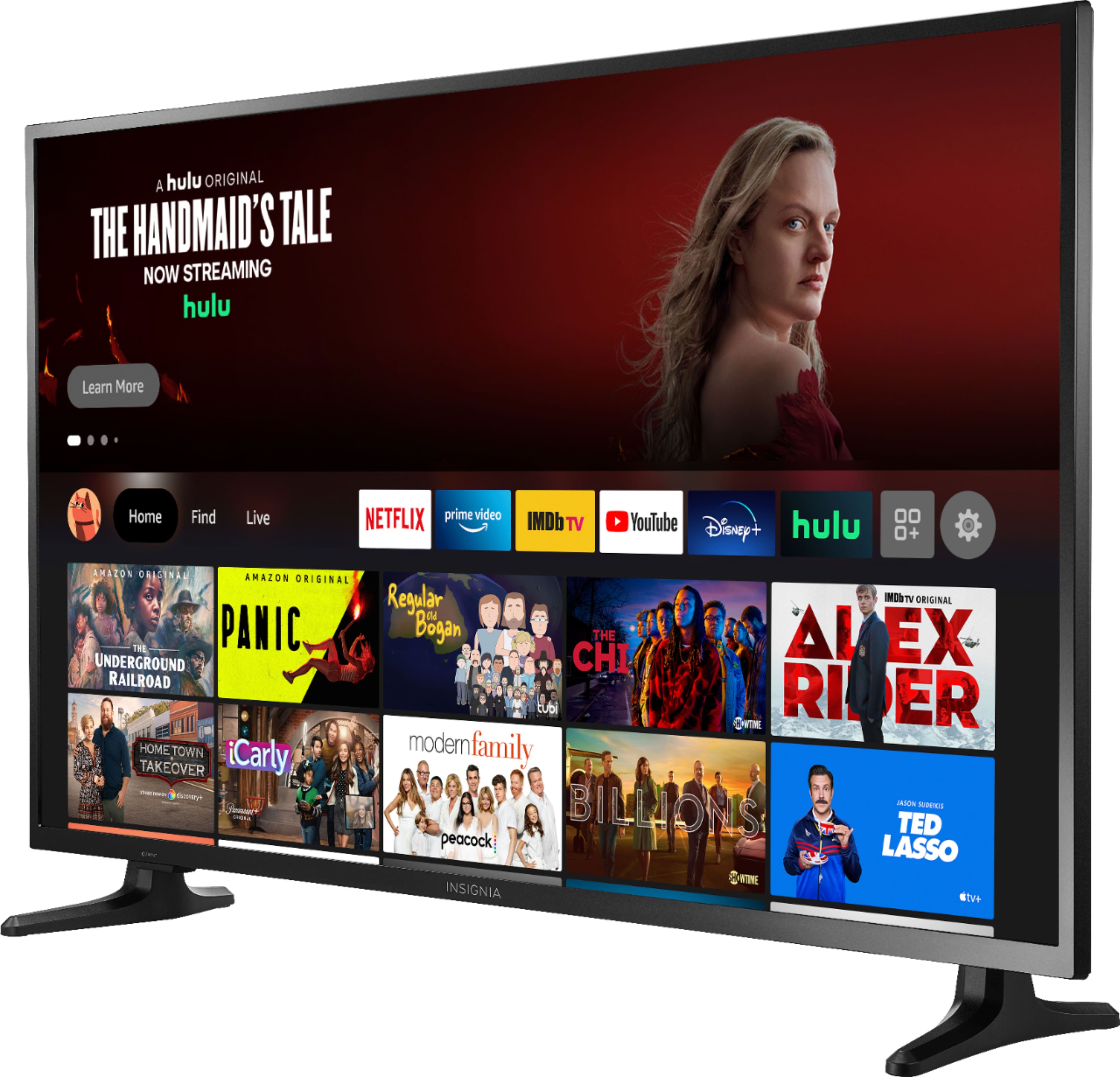
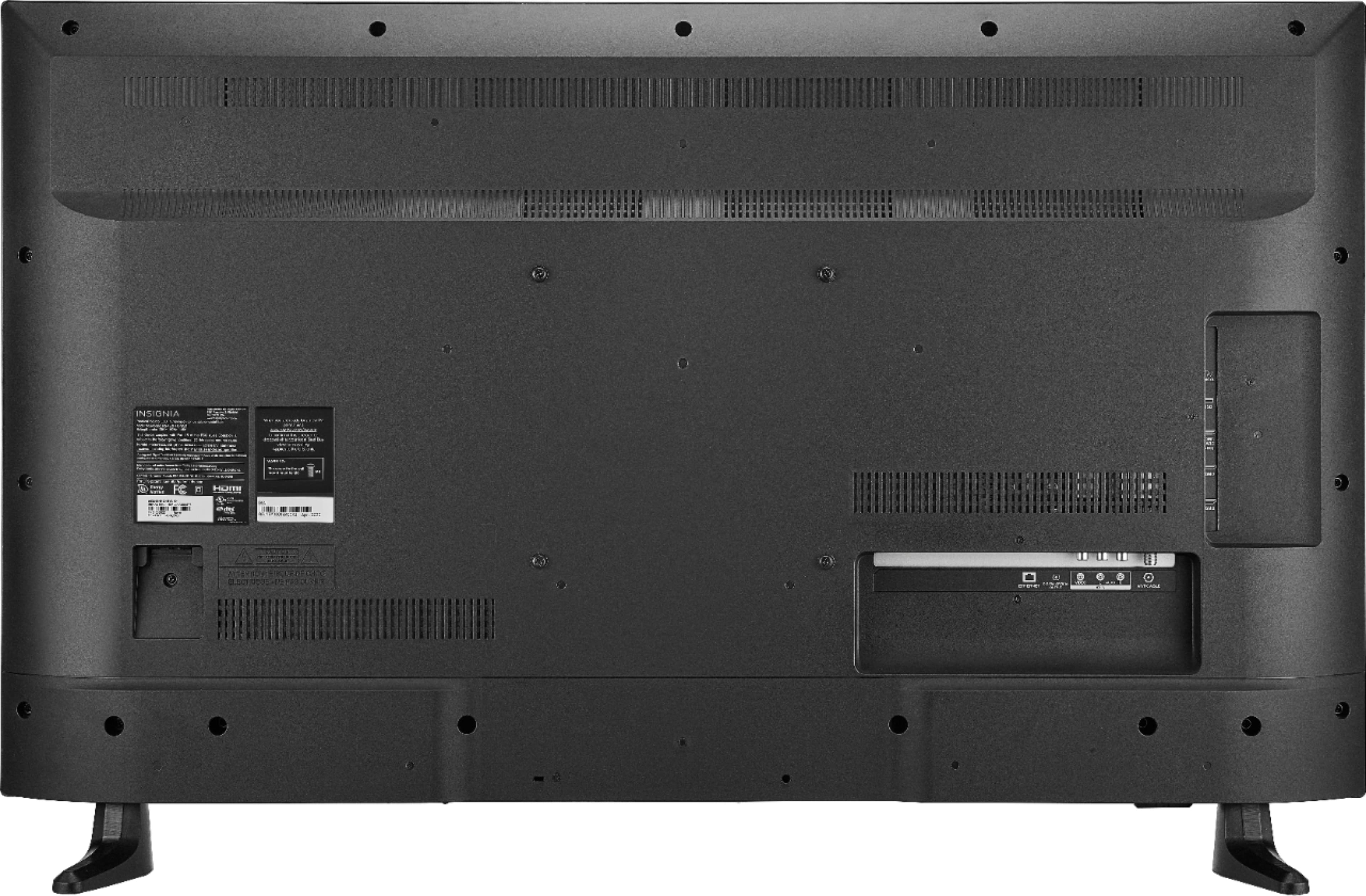
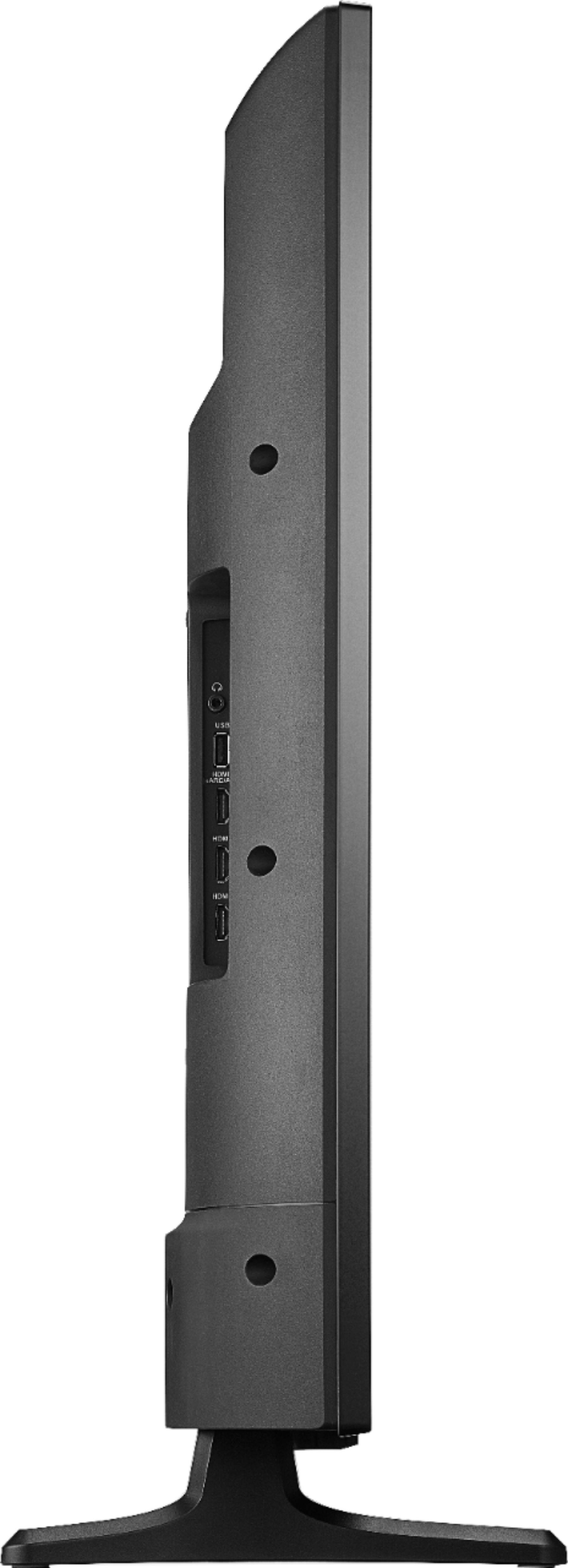
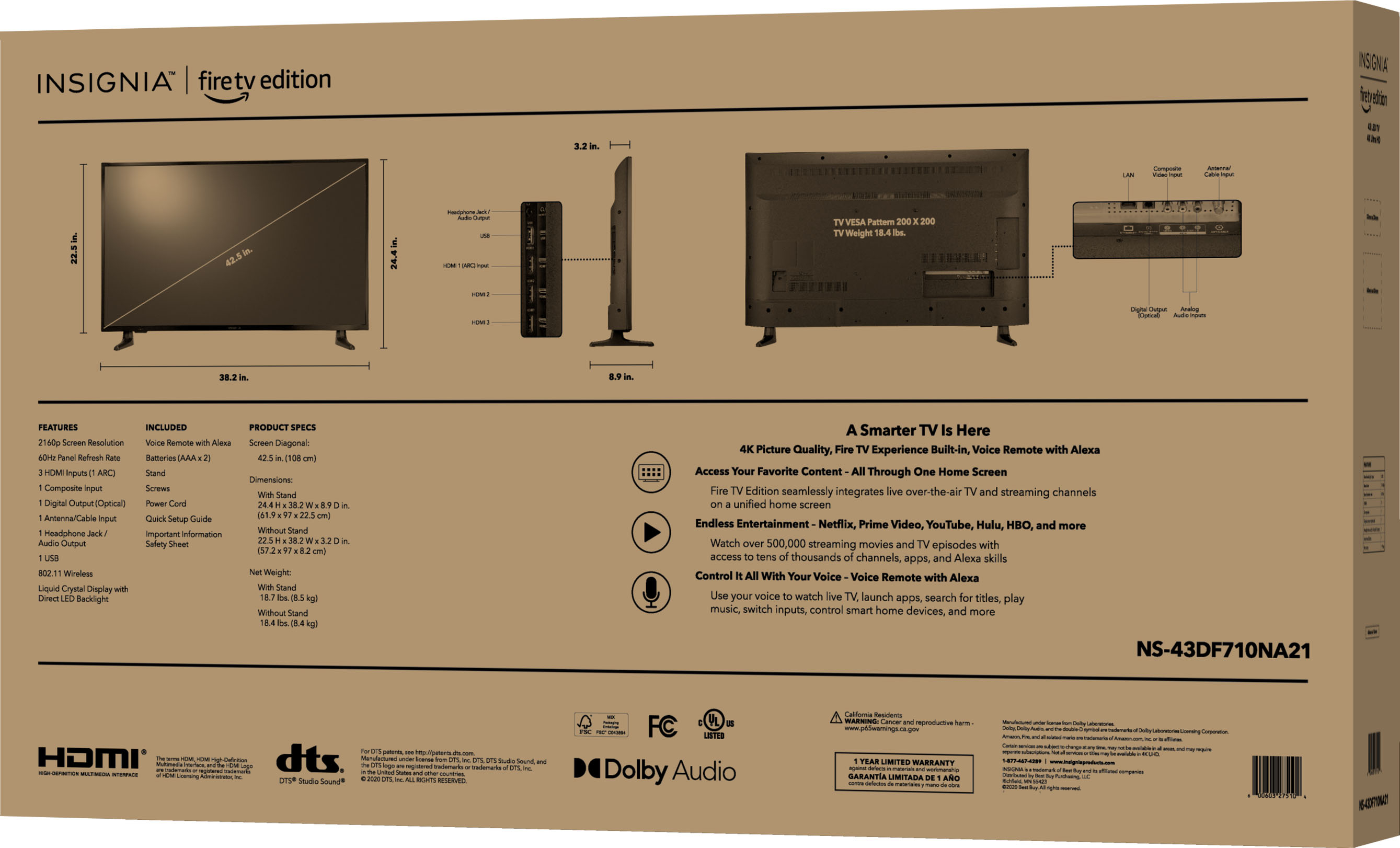
A:AnswerThere are four mounting screws on the back for a wall mount, the tv comes with two stand mount legs. The only thing I would caution you about is the legs are almost to the edge of the tv. If you're placing on a hard surface pay attention to the length dimensions, and subtract two inches from each end for the footprint.
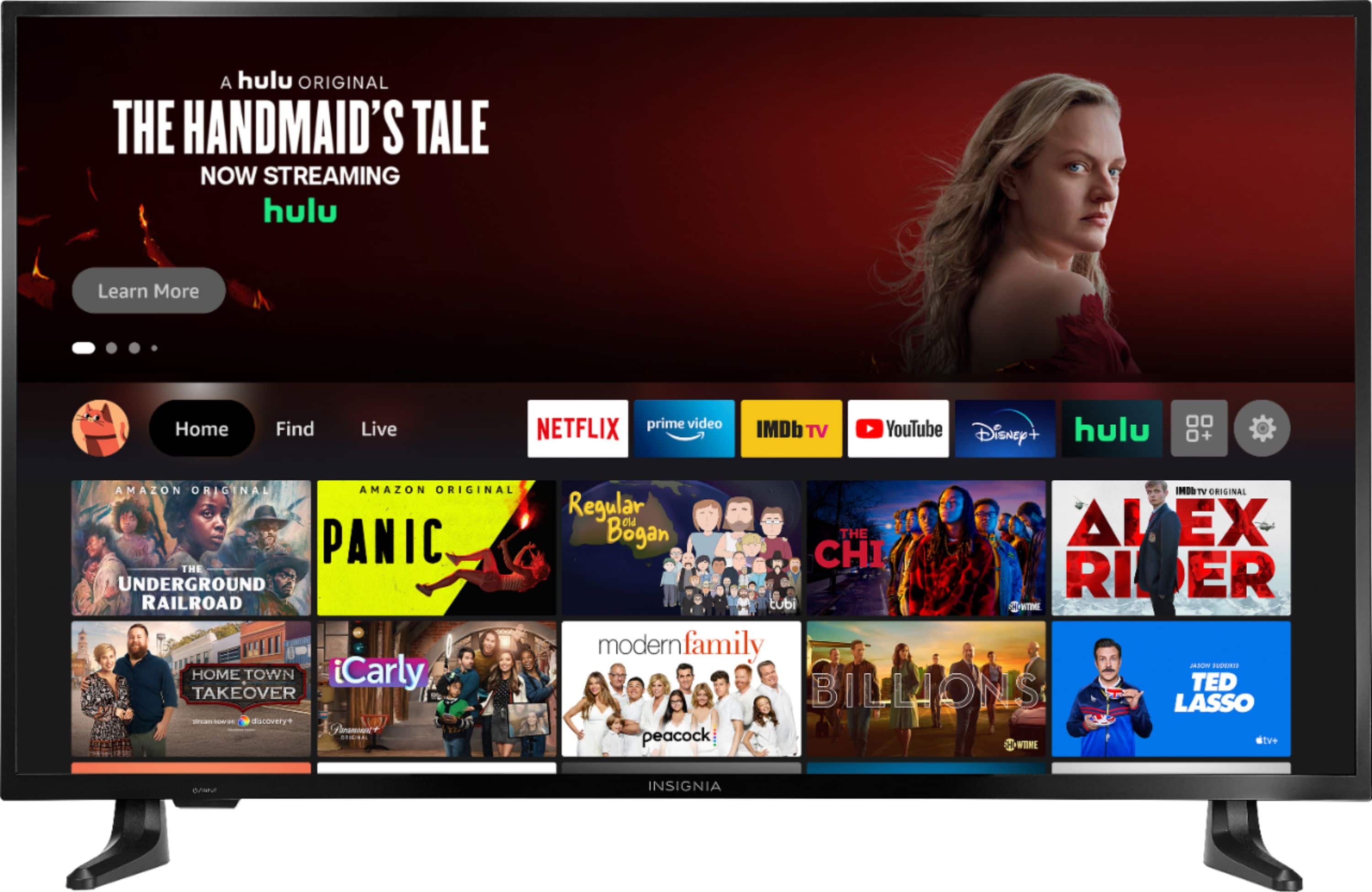
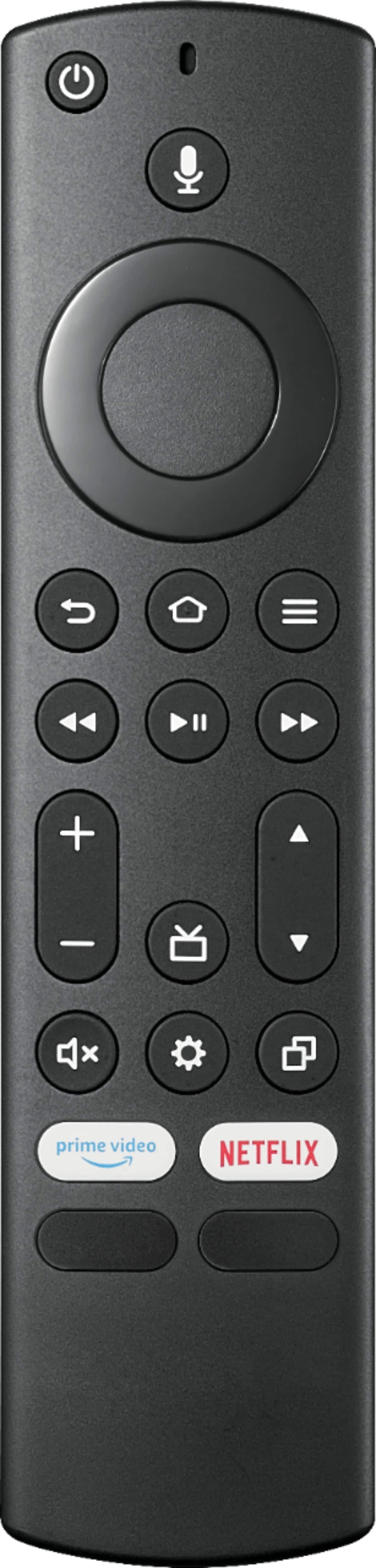
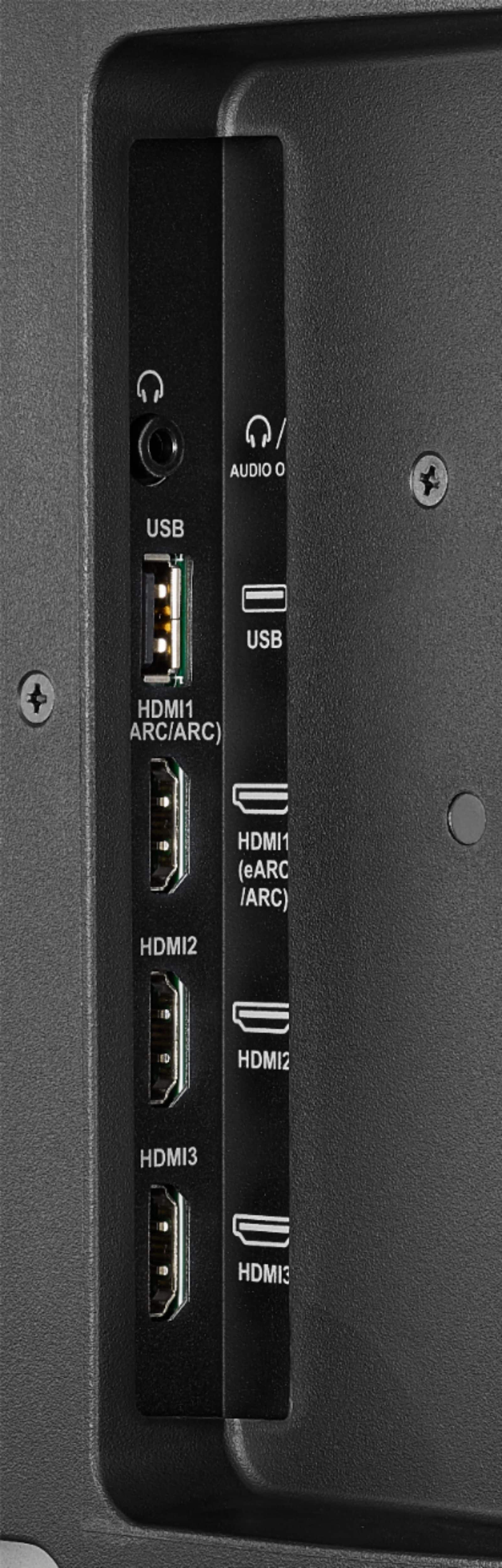
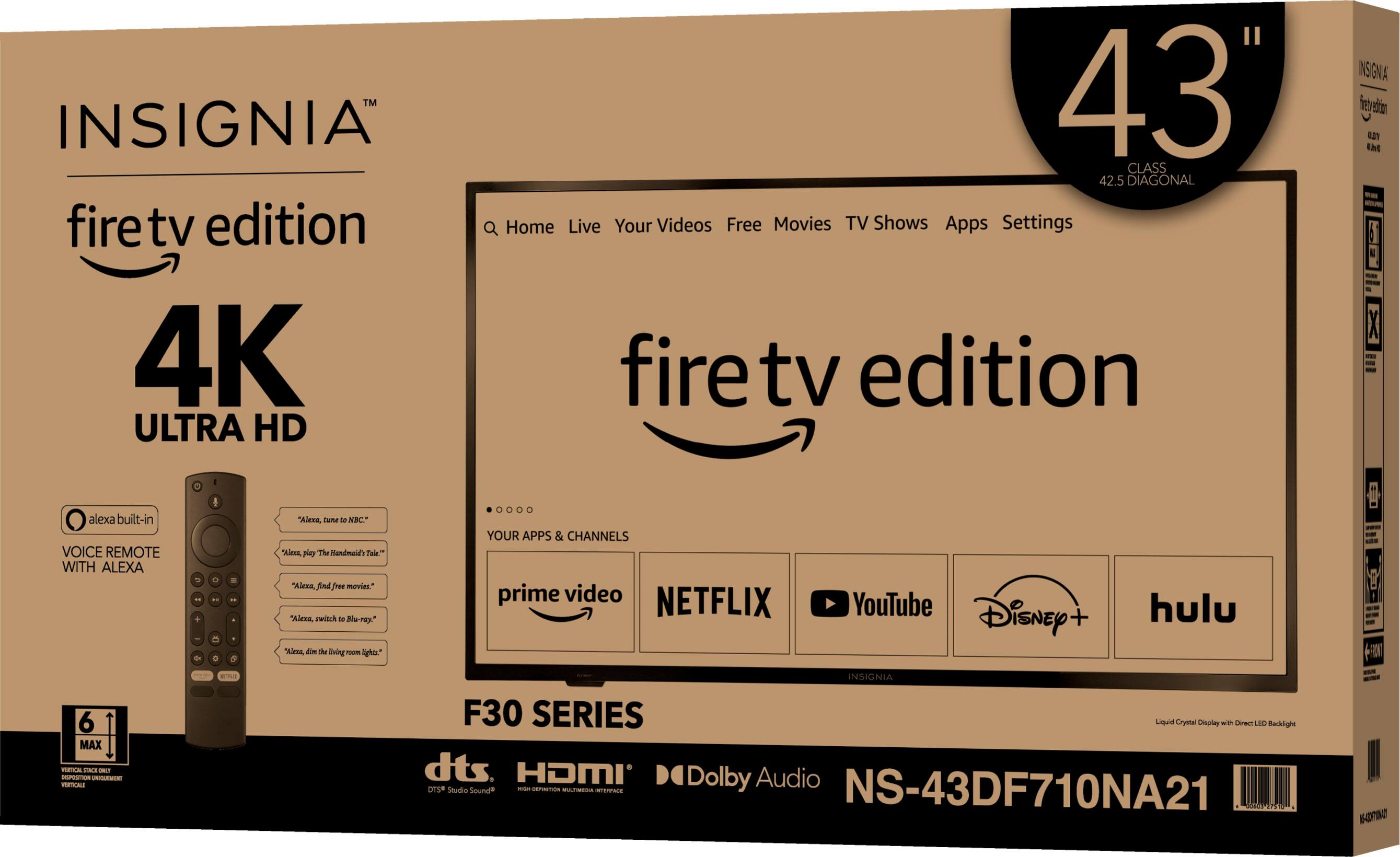
A:AnswerThis tv comes with a ton of apps loaded on it for free internet tv (Nice!) the remote acts as the interface using both button press and voice commands. It also has Bluetooth for connecting peripheral devices.
A:AnswerThis one was fun to find. See the attached picture!
The app gives you the screen size of 42.5 inches (diagonal measurement or “C” hypotenuse for Pythagorean Theorem)) and also the height of 22.5 inches. Doing A squared + B squared = C squared and completing the equation, you get just a hair over 36” on the width. So 36 X 22.5
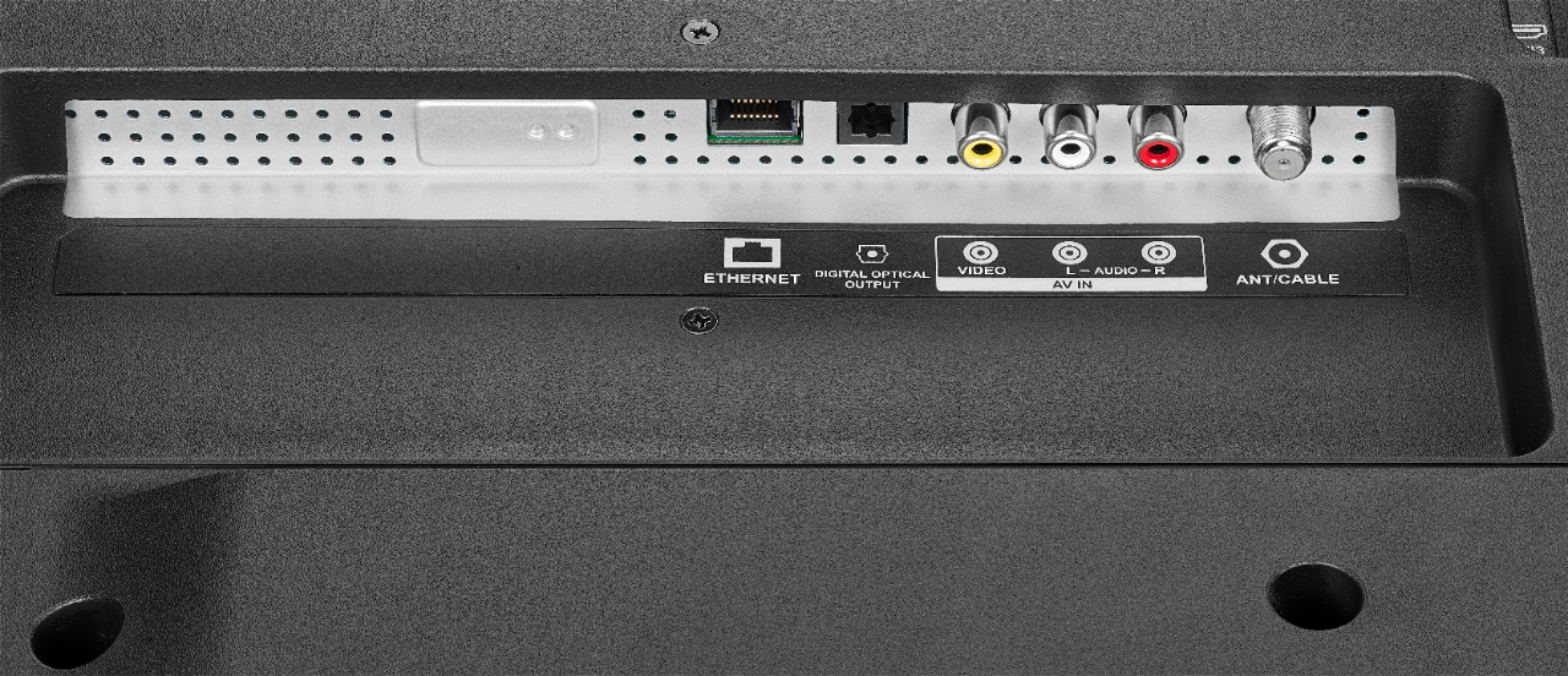
A:AnswerIf you want to watch Cable TV we recommend using a Cable Box; if you just stream content from he internet probably you do not need a Cable Box.