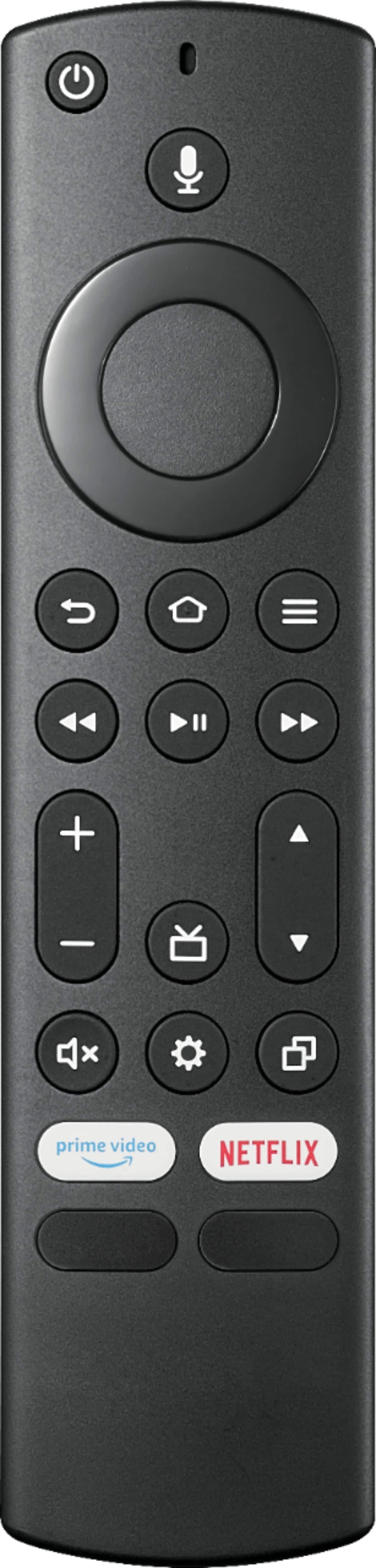
A:AnswerI had a similar problem and I called insignia and the customer service representative walked me through what she called a hard power cycle. She told me to unplug the TV from the outlet or surge protector or whatever it's plugged into and with it unplugged hold the power button on the TV it's self in for 60 seconds then plug the TV back in and try to turn it on with the remote, if the remote doesn't turn it back on hold the house button on the remote down for 30 seconds and if that doesn't work try the power button on the tv. If all of those options fail they will open a case for you and give you a case number and tell you to take the tv and case number to best buy and go to the geek squad counter because it's most likely a problem with the computer inside the TV or the software. The geek squad will diagnose it and repair it if possible. If it can't be fixed they will offer you a new TV or a refund. It's covered by the manufacturer warranty for the first year starting with the purchase date
A:AnswerThis TV does not have Roku built-in.
However, you can connect an external Roku device at any time.
The JW Broadcasting app shows as available for download and you can watch videos from the jw.org website using the app Silk Brower.
David M. - Insignia Support
A:AnswerTry the Power On feature, when enabled, your TV turns on displaying the last used input: go Home > Settings > Display & Sounds > Power On and select Last Input.
A:AnswerHad I known I couldn't download the Spectrum app I never would have purchased a "fire TV". Was hoping to eliminate the monthly cost of a cable box. But sadly NO.
A:AnswerYou can download the VLC for Fire app to watch videos from a USB Flash Drive.
The VLC app supports the following formats: MKV, MP4, AVI, MOV, Ogg, FLAC, TS, M2TS, Wv and AAC.