Black Friday is hereShop new DoorbustersShop now

Main Content

Questions & Answers

Your price for this item is $135.99
Clearance
The comparable value price is $169.99
Page Showing 21-40 of 255 questions
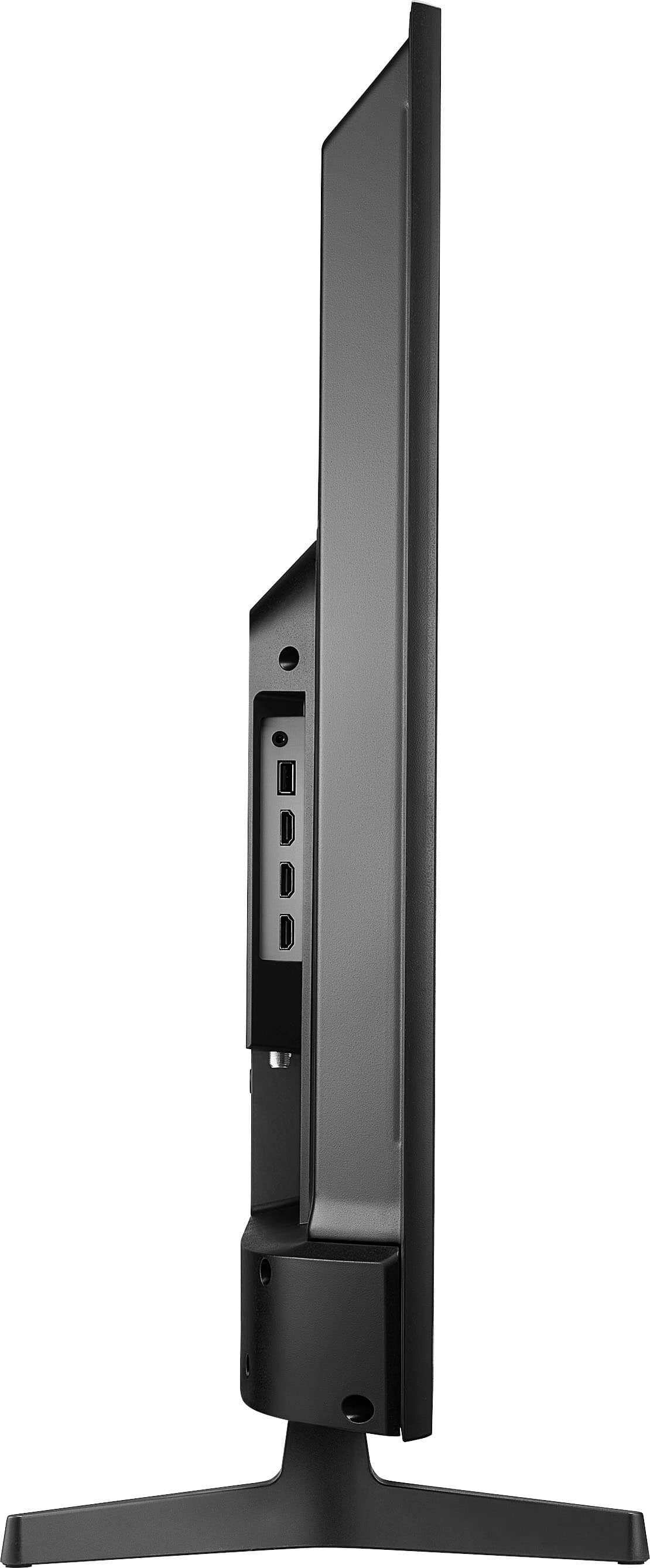
  • QuestionWhat type of hdmi port on this tv

    Asked by M.

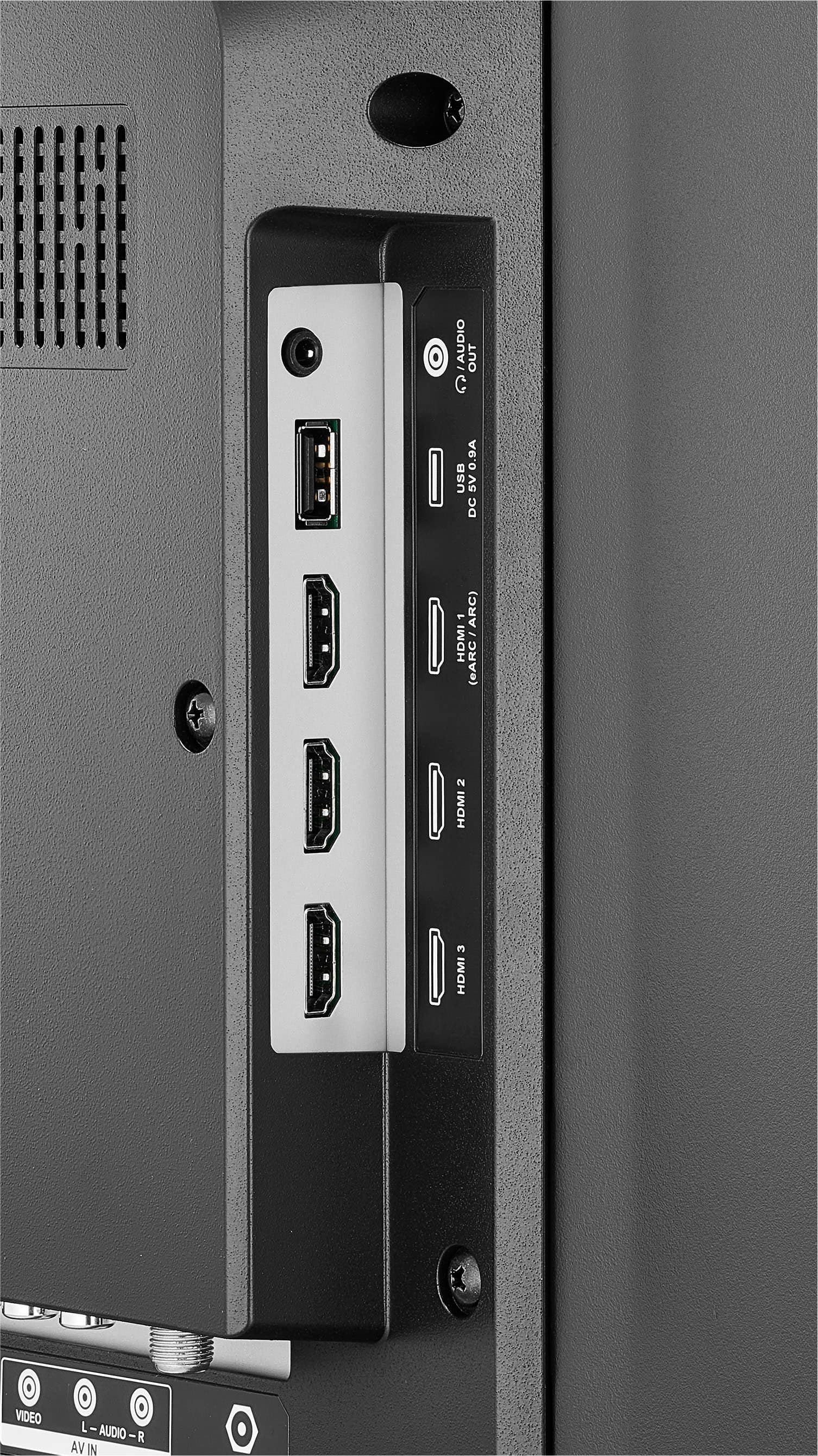
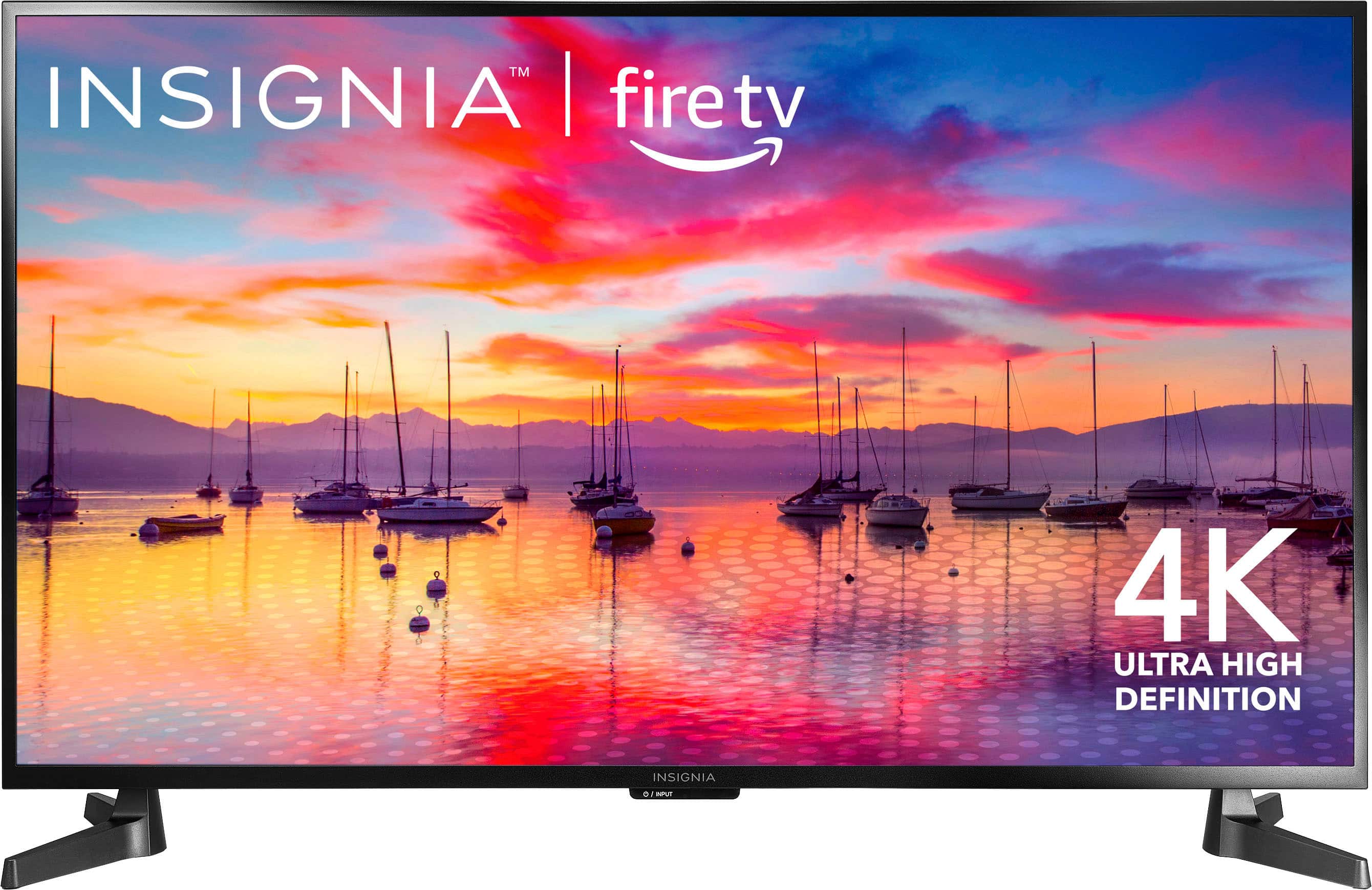
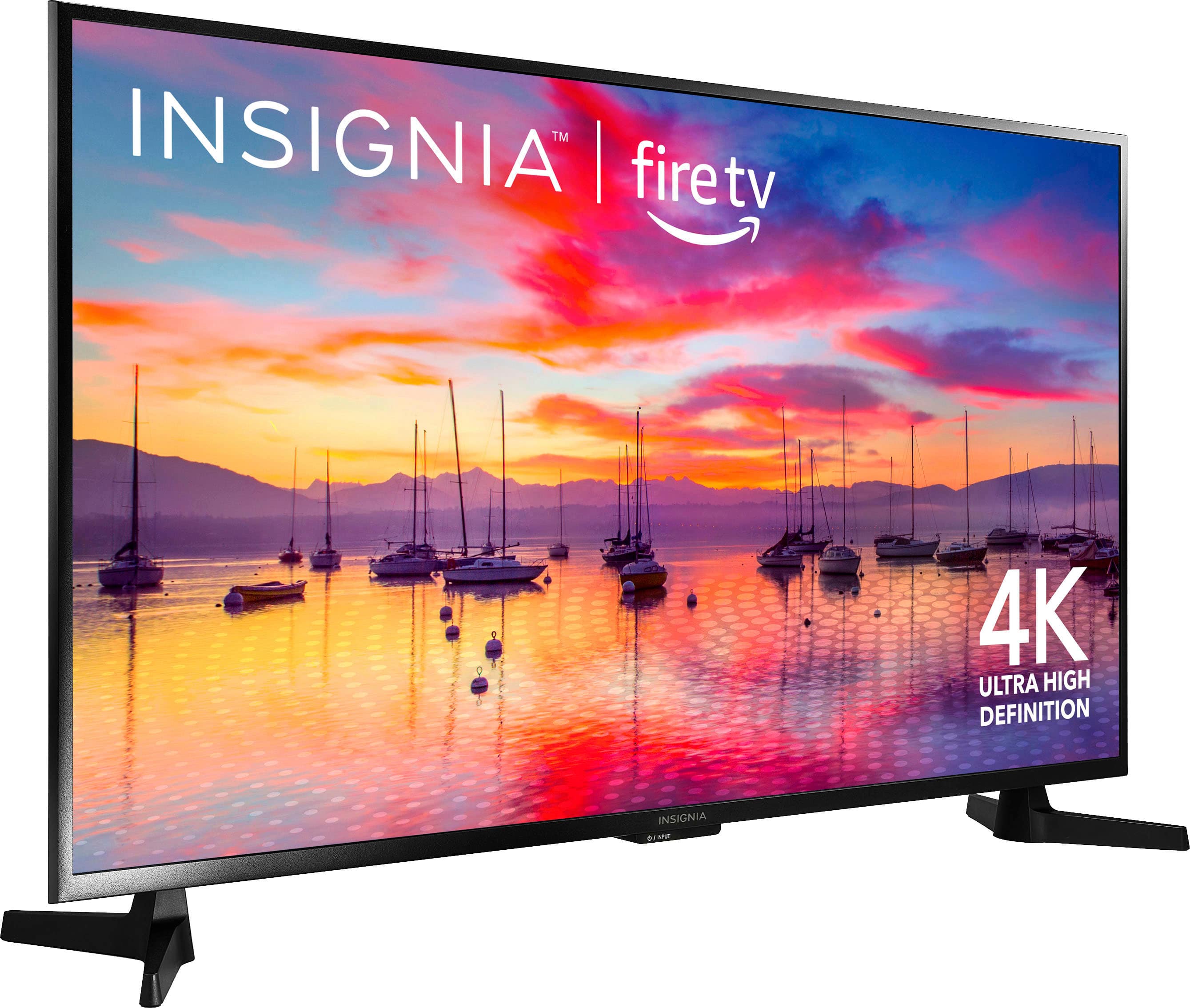
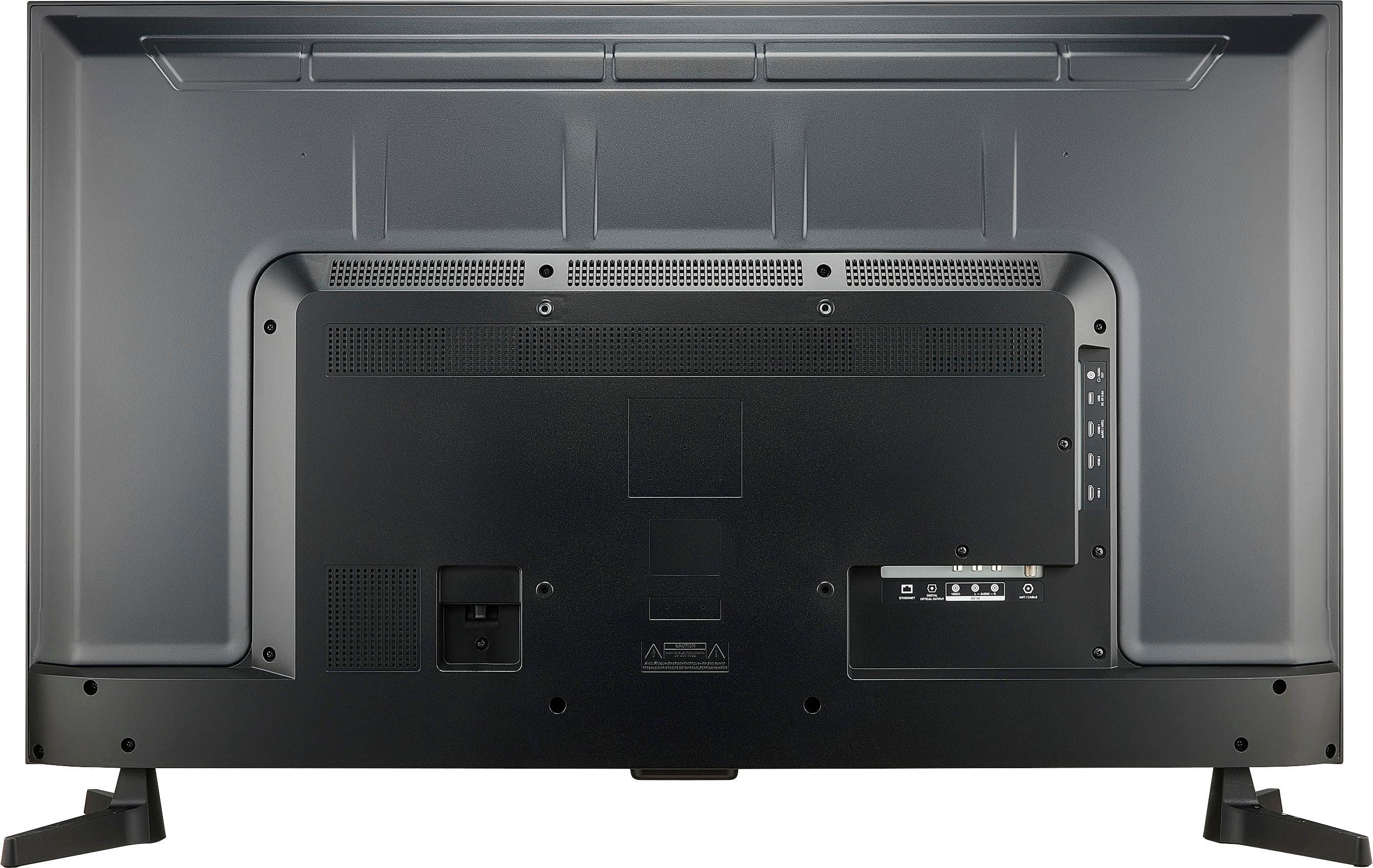
    • Answer This Insignia™ - 43" Class F30 Series LED 4K UHD Smart Fire TV is equipped with HDMI 1 (eARC/ARC), HDMI 2, and HDMI 3 ports. Patricia | Insignia Support https://www.bestbuy.com/site/insignia-43-class-f30-series-led-4k-uhd-smart-fire-tv/6562495.p?skuId=6562495
      Answered by InsigniaCustomerSupport

  • QuestionHow do i get a sound bar ti work

    Asked by Anonymous.

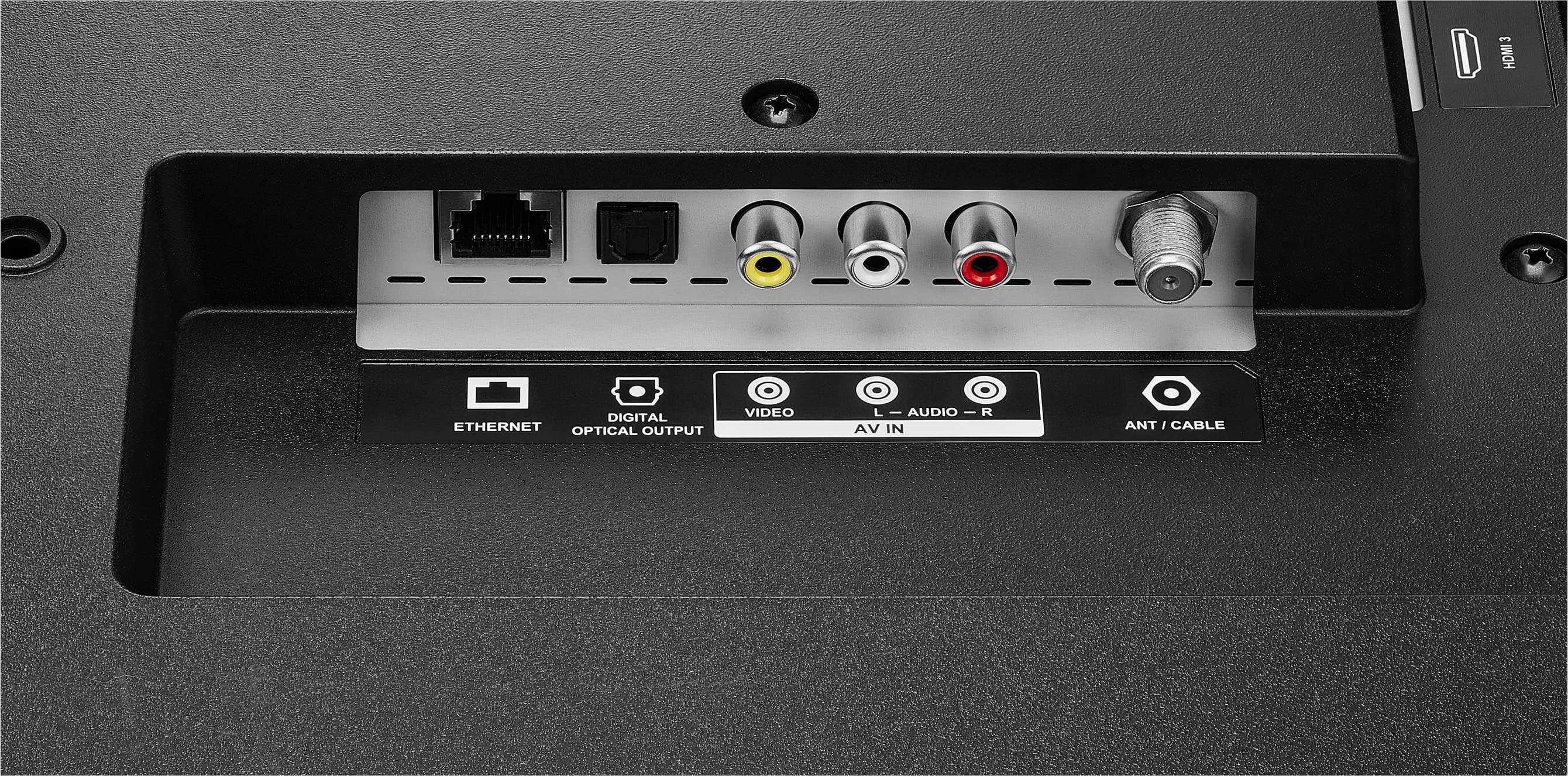
    • Answer Use a digital optical card

      Answered by DIDDY

  • QuestionCan you set the sleep timer with Alexa? If so, do you have to press the microphone button on the remote? Can you set it up to respond to Alexa commands without having to press the microphone button? Thanks

    Asked by Tim.

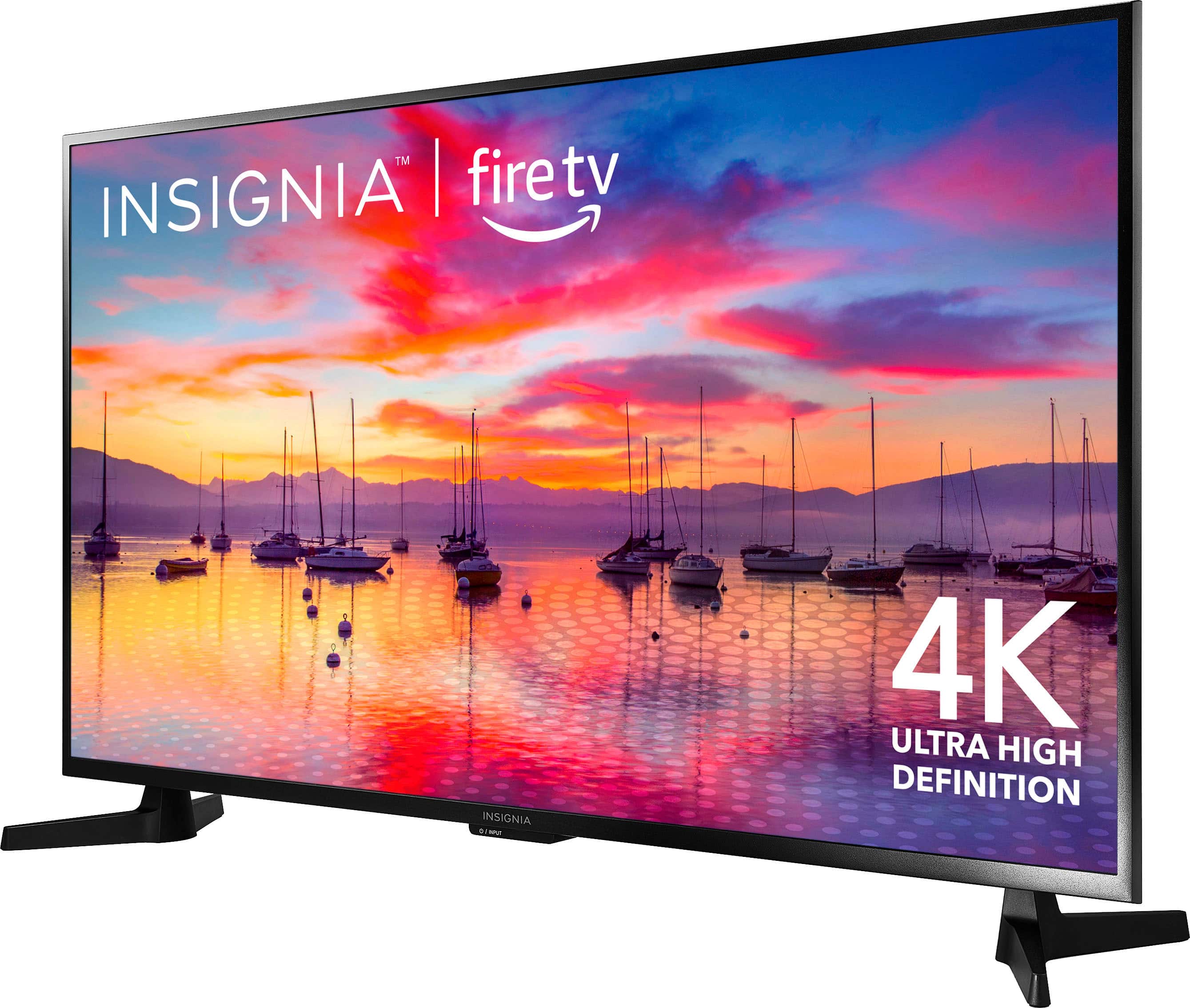
    • Answer Hi, Tim. Thank you for inquiry! Yes, you can set the sleep timer with Alexa on the Insignia™ - 43" Class F30 Series LED 4K UHD Smart Fire TV. However, to initiate Alexa commands, you typically need to press and hold the microphone button on the remote to activate Alexa voice control. Once activated, you can then give commands to Alexa, including setting a sleep timer. As of now, there may not be an option to set it up to respond to Alexa commands without pressing the microphone button. Keith | Insignia Support https://www.bestbuy.com/site/insignia-43-class-f30-series-led-4k-uhd-smart-fire-tv/6562495.p?skuId=6562495
      Answered by InsigniaCustomerSupport

  • QuestionHow much to ship new 43in and to remove prior purchase of 55in tv?

    Asked by Anonymous.

    • Answer Not sure about removing a TV, but as a card holder the shipping was free.

      Answered by antdoy

  • QuestionDoes this TV support playback from a USB-drive? Can the TV play a playlist or loop a video?

    Asked by Kay.

    • Answer Yes.. I just purchased the same TV to use as a monitor. I plugged in a USB drive with some security video to see if it was capable of what your looking for.. It downloaded the videos to the TV and then showed a list of thumbnail images to choose the video I wanted to play.. At the end it showed a list on the screen for options to repeat or play next video.. Along with repeat all videos. I've included a screen shot of the screen. Hope this helps.

      Answered by Dennis

  • QuestionMy 43” Insignia FireTV, NS-43F301NA22 picture does not display all the way to the top or bottom. How is this adjusted to display on the full screen?

    Asked by Anonymous.

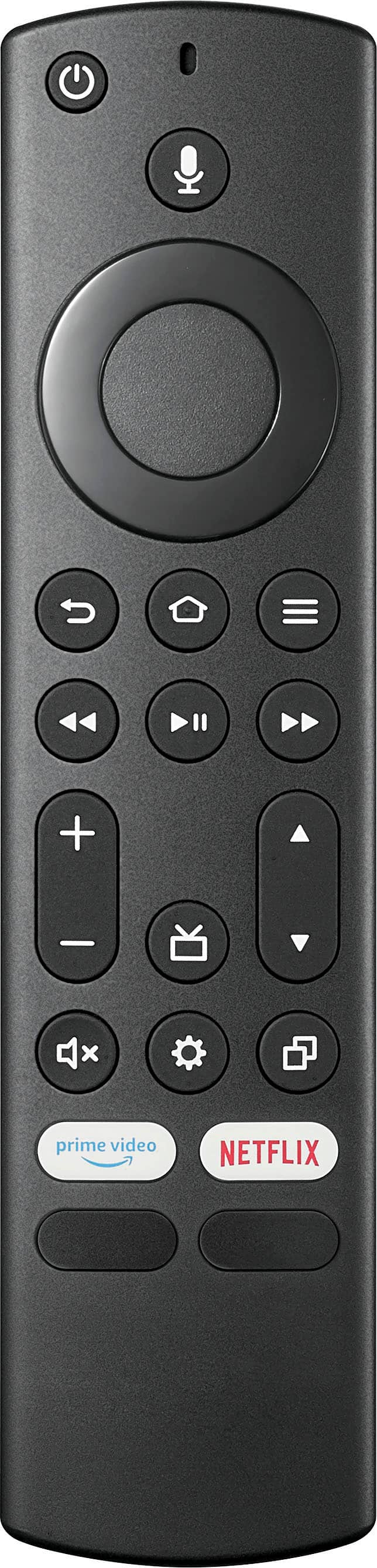
    • Answer Hi! Appreciate you reaching out to us. If the picture on your Insignia FireTV is not displaying all the way to the top or bottom of the screen, you may need to adjust the aspect ratio settings on your TV. Here's how you can do that: Press the home button on your FireTV remote to bring up the main menu. Navigate to Settings. Select Display & Sounds. Choose Display. Look for an option called Aspect Ratio or Display Area. Select the appropriate aspect ratio setting that fills the screen completely (often labeled as "Full" or "16:9"). Save your changes and exit the menu. Check if the picture now displays on the full screen without any cutoff at the top or bottom. If adjusting the aspect ratio settings does not solve the issue, you may also want to check the settings on your TV itself. Look for any overscan or zoom settings that may be causing the picture to be cropped. Make sure these settings are turned off or set to normal. If you're still experiencing issues with the picture not displaying properly, you may want to contact Insignia customer support for further assistance. JC | Insignia Support https://www.bestbuy.com/site/insignia-43-class-f30-series-led-4k-uhd-smart-fire-tv/6562495.p?skuId=6562495
      Answered by InsigniaCustomerSupport

  • Question1) Will this TV stay on unattended past 24 hours or will it auto-sleep or turn off? 2) Can you set the TV to go to the last app used when turning on rather than the home screen?

    Asked by Sonny.

    • Answer The Insignia™ 43" Class F30 Series LED 4K UHD Smart Fire TV has an auto-sleep feature that will turn off the TV after a period of inactivity, which is designed to save energy. Regarding the TV's startup behavior, you can set it to display the last used input when turning on, but not a specific application. To enable this, go to "Settings" > "Display and Sound" > "Power Controls" > "Power On" and select "Last Input." Then, press "Home" > "Settings" > "Inputs" and select either "HDMI 1," "HDMI 2," or "HDMI 3. Power the TV off and power it backs on to check if the issue still persists. Patricia | Insignia Support

      Answered by InsigniaCustomerSupport

  • QuestionDoes this support casting of the peloton app?

    Asked by Ray.

    • Answer Yes, the Insignia™ 43" Class F30 Series LED 4K UHD Smart Fire TV supports casting, including apps like Peloton. Since it runs on the Fire TV OS, you can use the built-in casting feature to mirror content from your smartphone or tablet to the TV. Additionally, you can download the Peloton app directly from the Amazon Appstore on the Fire TV. If you have any other questions or need further assistance, feel free to ask!

      Answered by InsigniaCustomerSupport

  • QuestionWill this TV go directly to HDMI1 or do you have to maneuver apps on the Home Screen? My wife needs a non smart television.

    Asked by Frank5017.

    • Answer The Insignia™ - 43" Class F30 Series LED 4K UHD Smart Fire TV is a smart TV, so it typically starts on the Home Screen where you can access various apps and inputs. However, you can set it to default to a specific HDMI input, like HDMI1, through the settings menu. Go to "Settings" > "Display and Sound" > "Power Controls" > "Power On" > and select "Last Input". Then, press "Home" > "Settings" > "Inputs" > and select "HDMI 1". This way, it will go directly to HDMI1 when you turn it on, minimizing the need to navigate through the Home Screen. Patricia | Insignia Support

      Answered by InsigniaCustomerSupport

  • QuestionIs it Bluetooth headphone capable?

    Asked by Cris.

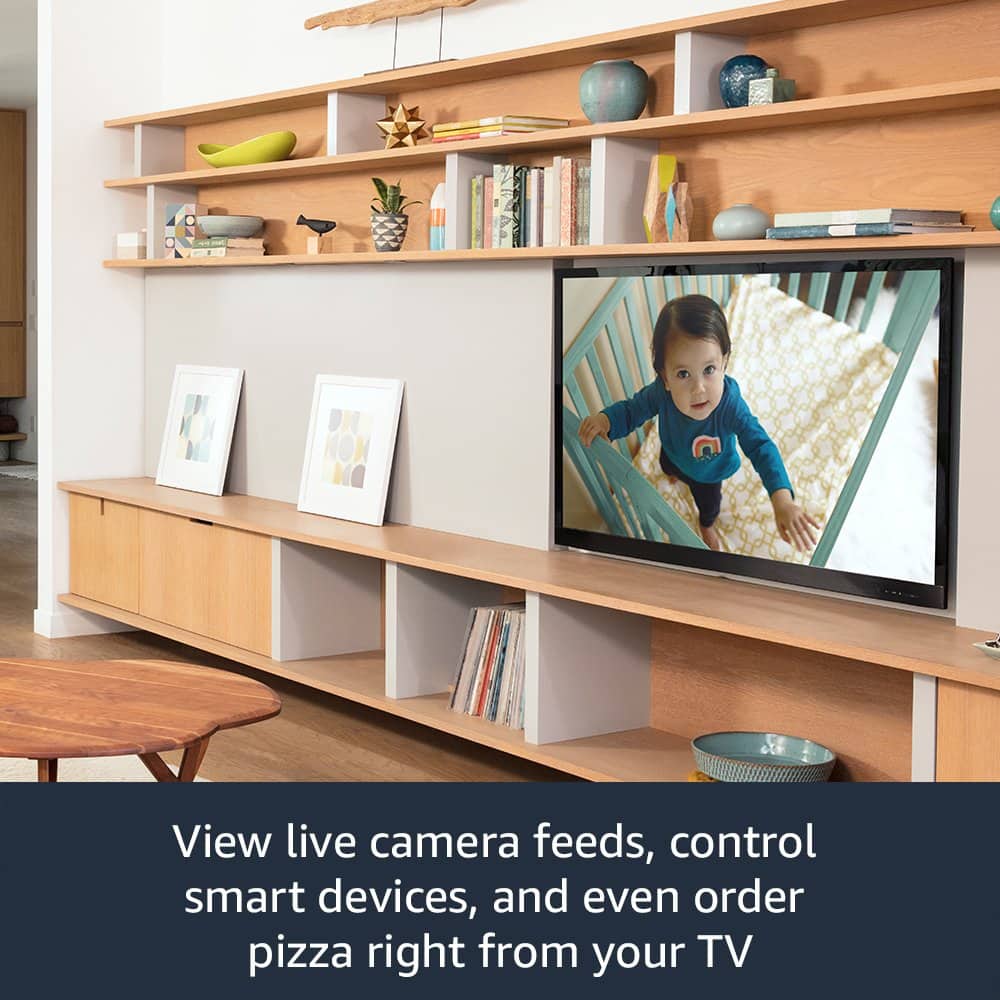
    • Answer Hello Cris! Yes, the Insignia™ - 43" Class F30 Series LED 4K UHD Smart Fire TV (NS-43F301NA25) does support Bluetooth for wireless headphones. You can also connect wired headphones using the 3.5mm headphone jack located above the HDMI ports. Jeth | Insignia Support. https://www.bestbuy.com/site/insignia-43-class-f30-series-led-4k-uhd-smart-fire-tv/6562495.p?skuId=6562495
      Answered by InsigniaCustomerSupport

  • QuestionIs this TV weatherproof or can it be outdoors in a covered screen porch?

    Asked by TN.

    • Answer The Insignia™ - 43" Class F30 Series LED 4K UHD Smart Fire TV is not weatherproof and is designed for indoor use only. Using it outdoors, even in a covered screen porch, could expose it to moisture and temperature variations that might damage the TV. Patricia | Insignia Support https://www.bestbuy.com/site/insignia-43-class-f30-series-led-4k-uhd-smart-fire-tv/6562495.p?skuId=6562495
      Answered by InsigniaCustomerSupport

  • QuestionI have an Insignia Fire TV, can I use my own wifi adapter or am I limited to the internal one.

    Asked by britman98.

    • Answer Hello Britman, thank you for reaching out with your question. Just a friendly reminder that for optimal performance, it is recommended to use the Wi-Fi network internally rather than using a Wi-Fi adapter on the Insignia™ - 43" Class F30 Series LED 4K UHD Smart Fire TV. Patricia | Insignia Support https://www.bestbuy.com/site/insignia-43-class-f30-series-led-4k-uhd-smart-fire-tv/6562495.p?skuId=6562495
      Answered by InsigniaCustomerSupport

  • QuestionWill this TV turn on using Alexa voice thru an echo device?

    Asked by JC.

    • Answer Yes, just need to set up with alexa

      Answered by user993115

  • QuestionCan I use this TV to mirror movies etc. from my Android phone?

    Asked by Anonymous.

    • Answer Thank you for your inquiry! Yes, you can mirror movies and other content from your Android phone to the Insignia™ 43" Class F30 Series LED 4K UHD Smart Fire TV. This TV supports screen mirroring functionality, allowing you to cast content from compatible Android devices to the TV screen wirelessly. You can use features like Miracast or Google Cast (if available on your Android phone) to initiate the mirroring process. Additionally, you can explore the screen mirroring settings on both your TV and Android phone to establish the connection. Keith | Insignia Support https://www.bestbuy.com/site/insignia-43-class-f30-series-led-4k-uhd-smart-fire-tv/6562495.p?skuId=6562495
      Answered by InsigniaCustomerSupport

  • QuestionMany computer monitors have provisions to mount one of those little mine-size computers with a mounting bracket included with the computer. Does this TV have the little mounting holes to hold such a computer? Thanks!

    Asked by TheRetiredViking.

    • Answer The Insignia™ 43" Class F30 Series LED 4K UHD Smart Fire TV is equipped with a standard VESA 200 x 200 mm mounting pattern, which is primarily intended for wall mounting the TV. Unlike many computer monitors, this TV does not include dedicated mounting holes or brackets specifically designed for mini PCs. Patricia | Insignia Support

      Answered by InsigniaCustomerSupport

  • QuestionWhat size and length screws are needed to attach the plastic feet to the bottom of the tv? I didn't use the feet when I first bought the tv and now I can't find the screws. Still have the feet just need screws.

    Asked by Tim.

    • Answer Thank you for your inquiry! To attach the plastic feet to the Insignia™ 43" Class F30 Series LED 4K UHD Smart Fire TV (Model: NS-43F301NA25), you’ll need M4 screws that are 10mm in length (4PCS.). These are the standard screws included with the TV for securing the legs to the bottom of the unit. Keith | Insignia Support

      Answered by InsigniaCustomerSupport

  • QuestionCan this tv display 120hz at a 1080p resolution?

    Asked by pkToast.

    • Answer Hi there! No, the Insignia™ 43" Class F30 Series LED 4K UHD Smart Fire TV has a native refresh rate of 60Hz2. This means it cannot display 120Hz at 1080p resolution, as its hardware is limited to 60Hz across all resolutions. If you're looking for a TV that supports 120Hz at 1080p, you'll need a model with a higher refresh rate capability. Let me know if you need recommendations! |Angelica| Insignia Prodcuts|

      Answered by InsigniaCustomerSupport

  • QuestionDoes it have good constant closed captioning?

    Asked by Anonymous.

    • Answer Thank you for your inquiry! Yes, the Insignia™ 43" Class F30 Series LED 4K UHD Smart Fire TV supports closed captioning. You can enable and customize closed captions through the TV's settings menu. This feature allows you to adjust the appearance of the captions, such as font size, color, and background, to ensure they are clear and easy to read. Keith | Insignia Support

      Answered by InsigniaCustomerSupport

  • QuestionWhat is the is the distance between the legs on the TV and how far are they from the end of the TV? measuring for a TV stand.

    Asked by B.

    • Answer Insignia™ 43" Class F30 Series LED 4K UHD Smart Fire TV, the distance between the legs (stand width) is approximately 36.36 inches. Given that the overall width of the TV is 37.7 inches, each leg is about 0.67 inches from the edge of the TV. Patricia | Insignia Support

      Answered by InsigniaCustomerSupport