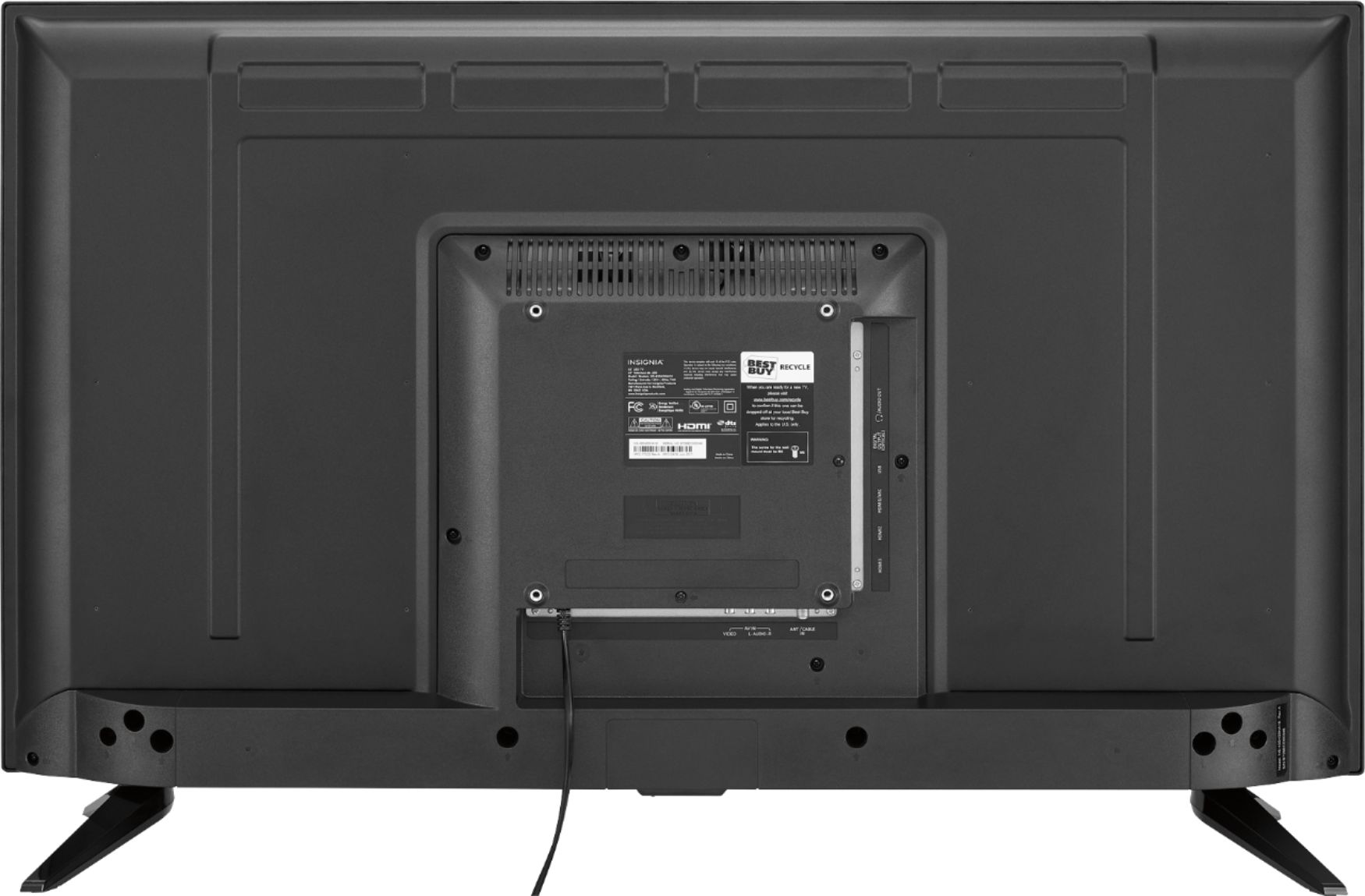
A:AnswerNo. It's a 'dumb' tv whereby there's no way for it to generate/retrieve source video materials without having an external source to feed it (i.e. DVD/Bluray player, PC, gaming console, etc). You can always buy a Roku or Amazon TV stick if you want a low/small size and inexpensive way to convert this into a smart tv for you.
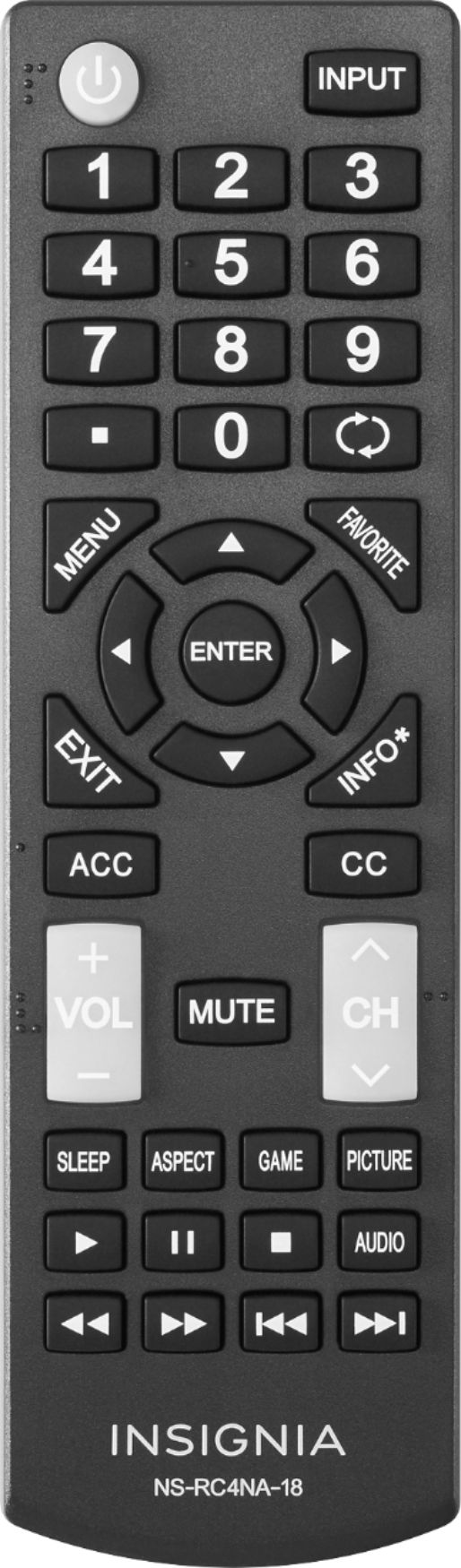
A:AnswerHello Best Buy customer Austin and thank you for asking this question as an answer may not only help yourself, but there have been other Best Buy customers who have been interested in this Insignia 43" LED TV whom have had similar concerns about the TV's sleep timer. Here are the steps you can take to get this TV to shut off on its own within thirty (30) minutes after you turn it on => please click onto the MENU button on the TV's remote control => scroll to the right to "SETTINGS" => scroll down to "TIME" and click the okay button on the TV's remote control => scroll down to "SLEEP TIMER" and click okay => you will then be given the options to select "OFF, 5, 10, 15, 30, 60, 90, 120, 180, 240 (i.e., minutes!)" => after making your selection, please click the "EXIT" button on the TV's remote control. I know that you only asked about setting your TV's shut off time to be set at thirty (30) minutes; however, there may be other Best Buy customers out there who want to know about the "long" list of other auto shut off time opportunities that this great TV has. One "final" point that I'd like to make is: whenever you "resume" your TV viewing on this TV, please don't forget that it will keep shutting itself off at your preselected time--unless you repeat the above procedure and select "OFF" which will indicate that the TV's SLEEP TIMER is "not" in use. Happy TV viewing Best Buy customer Austin and I hope that you enjoy this sleep timer feature and all of the other great features which this 43" Insignia TV model # NS-43D420NA18 has. I've included a couple of screenshots for your review below also. Thanks!
A:AnswerThank you for showing interest on our TV. I'd like to tell you that after a power failure our TV will turn itself on. Hope you enjoy our TV and remember we are always at your service.
Alex C.- Insignia support.
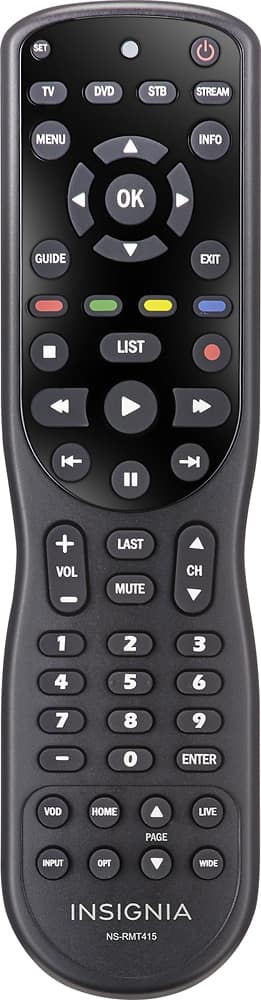
A:Answeryou can contact the Customer services for Insignia™ if the remote not in their stock.
you can buy from their Amazon store , i bought mine for $ 7.99
A:Answer2.1 Channel Bluetooth Sound Bar with Built-in Subwoofer Wohome TV Soundbar 38-Inch 80W 4 Drivers 105dB Remote Control Model S11, I use this soundbar an it's good
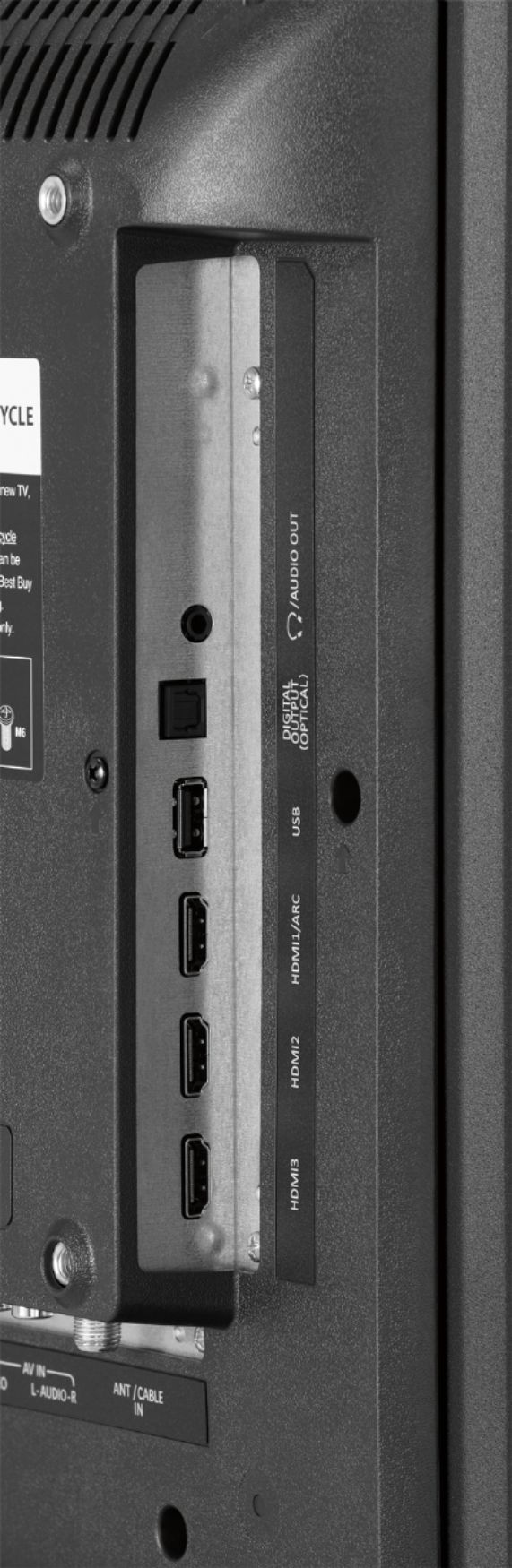
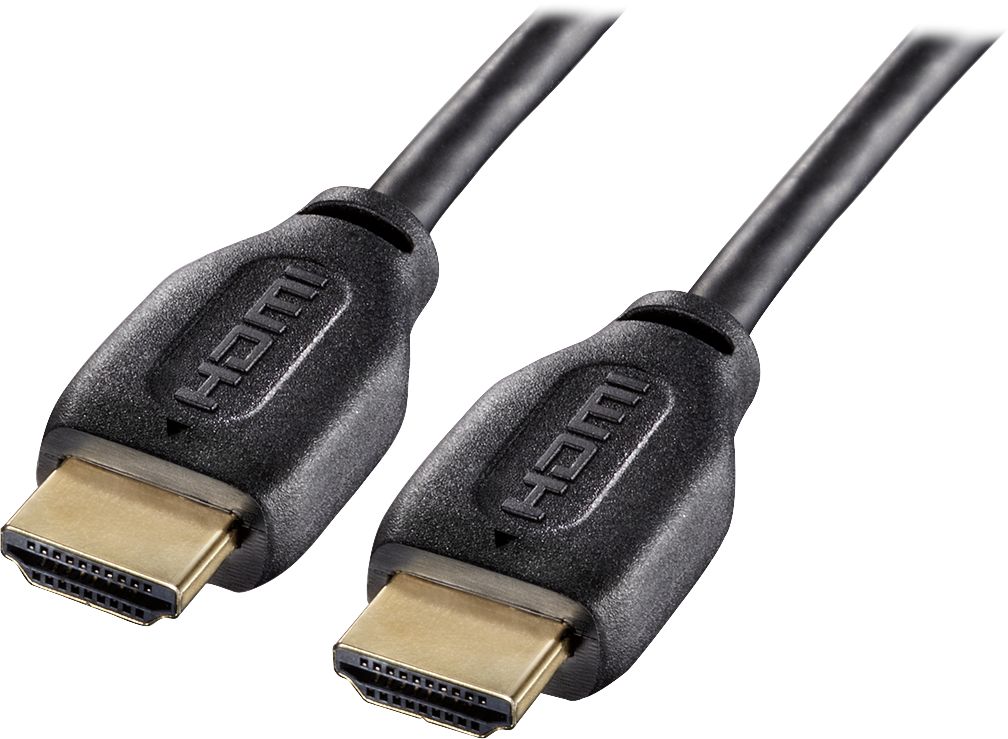
A:AnswerHello Best Buy customer David. A somewhat detailed answer to your question will help "many" people as once they connect this great Insignia 43" TV model # NS-43D420NA18 to their computer they will not only have a "practical" Internet/research tool, but also one that will potentially provide hours of enjoyment as there are so many "free" viewing options out there. If anyone wants to use this or other Insignia TVs as computer monitors, all they have to do is go into their computer's display settings and select "112" for display "type" and then under scale and layout select "100% (recommended)" and then for resolution select "1366 X 768 (recommended)" and then for multiple displays select "duplicate these settings. To have it so all of the computer's icons fit on the TV screen which are located on the lower task bar and in the left vertical column of the desktop saver screen click onto the TV's menu button and go into the picture column and then scroll down to "advanced settings" and then set the TV's "OVERSCAN" feature to "OFF!" I recommend using an HDMI cable to connect the computer to this television set. Make certain that your computer has an HDMI port and connect the HDMI cable to this TV's HDMI1 ARC port so that you can control the volume of both the TV and the laptop with one press of the volume button on the remote control. I always leave my computer's volume set at 100% MAX when it is connected to my TV; however,. this is up to you David. Happy Internet viewing!