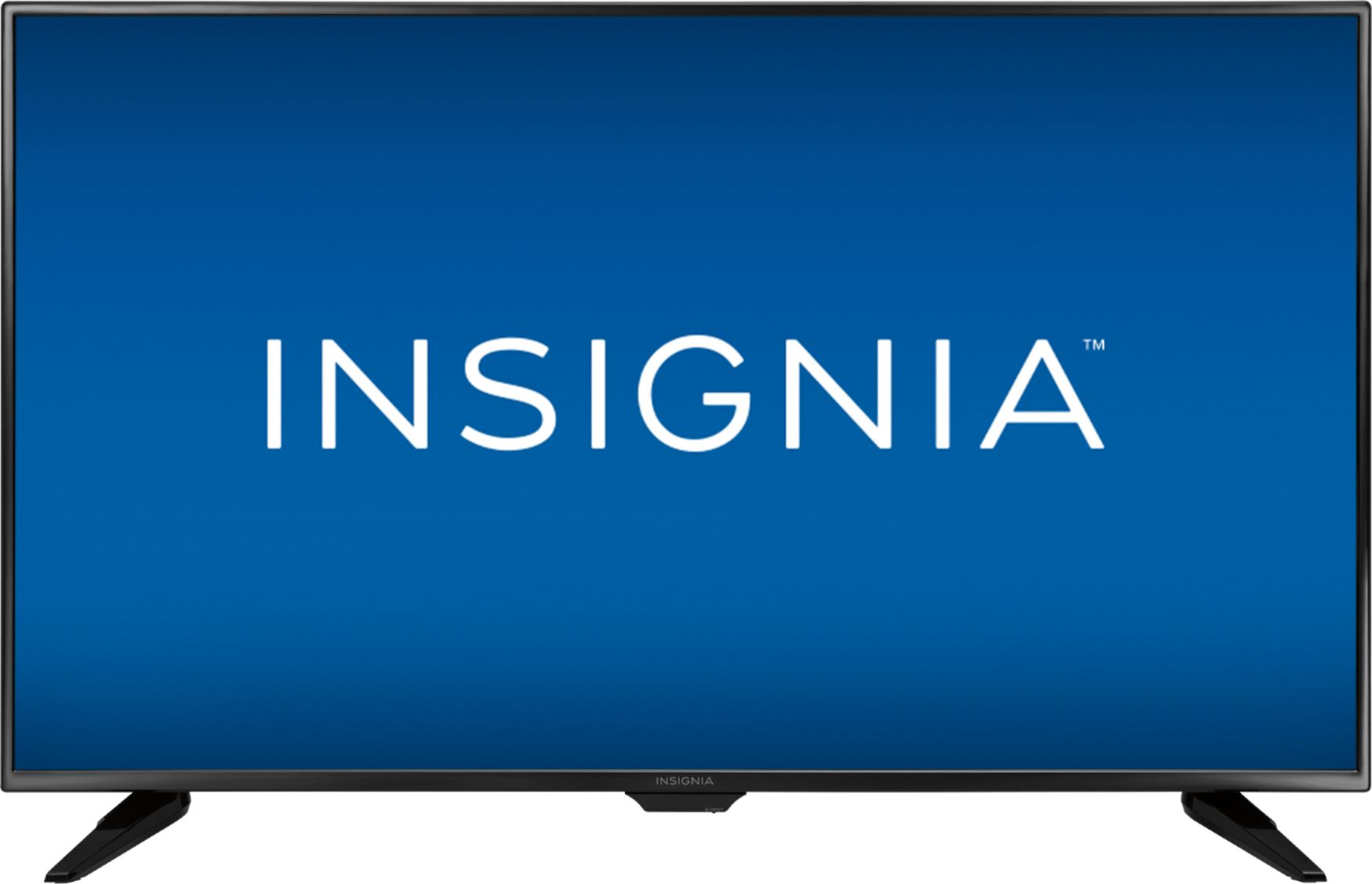
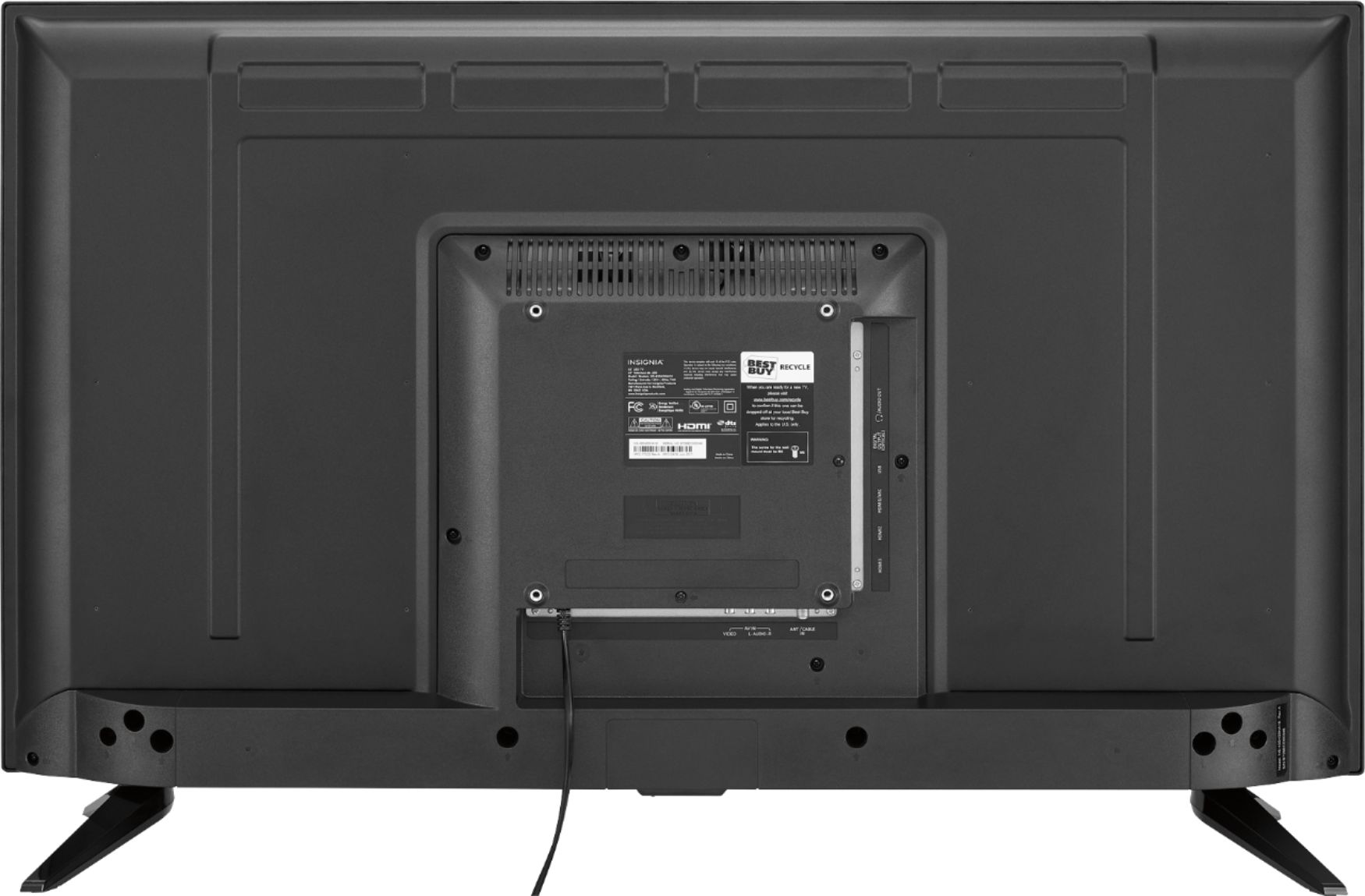
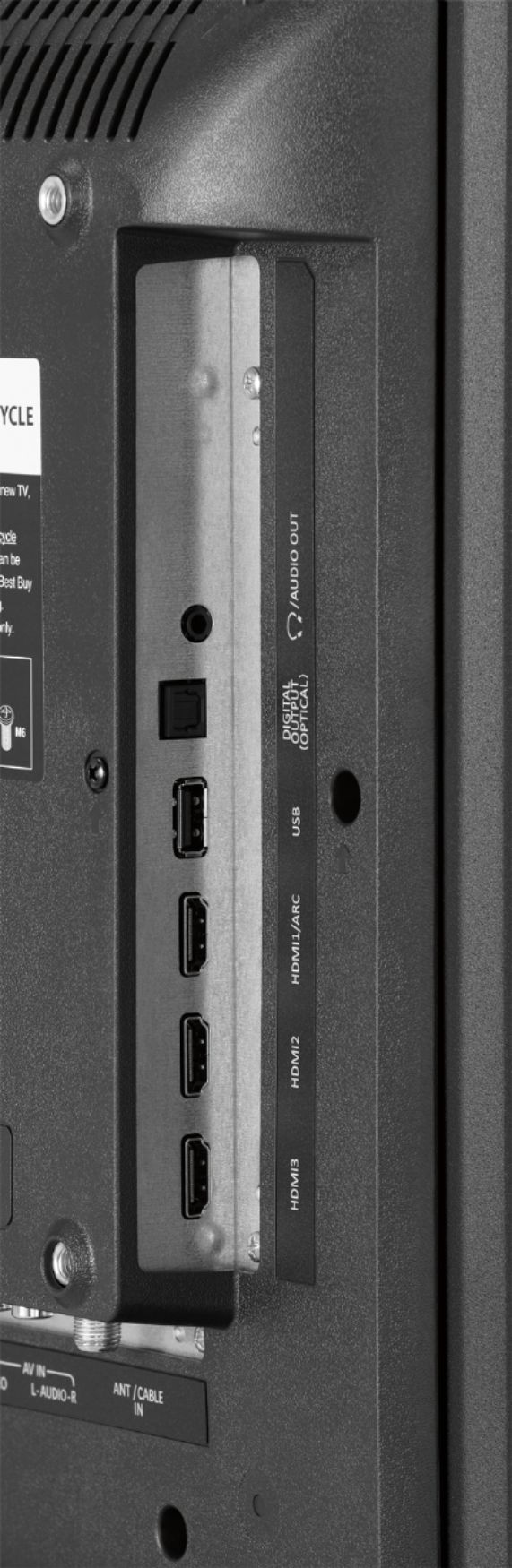
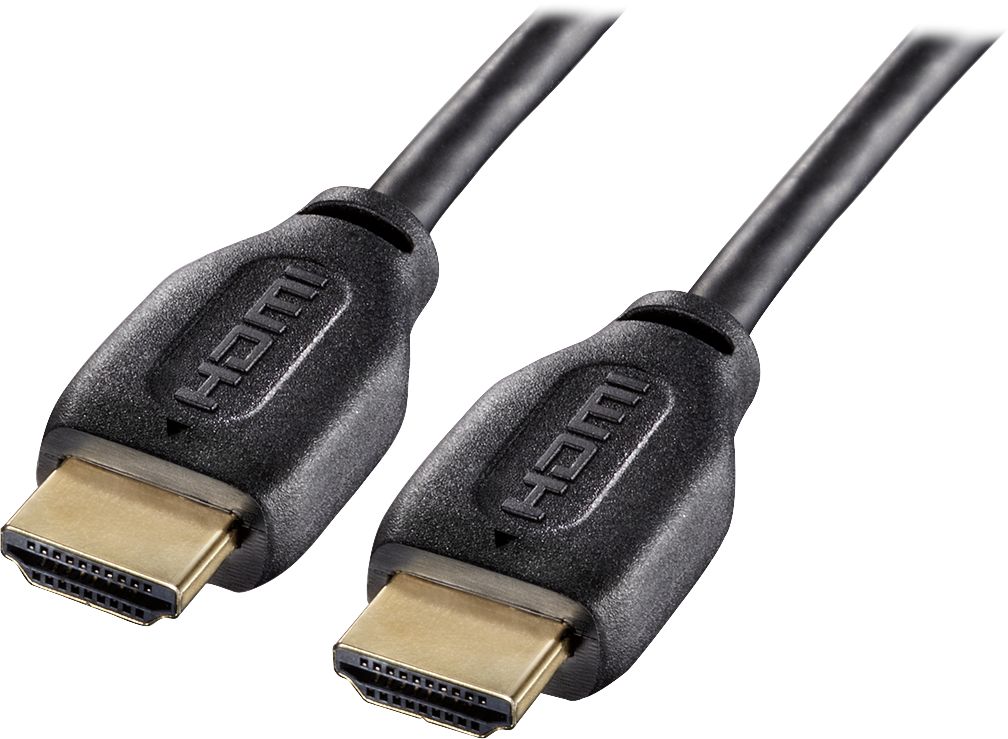
A:AnswerHello Best Buy customer Anonymous. I spent a significant amount of time conducting GOOGLE searches for such phrases as "how to connect a digital optical (i.e., Toslink) cable to a laptop computer" and "is it possible to connect a Toslink cable to a laptop computer." There "appears" to be some way"s" to accomplish this task--perhaps through your 3.5mm jack or USB ports with the help of adapters; however, it was stressed quite frequently throughout my search of this topic in an attempt to answer your question that the best way would be to use a male<>male "HDMI" cable connection. This is what I use and I have great results! They say that it is best to use HDMI cables with brass (gold colored) connectors and also ones that have "chokes" near each end as the chokes are more likely to lessen any chance of electrical interference. If your computer only has a VGA connector, there is a an adapter to convert VGA to HDMI I am most certain. I listen to lots of music and other "sound" sources from YouTube.com, Bing.com., etc. played "from" my laptop through this 43" Insignia TV. For some reason, I have found that when I have the laptop's volume set at a "constant" 100 out of 100 and I connect the HDMI cable to the TV's HDMI ARC1 port, I get louder volume than if I were just using this TV's sixteen (16) watts total of speakers alone. Also, when using the HDMI ARC1 connection, you can control "both" the volume of the laptop and the TV with one press of a button. Try entering a favorite song title on YouTube.com and prior to the song beginning to play, conduct a GOOGLE search for song title followed by the word lyric. I select "AZ Lyrics" or "Genius Lyrics" and then I start the music video and read the lyrics' wording. I was surprised to quickly learn that songs that I heard and loved for decades which I "thought" that I knew all of the words to--I did not! Happy listening Anonymous!
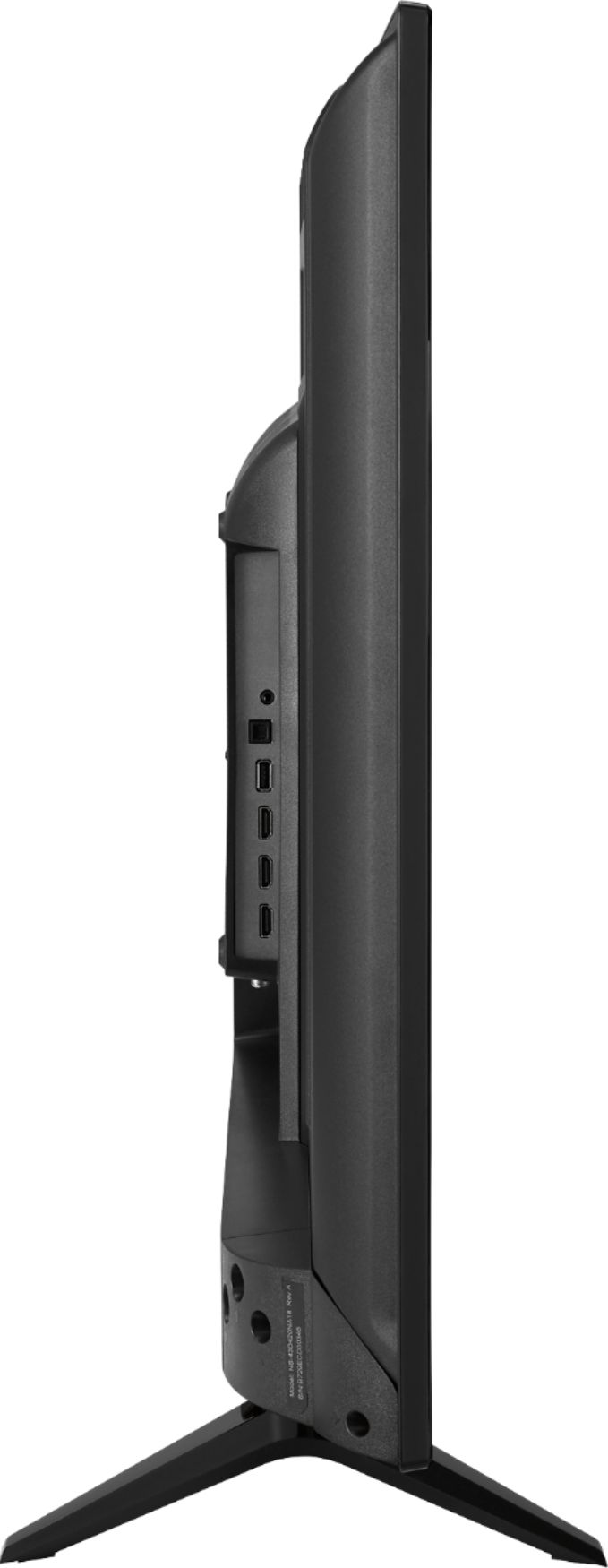
A:AnswerHello Best Buy customer Hydro! Thank you for asking this question as the correct answer may help a lot of other customers as well. I would need some clarification with regards to how you framed your question as it could be taken a couple of ways. If you are indicating that you still have the "original" legs that came with the Insignia TV model # NS-43D420NA18 and you would like to attach those legs to your TV I would tell you that you should look for a specific size screw for that application/setup. If you are indicating Hydro that you purchased a separate "aftermarket" table mount TV stand which meets VESA standards I would tell you that there would be a different screw size/application. I would advise you to phone Insignia Products tech support at 1-877-467-4289 between the hours of 8:00 & 9:00 P.M. Central. They are there seven (7) days per week. Best Buy has a parts website that an Insignia tech support representative might steer you toward if they cannot provide the replacement screws for you or it may be a common screw with a particular designate that you may be able to find at a local hardware store. Prior to drafting this answer, I did try to go on the Insignia Products website and enter you TV's model number; however, I was unable to secure entry to a "full" user's manual for this model.
A:AnswerHello, thank you for sharing your inquiry.
I would suggest you to play with the audio settings on your TV (audio out fixed or audio out variable) and the volume/settings on the external speakers.
If you need further assistance with your TV, please feel free to contact us at: https://www.insigniaproducts.com/contact-us
Deneb M. - Insignia Support.
A:AnswerHello Best Buy customer Dean1 and thank you for asking this question as an answer would not only help yourself, but a whole lot of other Best Buy customers who might benefit in profound ways from this great TV and all that it has to offer "any" type of broadcast viewer--in my opinion! Respectfully offered, I would keep looking for sales for this 43" Insignia model as last week it was on sale for $100.00 off and that was some four (4) months "after" you initially submitted your question through this Best Buy website venue. This week it is on sale for $50.00 off. I believe that other sales of this Insignia 43" model # NS-43D420NA18 have occurred all along. You have probably already made your purchase a while ago; however, for those who have not, please don't forget to look for Best Buy's daily "DEALS OF THE DAY!" and, also lately I have been noticing that, at times, prices on the Best Buy website will change for a day or so which are not labeled as part of the deal of the day listings. So much time had passed when I first saw your question Best Buy customer Dean1 that I did not answer it until now, but I believe that there are other Best Buy customer who will benefit from your presentation of your pricing concerns for this great TV. Thanks!
A:AnswerNo I don’t think so. I’ve had the tv for about 4-5 months now and have been messing with the setting but I can’t find anything other than maybe in advanced settings for picture go to overscan and turn it off it should help a good bit.
A:AnswerHello Best Buy customer Leunam! I've never been one to engage in the process of computer gaming; however, this did not stop me from trying to find some sources for you to explore which may best answer your question/problem/issue of not being able to get your TV to support your 240p ps2 games. Please do a GOOGLE search and enter the following search term as I did => "How to make retro games look incredible on your HDTV." Here are some of the entries which I found that you might want to explore further; however, I do not know which would be the best solution (if there is one!) to suit your needs => (1) How to make retro games look incredible on your HDTV, (2) How To Get The Sharpest Images Possible Out Of Your Old Consoles, (3) What type of HDTV do old games look best on? and, (4) How to connect old game consoles to your TV - NES, SNES, Megadrive and more. Before making any purchase of any product (if that what is needed), please check things out carefully Leunam with people in the know about gaming!
A:AnswerThe smart feature depends. If you are going to buy an external streaming device then about 40-70$ more, but you can also buy a roku tv version of this tv too!