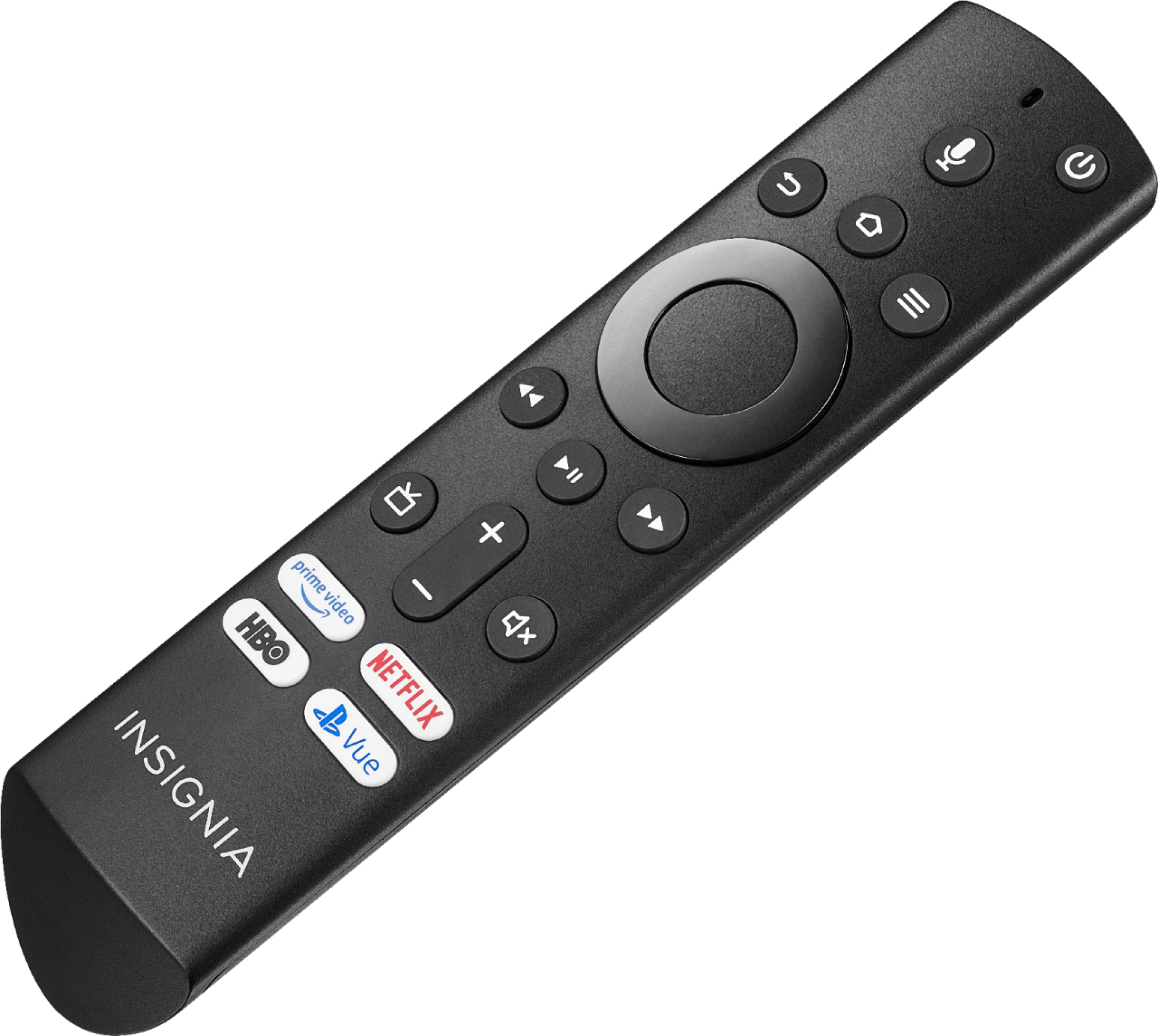
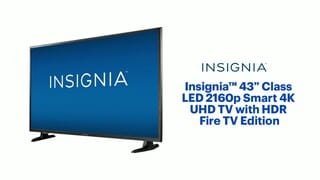
A:AnswerNot sure if you can turn off Alexa with this I don't use/ have not hooked them up together if you are talking about with a dot. I use the remote with and without Alexa depending on my mood. Yes we do use Direct TV Now, Hulu, Netflix, Pluto and other services. Have not found any that have not worked well with. The wife does seem to be hinting at upgrading our wireless network/ modem but that will only improve our quality if the speed from cable provider improves.
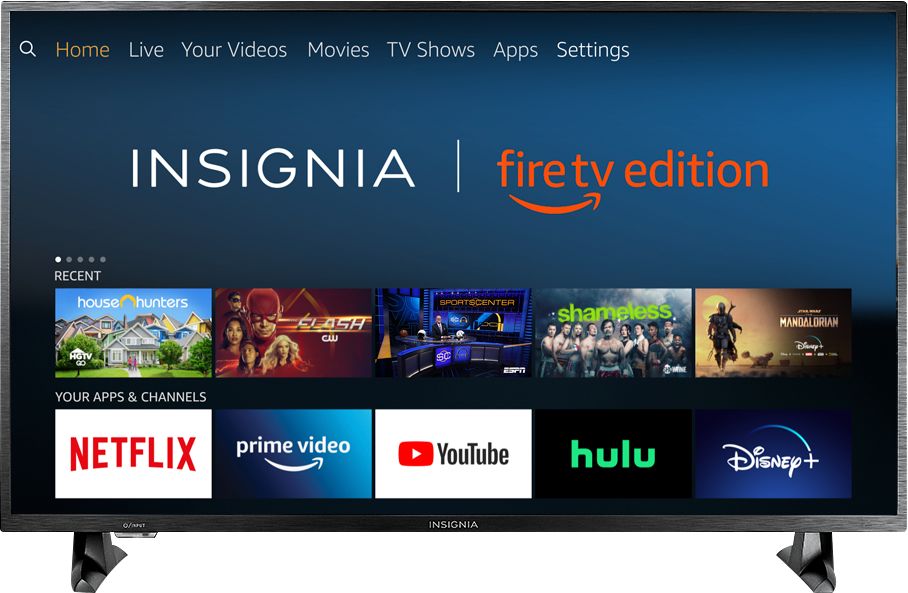
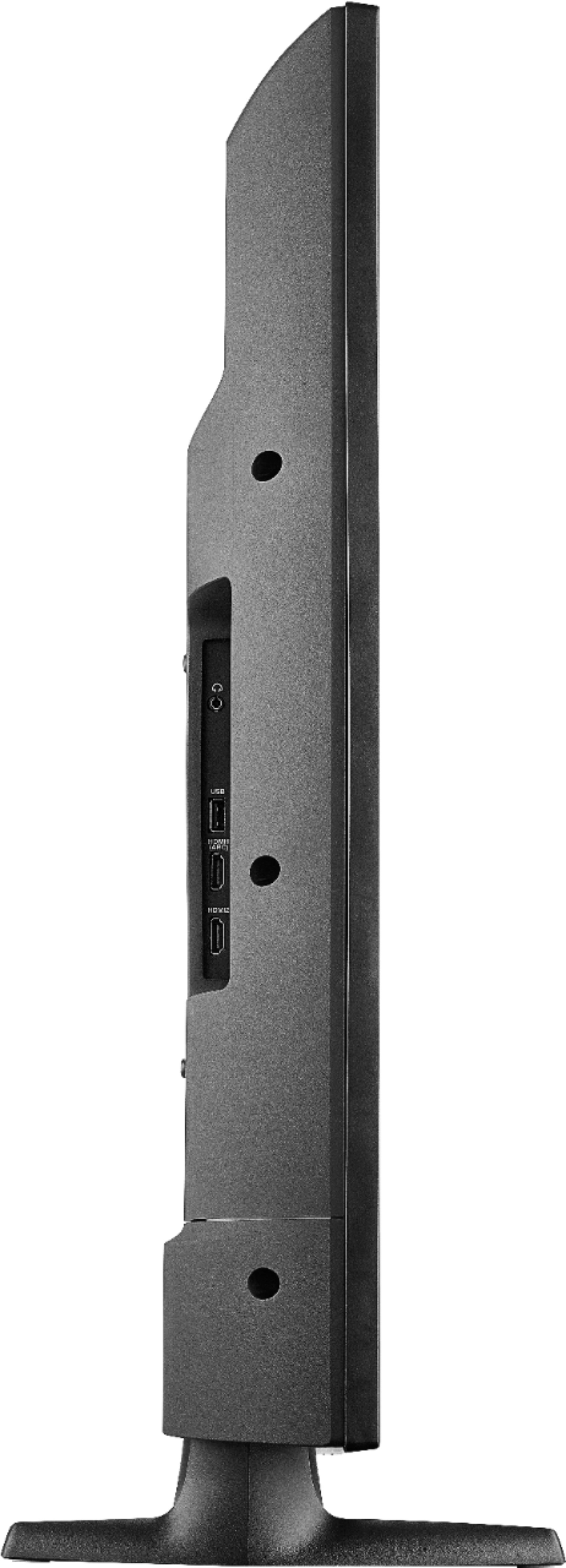
A:Answer32 inches may have a little overhang. Without flipping it over I'm measuring / estimating right at 32 to 32.5 inches. The legs have the outer dimensions directly under the screen as such -----<----------->----- the inner are under 32 inches.
A:Answerhas most of your smart apps, the ones it don't, a roku would solve the issues of, roku does work on this tv. so YES it can use Netflix, with subscription permitting
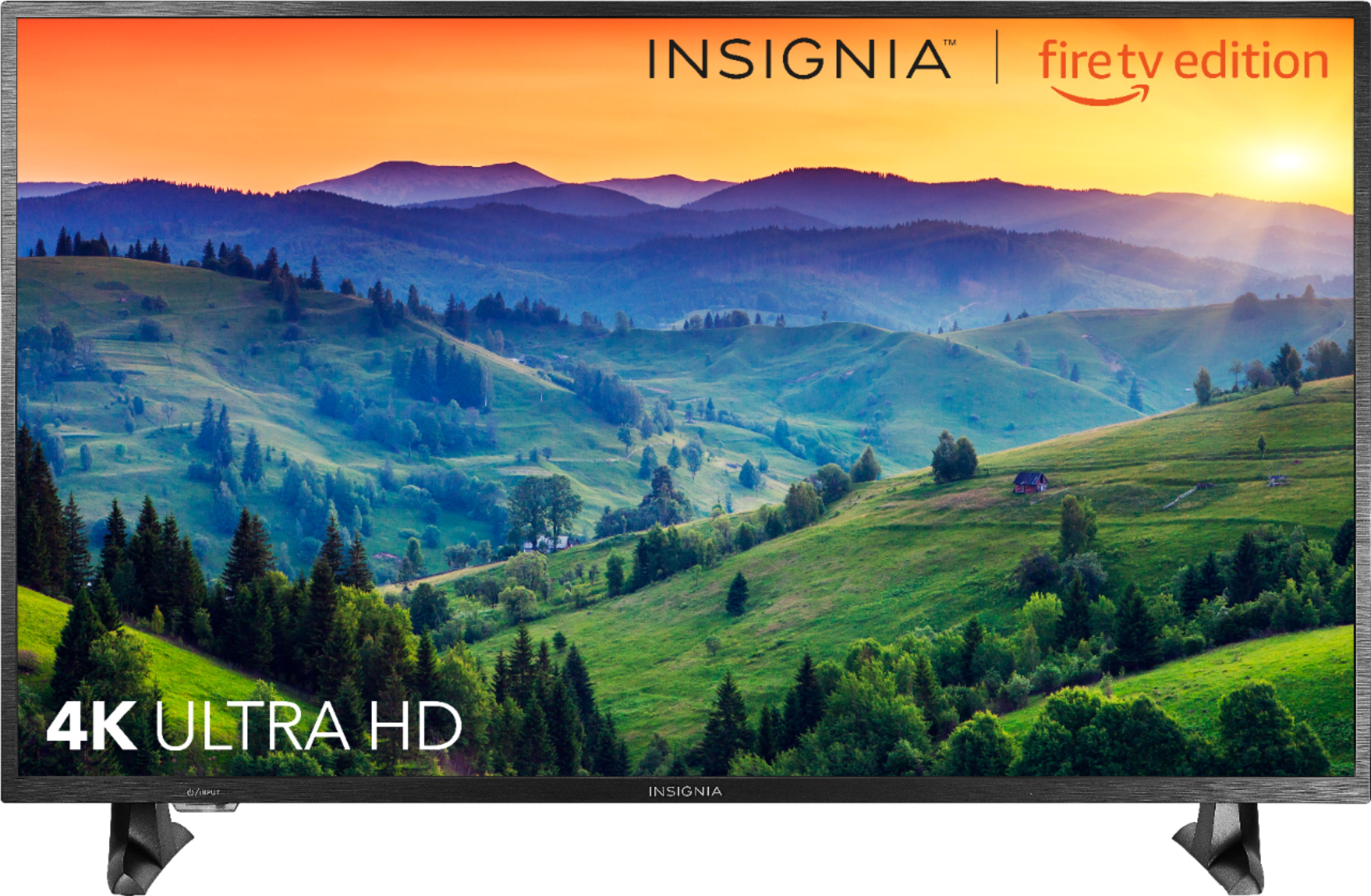
A:AnswerYes, it is compatible and will show in 4K. However, I’m not sure you will like the quality because that’s going to defer from person to person. In my opinion this tv colors are not as vibrant as other tv. If you go to the store you can definitely compare the displays. First thing you will notice is the screen is darker then the rest. At home you may not tell because it’s not sitting next to others to compare. I have my ps4 connected and it looks great. However for me watching tv I think it’s average. Gaming looks better than watching tv on it. This one is definitely better than the toshiba cause I returned it for this one. If you don’t mind at bestbuy you can purchase it and return it if you don’t like it within 14 days as a security for yourself. Also bestbuy plays with there pricing a lot you can get it for 200 eventually. Hope this helps.
A:Answerhit home, on one of the top rows of app features, scroll over to display and sound, all your problems should be solved in this region for settings. sorry if this doesn't help. im not sure ive had the same problem as you good person
A:AnswerIt's the exact reason I got it was for my Xbox One X and it looks absolutely amazing. Make sure when you first hook it up to your X that you go into the TV settings on your console itself and calibrate the TV, then make aure the resolution is set to 4K UHD and make sure HDR 10 is enabled
A:AnswerYou can't. You'll need a device to cast it to. Like a chromecast, or similar 3rd party device. This TV has no built in app or function for the android smartview.
A:AnswerGo to HOME - SETTINGS - DISPLAY & SOUNDS -DISPLAY SETTINGS - (choose input you’re using). If you want full screen all the time, make sure that the 4/3 STRETCH option is turned on, & AUTO ASPECT is turned off. Set PICTURE SIZE to FULL.