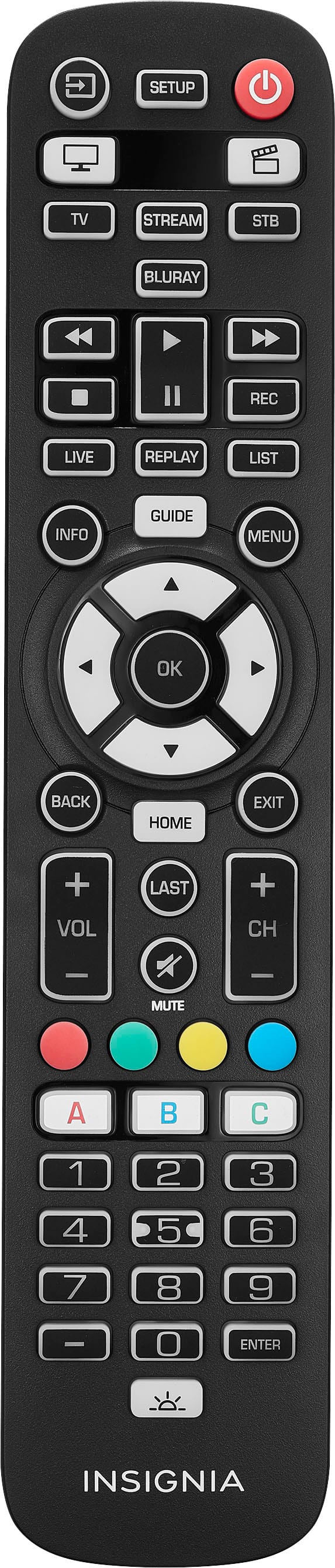
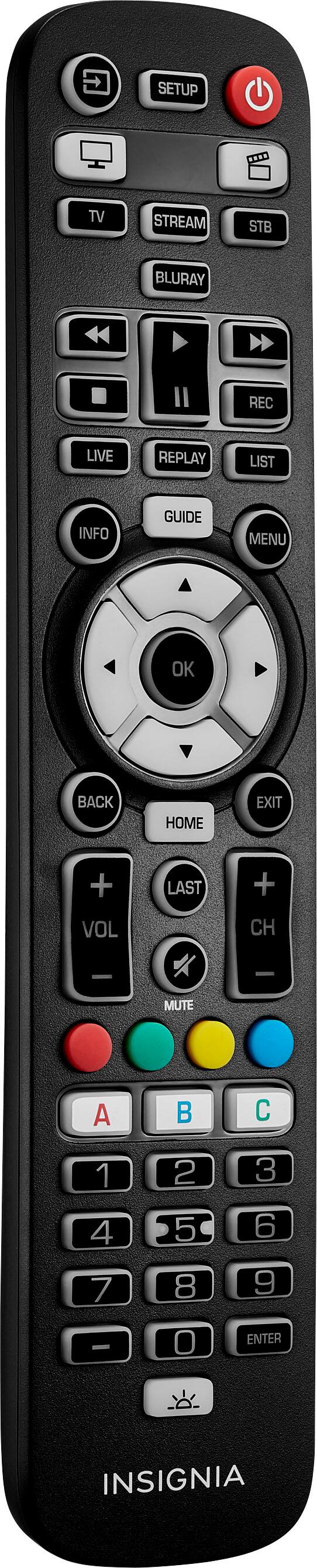
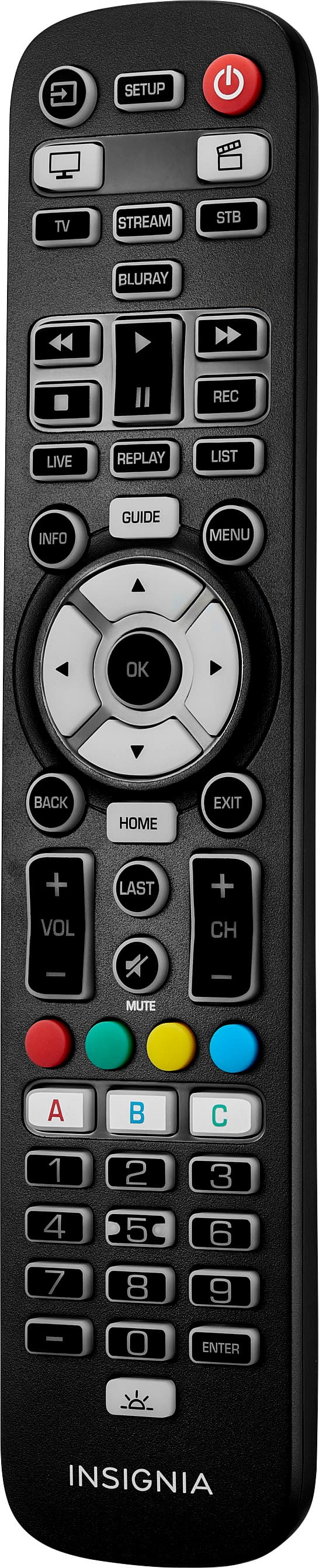
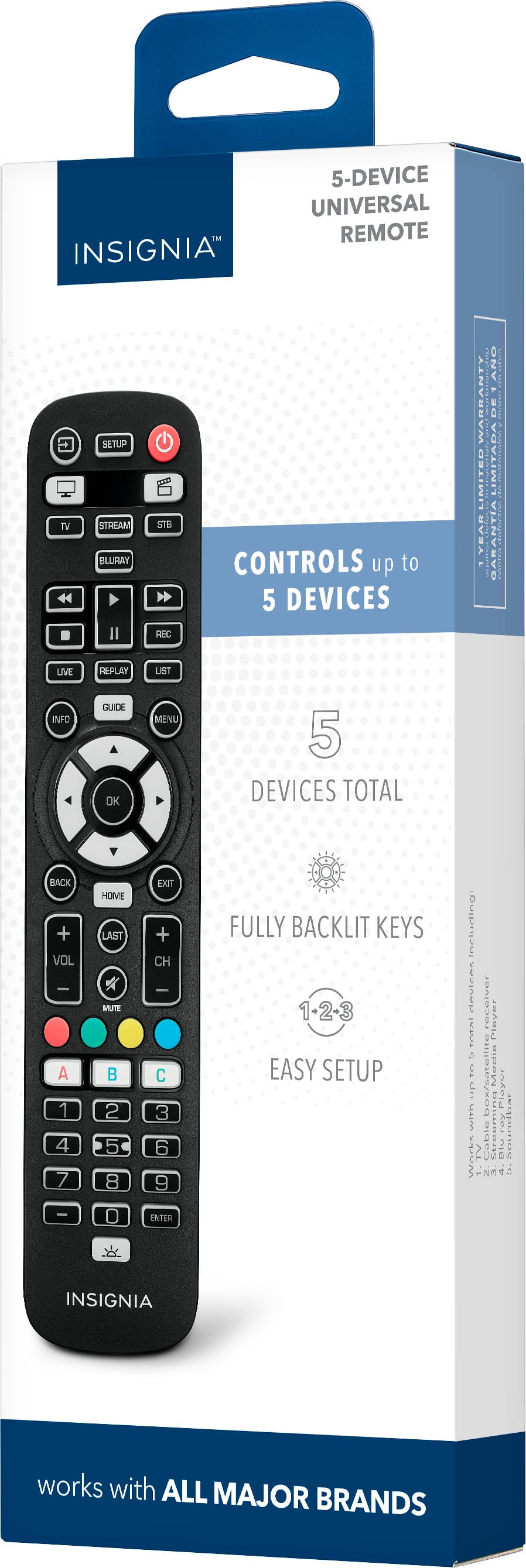
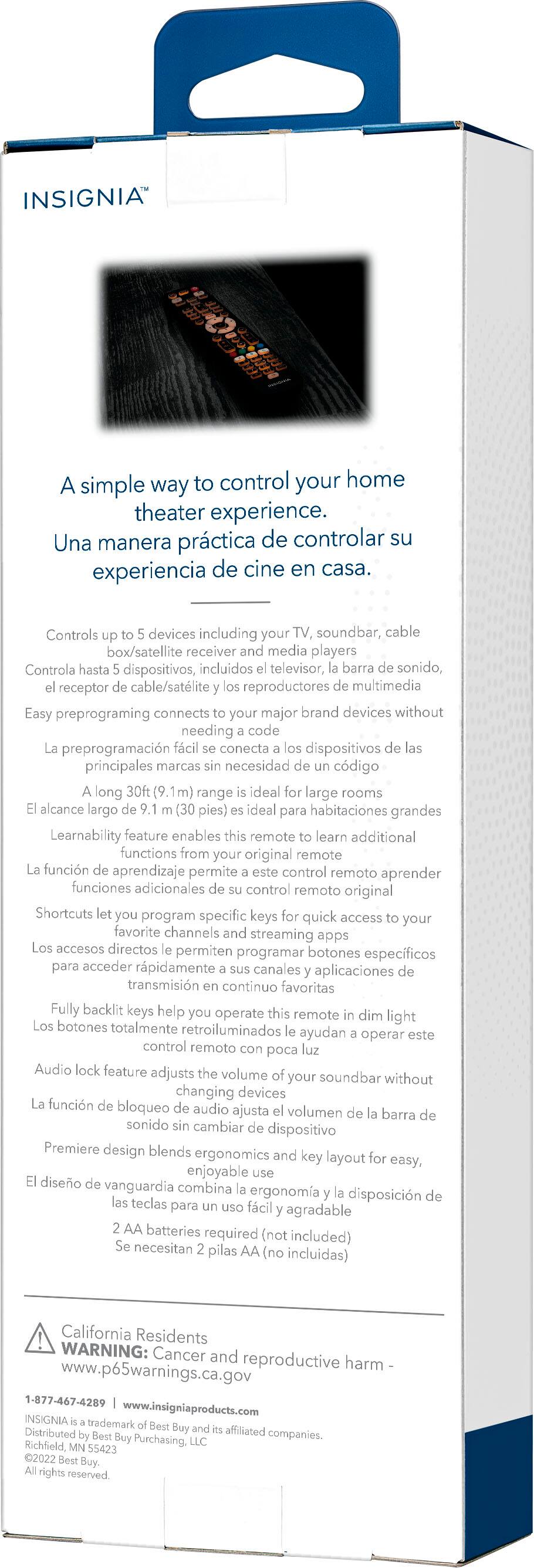
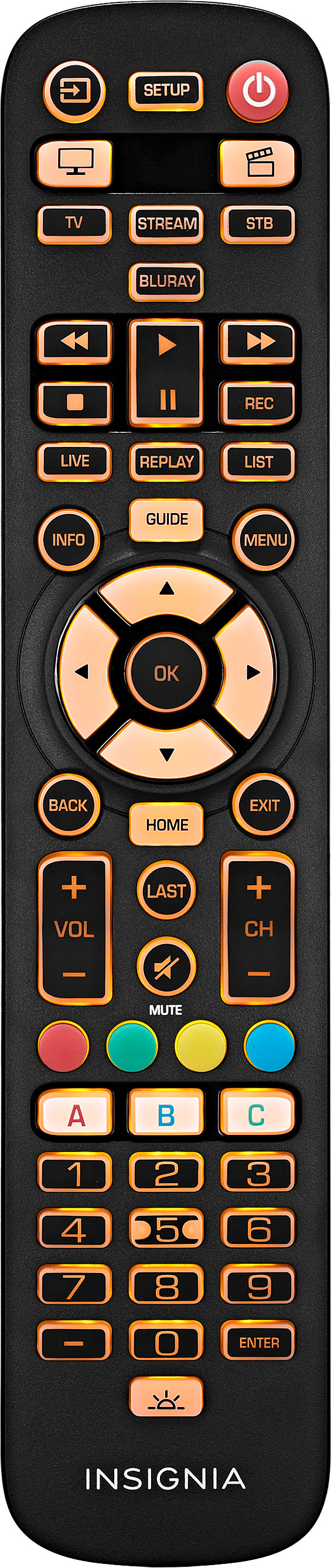
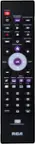
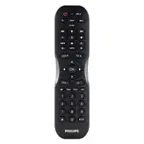
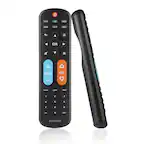
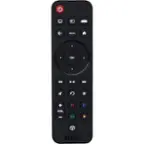
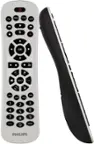
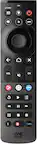
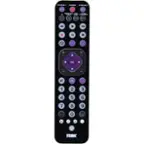
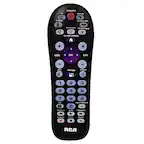
A:Answer To setup the Insignia Roku TV, the Customer can use SimpleSet feature for TV under INSIGNIA Brand (is the 3rd code in the row, means if Customer follows the SimpleSet procedure his TV should switch off within 9 seconds) or setup by code, press TV, press and hold SETUP for 3 seconds and then add the Code 4487. Now his Insignia TV will be set to Insignia Roku TV what allows him to change settings, like account Info for his Roku account.