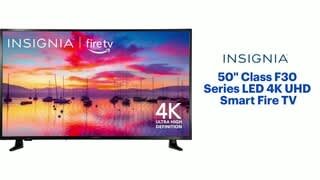
A:AnswerTry the Power On feature, when enabled, your TV turns on displaying the last used input: go Home > Settings > Display & Sounds > Power On and select Last Input.
A:AnswerThe User Guide is available under the Overview section.
Also, here is the link for the User Guide https://files.bbystatic.com/w4LeoifjUPb2bumM9KS6CA%3D%3D/Insignia_FireTVEdition_WEB_20-0301_V4_EN_Final_lr.pdf
A:AnswerYes. No offense, but asking if a new/current TV has closed captions is like asking if it has a remote (and just as a precautionary to that, yes, it has a remote) as it’s not only that standard and basic of a thing that it’s a given, but it has been for umpteen years.
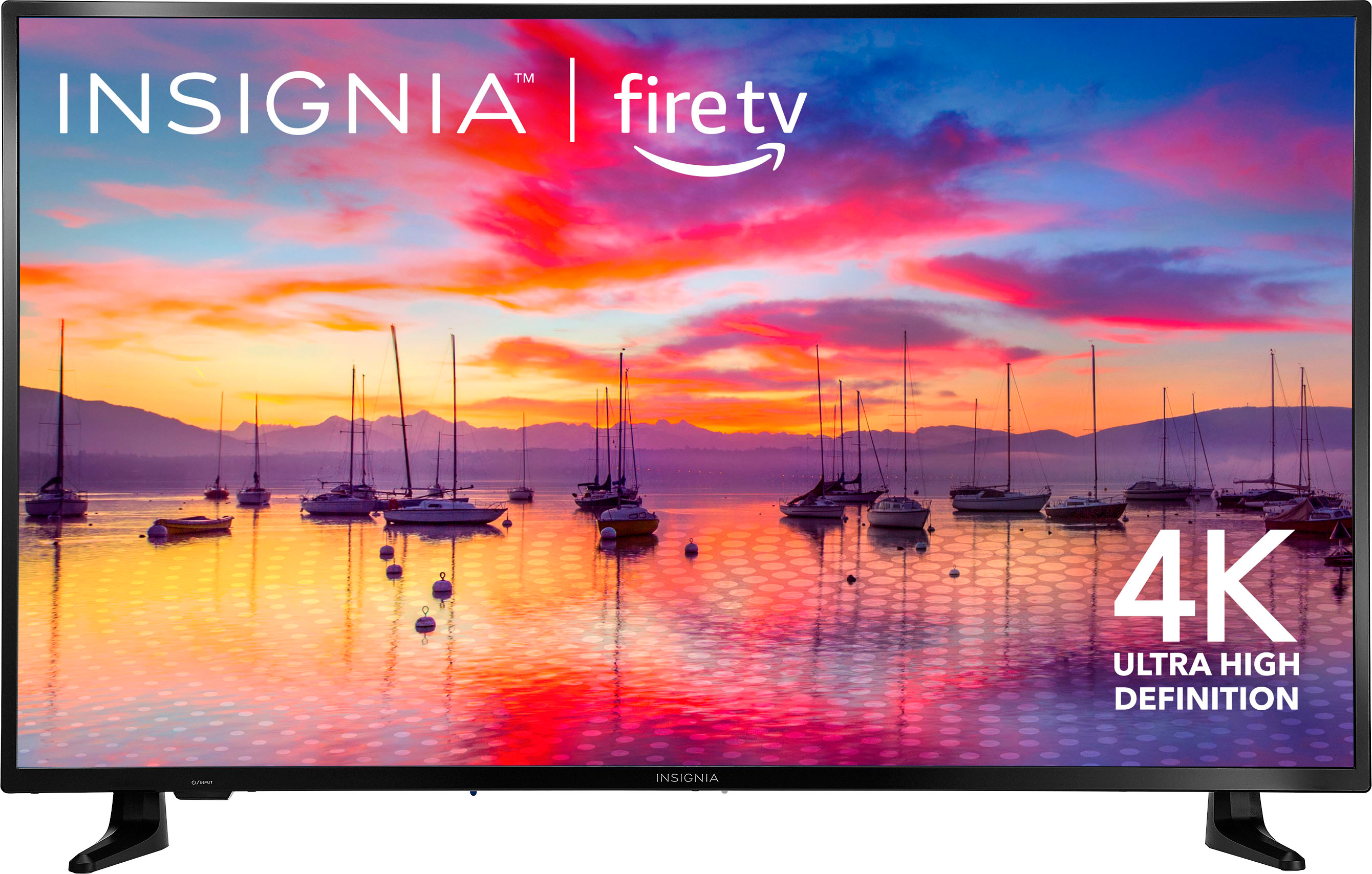
A:AnswerTry to scan again for networks, then you can skip connecting to the internet and just hook up a Cable Box with an HDMI cable. To enable the Power On feature go Home > Settings > Display & Sounds > Power On and select Last Input.
A:AnswerI think the best solution to all your current and future problems with this machine is to buy an extended warranty... all evidence indicates that just after the manufacturer warranty expires your set will die... mine and hundreds of others did. Be Forwarned. Research the brand
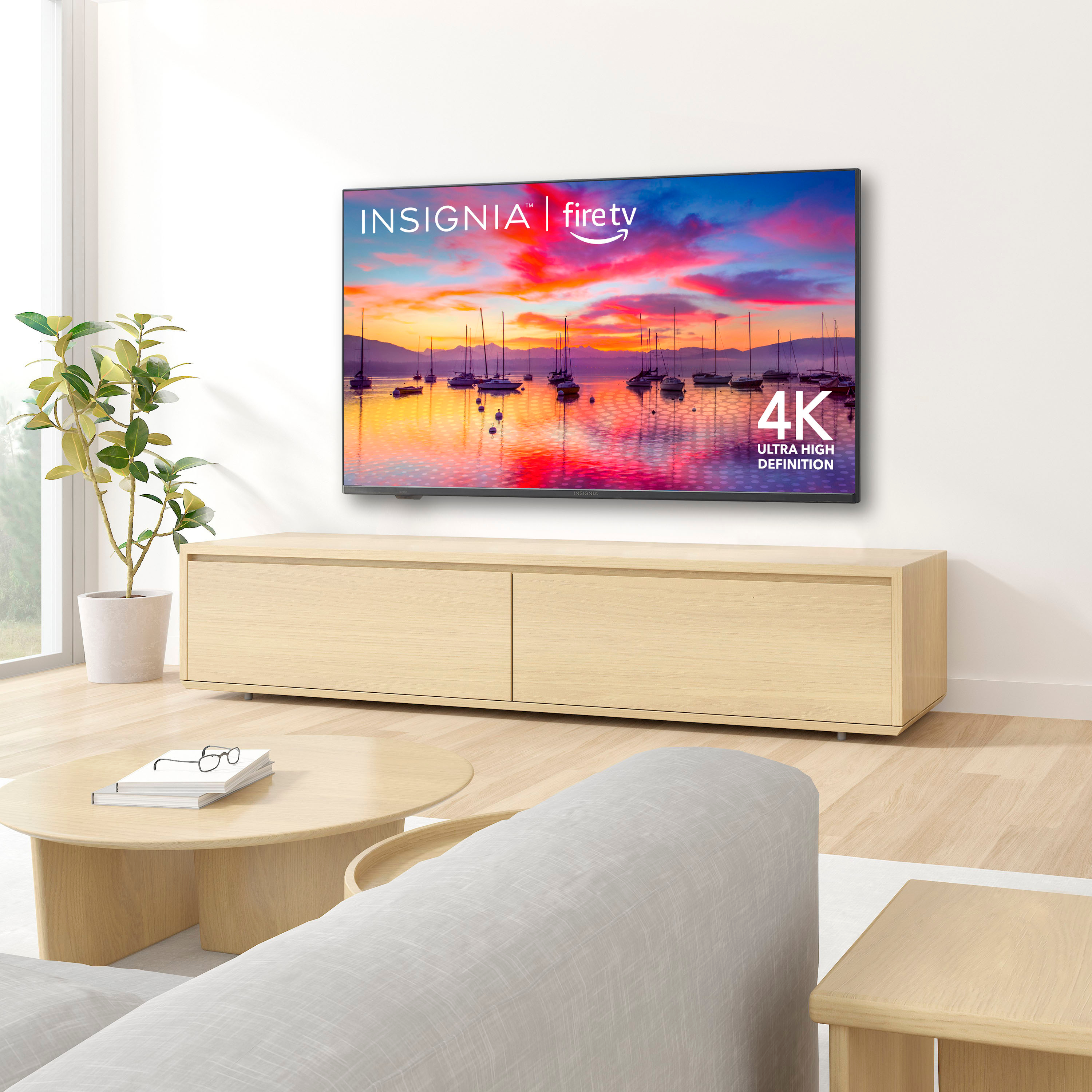
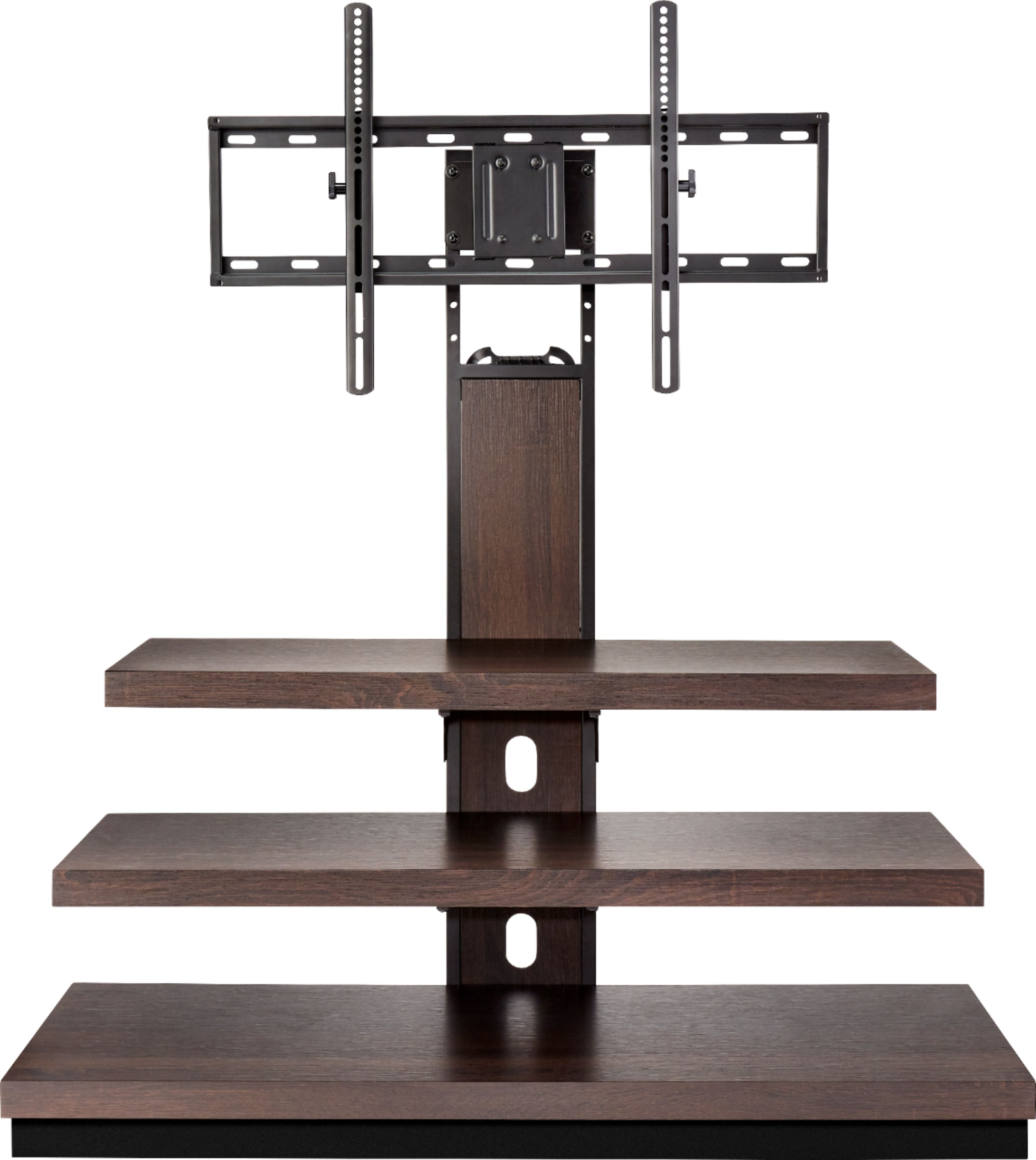
A:AnswerInsurance doesn't cover cracked screens. I suggest having it mounted on the wall or getting a stand to which it can be attached. These Tv's are so light they can be easily knocked over. I had to throw out 2 TVs because they got knocked over and it costs too much to have them repaired. I haven't had a problem since I bought the new stand that the tv attaches to and helps to weigh it down.
A:AnswerWe purchased this TV as a housewarming gift for our youngest daughter. We didn’t buy a sound bar so far my daughter is happy with sound from the speakers that came with the set. Sorry we can’t be more helpful.