A:AnswerHello, JR,
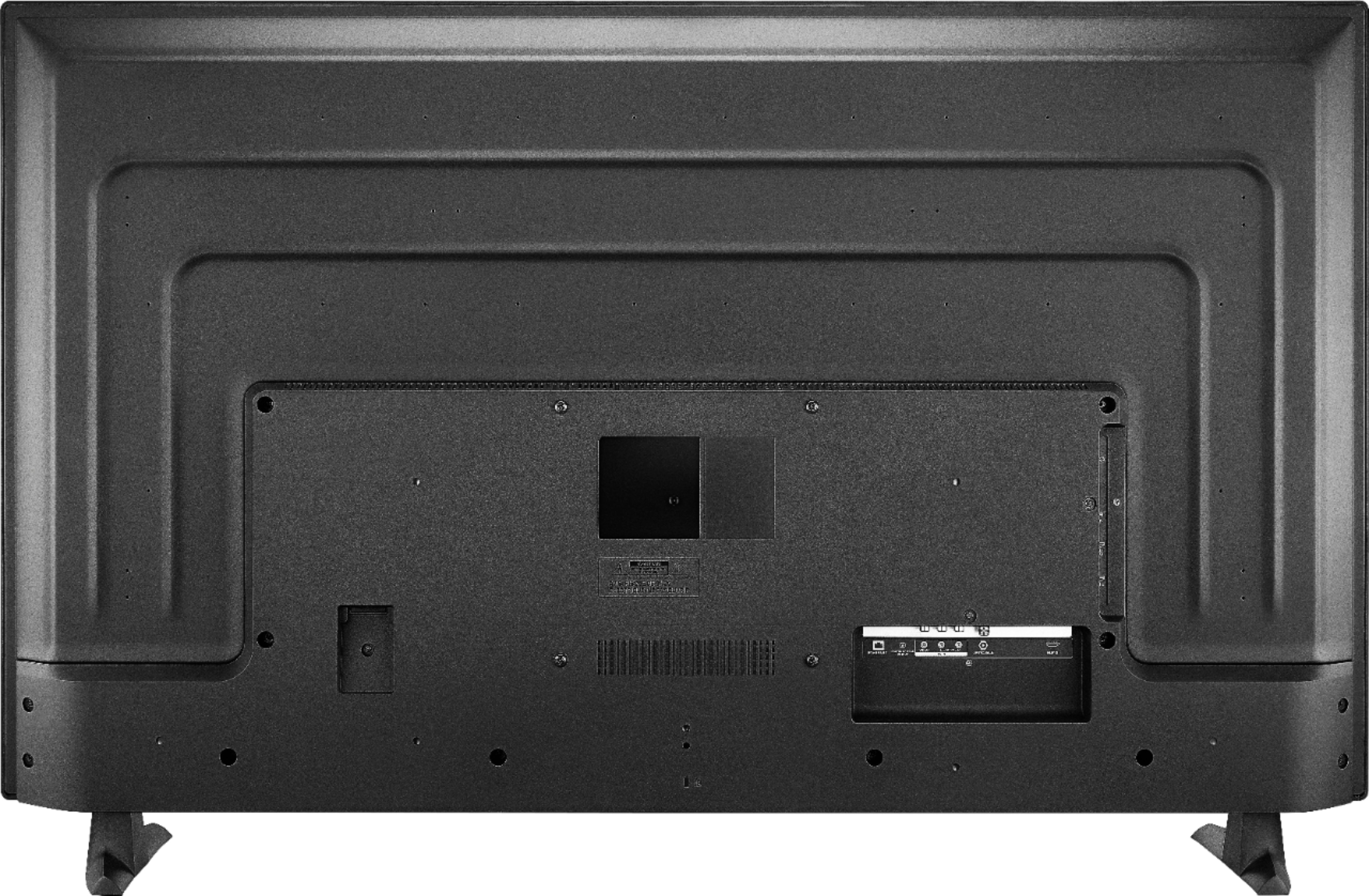
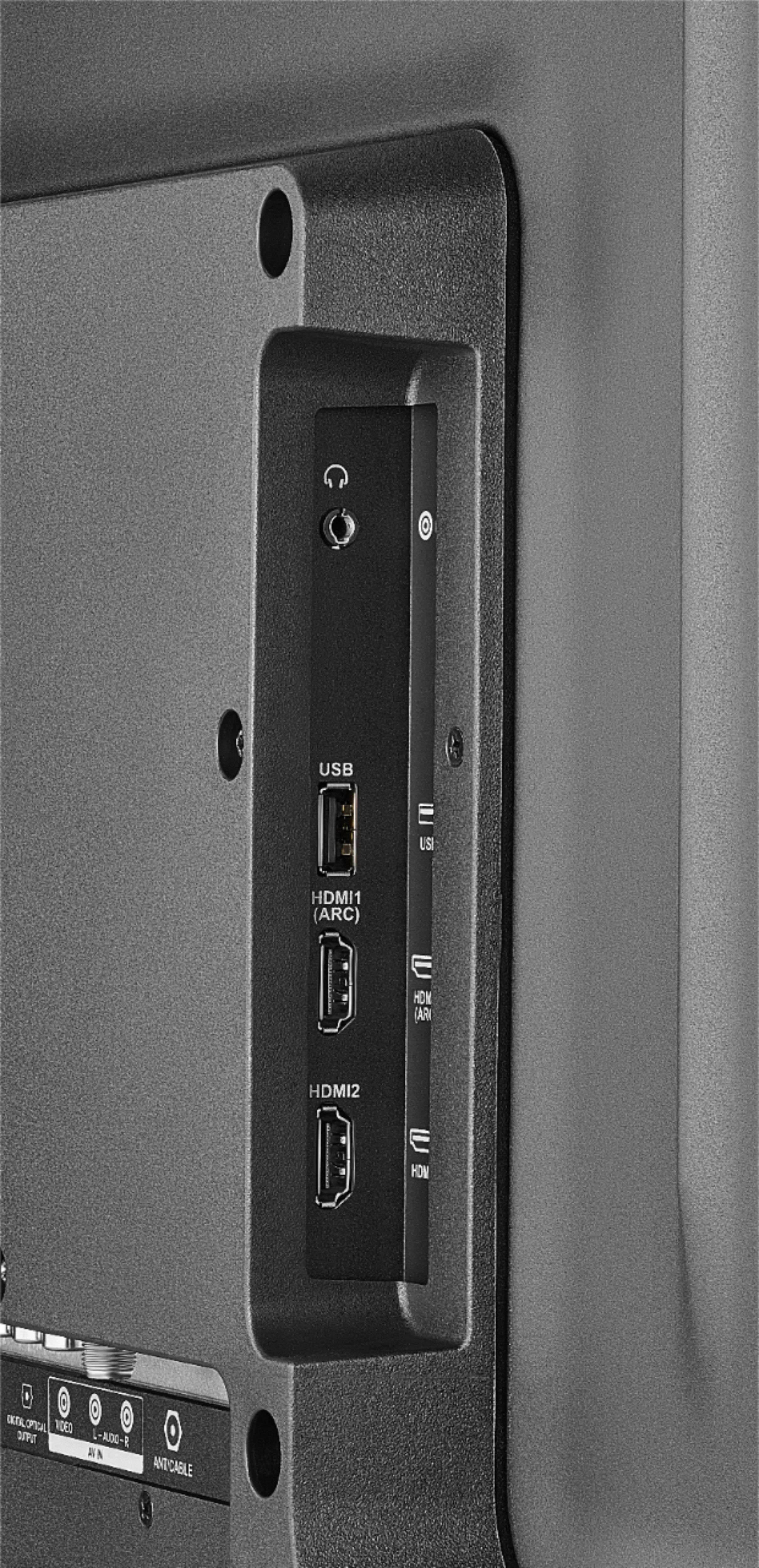
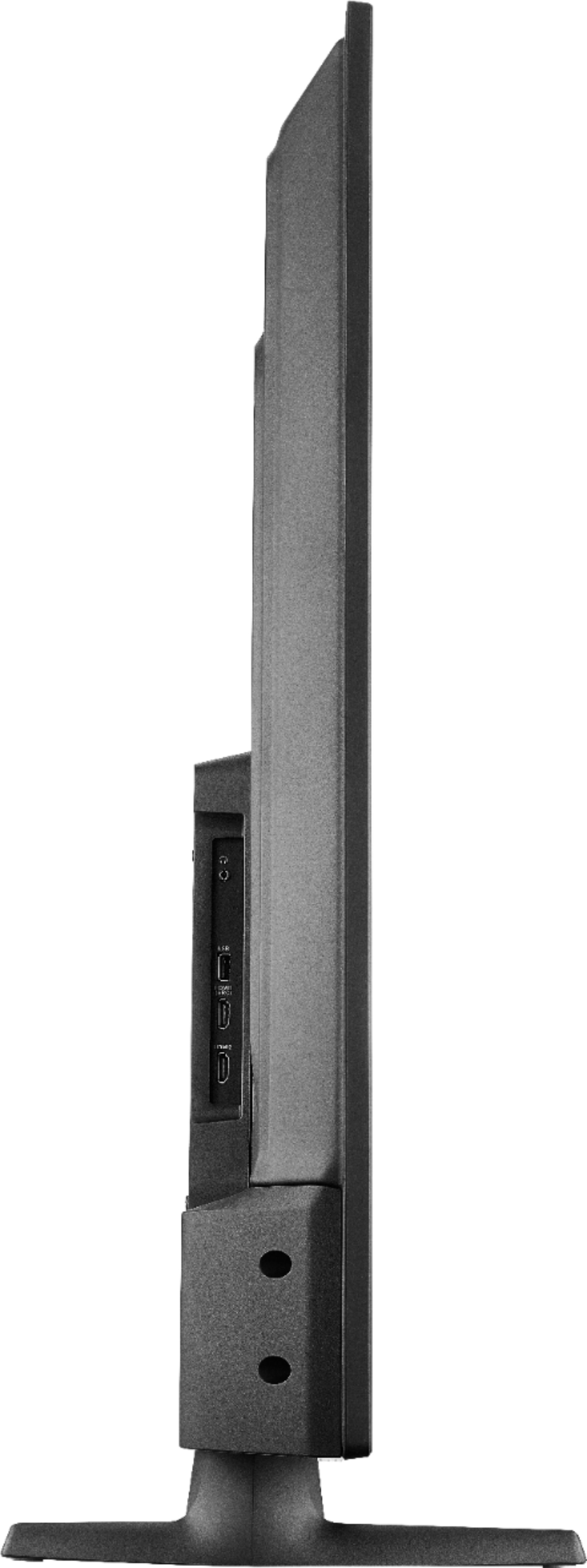
This TV model has a coaxial input jack, so it should work with your outside antenna. You might need to run a channel scan by going to: Settings > Live TV > Channel Scan.
Eduardo L - Insignia Support
https://www.insigniaproducts.com/contact-us
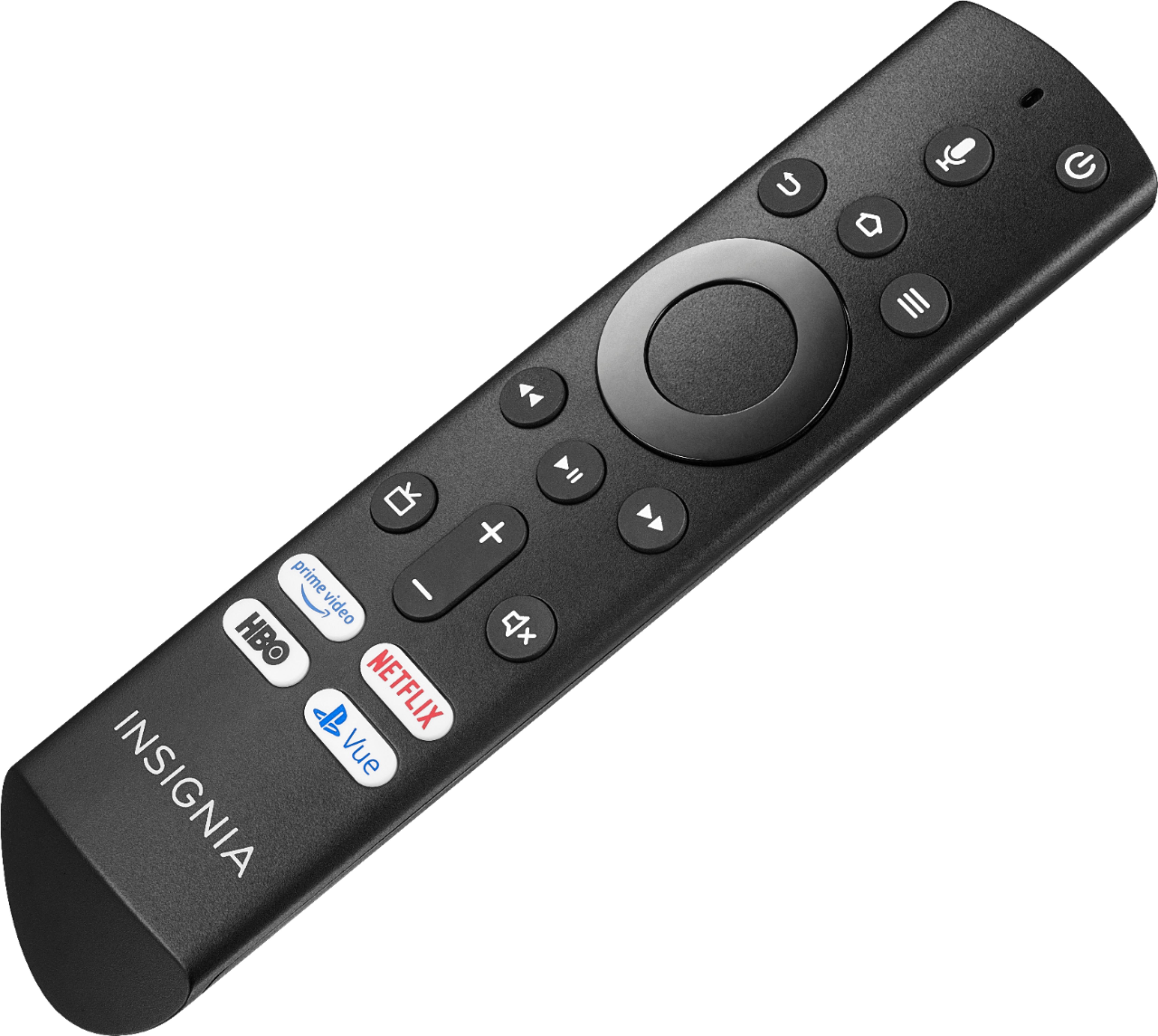
A:AnswerTo change the HDMI Mode long press the home button for 3 seconds, go to Picture > Advanced Settings > HDMI Mode and select 2.0.
David M. - Insignia Support
A:AnswerTry to connect an external audio device to the 3.5 mm (headphone jack) audio out.
If the issue persists, for personalized assistance, please call 1-877-467-4289 available from 8am to 9pm CT daily.
David M. - Insignia Support
A:AnswerThese are the Alexa commands to use with your Fire TV Edition television for your Smart Camera:
Say: "Show [camera name]"
Say: "Hide [camera name]"
The Zoom app is not available for the Fire TV Edition television.
You can connect your mobile devices (smartphone, tablet or computer) to the TV using an HDMI cable.
David M. - Insignia Support
A:AnswerYou can watch a video using a USB, download the VLC for Fire app.
It supports the following formats:
MKV, MP4, AVI, MOV, Ogg, FLAC, TS, M2TS, Wv and AAC
The TV supports USB flash drive up to 128 GB formatted FAT32
David M. - Insignia Support
A:AnswerLikely your router; mine does not disconnect at all. Perhaps a new router will be more stable and might allow for better connectivity or try a different brand, unless your TV is defective.
A:AnswerYes but the sound may not work. It seems that this tv has issues with the sound when you switch between inputs, I know because it's happening on mine. Go with a better known name brand, it will be worth it
A:AnswerThis TV only supports one audio device at any time. If you connect an external audio device the TV speakers will automatically turn off.
You could try to use a 3.5 mm splitter to send the audio to two different audio devices.
David M. - Insignia Support

A:AnswerYou need to use a Fire TV Recast, it is a DVR that lets you watch and record over-the-air TV at home with Fire TV. For more information, please visit:
http://amazon.com/firetvrecast
David M. - Insignia Support
A:AnswerYou can't turn the light off, but I cut a very small piece of black tape (used electrical tape) and placed it over the light on my TV and cable box. Completely blocks the light and is not obtrusive looking.