




Questions & Answers
- Model:
- NS-55F301NA25
- |
- SKU:
- 6562188
Q: QuestionWhat type of audio technology does this TV use?
- A:Answer This TV uses DTS Studio Sound technology to create a realistic and immersive audio experience.
This question and answer was generated by AI based on customer and product data.Q: QuestionDoes this TV have parental control settings?
- A:Answer Yes, you can manage your children's viewing with the parental control feature. You can block content based on program ratings or even entire channels.
This question and answer was generated by AI based on customer and product data.Q: QuestionDoes this TV include a stand?
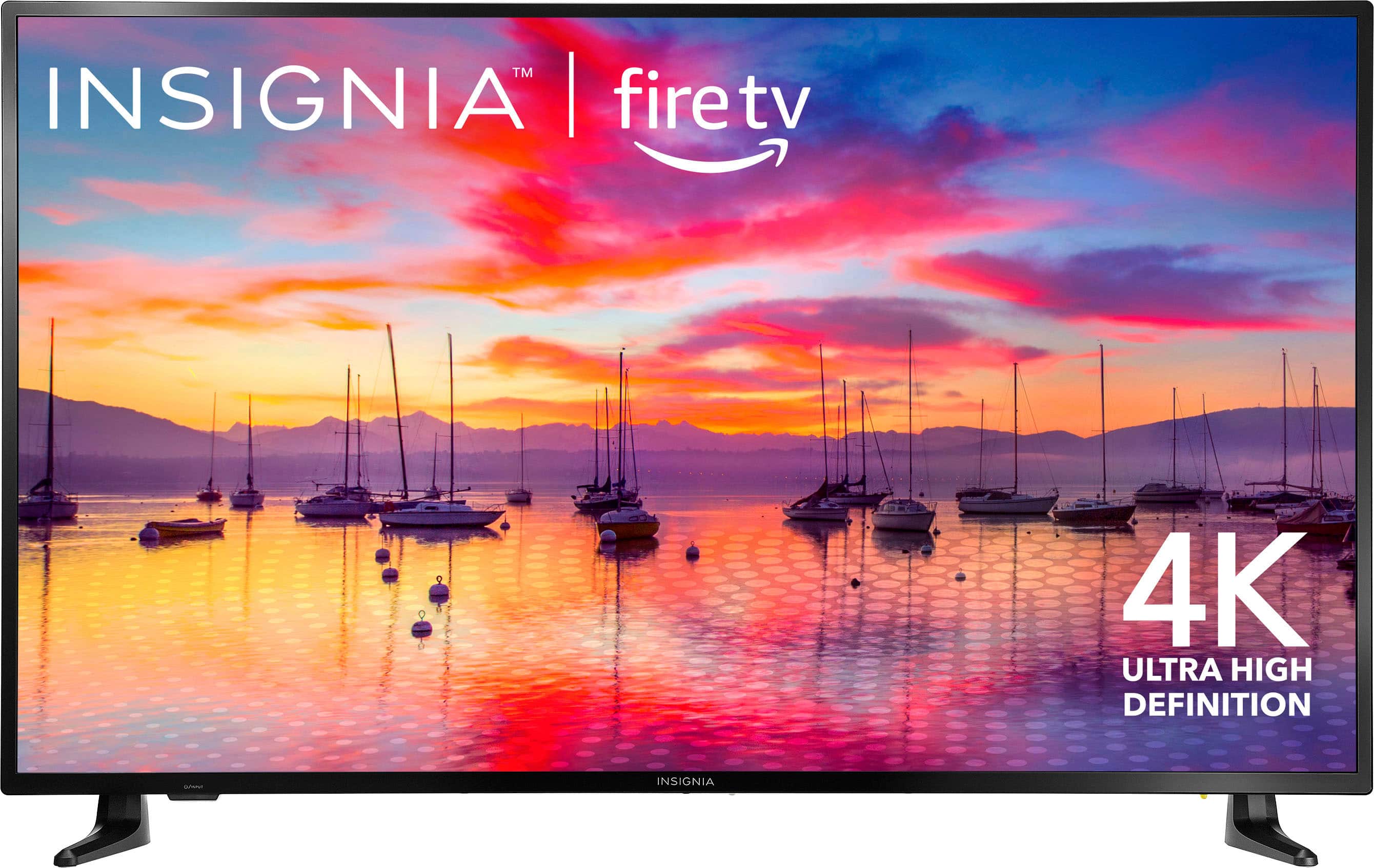
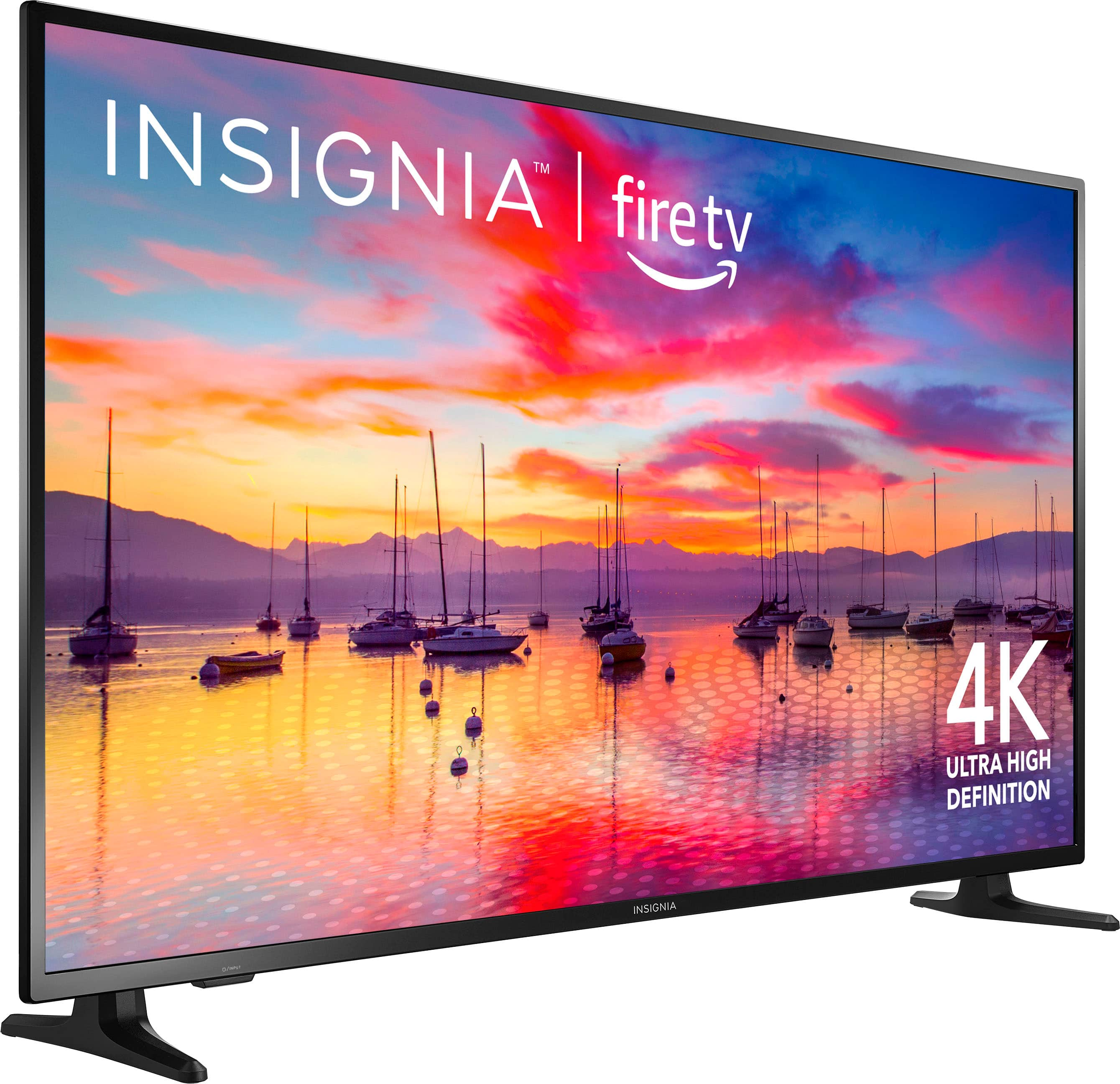
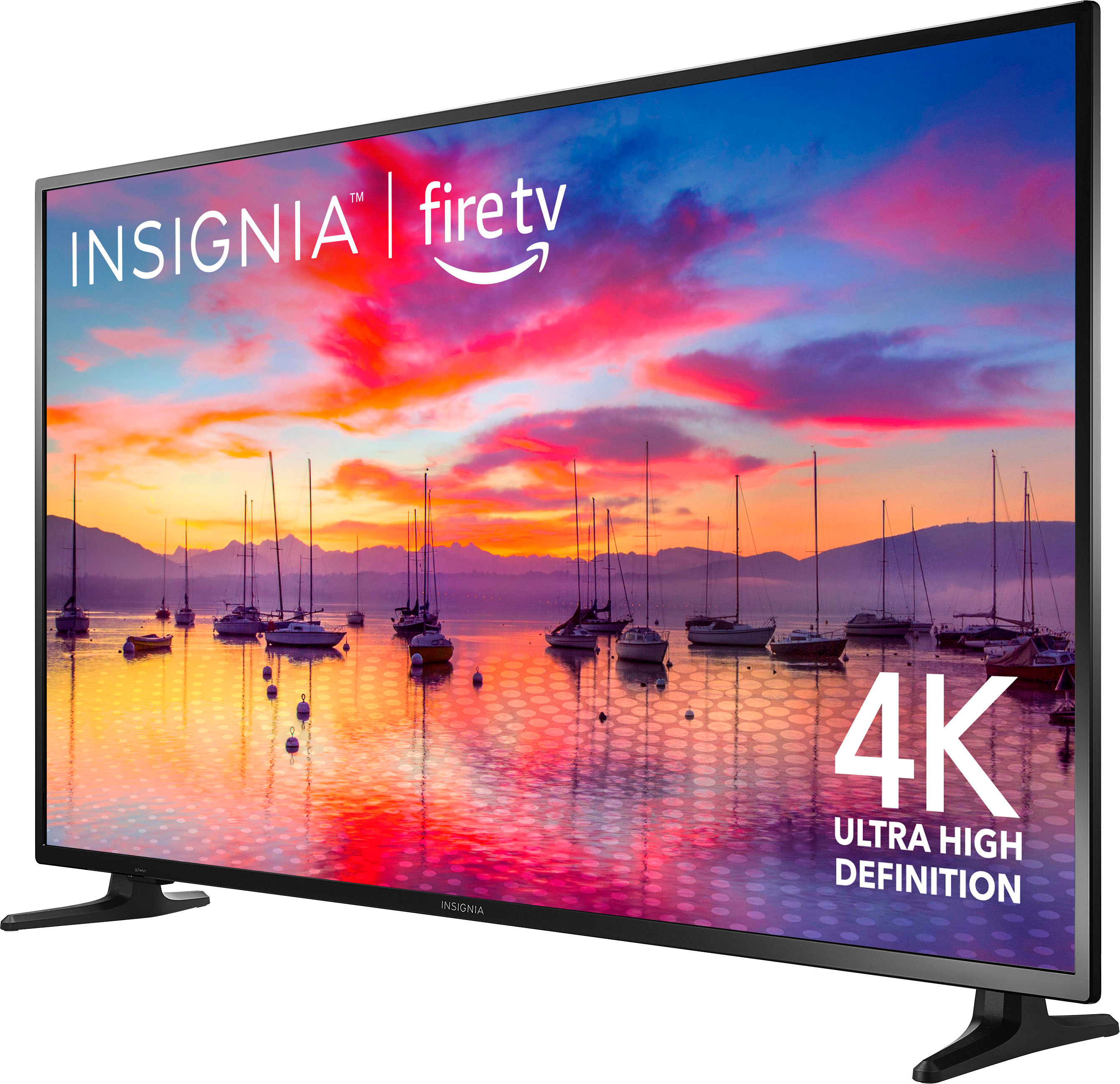
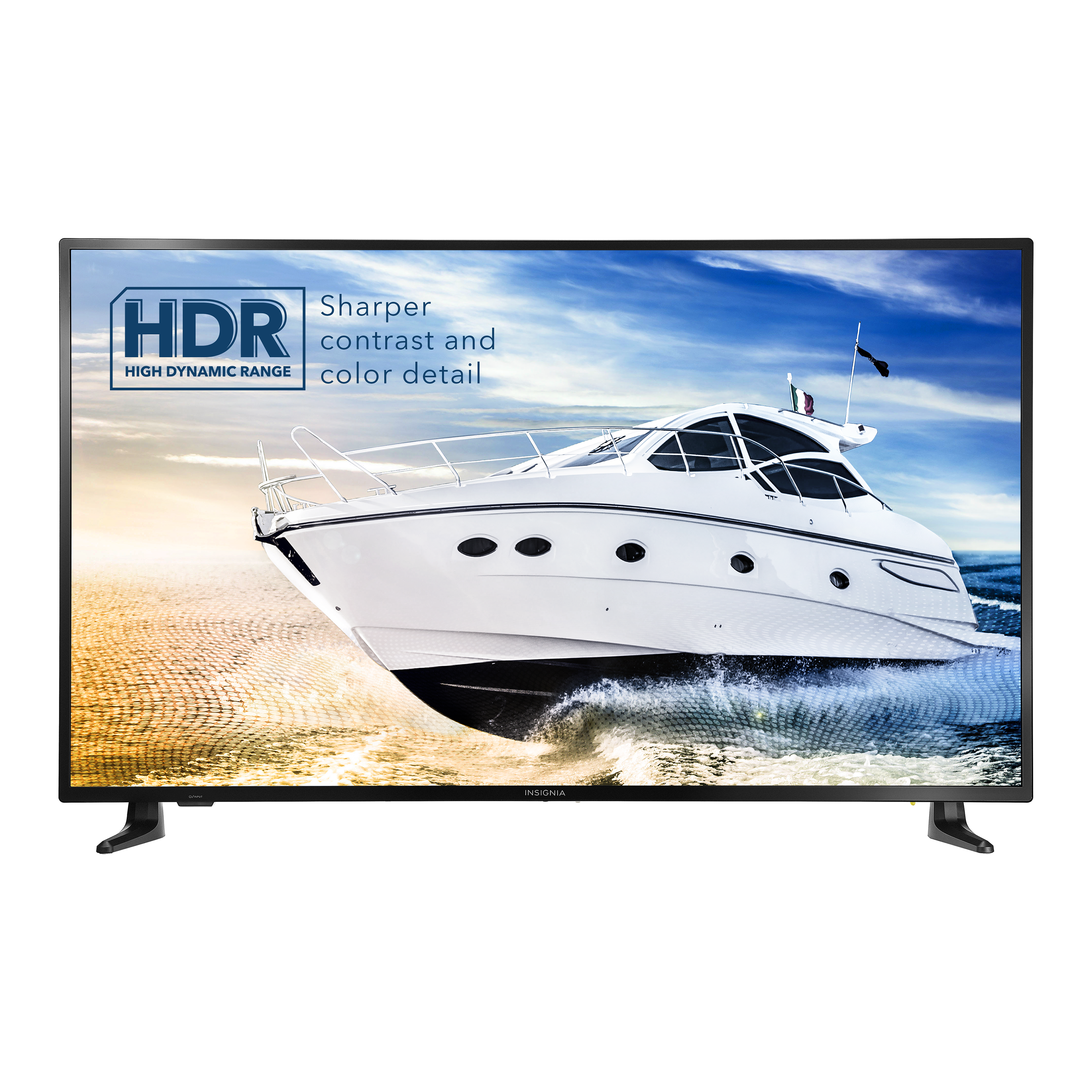
- A:Answer Yes, this TV comes with a stand.
This question and answer was generated by AI based on customer and product data.Q: QuestionIs this tv suitable for a screened in porch?
Asked by Outdoortv.
- A:Answer Hi Outdoortv! Thank you for your interest in our Insignia™ - 55" Class F30 Series LED 4K UHD Smart Fire TV. This, this Tv is only intended for an indoor use. For more product information, please visit the link below. |Angelica| Insignia Support| https://www.bestbuy.com/site/insignia-55-class-f30-series-led-4k-uhd-smart-fire-tv/6562188.p?skuId=6562188
Answered by InsigniaCustomerSupport

Q: QuestionIs this Tv Bluetooth
Asked by Friend.
- A:Answer Hi, Friend! Thank you for inquiry! Yes, the Insignia™ - 55" Class F30 Series LED 4K UHD Smart Fire TV comes with Bluetooth connectivity, allowing you to pair it with compatible devices such as Bluetooth speakers, headphones, or keyboards. This feature enhances the versatility of the TV by enabling wireless audio streaming and other Bluetooth-enabled functionalities. Keith | Insignia Support https://www.bestbuy.com/site/insignia-55-class-f30-series-led-4k-uhd-smart-fire-tv/6562188.p?skuId=6562188
Answered by InsigniaCustomerSupport

Q: QuestionCan i attach a universal swivel stand/base to this 55" TV and how many USB ports does it have.
Asked by Chips.
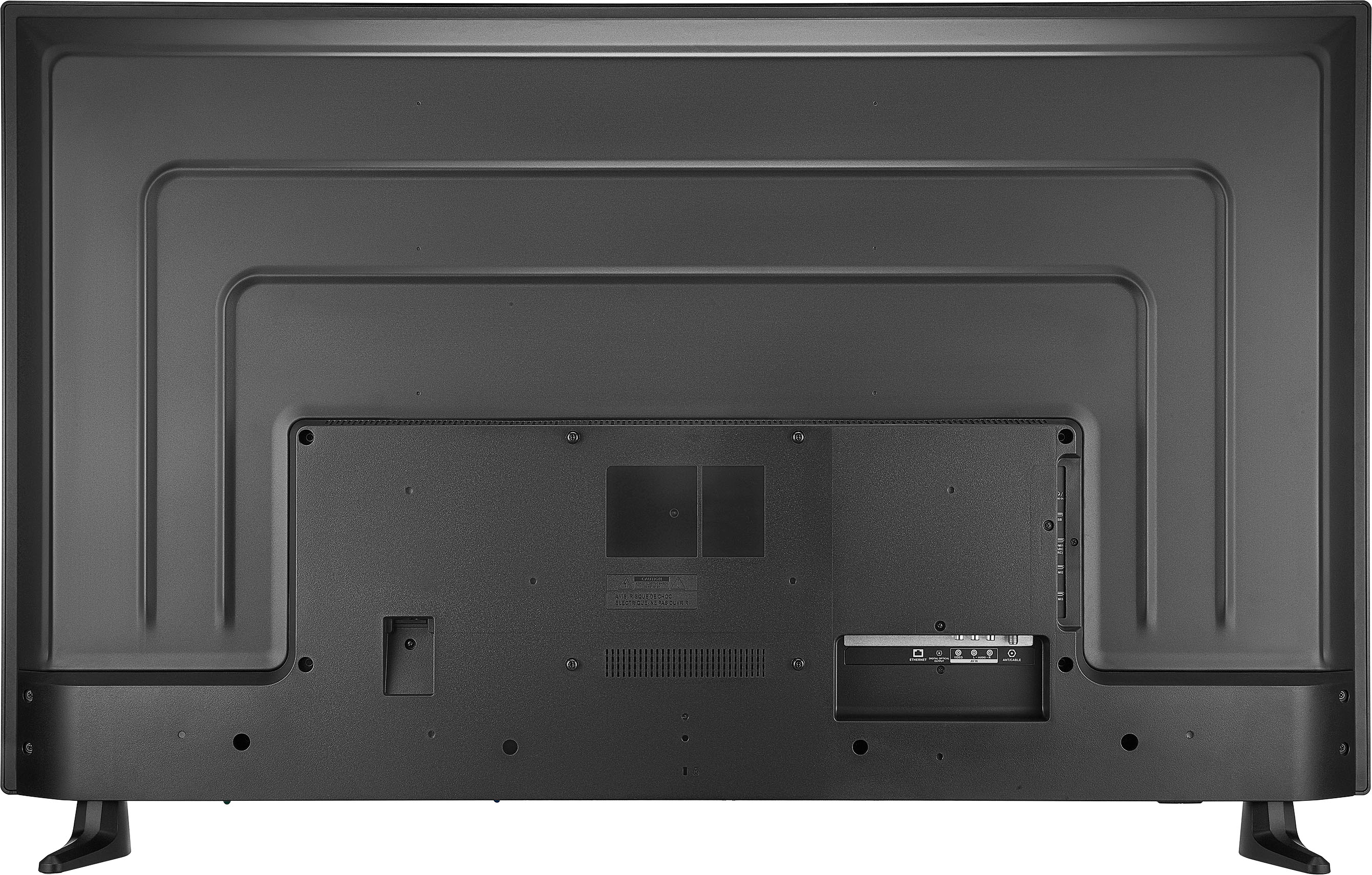
- A:Answer Universal Swivel Stand/Base Compatibility Yes, you can attach a universal swivel stand/base to the Insignia™ 55" Class F30 Series LED 4K UHD Smart Fire TV. This TV is compatible with VESA mounting patterns, specifically 200 x 200 mm, which is a common standard for many universal stands and mounts12. Just ensure that the stand you choose supports this VESA pattern and the weight of the TV. USB Ports The Insignia 55" Class F30 Series LED 4K UHD Smart Fire TV has one USB port34. This port can be used for connecting USB drives, external storage, or other compatible devices. If you have any more questions or need further assistance, feel free to ask! Thank you for choosing Insignia! - Mae | Insignia Support | https://www.bestbuy.com/site/brands/best-buy-brands/pcmcat1596746025285.c?id=pcmcat1596746025285
Answered by InsigniaCustomerSupport

Q: QuestionIs this TV compatible with Roku account? Would I need an external Roku?
Asked by Lisa.
- A:Answer It is compatible. I have Roku as well. I use my old external Roku on another TV now.
Answered by McRiver
Q: QuestionCan this tv be set up and used without wifi or internet? Thinking about purchasing for my grandparents and setting up their direct tv with HDMI cable
Asked by Tayla.
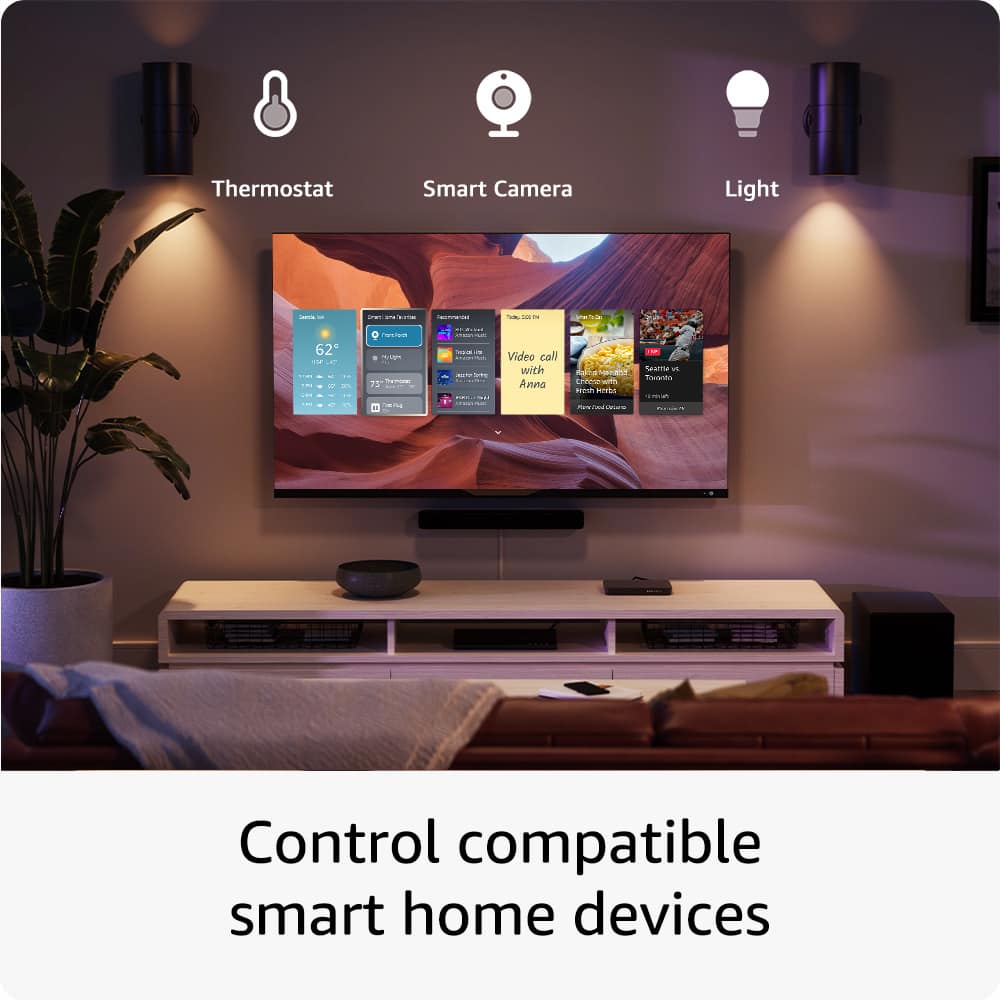
- A:Answer Yes, the Insignia™ 55" Class F30 Series LED 4K UHD Smart Fire TV can be set up and used without Wi-Fi or internet. You can connect your grandparents' Direct TV using an HDMI cable, and they will be able to watch TV without needing an internet connection. However, keep in mind that some of the smart features, such as streaming apps and voice control with Alexa, will not be available without an internet connection. But for basic TV viewing through HDMI, it will work perfectly fine. If you have any other questions or need further assistance, feel free to ask!
Answered by InsigniaCustomerSupport
Q: QuestionCan the TV be set to return to the last input port used?
Asked by Jd2355.
- A:Answer Hi there! Yes, you can. Here's how to do it: 1. Go to "Settings" > "Display and Sound" > "Power Controls" > "Power On" > and select "Last Input". 2. Press "Home" > "Settings" > "Inputs" > and select either "HDMI 1", "HDMI 2", or "HDMI 3". 3. Power the TV off and power it back on to validate the resolution. If you need further assistance, feel free to ask. |Angelica| Insignia Products| https://www.bestbuy.com/site/insignia-55-class-f30-series-led-4k-uhd-smart-fire-tv/6562188.p?skuId=6562188
Answered by InsigniaCustomerSupport

Q: QuestionHow do I turn off the timer feature?
Asked by Timer.
- A:Answer Hi there, you can turn off the sleep timer by press and hold Home until the Quick Setting menu opens and select Sleep Timer, then change the setting to off. Jeth | Insignia™ Support. https://www.bestbuy.com/site/insignia-55-class-f30-series-led-4k-uhd-smart-fire-tv/6562188.p?skuId=6562188
Answered by InsigniaCustomerSupport

Q: QuestionCan I get on the internet with this TV? Also, most TVs don't come with the NESN Sports AP. Can I get on the App Store and download it? Does this TV support it? I know some smart don't allow you to get on the internet and don't allow you to download m
Asked by HoodBrookApiary.
- A:Answer Thank you for reaching out. Yes, our TVs are smart TVs and can connect to the internet. Additionally, you can download the NESN app directly to this TV. I hope you find this information helpful. If you have any further questions, please feel free to reach out again. - Carl | Insignia Support
Answered by InsigniaCustomerSupport

Q: QuestionI have 2 black spots at the bottom of my screen what could it be and do you think it will get worse?
Asked by Debbie.
- A:Answer Black spots on your TV screen can be caused by a few different issues: 1. Dead or Stuck Pixels: These are pixels that no longer function properly. Dead pixels are usually black, while stuck pixels can be any color. 2. Backlight Issues: Problems with the LED backlight can cause dark spots on the screen. 3. Physical Damage: Any impact or pressure on the screen can damage the pixels and create black spots. 4. Dirt or Debris: Sometimes, dirt or debris inside the screen can cause black spots. To determine if the issue will get worse, consider the following: - Dead or Stuck Pixels: These typically don't spread but can be annoying. Sometimes, stuck pixels can be fixed using pixel repair software or by gently massaging the area. - Backlight Issues: These might worsen over time, especially if the backlight is failing. - Physical Damage: If the screen has been damaged, the problem could spread, especially if the screen is further impacted. - Dirt or Debris: This usually doesn't get worse but can be cleaned by a professional if it's inside the screen. If the black spots are bothersome or seem to be getting worse, you might want to contact Insignia customer support or a professional technician for a more detailed diagnosis and potential repair.
Answered by InsigniaCustomerSupport

Q: QuestionCan this TV broadcast local TV channels only by connecting it to a simple indoor antenna solely and using the Alexa voicing remote that comes with the TV? We have no internet/ computer, just a standard electrical outlet.
Asked by RAF.
- A:Answer Yes, the Insignia™ 55" Class F30 Series LED 4K UHD Smart Fire TV can broadcast local TV channels using a simple indoor antenna. Here’s how you can set it up: 1. Connect the Antenna: Plug your indoor antenna into the TV’s coaxial RF antenna input. 2. Scan for Channels: - Press the Home button on your Alexa Voice Remote. - Navigate to Settings > Live TV > Channel Scan. - Follow the on-screen instructions to scan for available channels. Once the scan is complete, you should be able to watch local TV channels. You can use the Alexa Voice Remote to switch channels and control the TV without needing an internet connection or a computer. If you have any questions or need further assistance, please don't hesitate to reach out. Thank you for choosing Insignia! - Emman | Insignia Support | https://www.bestbuy.com/site/brands/best-buy-brands/pcmcat1596746025285.c?id=pcmcat1596746025285
Answered by InsigniaCustomerSupport

Q: QuestionIs this tv compatible with You Tube TV?
Asked by Anonymous.
- A:Answer Yes.
Answered by BlazingFlower
Q: QuestionDoes this TV offer picture-in-picture? If so, does it offer it through different inputs so that I could be watching a show via cable, but have PIP from a HDMI source? Thanks,
Asked by Jim76.
- A:Answer Thank you for your inquiry! Yes, this TV supports PIP through different inputs, allowing you to watch content from one source (e.g. cable) and have a secondary window showing content from a different source (e.g. HDMI input). This feature is ideal for multitasking or keeping an eye on another channel while watching your main program. Keith | Insignia Support https://www.bestbuy.com/site/insignia-55-class-f30-series-led-4k-uhd-smart-fire-tv/6562188.p?skuId=6562188
Answered by InsigniaCustomerSupport

Q: QuestionWhat is the warranty for the Insignia-55-class-f30-series-led-4k-uhd-smart-fire-tv/6562188.p?skuId=6562188? what is the Warrenty for the Insignia 55" Class F30 Series LED 4K UHD Smart FireTV?
Asked by Warrenty.
- A:Answer Yes, My tv screen just went solida black but has sound.
Answered by Anonymous
Q: QuestionWould there be existing warranty?
Asked by SeanB.
- A:Answer Yes, the Insignia™ 55" Class F30 Series LED 4K UHD Smart Fire TV comes with a standard manufacturer's warranty. Typically, this includes a one-year limited warranty that covers defects in materials and workmanship. If you have any specific concerns or need more details about the warranty coverage, feel free to ask!
Answered by InsigniaCustomerSupport

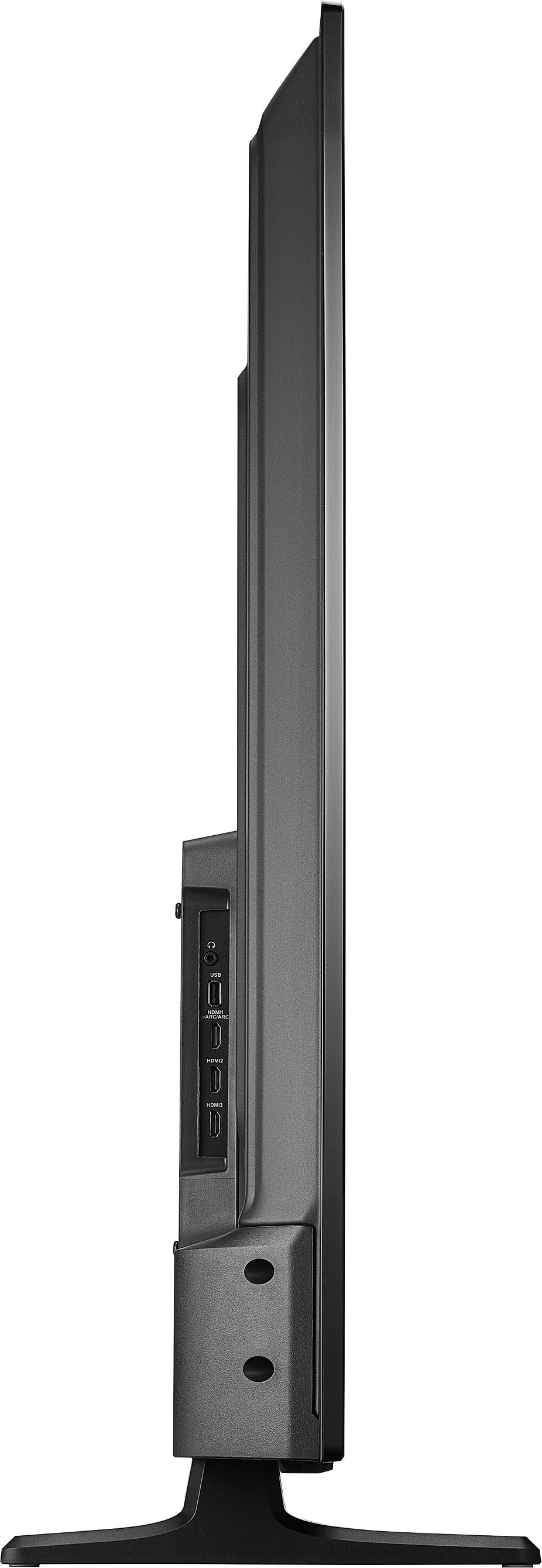
Q: QuestionDoes this tv have a antenna hook up ?
Asked by LunaCat.
- A:Answer Yes, the Insignia 55" Class F30 Series LED 4K UHD Smart Fire TV does have an antenna hookup. It includes a coaxial RF port, which allows you to connect an antenna to receive over-the-air (OTA) broadcast channels. Patricia | Insignia Support
Answered by InsigniaCustomerSupport

Q: QuestionCan this tv be connected to Spectrum? If so, how is it done???
Asked by erndog.
- A:Answer The Spectrum TV app is not currently available for Amazon Fire TV streaming devices. However, you can connect a live TV source to your Fire TV Smart TV to watch cable. -Ed | Insignia Support | https://www.bestbuy.com/site/brands/best-buy-brands/pcmcat1596746025285.c?id=pcmcat1596746025285
Answered by InsigniaCustomerSupport

Q: QuestionIs this tv easy to set up? Can I attached my cable tv to it easily?
Asked by Mary.
- A:Answer The Insignia™ 55" Class F30 Series LED 4K UHD Smart Fire TV is designed to be user-friendly, making setup relatively straightforward. The TV comes with a quick start guide, and most users find the initial setup process intuitive. You just need to connect it to power, follow the on-screen instructions, and connect to your Wi-Fi. ou can easily attach your cable TV to this model. It features multiple HDMI ports (three in total), a coaxial jack for cable connections, and even composite inputs for older devices. Simply connect your cable box to one of the HDMI ports or the coaxial input, and you should be good to go. -Ed | Insignia Support | https://www.bestbuy.com/site/brands/best-buy-brands/pcmcat1596746025285.c?id=pcmcat1596746025285
Answered by InsigniaCustomerSupport

Most-viewed items
- Doorbuster$169.99Your price for this item is $169.99
- Black Friday Deal$999.99Your price for this item is $999.99
- Black Friday Deal$349.99Your price for this item is $349.99
- Black Friday Deal$99.99Your price for this item is $99.99
- $279.99Your price for this item is $279.99$399.99The comparable value for this item is $399.99
- Black Friday Deal$899.99Your price for this item is $899.99
- $549.99Your price for this item is $549.99$1,299.99The comparable value for this item is $1,299.99
- Black Friday Deal$499.99Your price for this item is $499.99
- $49.99Your price for this item is $49.99$79.99The comparable value for this item is $79.99
- Black Friday Deal$399.99Your price for this item is $399.99
- Black Friday Deal$189.99Your price for this item is $189.99
- Black Friday Deal$379.99Your price for this item is $379.99
- Black Friday Deal$329.99Your price for this item is $329.99
- Black Friday Deal$1,399.99Your price for this item is $1,399.99
- $899.99Your price for this item is $899.99$2,499.99The comparable value for this item is $2,499.99
- $249.99Your price for this item is $249.99$379.99The comparable value for this item is $379.99
- Black Friday Deal$329.99Your price for this item is $329.99
- Black Friday Deal$699.99Your price for this item is $699.99
- Black Friday Deal$399.99Your price for this item is $399.99
- $89.99Your price for this item is $89.99$149.99The comparable value for this item is $149.99


















