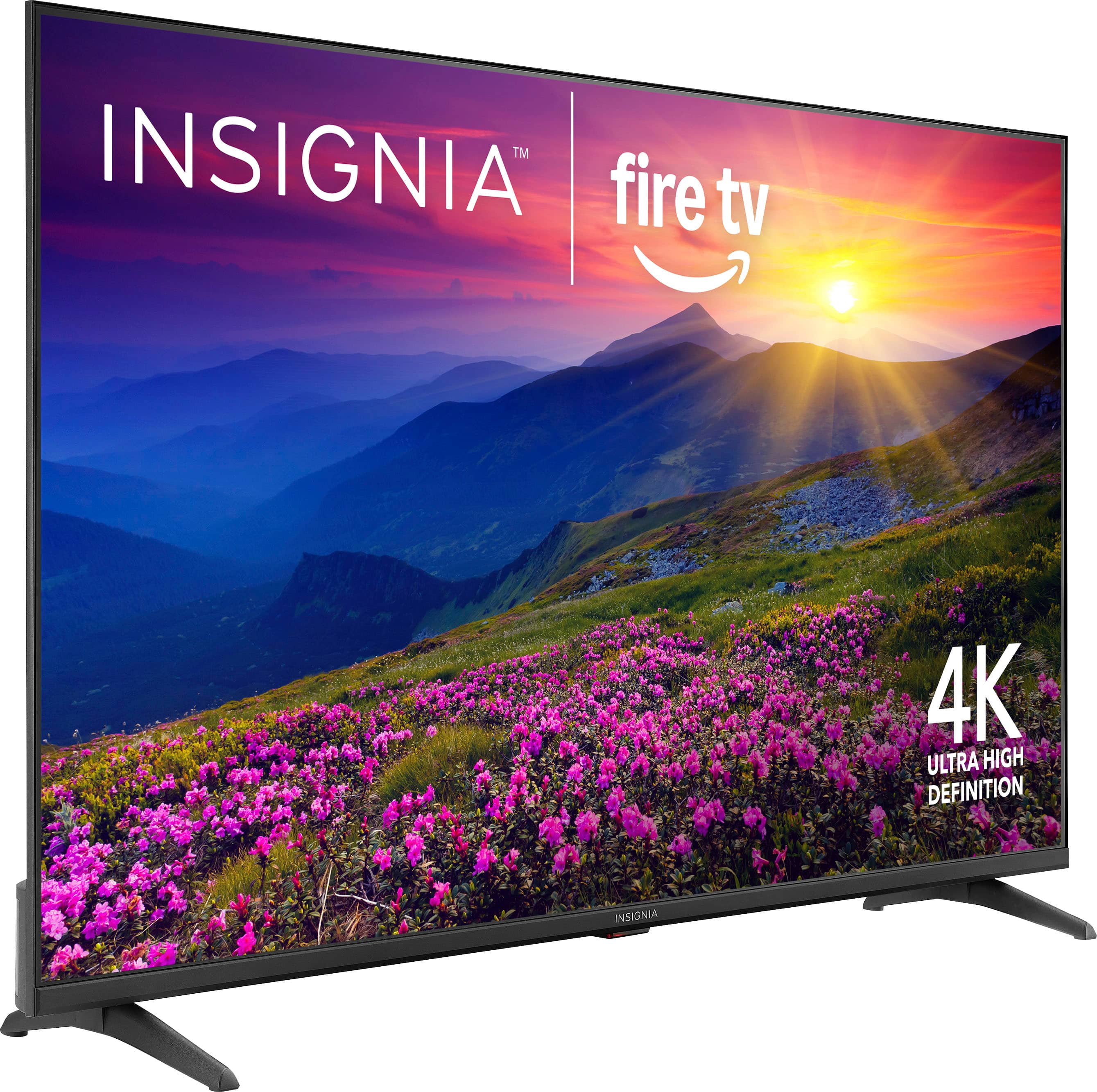
A:AnswerHello Anju! Thank you for your question. The Insignia 55" Class F50 Series LED 4K UHD Smart Fire TV weighs 24.01 pounds with the stand attached and 23.63 pounds without the stand,
Darshan | Insignia
A:AnswerOnce you purchase the tv it should tell you. When it ask you if you want the warranty. I did not take the warranty being that I did not want to pay extra money for it. Because the warranty Is for a certain amount of time. Then it expires and sometimes does not cover everything for the tv. So based upon past experience. I refuse to purchase warranty for it. Plus tv today are not that expensive to repurchase.
A:AnswerThe controller has separate volume and channel controls, it’s fairly easy to navigate, I will say, it’s a little tricky to switch input modes, but once you know how, it’s easy to do everytime.
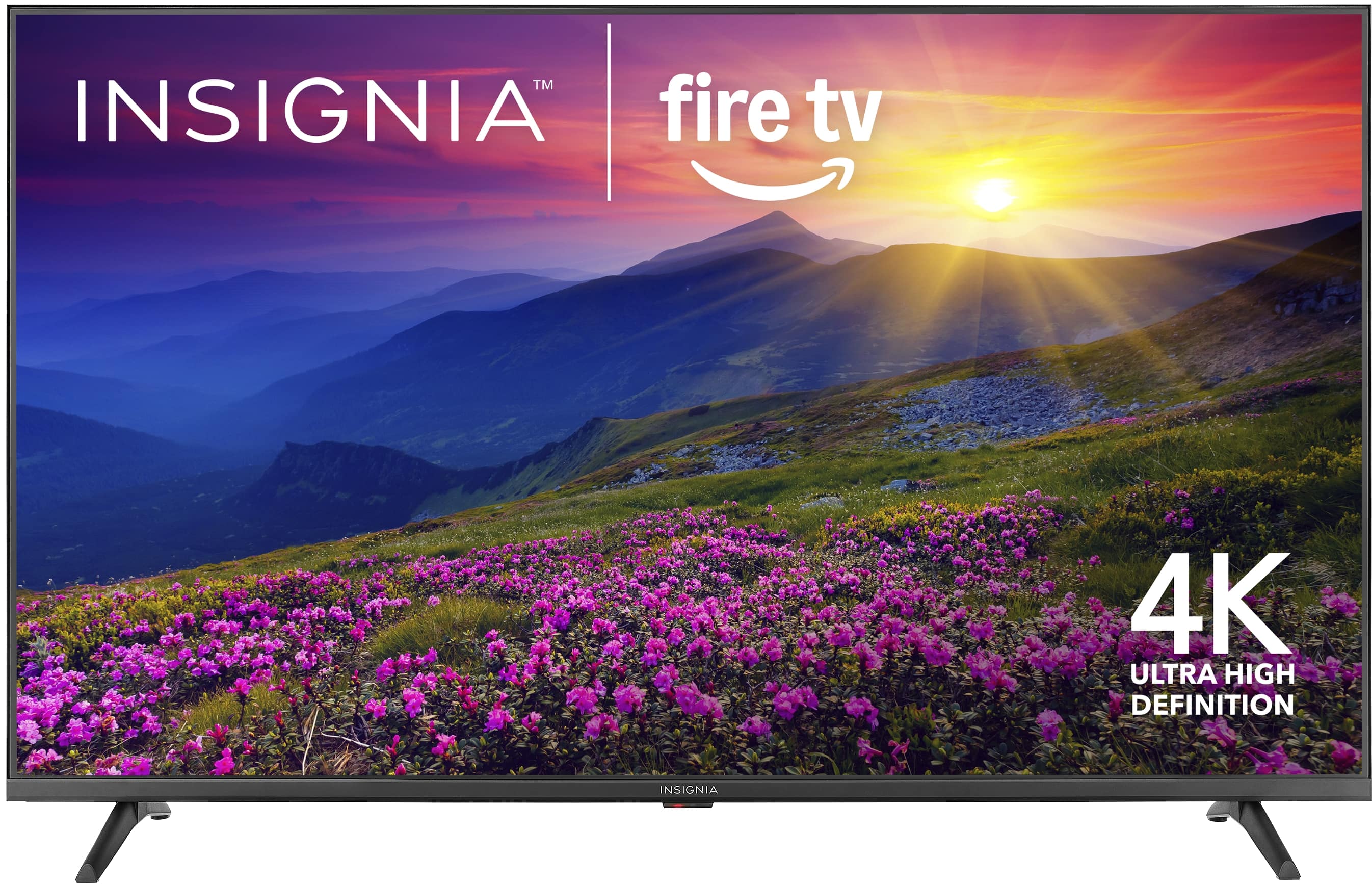
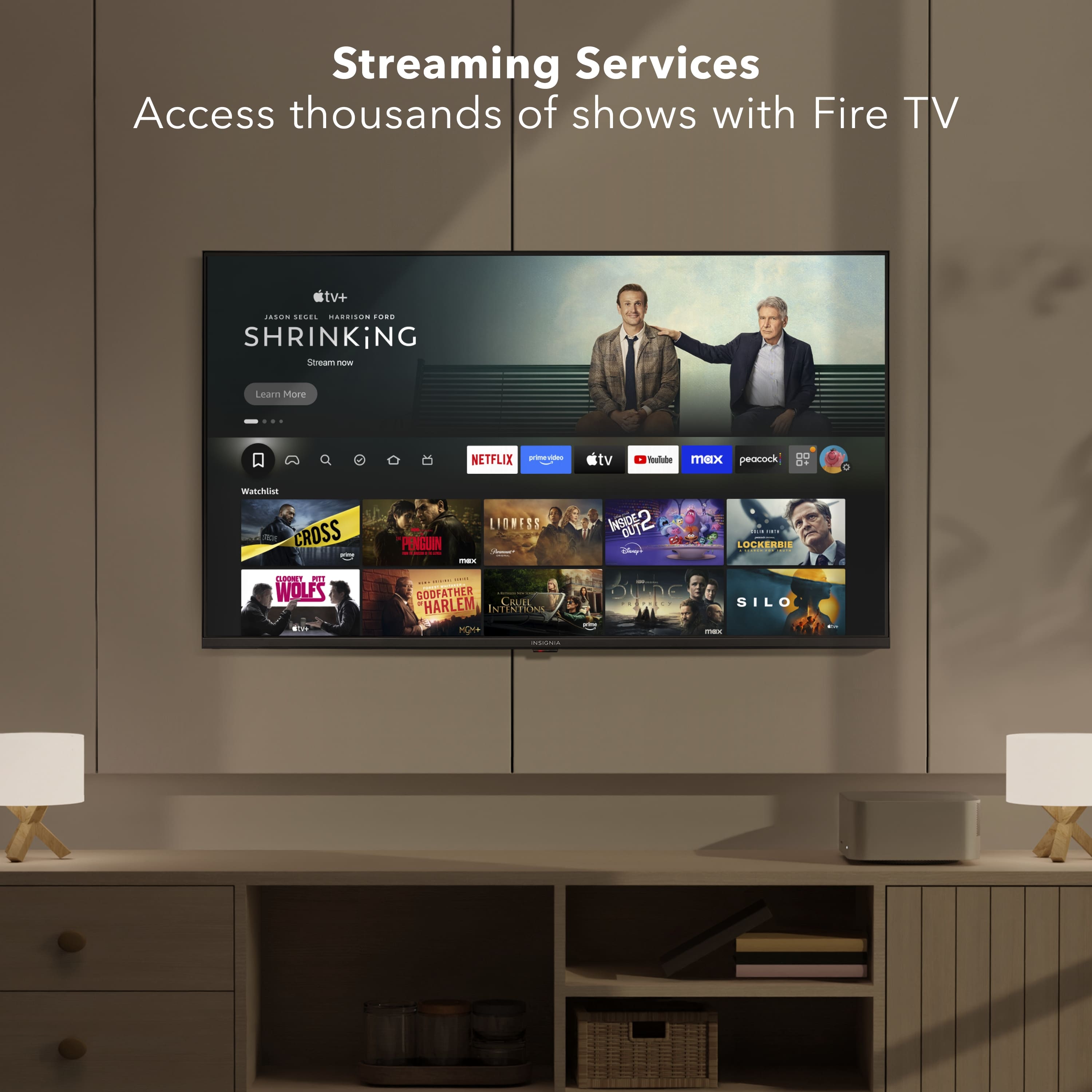
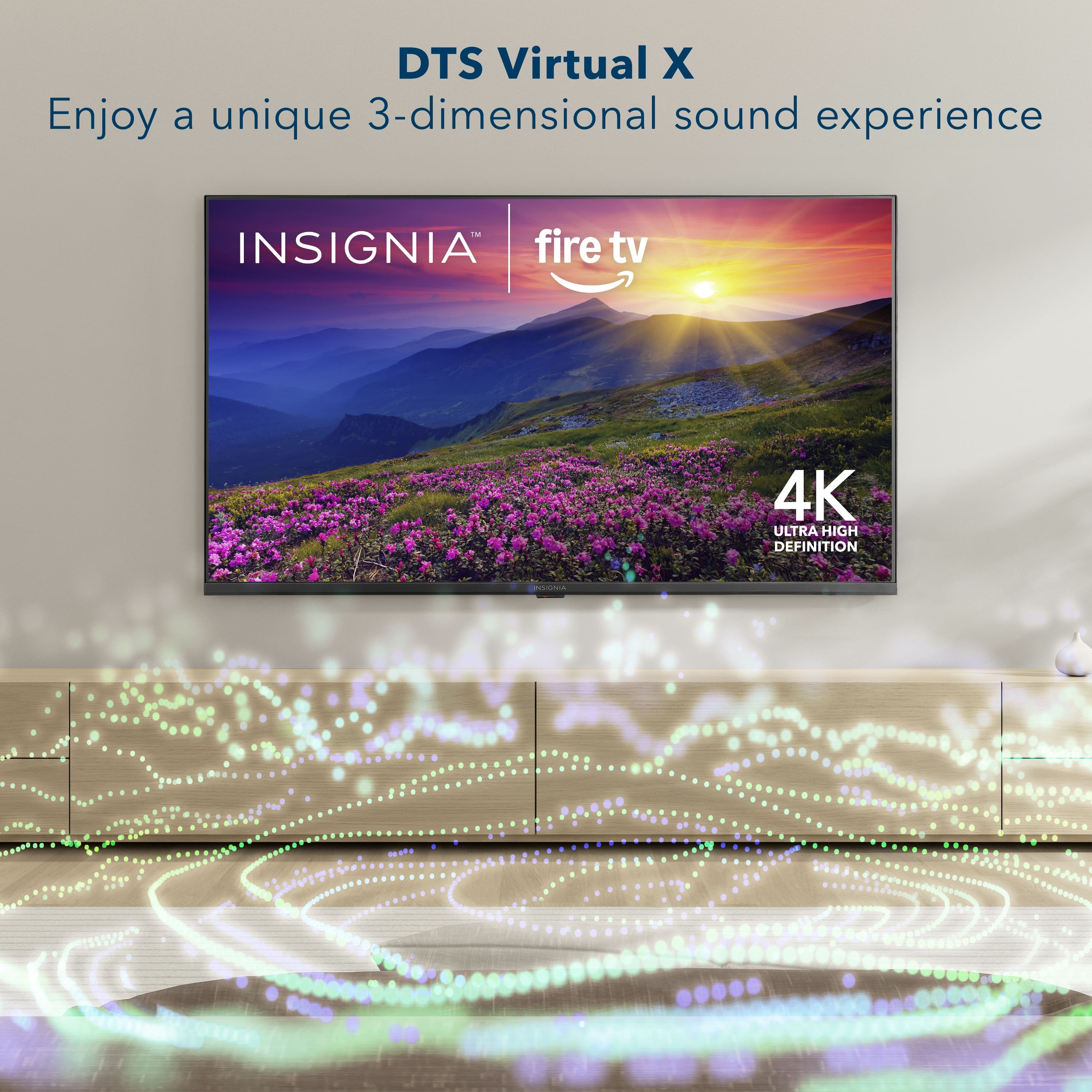
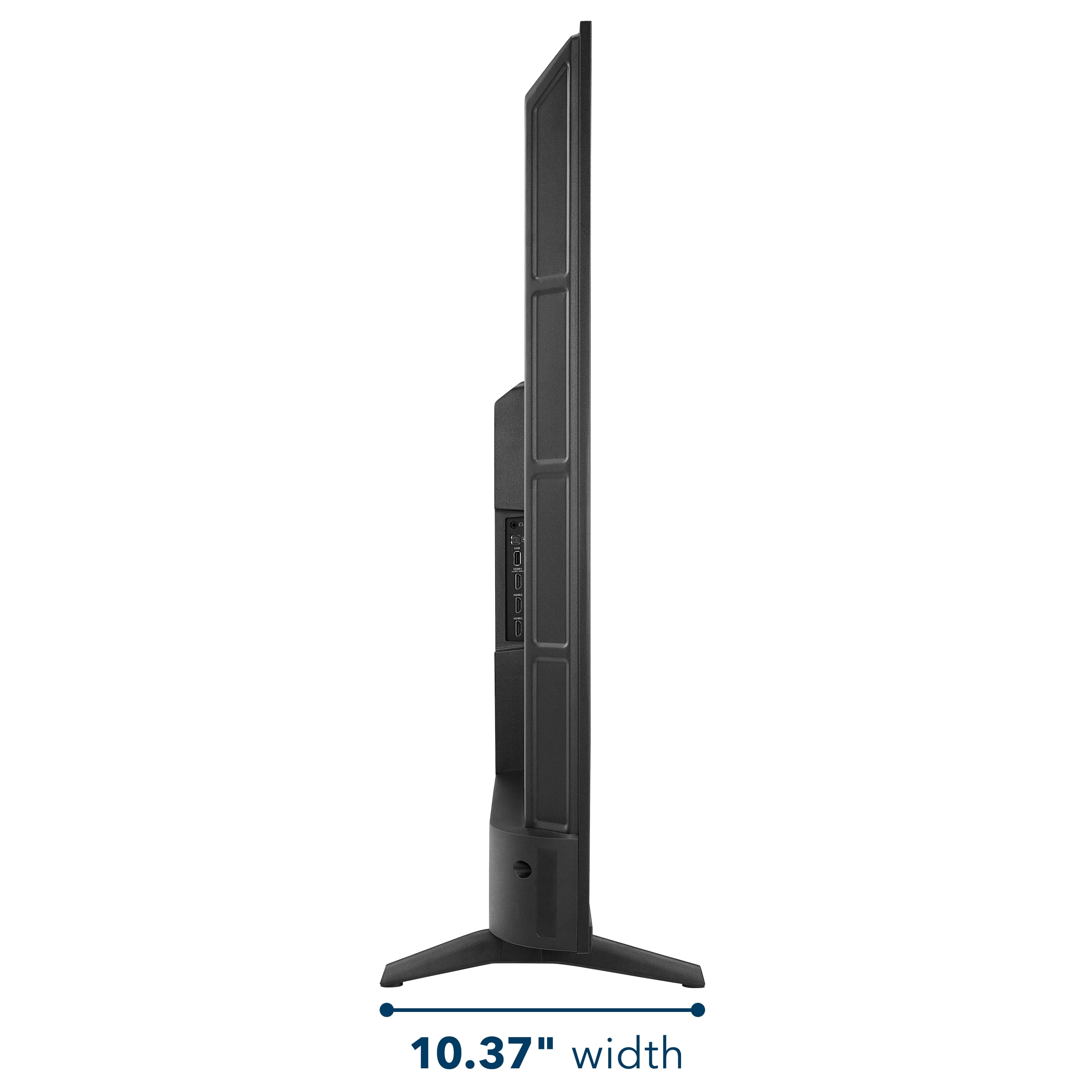

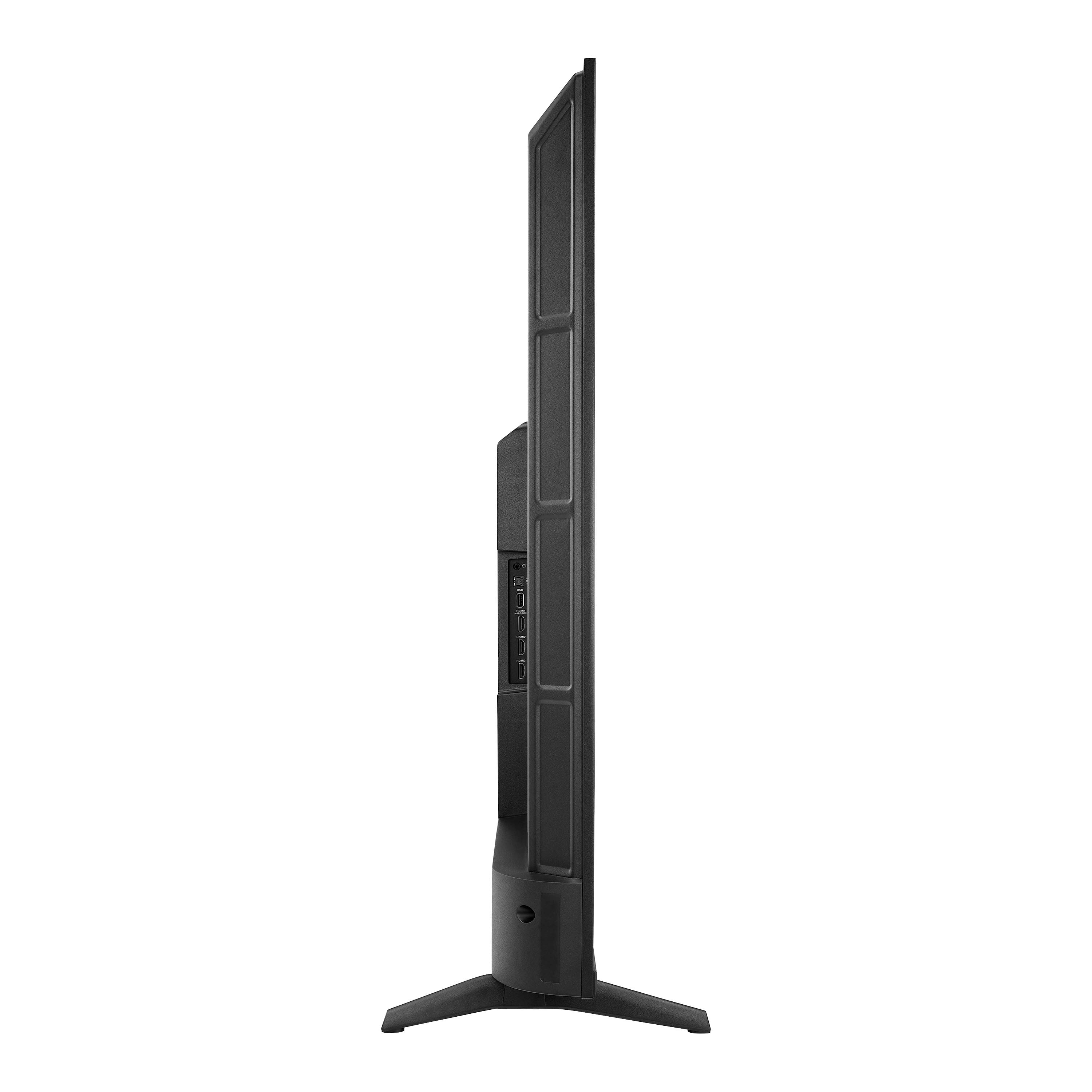
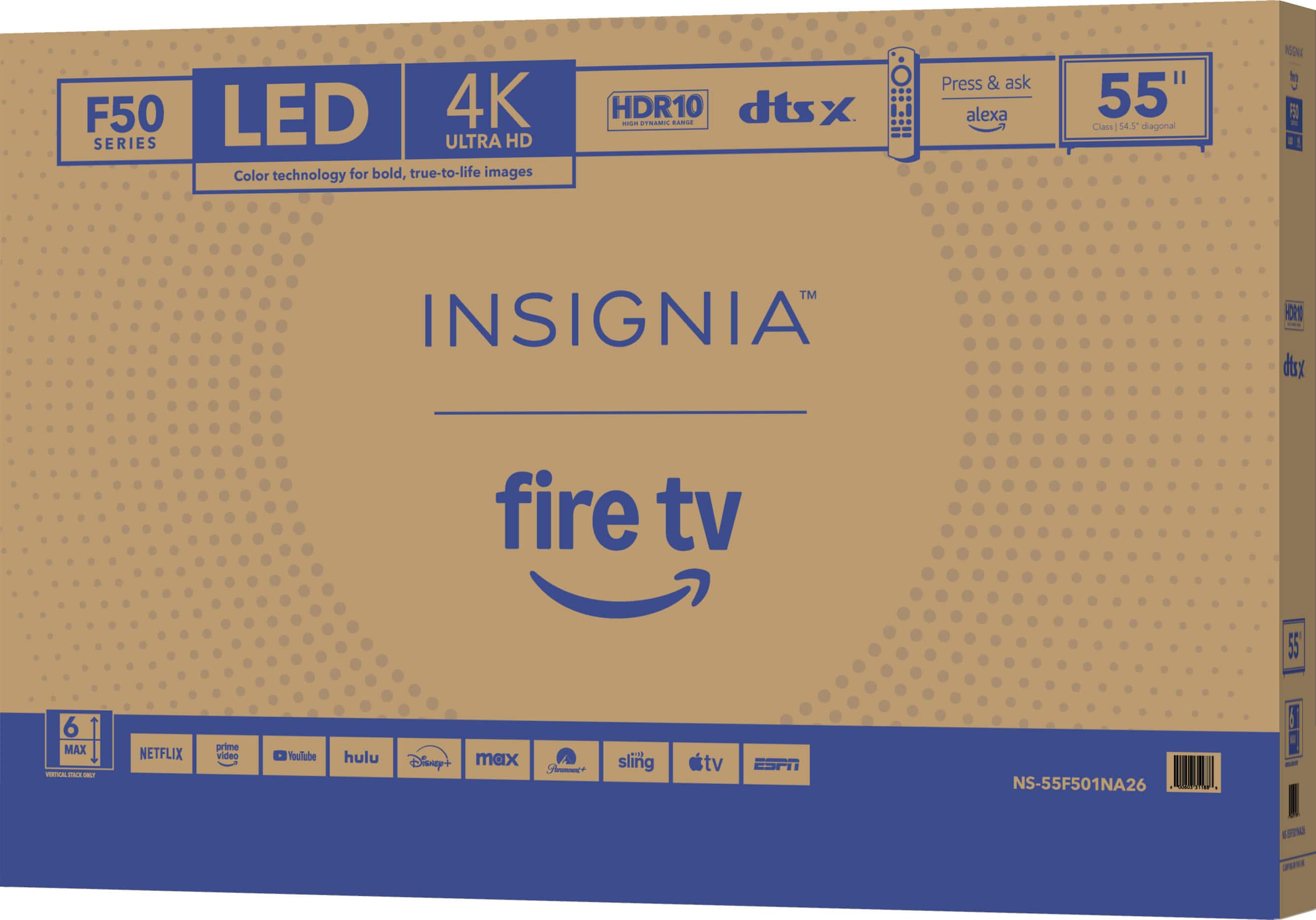
.
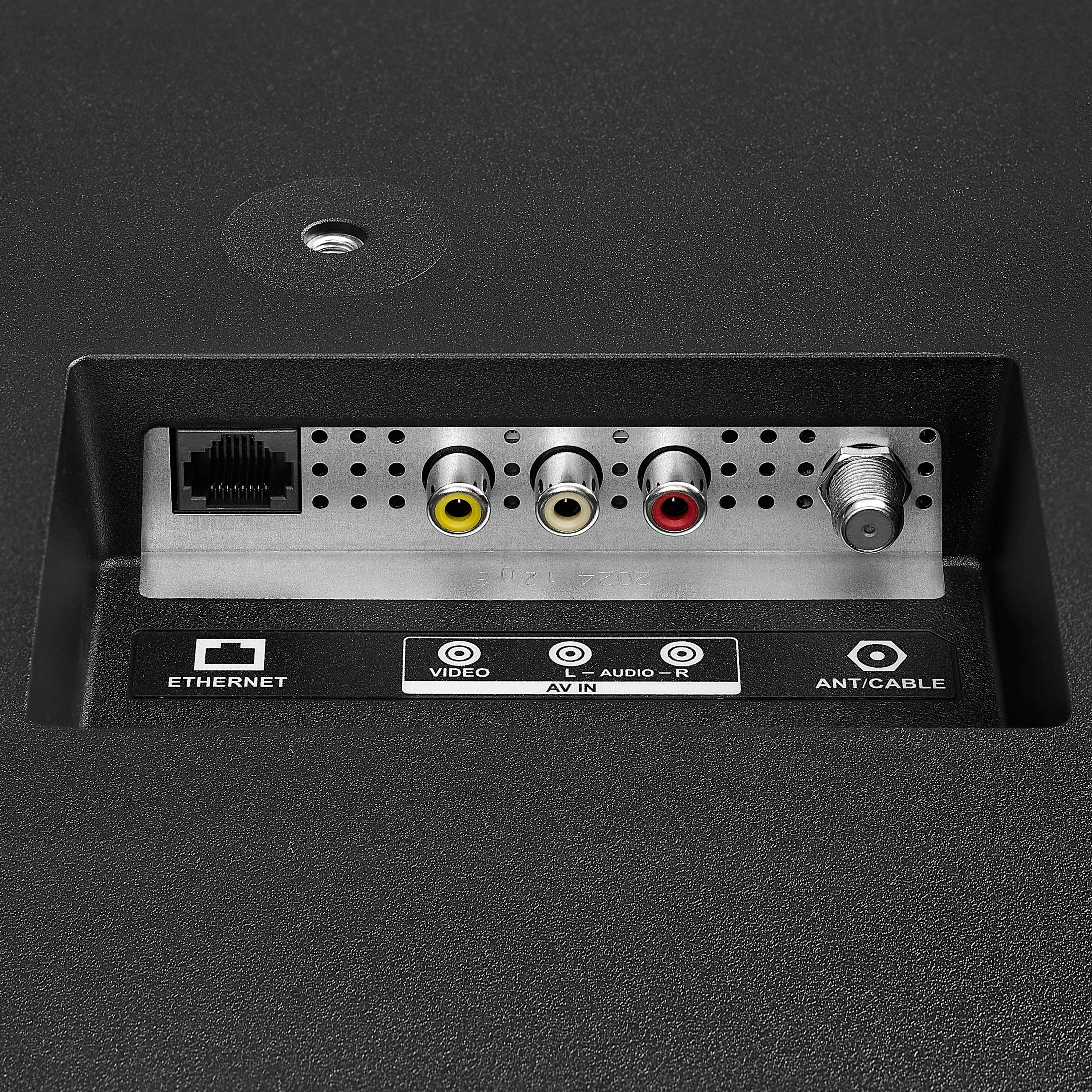
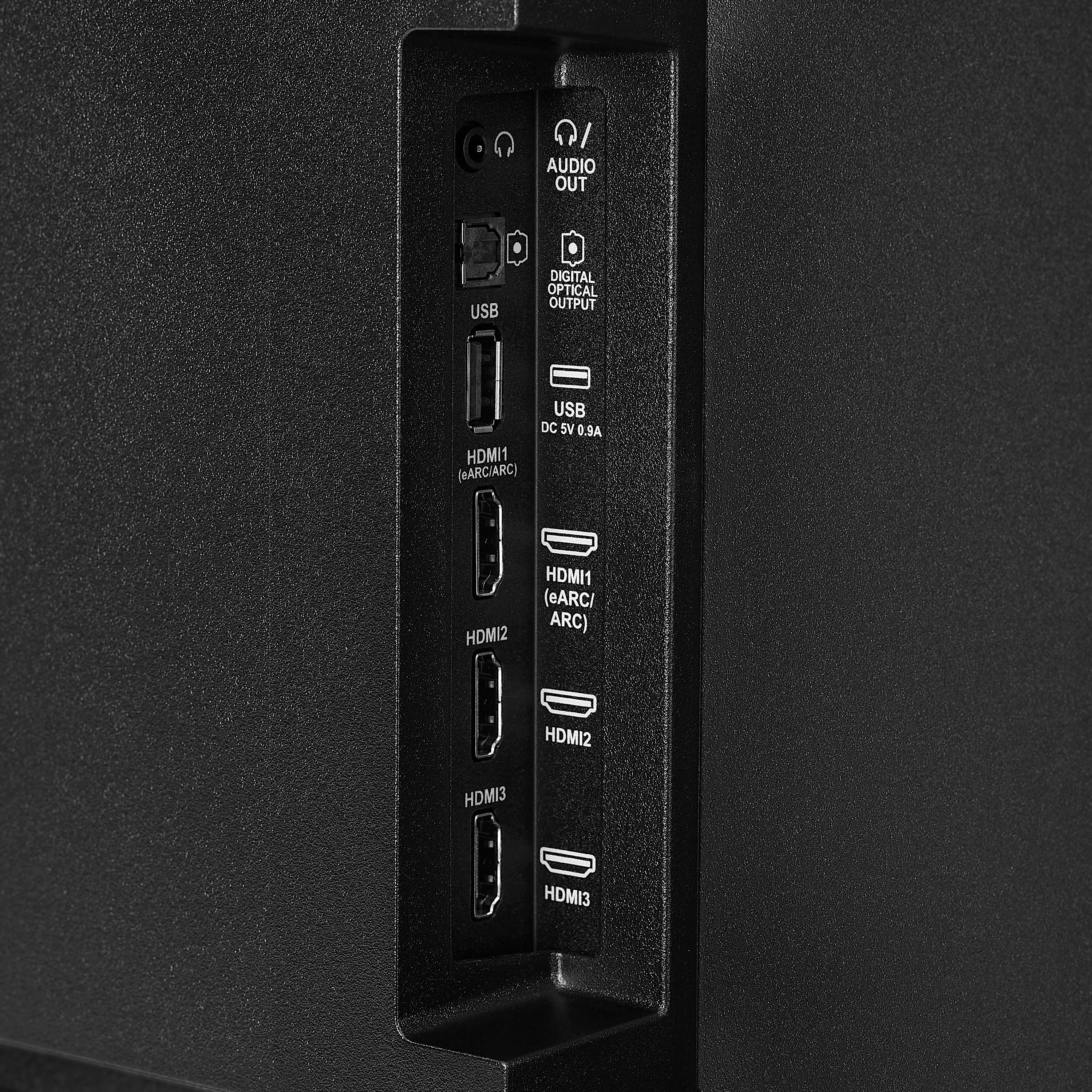
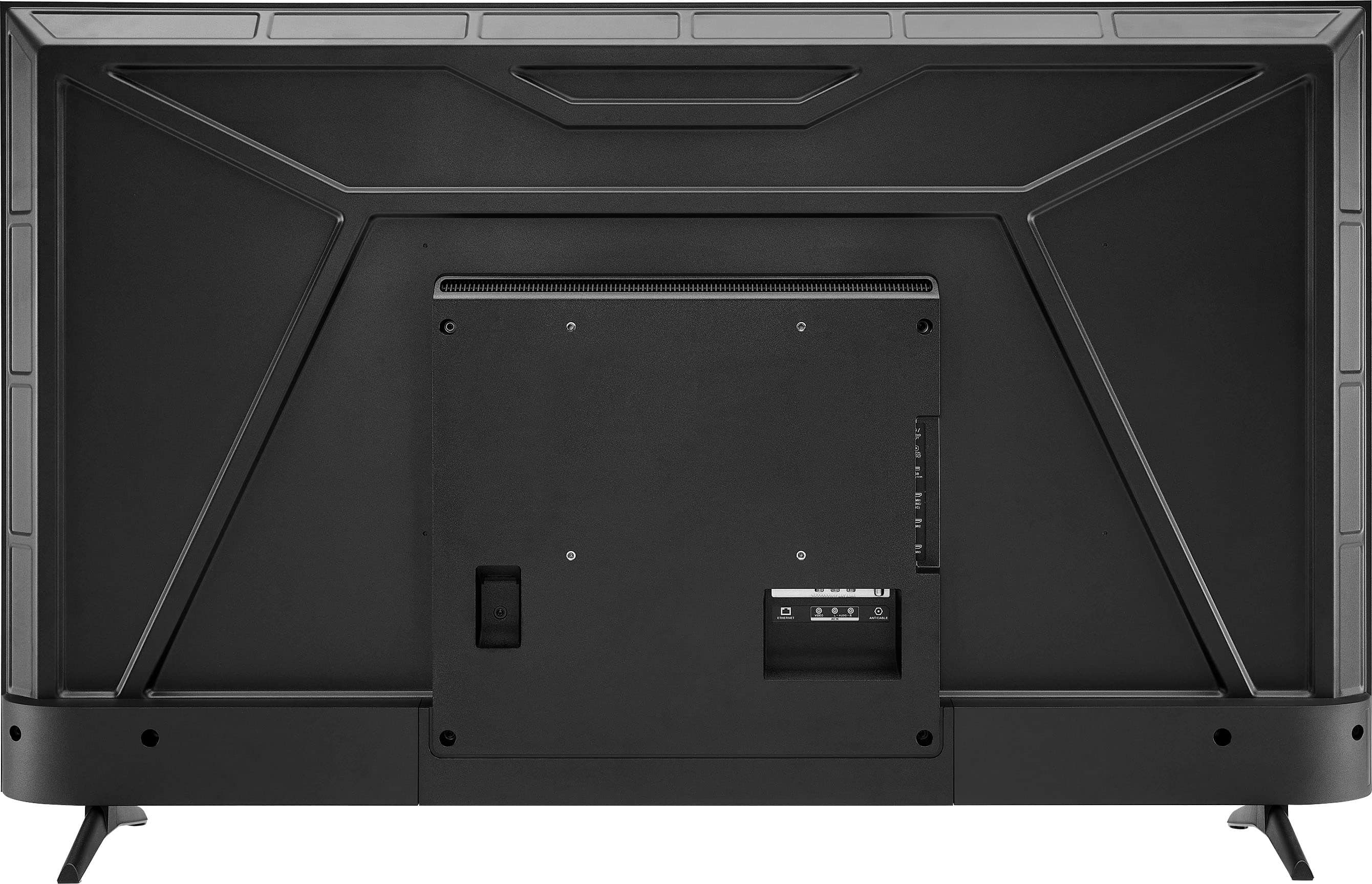
FEATURES:
- 160p Screen Resolution
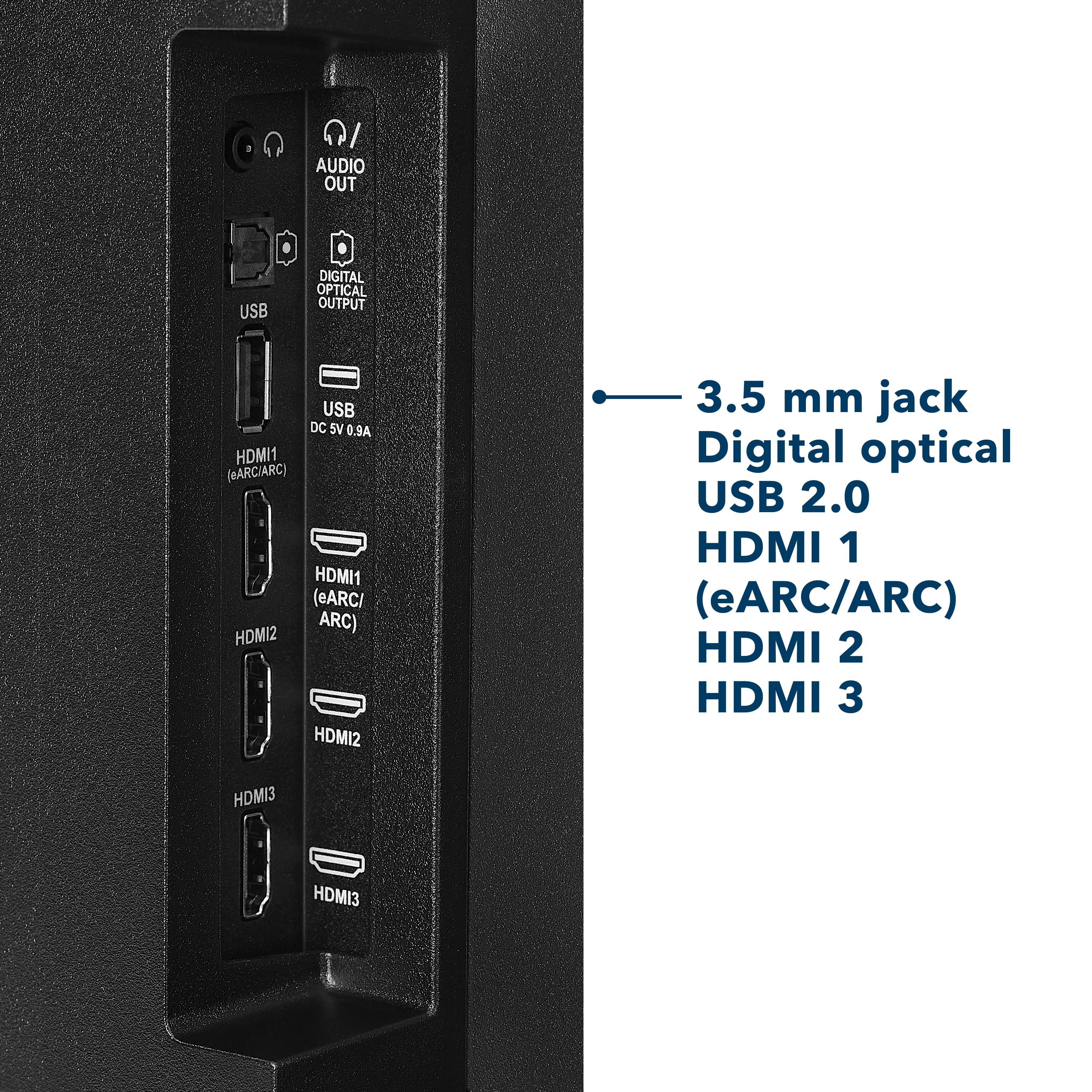
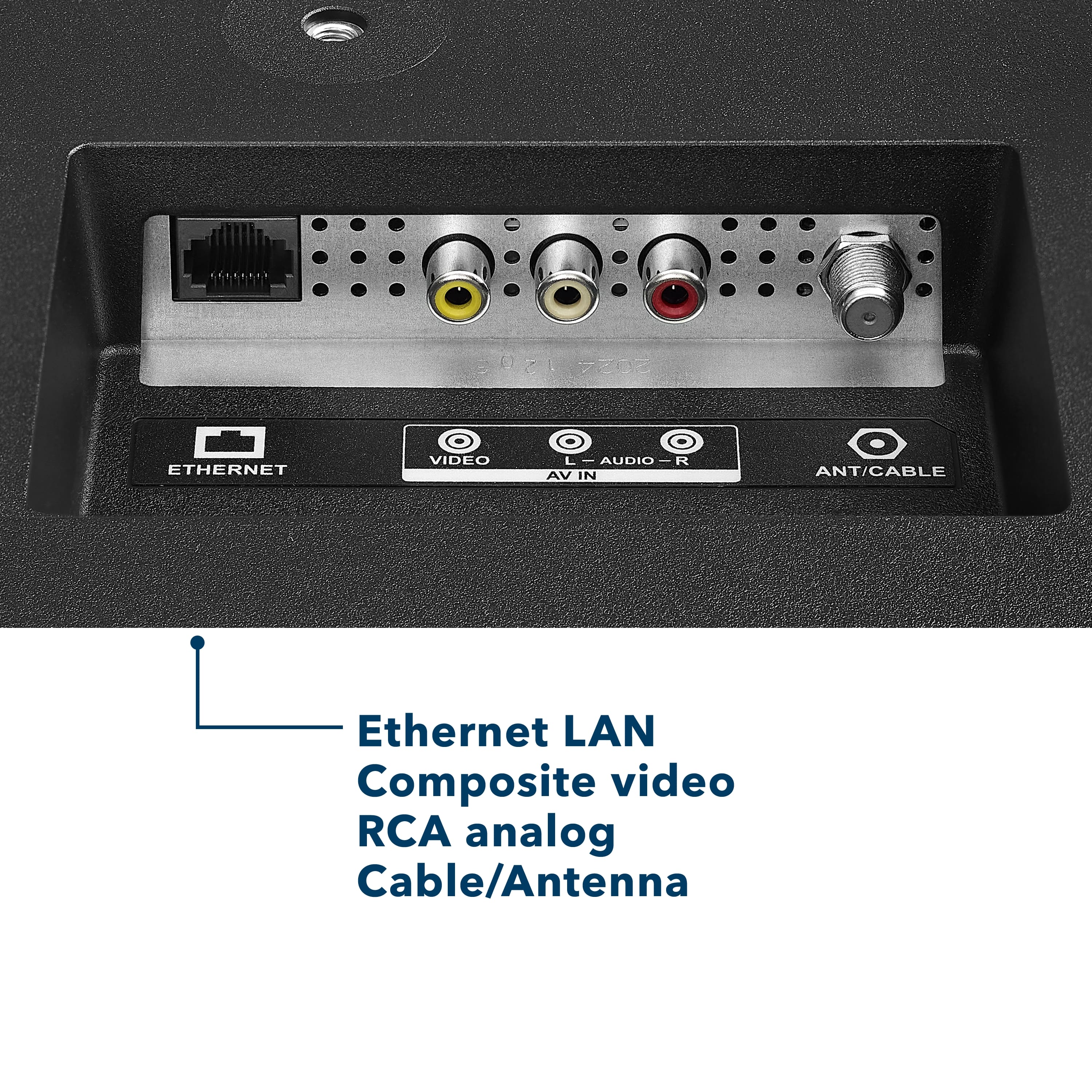
- Antenna/Cable Input
- HDMI Input
- Parallel Refresh Rate
- Headphone Jack
- Audio Output
- Wireless Digital Output
- Optical Audio Output
WARRANTY/SUPPORT:
- Best Buy and Insignia offer a limited warranty.
- Please recycle this box to help conserve natural resources.
- For more information about warranty and support, visit Best Buy.](https://pisces.bbystatic.com/image2/BestBuy_US/images/products/d9ec79da-15df-4d39-934a-5f9c9726d885.jpg)





