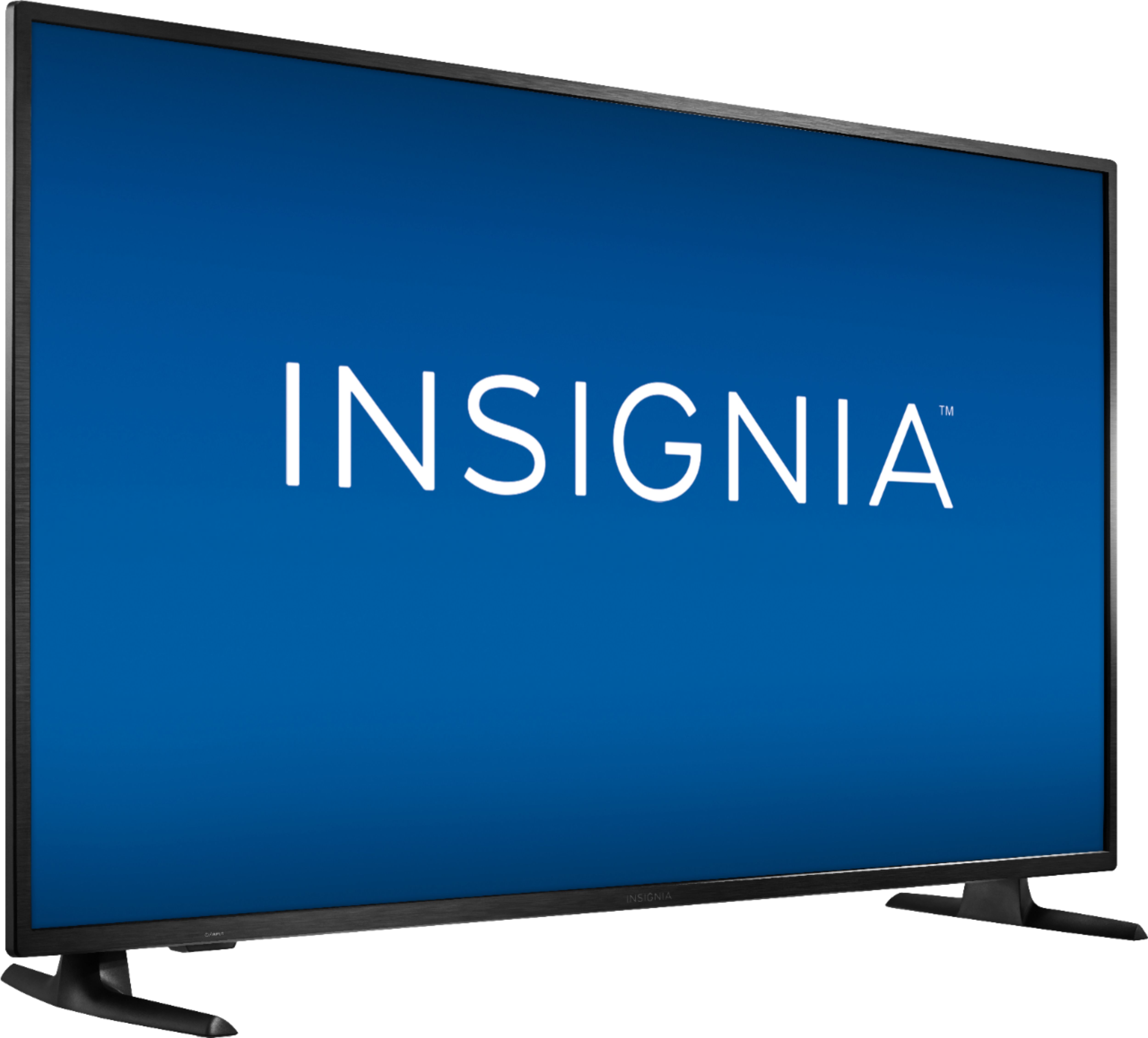
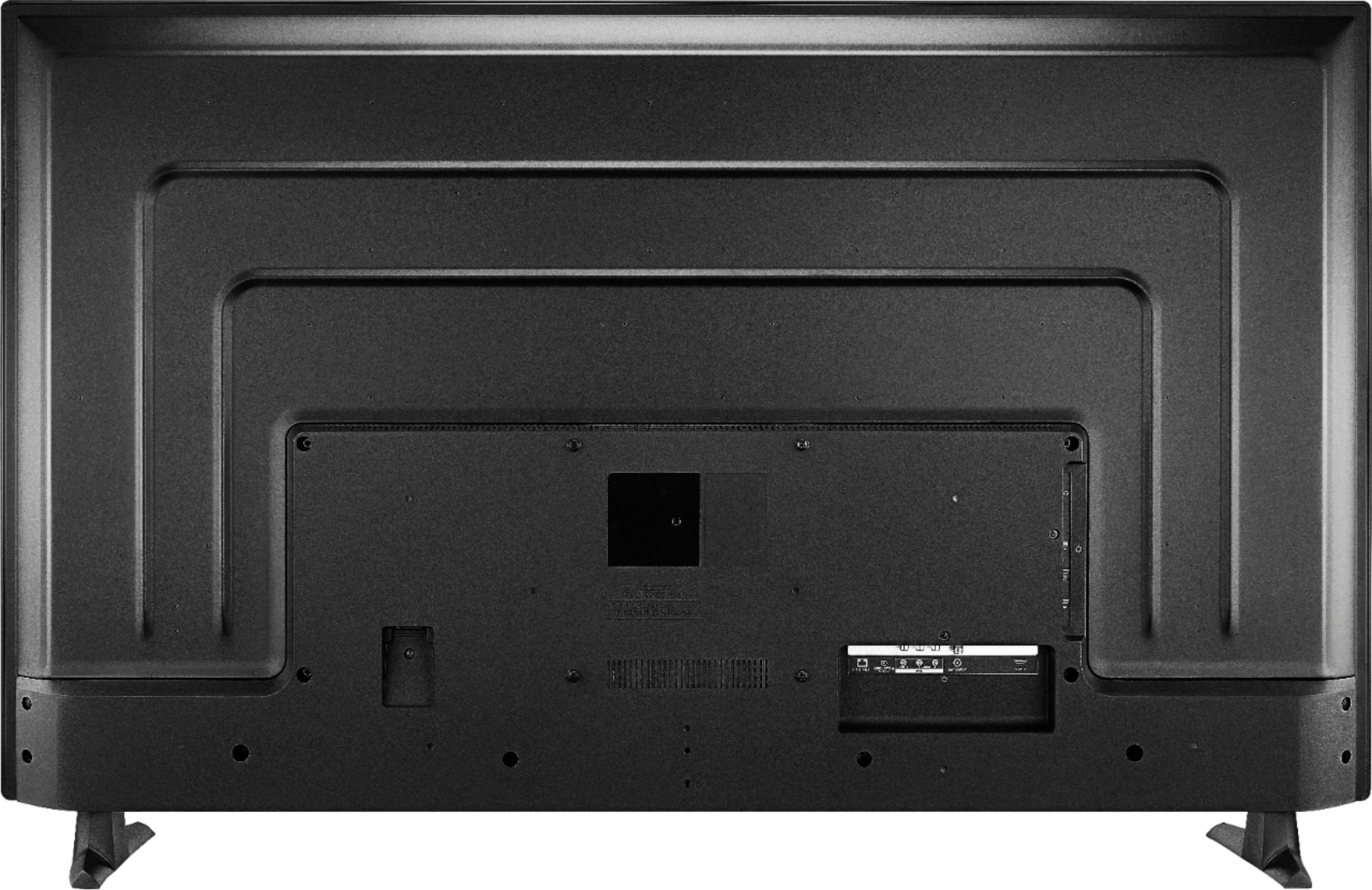
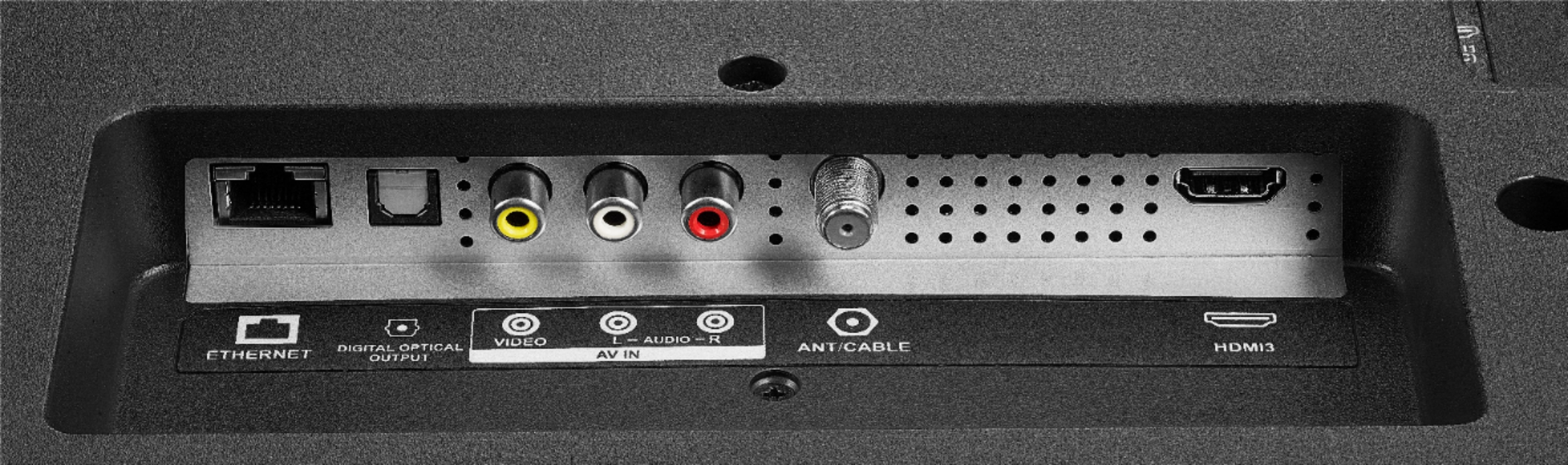
A:AnswerNo, you cannot add a webcam to this TV and you cannot download the Zoom app. You could try to connect your mobile devices to the HDMI inputs on the TV.
A:AnswerAn Amazon account is required to download apps.
If you don't want to register the TV you can skip connecting to the internet and hook up another streaming device to the HDMI input on the TV.
A:AnswerThis TV doesn't have a microSD slot and it doesn't support expandable storage.
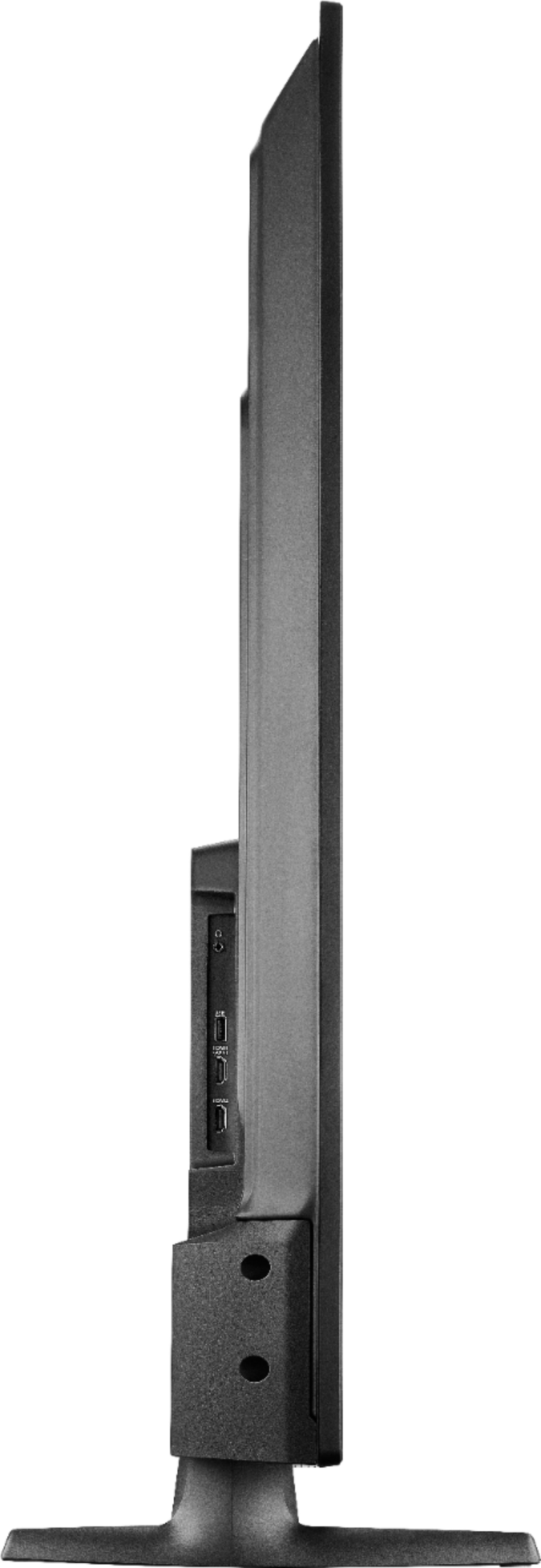
You can connect your multimedia devices at any time to the HDMI input on the TV.
A:AnswerTry to deregister your Amazon account on the TV, go to Home > Settings > My Account. The add again your Amazon US account.
If the issue persists, please visit primevideo.com/help
A:AnswerTry hitting the back button a few 100 times lol not that many but you know. Mine did that but once we backed out of everything it seemed to work.
A:AnswerFirst, go Home > Settings > Display and Sounds > HDMI CEC Device Control and turn ON. Then, go Home > Settings > Display and Sounds > Audio Output > Turn TV Speakers OFF and Select Digital Audio Format Auto.
Is the 3.5 mm Audio Output having the same issue?
If the issue persists, please visit insigniaproducts.com/email-us and one of our representatives will be glad to assist you.
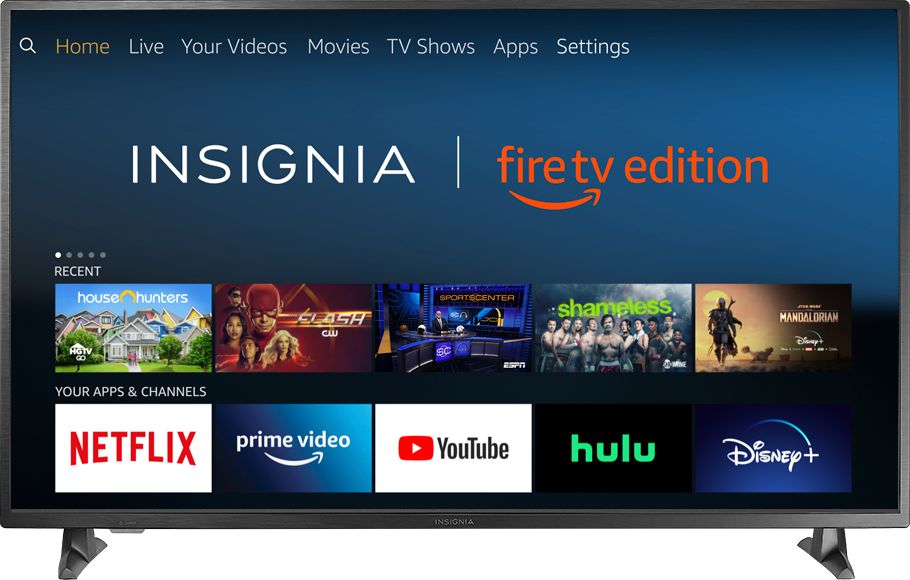
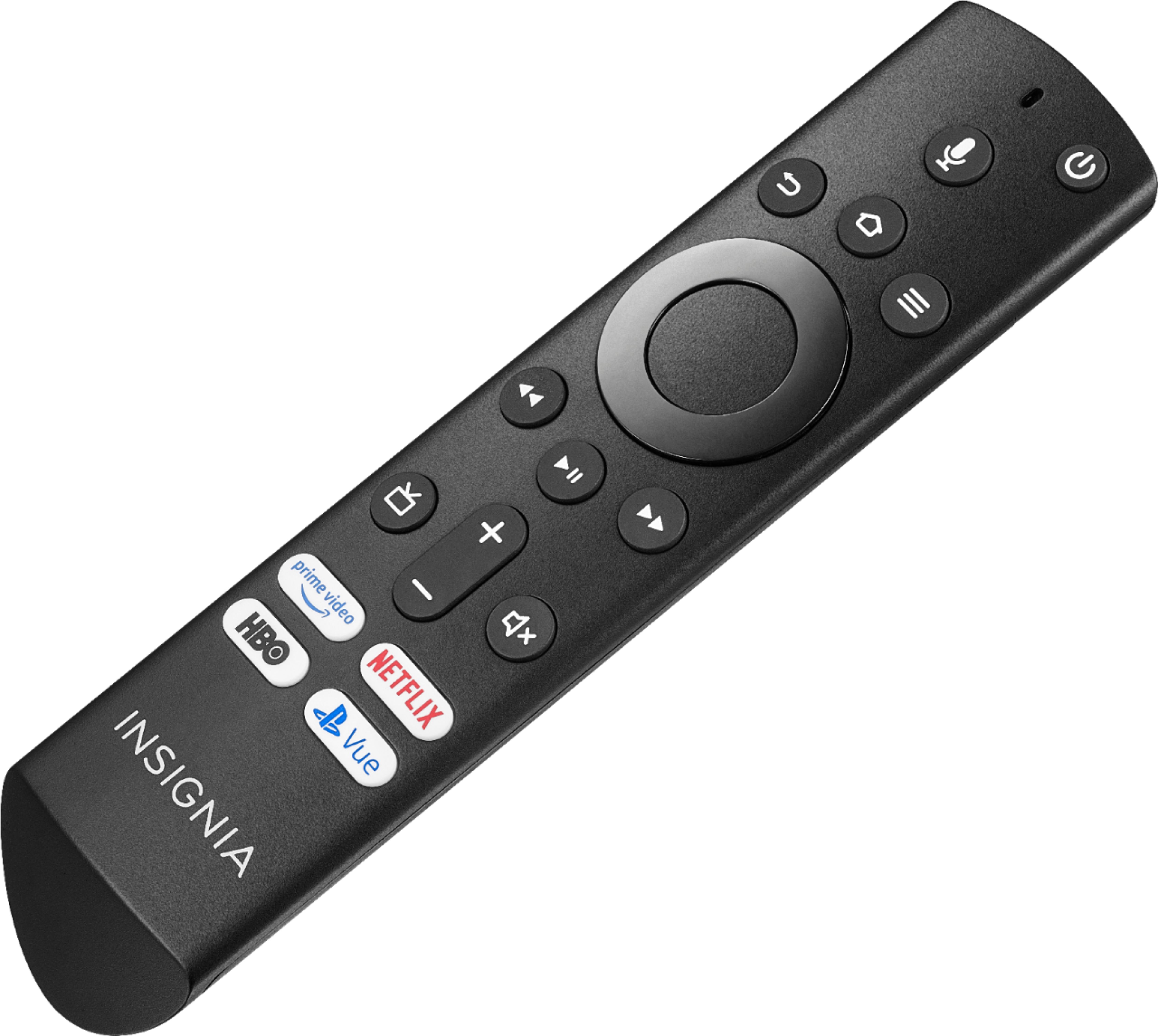
A:AnswerYou can download the Amazon Fire TV app on your smartphone to control your TV over WiFi or you can purchase the replacement remote model NS-RCFNA-19.