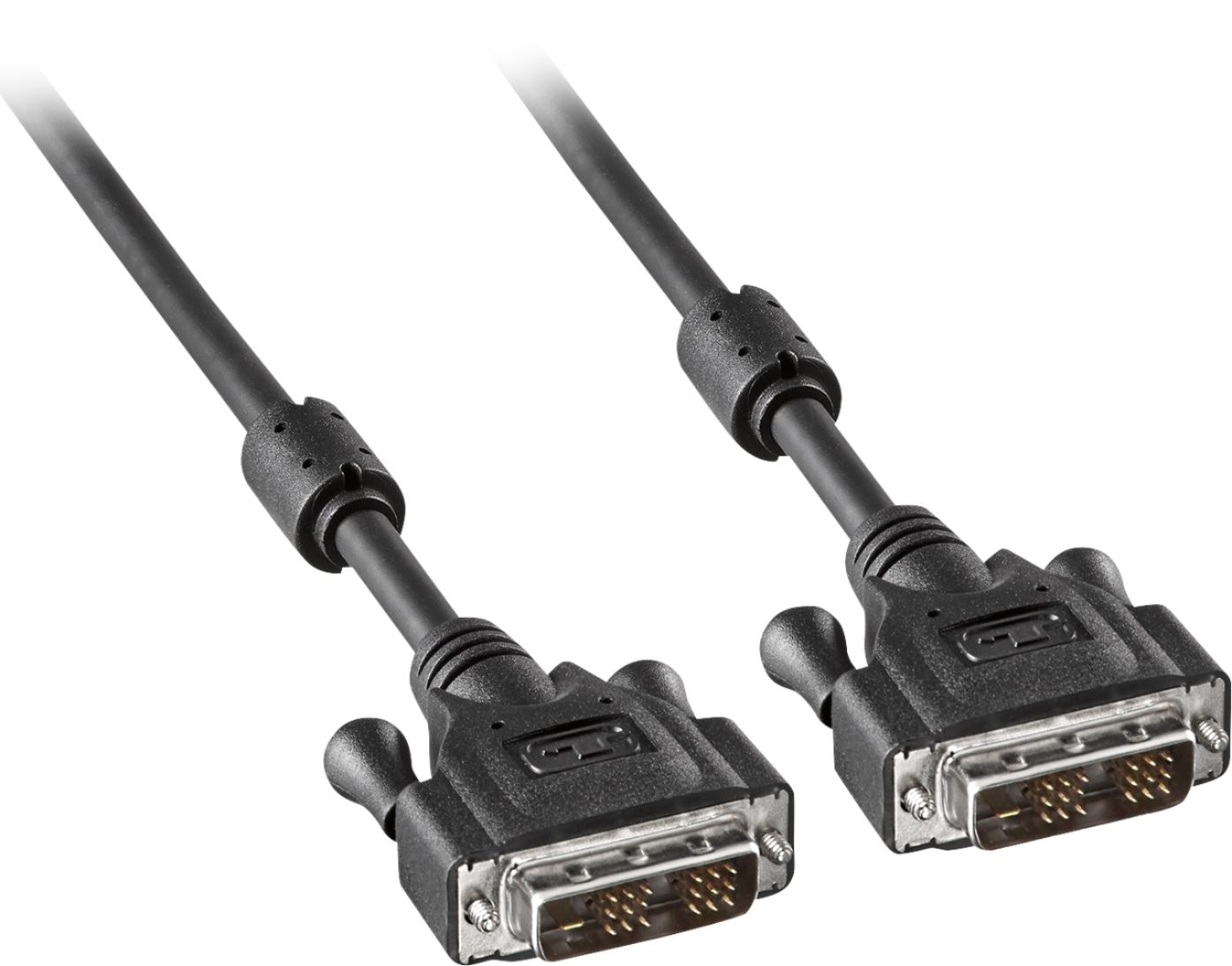
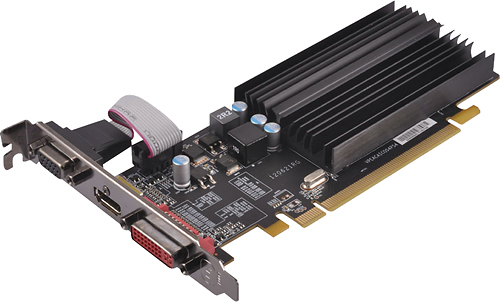
A:Answer Check your connections on the back for your DVI, take a picture of it and go online and look up DVI Connections.
1 Example: If you look at the connection and it has eight pins across, and three down That's a "Dual Link"
2 Example: If it has 3 {space} 3 Across, and 3 pins down that's a "Single Link" Also look at the blade, that's on the left side that looks like a minus symbol
-If it's a "DVI-I" It will have the blade plus four additional pins, two on the above and two below the blade, also the same rule applies as above with the number of pins 8 across or 3 {space} 3 bc
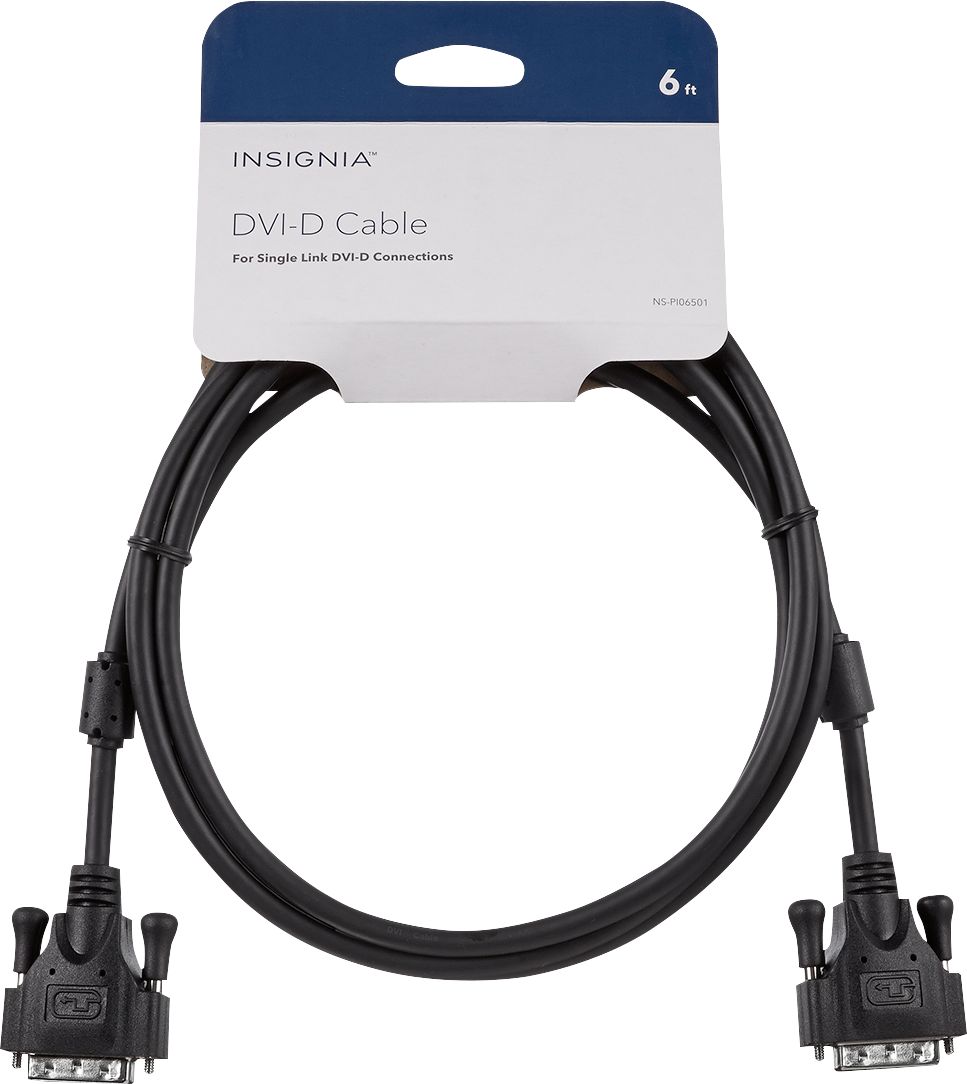
-If it's a "DVI-D" It will have just a blade on the left side, no pins above and below, also look to the examples of both about Dual and Single link. Sorry you just said HP and Dell, don't know what models you're working with, but this should cover most.
Also one more thing if they don't look like any above, you might have a DVI-A, and if all else fails go online and look up "what do different types of DVI connections look like" Hope this helps I'll try to include a photo but I don't know if it will upload. Good luck