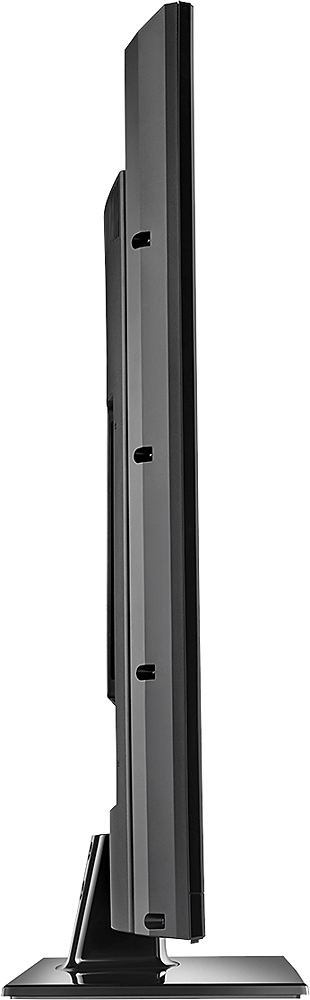
A:Answer First thing you should do is go to the monitor settings, under picture go to advanced, and turn off noise reduction. That noise reduction is causing much of the ghosting. That was the first thing I turned off and left off, and it made a big difference.
The second thing is to determine what you're watching. For sports, you can set the motion option to smooth (though i wouldn't use the two higher options). For TV shows I'd leave it at none. When I use my PS4, I set the motion option to 24P. It has provided the best results for movies and the least lag for games. once the noise reduction was off, I haven't seen ghosting since.