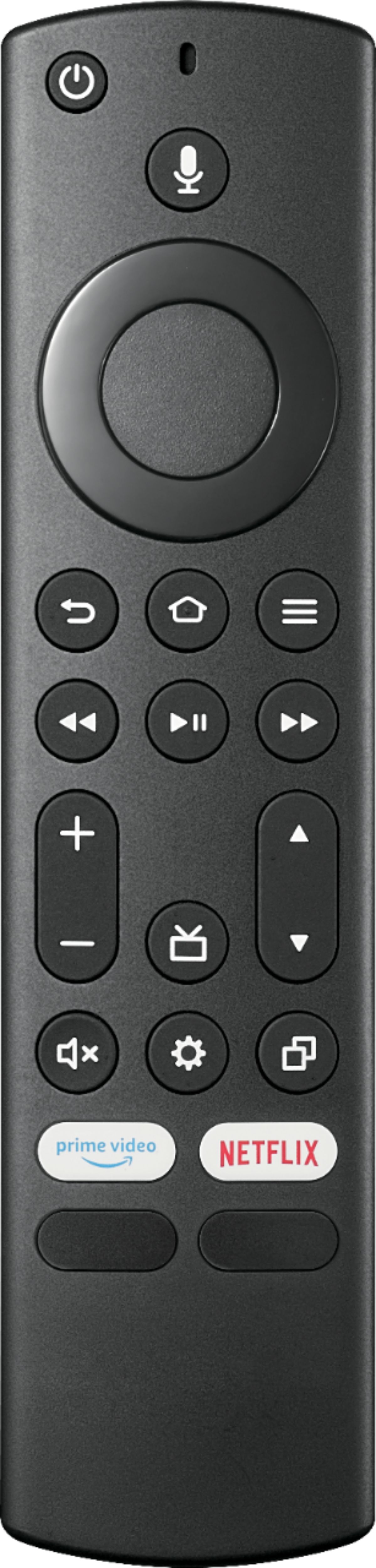
A:AnswerWe recommend using the included remote to control your TV.
Try the Power On feature, when enabled, your TV turns on displaying the last used input: go Home > Settings > Display & Sounds > Power On and select Last Input.
A:AnswerYes, you can connect an antenna (not included) to this TV. Try the Power On feature, when enabled, the TV turns on displaying the last used input. To activate it, go Home > Settings > Display & Sounds > Power On and select Last Input.
A:AnswerHello Elsa,
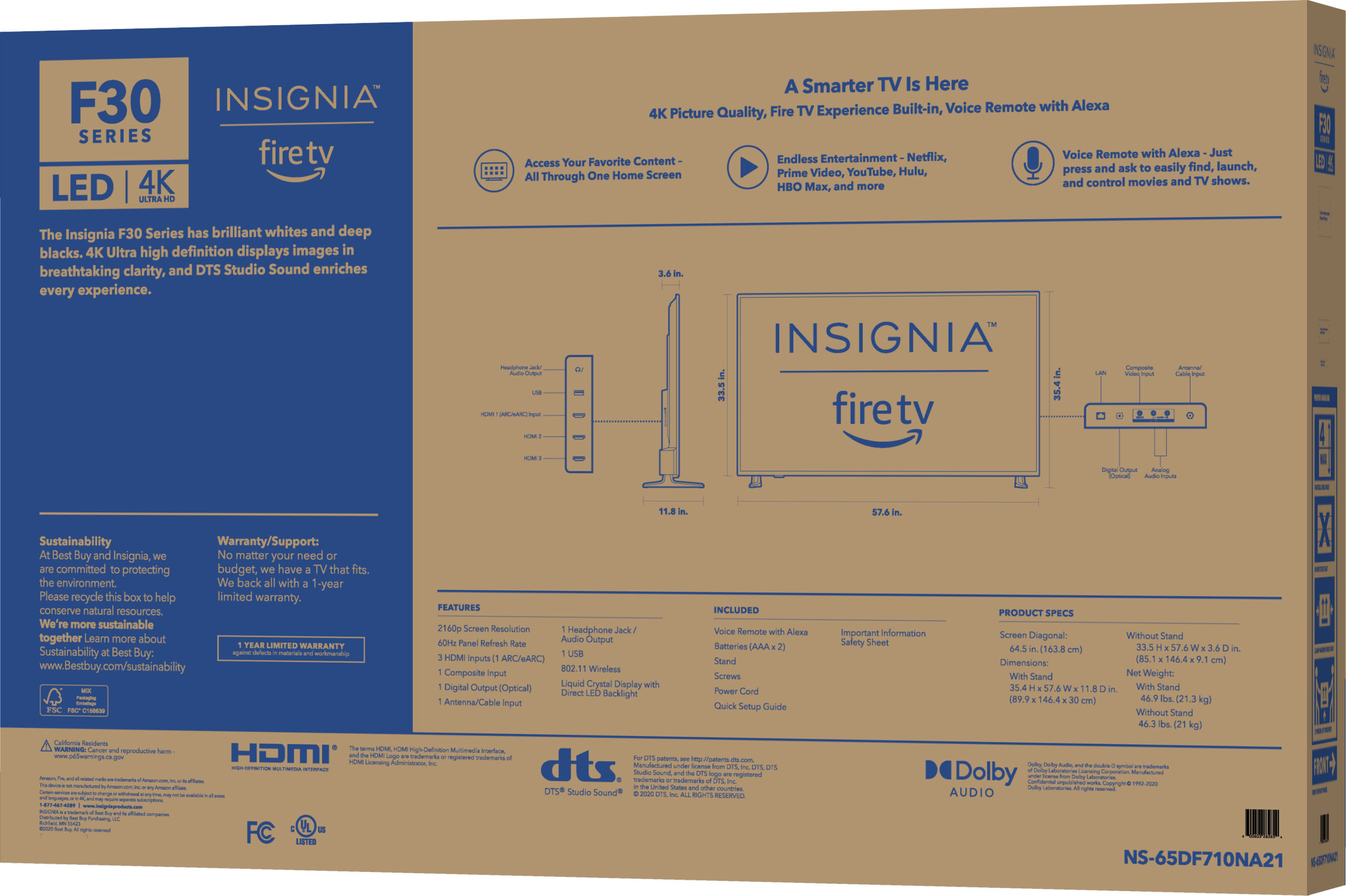
You can use most stands or mounts, you only need to make sure that it is compatible with the size and the same Vesa pattern as this TV set. The Vesa pattern of this TV set is 400 x 300 mm.
Carlos O - Insignia support.
A:AnswerThis su is as I also have the spectrum tv app and was hoping to have it icouldnt even find it.. I dont even kno where to goto e en find apps on this tv. All have is the ones that came installed can you advise ?
A:AnswerWe recommend using the include remote to control the TV.
Try the Power On feature, when enabled, the TV turns on displaying the last used input. To activate it, go Home > Settings > Display & Sounds > Power On and select Last Input.
A:AnswerYes, you can download Disney + and many more apps.
To search for available apps, please visit:
https://www.amazon.com/gp/browse.html?node=10208590011&ref_=nav_em__ods_tv_apps_chan_0_2_6_9