


Main Content

Questions & Answers

$309.98
Save $190.01
The comparable value is $499.99
Page Showing 1-20 of 74 questions
  • QuestionCan I connect Bluetooth headphones to this TV?

    • Answer Yes, you can pair your Bluetooth headphones for a private listening experience.
    This question and answer was generated by AI based on customer and product data.

  • QuestionWhat operating system does this TV use?

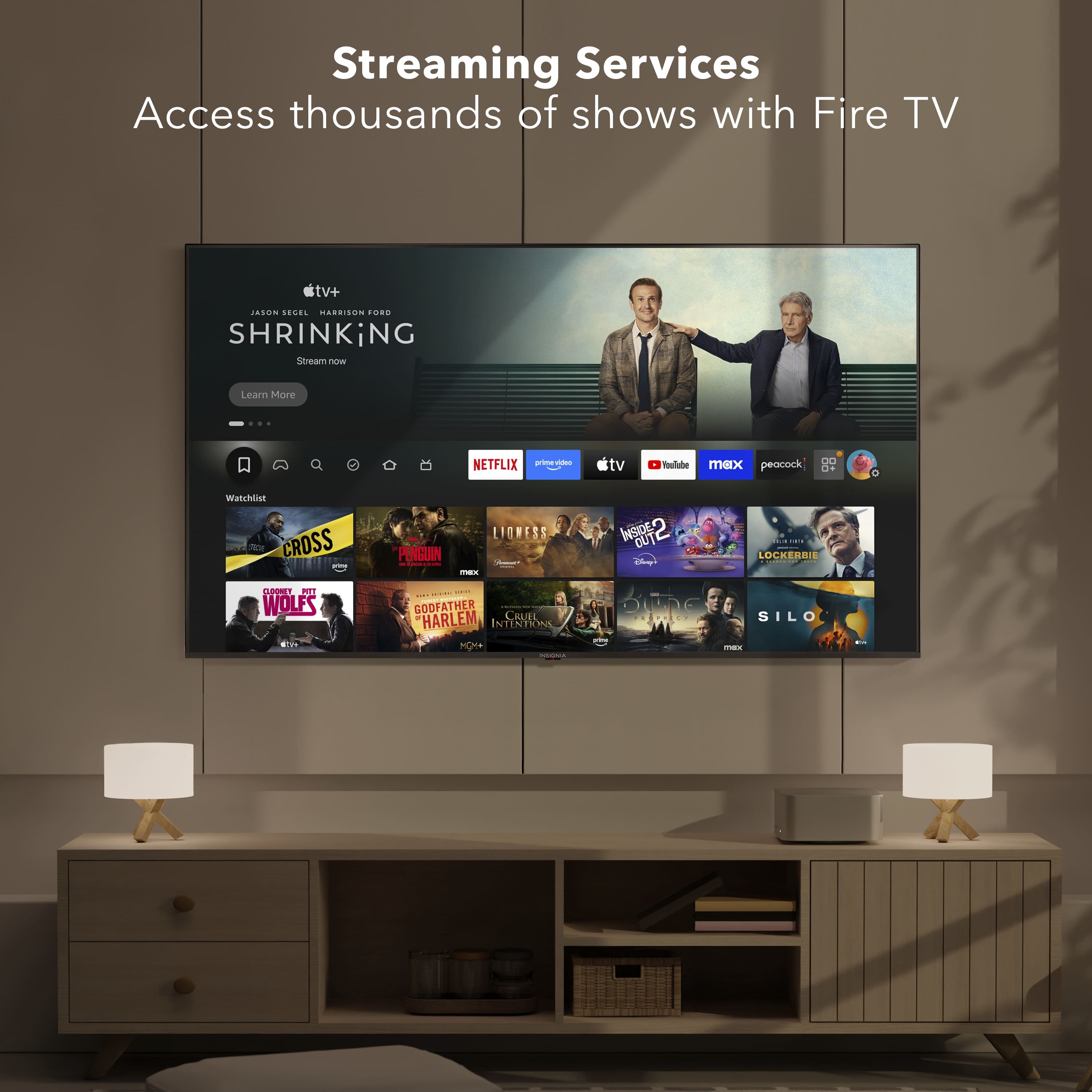
    • Answer This TV uses the Fire TV Smart OS.
    This question and answer was generated by AI based on customer and product data.

  • QuestionHow many HDMI inputs does the TV have?

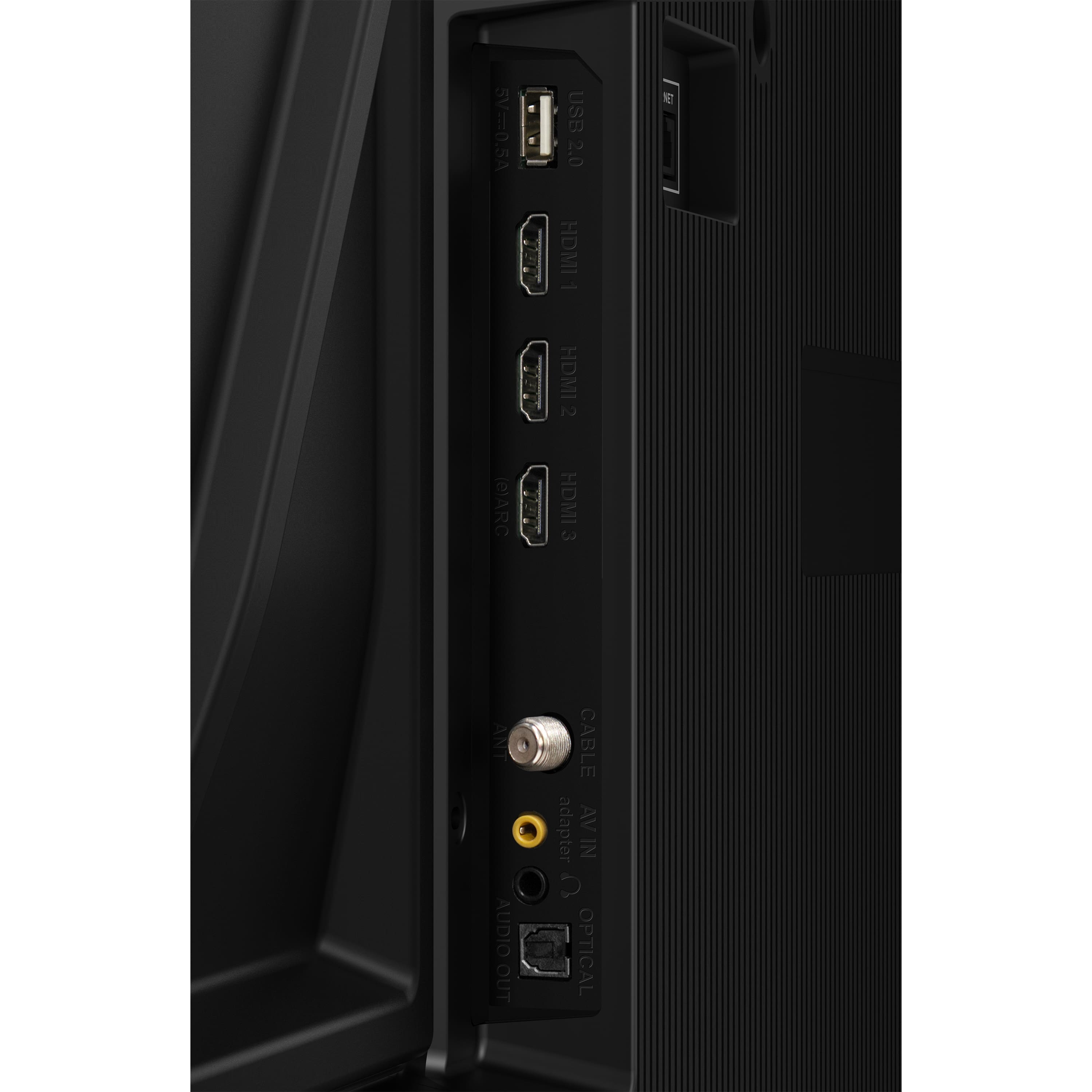
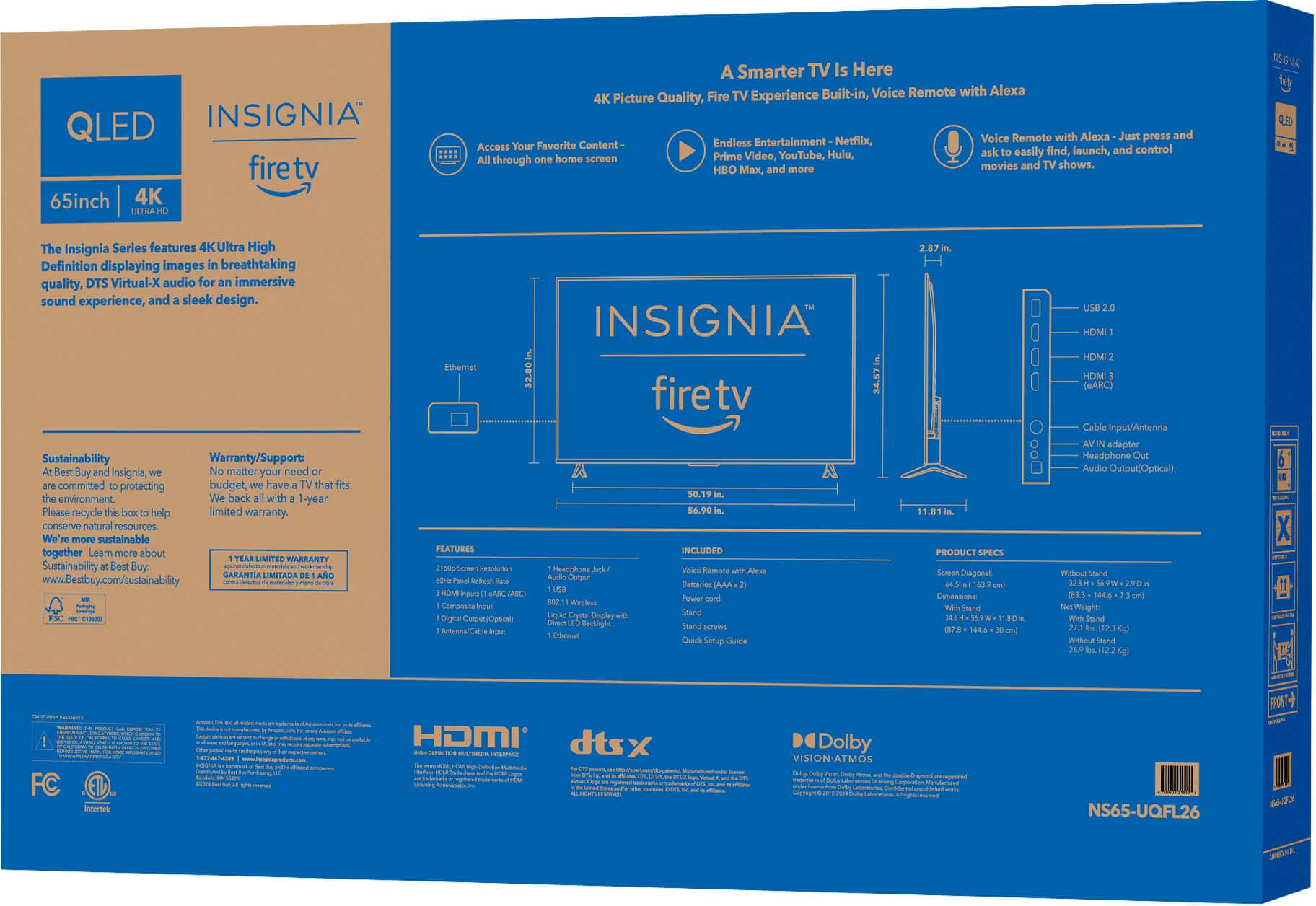
    • Answer It has 3 HDMI inputs, including one with eARC.
    This question and answer was generated by AI based on customer and product data.

  • QuestionIs this TV compatible with Apple AirPlay?

    • Answer Yes, it supports Apple AirPlay for sharing content from Apple devices.
    This question and answer was generated by AI based on customer and product data.

  • QuestionWhat type of backlight does this TV have?

    • Answer This TV uses a Direct LED backlight for uniform brightness and rich contrast.
    This question and answer was generated by AI based on customer and product data.

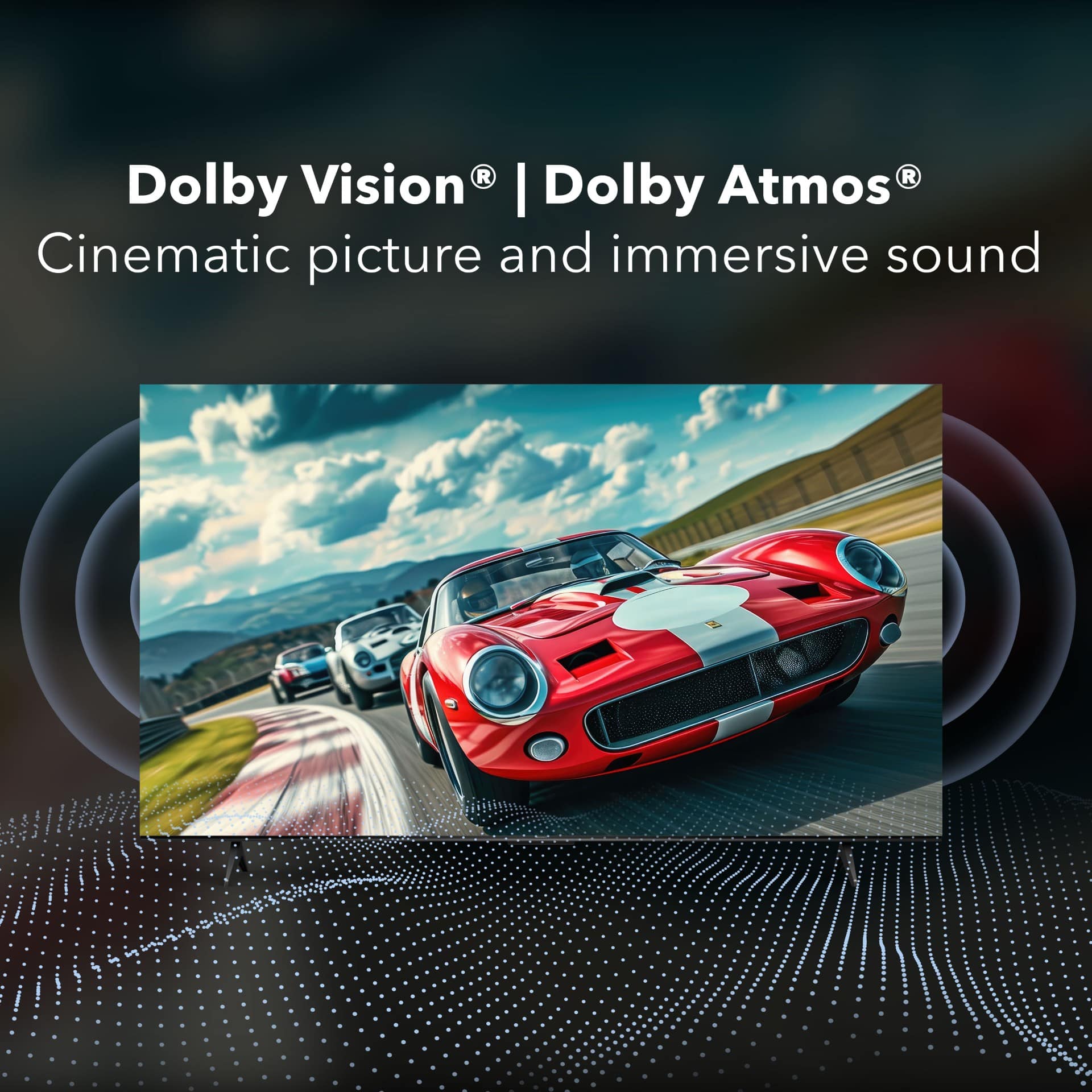
  • QuestionDoes this TV support Dolby Atmos?

    • Answer Yes, this TV supports Dolby Atmos audio for an immersive sound experience.
    This question and answer was generated by AI based on customer and product data.

  • QuestionWhat is the resolution of this TV?

    • Answer This TV has a 4K Ultra HD resolution, which is four times the detail of 1080p Full HD.
    This question and answer was generated by AI based on customer and product data.

  • QuestionWhats the difference between QF and F50 series?

    Asked by Kutty.

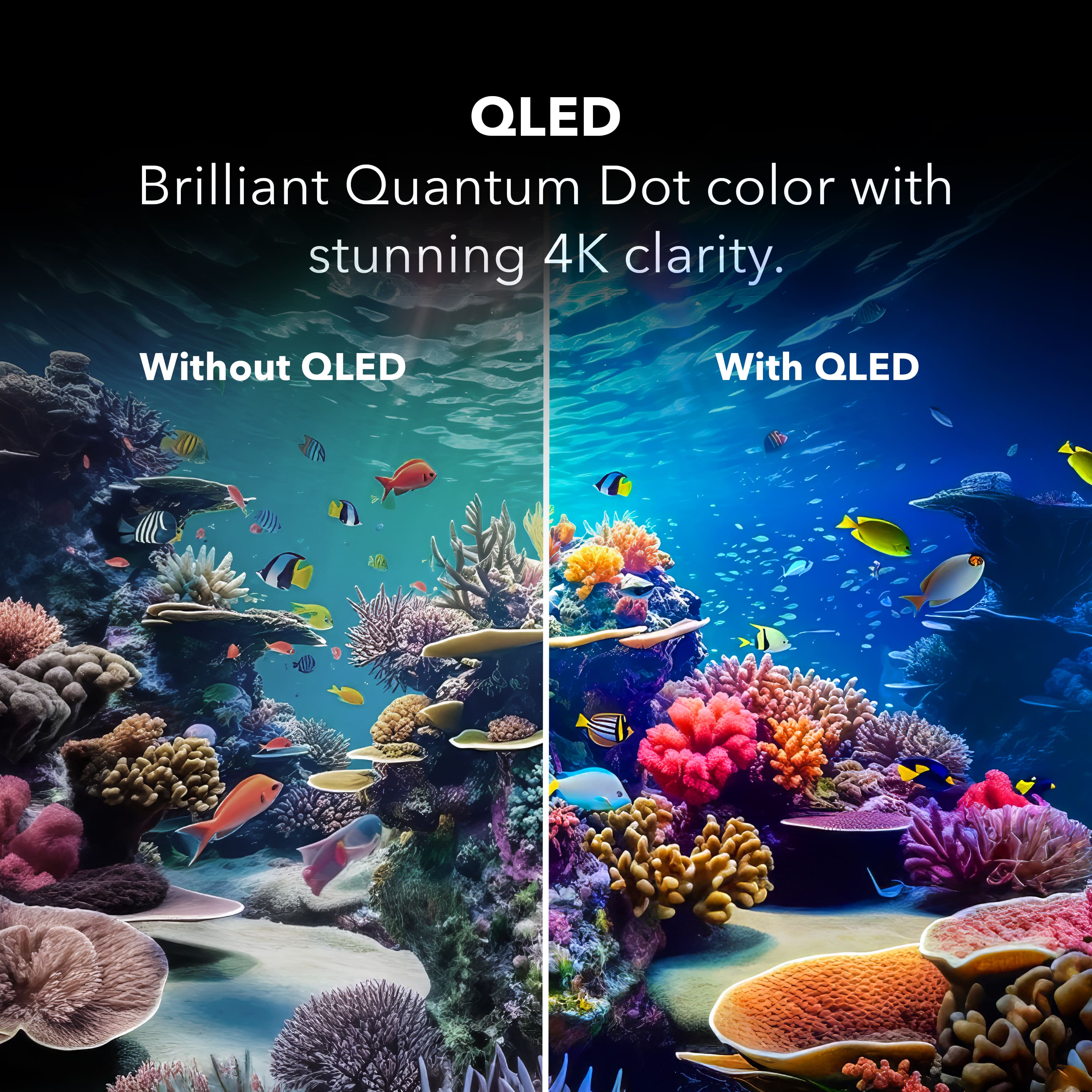
    • Answer Thank you for your inquiry! The Insignia QF Series and F50 Series TVs have several key differences. The QF Series uses QLED (Quantum Dot LED) technology, which provides enhanced color accuracy and brightness. It supports advanced HDR formats like Dolby Vision, offering better contrast and more vibrant colors due to the QLED technology. Consequently, the QF Series is generally higher priced. On the other hand, the F50 Series uses standard LED technology and supports HDR, though not as advanced as Dolby Vision. It features Dolby Atmos for an enhanced audio experience and is more budget-friendly compared to the QF Series. Both series offer 4K UHD resolution and Fire TV integration with Alexa voice control. Keith | Insignia Support

      Answered by InsigniaCustomerSupport

  • QuestionDo you need a firestick with this TV or is it built in?

    Asked by FIRTFT.

    • Answer Hi! This TV has Fire TV built in, so you don’t need a separate Firestick. You can start streaming right out of the box! — Shiela | Insignia Support

      Answered by InsigniaCustomerSupport

  • QuestionWhy did insignia make this new TV? It's almost the same TV as the f50 except for weight

    Asked by Jeff.

    • Answer Thank you for your inquiry! The Insignia™ 65" QF Series QLED 4K UHD Smart Fire TV was introduced as a step up from the F50 Series, even though the two models share many similarities in design and features. The main reason for this new release is the upgrade in display technology—the QF Series uses QLED (Quantum Dot LED) panels, which offer richer colors, better brightness, and improved contrast compared to the standard LED panel in the F50 Series. This makes the QF Series more appealing to viewers who prioritize enhanced picture quality, especially for HDR content. While both TVs include Fire TV integration and Alexa voice control, the QF Series also supports Dolby Vision, which the F50 lacks. So, despite the similar appearance and only minor differences like weight, the QF Series is positioned as a premium alternative for users looking for a more vivid and dynamic viewing experience without a major price jump. Keith | Insignia Support

      Answered by InsigniaCustomerSupport

  • QuestionHas anyone else had issues with this television constantly returning to the homepage while you are watching something? This happens 3-4 times an hour and is extremely frustrating. I've unplugged it, turned it off and on and nothing seems to help.

    Asked by KellyL.

    • Answer Yes. Same with me. I wasn’t sure if it was the tv or fire tv in general.

      Answered by WilliamD

  • QuestionI have a Visa compatible amount. It is a square that requires four screws. On the back of this TV I only see two squares available and it’s at the very bottom of the TV. I don’t see how I can mount it. Please help.

    Asked by Anonymous.

    • Answer Take black plastic plugs out each hole.

      Answered by LAlSmooth

  • QuestionDoes this TV support "Youtube TV"

    Asked by Donald.

    • Answer Hi Don! Yes, the Insignia™ 65" Class QF Series QLED 4K UHD Smart Fire TV does support YouTube TV. This TV comes with the Fire TV smart platform, which includes access to popular streaming services like YouTube TV, Netflix, Hulu, and more. - Shiela | Insignia Support

      Answered by InsigniaCustomerSupport

  • QuestionHello, The back of this TV seems minimal. I want to hang it on an existing entertainment center. Is that possible? Thanks, Sharon

    Asked by SharonS.

    • Answer Thank you for your inquiry! Yes, you can hang the Insignia™ 65" Class QF Series QLED 4K UHD Smart Fire TV on an existing entertainment center. This TV is designed to be compatible with standard VESA mounts, which makes it versatile for various mounting options. To get started, ensure your entertainment center has a VESA-compatible mount that matches the TV's VESA pattern (usually 400 x 400 mm for this size). Measure the dimensions of your TV and the mounting area on your entertainment center, and mark the spots where the mount will be attached. Attach the mounting bracket to the back of the TV, following the instructions provided with the mount, and carefully secure the TV to the entertainment center, ensuring it is level and stable. If you need a visual guide, there are helpful videos available on YouTube, like this one on building and mounting a TV on an entertainment center. Keith | Insignia Support

      Answered by InsigniaCustomerSupport

  • QuestionWill this TV support Paramount Plus?

    Asked by Mike.

    • Answer Hi Mike, thank you for your question! Yes, this TV will support Paramount Plus. The Insignia 65" QF Series is a Smart Fire TV, which means it runs Amazon’s Fire TV platform. Fire TV supports all major streaming apps, including Paramount+, through the Amazon Appstore. Once the TV is set up, you can download the Paramount Plus app and sign in with your account. Vennila | Insignia

      Answered by InsigniaCustomerSupport

  • QuestionCan the TV be mounted upside down and the image be rotated 180°?

    Asked by Sbiker.

    • Answer Hi there, thank you for your question. Insignia TVs, including the 65" Class QF Series QLED 4K UHD Smart Fire TV, are not designed to be mounted upside down, and they do not include a feature to rotate the image 180°. For proper operation and to avoid potential damage, the TV should only be installed in the standard upright orientation. Vennila | Insignia

      Answered by InsigniaCustomerSupport

  • QuestionIs this touchscreen?

    Asked by Touchscreen.

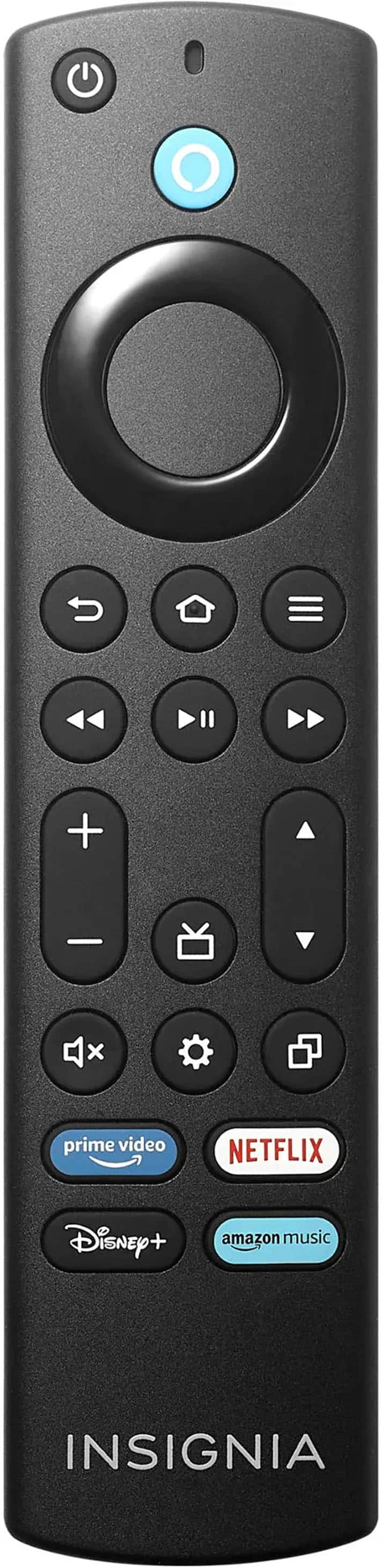
    • Answer Hello! Thank you for your question. The Insignia 65" Class QF Series QLED 4K UHD Smart Fire TV is not a touchscreen TV. It works like a normal TV that you control with the remote or voice commands through Fire TV. Darshan | Insignia

      Answered by InsigniaCustomerSupport

  • QuestionDoes it have the Direct TV app?

    Asked by Anonymous.

    • Answer Hi, thank you for your question. Yes, the Insignia™ 65" Class QF Series QLED 4K UHD Smart Fire TV does support the DIRECTV STREAM app, since it runs on the Fire TV platform and can download it from the Amazon Appstore. Thank you for choosing Insignia. Sudeep | Insignia

      Answered by InsigniaCustomerSupport

  • QuestionHow much does this TV weigh?

    Asked by Pamp.

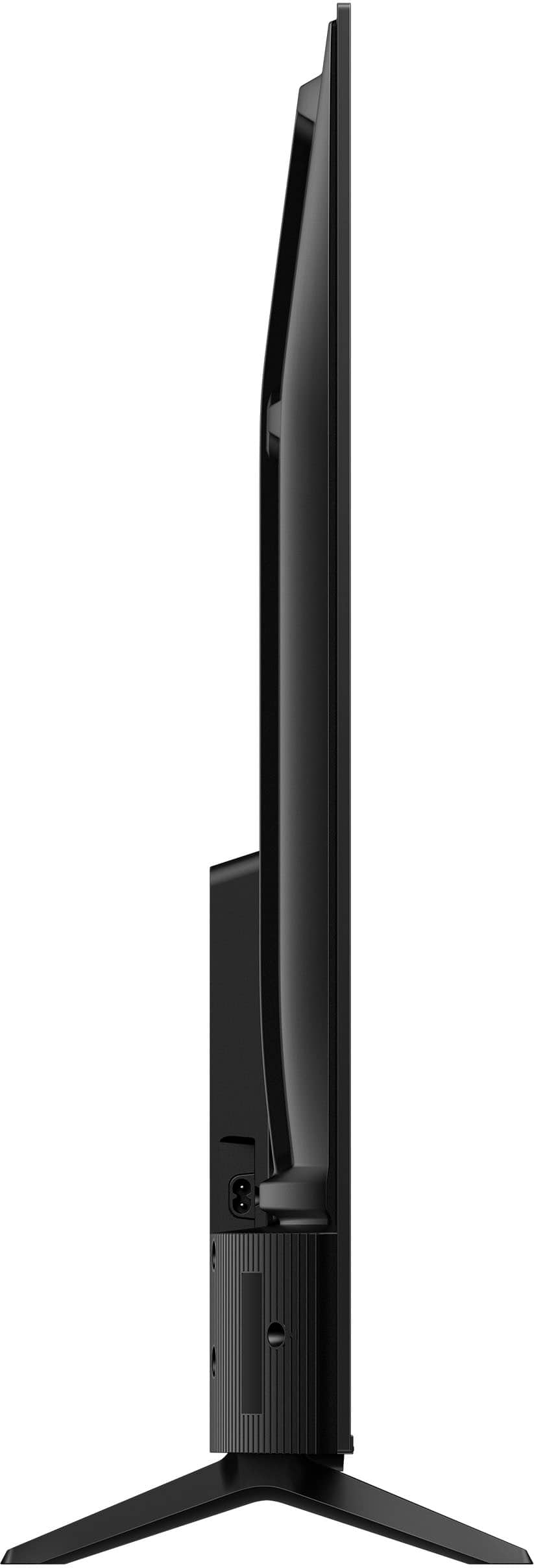
    • Answer Hello Pamp, thank you for your question. The Insignia™ 65" Class QF Series QLED 4K UHD Smart Fire TV is designed with a lightweight, streamlined build that makes setup and placement simple. According to the product specifications, the television weighs 27.8 pounds with the stand attached and 27.6 pounds without the stand. This minimal difference reflects the slim, low‑profile stand design used on this model. Narendra | Insignia

      Answered by InsigniaCustomerSupport

  • QuestionGood for gaming

    Asked by We.

    • Answer Yes

      Answered by KRISTINAE