A:AnswerI had the exact same issue, someone on the insignia forums found a solution so i figured i would put it here too for anyone else looking.
Go to Control Panel>Device Manager>Network Adapters> Realtek USB GbE Family Controller>(right click)Update Driver>browse my computer for additional drivers>pick from a list of available drivers>choose the first driver: Realtek USB GbE Family Controller(Microsoft)
Hope this helps :D
A:AnswerIt should. I am using it on the newest iPad 12.9. It has the 1 USB-C connector as well. Ethernet works while charging which is a huge plus for me.
A:AnswerHi Manic,
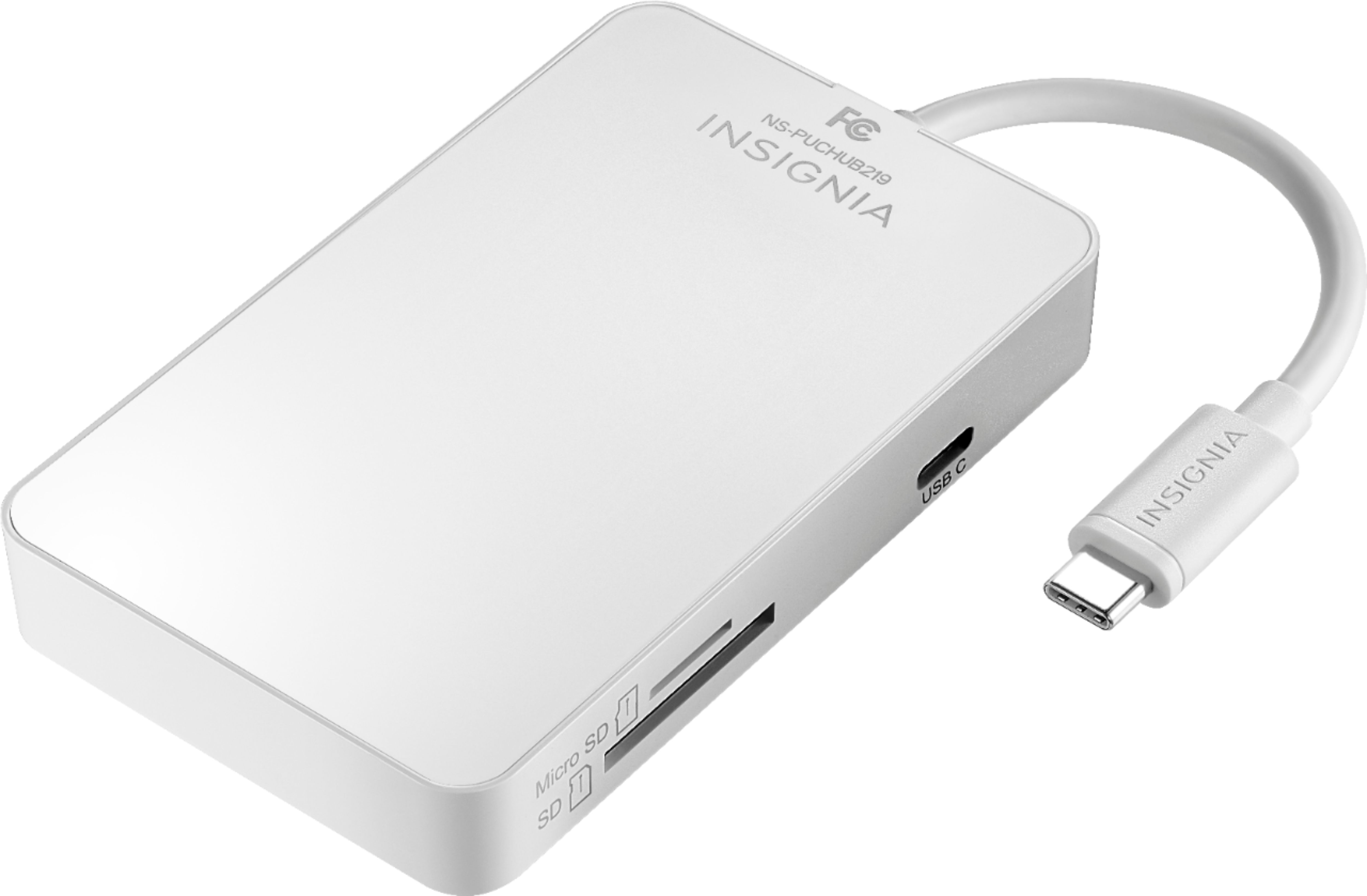
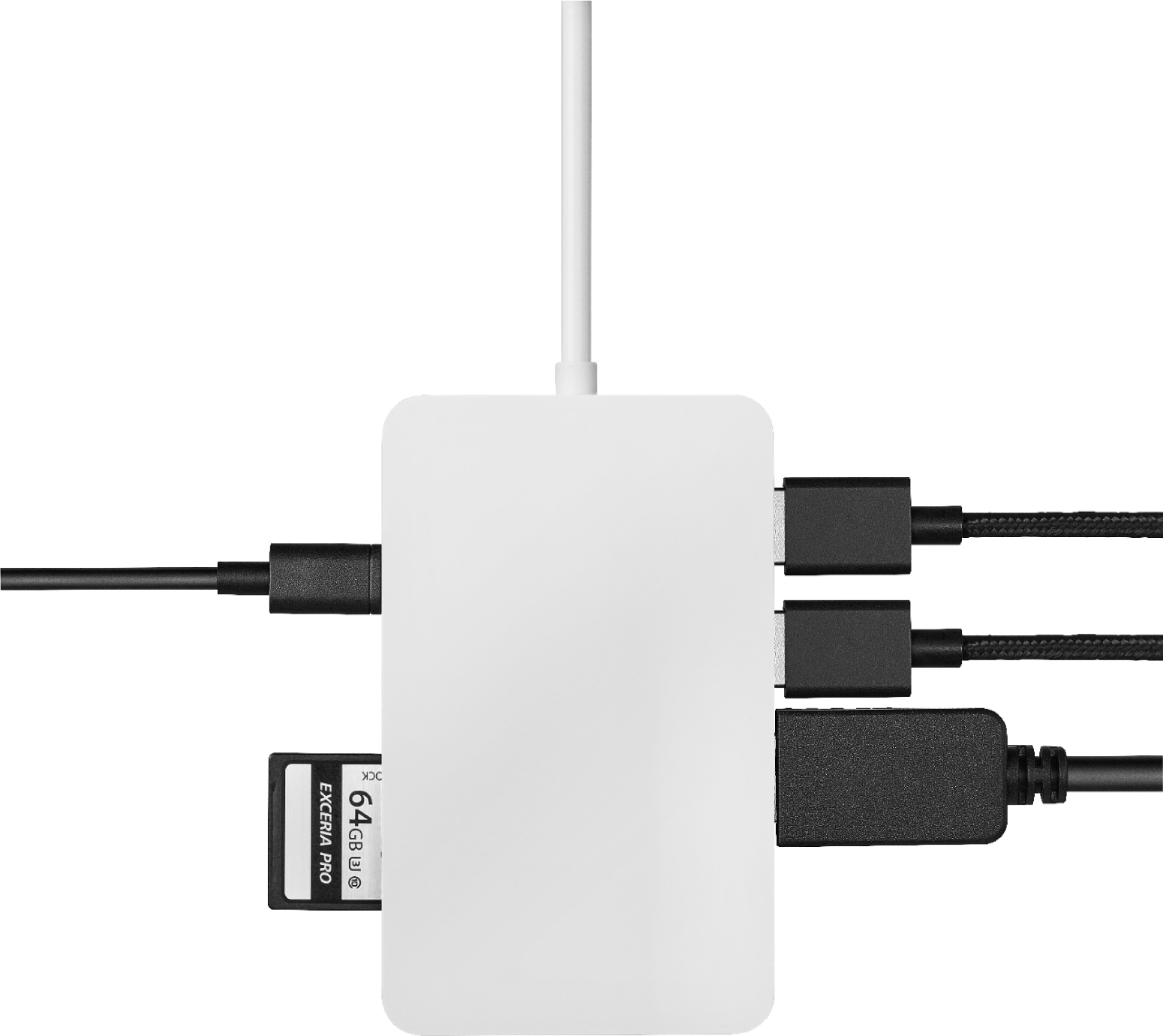
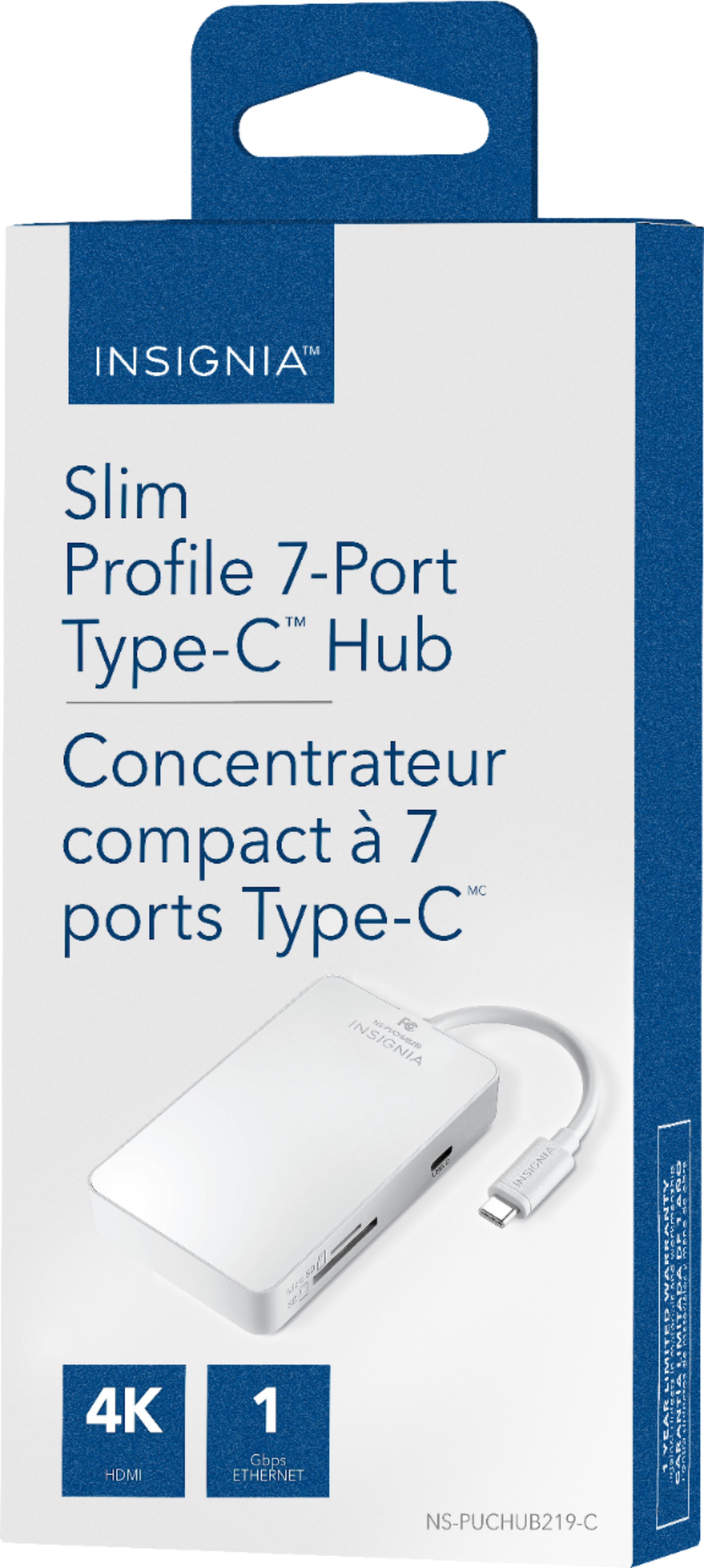
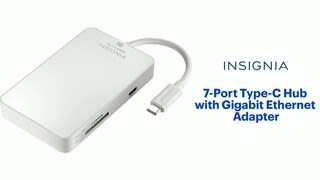
With this adapter, you can connect up to seven devices to your computer through a single USB Type-C port with this Insignia™ hub, featuring two USB 3.0 ports that support data transfer rates up to 5 Gbps, one USB Type-C port with Power Delivery, Ethernet port, HDMI port and two memory card readers.
- Janína G. | Insignia Support | https://www.insigniaproducts.com/contact-us
A:AnswerI am using this Hub with my Samsung Galaxy Tab A (2018) and have had no problems. Very easy plug and play. Can be a little bulky at times, but it has so many different ports I think it's worth it.
A:AnswerHello,
Thank you for taking time of your day to write us what's important to you.
For you to get the accurate documentation you can visit our website and just type in the model: NS-PUCHUB219 and go directly to support & downloads and find the user guide to this unit which I am sure will work for you.
If you have any further questions please feel free to contact us at anytime.
- Arin A.
Insignia Support
Contact us: https://www.insigniaproducts.com/contact-us
A:AnswerSince your device doesn’t have a built in usb-c port, I assume you do have the regular usb ports. Which in this case you can use an adapter that comes with a usb with a built in usb-c port built in. This will allow you to connect any usb-c devices into it and it should work just as good. I have a link of this adapter, make sure your local Best Buy has them in stock before coming in. Hopes this helps!
https://www.bestbuy.com/site/sku/6541128.p?skuId=6541128
A:AnswerHi Rachel,
This compatible with Compatible with Mac, PC and Chrome OS devices. Works with Windows 10, 8.1 and 8, Mac OS 10.9 and up, and Chrome OS 36 and up.
Insignia Support
Lea
https://www.insigniaproducts.com/
A:AnswerHello Twood,
Unfortunately, it does not. Compatible with Mac, PC and Chrome OS devices
Works with Windows 10, 8.1 and 8, Mac OS 10.9 and up, and Chrome OS 36 and up.
Insignia Support,
Merjorie
A:AnswerHi JMunster,
Generally, a LAN wire is used to access network communication (Laptop - Laptop LAN connection). But having additional pins than in a LAN wire, there is a chance of even charge transfer if required. This technique can also happen by connecting the LAN wire to the LAN port and the Laptop (LAN PORT - Laptop). If you have any questions or concerns, please use the link below to reach us and also you can contact this phone number 877-467-4289 for further assistance.
Insignia Products
Nikki
https://insigniaproducts.com
A:AnswerTry to unplug the adapter, then flip the adapter and plug in again.
For product support, please visit https://www.insigniaproducts.com/email-us