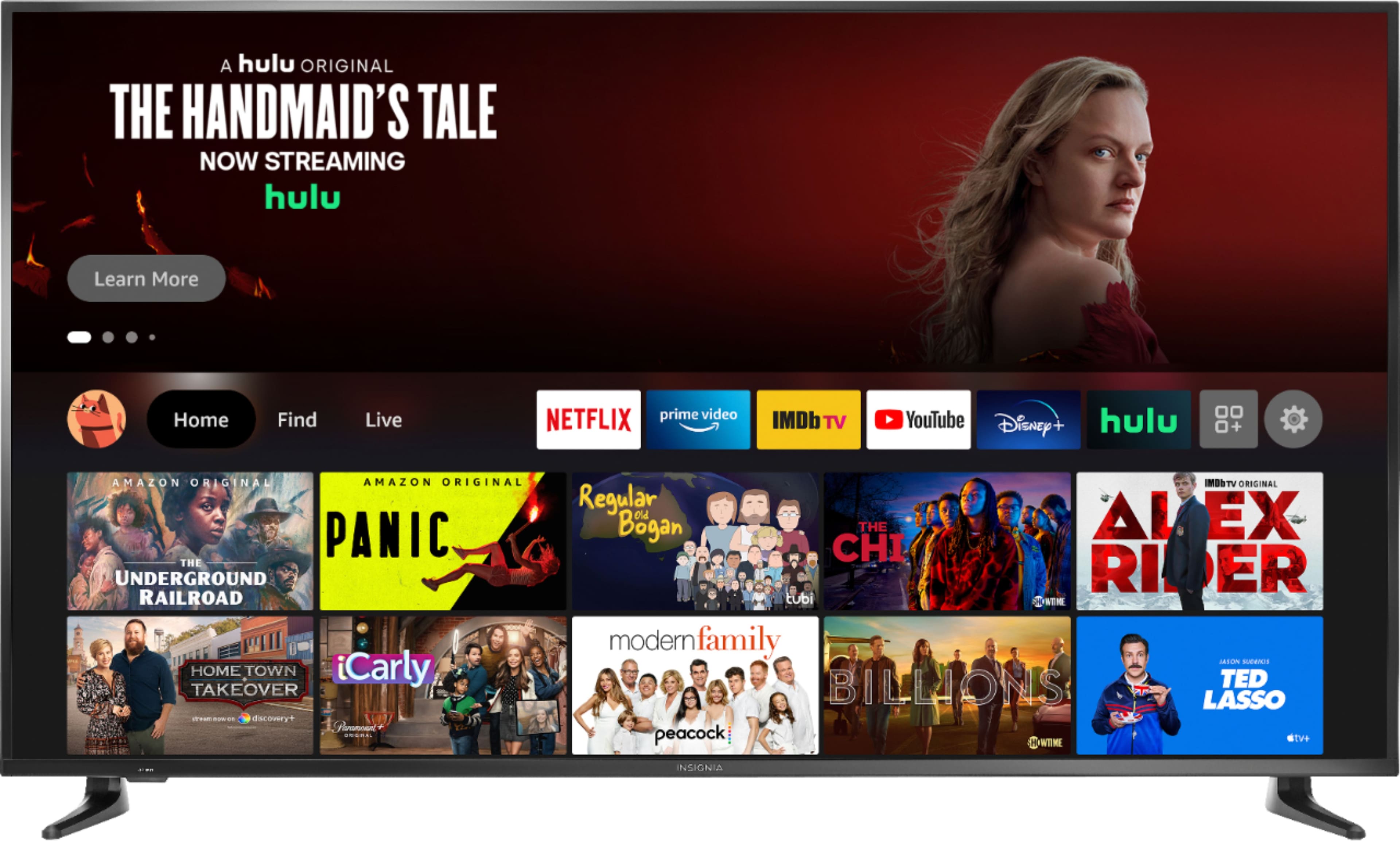
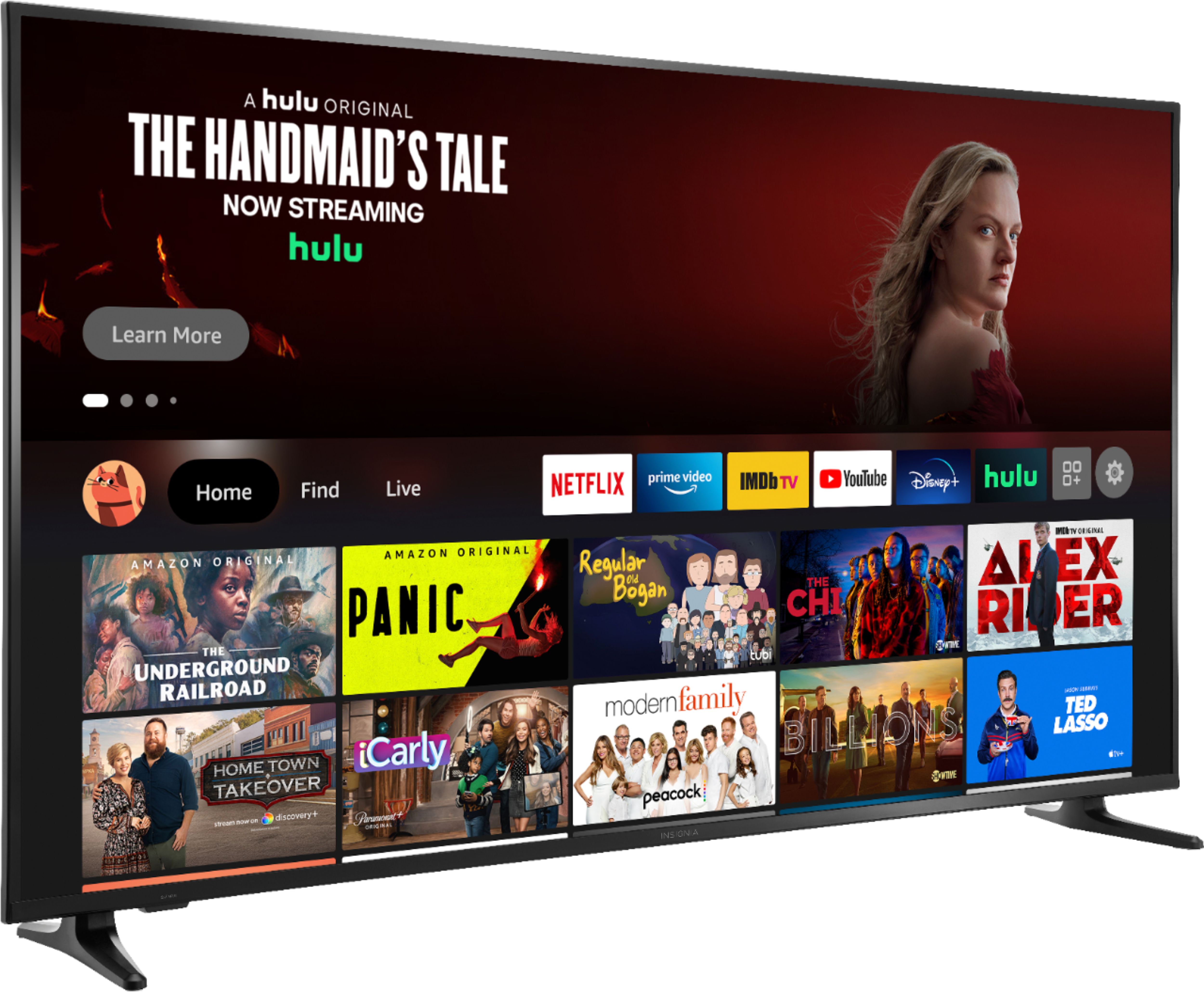
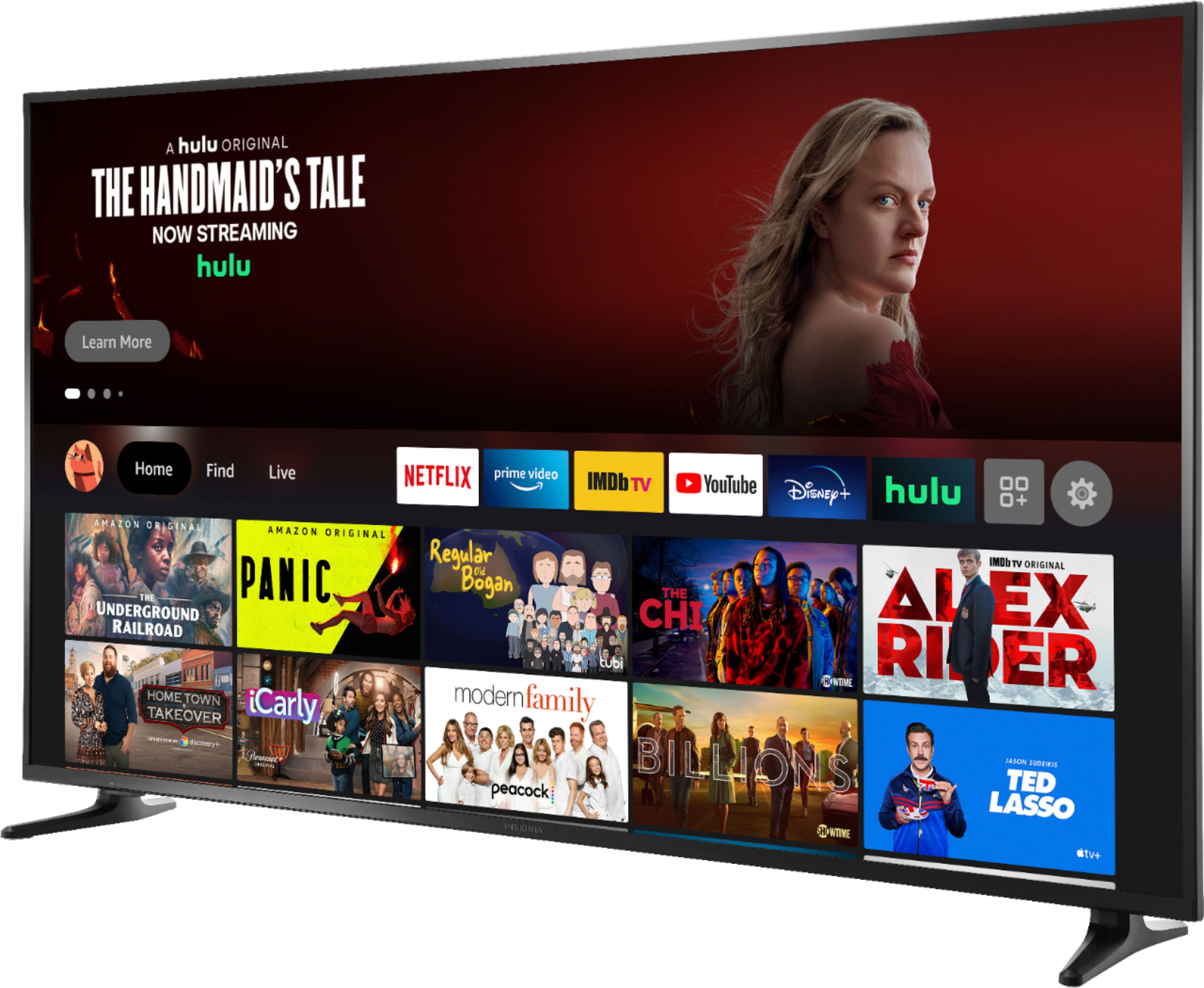
A:Answer You can download any available app. To search for available apps, you can visit amazon.com > Menu ≡ > under Digital Content & Devices select Fire TV > under Movie, TV & Games select Fire TV Apps & Channels > type the name of the app on the search bar at the top, then click the Magnifying Glass icon to start searching > when you get the results, on the left side under Device Type select Fire TV Edition.