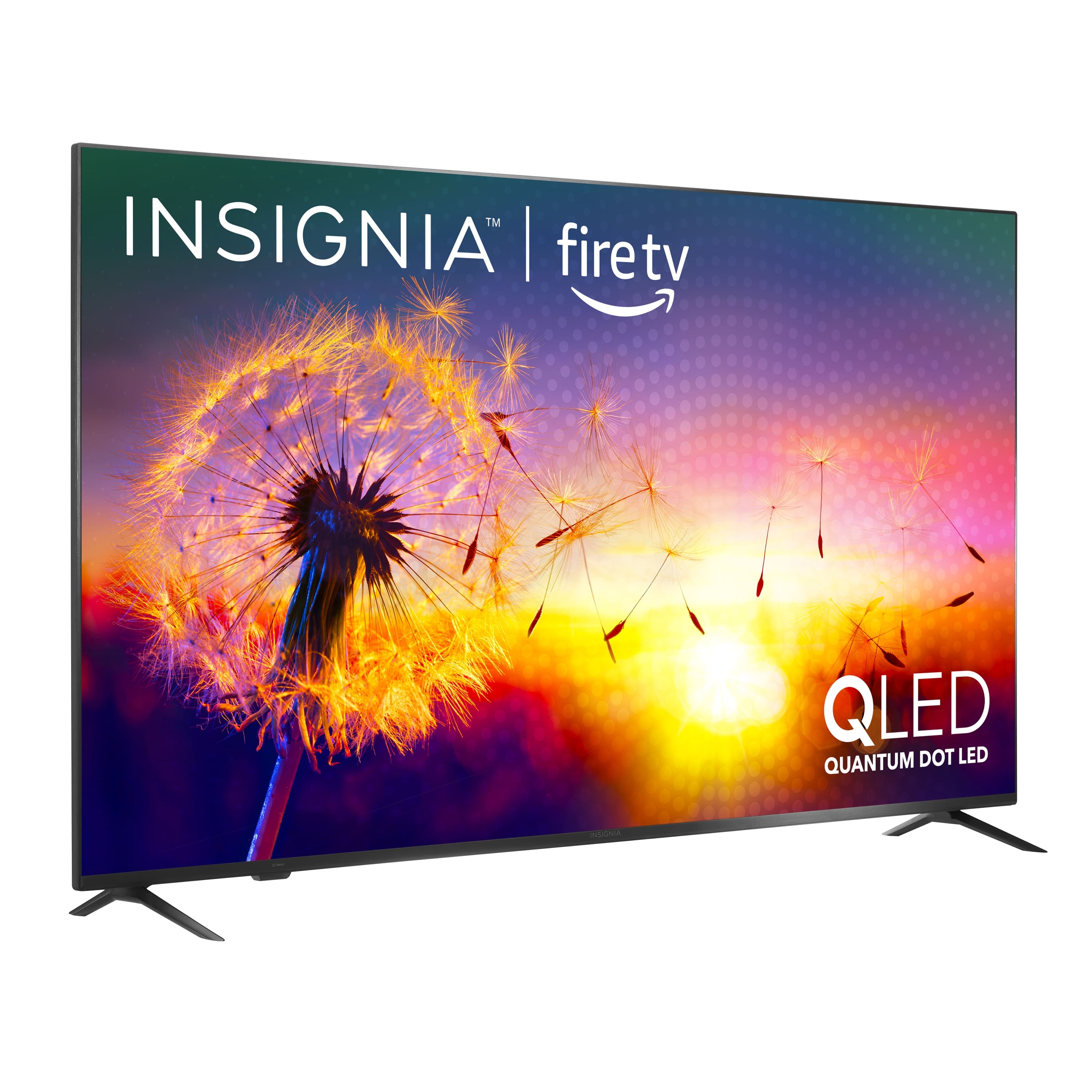
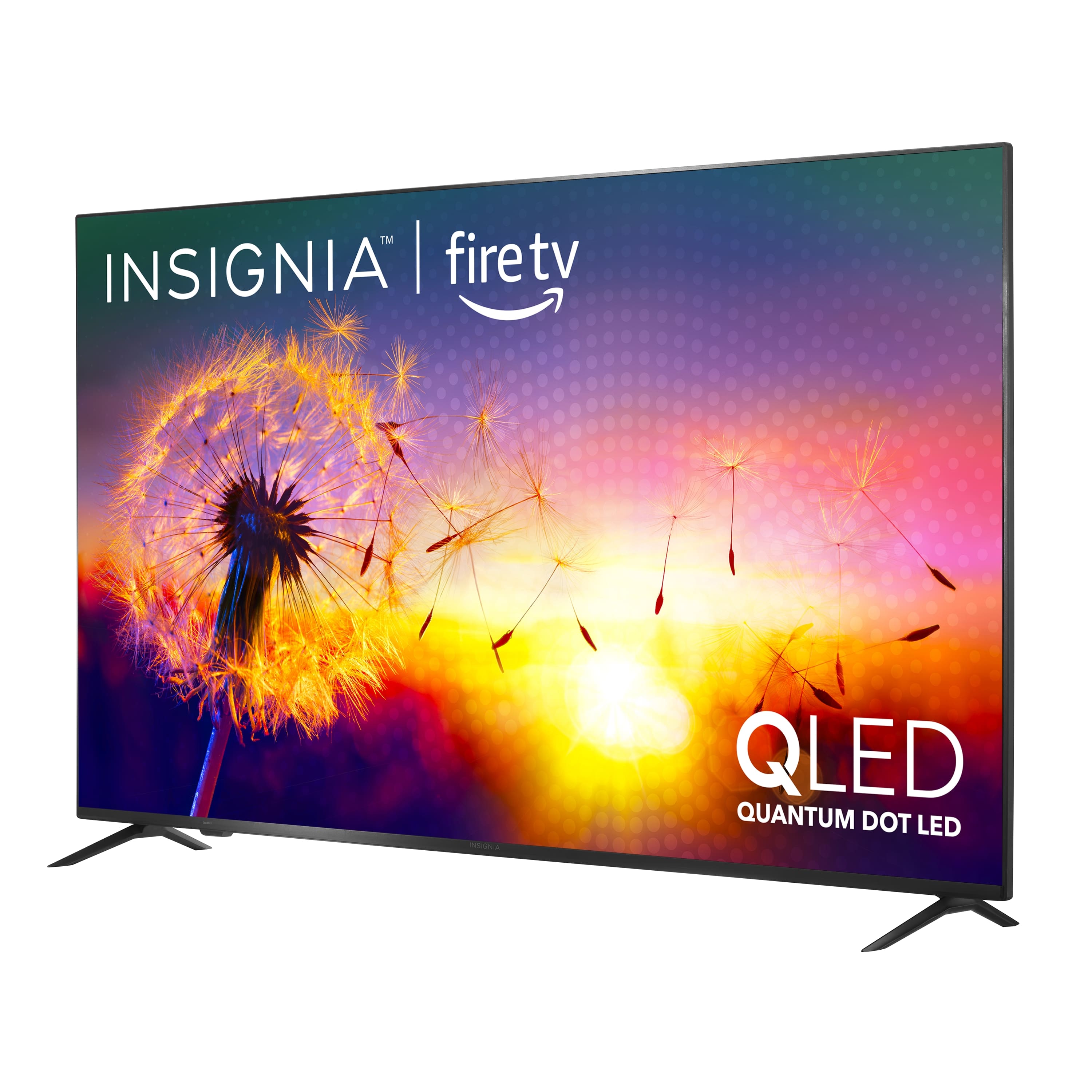
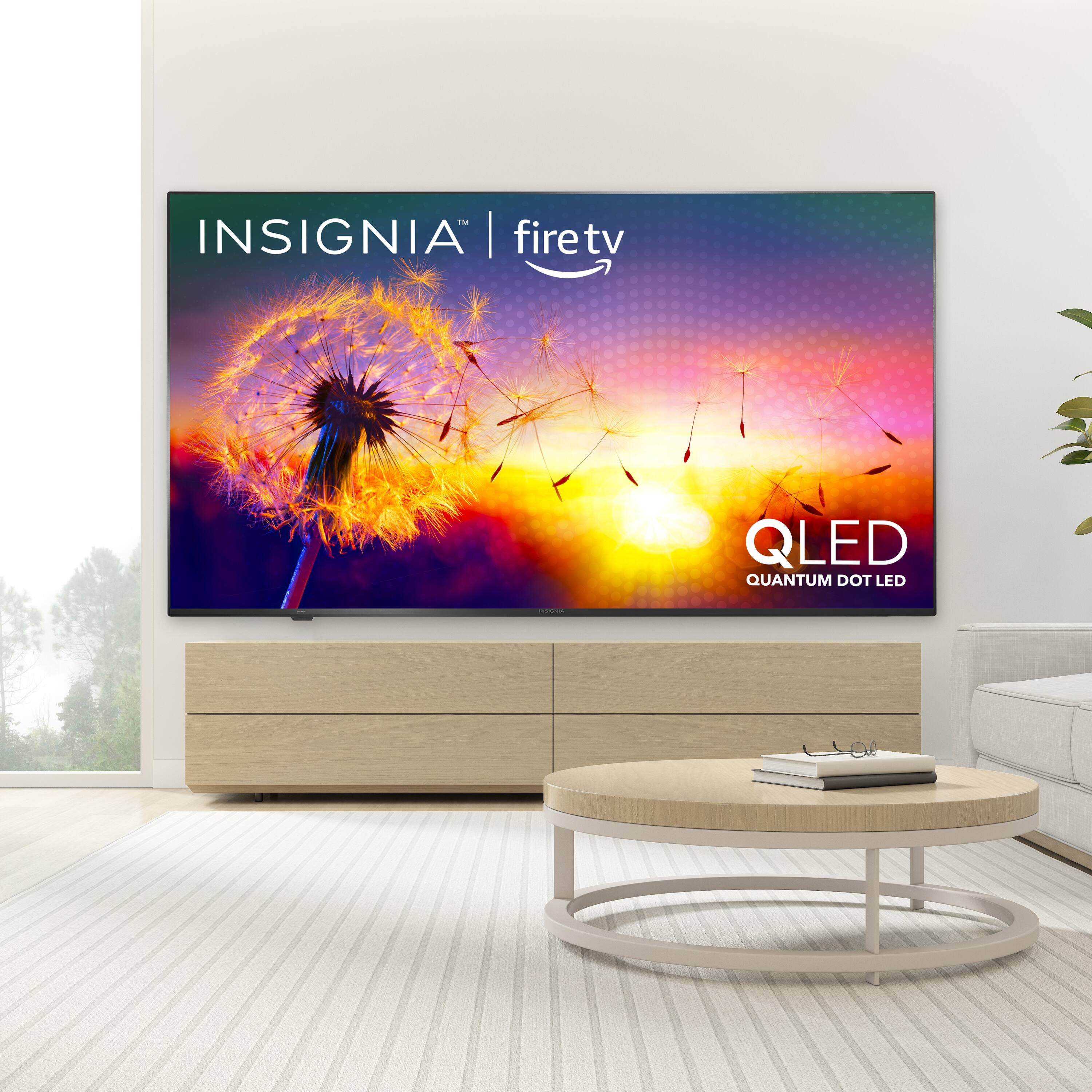
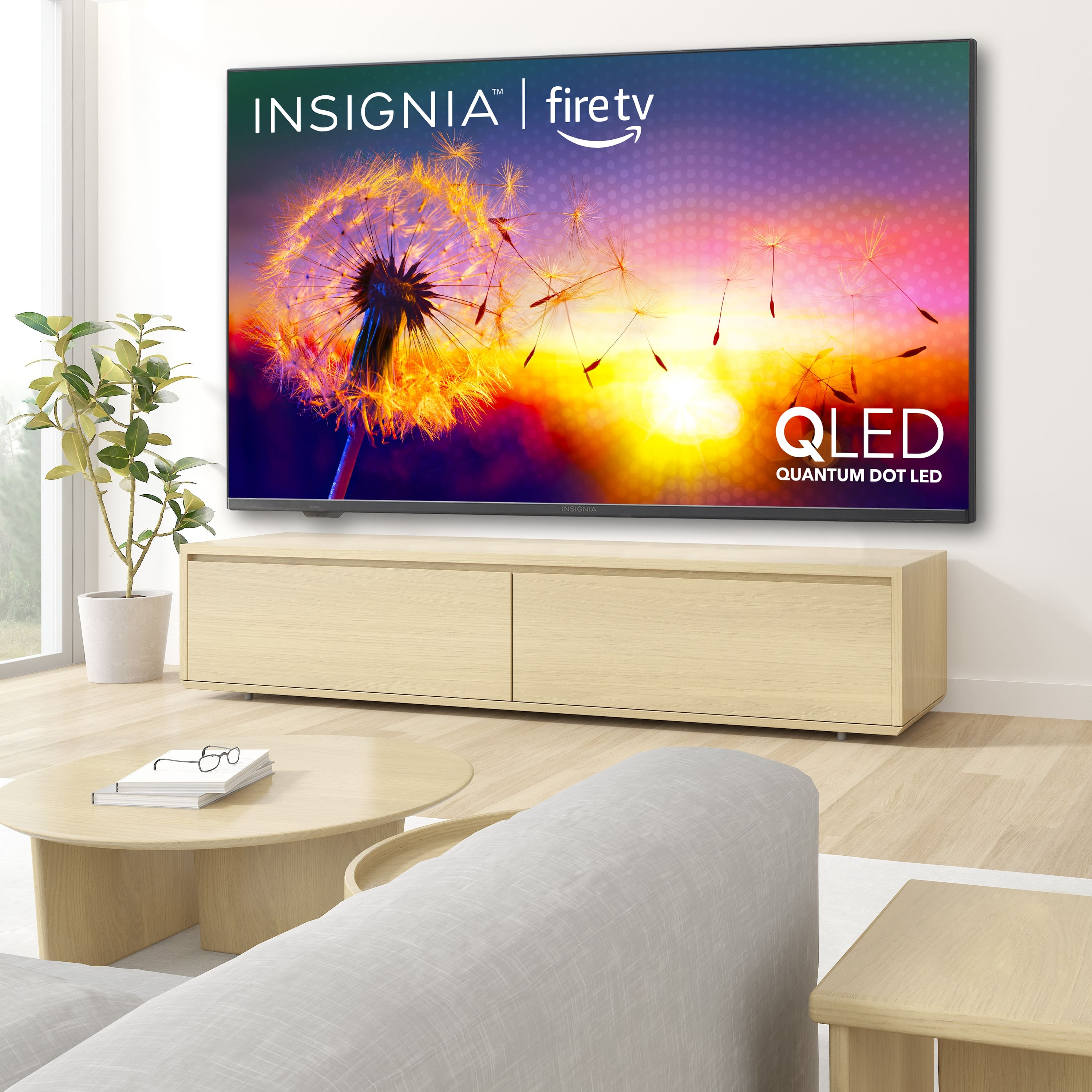
A:AnswerYes it does show a reflection glare to lights source but honestly the backlight this TV has, I’m sure it’s bright enough to be outside long as you have it mounted with it angle down and is covered under significant amount of shade
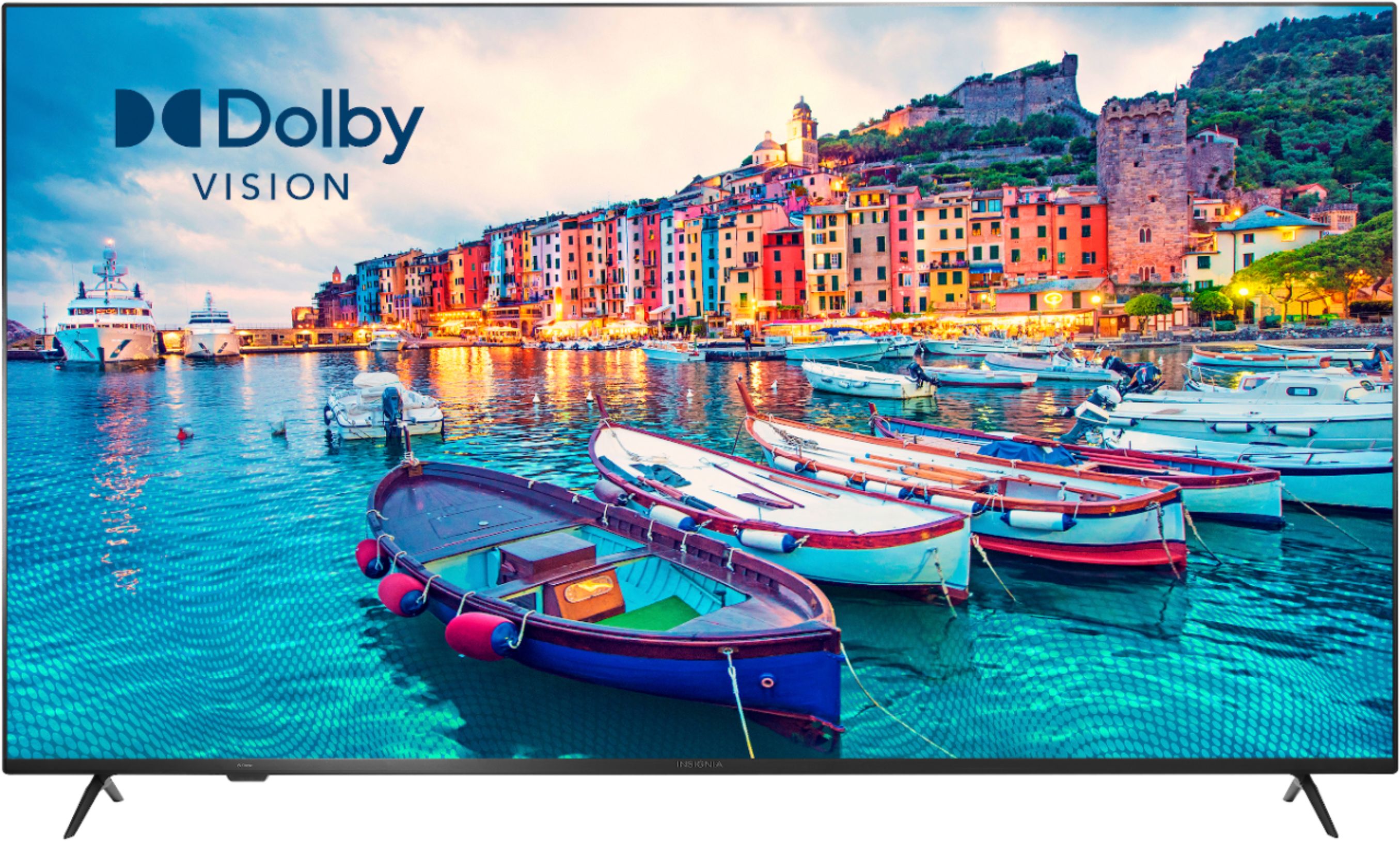
A:AnswerThis TV supports High Dynamic Range: Provides a wide range of color details and sharper contrast, from the brightest whites to the deepest blacks.
Also, it supports Dolby Vision: Feast your eyes on ultravivid picture quality, sharper contrast, and a more precise color palette. Once you watch in Dolby Vision, there’s no going back.
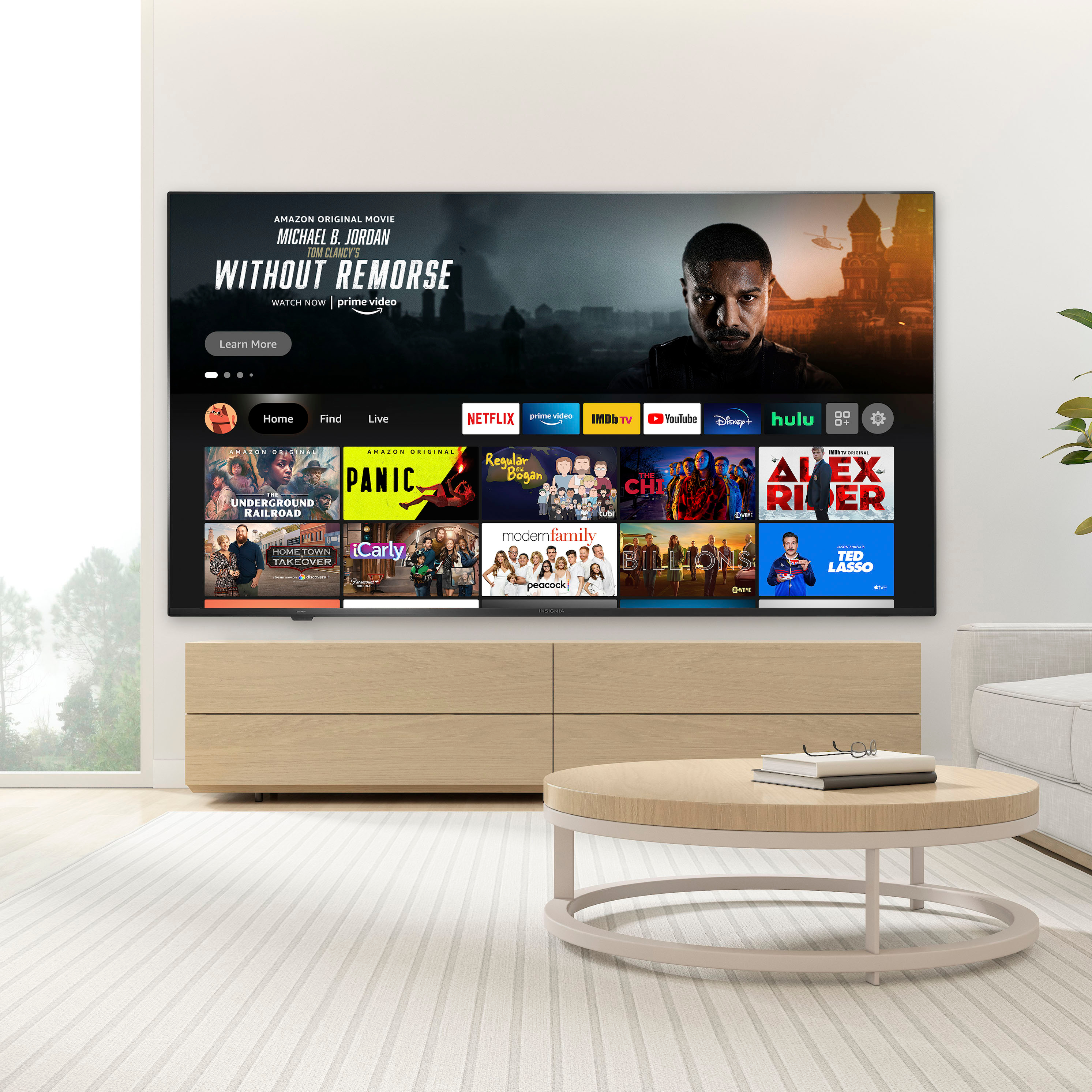
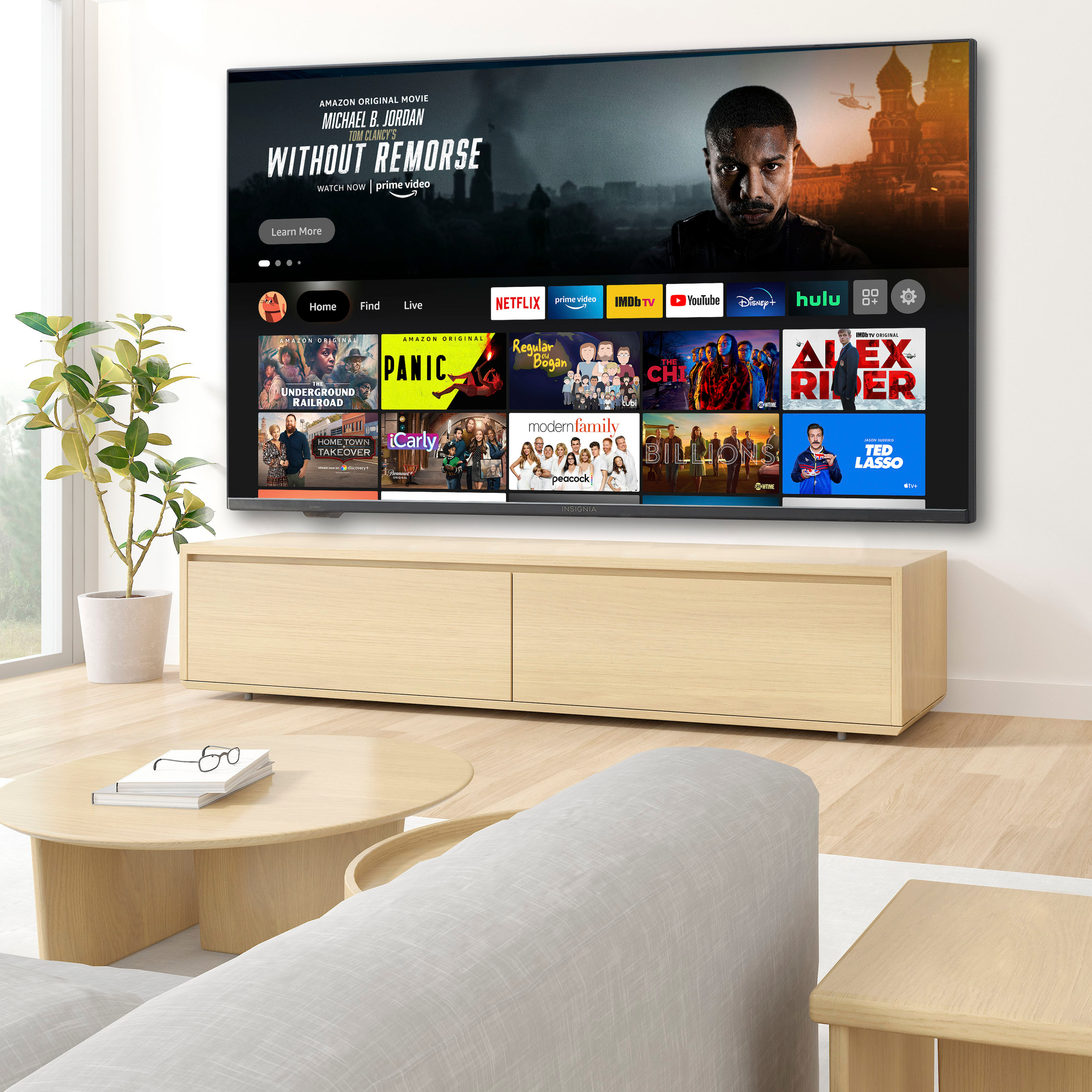
A:AnswerYou do not need a Fire TV Stick because this TV has the Fire OS already built-in.

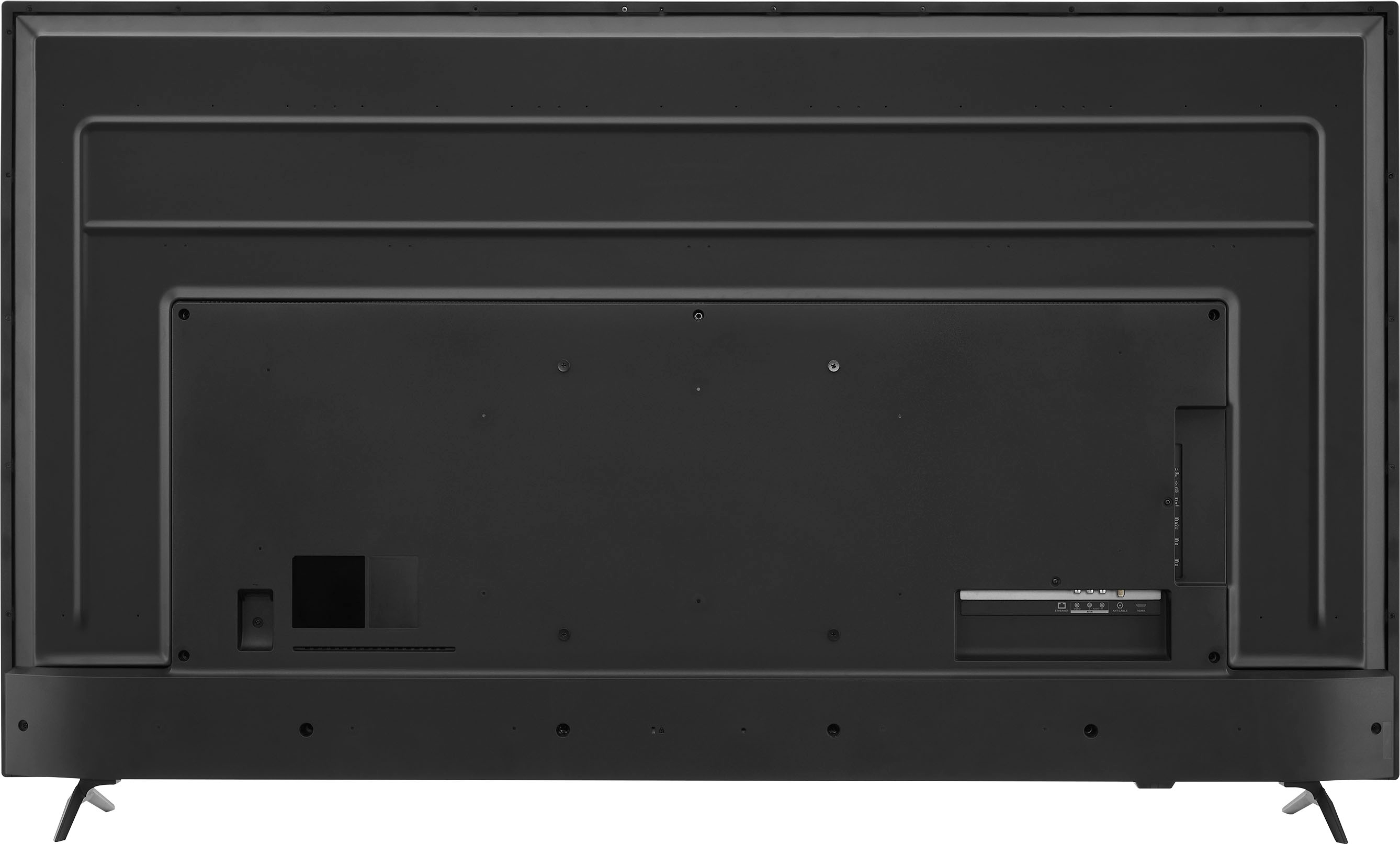
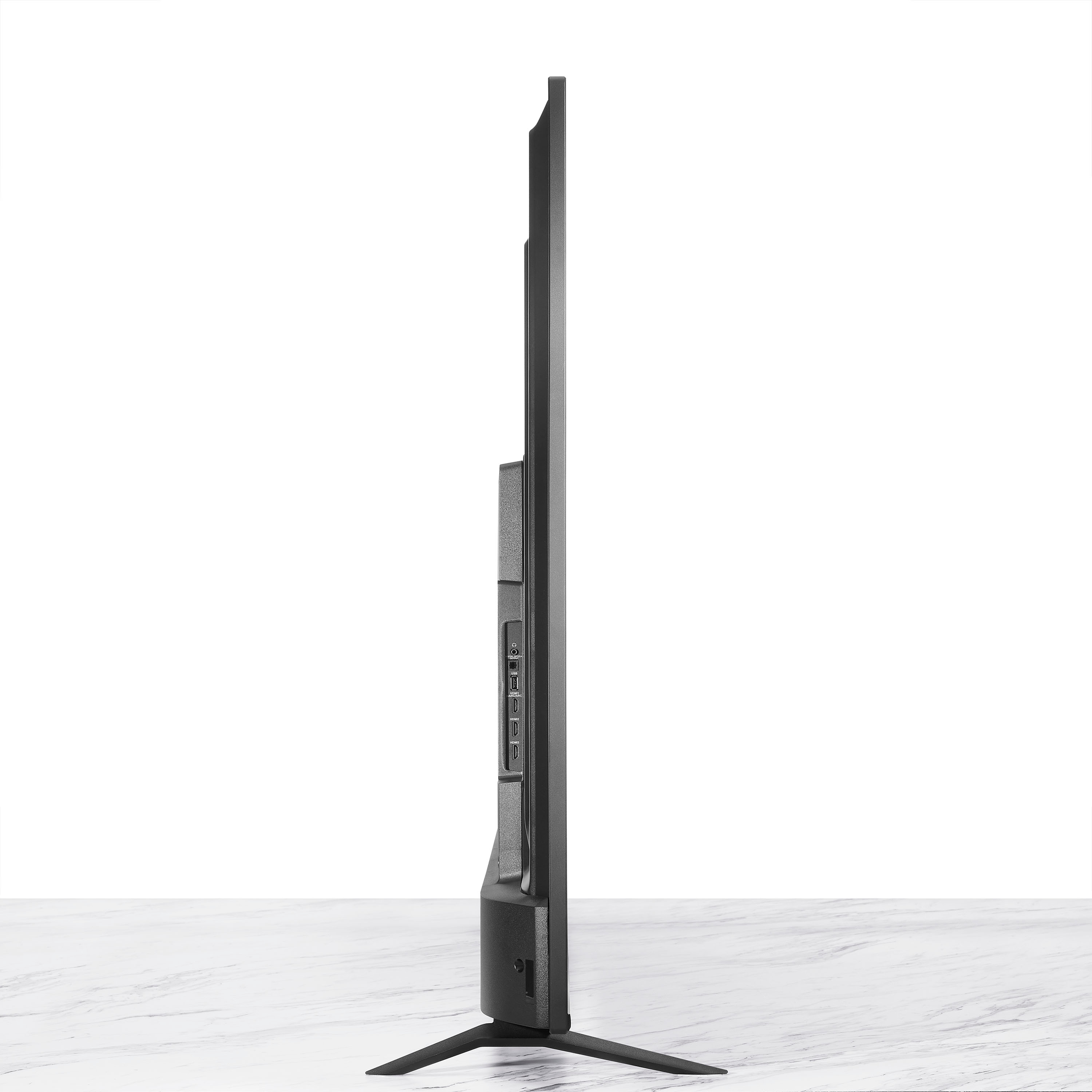
However, you can hook up your external streaming devices into the HDMI inputs on the TV.
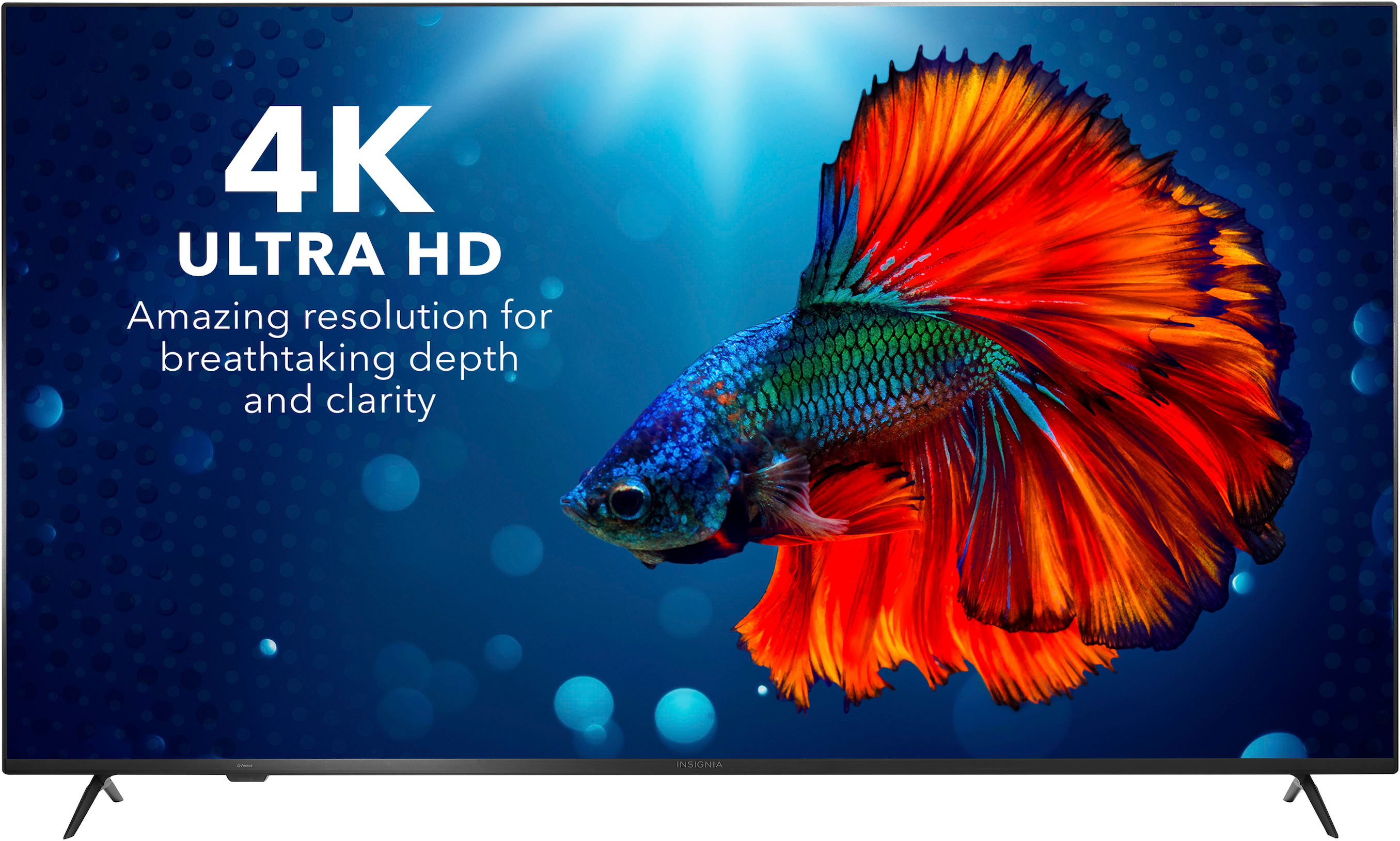
A:AnswerFor most streaming apps, if the content is available in 4K and your internet speed is above 25 Mbps, the TV should automatically display 4K content. Other apps, like YouTube, offer you the option to choose the resolution of the video.
A:AnswerYou need a free Amazon account to enjoy the Full Experience the Fire TV Edition TV has to offer. The Prime Video subscription is optional. You need a Prime Video subscription to watch Prime Video content.
A:AnswerTry to change the Input.
Here is the link for the User Guide
https://files.bbystatic.com/w4LeoifjUPb2bumM9KS6CA%3D%3D/Insignia_FireTVEdition_WEB_20-0301_V4_EN_Final_lr.pdf