Questions & Answers
- Model:
- NS-75F301NA22
- |
- SKU:
- 6480926
Q: QuestionWhat color is the bezel?
Asked by Inquiring.
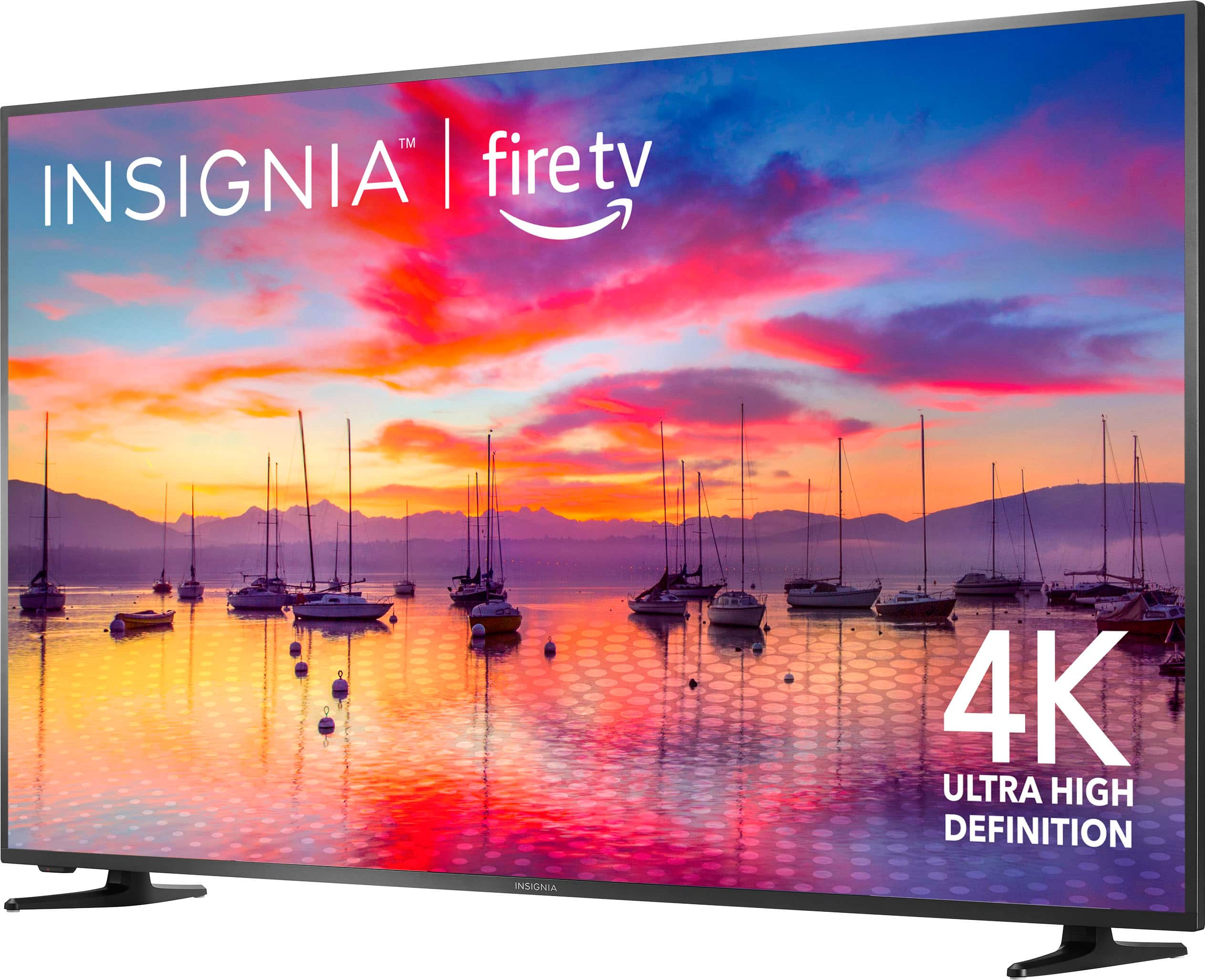
- A:Answer Hi, A Bezel Color for this is Gray. If you have any questions or concerns, please use the link below to reach us and also you can contact this phone number 877-467-4289 for further assistance. Insignia Products Nikki https://insigniaproducts.com
Answered by InsigniaCustomerSupport

Q: QuestionWill this tv connect to my WiFi without using a wired connection?
Asked by Anonymous.
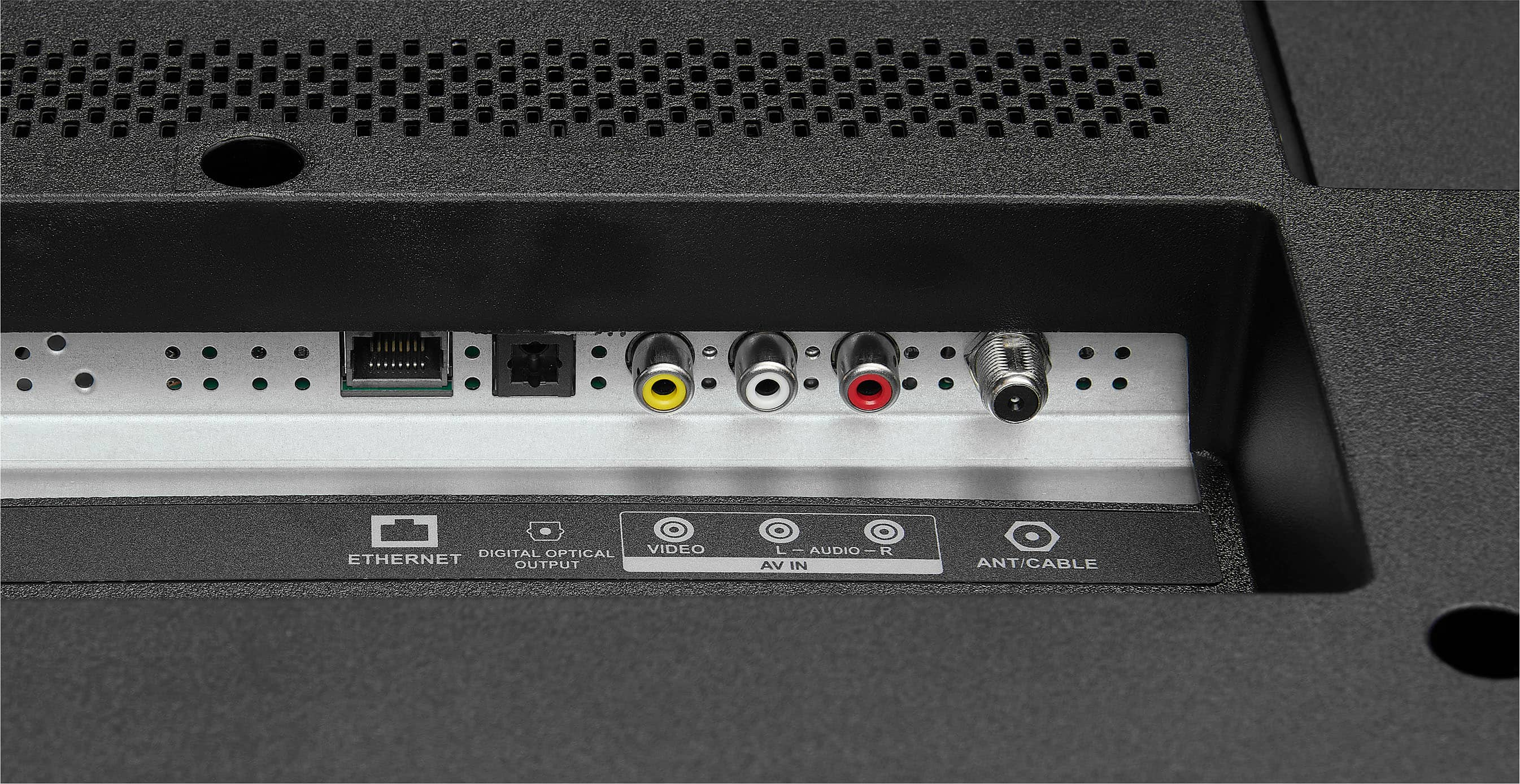
- A:Answer yes
Answered by Choaf
Q: QuestionIs the remote for this tv RF?
Asked by Lee.
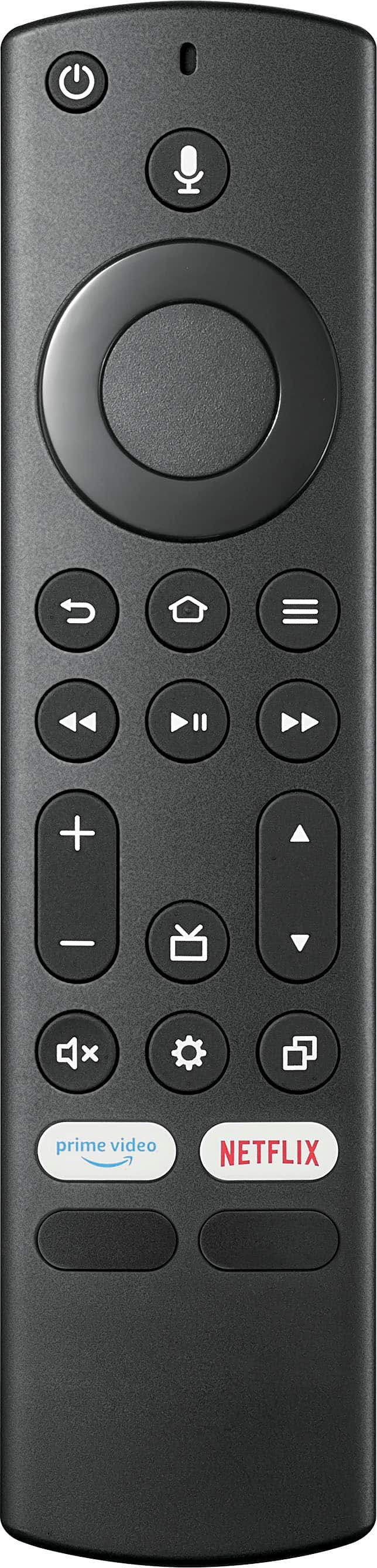
- A:Answer IR you have to point it at the bottom left on the inside of the left leg
Answered by Choaf
Q: QuestionIs this TV bright enough to be outside under an enclosed patio cover? How is the anti-glare properties of the screen?
Asked by misjcy.
- A:Answer Yes
Answered by Frog1203
Q: QuestionIs there a template to assist in wall mounting?
Asked by Liquidirony.
- A:Answer Hi there! There is no template that comes with the television for the wall mounting, but the TV is compatible with a 200 x 200 VESA wall mount. Thus, please ensure you follow the instructions provided with the wall mount kit and consider seeking professional help if you’re not confident in doing it yourself. Also, remember to check the weight capacity of the wall mount to ensure it can safely hold your TV. For more product information, please check the link below. |Angelica| Insignia Products| https://www.bestbuy.com/site/insignia-75-class-f30-series-led-4k-uhd-smart-fire-tv/6480926.p?skuId=6480926
Answered by InsigniaCustomerSupport

Q: QuestionI'm old. Can you get rid or have the option to turn off all that smart internet stuff and just make it like a standard TV ? Also, Is there a zoom function on this tv ?
Asked by OldBuzzard.
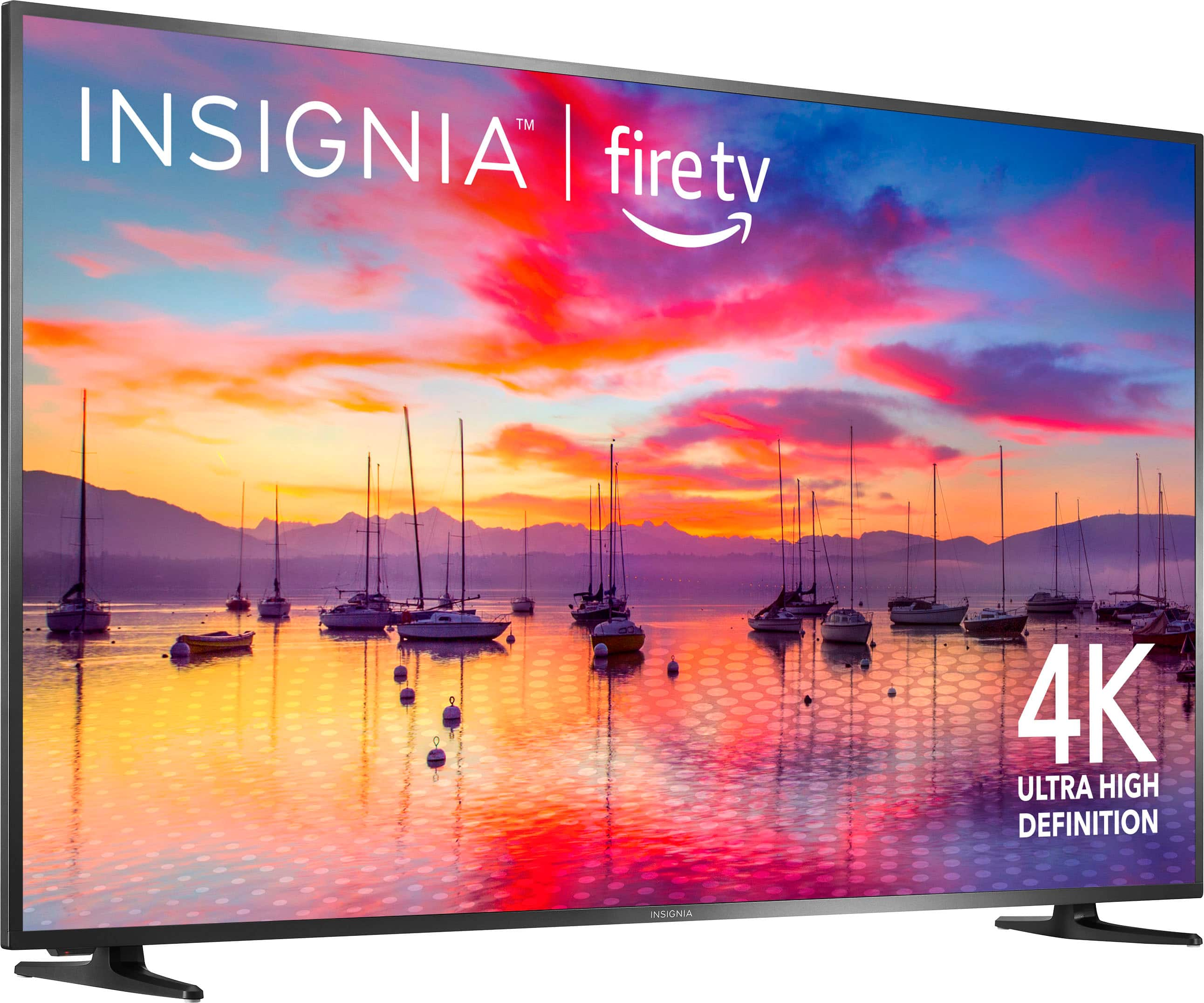
- A:Answer Thank you for your inquiry! There is no option to turn off the smart internet features on the Insignia™ - 75" Class F30 Series LED 4K UHD Smart Fire TV, as it is designed to be a smart TV with access to various streaming services and apps. However, you can choose not to connect it to the internet and use it like a standard TV if you prefer. As for the zoom function, most modern TVs, including the Insignia™ - 75" Class F30 Series LED 4K UHD Smart Fire TV, have a zoom feature that allows you to adjust the aspect ratio of the display. This can be useful for adjusting the size and proportions of the image to your liking. You can usually access the zoom function through the settings menu on the TV. Keith | Insignia Support https://www.bestbuy.com/site/insignia-75-class-f30-series-led-4k-uhd-smart-fire-tv/6480926.p?skuId=6480926
Answered by InsigniaCustomerSupport

Q: QuestionWhat is the NIT level on this TV?
Asked by Togamaster.
- A:Answer Hi there! The Insignia™ 75" Class F30 Series LED 4K UHD Smart Fire TV has a peak brightness of 288 nits. Please note that the brightness level might not be sufficient for very bright rooms or for HDR content that often requires higher brightness levels. For more product information, please check the link below. If you need further assistance, please feel free to reply, |Angelica| Insignia Support| https://www.bestbuy.com/site/insignia-75-class-f30-series-led-4k-uhd-smart-fire-tv/6480926.p?skuId=6480926
Answered by InsigniaCustomerSupport

Q: QuestionI setup the TV input to be HDMI2 to connect to my cable box. When I turn it off and on again, it is back to a screen that is not a TV channel. Is there a way to change the input to HDMI2 and have it stay there?
Asked by TVInput.
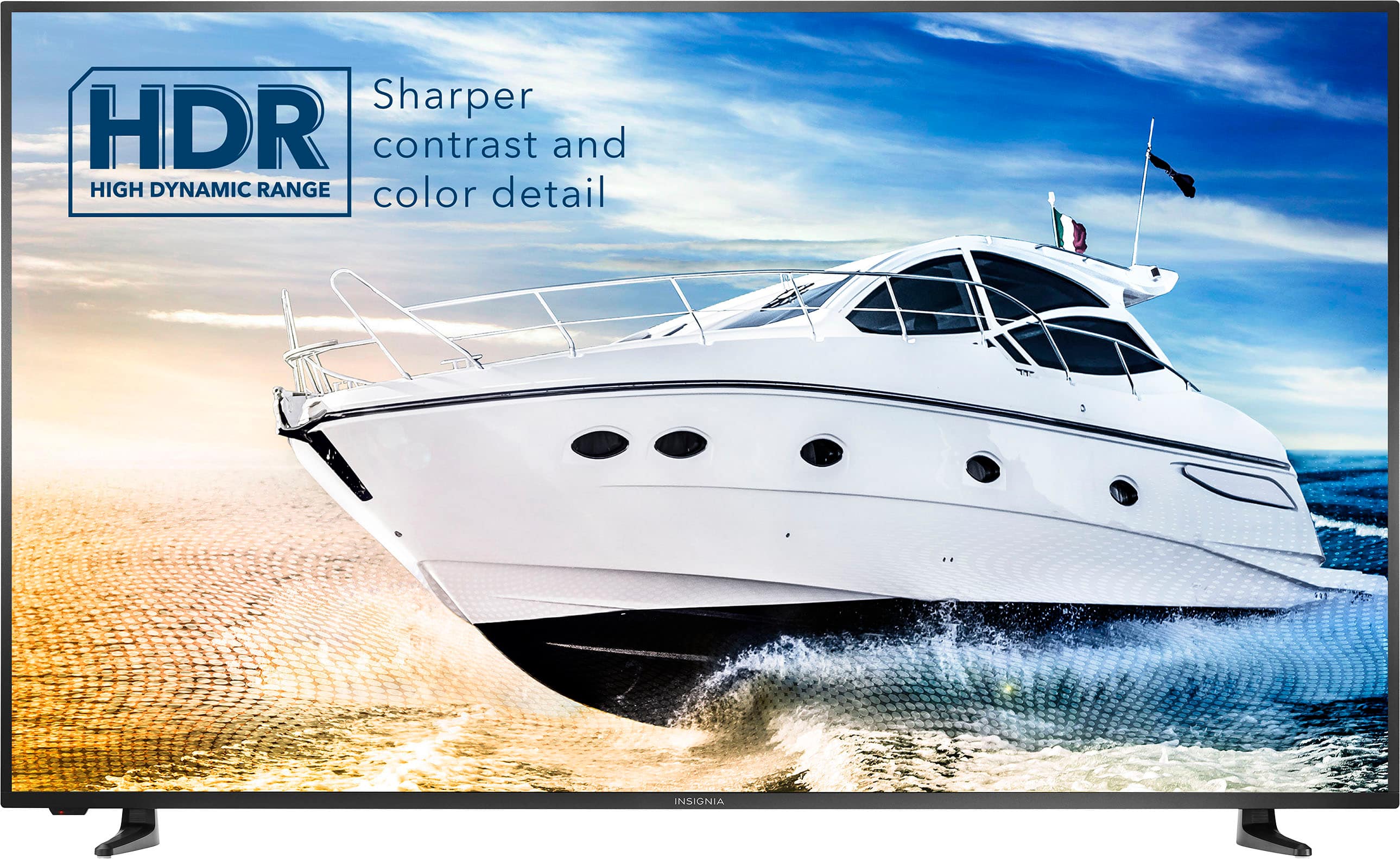
- A:Answer To set up the TV to automatically go to the last input used, navigate to the "Settings" menu, then select "Display and Sound", followed by "Power Controls", and choose "Power On". From there, select "Last Input". To select the specific input (HDMI 1, HDMI 2, or HDMI 3), press the "Home" button, go to "Settings", and then choose "Inputs". Make sure to turn the TV off and back on to confirm the changes and validate the resolution. Patricia | Insignia Support https://www.bestbuy.com/site/insignia-75-class-f30-series-led-4k-uhd-smart-fire-tv/6480926.p?skuId=6480926
Answered by InsigniaCustomerSupport

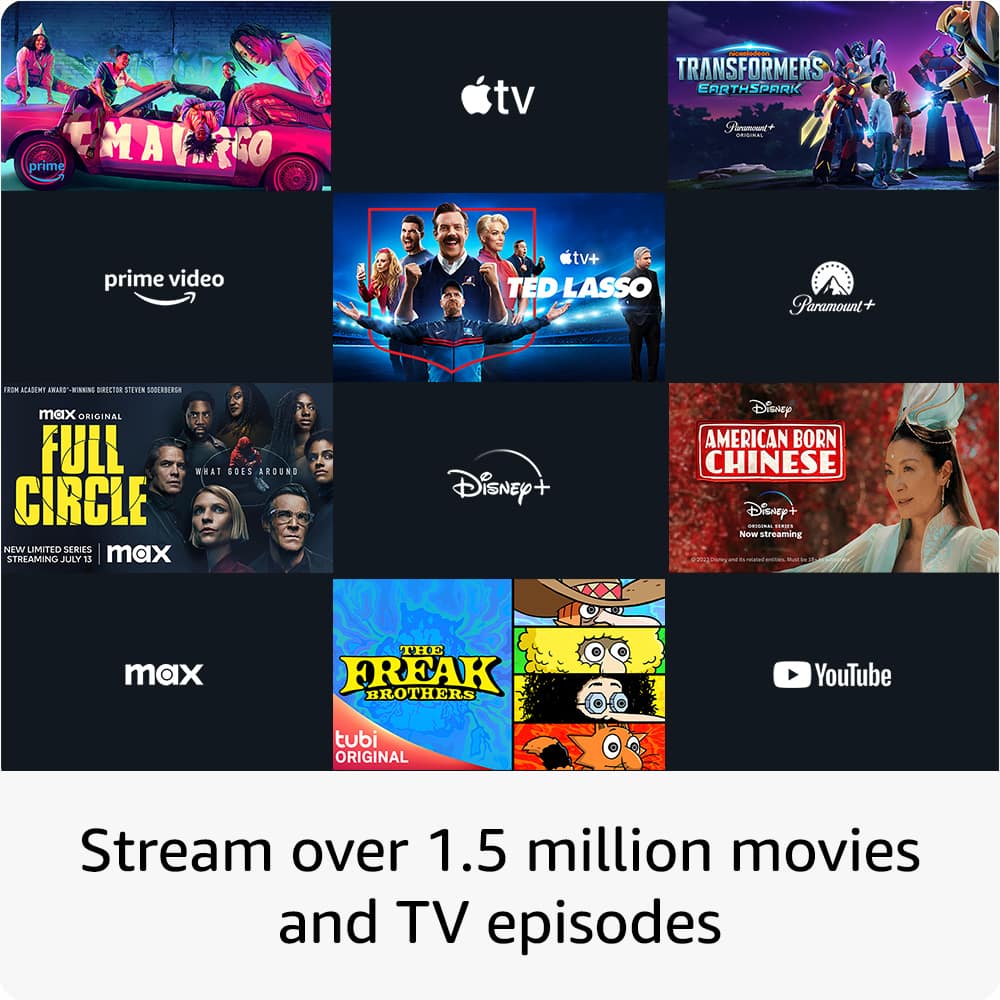
Q: QuestionCan you download and stream the Xfinity Stream app on this tv?
Asked by Mike.
- A:Answer Hi Mike! Yes, you can download Xfinity Stream app on your Insignia™ - 75" Class F30 Series LED 4K UHD Smart Fire TV . Carl | Insignia Support
Answered by InsigniaCustomerSupport

Q: QuestionCan this TV be plugged directly into a 220 volts 50Hz power source (without using a voltage converter) and work properly with no issues?
Asked by Grominetos.
- A:Answer No, the Insignia 75 inch smart fire TV is designed to be used with a 120 volts 60Hz power source. Plugging it directly into a 220 volts 50Hz power source without using a voltage converter could cause damage to the TV and may void the warranty. It is recommended to use a voltage converter to ensure the TV works properly and safely. -Ed | Insignia Support | https://www.bestbuy.com/site/brands/best-buy-brands/pcmcat1596746025285.c?id=pcmcat1596746025285
Answered by InsigniaCustomerSupport

Q: QuestionCan the TV be hung inside a finished garage that has temperatures below freezing?
Asked by KMH.
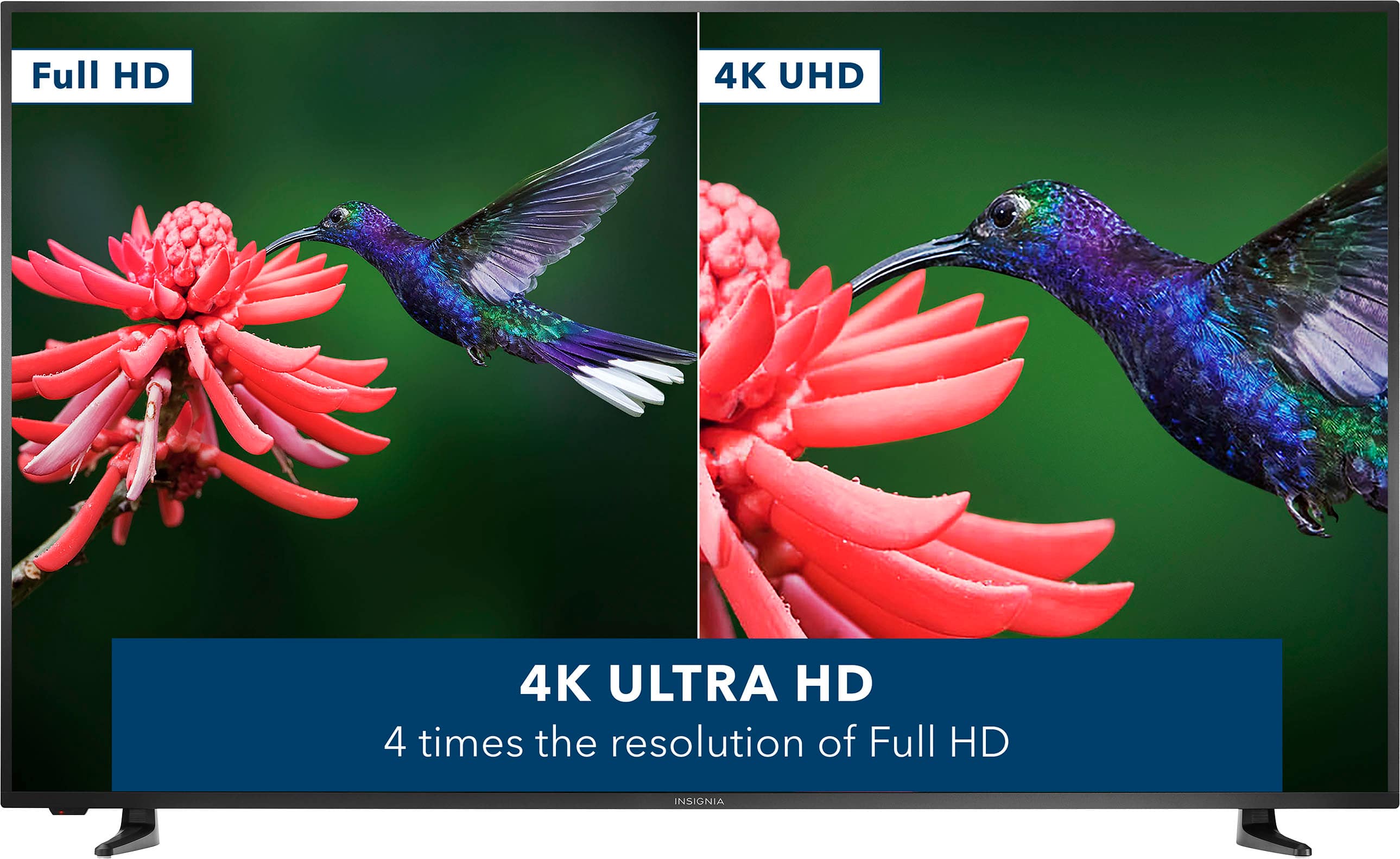
- A:Answer Thank you for your inquiry! It is not recommended to hang a TV in an area with temperatures below freezing, as this can potentially damage the TV and affect its performance. Cold temperatures can cause the liquid crystal display (LCD) in the TV to freeze, leading to irreparable damage. It is best to install the TV in a location where the temperature remains above freezing to ensure its longevity and proper functioning. Keith | Insignia Support https://www.bestbuy.com/site/insignia-75-class-f30-series-led-4k-uhd-smart-fire-tv/6480926.p?skuId=6480926
Answered by InsigniaCustomerSupport

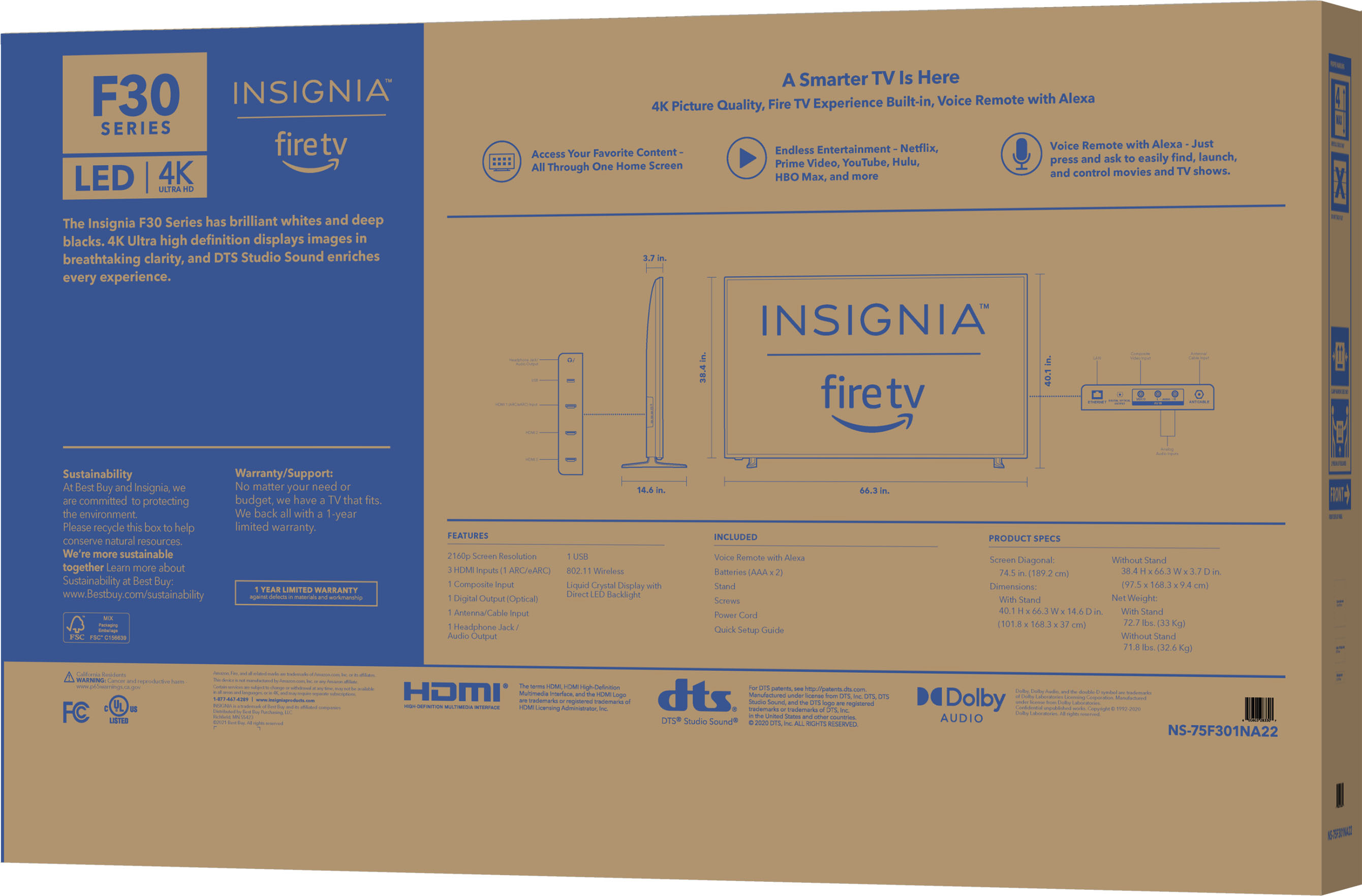
Q: QuestionHow much does it weight? My mount can hold for max 70 lbs So can I use with my mount?
Asked by Maya.
- A:Answer No, this TV weigh about 72 pounds.
Answered by Nickinbrooklyn
Q: QuestionCan you hang the TV on the wall? I don't see any hanging holes on the back of the TV
Asked by Gaby.
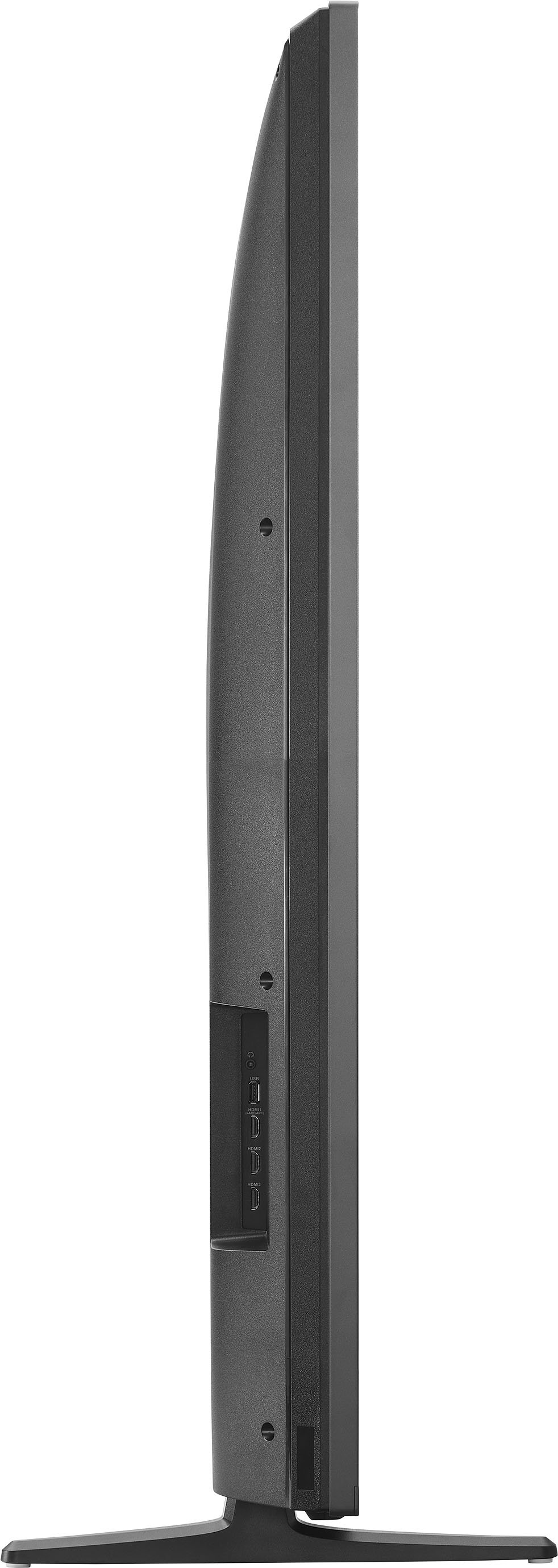
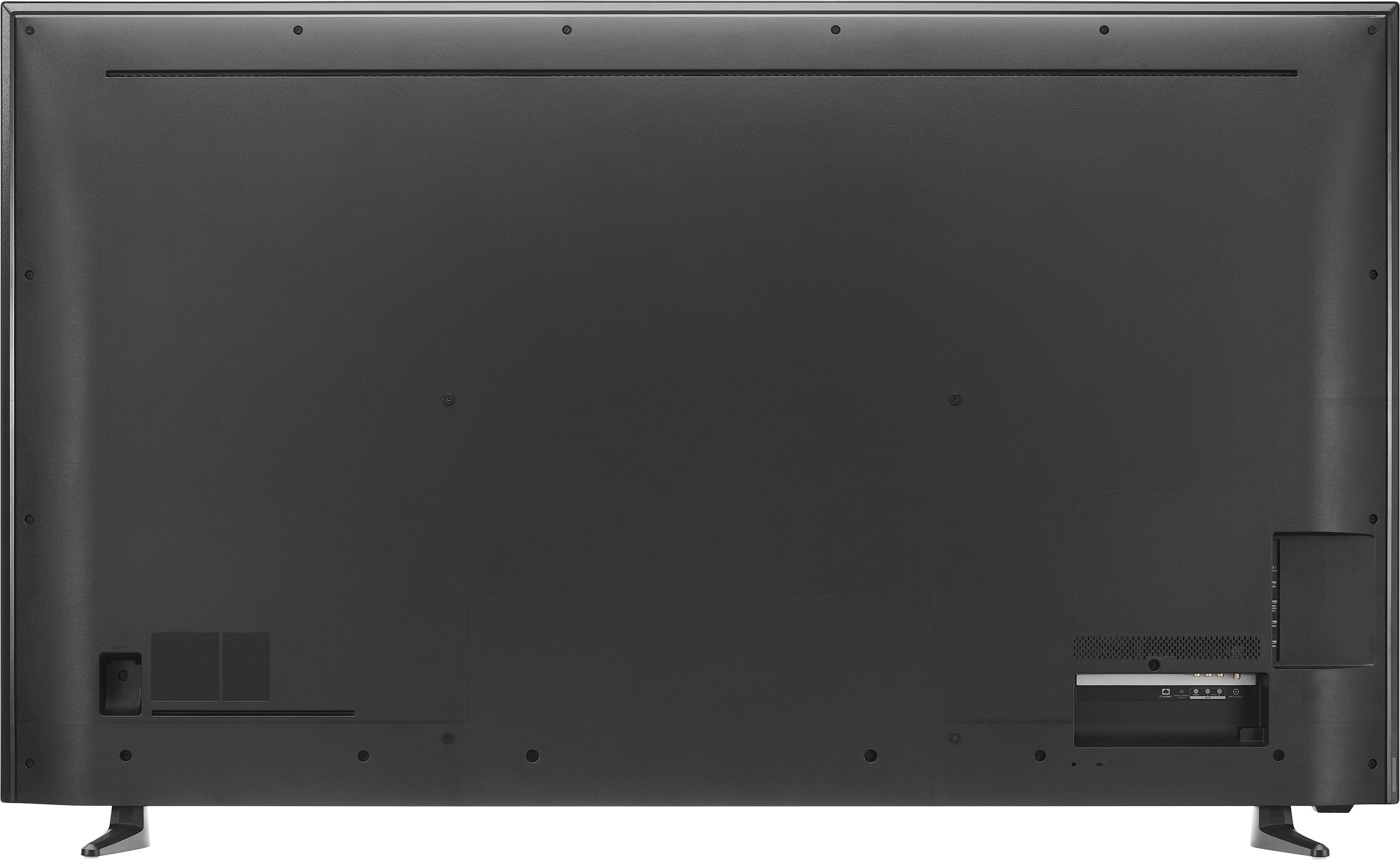
- A:Answer Hi Gaby, thank you for bringing this to our attention. If you want to mount the television, there are four VESA mounting holes located on the back of the TV. These holes can be found in the middle section of the television. For more product information, please refer on the link below. Patricia | Insignia Support https://www.bestbuy.com/site/insignia-75-class-f30-series-led-4k-uhd-smart-fire-tv/6480926.p?skuId=6480926
Answered by InsigniaCustomerSupport

Q: QuestionWhat’s the dimensions for the box it comes in? Wondering if it will fit in my suv
Asked by Marcus.
- A:Answer Hi Marcus! The dimensions of the box for the Insignia 75" Class F30 Series LED 4K UHD Smart Fire TV are typically around 70.2" x 42.5" x 7.2". It is recommended to measure the dimensions of your SUV's cargo area to ensure that the box will fit comfortably. JC | Insignia Support https://www.bestbuy.com/site/insignia-75-class-f30-series-led-4k-uhd-smart-fire-tv/6480926.p?skuId=6480926
Answered by InsigniaCustomerSupport

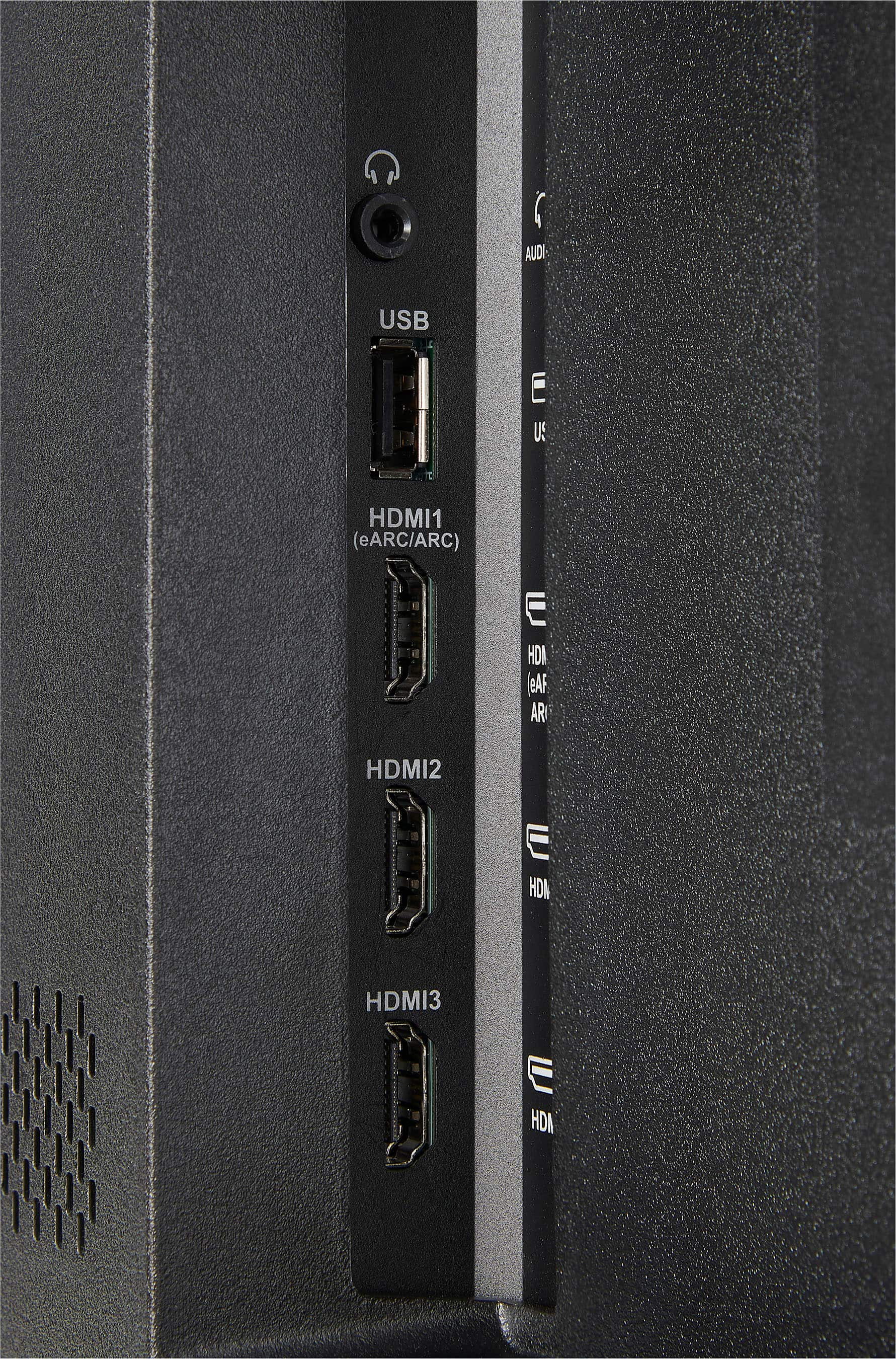
Q: QuestionCan you mirror a laptop with this TV or just use the HDMI
Asked by Rob.
- A:Answer Hello Rob, yes, it is possible to cast the Insignia™ - 75" Class F30 Series to a laptop. Make sure that your laptop and Fire TV are on the same Wi-Fi network. On your Fire TV, go to Settings > Displays & Sounds > Enable Display Mirroring. Make sure that your laptop's window is up to date. On your laptop, access the quick setting, go to cast or press the Windows logo key + K, and your Fire TV name should appear. Let us know if there is anything we can do to help. Patricia | Insignia Support https://www.bestbuy.com/site/insignia-75-class-f30-series-led-4k-uhd-smart-fire-tv/6480926.p?skuId=6480926
Answered by InsigniaCustomerSupport

Q: QuestionWhat’s the exact height and width measurements of tv
Asked by Marty.
- A:Answer Hello Marty, thank you for your interest in our product. Here are the measurements for the Insignia™ - 75" Class F30 Series LED 4K UHD Smart Fire TV: Without the stand, the height is 38.4 inches, and with the stand, it's 40.1 inches. The width of the TV is 66.3 inches. If you need more product information, kindly refer on the link below. https://www.bestbuy.com/site/insignia-75-class-f30-series-led-4k-uhd-smart-fire-tv/6480926.p?skuId=6480926
Answered by InsigniaCustomerSupport

Most-viewed items
- Doorbuster$169.99Your price for this item is $169.99
- Black Friday Deal$999.99Your price for this item is $999.99
- Black Friday Deal$99.99Your price for this item is $99.99
- Black Friday Deal$349.99Your price for this item is $349.99
- Black Friday Deal$899.99Your price for this item is $899.99
- $279.99Your price for this item is $279.99$399.99The comparable value for this item is $399.99
- Black Friday Deal$499.99Your price for this item is $499.99
- Black Friday Deal$329.99Your price for this item is $329.99
- Black Friday Deal$1,399.99Your price for this item is $1,399.99
- $549.99Your price for this item is $549.99$1,299.99The comparable value for this item is $1,299.99
- Black Friday Deal$299.99Your price for this item is $299.99
- Black Friday Deal$999.99Your price for this item is $999.99
- $249.99Your price for this item is $249.99$379.99The comparable value for this item is $379.99
- Black Friday Deal$379.99Your price for this item is $379.99
- $899.99Your price for this item is $899.99$2,499.99The comparable value for this item is $2,499.99
- Black Friday Deal$399.99Your price for this item is $399.99
- Black Friday Deal$189.99Your price for this item is $189.99
- Black Friday Deal$329.99Your price for this item is $329.99
- $89.99Your price for this item is $89.99$149.99The comparable value for this item is $149.99