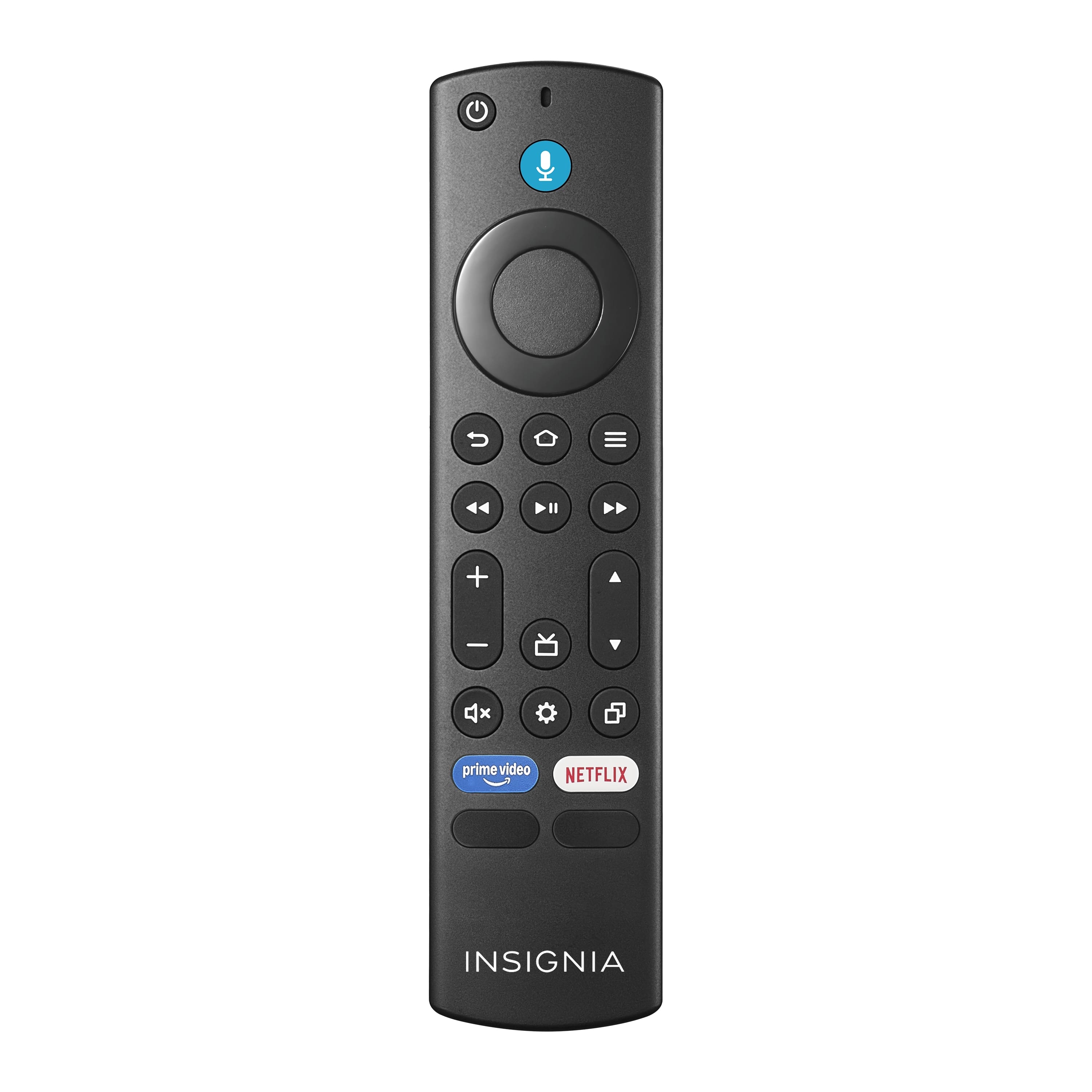
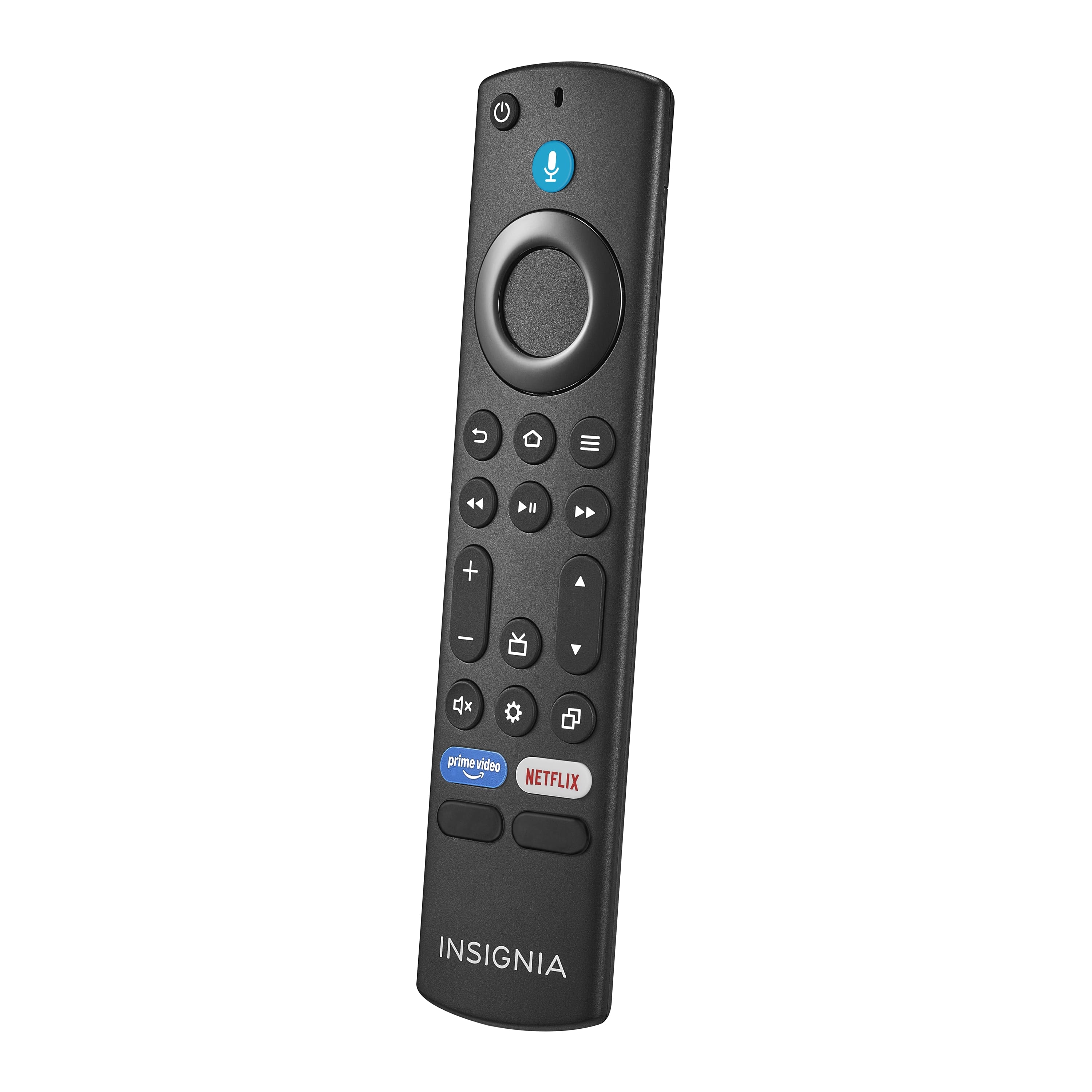
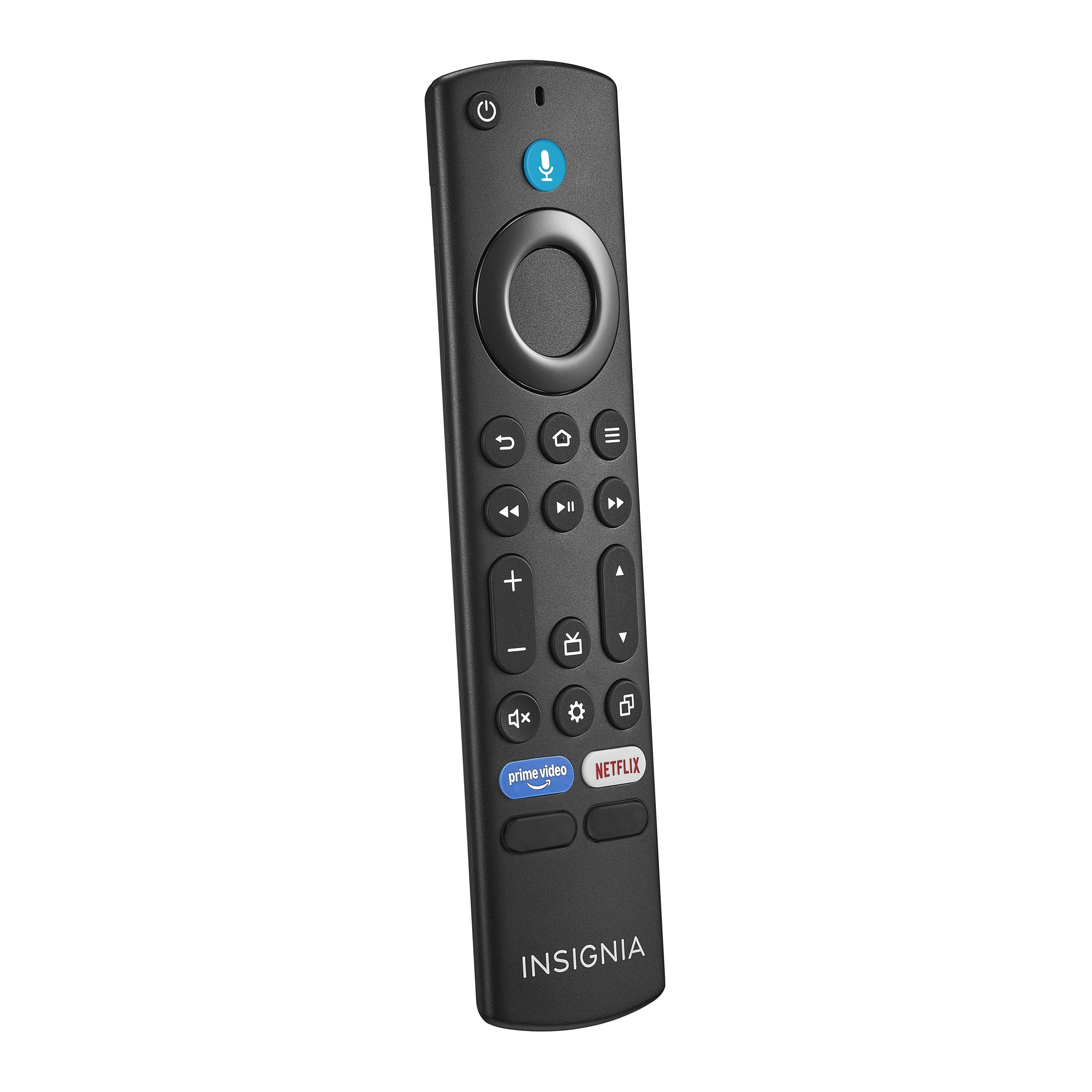
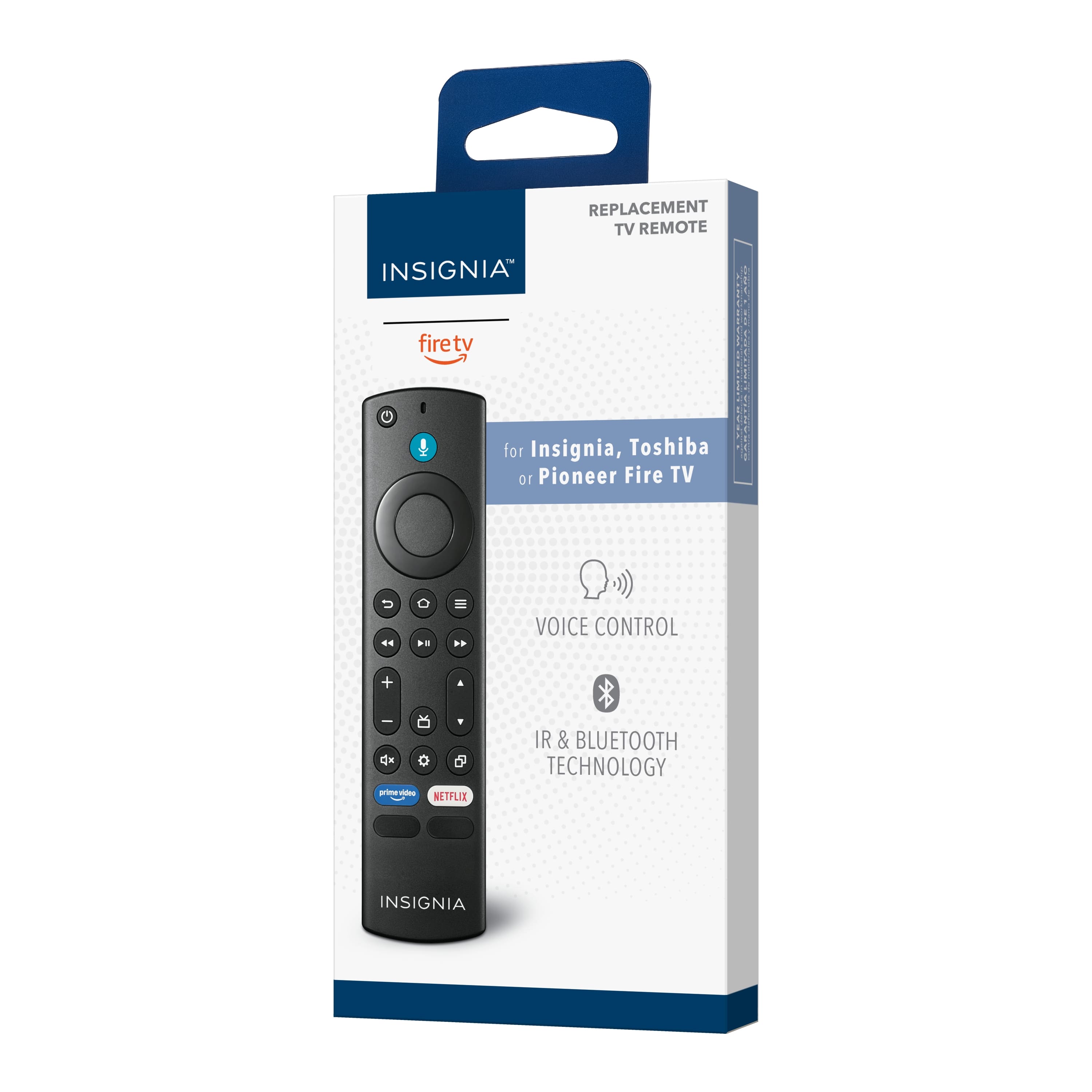
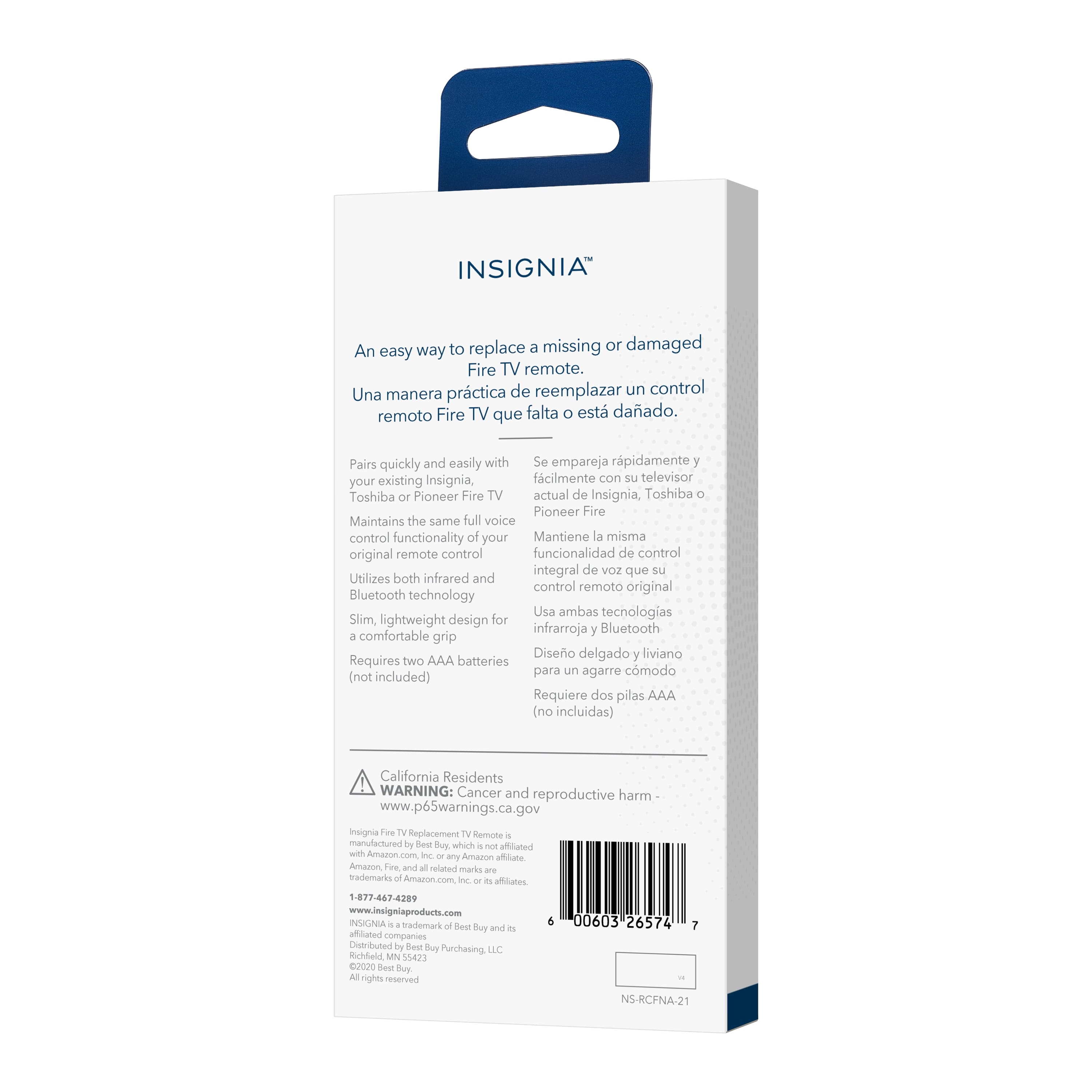
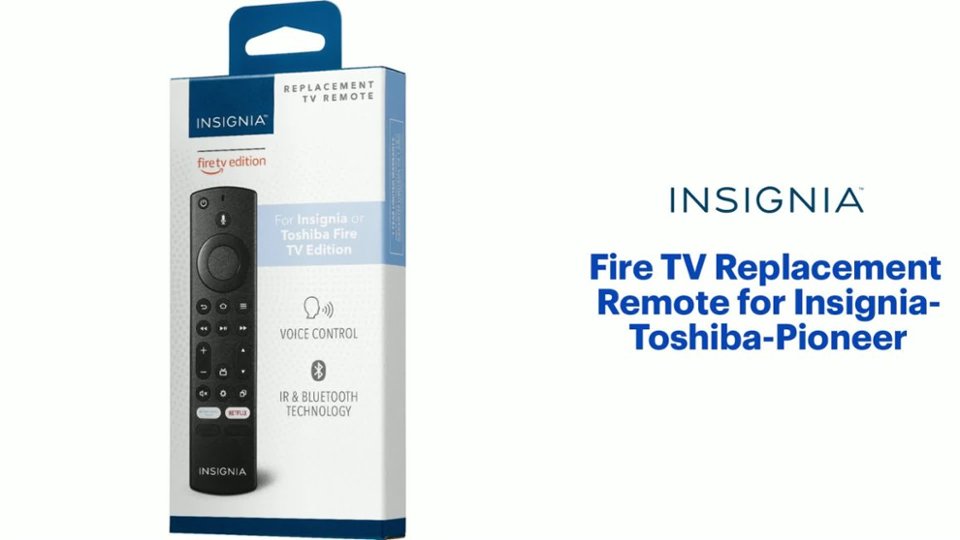
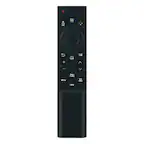
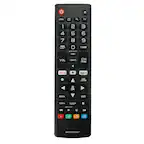
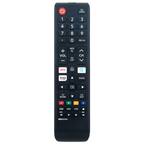
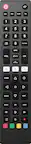
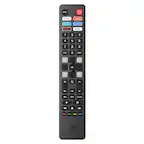
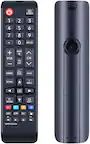
A:AnswerThis replacement remote works with a Toshiba Fire TV Edition TV. To Factory Reset the Remote, press and hold at the same time the DPAD-left, Back (↩) and Menu (≡) buttons for at least 10 seconds. To pair the remote press and hold the Home button. For product support please visit https://www.insigniaproducts.com/email-us
A:AnswerThis replacement remote does not have a dedicated button for Closed Captions.
While watching Live TV from antenna press the Menu button ( ≡ ), then select Captions and Audio. To adjust the Closed Caption settings go: Home > Settings > Accessibility > Closed Caption.
A:AnswerYes, you can pair multiple remotes to your Fire TV Edition TV.
Also, you can download the Amazon Fire TV on your Smartphone to control the TV over Wi-Fi.
A:AnswerYes, this replacement remote works with Insignia Fire TV Edition TVs.
For product support, please visit https://www.insigniaproducts.com/email-us
A:AnswerThis replacement remote works with Fire TV Edition TVs. To Factory Reset the Remote, press and hold at the same time the DPAD-left, Back (↩) and Menu (≡) buttons for at least 10 seconds. To pair the remote press and hold the Home button. For product support please visit https://www.insigniaproducts.com/email-us