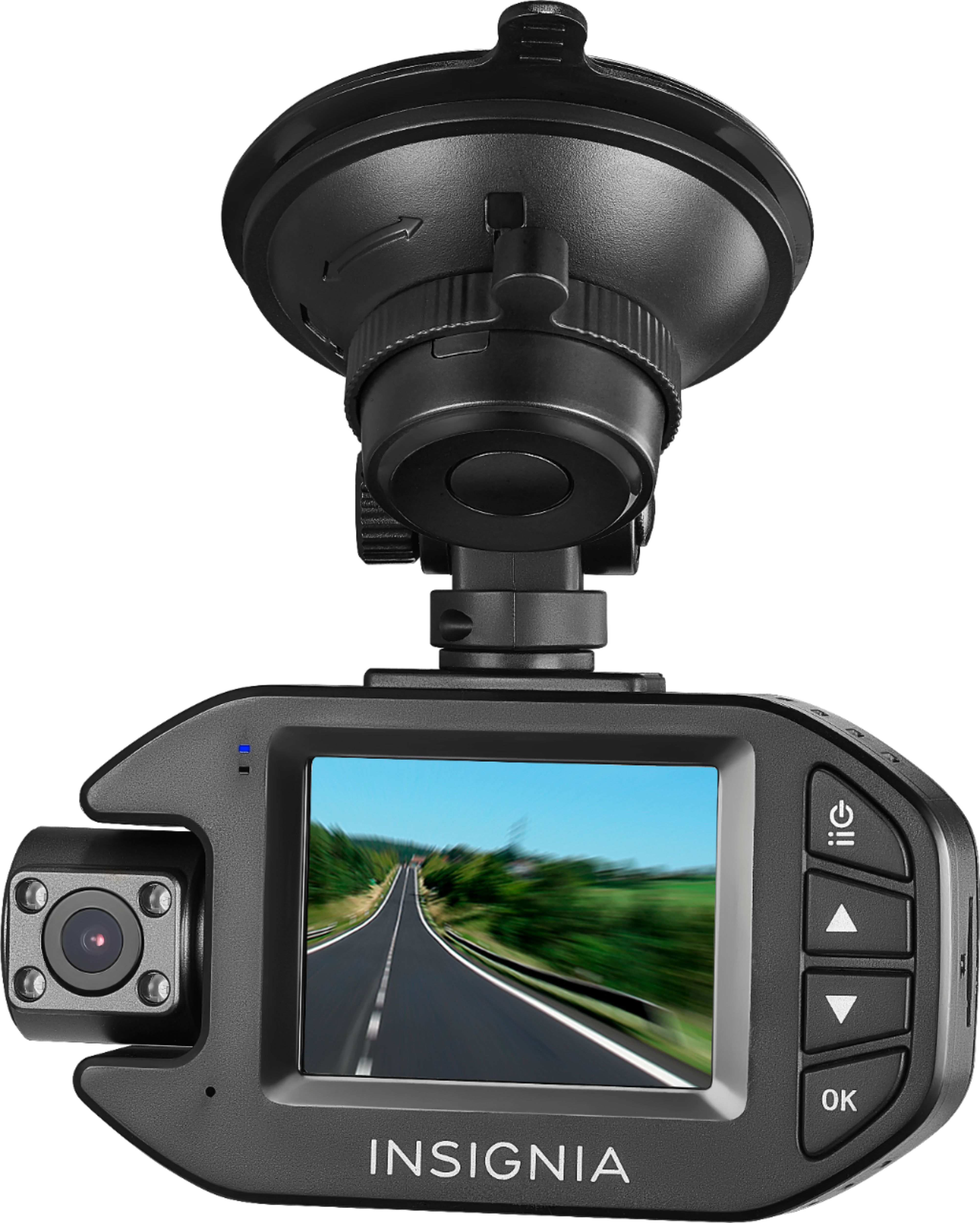
A:AnswerHeat is a concern. My previous camera lasted one year here in Texas. I’m looking to attach a “hood” on this one, fabricated from ABS or Aluminum. Or a quick release at the first adjustment junction on the arm to would allow it to be removed easily when not in use. Another option- applying a small piece of highly reflecting window tint above the mounting position on the windshield
A:AnswerHi Lee!
The microphone of the camera is located on the top like a microphone symbol, if microphone is off there is a circle red on it, if on there's no circle red icon.
Insignia Support
Alvin
www.insigniaproducts.com/support
A:AnswerHello Lee,
This dash cam stop recording when on a red light or stop sign when Motion detect is turned on, your dash cam automatically starts recording when it detects movement within 10 ft. (3 m), such as people walking. If no additional motion is detected in 10 seconds, recording stops. Both cameras support motion detection. You can select On or Off.
Insignia Support
Louise
www.insigniaproducts.com/support
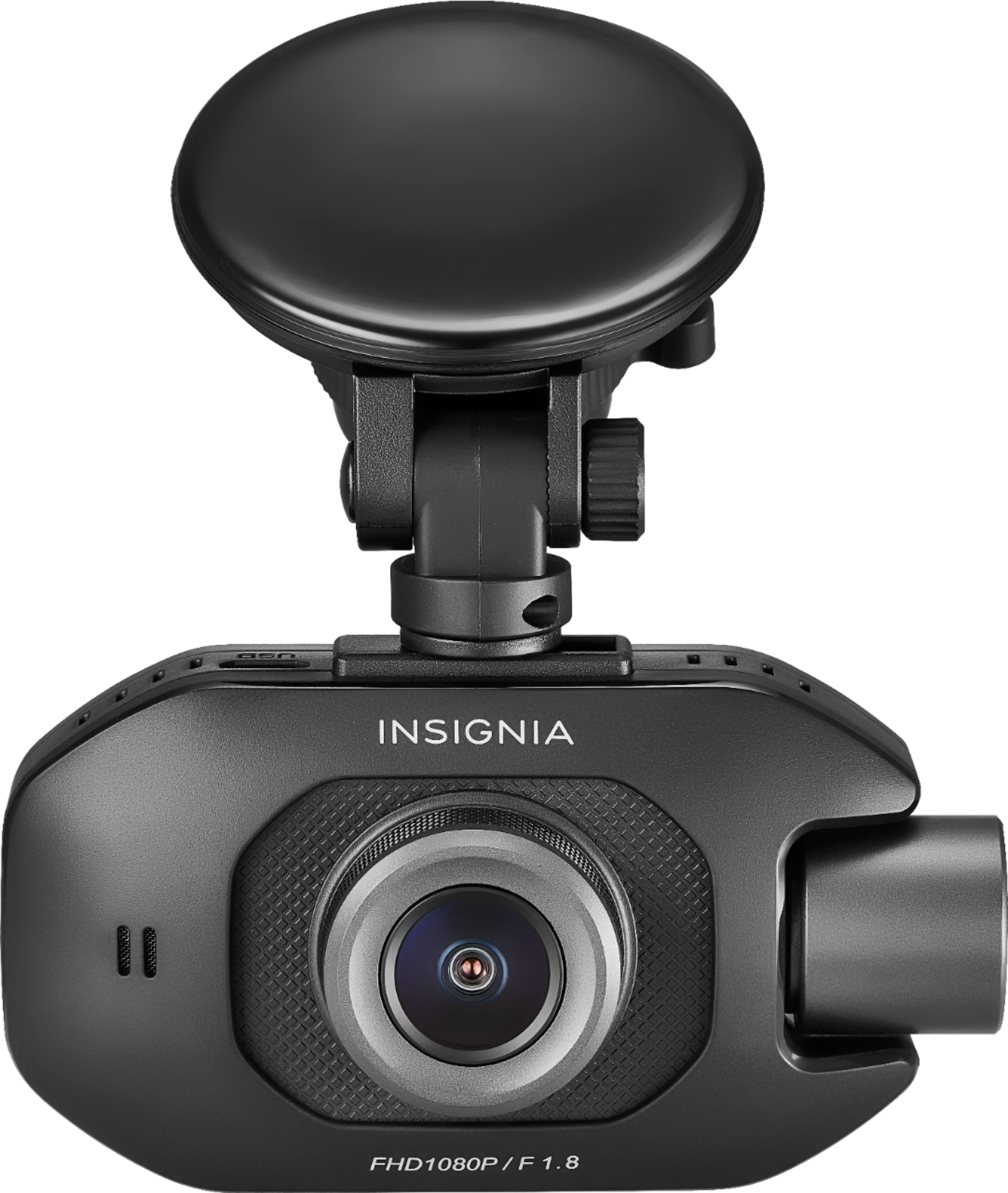
A:AnswerWhen Motion detect is turned on, your dash cam automatically starts recording when it detects movement within 10 ft. (3 m), such as people walking. If no additional motion is detected in 10 seconds, recording stops. Both cameras support motion detection. You can select On or Off.
A:AnswerNo, once you format the micro SD card the first time you're done. You can remove it from the dashcam and insert in your computer and vice versa without having to reformat again
A:AnswerAn emergency recording automatically starts when the G-Sensor registers an impact. Emergency recordings create protected (locked) files that are not overwritten by continuous loop recording. In addition, to make sure that important footage isn’t lost surrounding an incident, adjacent video clips are locked if the incident happens within 30 seconds of the beginning or end of a clip. You can manually start and stop an emergency video, in recording mode, press ⚠️ to manually activate the emergency video mode. Files recorded in this mode are protected and aren’t overwritten. Then copy recordings to a computer.
A:AnswerI had the same problem the company does not just make a suction cup you have to buy the whole system I looked on eBay and did not find anything I ended up putting some adhesive on the inside of the window and almost gluing it onto the window I live in Arizona in the heat would make it fall off quite a bit
A:AnswerWhen Motion detect is turned on, your dash cam automatically starts recording when it detects movement within 10 ft. (3 m), such as people walking. If no additional motion is detected in 10 seconds, recording stops. Both cameras support motion detection. You can select On or Off.
A:AnswerIt comes with a USB A-male to USB mini-B cord and a lighter adapter. The cord was sufficiently long in some of my cars and required a USB extension for some of my cars. Would just be easier to plug into power or lighter socket than to hack up the cord. A dual or triple USB car charger (not included) comes in handy to keep this powered and to allow cell phone charging. Most cars will power off the lighter/power socket with the key off.