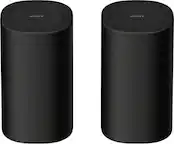
A:AnswerI bought two and they sync really easy. I don’t know why you couldn’t sync more. As far as distance, I have them in my bathroom and I can take my phone all the way To the other side of the house. (Both rooms are downstairs and it is about 1800 sq ft ) It doesn’t start cutting out until I get to the furthest wall. There isn’t a straight shot from one room to the other so there are couple of walls it has to go through. I’ve been very impressed with these speakers for sure! Actually got two more in my cart as we speak.
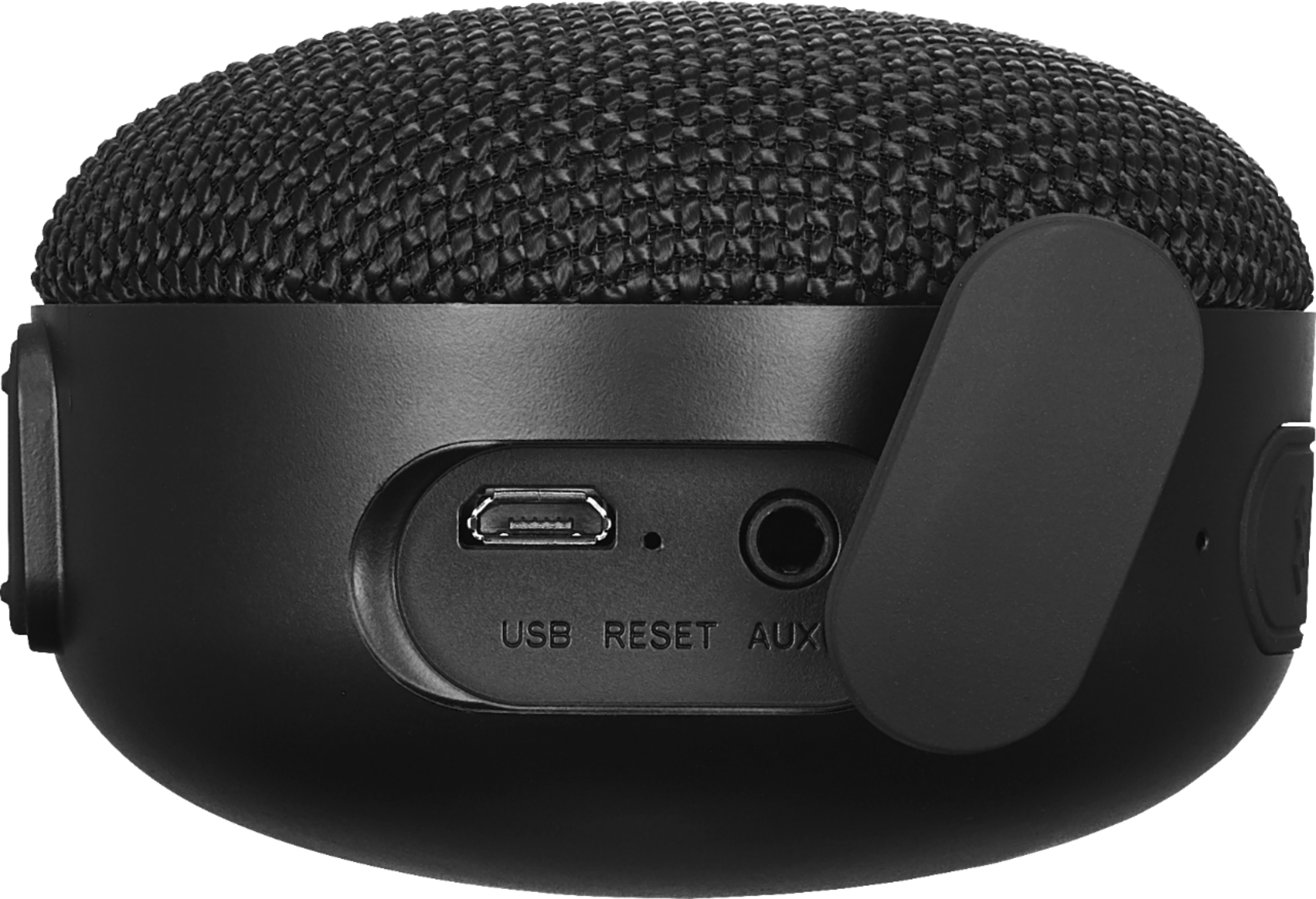
A:Answer3.5 mm audio cable needed. Connect a 3.5 mm audio cable (not included) from your speaker’s AUX jack to your audio device’s headphone/audio out jack. The LED indicator blinks blue slowly while connected to an audio cable. Search 3.5 mm audio cable on Best Buy's website. I already had a cable I got from the dollar store to connect it to my old laptop which does not have bluetooth.
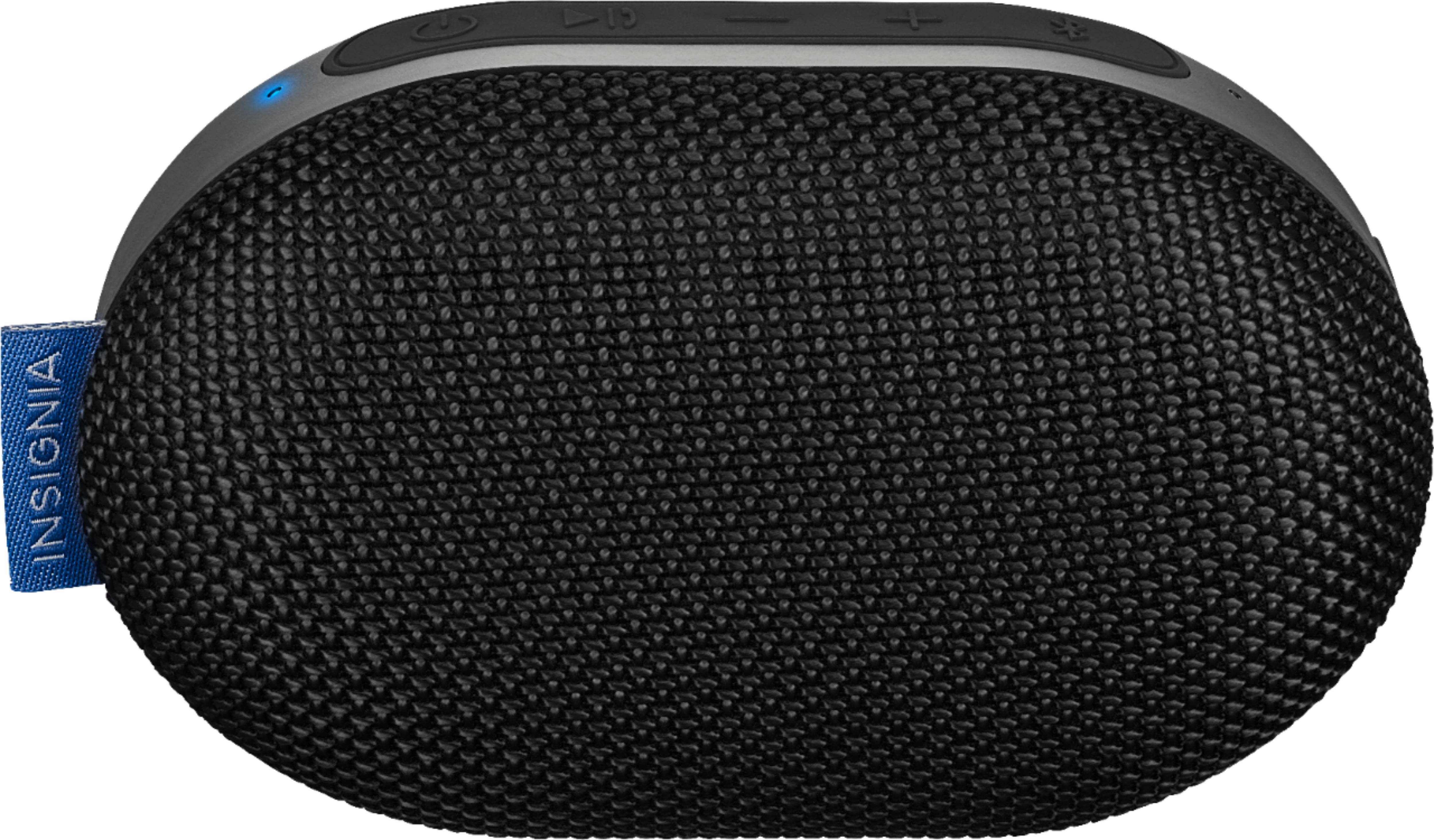
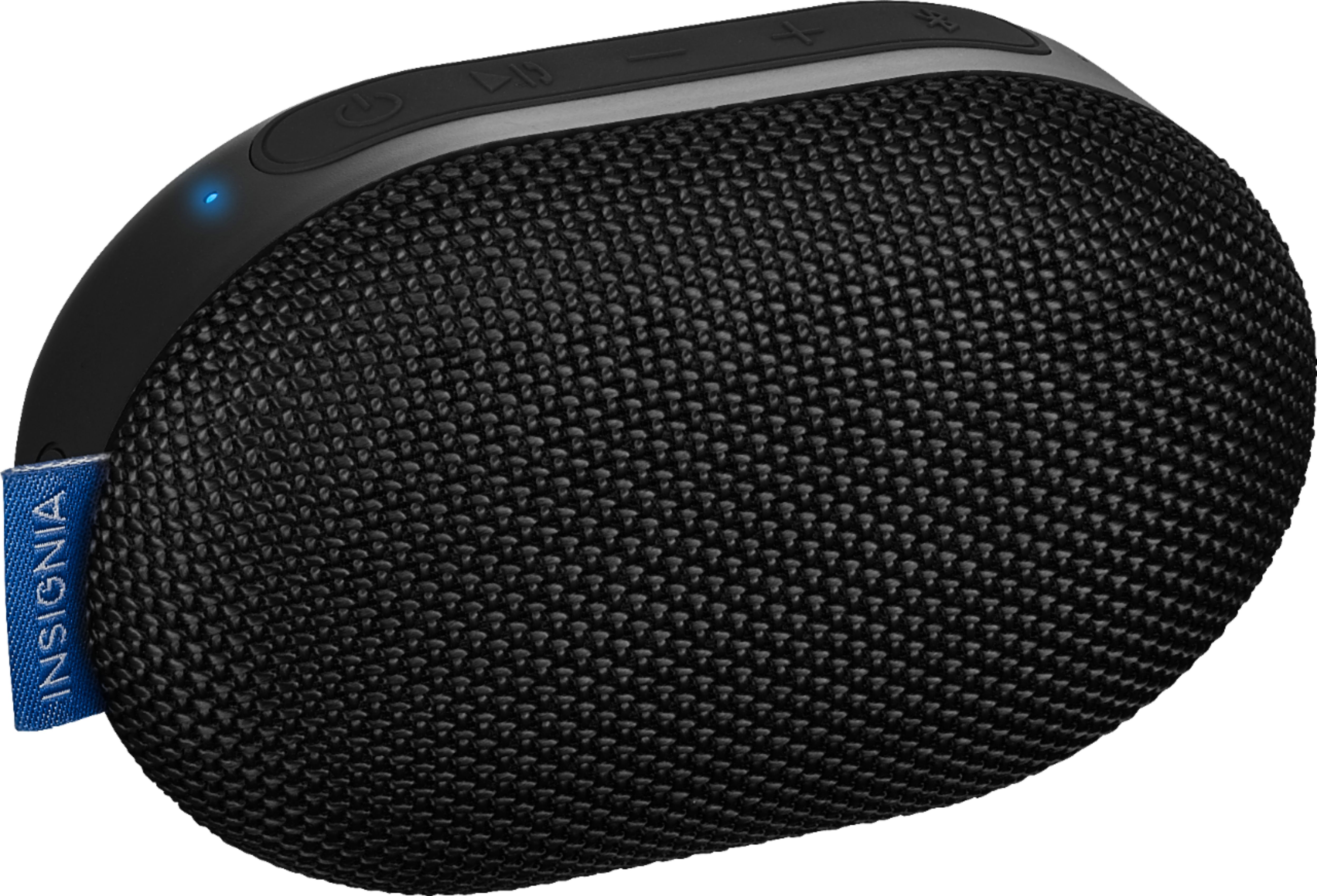
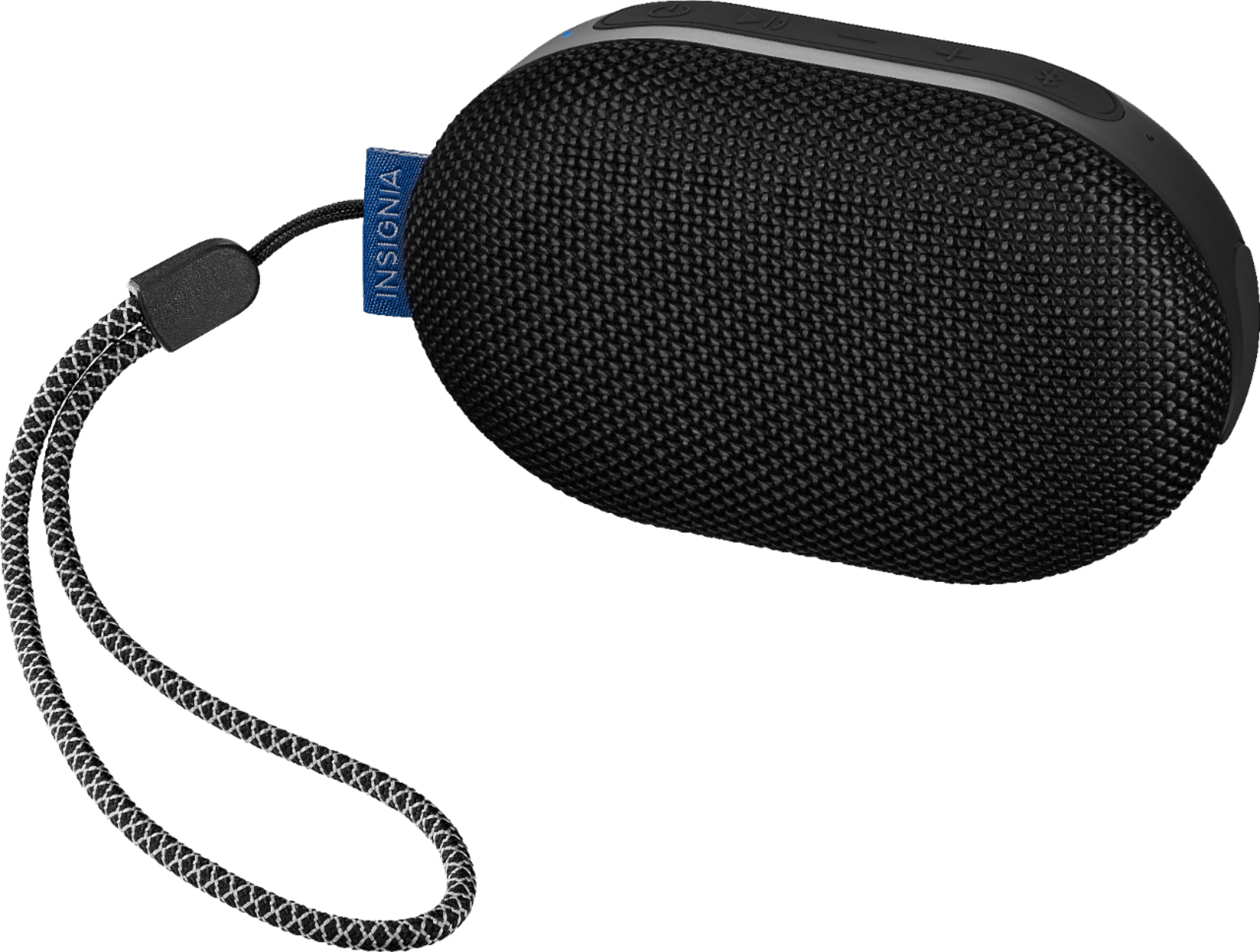
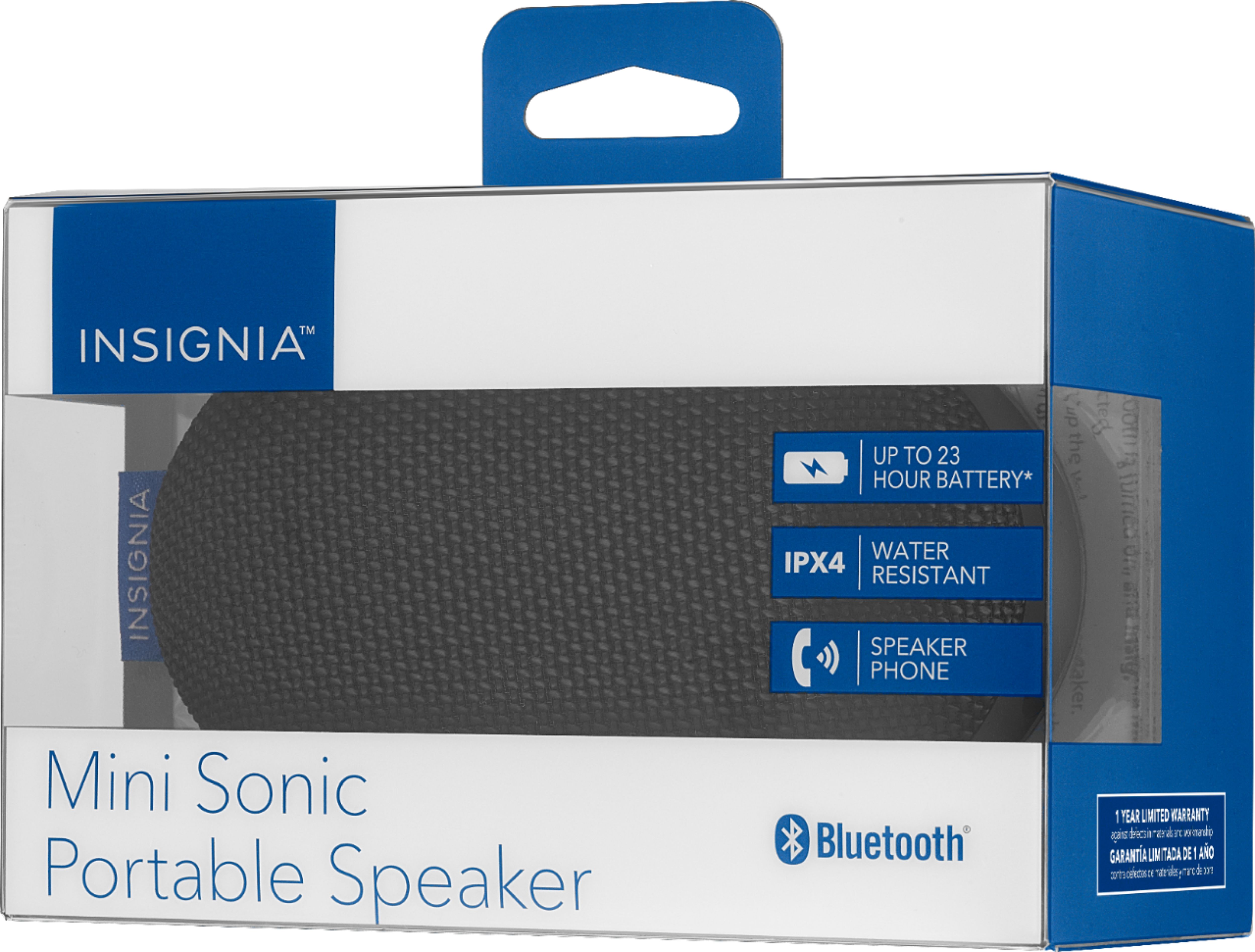
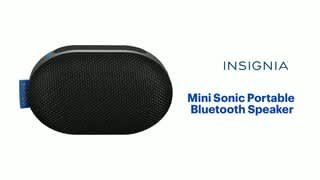
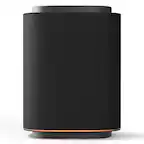
A:AnswerThe Sonic Mini can be paired wirelessly with another Sonic Mini for TWS (true wireless stereo). It only works in TWS mode with another of the same model.
A:AnswerHi.
It is possible that it will take a while to get stocked on every store. On the meantime you can find it ready to order here, on BestBuy.com.
Charles V. - Insignia Support
https://www.insigniaproducts.com/contact-us
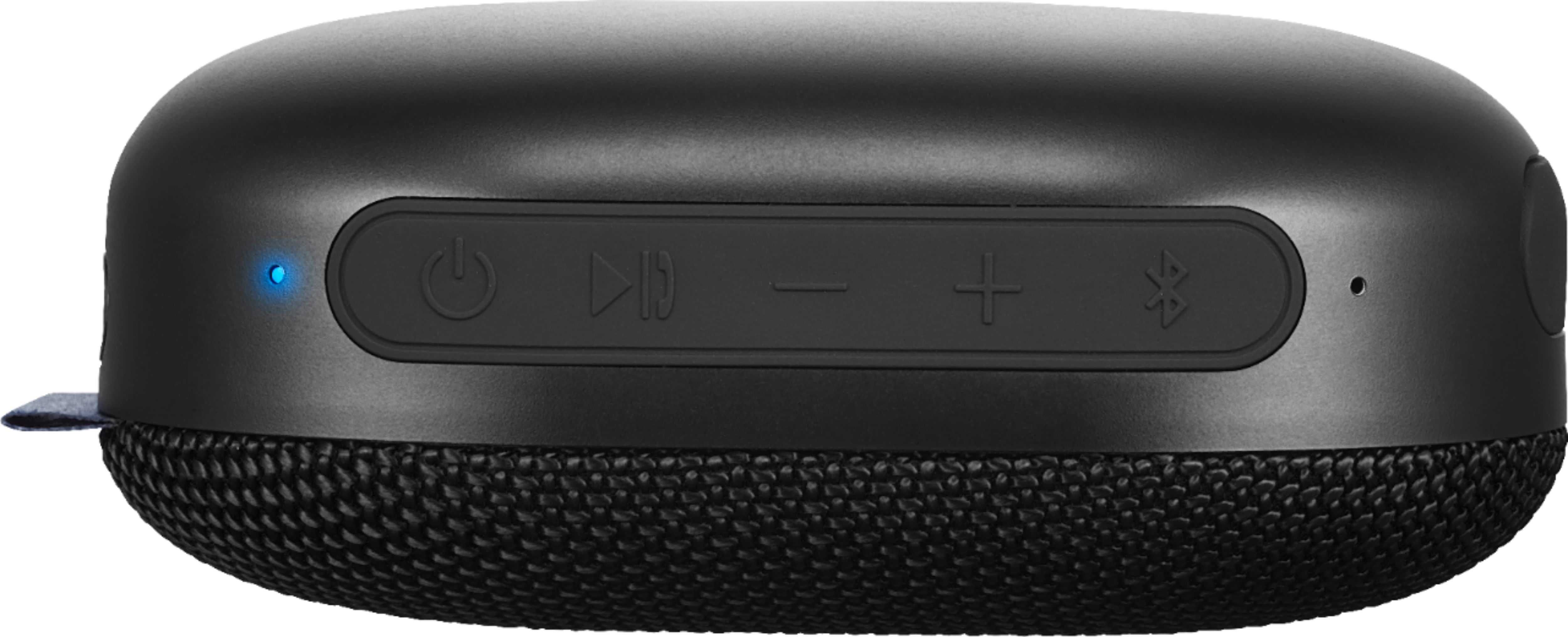
A:AnswerThe +/- buttons double as volume and track forward/reverse. To go forward or backwards, hold the +/- buttons for a few seconds. Quick press changes volume.
A:AnswerFirst pair them together, then they will show as one speaker on your device.
Here is the link for the Quick Setup Guide https://files.bbystatic.com/d2VzO5tzeIDXj%2BcFGf47Og%3D%3D/NS-MINISONIC20_19-0084_QSG_V2_EN_Final%2Blr.PDF