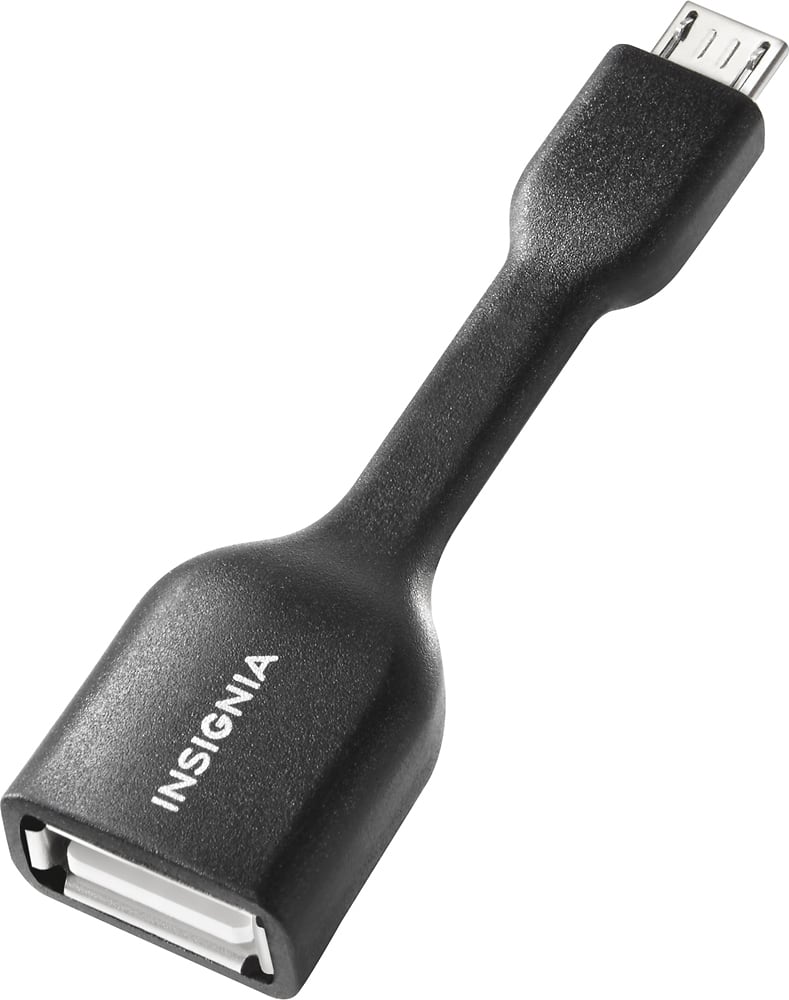
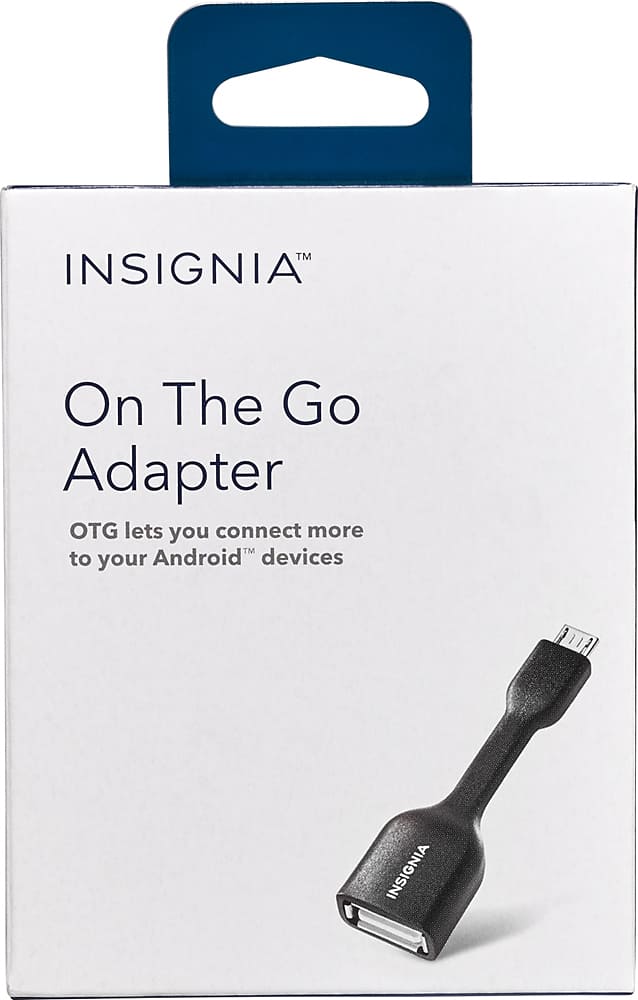
A:AnswerAs long as the broken screen is still usable. When you insert the otg device is the phone is will open the 'my files' or similar file viewer and allow you to select the files that you want to transfer to the otg device. On the new device you just do the same thing in reverse, from the otg device to the new phone.
A:AnswerThis adapter allows your devices to interact with full sized USB devices. This may not work at all with your camera and will not allow it to charge.
A:AnswerDepends on your phone. I got it to use with my galaxy but it wouldn't work for me. Then I found out it was my phone that didn't have the video output.
A:AnswerSounds like you already know your charger port is a typical micro USB so you're off to a good start. The other end,yes, is a female USB which allows a device to be plugged in. I used it with a mouse to control my broken-touchscreen phone.
A:AnswerIt should as long as you have the micro usb port on the phone... Some of the newer phones have upgraded to different usb ports. It works fine on my Sony Xperia Z1S and XZ.
A:AnswerI've done some light research on this. My older version of the J7 (2015) doesn't support screen mirroring. With my device the only "easy" way is to get a chrome cast and eat the wifi hot spot data.
There may be other work arounds, but I am not aware of them.