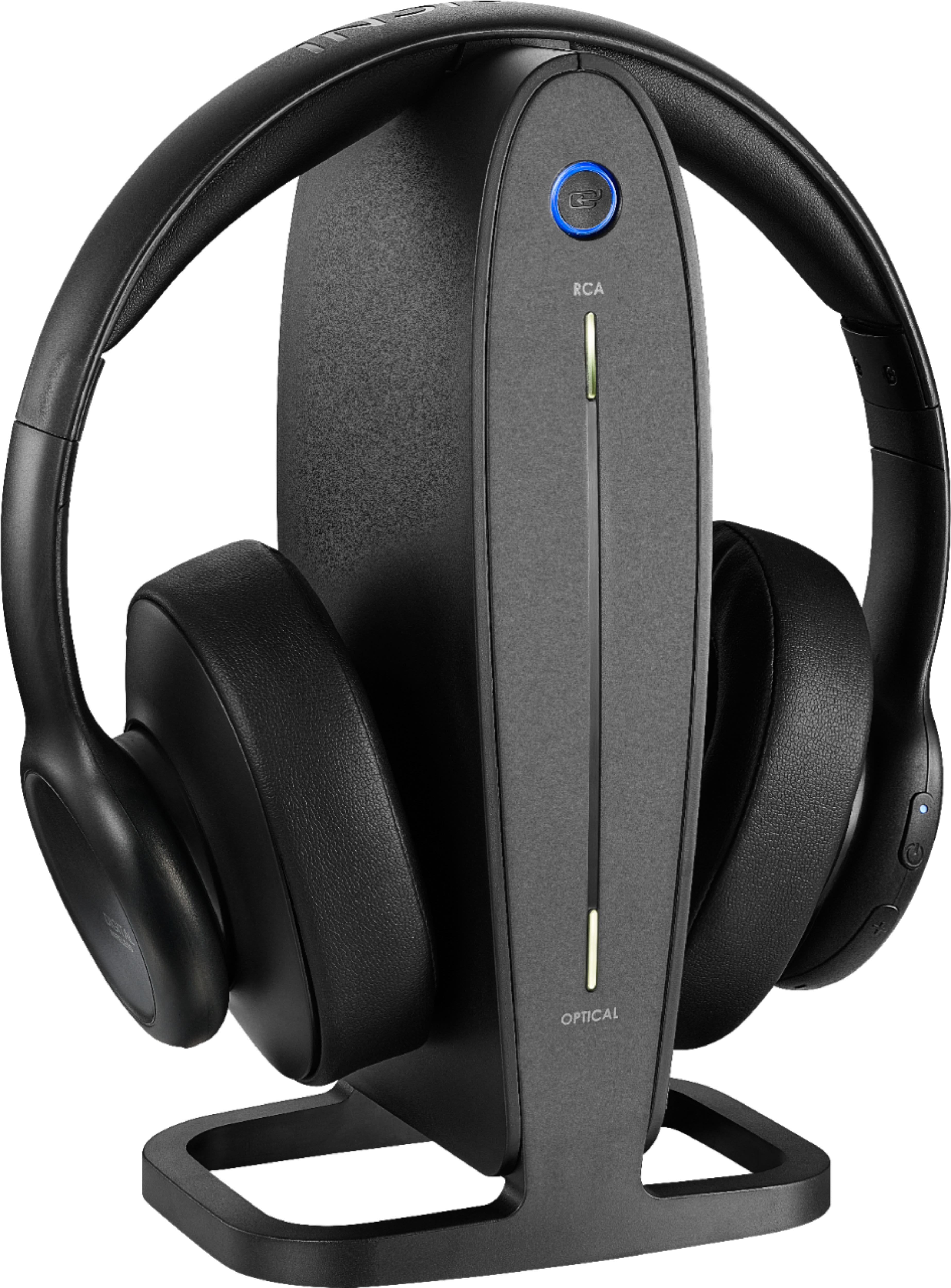
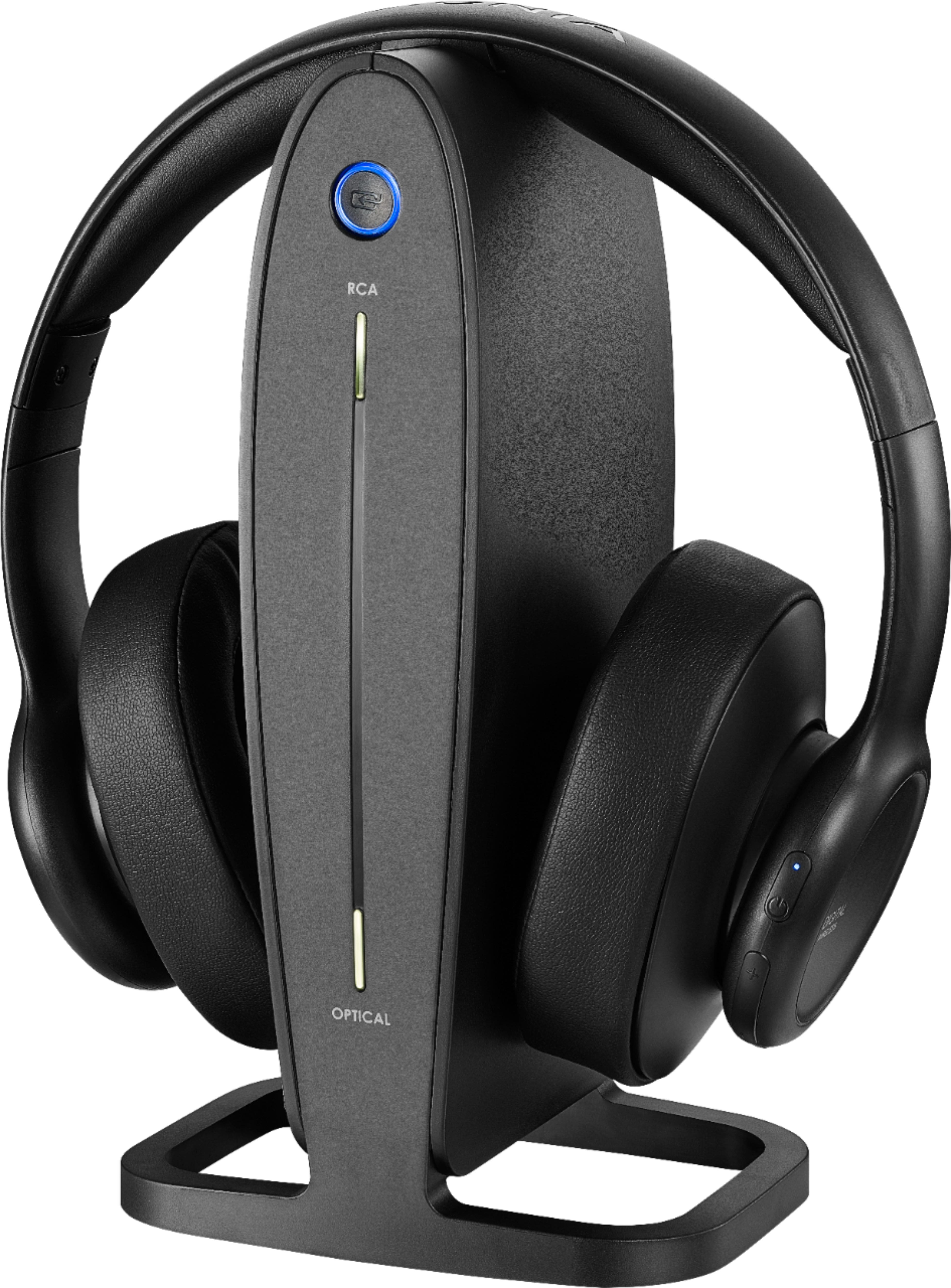
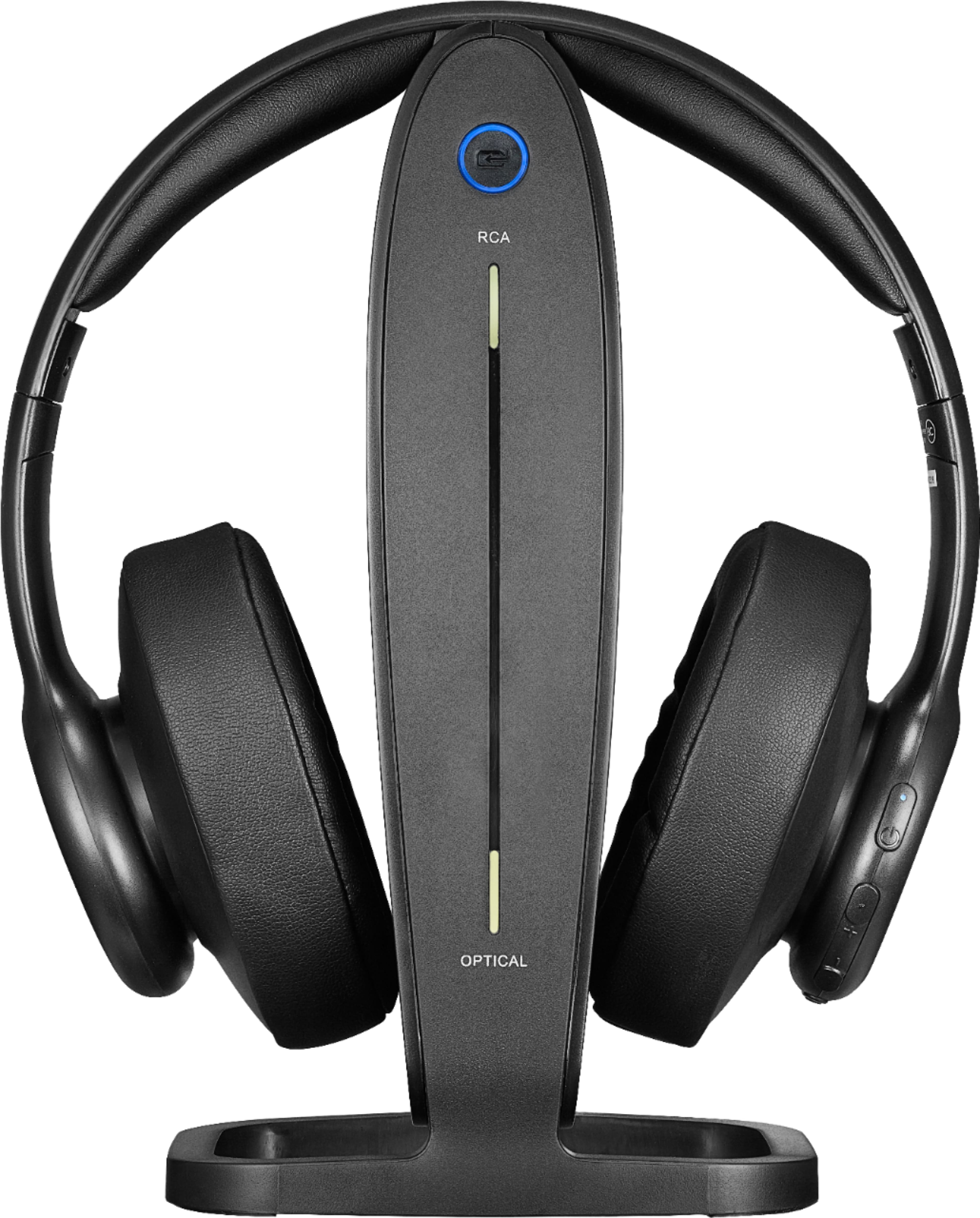
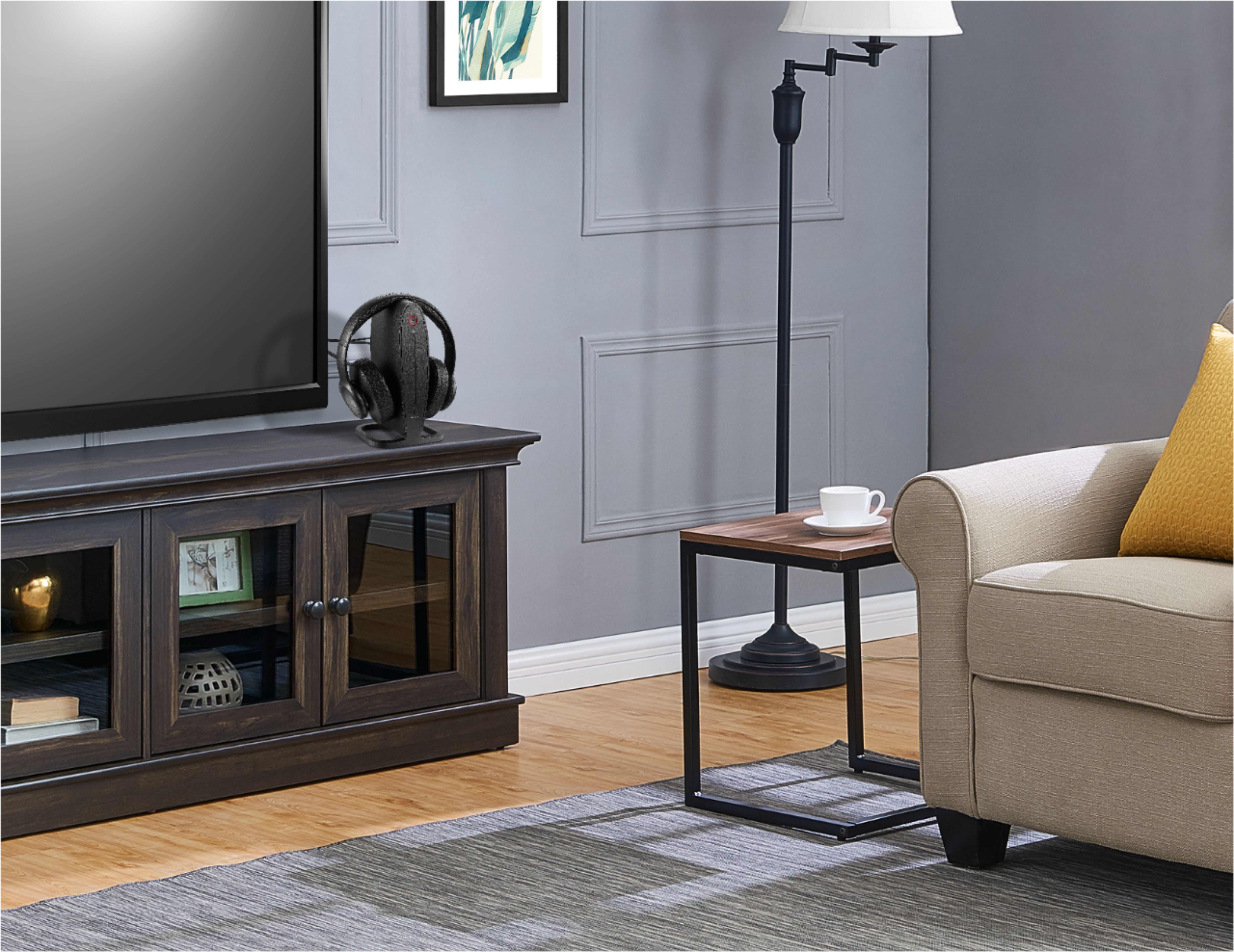
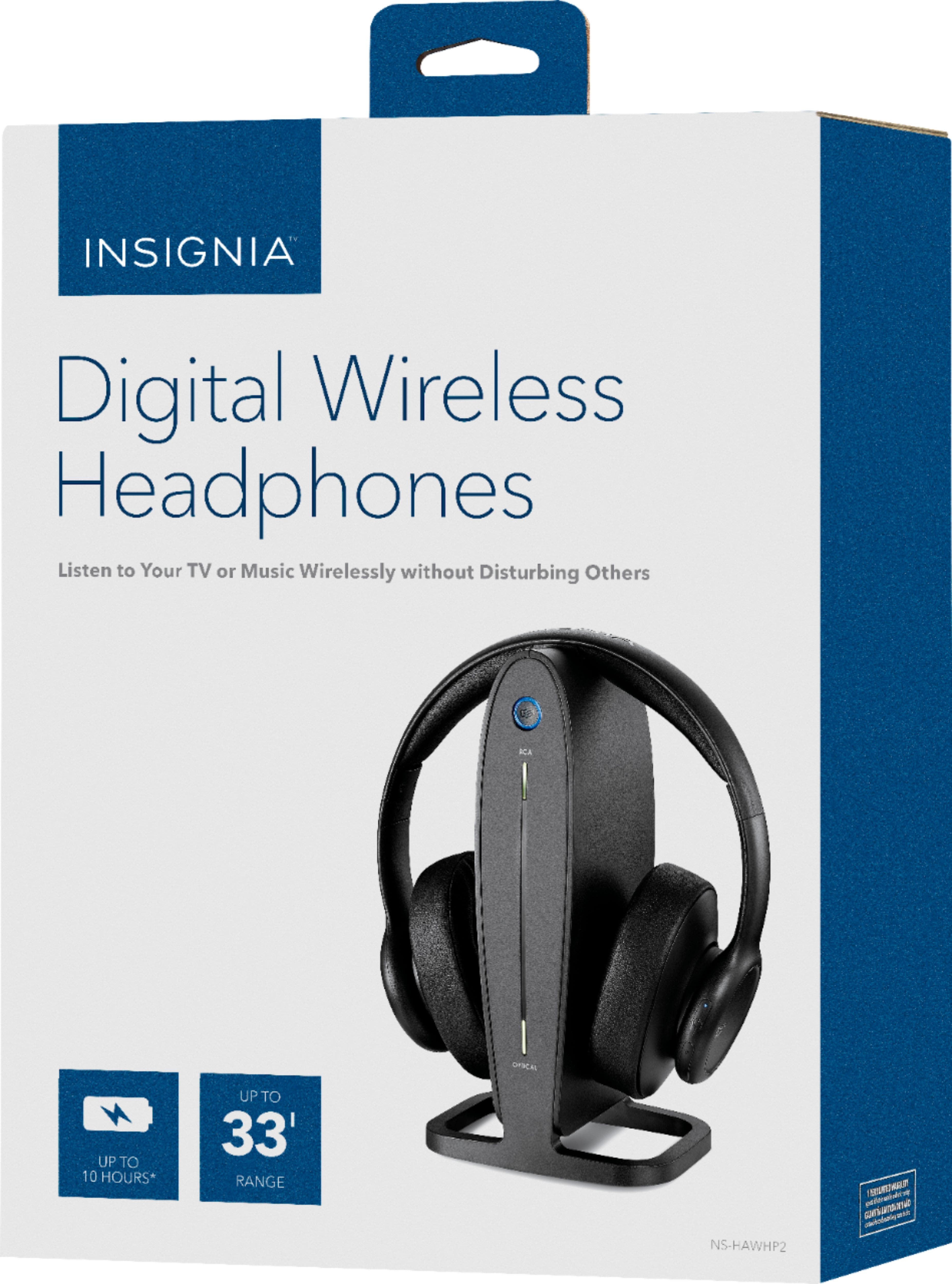
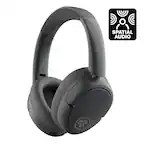
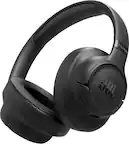
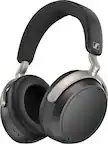
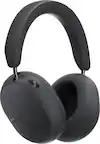
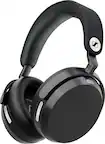
A:AnswerMy husband wears these headphones for about 2 hours each night watching TV in bed. He's had no issues with battery life during this time. He places them on the charger in the morning and they take less than an hour to fully recharge. He loves these headphones.
A:AnswerAre you talking about the round circle light on the stand or the little light on the headphones themselves?
The round circle light on the stand is blue when the headphones are fully charged or red showing the process of being charged.
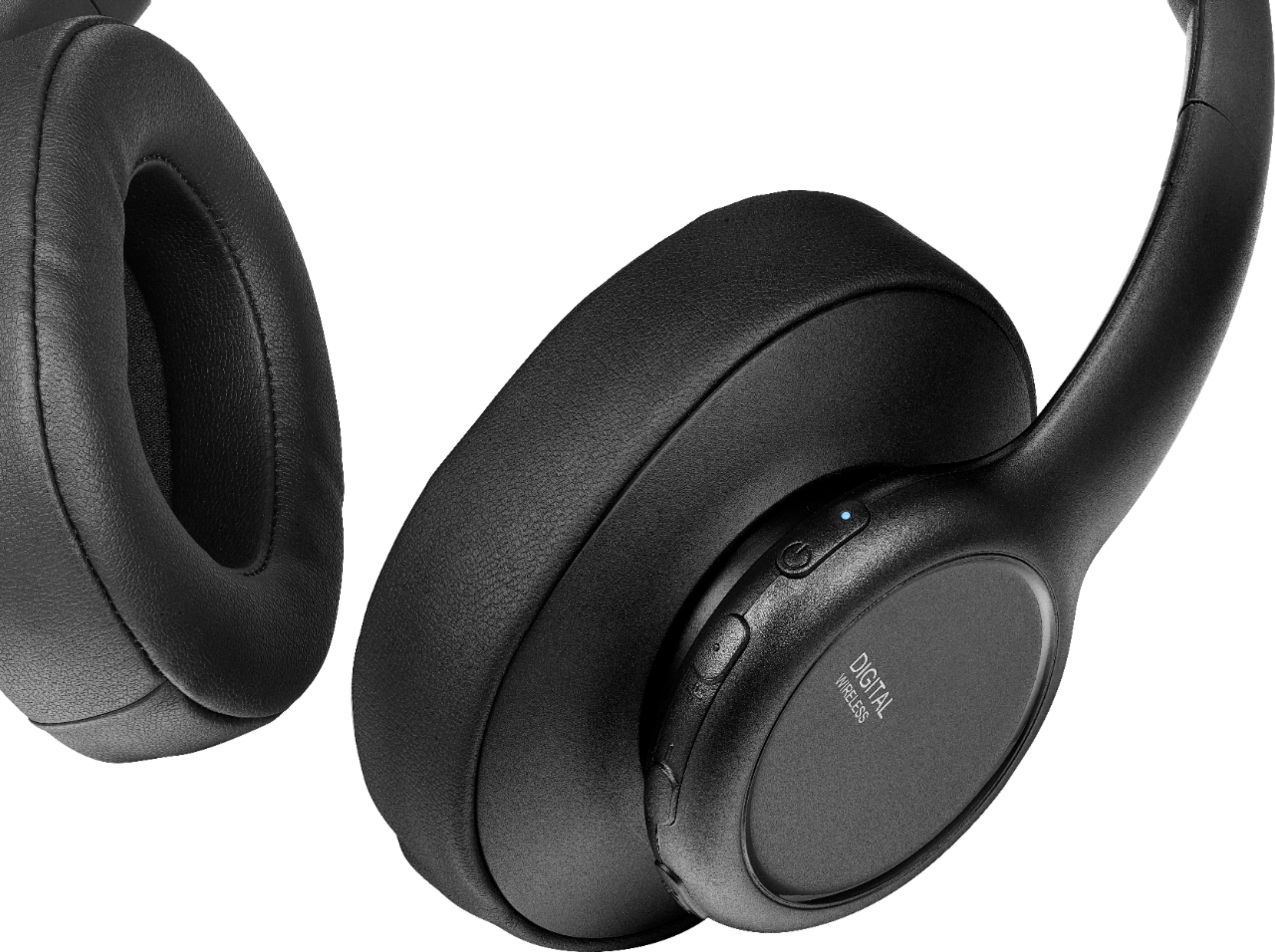
On the headphones the light is red when charging, blue when being used & no light at all when on the stand & fully charged.
There is no green light. Always make sure they sit correctly on the stand, it can be tricky.
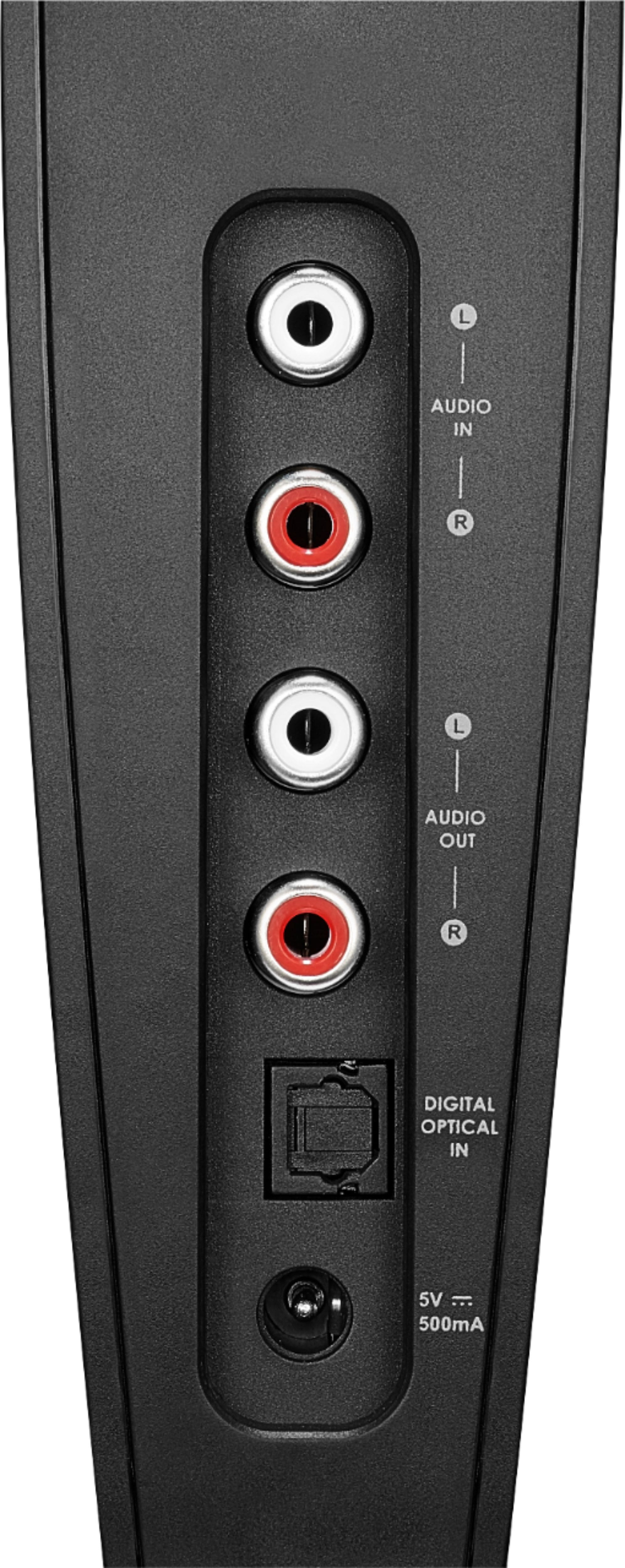
A:AnswerConnect your headphones to the TV's 3.5 mm audio output.
Here is the link for the Quick Setup Guide: https://files.bbystatic.com/RrhtUrAN%2BK9Dbn6laSqpQg%3D%3D/cc94bf4b-a374-4da6-b83d-a0d530e138c8.pdf
A:AnswerI suggest your call the support phone number, they are knowledgeable and very helpful. Their phone number is 1 877-467-4289 or go to
www.insigniaproducts.com They have helped me many times with their products. This is my second pair of Insignia TV Headphones.
A:AnswerHere is the link for the Quick Setup Guide: https://files.bbystatic.com/RrhtUrAN%2BK9Dbn6laSqpQg%3D%3D/cc94bf4b-a374-4da6-b83d-a0d530e138c8.pdf