A:Answer Hi Fallout, to tunr on and pairing the headphones, please follow the steps below:
Turning on and pairing the system
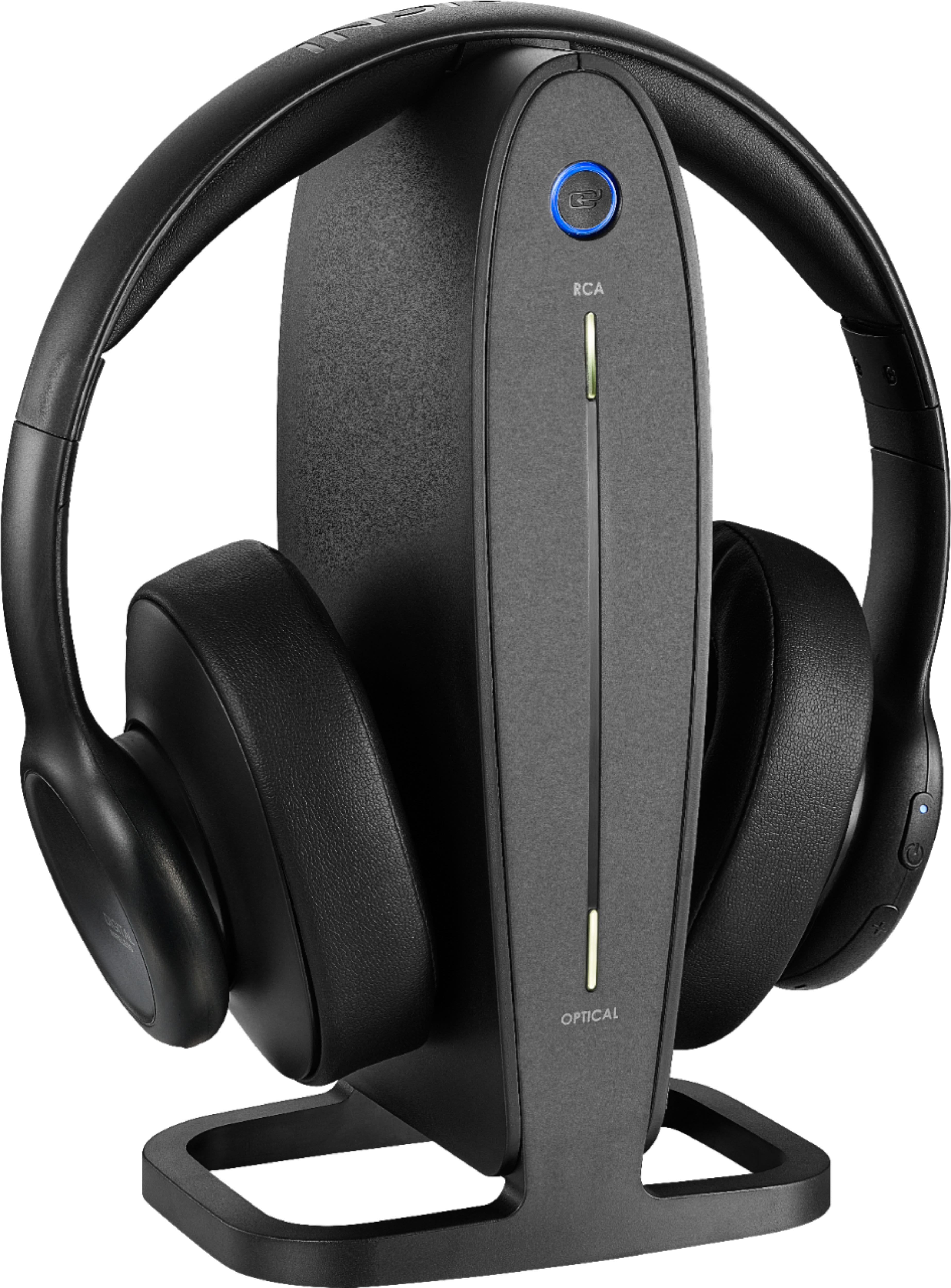
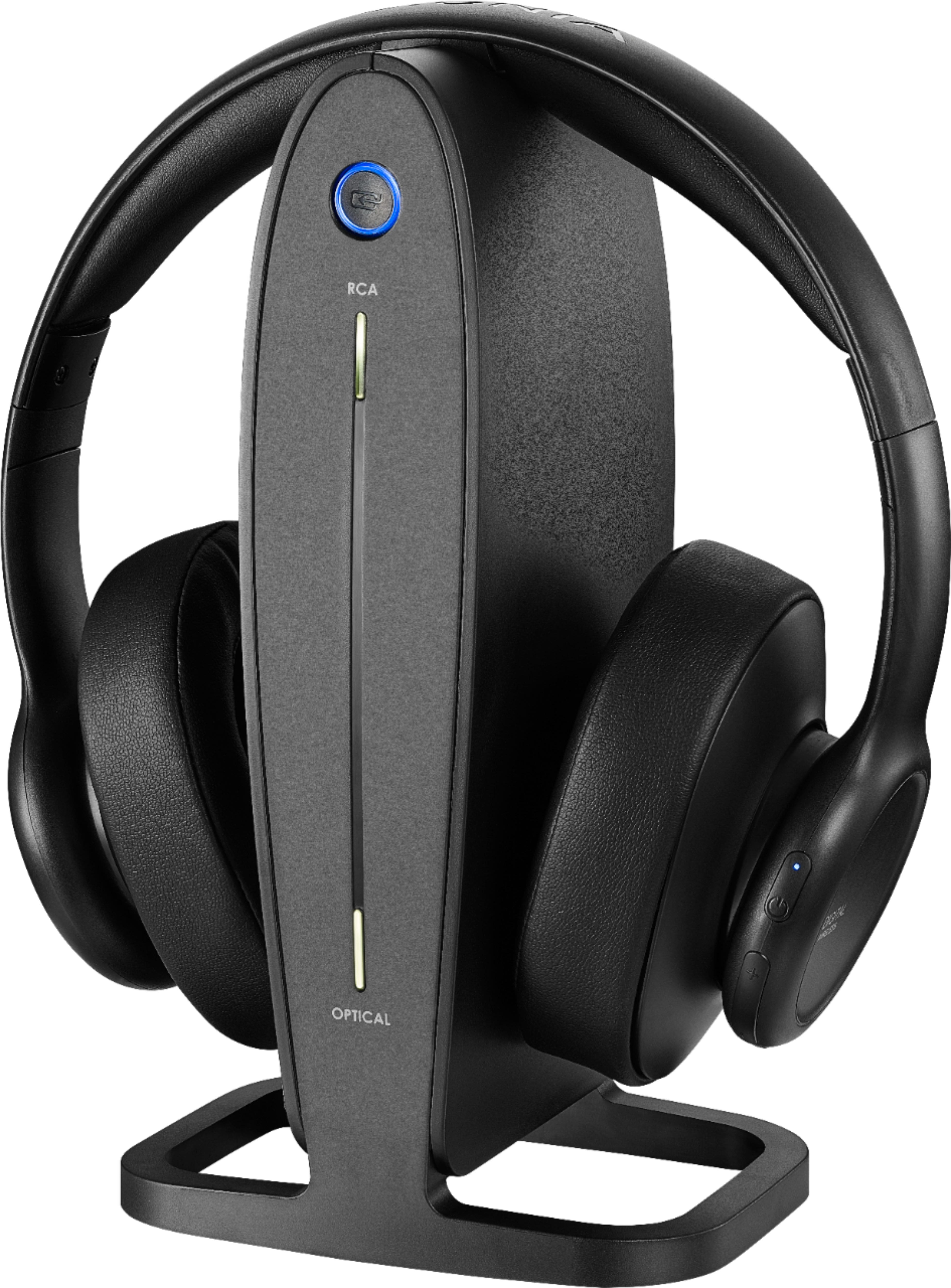
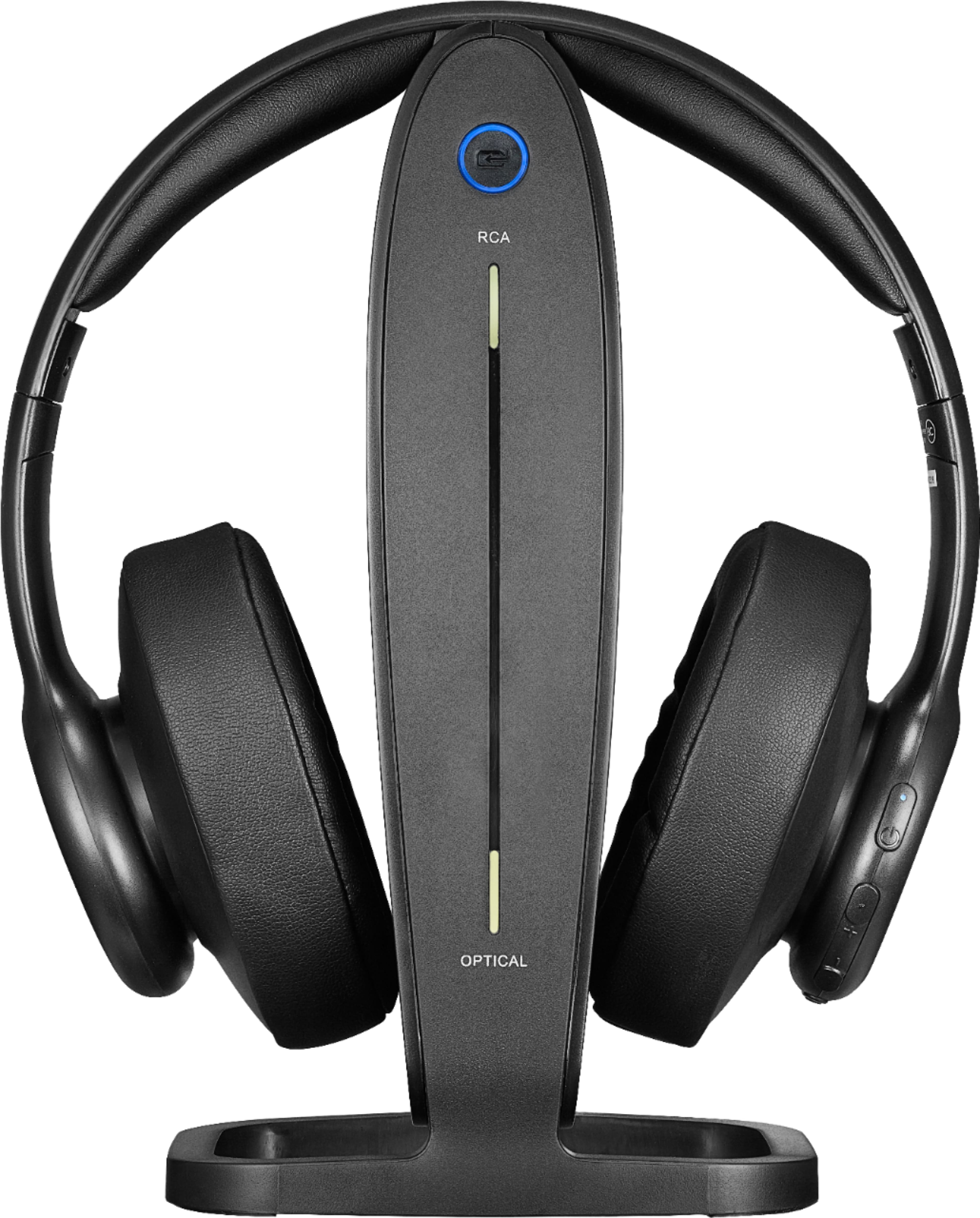
1.The docking station is turned on by plugging in the AC adapter. The Power/Pairing indicator on the docking station blinks (blue).
2.To turn on your headphones:
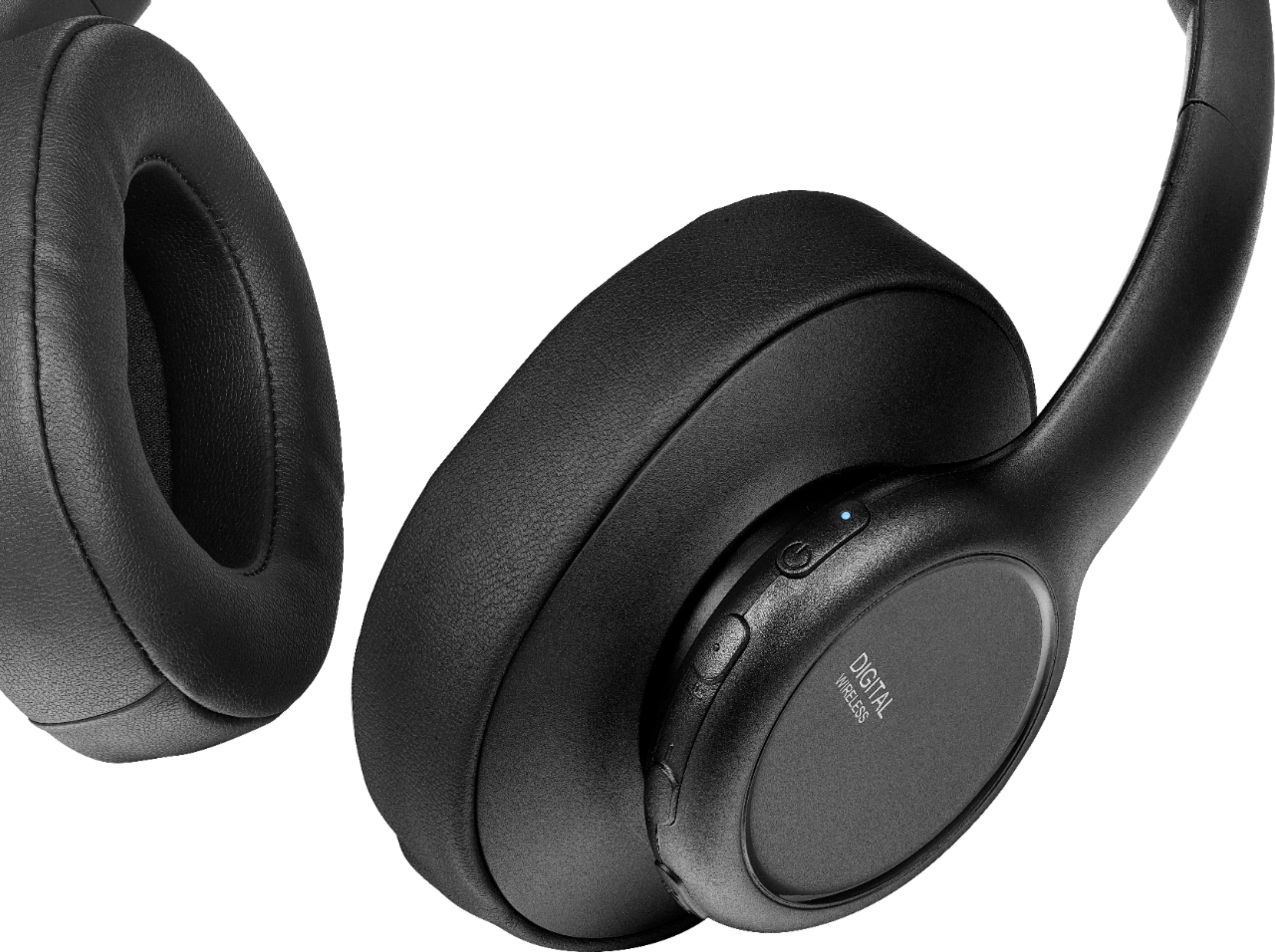
• Press and hold (power) on the right earpiece for two seconds.
• If the headphones are on the base, lift them off.
The Power/Pairing indicator on headphone lights solid blue.
3.When the Power/Pairing indicator on the headphones and the
Pairing indicator on the docking station both light solid blue, an active link is established between the headphones and the docking station. The system is now on and ready to use.
If the power indicators on the headphones and docking station
continue to blink once a second, they are no longer paired to each
other. If this happens, follow these steps:
• Make sure that the headphones and docking station are within
range of each other (ideally in the same room).
• Turn off the headphones and unplug the docking station.
• Turn on the headphones and plug in the docking station. The blue
LEDs on the headphones and docking station will blink fast when
pairing.
If the steps provided do not work, please feel free to call us Insignia Customer Service 1-877-467-4289 for further assistance.
Mariepel C.| Insignia Products
https://www.bestbuy.com/site/brands/best-buy-brands/pcmcat1596746025285.c?id=pcmcat1596746025285