A:AnswerThe easiest way is to use Voice Recorder that comes with Windows 11 to record and play back to hear the results. There are other apps, one that is open source is Audacity.
A:AnswerPlease feel free to contact Best Buy at 888-237-8289 to get sales and product compatibility assistance.
Rudson S.| Insignia Support. https://www.insigniaproducts.com/contact-us
A:AnswerI use the Insignia for piano lessons via Skype with good results. My teacher reports that the sound is clear. I also use it for Zoom meetings with good results.
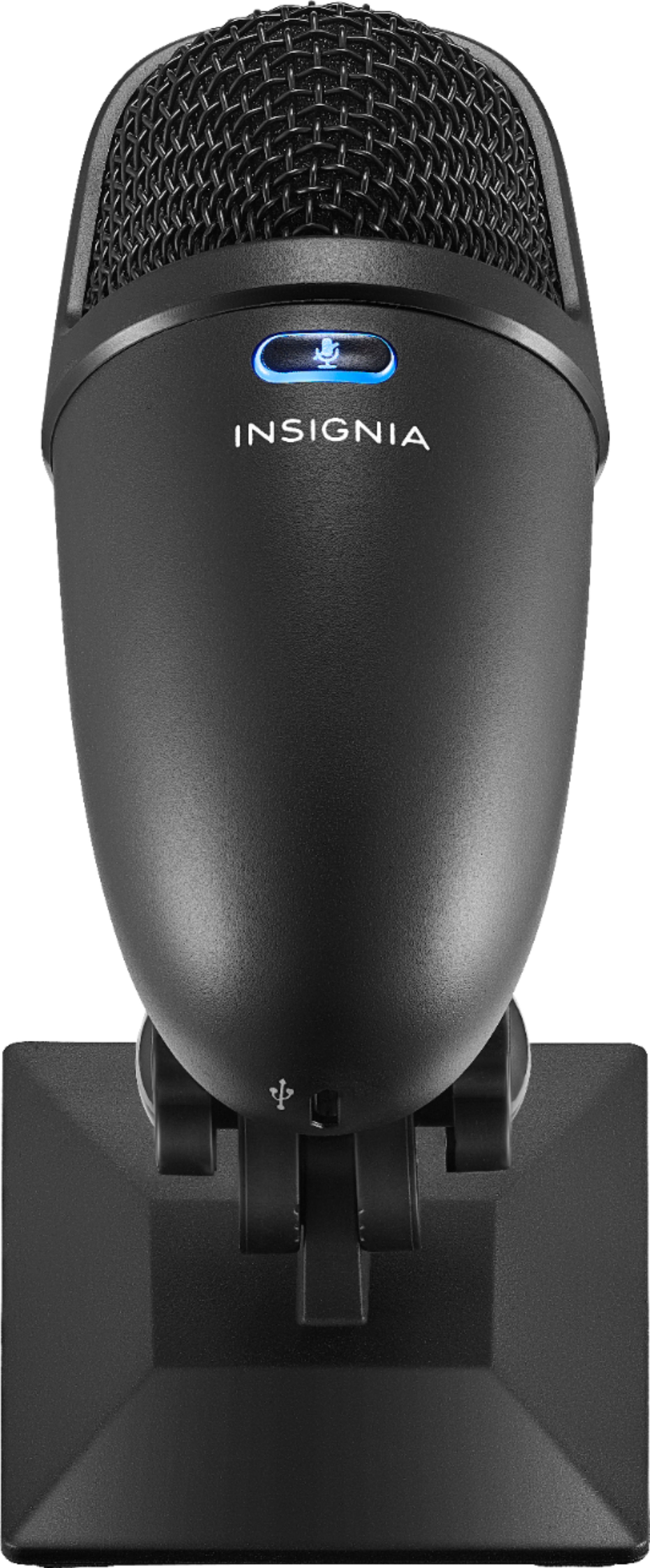
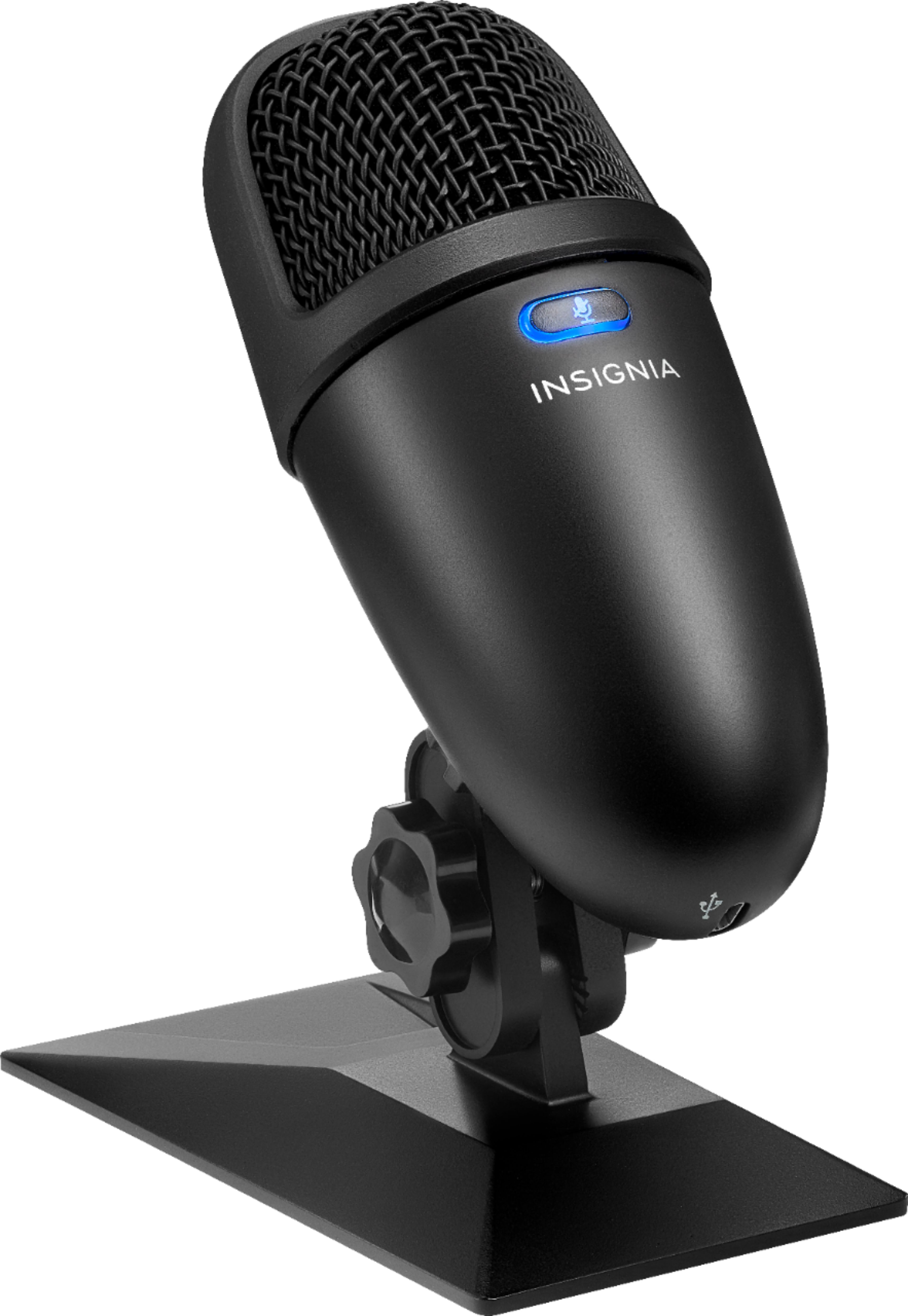
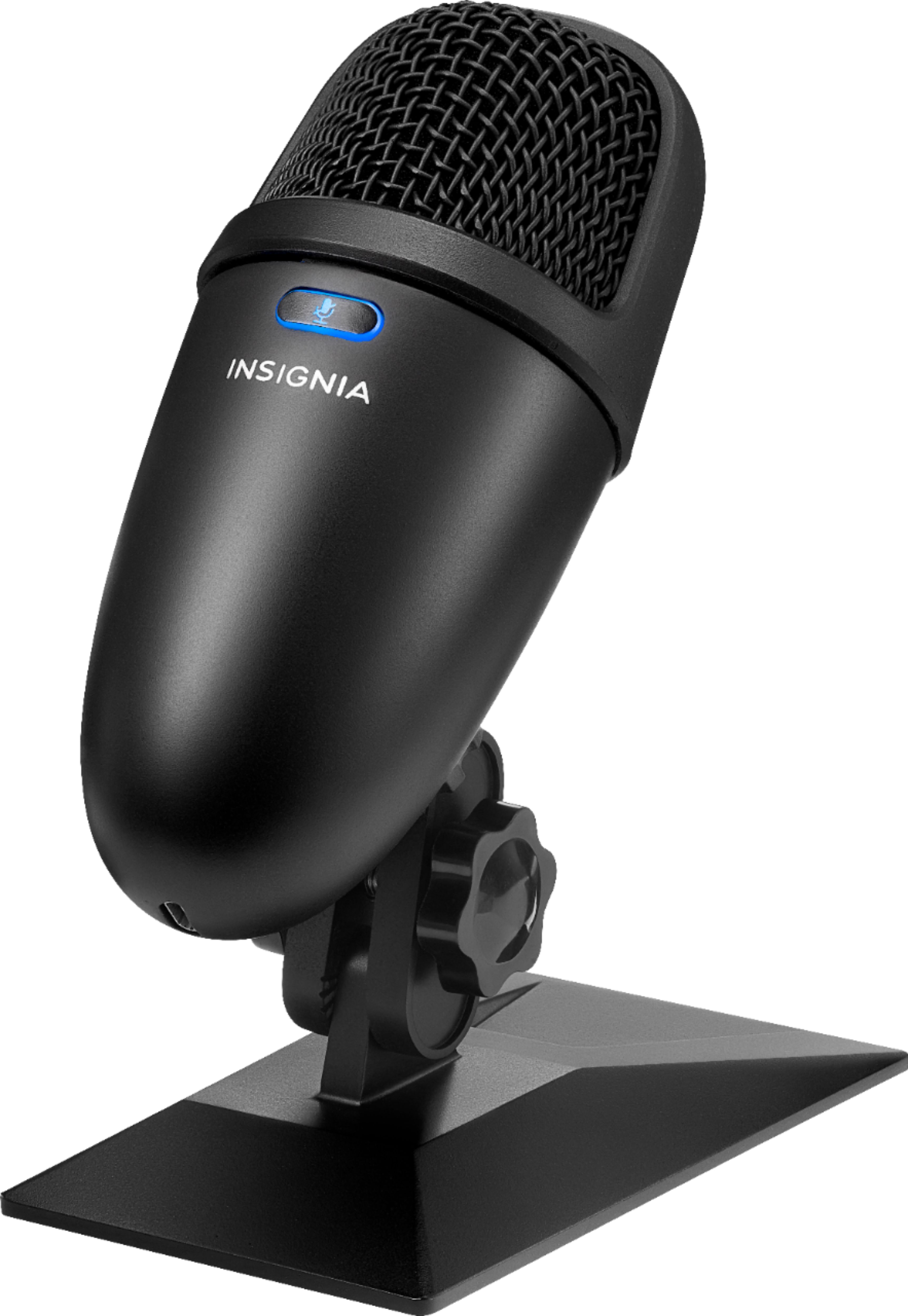
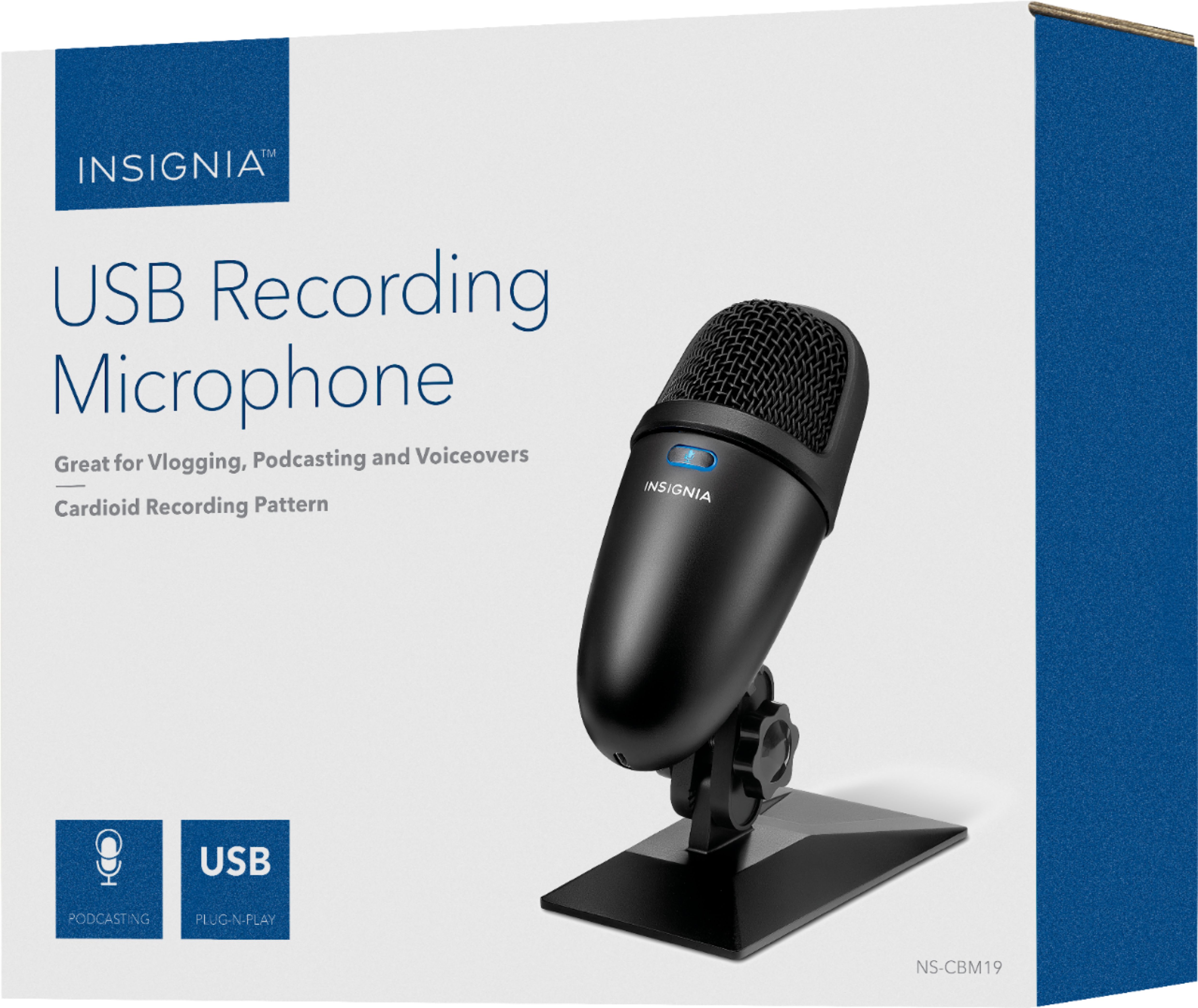
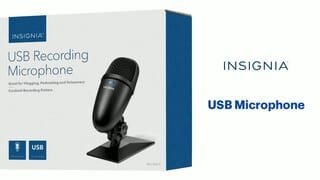
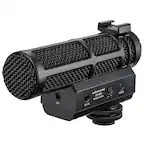
A:AnswerPosition yourself 1.5 ft. (0.46 m) in front of the microphone with the Insignia logo and mute button facing you. Your microphone’s cardioid recording pattern captures audio primarily from the front of the microphone. This is ideal for recording podcasts, livestreams, voiceovers, or a single instrument or voice.