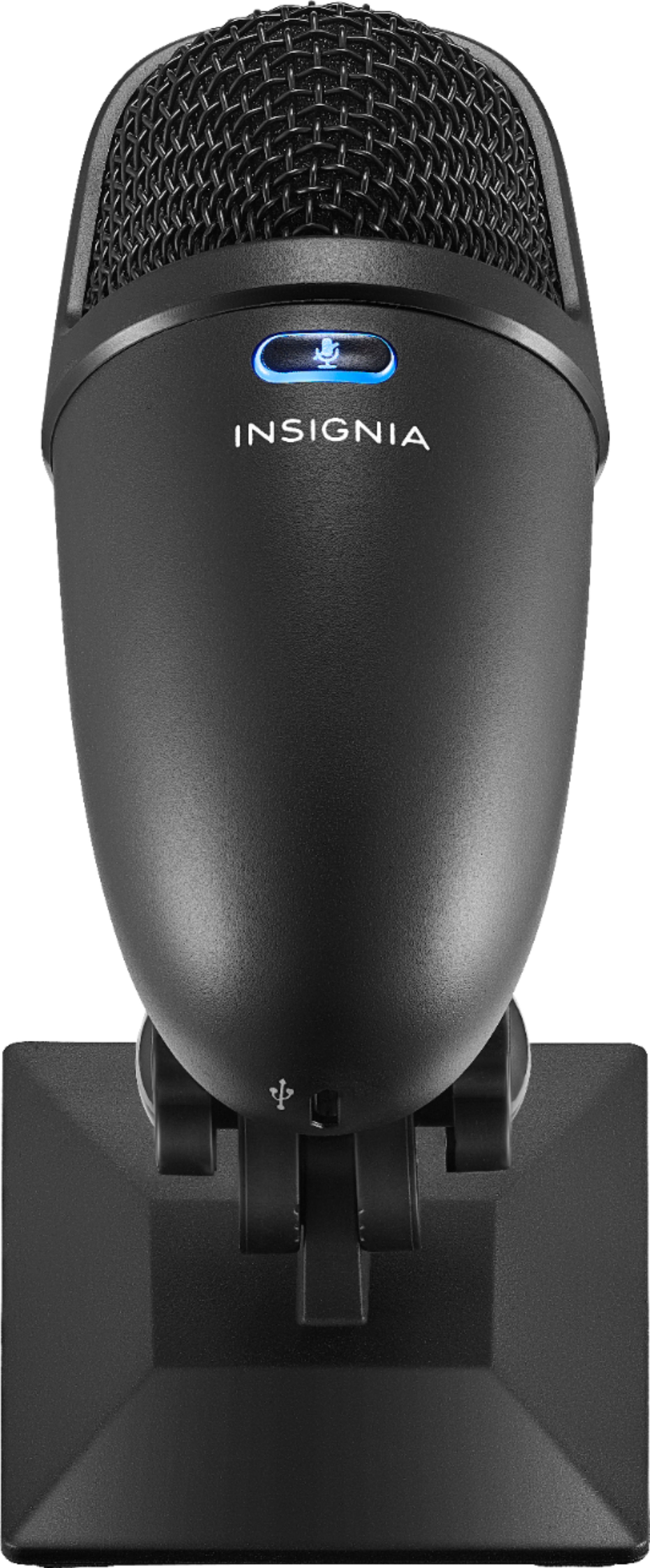
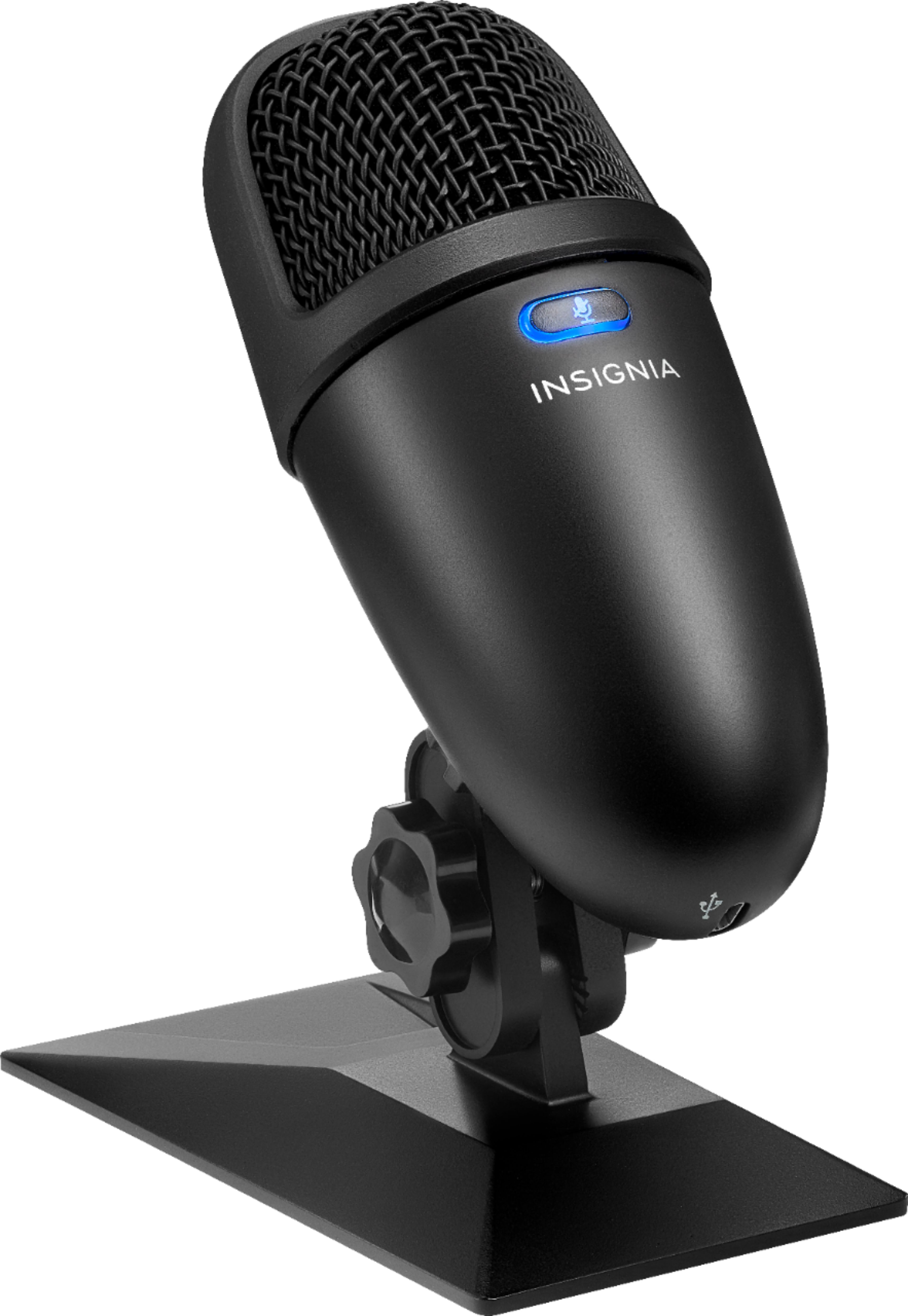
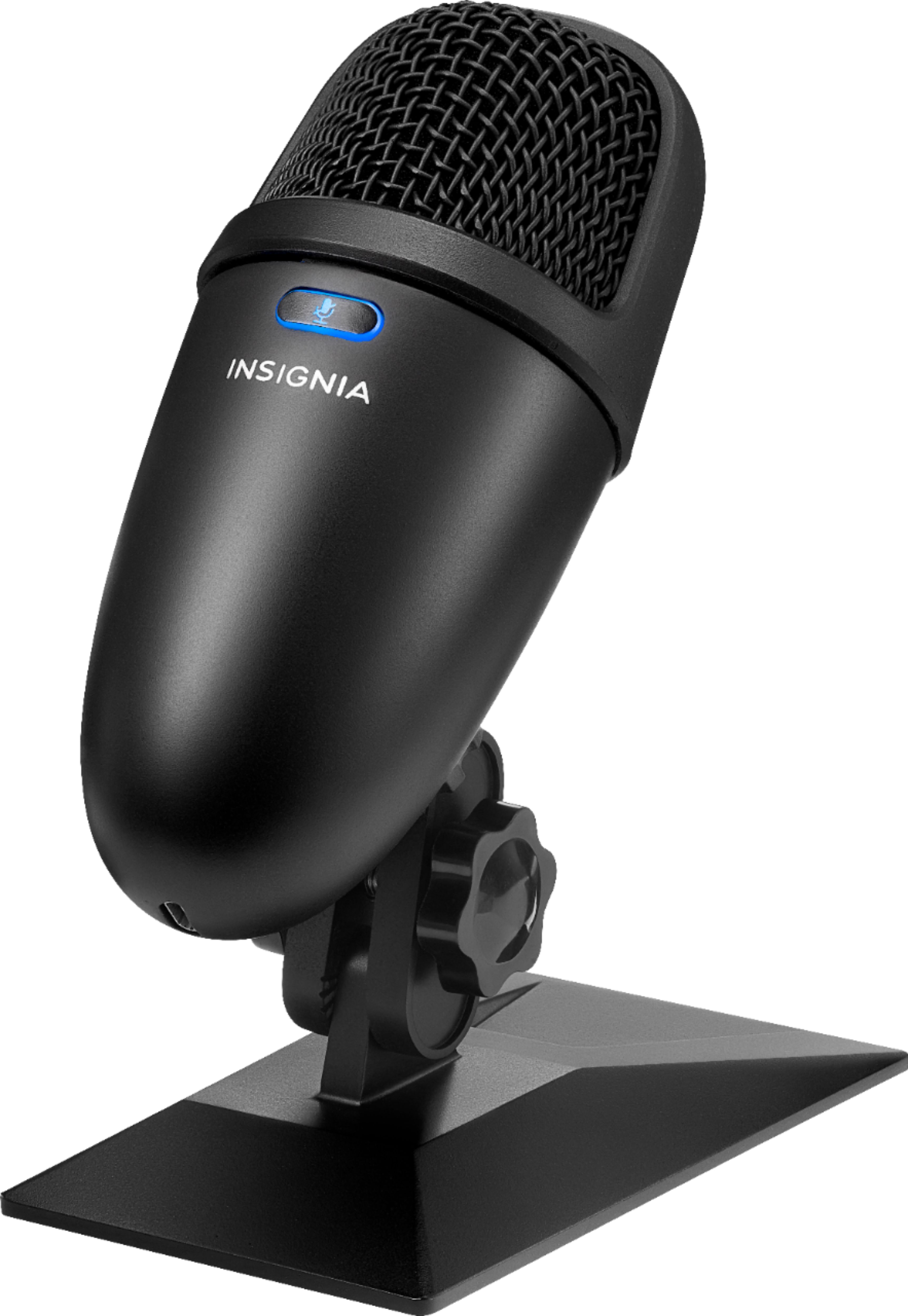
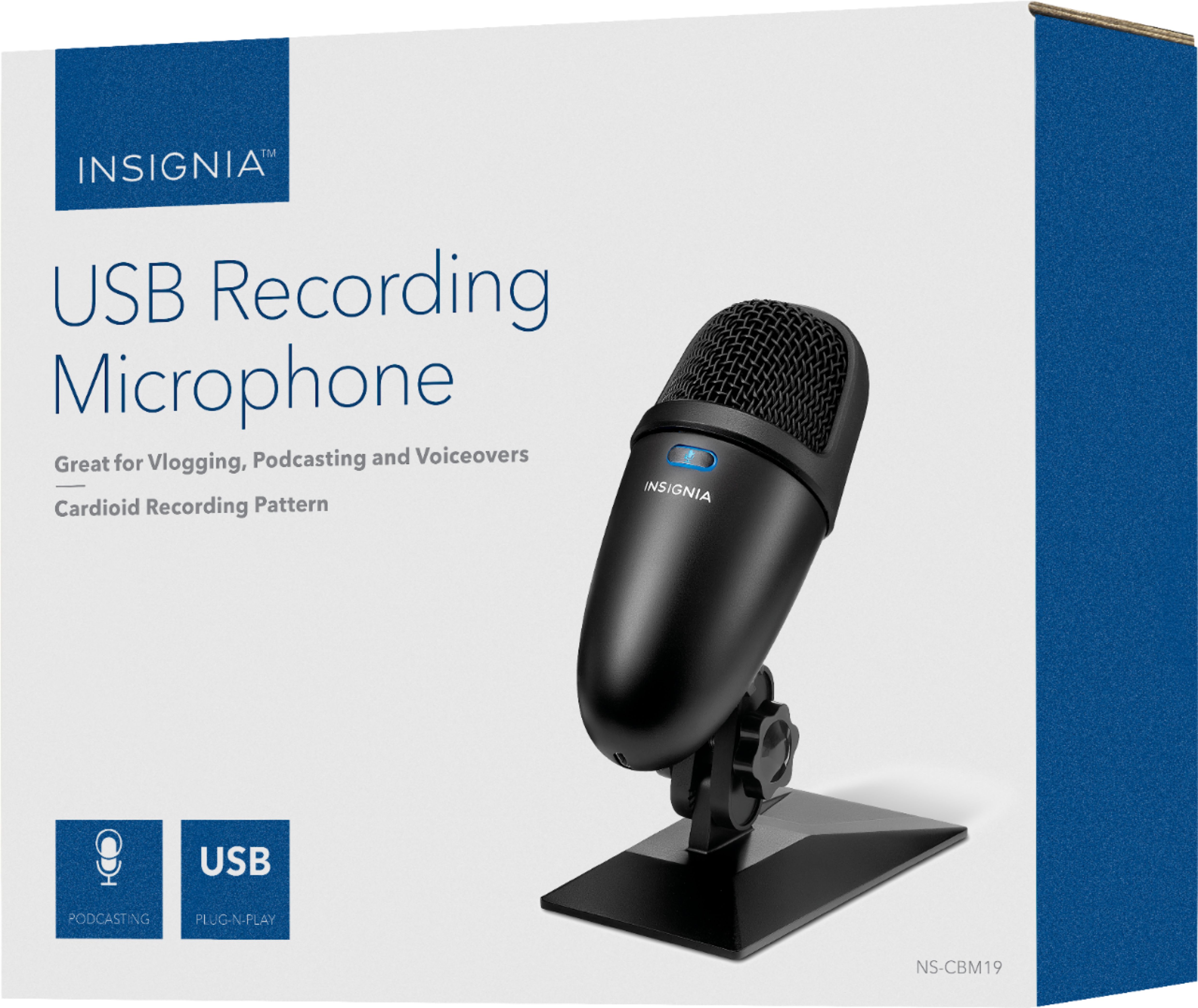
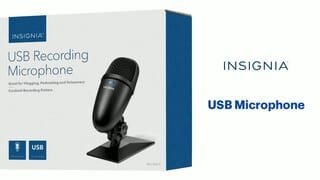
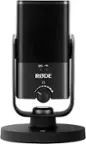
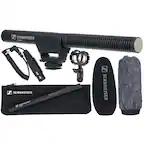
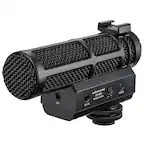
A:AnswerPush the button on top of the mic. The light turns blue when its on and it is red when its off. If this one is not the problem, you may be need to set up your device setting to use this microphone instead.
A:AnswerYes but you need to make sure that you have some sort of monitoring system whether it’s headphones into your computer or an actual way to control that because there’s only one button on here and it’s on and off.
A:AnswerI can't say for sure, but if it's anything like the Xbox One, then it's more then likely that that this doesn't work on console, only PC. Unless PS4 accepts Mic inputs through USB.
A:AnswerTo be perfectly honest with you I do not know I’ve never tried it I just use it at my desk and I’ve never tried it from across the room so I don’t know for sure if it will or will not
A:AnswerI have the exact same question. I want to use an USB microphone for the Nintendo switch dock to play fornite. Fornite has a built-in communication system in the game so the earphones actually work in the game and I have been looking around through the internet about USB microphones plug directly to the dock and they work but it seems its not all the brands. I found a video of guys who used a Blue Yeti and it worked, another guy used an insignia microphone ($20.00) and it worked... My Blue yeti nano doesn't work....... It is so confusing.