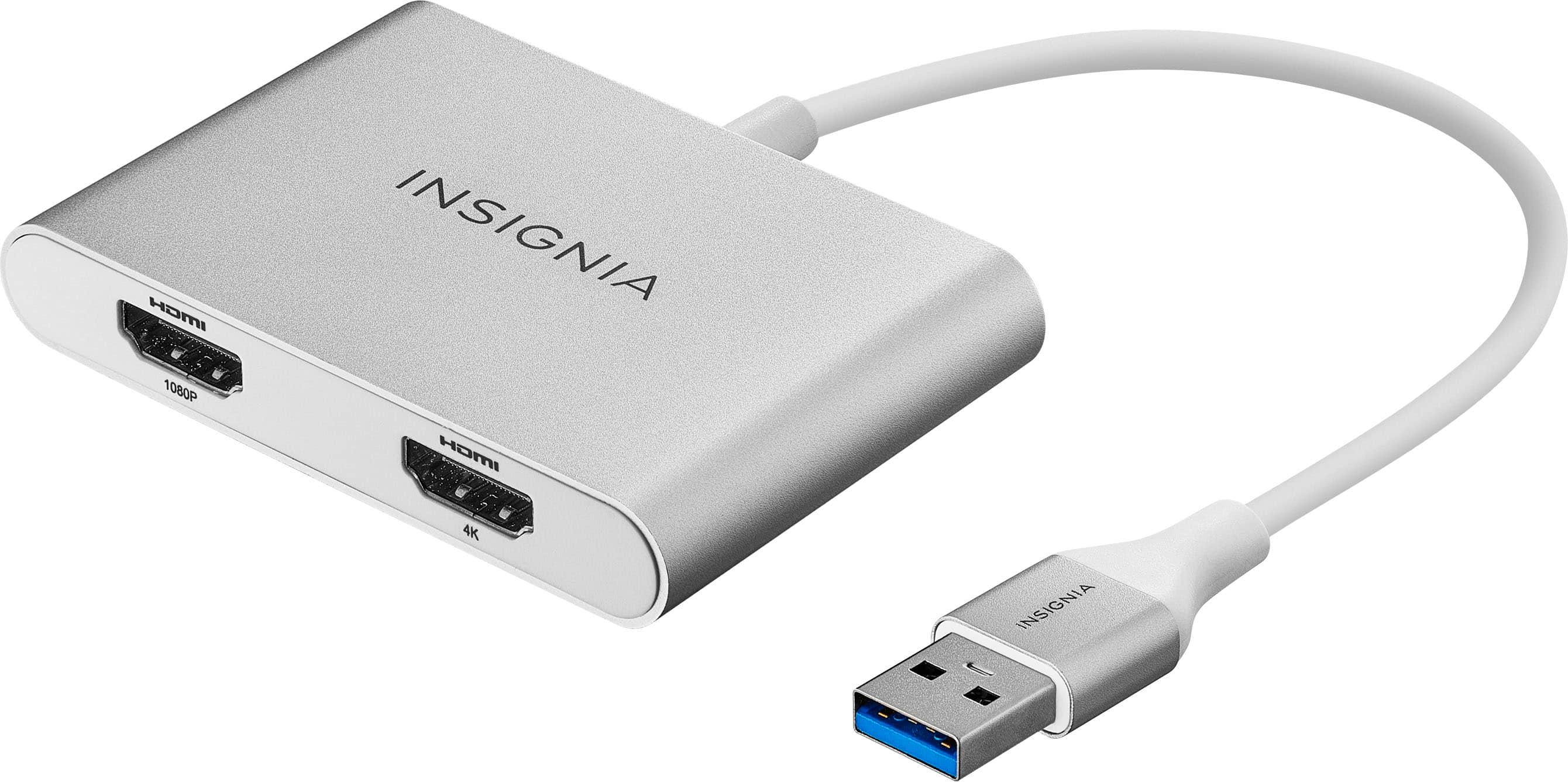
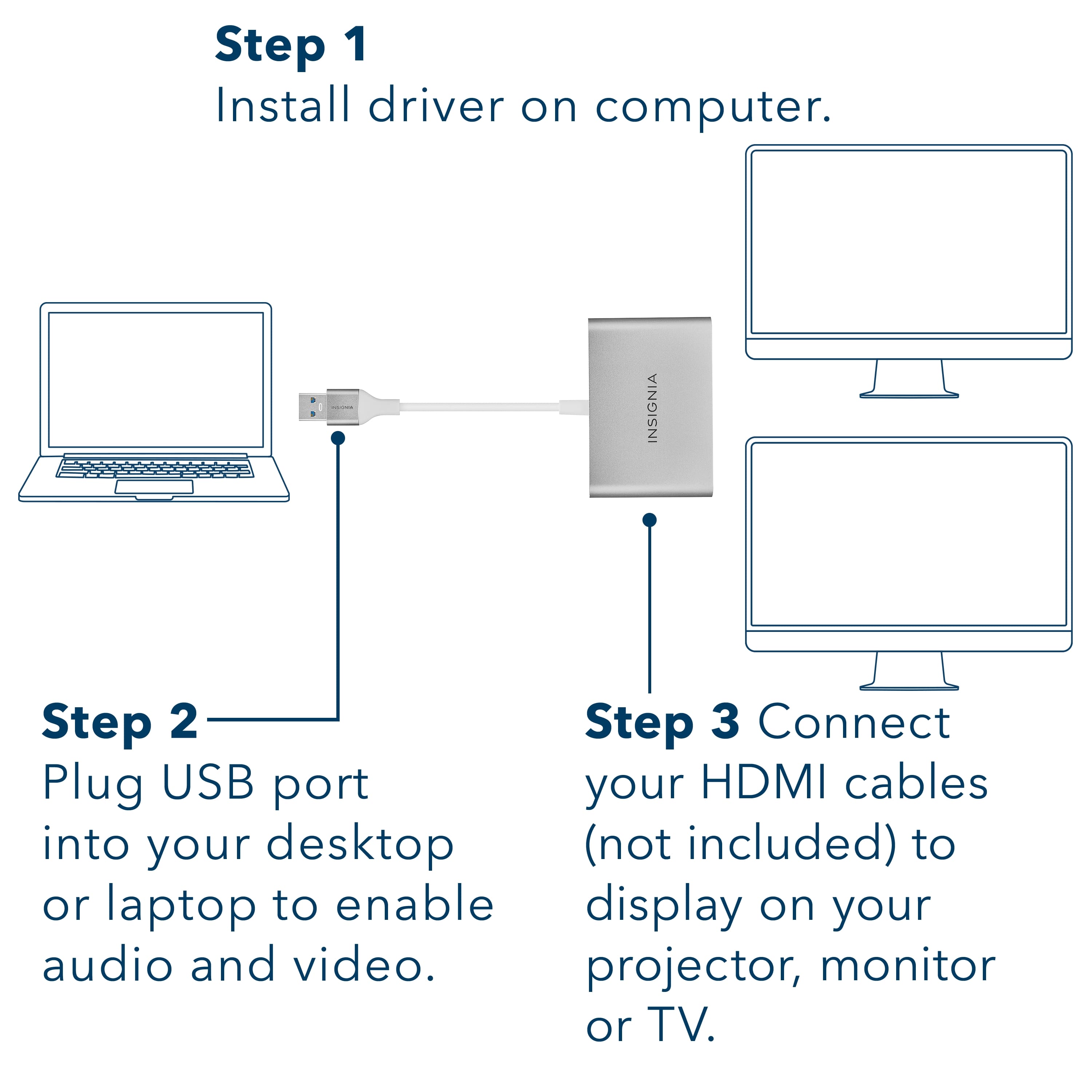
A:AnswerSearch for the "Startech USB 3.0 to Dual HDMI Adapter" and install their driver.
For me it did not automatically install for Windows 10 and I had to do this. I don't know why BB/Insignia doesn't provide a driver in the package.
A:AnswerAutomatic driver installation lets you get started quickly. Turn off your firewall and restart your device.
Rudson S.| Insignia Support. https://www.insigniaproducts.com/contact-us
A:AnswerThere should be a way to get the adapter's driver for cases that do not have access to the internet, other brands do that as j5create and StarTech, they even make it really easy to the user to get the drivers for their adapters. BestBuy/Insignia is pushing customers to get other brands by not providing this.
A:AnswerI had the same problem when I got this product last week.
After plugging it - It said "Driver is unavailable" & I was unable to use the product. I did search everywhere but couldnt find the driver model for this adapter.
However, i saw another similar Insignia product in insigniaproducts.com listings with just one USB port (see link below) and found the driver info for this other product under Supports and Downloads. I installed it and the adapter started working.
However I think that was not the latest driver as I see some delay when I try to drag from main screen to the second monitor.
https://www.insigniaproducts.com/pdp/NS-PCA3H/6418342
A:AnswerSearch for the "Startech USB 3.0 to Dual HDMI Adapter" and install their driver.
For me it did not automatically install for Windows 10 and I had to do this. I don't know why BB/Insignia doesn't provide a driver in the package.