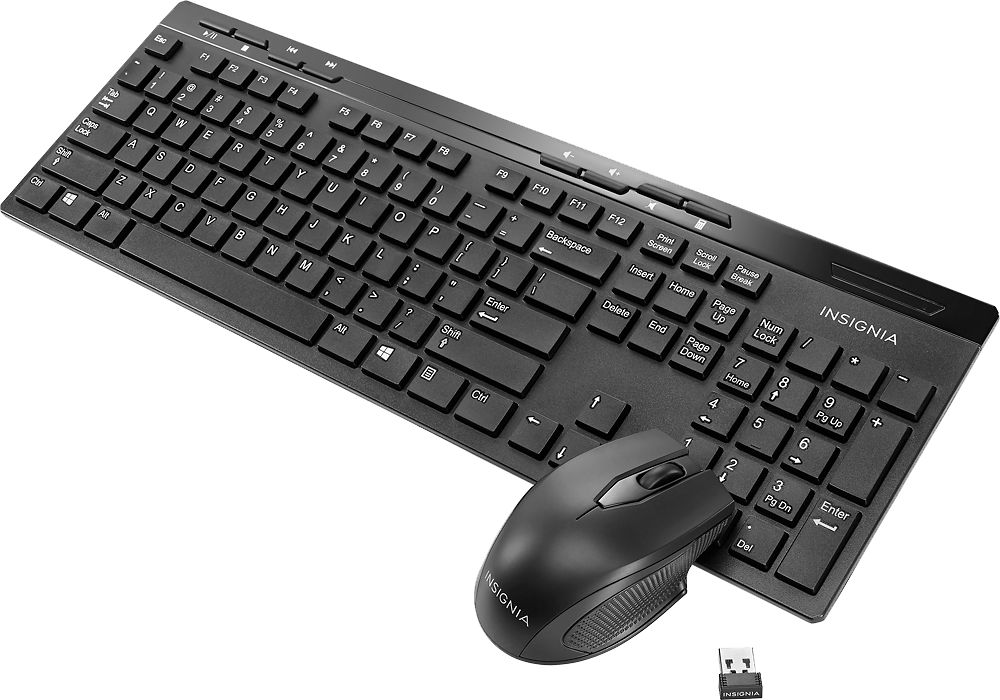
A:Answer If the mouse or keyboard does not work:
• Re-plug the nano receiver into the USB port on your computer, then
press the connect button on the mouse and keyboard. The LED
indicators on the mouse and keyboard flash steadily while in pairing
mode (10 seconds). After pairing successfully, the LED turns off.
• Check the batteries in your mouse or keyboard. The LED indicators blink
for 10 seconds when the batteries are low.
For product support, please visit https://www.insigniaproducts.com/email-us