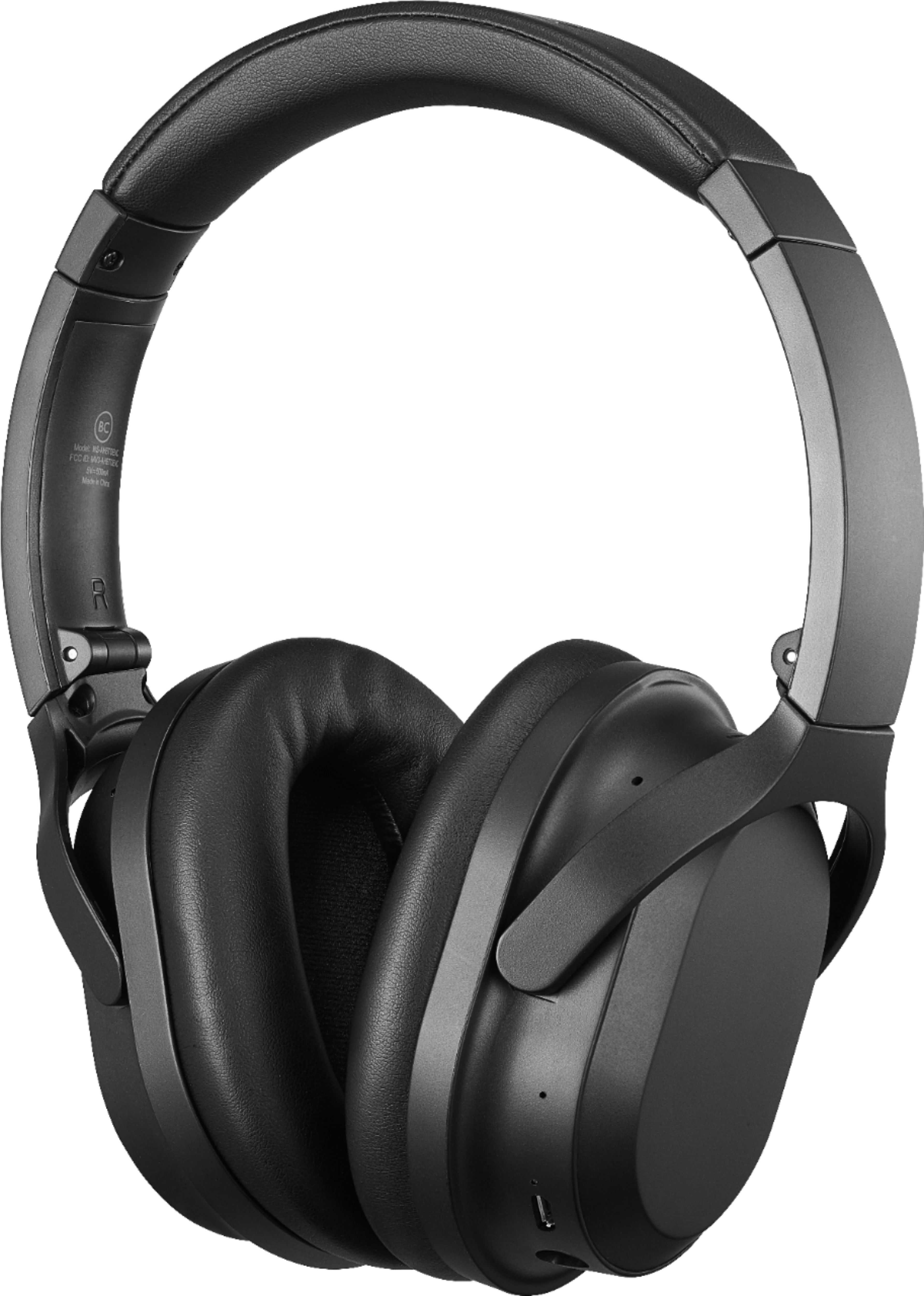
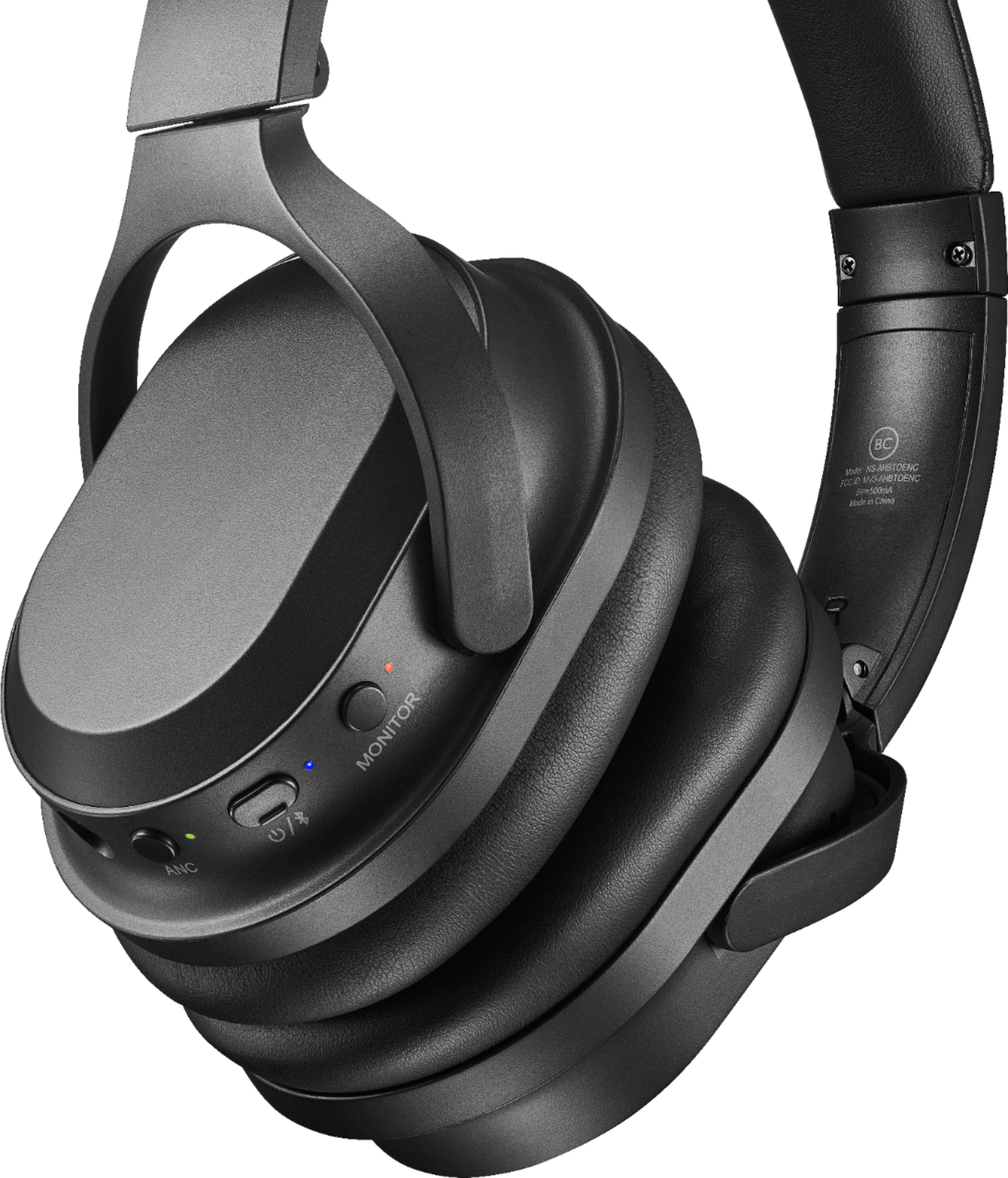
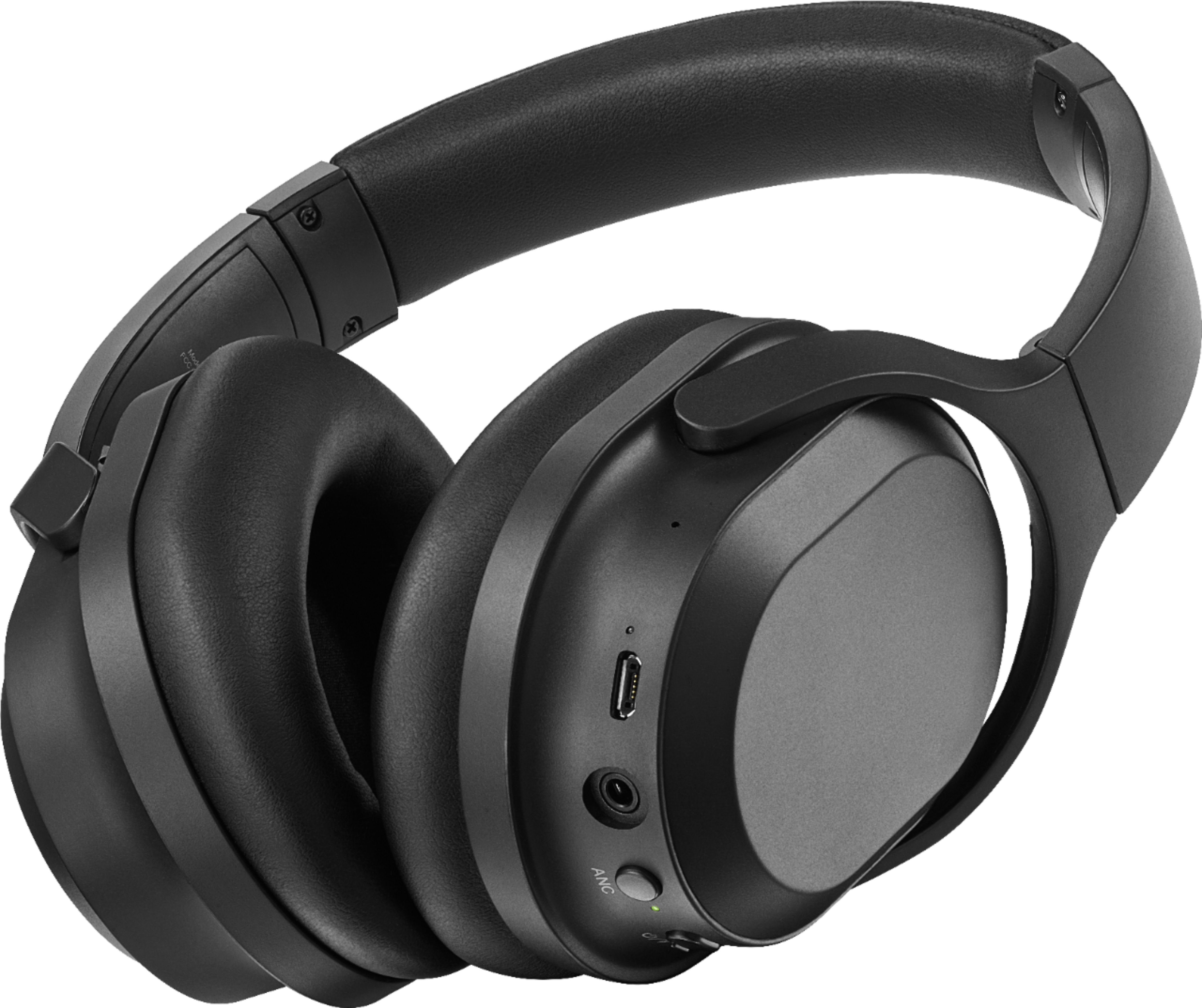
A:AnswerPress the "power" button. A voice will tell you it is on if you have it over your ears. The owner's manual will show where the power button is.
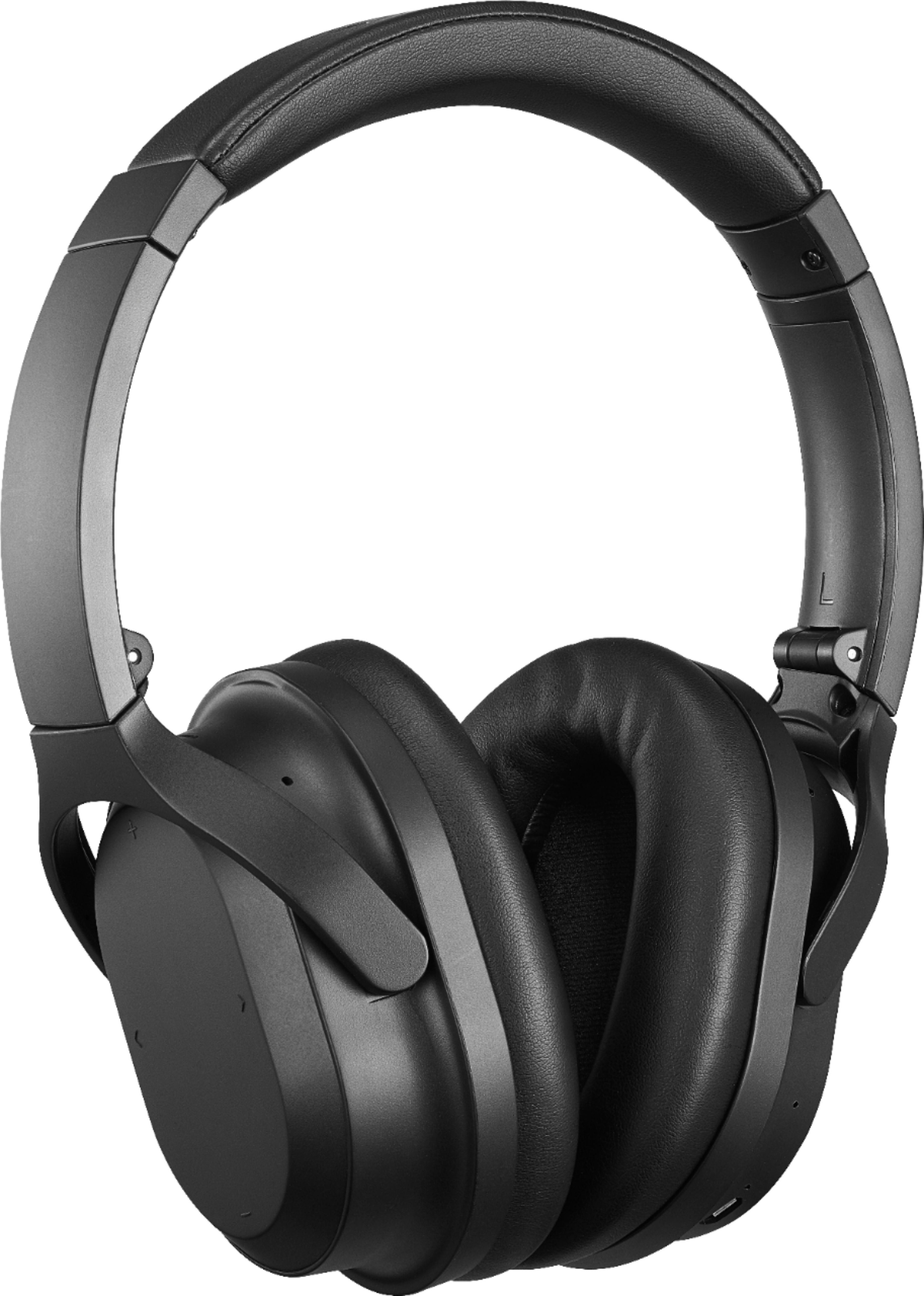
A:AnswerThe controls for these are touch pad, located on the sides of the ear pads. Via Bluetooth, you will control whatever device you are connected to.
A:AnswerYou touch the center of the earpiece and swipe down to lower the volume, and swipe up to raise it. I have found it to be tricky, though, so it's easier to adjust the volume using your device's volume settings.
A:AnswerHello, RJ,
I am sorry to read about this situation with your headphones and just one side working. Please get in contact with us so we can gladly help you to check what could the problem be, rest assured we are going to do our best, we know this is important to you.
Eduardo L - Insignia Support
https://www.insigniaproducts.com/contact-us
A:AnswerBad design? I found the solution, but it shouldn’t be that way.
I paired the headphones to the phone. Now the ANC is always ON and you can use a cable to listen to music or movies from the airplane monitor, and ANC is always ON.