A:AnswerHello Kayzee,
The best way to assist to troubleshoot this is for you to contact us at 1-877-467-4289 from 8 am to 9 pm CT. We will gladly assist you.
Insignia Support
Grace
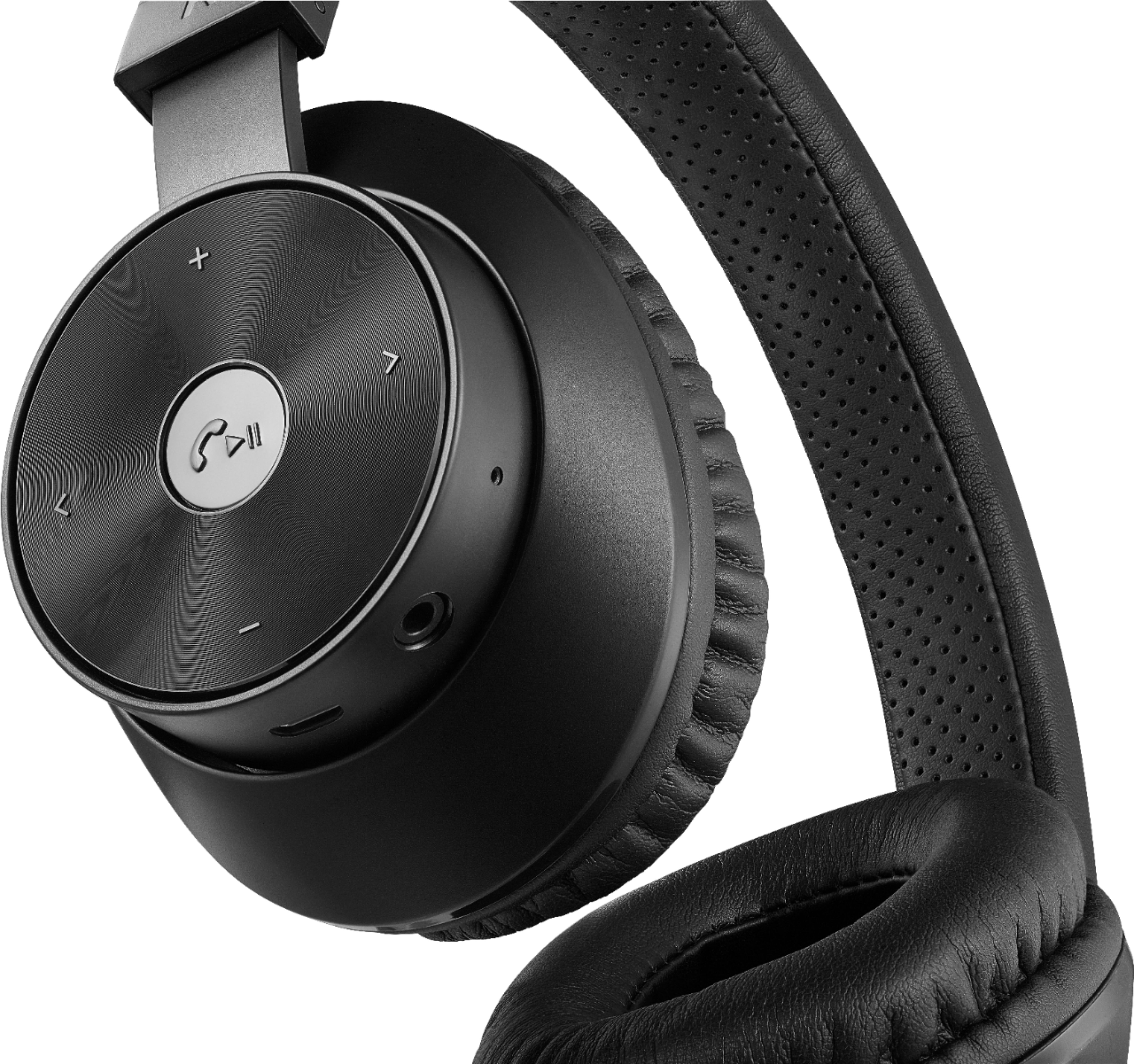
A:AnswerYou can either use a 3.5mm male to male aux cable or press and hold the play button on headphones until the light flashes red and blue then go to settings on your phone, bluetooth scan then select the Insignia headphones to pair.
A:Answerunfortunately, i could not get it to work with my ps4. i guess sony doesnt allow bluetooth audio devices and the included auxiliary cord connected to the controller would only emit sound out of the left speaker and only when i was in the control menu changing the volume for the headphones.
A:AnswerSounds like a 40mm driver. Sound is pretty good.
Better than expected. And yes loud enough, i turn headphones up all the way then turn phone up about half way, any more would be too loud for my ears.
A:AnswerGo to www.insigniaproducts.com, enter your model in the search box, then press ENTER. Next to Features, click Support & Downloads, then next to User Guide, click the language you want.
A:AnswerI have hooked them up to everything, RoKu TV, PlayStation etc..worked no problem the one issue i had was when i had too many devices hooked up at once and were on--so it was connected to my phone and my TV and my PlayStation it could not decide which one to connect to.
A:AnswerHi.
This Wireless Headphones can work with most Bluetooth enabled devices. However, the Nintendo Switch does not have this connectivity function, thus they would not work with each other.
Cesar G. - Insignia Support
A:AnswerHi! The headphones that come with a docking station usually come pre-paired. This means that other headphones will not be able to pair to the docking station.
Viridiana E.
Insignia Support.
https://www.insigniaproducts.com/contact-us
A:AnswerHi, Kalani.
Thank you for sharing your inquiry with us. These Headphones work with only once source device at a time. As long as you pair each one to one desktop only, they will recognize the prior connected device and connect to it.
Alexander G. - Insignia Support
A:AnswerThese are only compatible to be used as audio only for Xbox One. It states in the manual that when connecting using the cord the microphone will not work.