Deals Worth GiftingShop now

Skip to content
Gift Ideas
26 Cypress St
Williston, VT 05495
Open until 10 pm
Find Another Store
Main Content

Questions & Answers

Page Showing 1-4 of 4 questions
  • QuestionIs your docking station compatible with a MacBook Air Laptop?

    Asked by Fred.

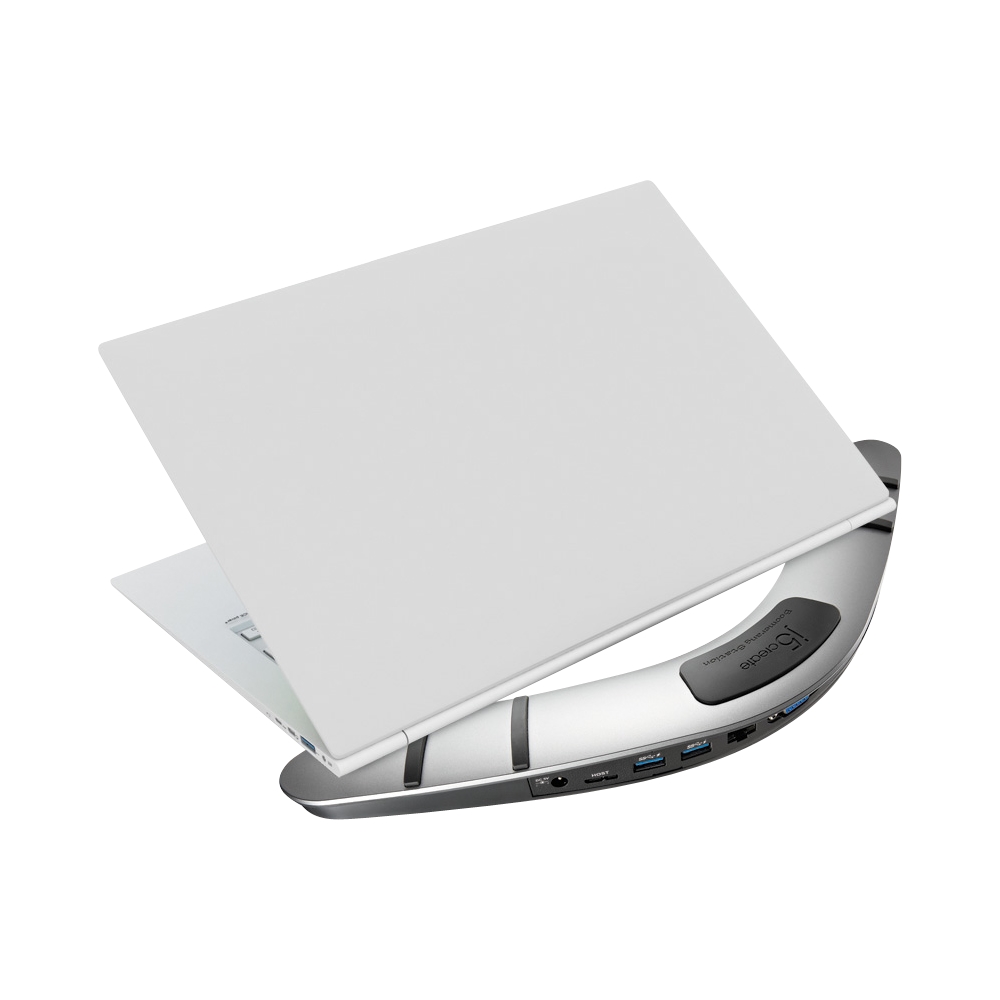
    • Answer The Boomerang Station Universal USB 3.0 Docking Station is not compatible to a MacBook Air Laptop. This Dock require an available USB Type-A port on a computer to connect to. An example will be the JCD542 USB-C Dual HDMI Docking Station. It connects to a MacBook Air Laptop that is equipped with a Thunderbolt 3 or Thunderbolt 4 port.

      Answered by J5create Team

  • QuestionWill this work with an Asus TUF Gaming laptop (only USB A ports)? The laptop has 1 HDMI port which I'm using for a monitor and I want to hook up a 2nd

    Asked by Xena.

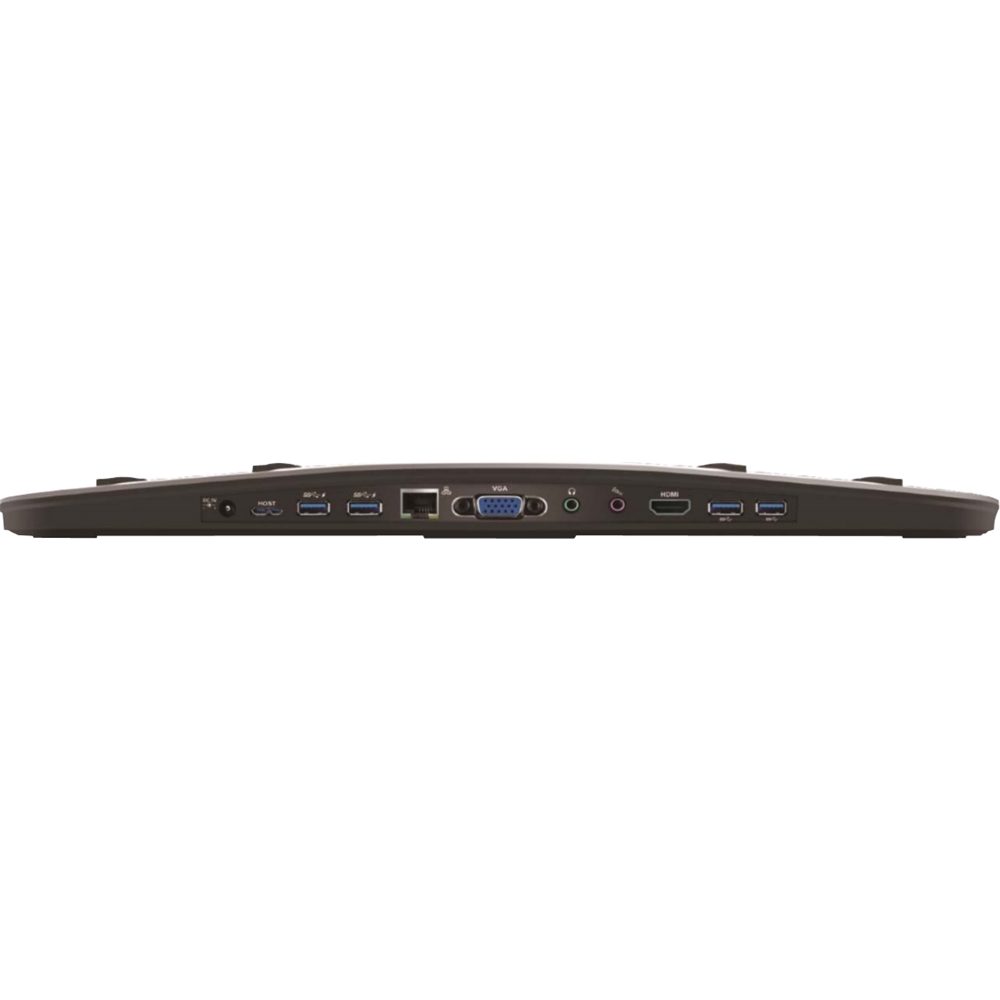
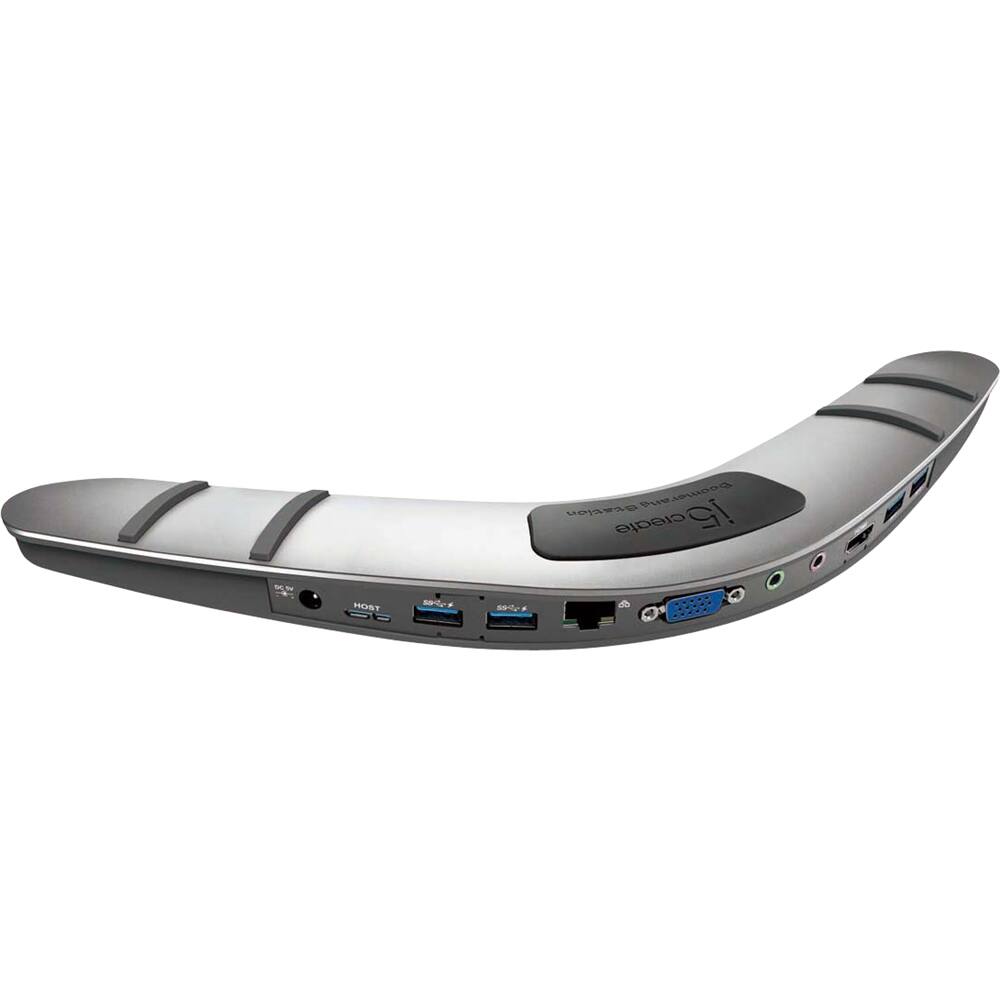
    • Answer Yes, the Boomerang Station Universal USB 3.0 Docking Station will have a USB 3.0 Micro B To Type A cable included in the box for the host interface. Available USB 3.0 port is recommended. With this device, you will only be able to either use the HDMI or VGA connection. Cannot use both video ports at the same time. It will also require an installation of a driver for proper functionality. Drivers are available on j5create website under the "Support" tab > "Downloads/Drivers". The JUD481 Boomerang Station - Universal USB 3.0 Docking Station is another option as well, where you can enable dual display's via HDMI and VGA connections at the same time. Thank you.
      Answered by J5create Team

  • Question\is this compatible with Lenovo Ideapad S145? my laptop does not handle type C USB only HDMI or USB 3.0 Thank you

    Asked by Edna.

    • Answer The Boomerang Station Universal USB 3.0 Docking Station is compatible with computers equipped with an available USB Type-A port (USB 3.0 is recommended). Your Lenovo should have (2 x USB-A 3.1 Gen 1), making the Dock compatible with your computer. It will also require you to have full admin rights to complete an installation of a driver. Drivers are available on j5create website under the "Support" tab > "Downloads/Drivers". Thank you.

      Answered by J5create Team

  • QuestionIs this docking station compatible with a Microsoft Surface Laptop 4? While it also charge the Microsoft Surface Laptop 4?

    Asked by CLM.

    • Answer The Docking Station is compatible with computer's equipped with a USB Type-A port. However, it does not support pass-through charge. If the Surface Laptop 4 supports DisplayPort Alt Mode and Power Delivery over USB-C, the JCD542 will be compatible with your computer. Please refer to the manufacturer of your hardware for more information on your device. Thank you.

      Answered by J5create Team