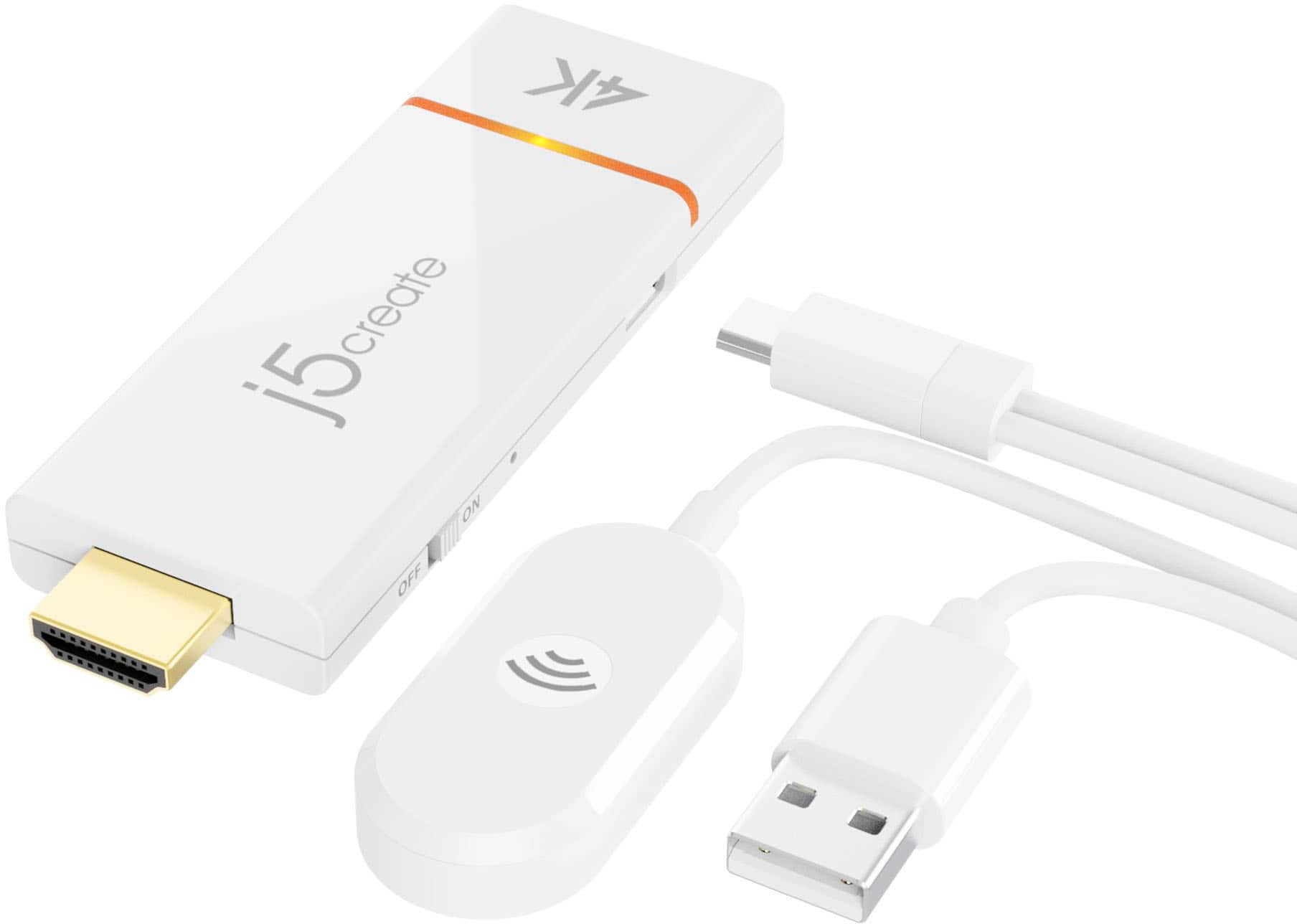
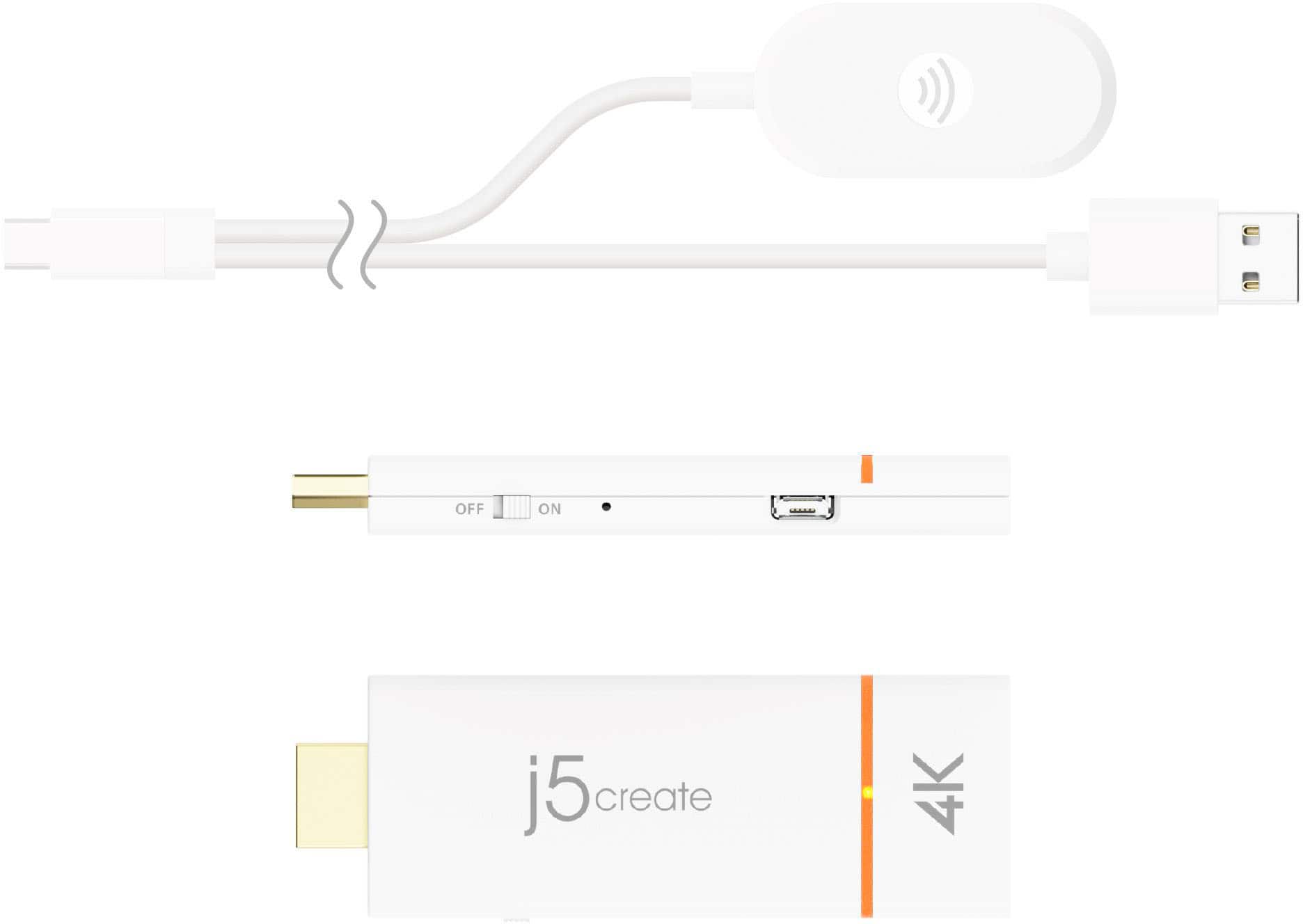
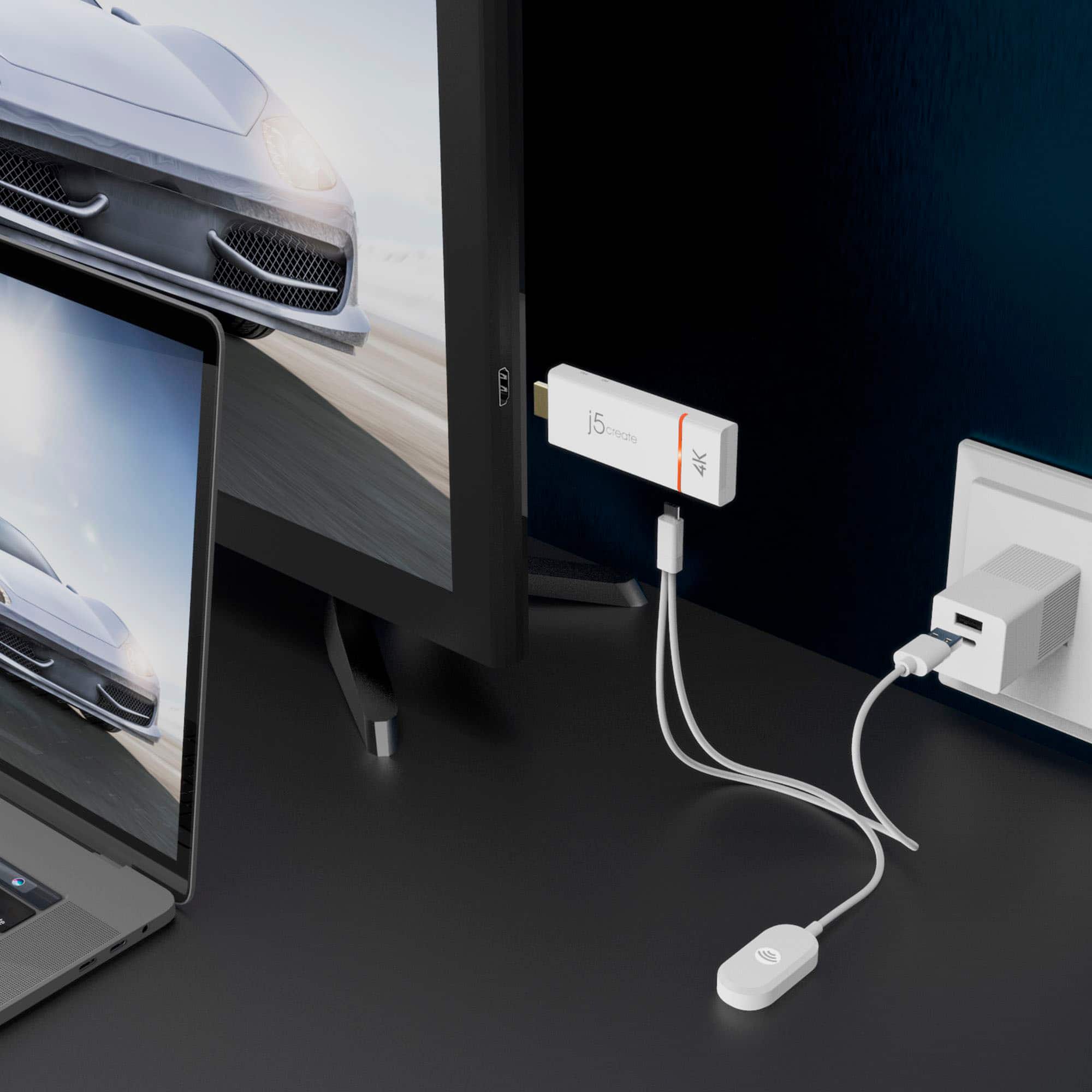
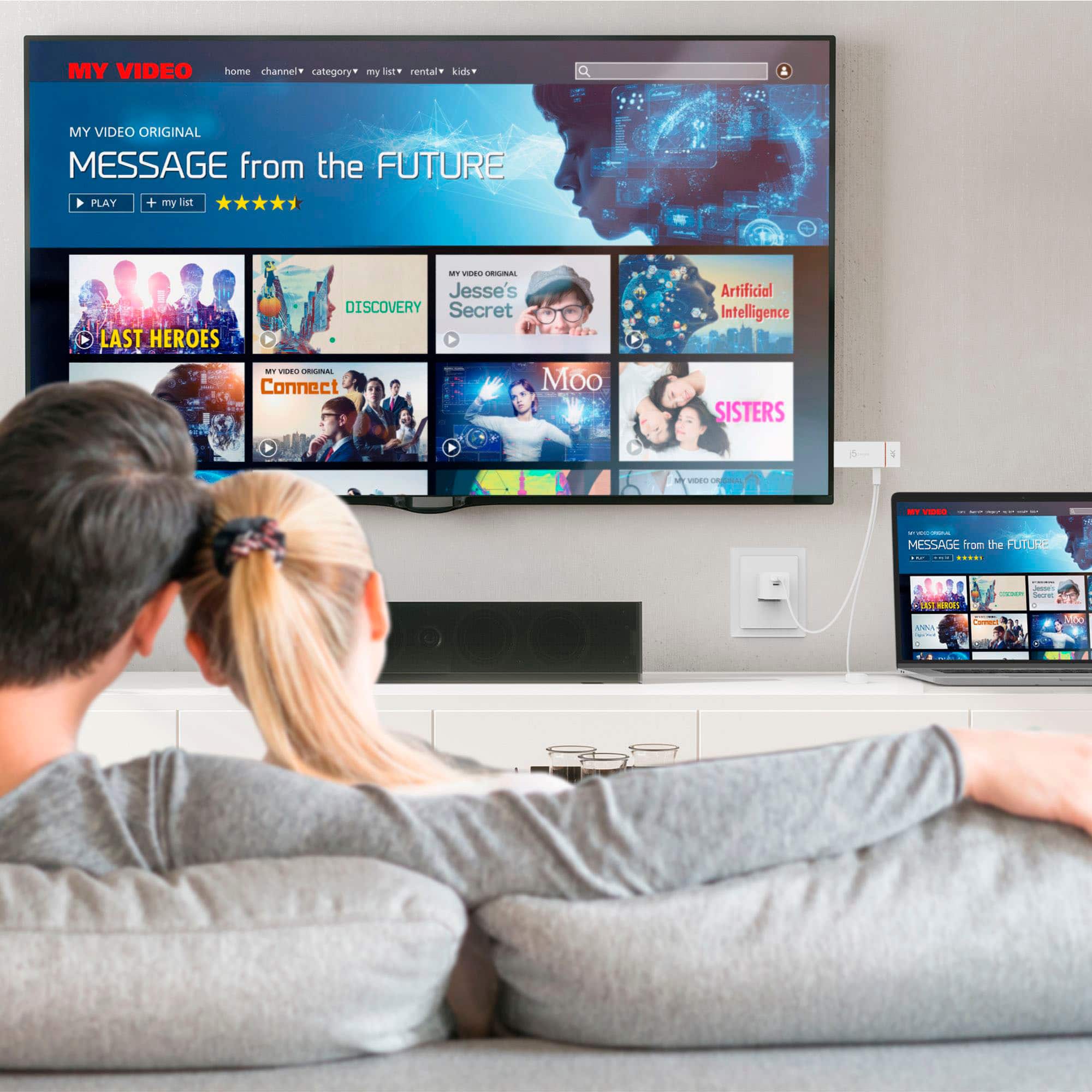
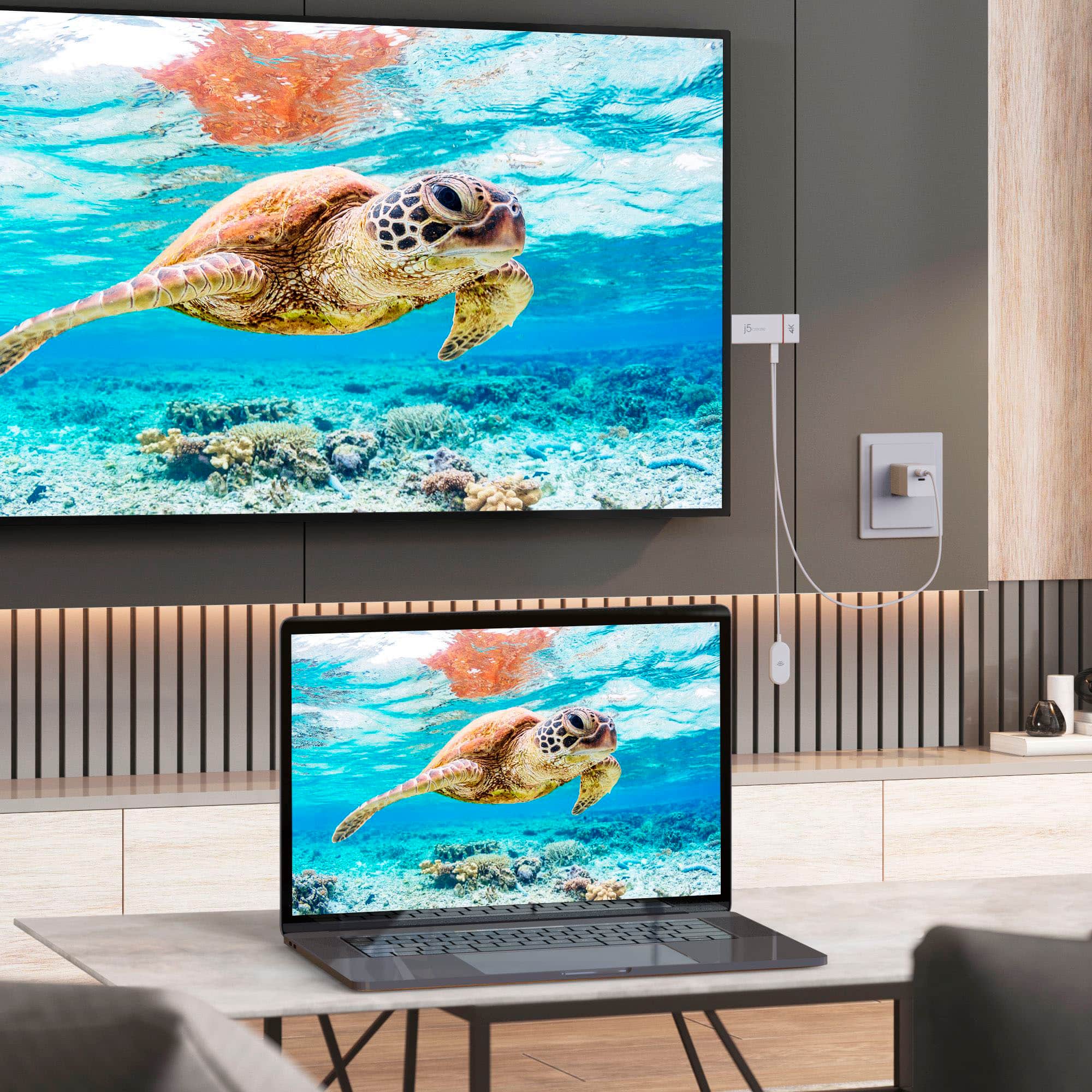
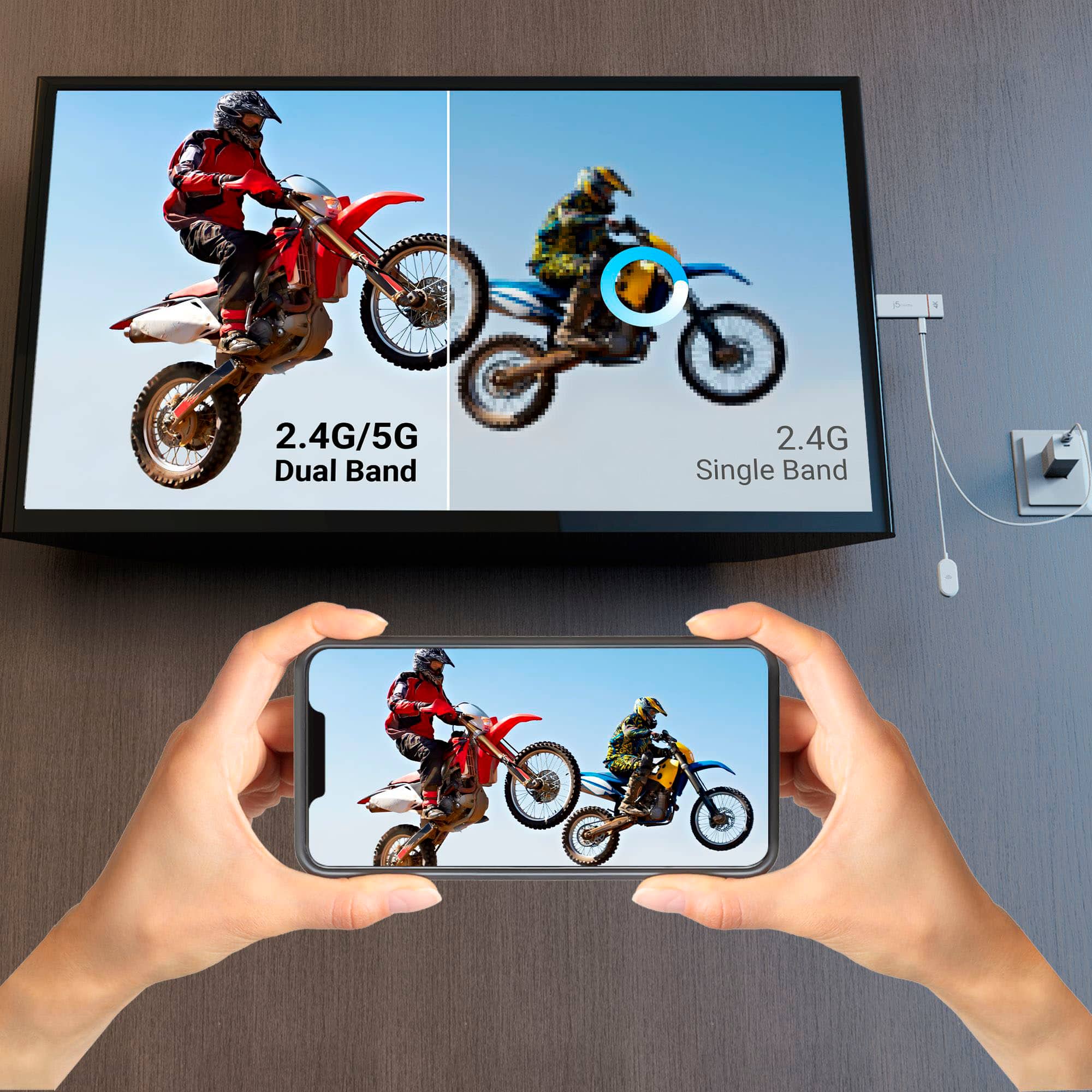
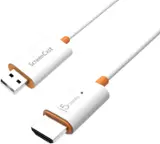
A:Answer Yes, the ScreenCast 4K Wireless Display Adapter can work with your SmartBoard, as long as the following requirements are met. SmartBoard must have: An HDMI input port (to connect the JVAW76). A USB port (optional) if you're powering the adapter via USB instead of a power adapter. A display resolution of up to 4K, or at least Full HD (1080p), for optimal performance.
Your source device (laptop, tablet, phone) must support: Miracast (for Windows and some Android devices). AirPlay (for iPhones, iPads, and Macs). Google Cast (for Chrome OS or Chrome browser on Windows/macOS).
The JVAW76 is not a touchscreen input receiver, it mirrors or extends the screen to the SmartBoard, but does not support touchback.