A:AnswerNo, unfortunately this device will not work with the Acer Chromebook 15. However I recommend that you get our JUE130 which will allow you to connect to a wired network connection on your computer.
A:AnswerUnfortunately, this Ethernet Adapter is intended to connect to a computer and an Ethernet cable to a modem or router. It requires an installation of a driver and is available for Windows or Mac. Will not work directly to a TV/monitor.
A:AnswerYou must have internet access to download the drivers for the Ethernet Adapter to work. Since your Ethernet port is broken, try connecting to a Wi-Fi signal if possible or use your hotspot on your phone to connect a computer to your phone's Wi-Fi hotspot just as you would connect to any other Wi-Fi network. Thank you.
A:AnswerThe JUE125 is intended to connect into a USB Type-A port on a computer and an Ethernet cord running to the router, modem, or switch. It is not intended to connect to a hard drive, but you can try a cross-over cable and see if that works.
A:AnswerI do not think so since the connection is only for an Ethernet connected. If you're phone jack is as big as an Ethernet plug and you have software for it then maybe, but I think its only designed to plug you're Ethernet to a laptop or chromebook that don't have Ethernet connections. Hope this helps.
A:AnswerUnfortunately, the JUE125 Ethernet adapter does require a driver to be downloaded and installed. Simply download and install the driver and you are connected to the internet via Ethernet.
** Feel free to contact the Technical Support on the packaging if you require assistance and or if you have any other questions and someone will be happy to assist you.
A:AnswerNo, this device requires a driver to be installed to function.
System Requirements:
Windows® 10 / 8.1 / 8 / 7/ Windows Vista™ / XP
macOS® X 10.6 / 10.7 / 10.8 / 10.9 / 10.10 / 10.11
Linux® Kernel 3.x / 2.6.x
A:AnswerNo, the JUE125 is for a ethernet connection (RJ45). This will not work with a telephone connection (RJ11) as they have different connector sizes and wire mappings.
A:AnswerHello fcf,
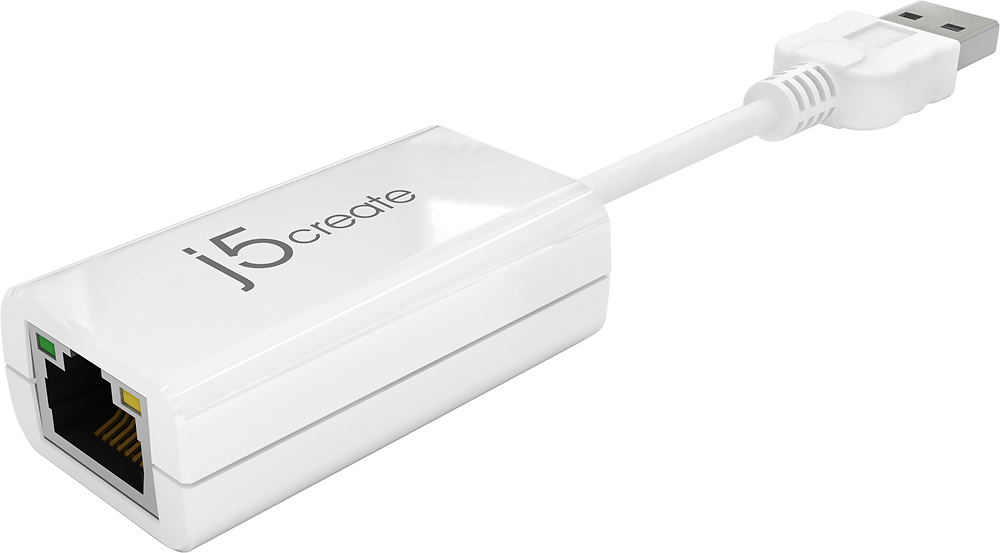
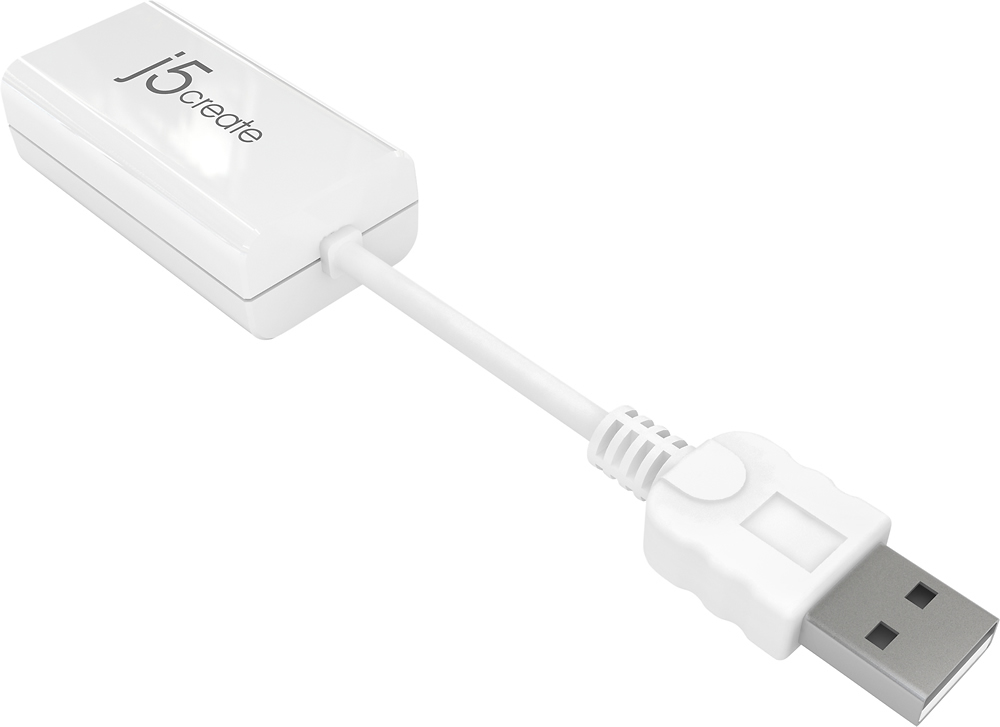
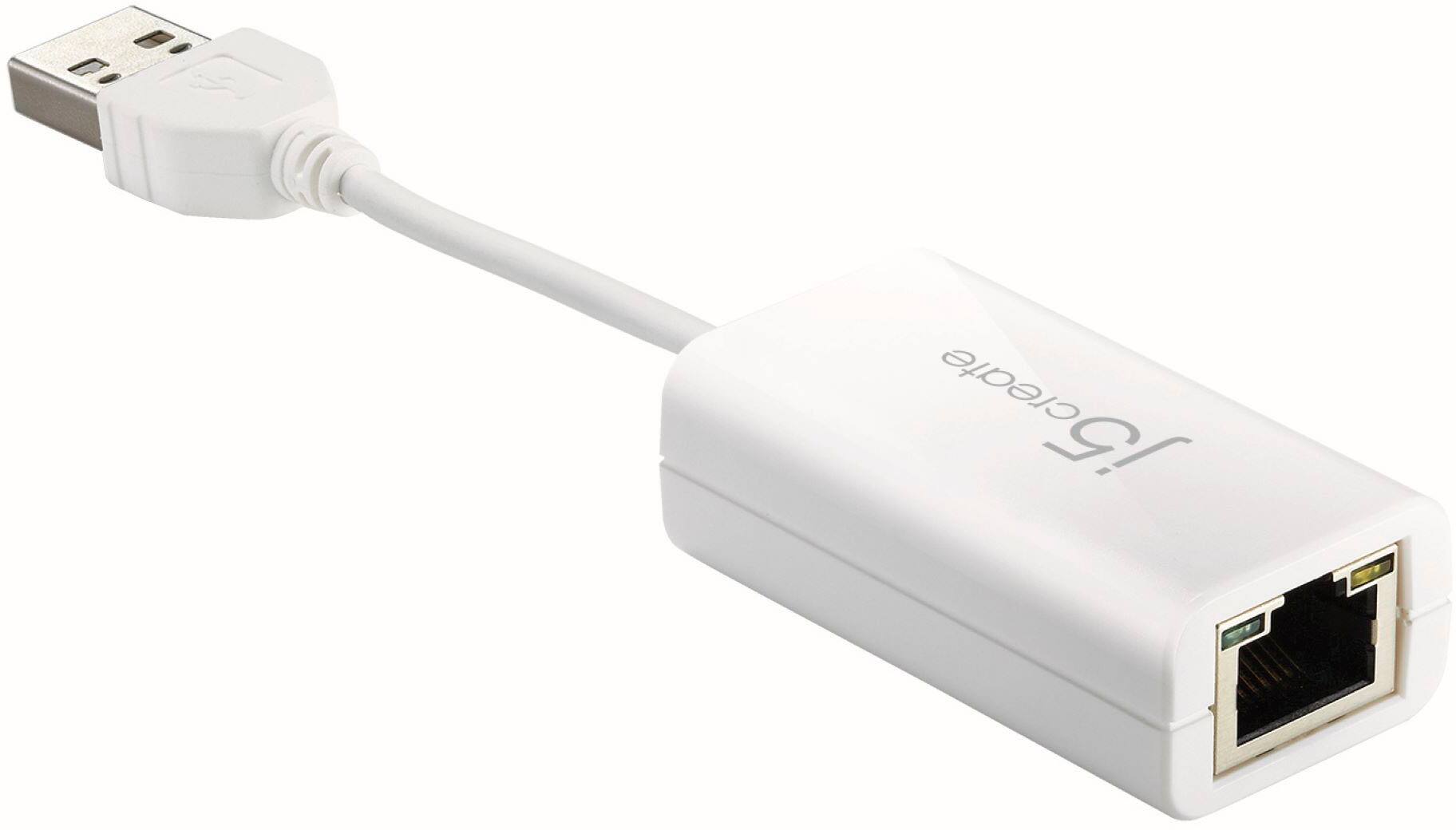
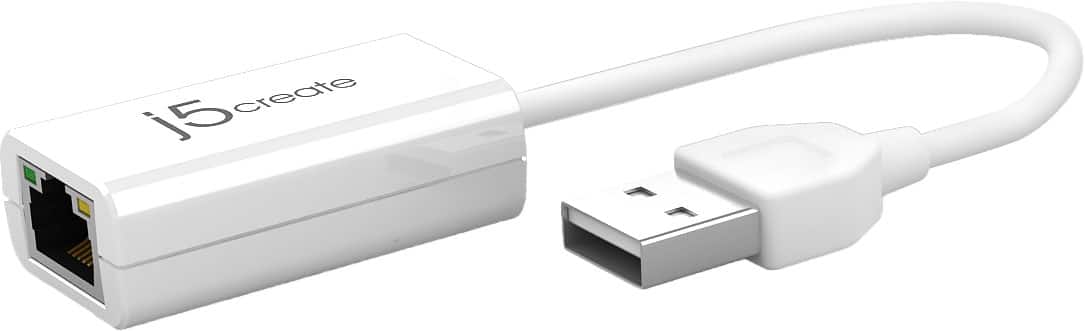
The j5create USB 2.0-to-10/100 Ethernet Adapter (JUE125) is designed to connect to a USB port on a desktop or laptop computer. The RJ45 Ethernet port on the JUE125 will allow you to connect an Ethernet cable from the adapter and into a network modem, router, or switch, for a wired network connection.
The JUE125 will not allow you to connect a printer to a router, as the JUE125 requires for drivers to be installed onto the computer to operate.
-j5create