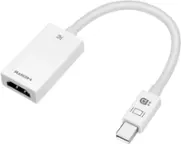
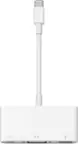
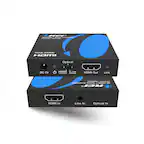
A:AnswerIf your monitor supports 120Hz, you may change the display settings on the computer. Mac will be in System Preferences>Display. Windows is in Display Settings. If you need further assistants, please call in and we'll be able to assist you. Thank you, j5create
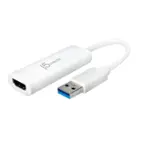
A:AnswerThe JUA365 is intended to connect 2 additional displays to a computer; if you are attempting to connect cameras to the JUA365, this will not work. If you wish to stream, you will need a capture card such as the JVA02, JVA06.
A:AnswerNo, the JUA365 is intended to work with a Windows or Mac OS. If you wish to mirror your phone to a TV, you may use the JUA165C; our devices are compatible with HDCP and you may not be able to view streaming services such as Disney Plus or HBO, but you should be fine with YouTube.
A:AnswerIn order to better understand the setup and provide a more accurate response, we recommend contacting the support team mentioned on the packaging to speak with a rep and determine compatibility.
A:AnswerDue to the HP computer you have not having USB Type-A ports, the JUA365 is not compatible. Instead, the JCD381 will be the better choice for you.
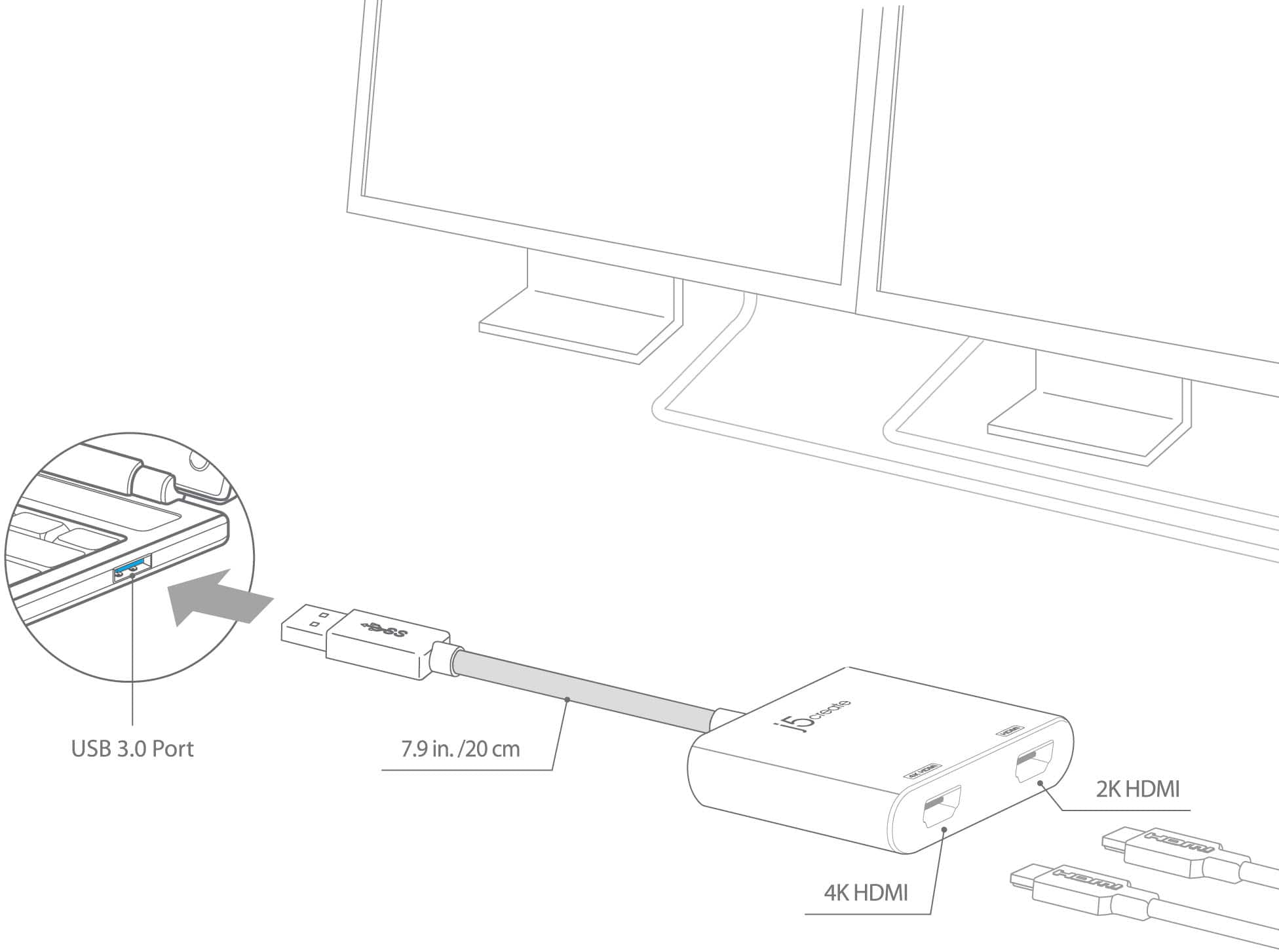
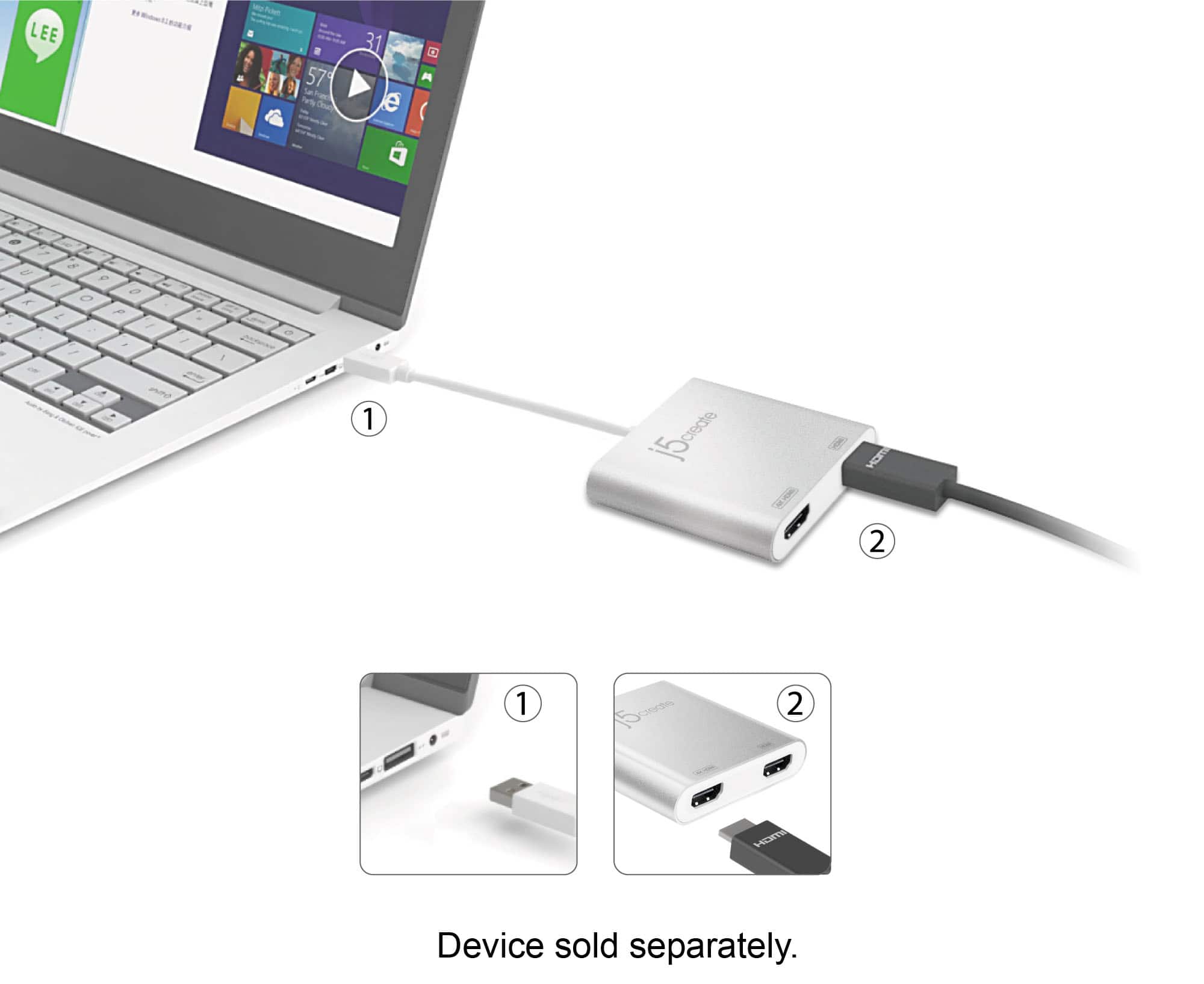
A:AnswerThe JUA365 is intended to connect to a Windows, Mac computer via USB Type-A and send a video signal out to TVs, monitors, projectors - unfortunately, it is not intended to work with a Firestick.
A:AnswerNo, because the JUA365 requires a driver it will not. We do have another adapter available and would recommend contacting support printed on the packaging and a representative will be glad to help.
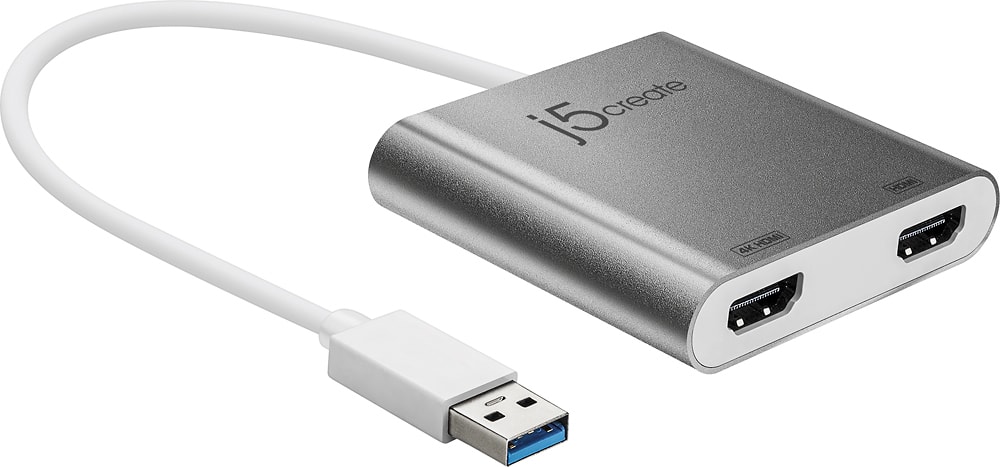
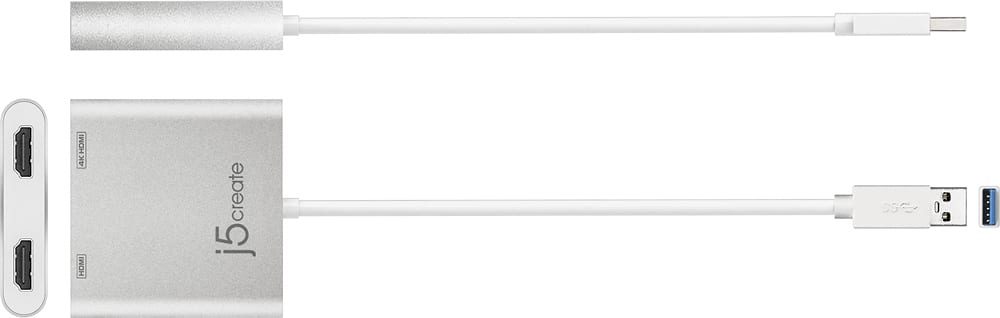
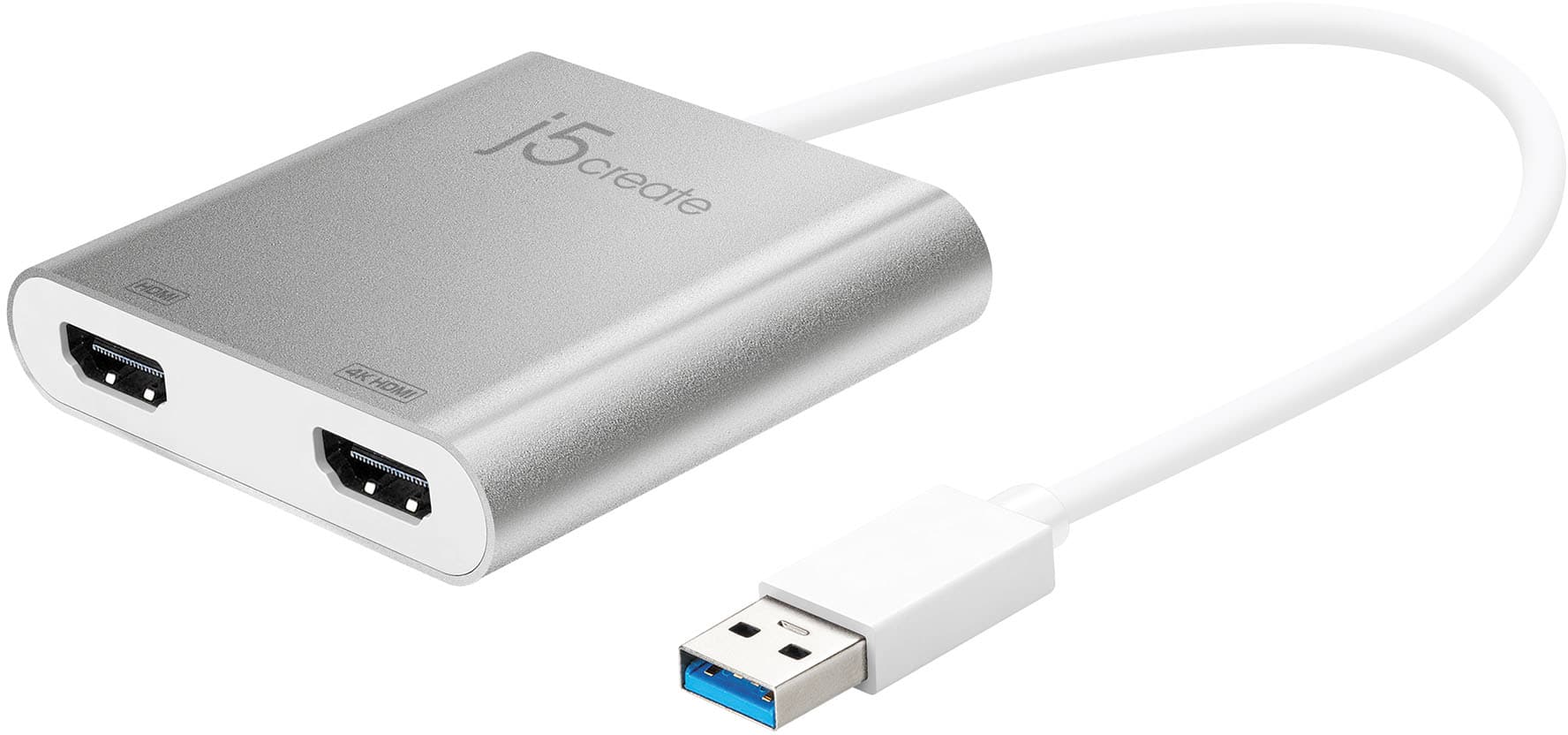
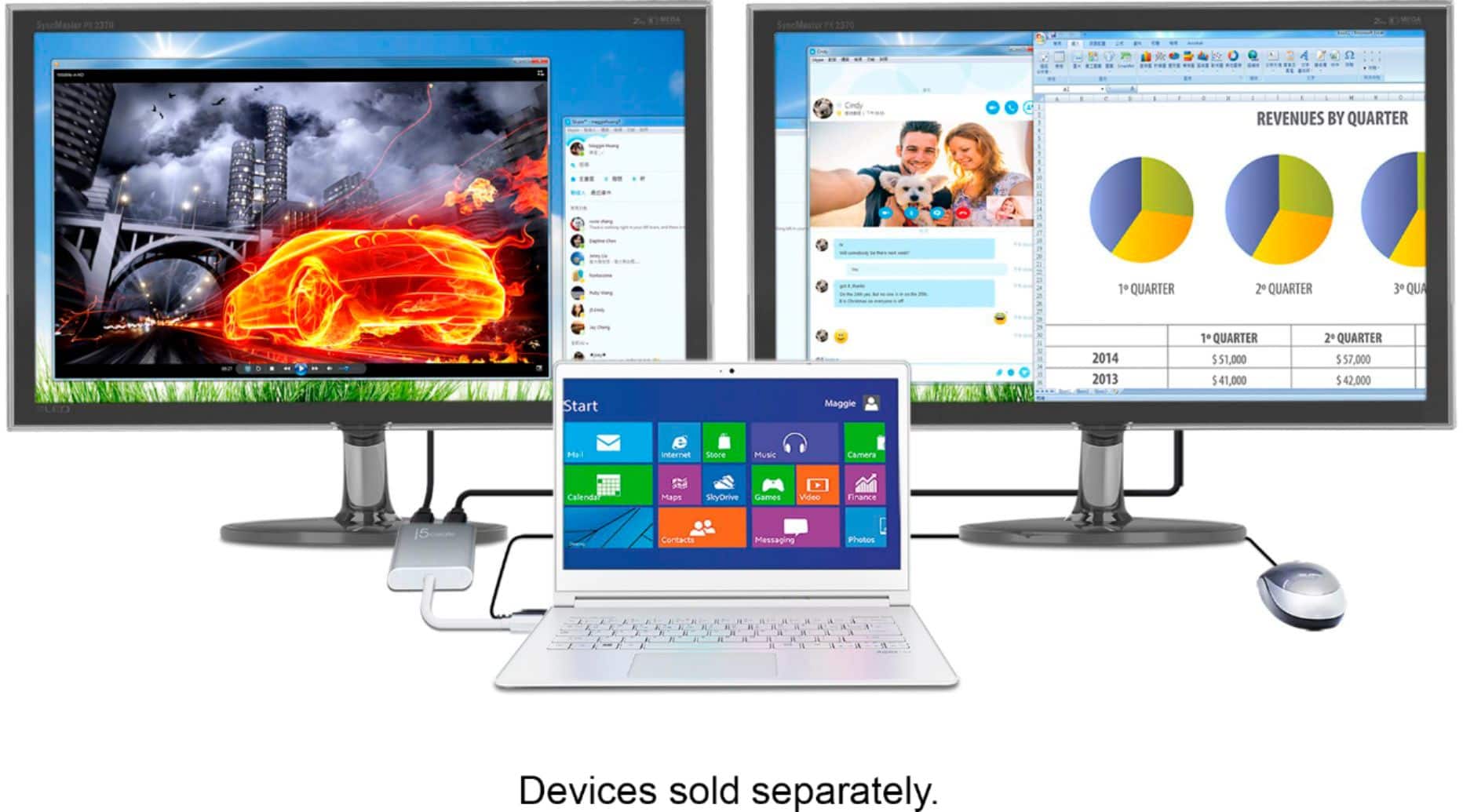
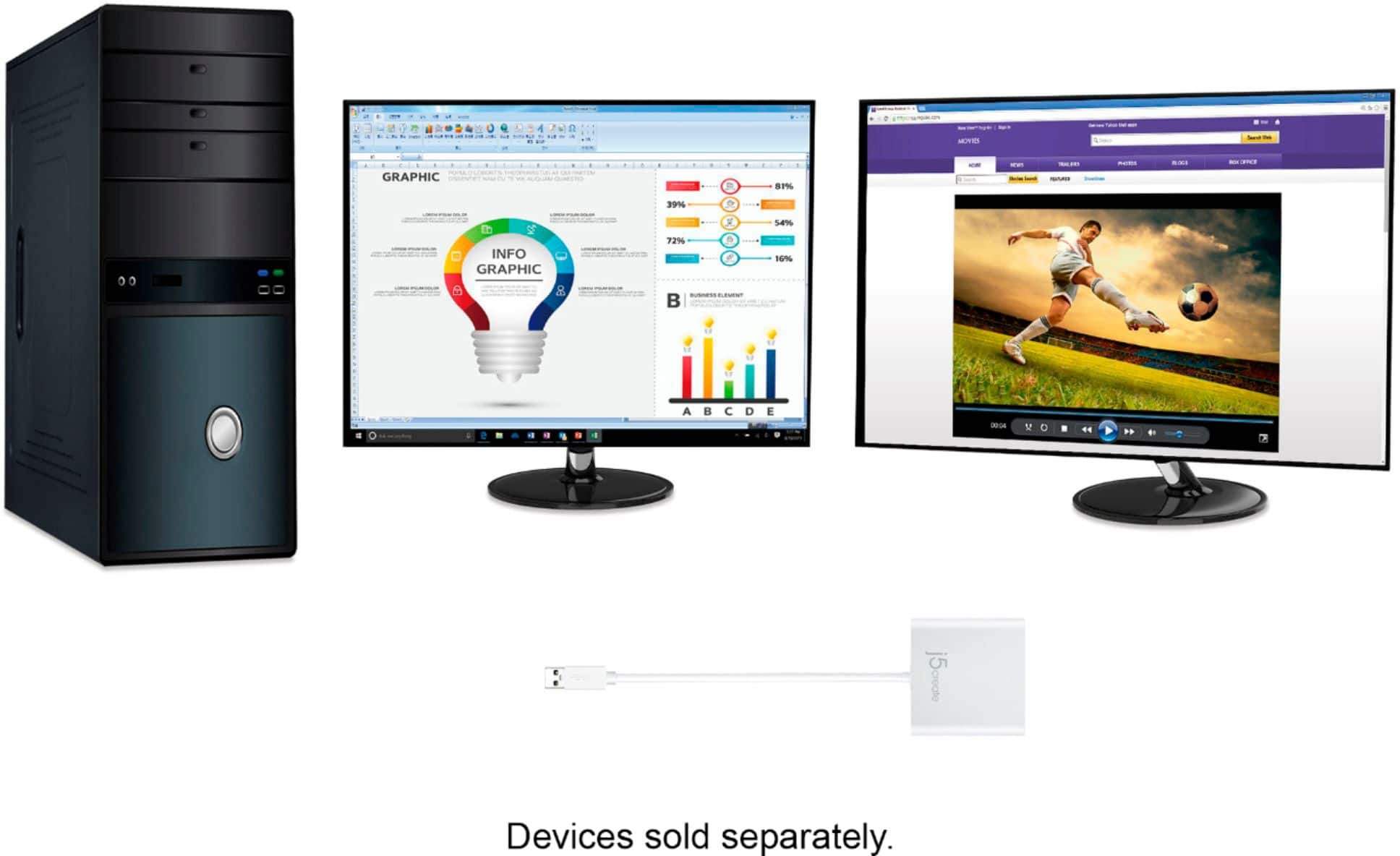
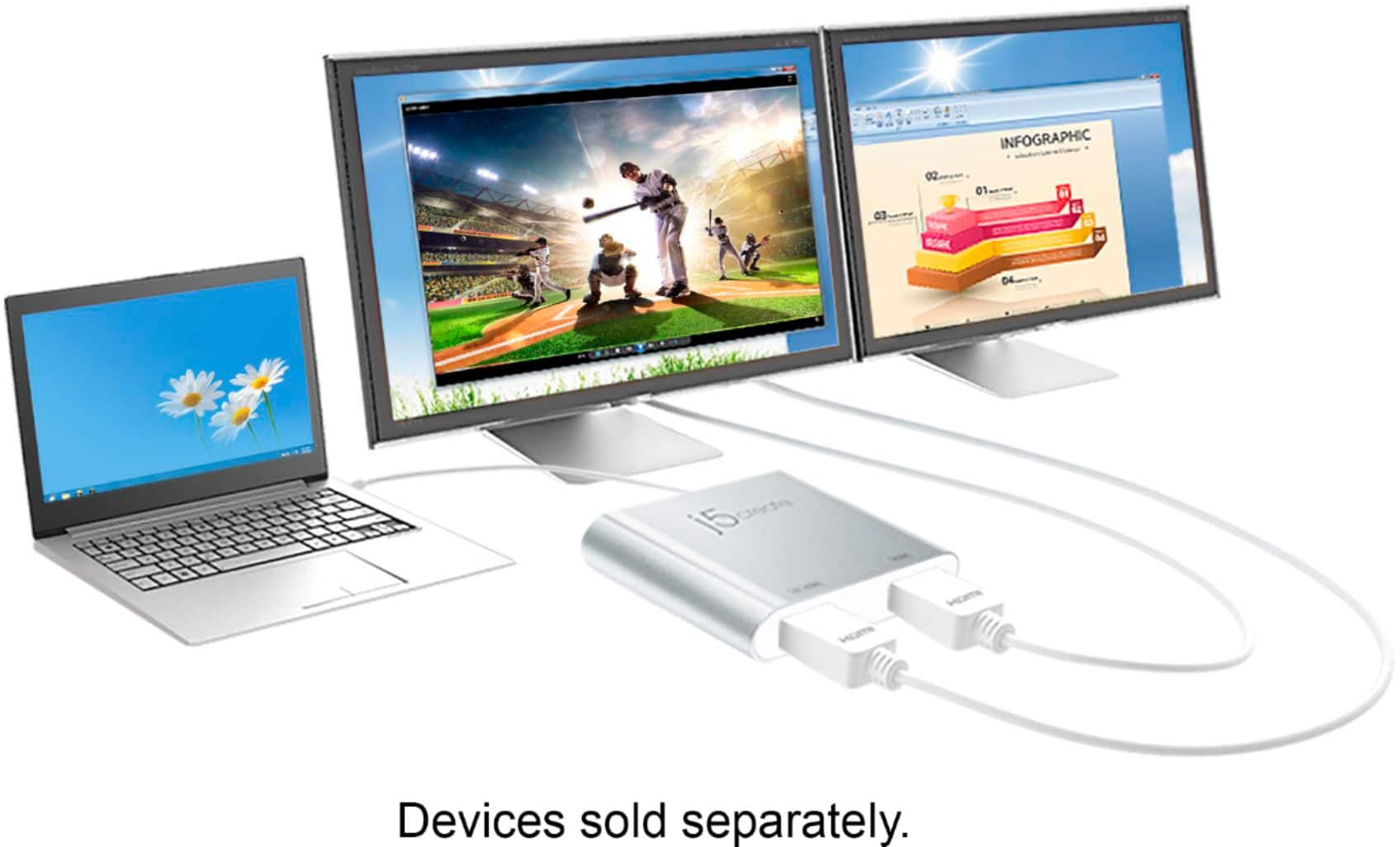
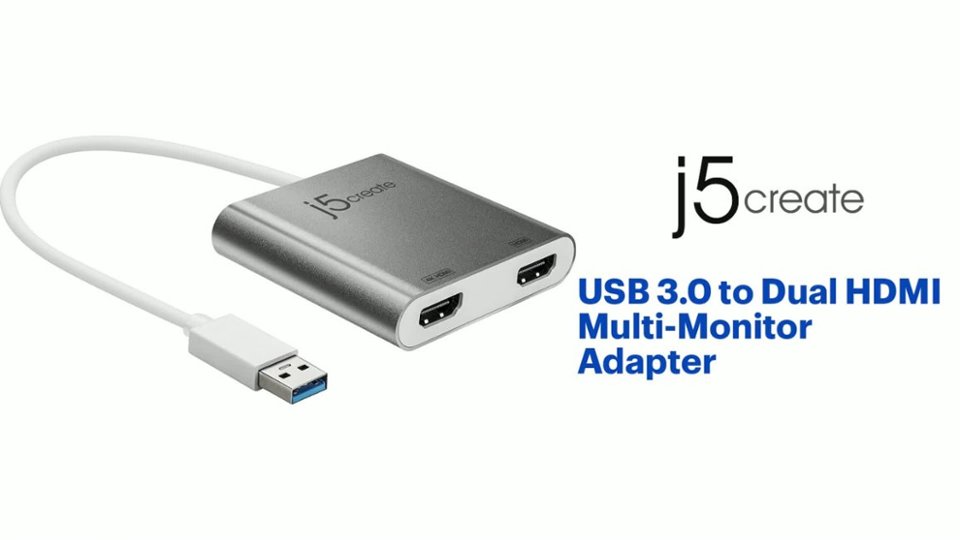
A:AnswerYes, you will be able to utilize this device with your computer. This device will allow you to connect to two external displays, and give you the function to operate each display independently from the other.