A:AnswerIn order to provide a more accurate answer, we would like to gather more detailed information such as specs for the computer you are using; we recommend contacting support on the packaging and a representative will be glad to help.
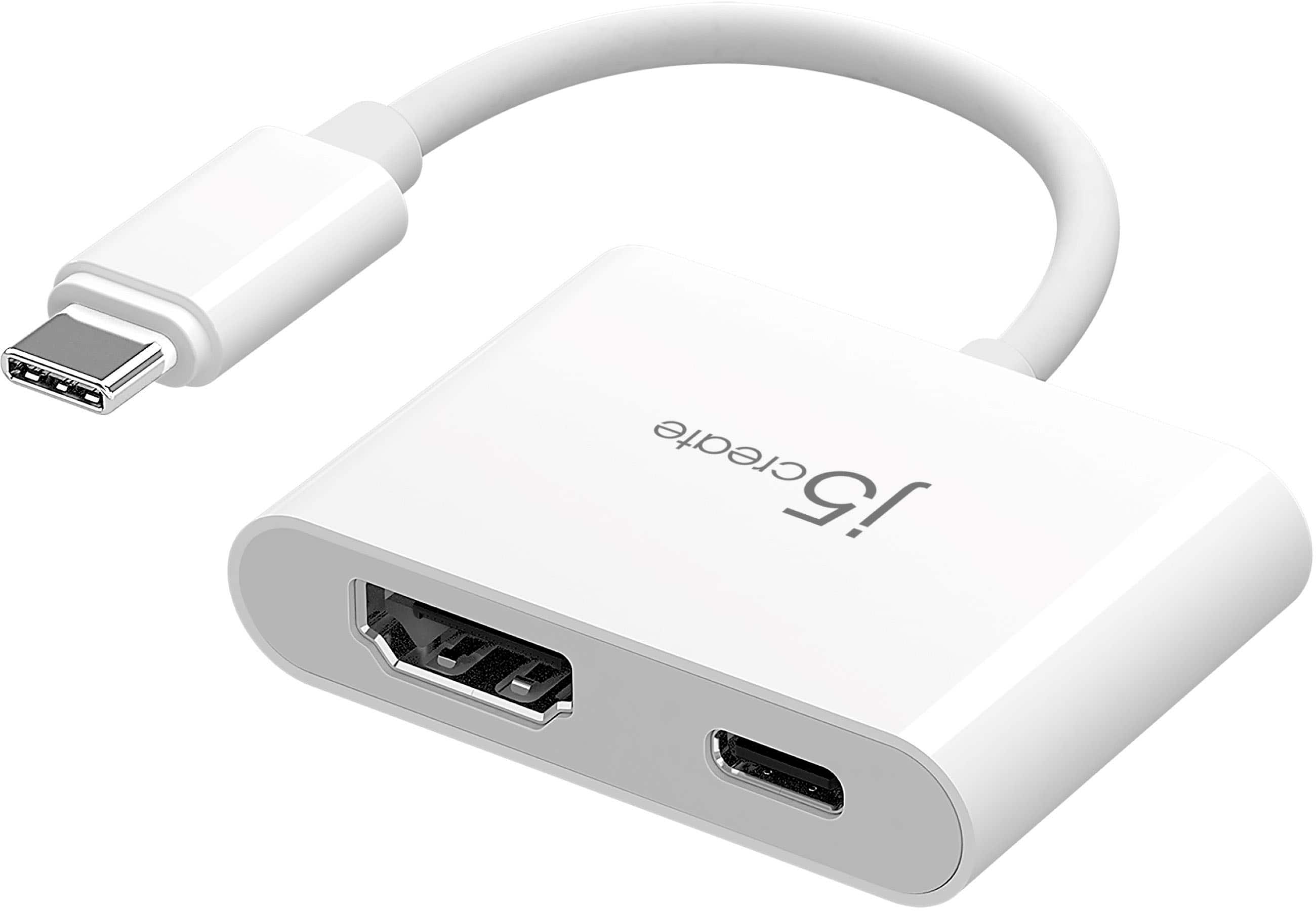
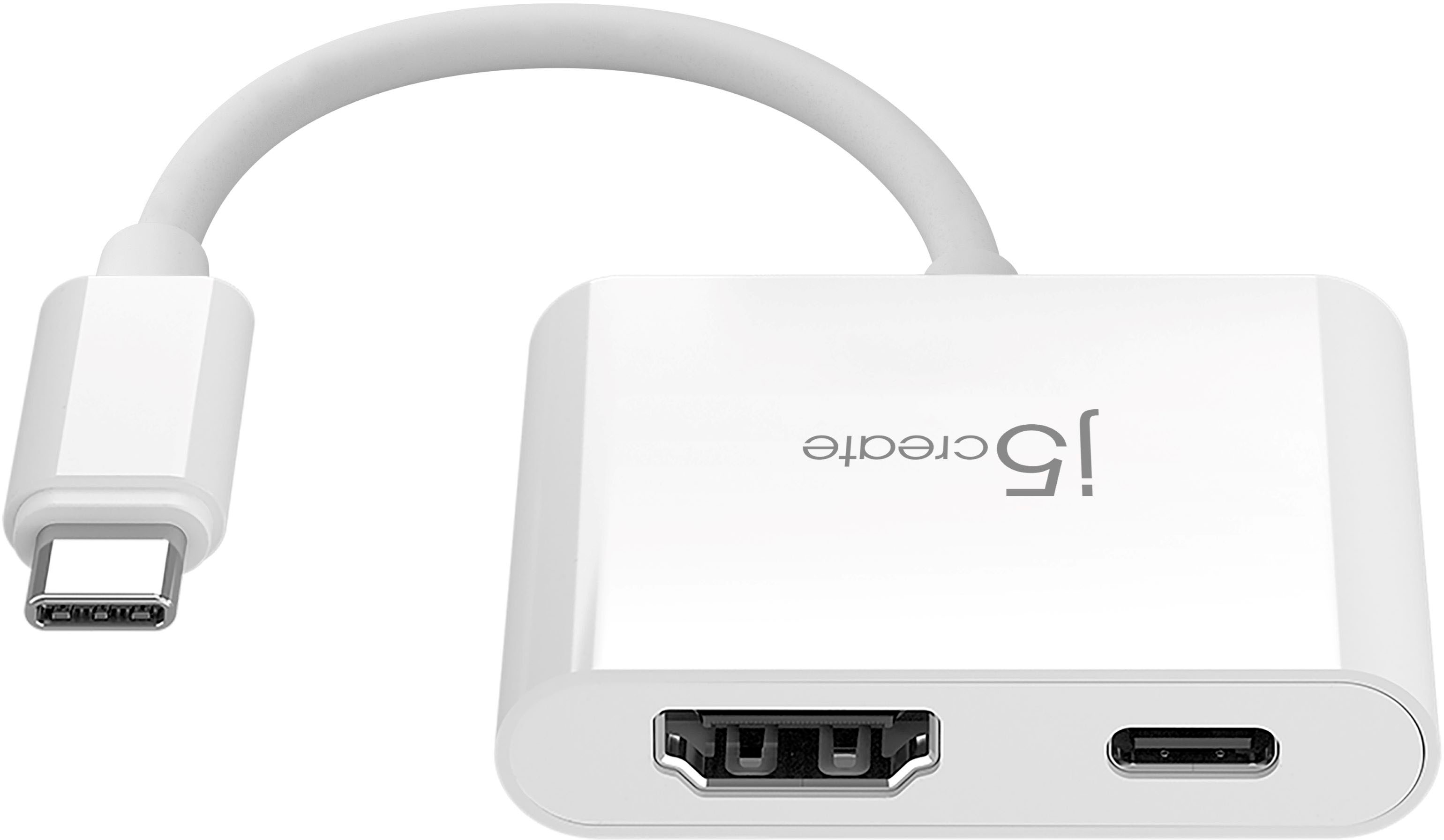
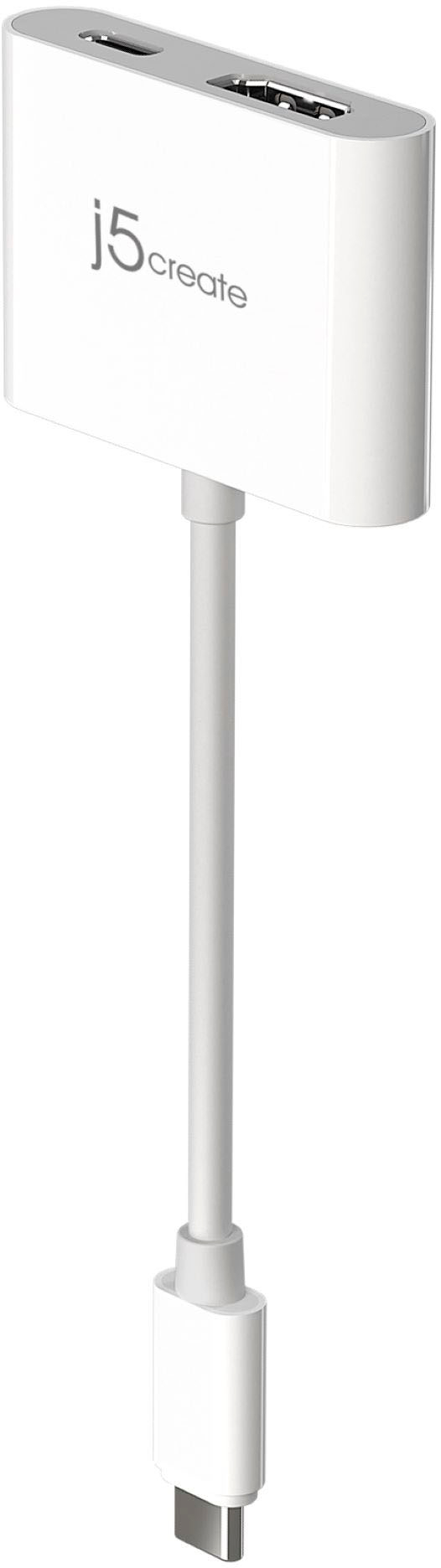
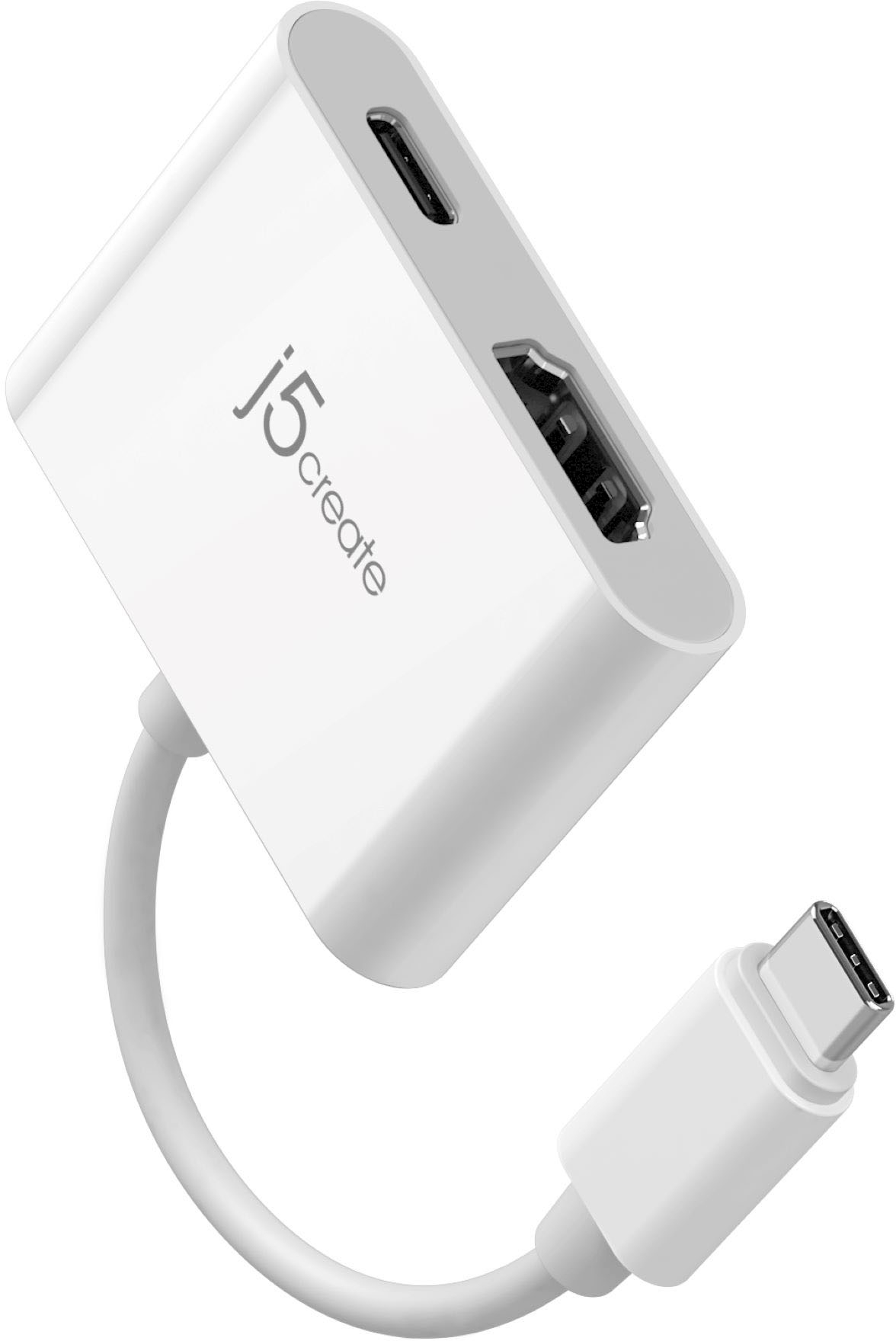
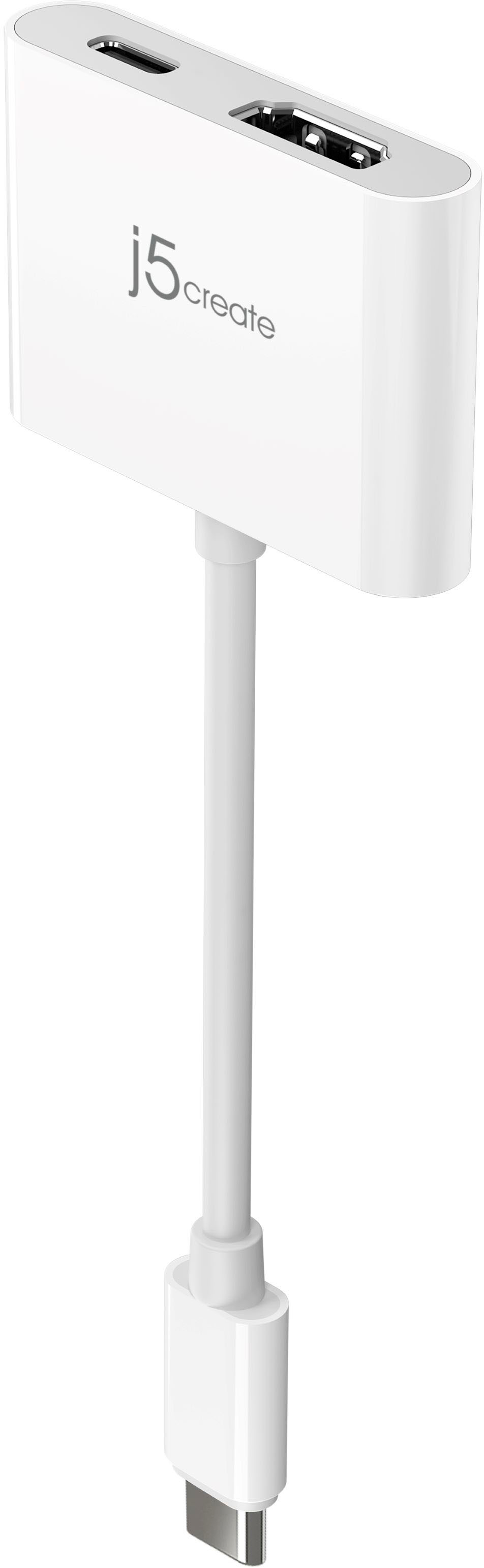
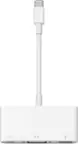
A:AnswerThe JCA153g requires the device being used to have a native Type-C port that supports display out. Unfortunately it is not compatible with iPhones at this time.
A:AnswerIf your laptop supports a feature called DisplayPort Alternative Mode over USB Type-C then this device will work with your computer. This feature allows your computer to output a display through the USB Type-C port.
A:AnswerI use this in the back of my iMac desktop. I believe it will work with your iPad, but I’m not completely sure. It’s like a thicker lightning cable. There is a lightning symbol next to this port on my computer, but it’s not like the phone charger. It’s definitely thicker.
A:AnswerNo, Unfortunately this prodcut will not work with the 2013 Macbook Air as it does not have a USB C port. I would recommend one of the follwoing adapters for your computer.
https://www.bestbuy.com/site/j5create-usb-3-0-to-4k-hdmi-display-adapter-silver/6201454.p?skuId=6201454
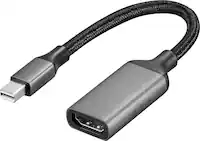
https://www.bestbuy.com/site/j5create-mini-displayport-to-4k-hdmi-cable-white/6343711.p?skuId=6343711
A:AnswerNo, In order for our type C adapters to output a display signal it requires your device to support a feature known as DisplayPort Alternate Mode. I have been able to verify that the Galaxy A10e does not support this feature.
A:AnswerYes, this device will allow you to connect your Macbook Pro to a HDMI projector, but the Macbook Pro will have to have an available Type-C port.
A:AnswerIn order for this device to work it requires that your tablet support a feature called DisplayPort Alternate Mode over USB Type-C, and unfortunately your tablet does not support this feature. So therefore this device will not work with your tablet.
A:AnswerIn order for this device to work it requires that your computer supports a feature called DisplayPort Alternate Mode over USB Type-c, and unfortunately your computer does not support this feature, so this device will not work with your computer.