A:AnswerOpen System Preferences > Security & Privacy, select the Privacy tab. Along the left-pane, locate and select the Screen Recording option There should be an extension called "DJTVirtualDisplayAgent". Uncheck and re-check the box beside it and then disconnect and reconnect your j5create device from your computer.
** If you require further assistance; please contact the j5create Technical Support team and we will be glad to further assist if necessary.
Thank you.
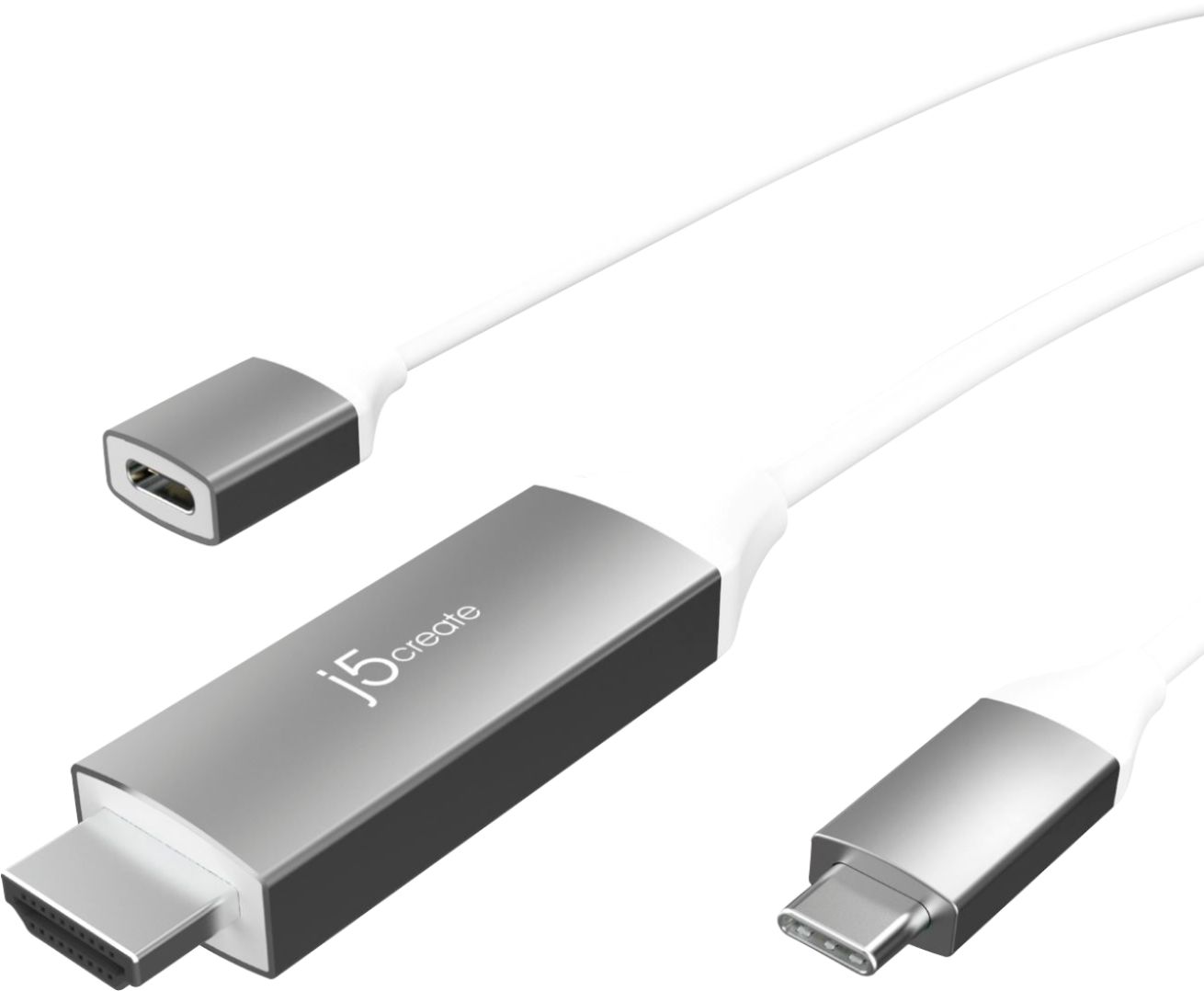
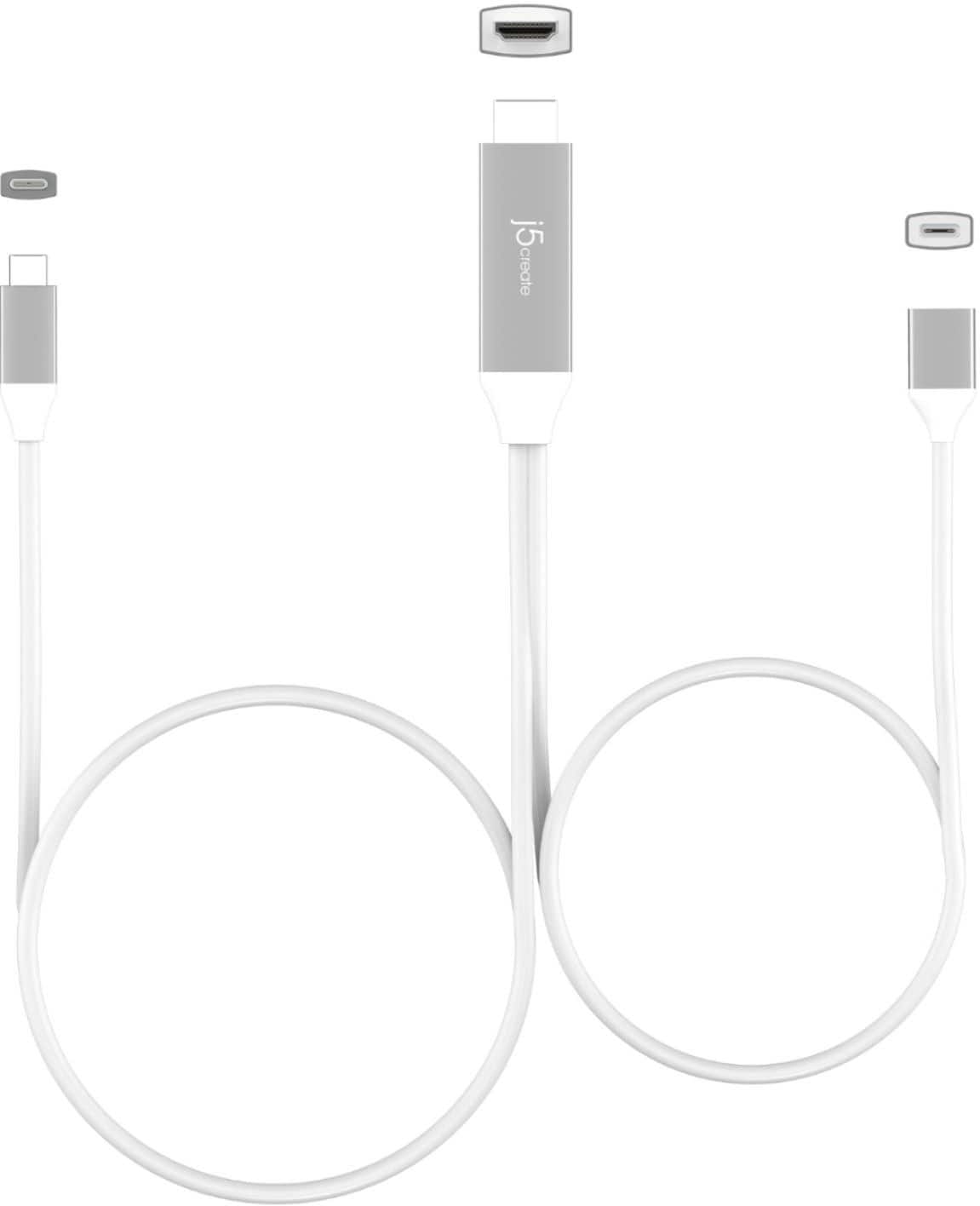
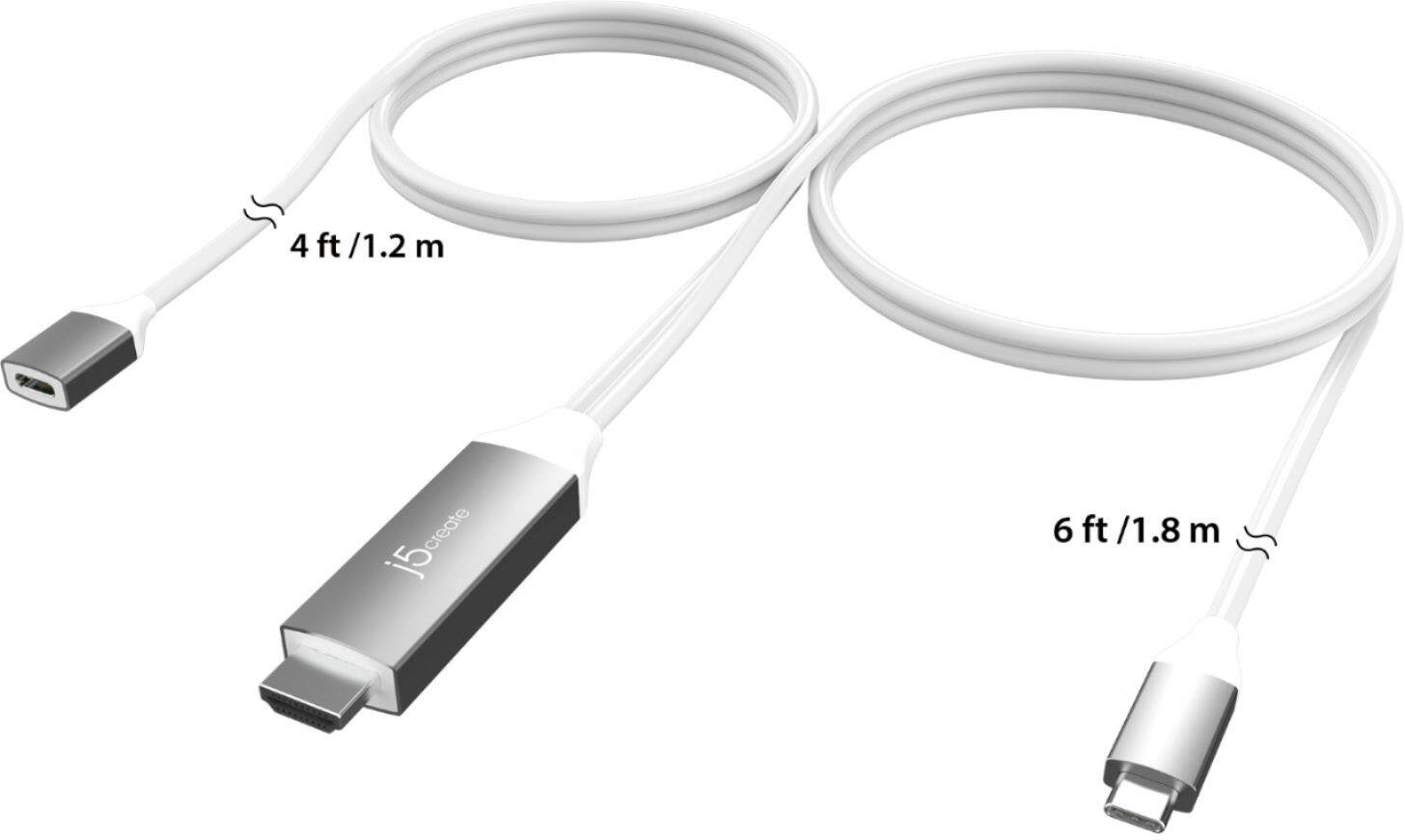
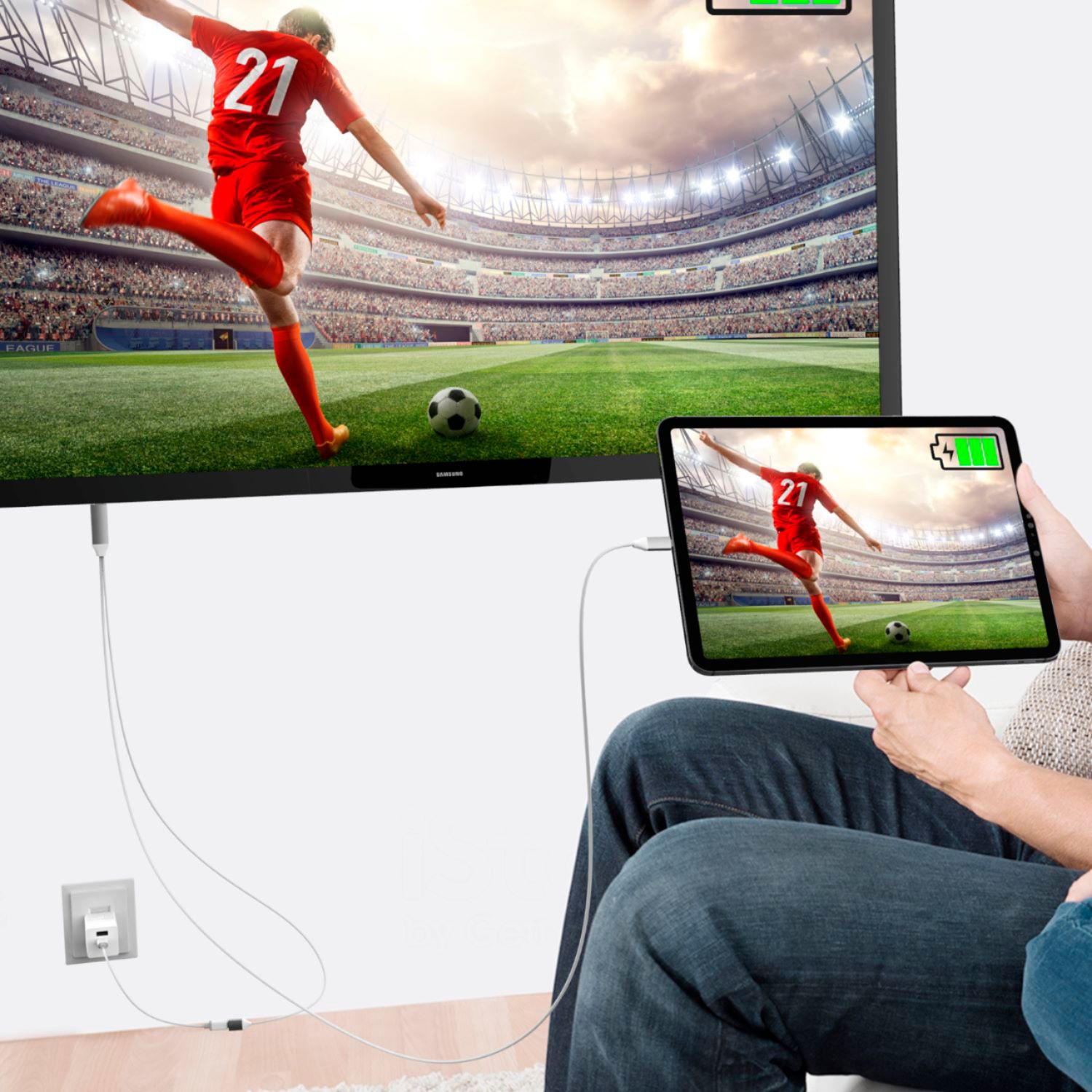
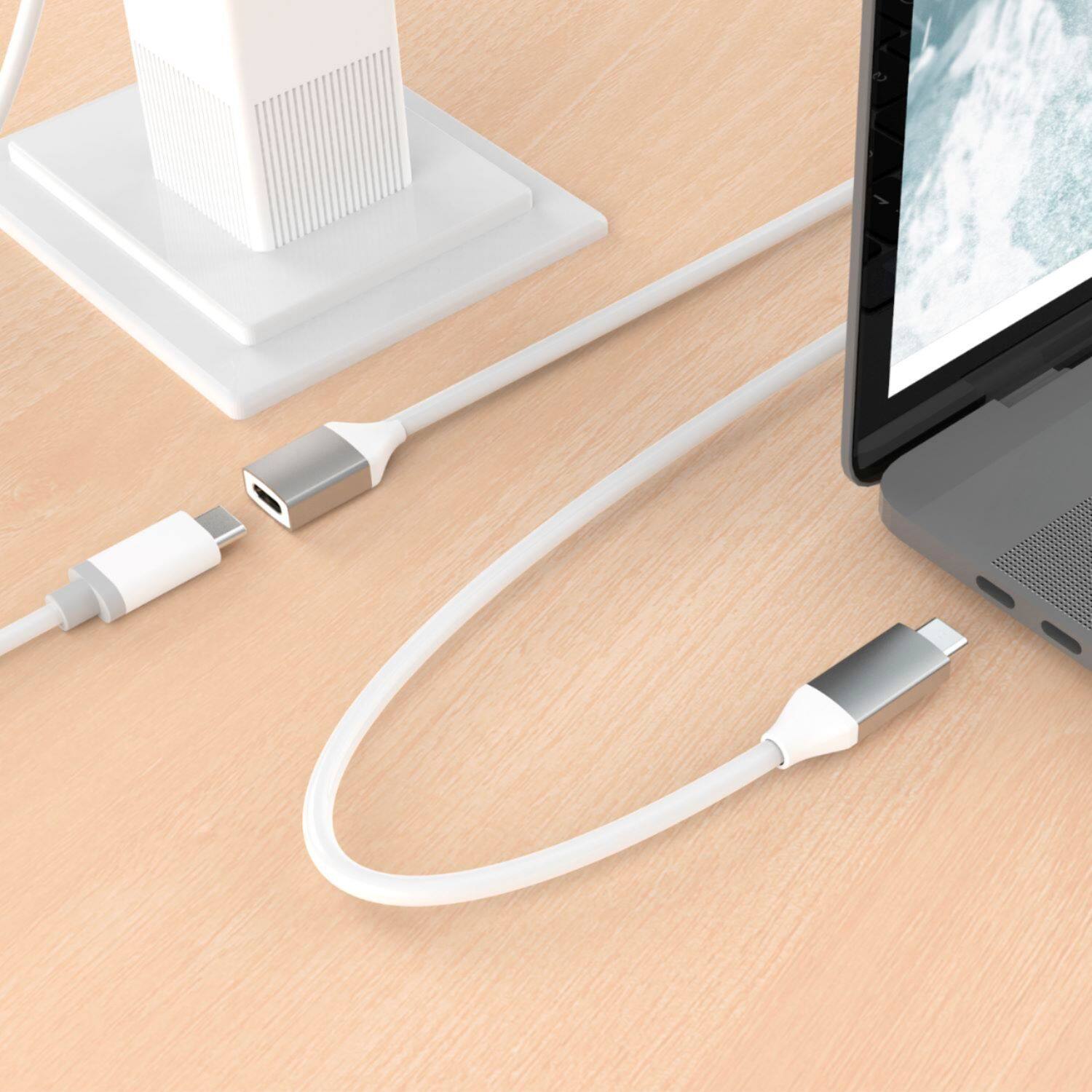
A:AnswerNo, the USB-C to 4K HDMI Cable With PD100W Pass-Through is intended to use with a computer, tablet or mobile phone that supports DisplayPort Alt Mode and Power Delivery 2.0 or 3.0. The additional USB-C female port provides charge to your device when it's connected to a USB-C power-brick and still be able to connect to a display.
A:AnswerThat will depend if your phone supports "DisplayPort Mode" and "Power Delivery. If it does, connect male USB-C to phone, HDMI to TV with correct input selected. The female USB-C is for pass-through charge when connected to a power-brick 65W or higher.
A:AnswerThe female USB C only provides power delivery, while the male USB C provides video. Only the male HDMI to male USB C transfer any kind of data, mainly video.
A:AnswerThat depends on the device you will be using. If it supports "DisplayPort Mode" for video out and "Power Delivery" for pass-through charge, the JCC155G will work. Please refer to the manufacturer of your hardware for more information on your device.