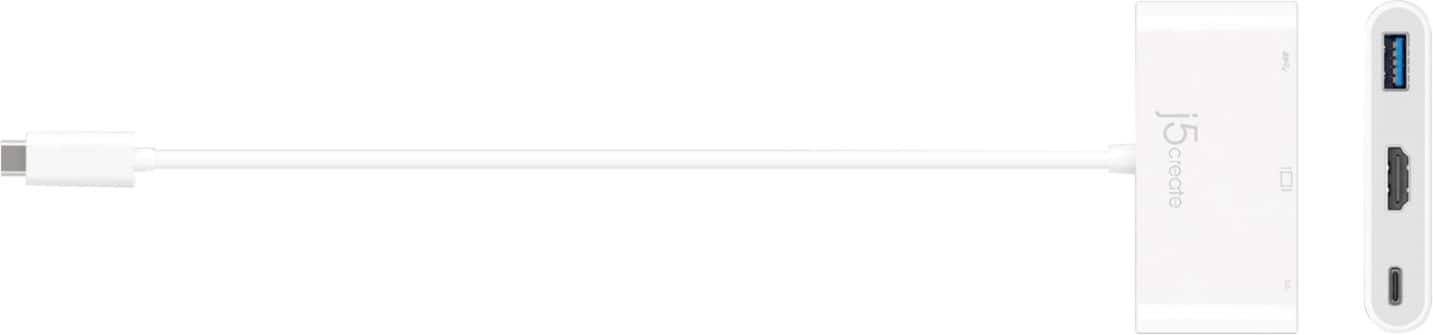
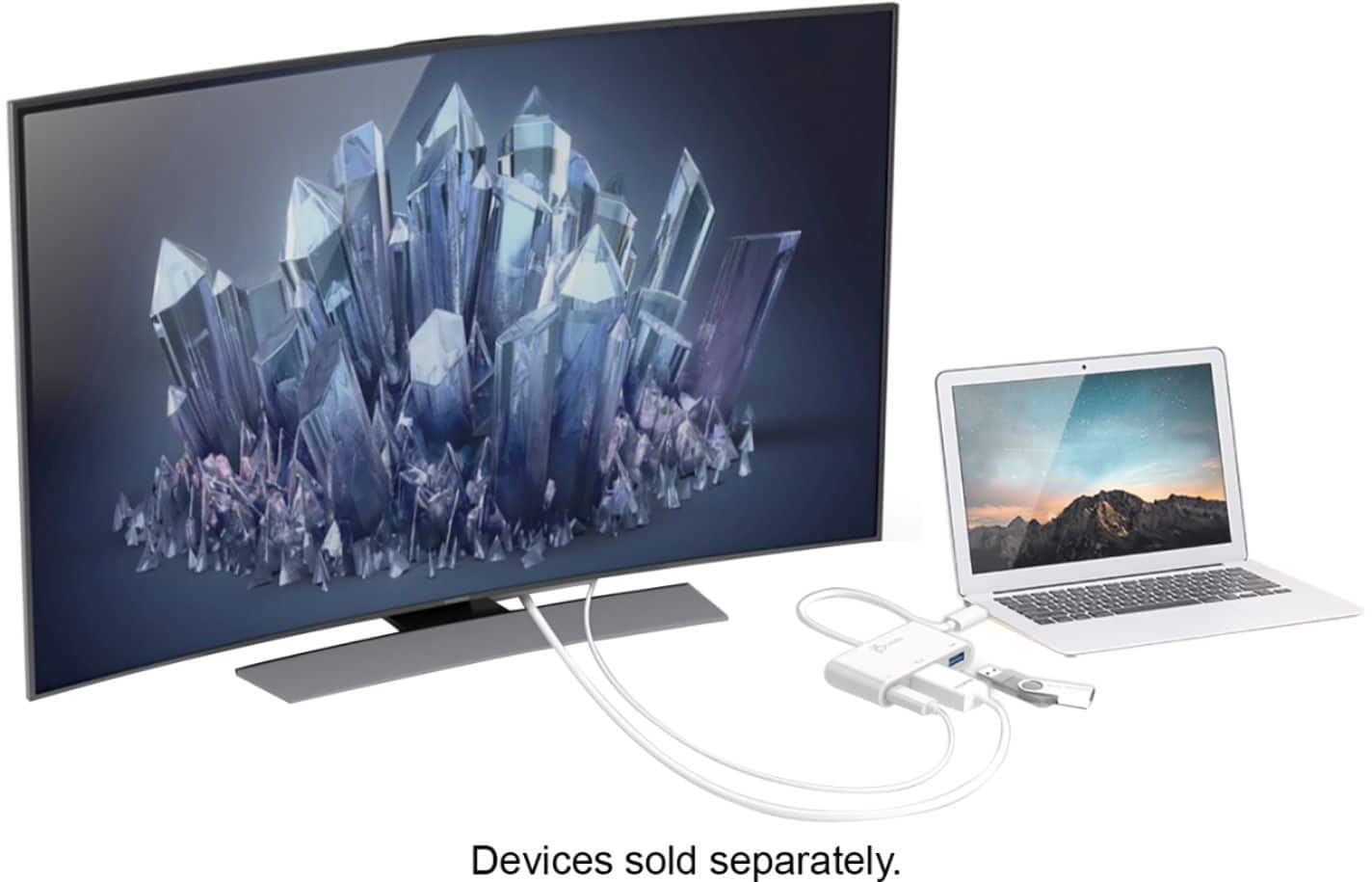
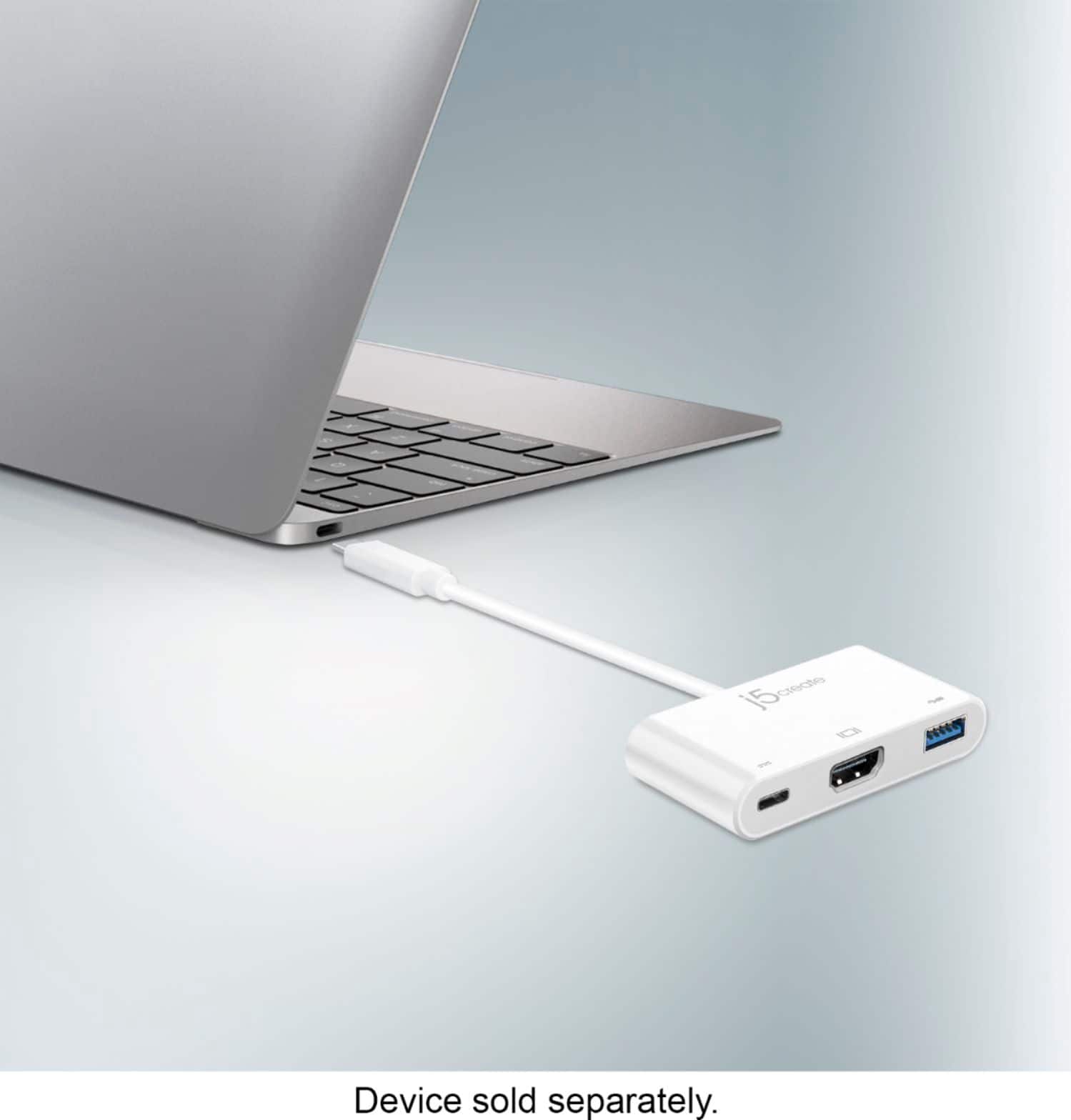
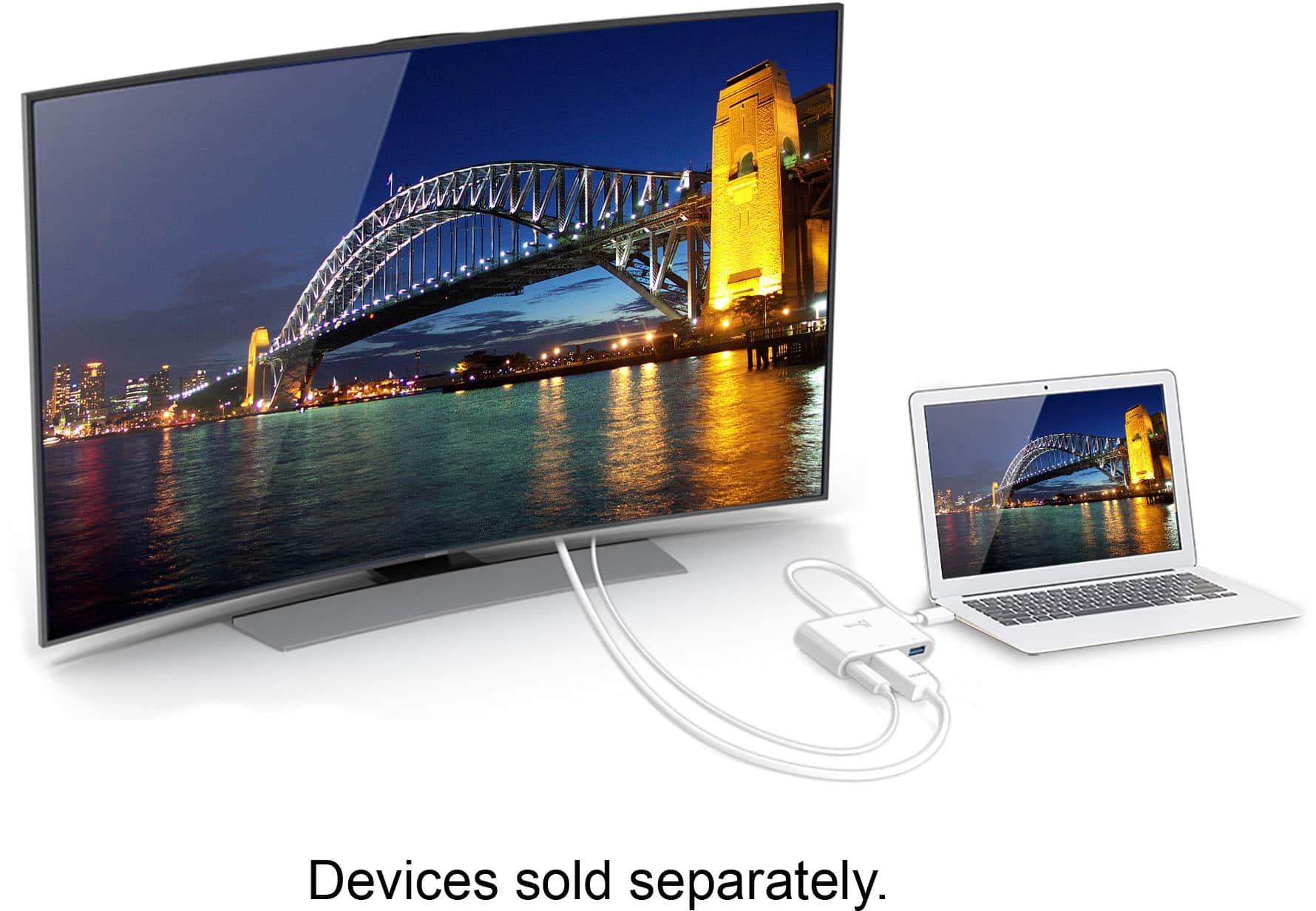
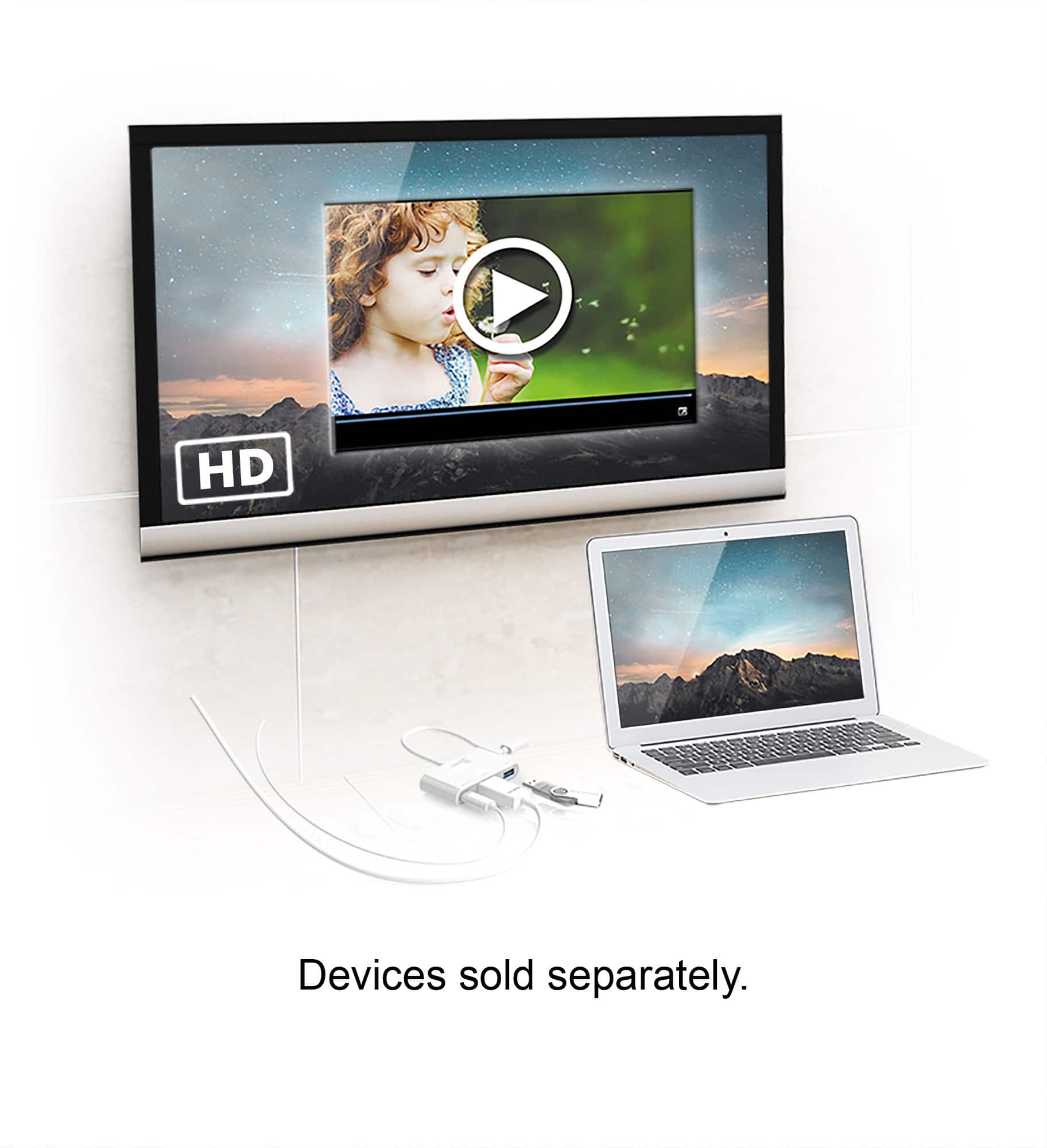
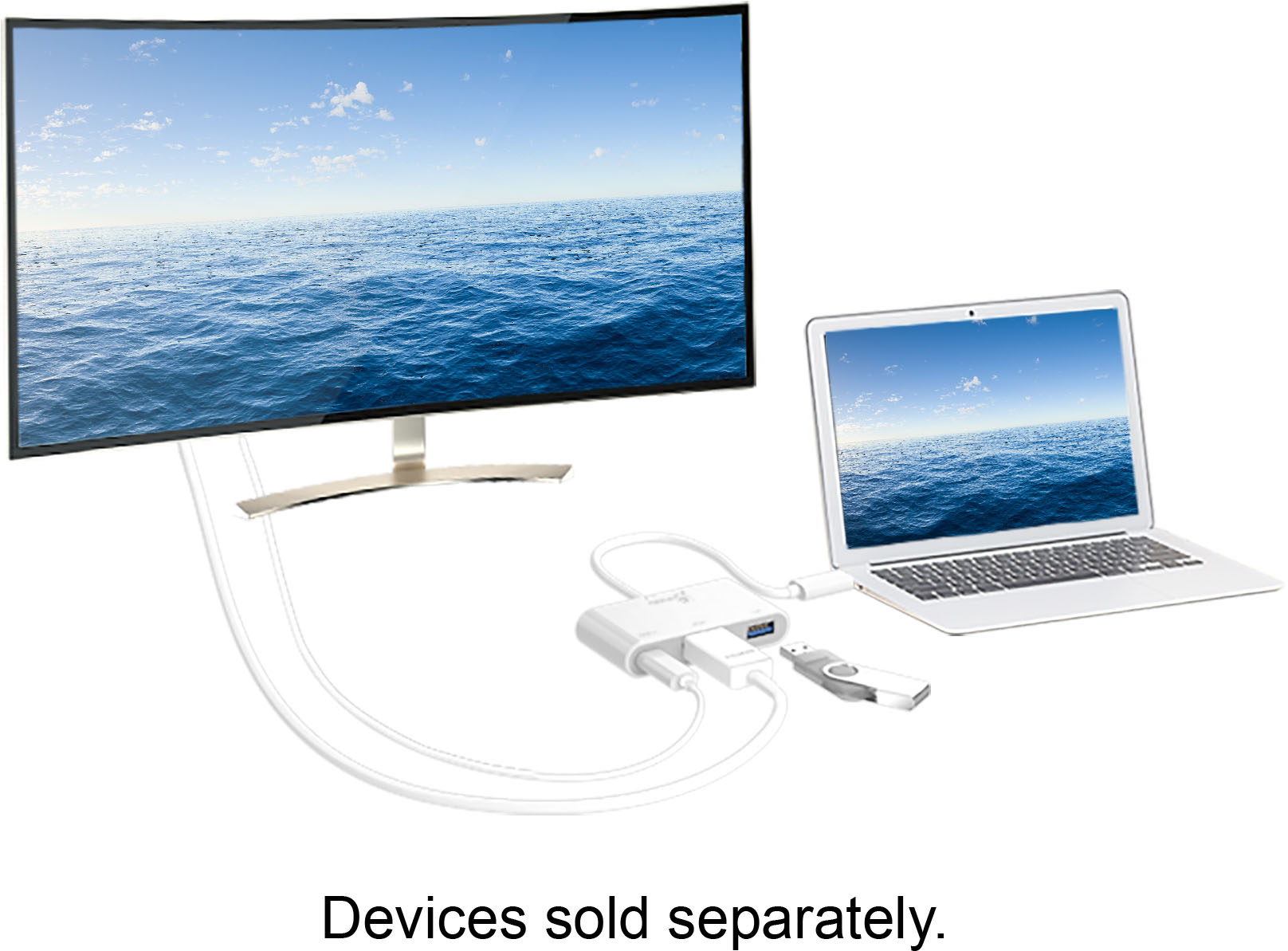
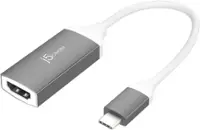
A:AnswerTo know for sure you would need to check each device model with the manufacturer to know if it was configured to allow display out through Type-C. Most newer laptops and mobile devices are compatible with this feature, but there are still some that do not support it.
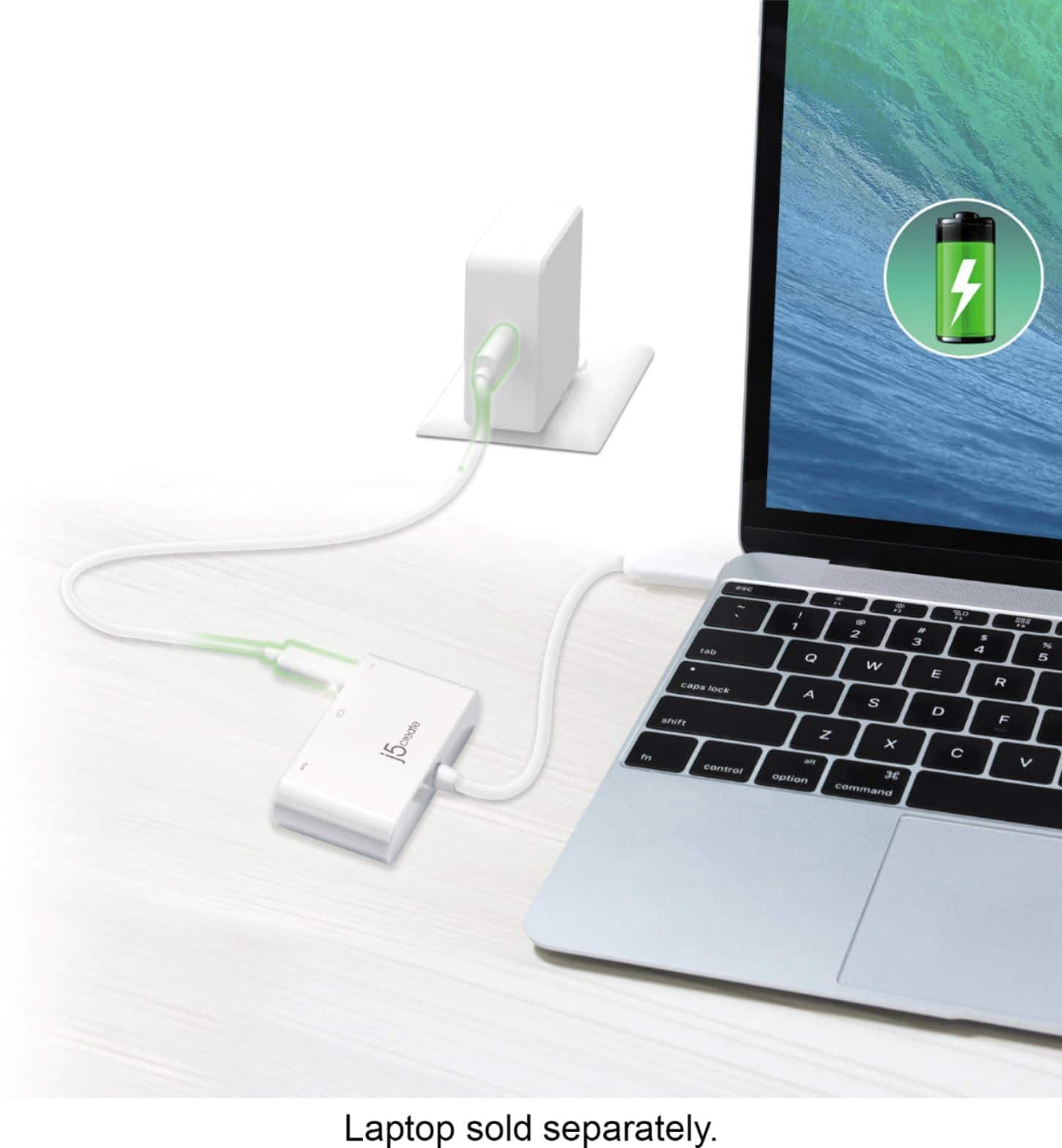
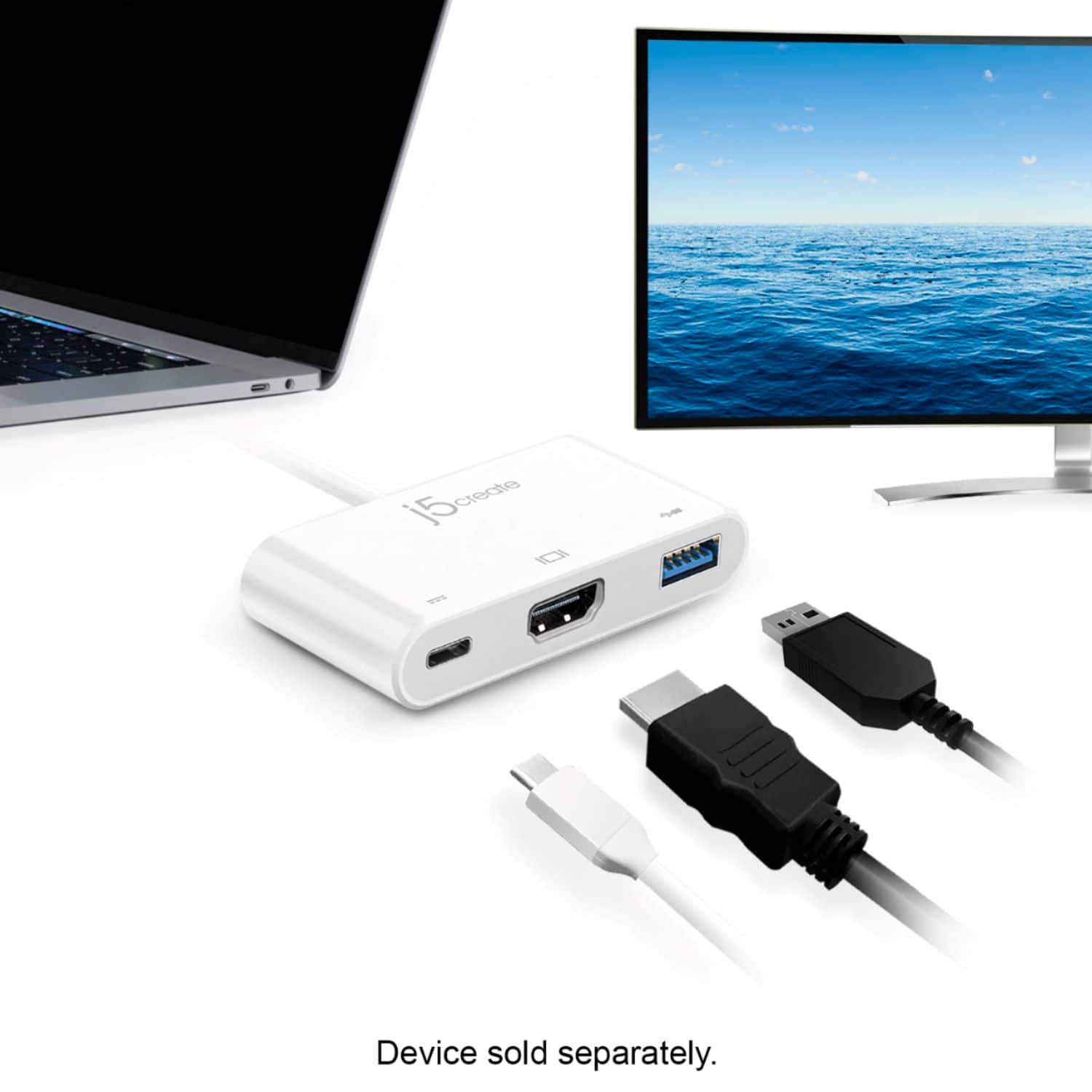
A:AnswerThis adapter will allow an additional monitor, USB peripheral, and allow you to change your device, if it supports charging through a Type-C connection. This will work with a USB webcam provided that the host device has the necessary drivers for the camera. If USB device is a high power device, we recommend plugging in a Type-C power source to the adapter during use.
A:AnswerIf you are using a high powered USB device, it is recommended to use a power source. This adapter will also allow pass-through charging of the host device, if supported.
A:AnswerPlease contact our Customer Support Staff for further assistance with this issue. Their information can be found on the packaging, and through our website.
A:AnswerThank you for submitting a question. The JCA379 device can be used with phones, tablets, computers if you wish. However, the JCA379 does require DP alt-mode in order to work for the HDMI which is when the phone, computers, tablet's USB-C port supports display/video via USB-C; if it does not support DP alt-mode or video/display via the USB-C port, then this device in particular will not provide you a display and therefore, we at j5create can recommend a different device in order to meet your needs.
** Feel free to contact the j5create Technical Support team for further assistance or if you have any other questions.
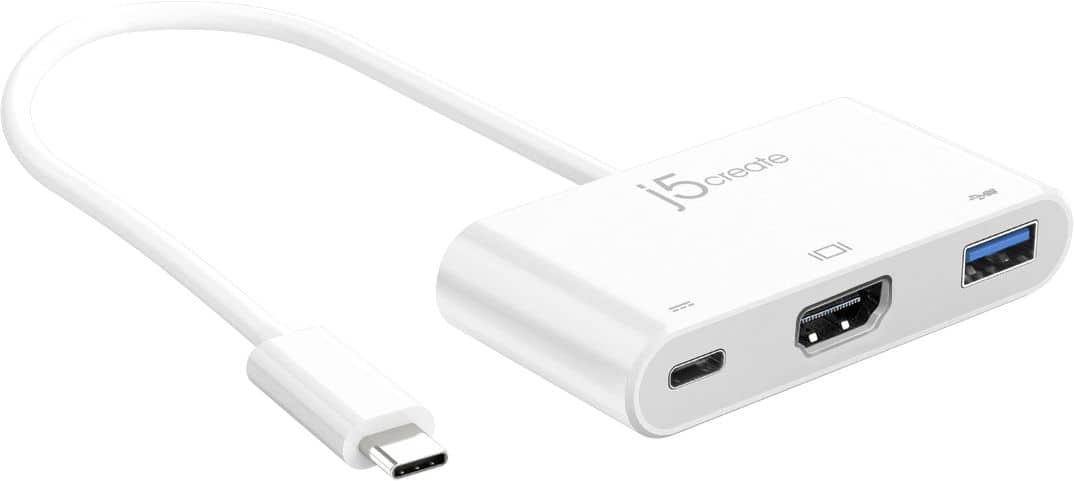
A:AnswerIf your phone support DisplayPort Alternate Mode over USB Type-C then you will be able to output a display through your phone to your tv; with this device.
A:AnswerThe j5create - USB Type-C to HDMI External Video Adapter (JCA379) can support up to 1280 x 720 @ 75 Hz, 1920 x 1080 @ 60 Hz and 3840 x 2160 @ 30 Hz.
However, you if require an Ethernet network port, I recommend that you consider looking at the j5create - 2-Port USB 3.0 Hub with HDMI and Gigabit Ethernet USB Type-C Adapter (JCA374) or j5create - USB Type-C Multi Adapter (JCD383).
These adapters also support up to 1280 x 720 @ 75 Hz, 1920 x 1080 @ 60 Hz and 3840 x 2160 @ 30 Hz.
A:AnswerThank you for submitting a question. Yes, the JCA379 will work with the Note 10+; simply plug in via USB-C into your phone and the HDMI to HDMI cable out to the TV, monitor and it should be working.
** Feel free to contact the j5create Technical Support team for further assistance or if you have any other questions and someone will be glad to assist you.