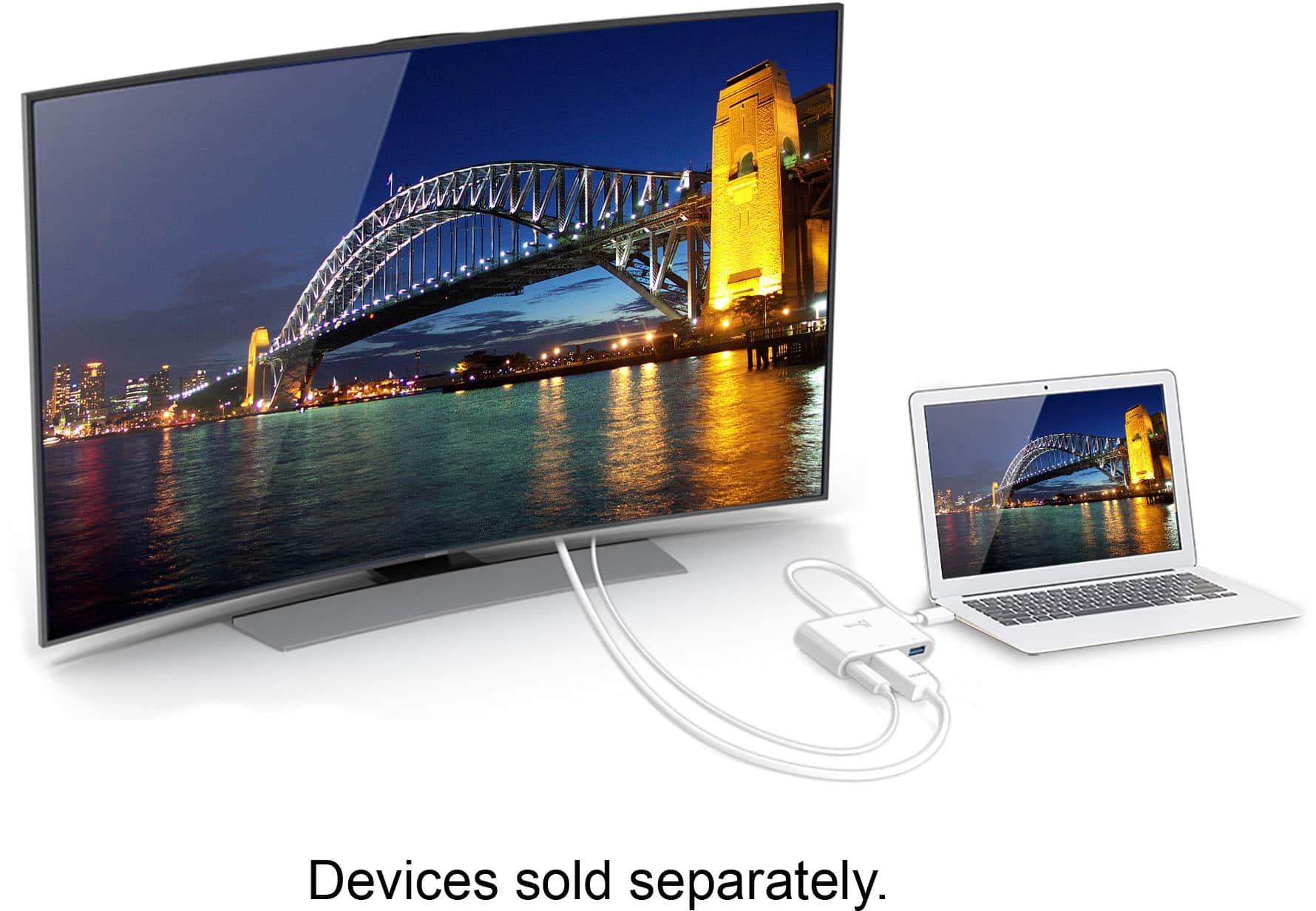
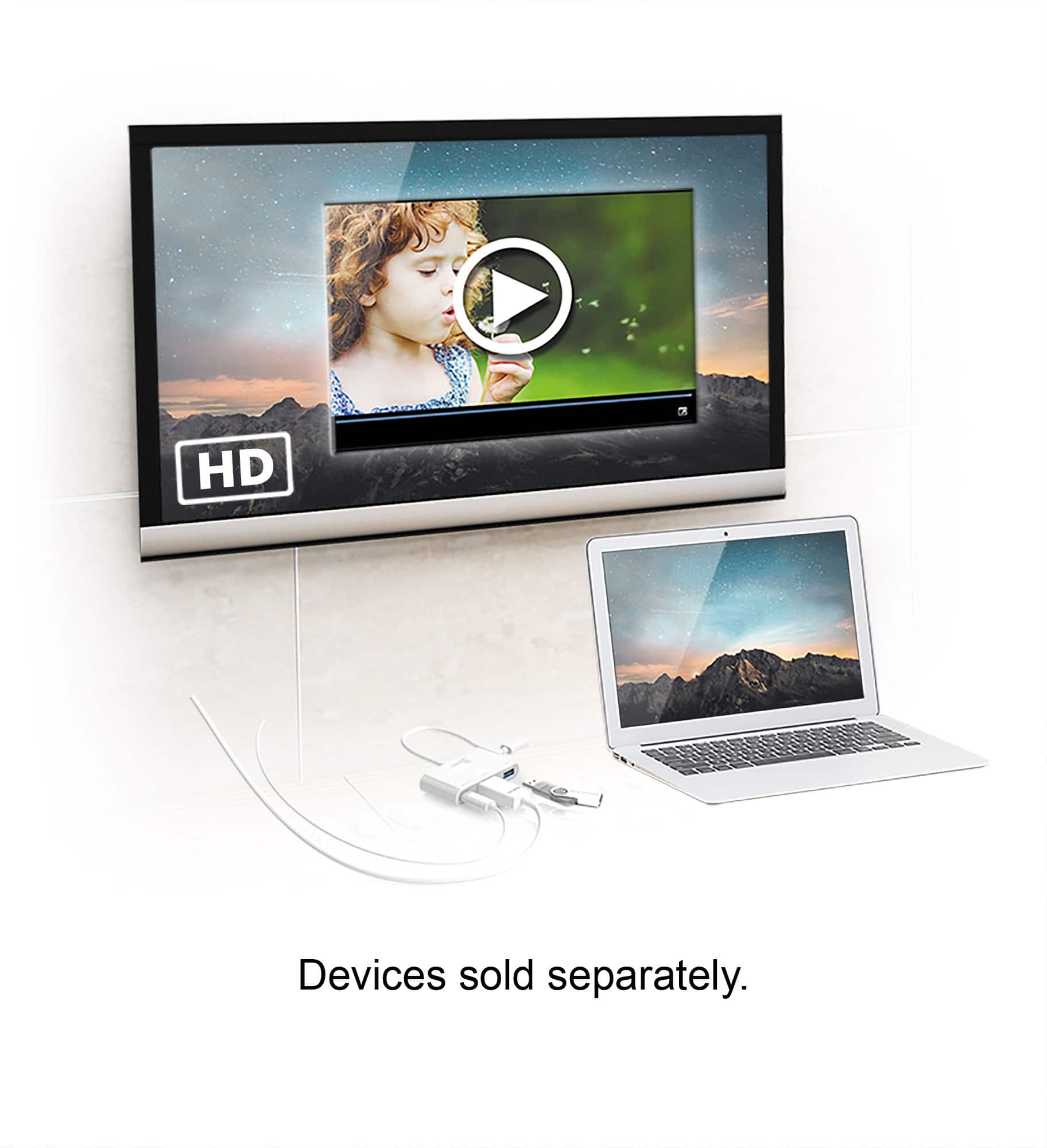
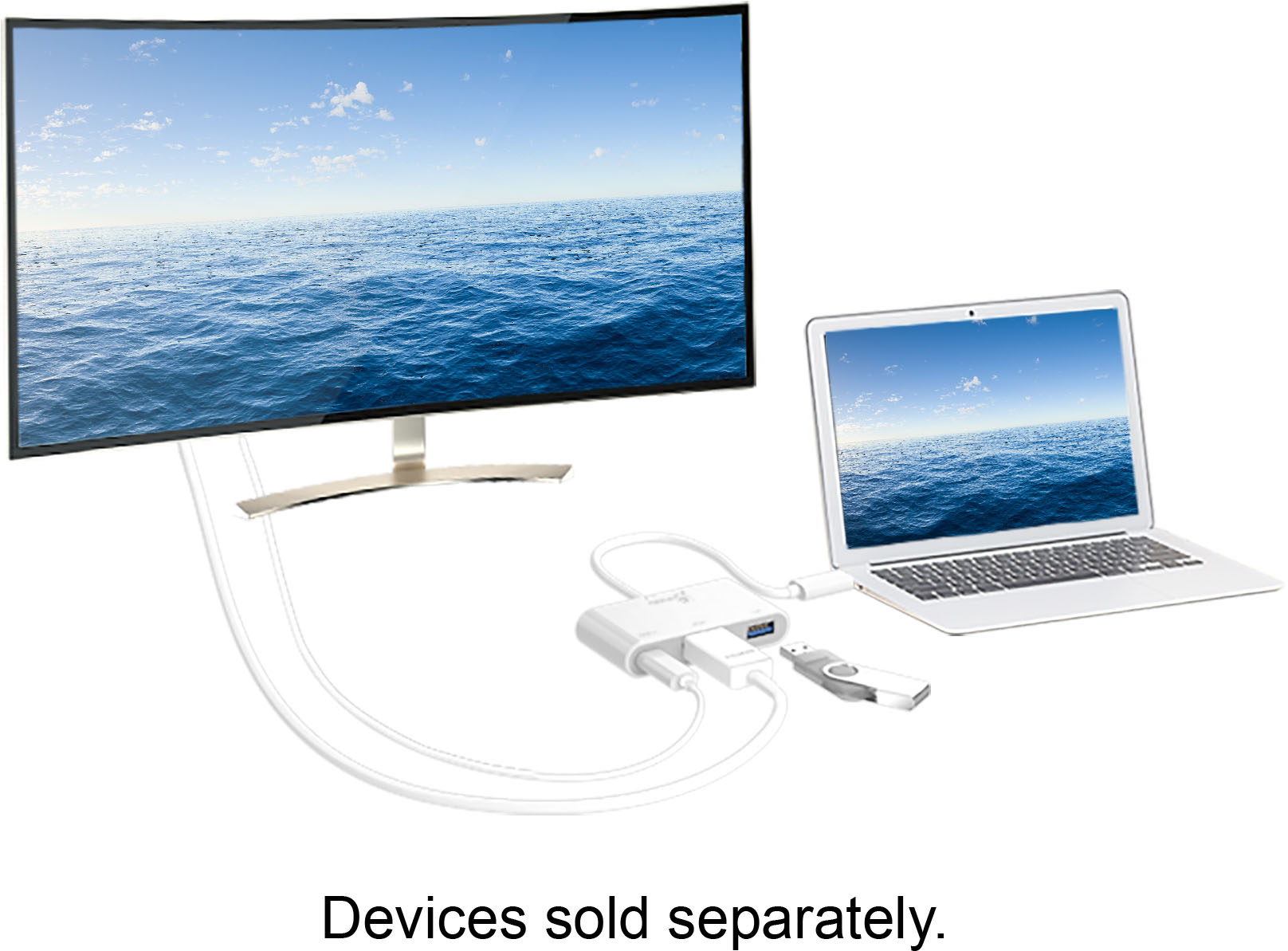
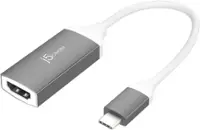
A:AnswerIn order for this device to work it requires that your phone supports a feature called DisplayPort Alternative Mode over USB Type C. This feature will allow your phone to output a display over your USB Type-C port on the phone. Unfortuatnely your phone does not support this feature, so this device will not work with your phone.
A:AnswerNo, In order for our type C adapters to output a display signal it requires your device to support a feature known as DisplayPort Alternate Mode. I have been able to verify that the Lenovo Tab 4 8 plus does not support this feature.
A:AnswerUnfortunatley not, The JCA379 requires the supported device to have a USB C connection that supports Power delivery and DisplayPort alternate mode. The iPhone 11 uses a lightning connector so it would not be compatible.
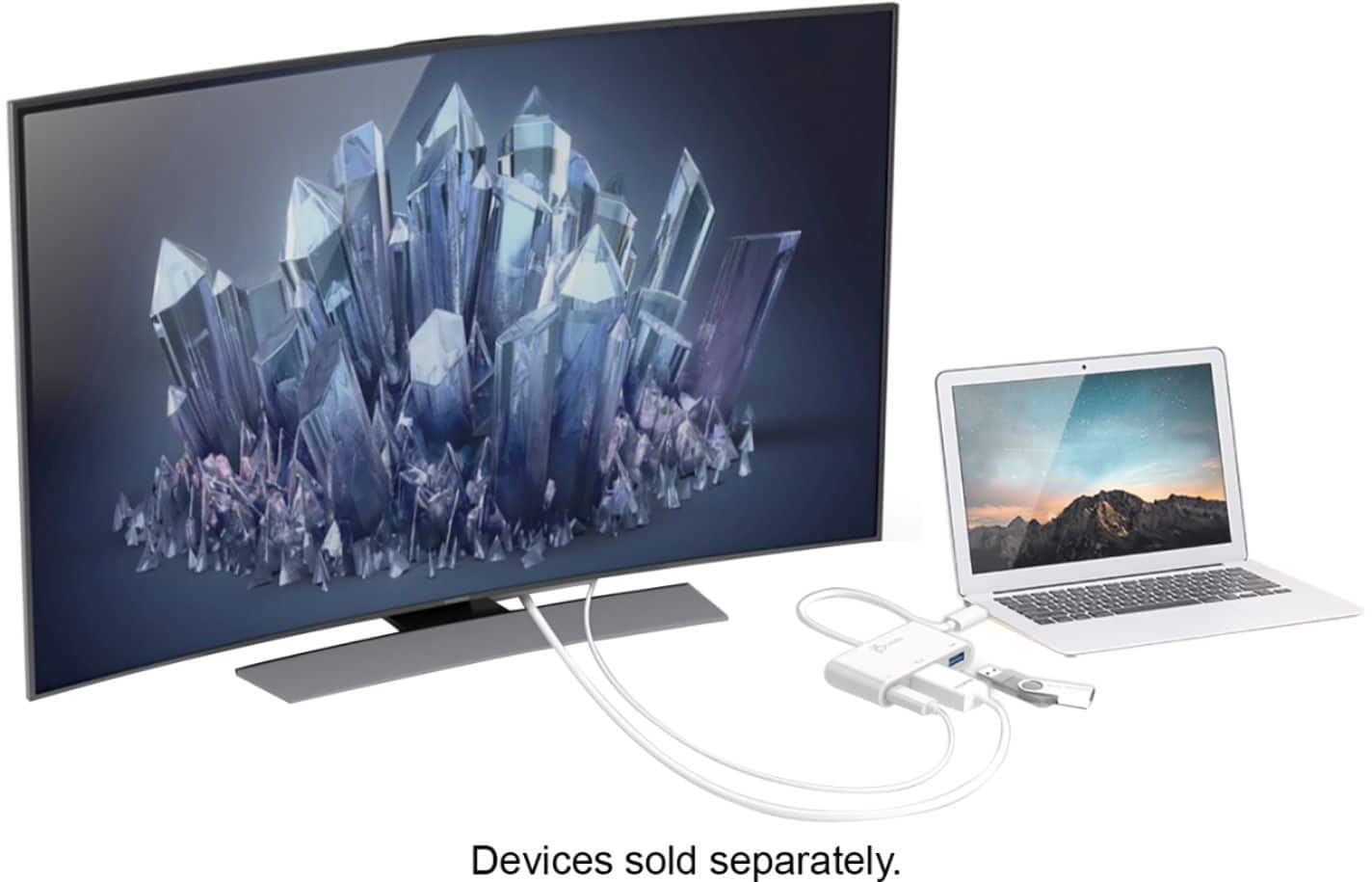
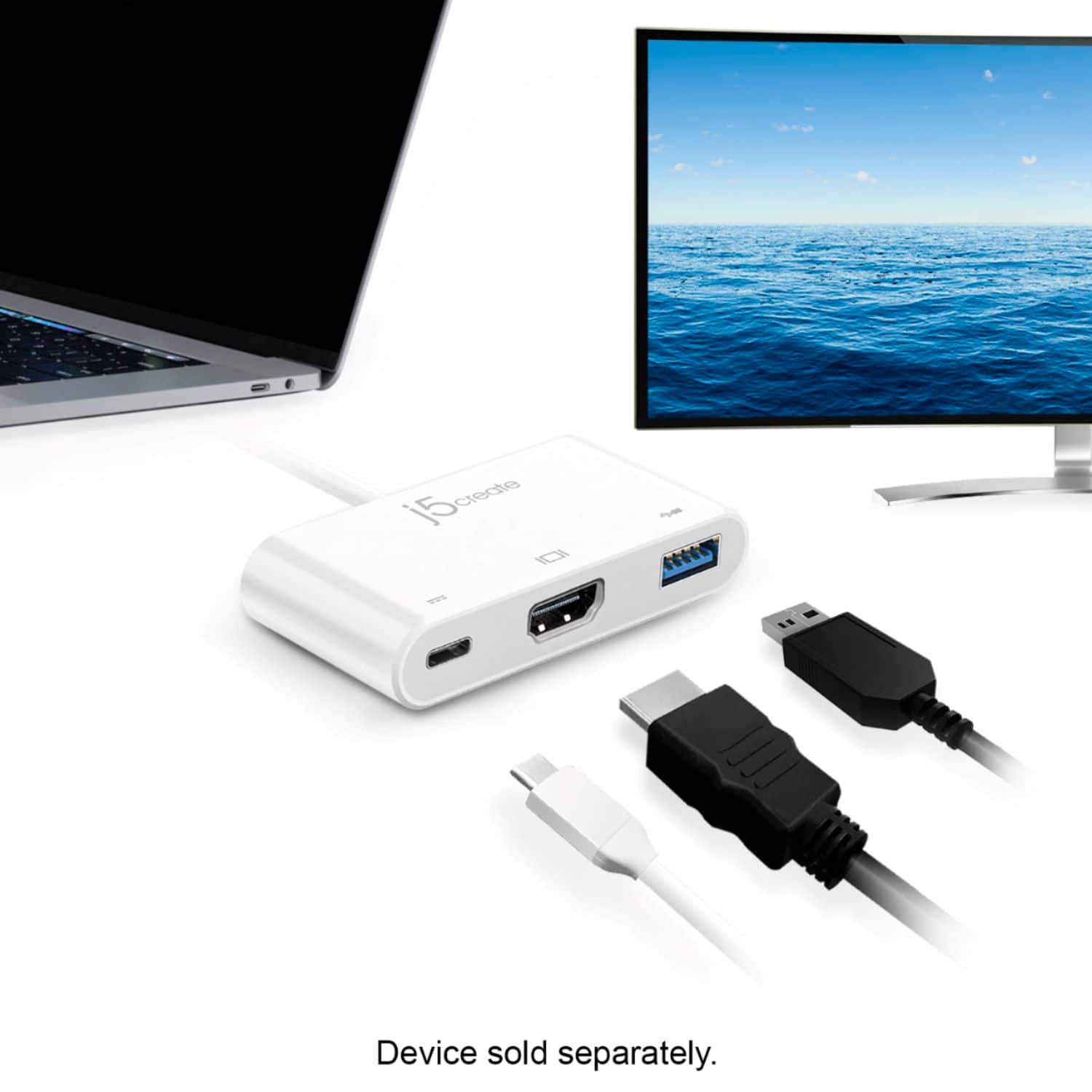
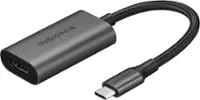
A:AnswerYes, the JCA379 is a plug-and-play device; no driver required. Simply plug in the JCA379 via USB-C to the phone and an HDMI to HDMI cable 10 ft long or less out to the TV, monitor, projector and it should be working. However, if you wish to watch Netflix, HBO and other similar movie services, you may run into HDCP issues, but you should be okay with YouTube.
** Feel free to contact the Technical Support on the packaging if you require further assistance or if you have any other questions and someone will be glad to assist you.
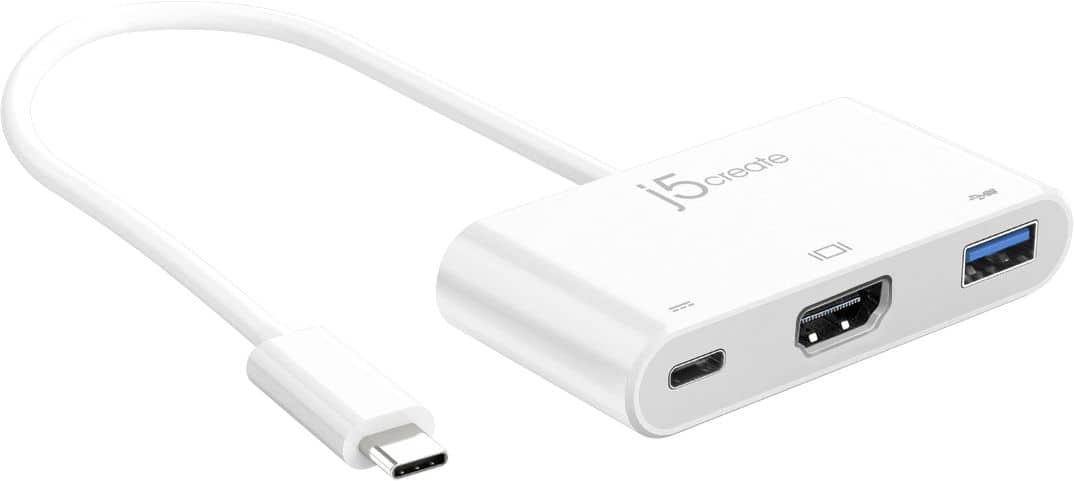
A:AnswerUnfortunately, because the JCA374 requires a phone, tablet, computer that supports DP alt-mode in order to work properly with the HDMI and the Samsung A21 does not support such feature, this device in particular will not work for you. If you wish to simply mirror the phone screen onto the TV with your Samsung phone, we recommend the JUA165C and once you download the display app required onto your phone, you will see your phone screen on the TV. Depending on what type of Android version you have, we may even be able to recommend a wireless display adapter.
** Feel free to contact the Technical Support team on the packaging if you require further assistance or if you have any other questions and someone will be glad to assist.
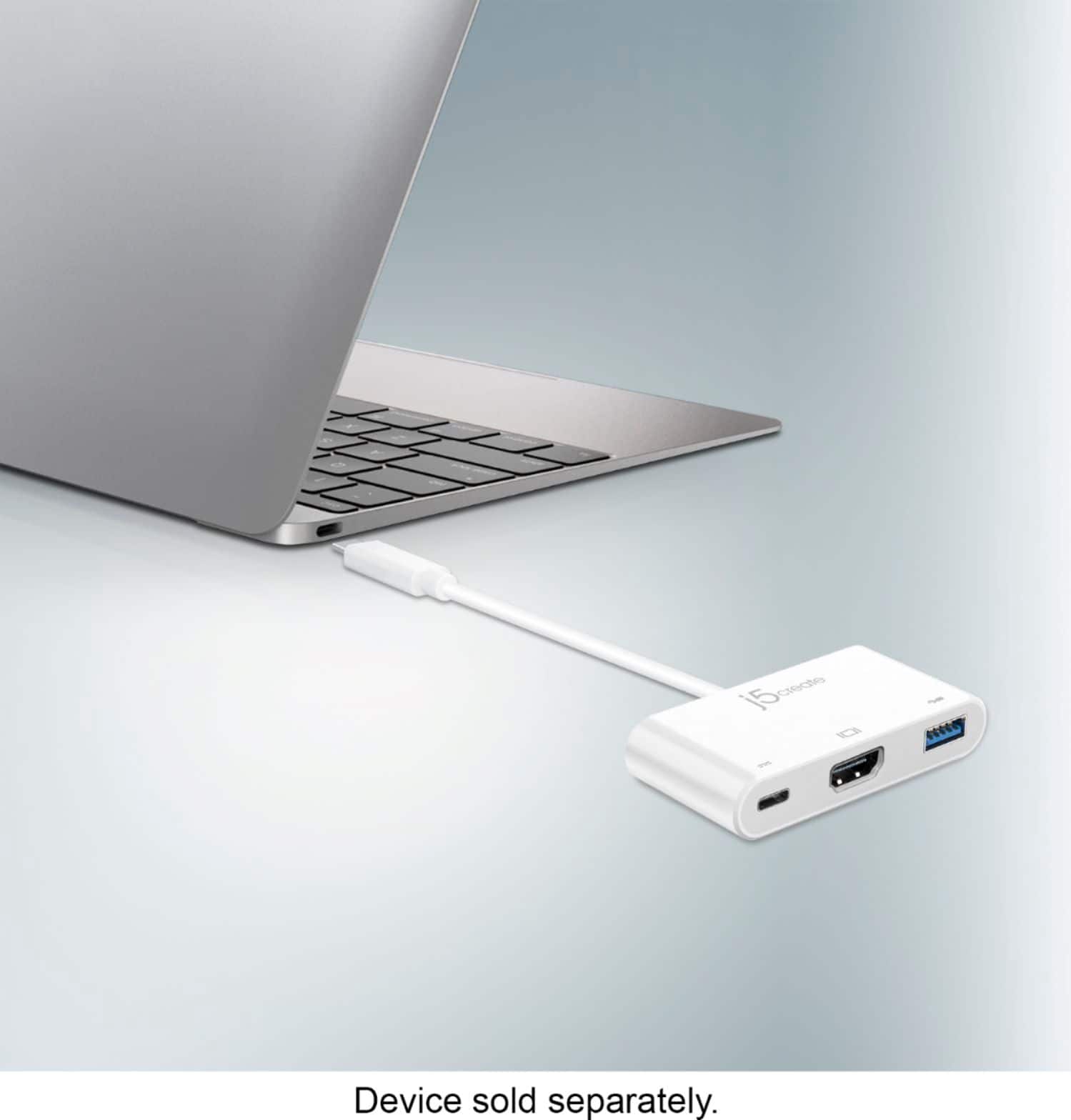
A:AnswerYes, simply plug in the JCA379 to the Mac via USB-C and it works for HDMI, data transfer. No driver required.
** Feel free to contact the Technical Support team on the packaging if you require further assistance or have anymore questions and someone will be glad to assist you.
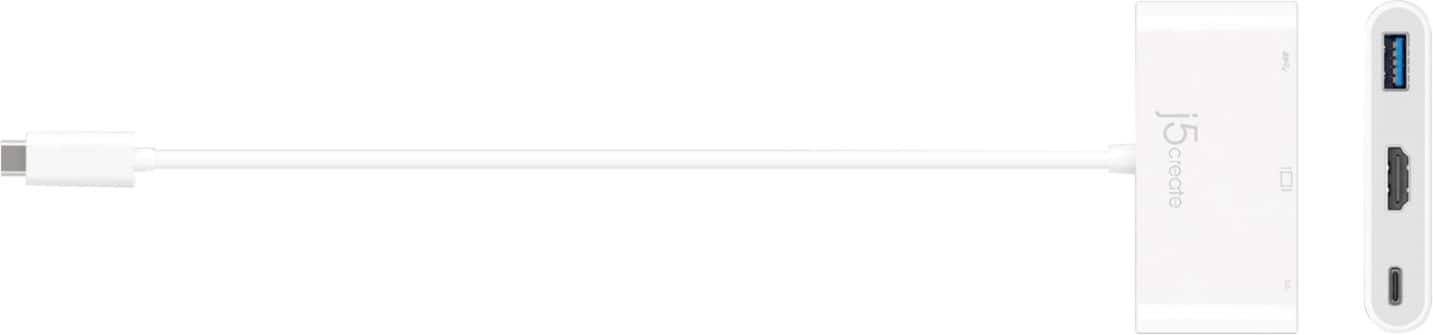
A:AnswerIf your device has a usb c port and mirror screen capability it should. DEX would not work with Amazon Prime app just mirroring. I do not know about Netflix.
A:AnswerYes, this adapter should work without issue. If you are having issues, please contact our support team for assistance at j5create.com, Live Chat is available from 10am - 5pm EDT... or you can submit a technical support ticket if outside support hours.
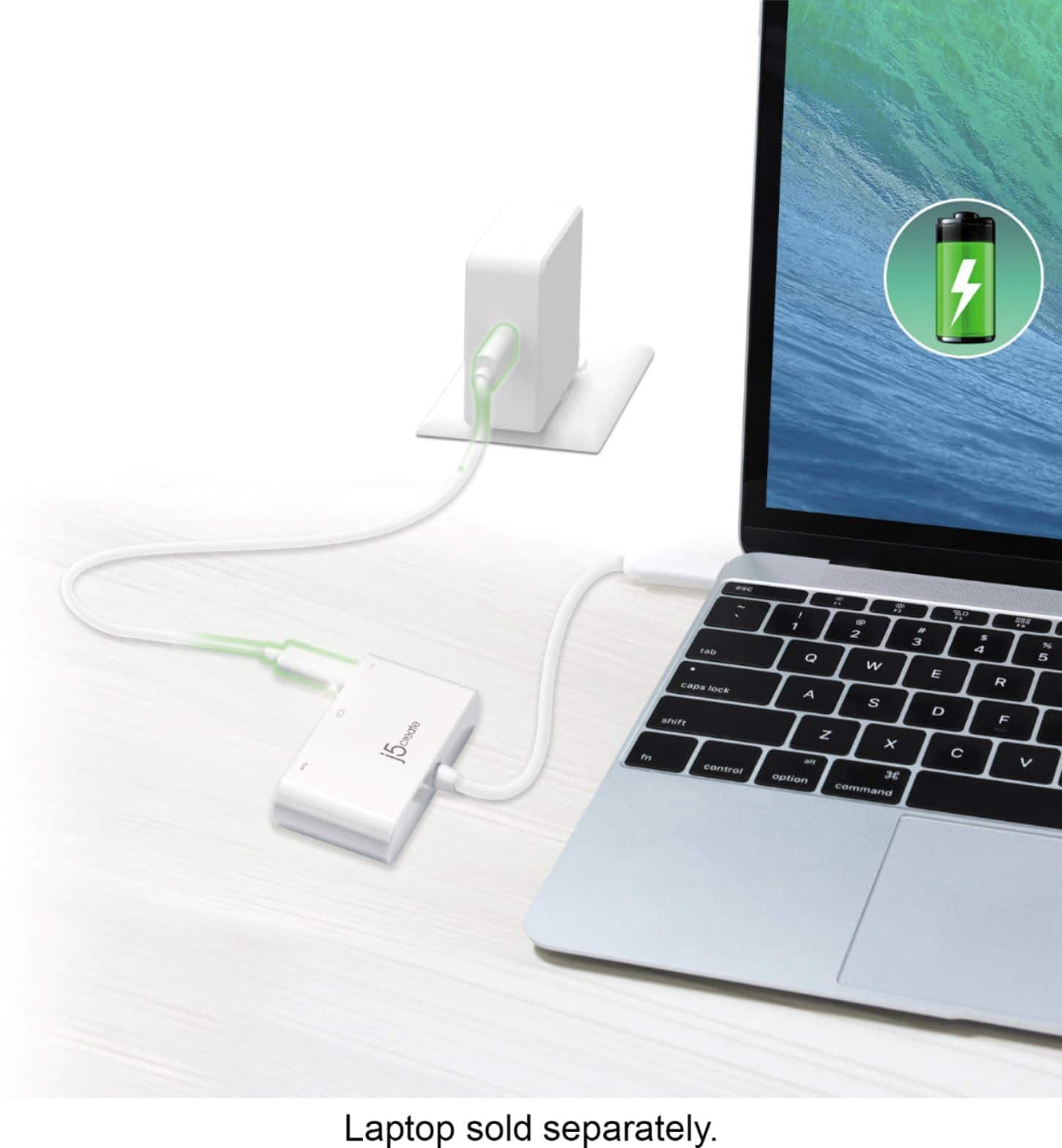
A:AnswerThe USB Type-C port on this device only supports Power Delivery Firmware, and your computer does indeed support Power Delivery Firmware. So with this being said you will be able to use USB Type C charger (20V @ 2.25 amps (45W) while your computer is between 20%-80% battery level) to charge your computer.
A:AnswerIn order for this device to work it will require that your device supports a feature called DisplayPort Alternate Mode over USB Type-C in order to output a display. So the Samsung Galaxy Note 9 supports this feature, and all iPad Pros 2018 and up also support this feature.
A:AnswerFor the JCA379 to function for display out it requires the device being used to support a feature called DisplayPort Alternate mode. Unforutnatley the Google Pixel 3 does not support this feature.
A:AnswerIf you use this device, you will need a hdmi cable that is plugged into the device. You will also need an hdmi port or display port on laptop. So 2 hdmi cables or 1 hdmi and 1 display port.
I hope this helps.
A:AnswerYou can hook your charger into the splitter as if it were connected to your device, while you are using the HDMI port and/or USB port for tv etc.
A:AnswerUnfortunately this device is only intended to be used to add an additional display to your computer. This device will not work with a Solid State Drive.