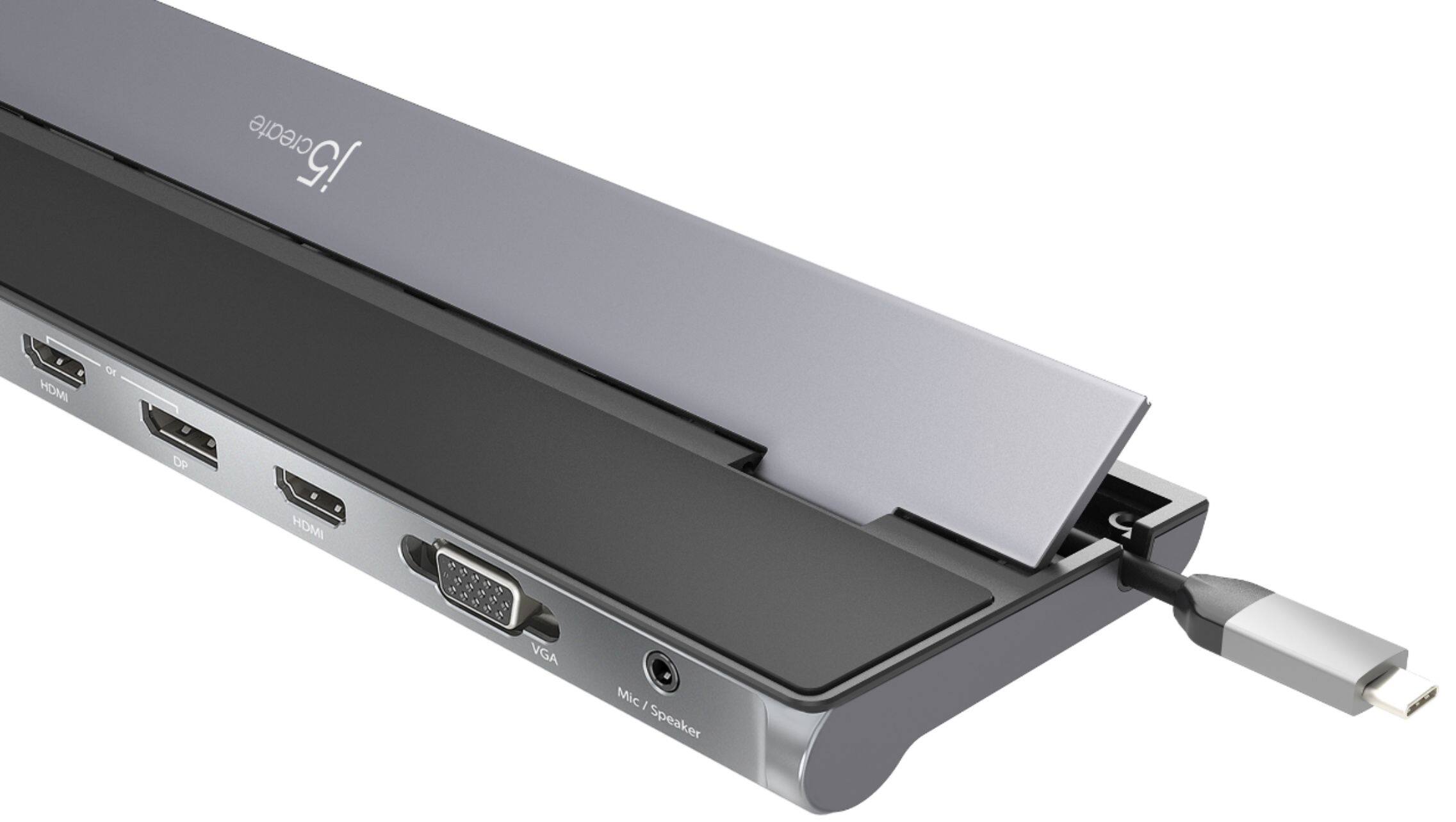
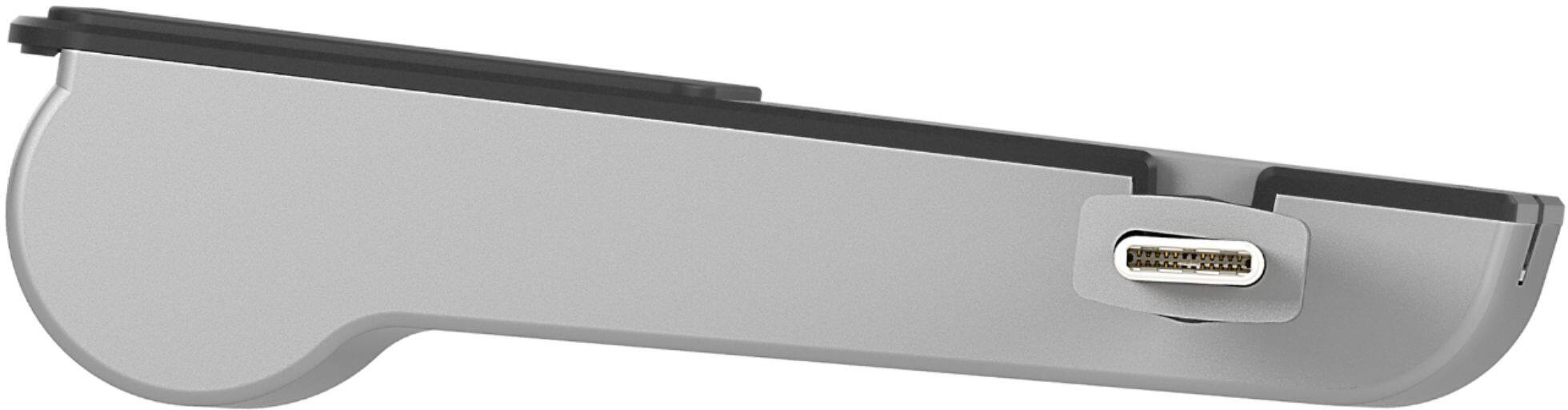
A:AnswerAccording the Lenovo's website, it doesn't mention a USB-C port on the computer. The JCD543 will not work, since it requires a USB-C or ThunderBolt 3 port to function correctly.
A:AnswerFor full compatibility with the JCD543 it is required that the computer support Display out via the USB type-C port. Unfortunatley i was not able to confirm if the Flex 15 supports this feature. With that being said the dock will still be compatible for 2 additional display, but may not be able to provide 3 additional displays with the Flex 15.
A:AnswerThank you for submitting a question. The JCD543 is compatible with the j5create JUP2290. We highly recommend using the JUP2290 in conjunction with the JCD543 in order to provide more power to the JCD543 for heavy wattage devices connected to the dock and for charging your PC if that is supported by your computer.
** Feel free to contact the j5create Technical Support team if you require further assistance or if you have any other questions.
A:AnswerYes, if your laptop allows for thunderbolt charging. This model comes with a 90W charger so make sure of your Laptops power limits and or requirements.
A:AnswerThere are 2 different JCD543 models: 1 has the power adapter and the other does not. The adapter is only for providing more power to the dock and charging the computer via USB-C if it is able to charge via USB-C. Otherwise, the JCD543 is bus-powered and will work with the computer once it is connected. For more information, we recommend contacting support on the packaging and a rep will be ready to help.
A:AnswerDepending on the make and model of the computer you have, you may not get the full experience with the JCD543. In order to best determine whether or not the docking station is best for you and possibly suggest a different model, we recommend contacting support on the casing and a specialist will be happy to help.
A:AnswerYes, you can extend all 3 monitors if you wish. One of the video ports being PnP require that the computer support Thunderbolt 3 capabilities in order to work, otherwise, it will not. In order to determine compatibility, we recommend contacting support on the casing and speaking with a rep and if necessary, they will offer an alternative.