Questions & Answers
Page Showing 1-9 of 9 questions
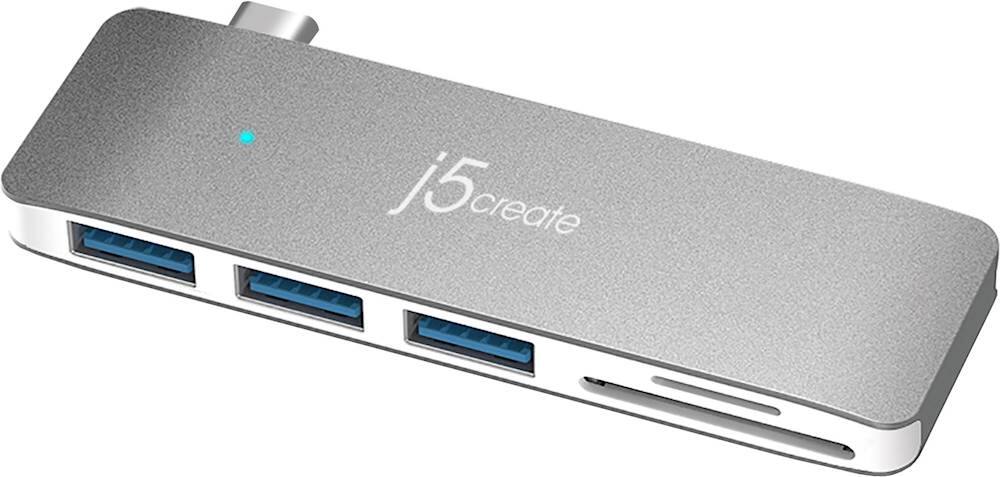
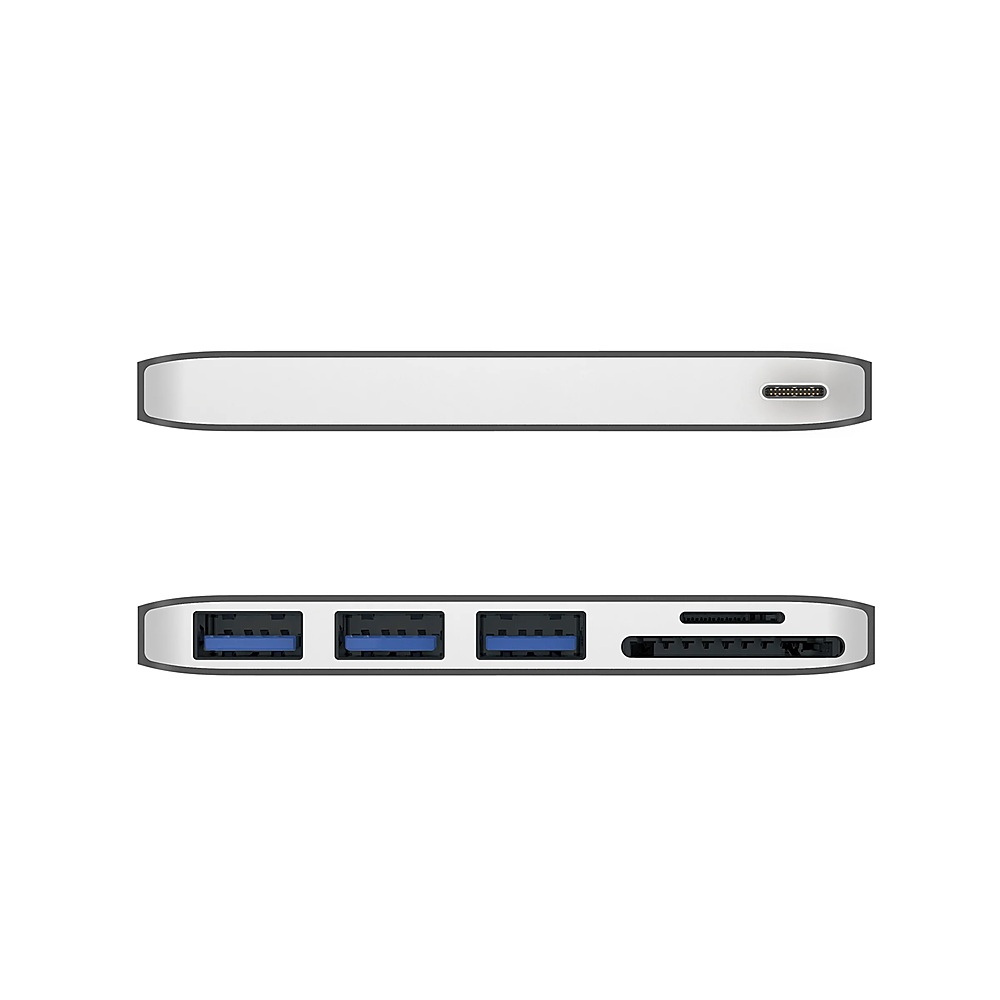
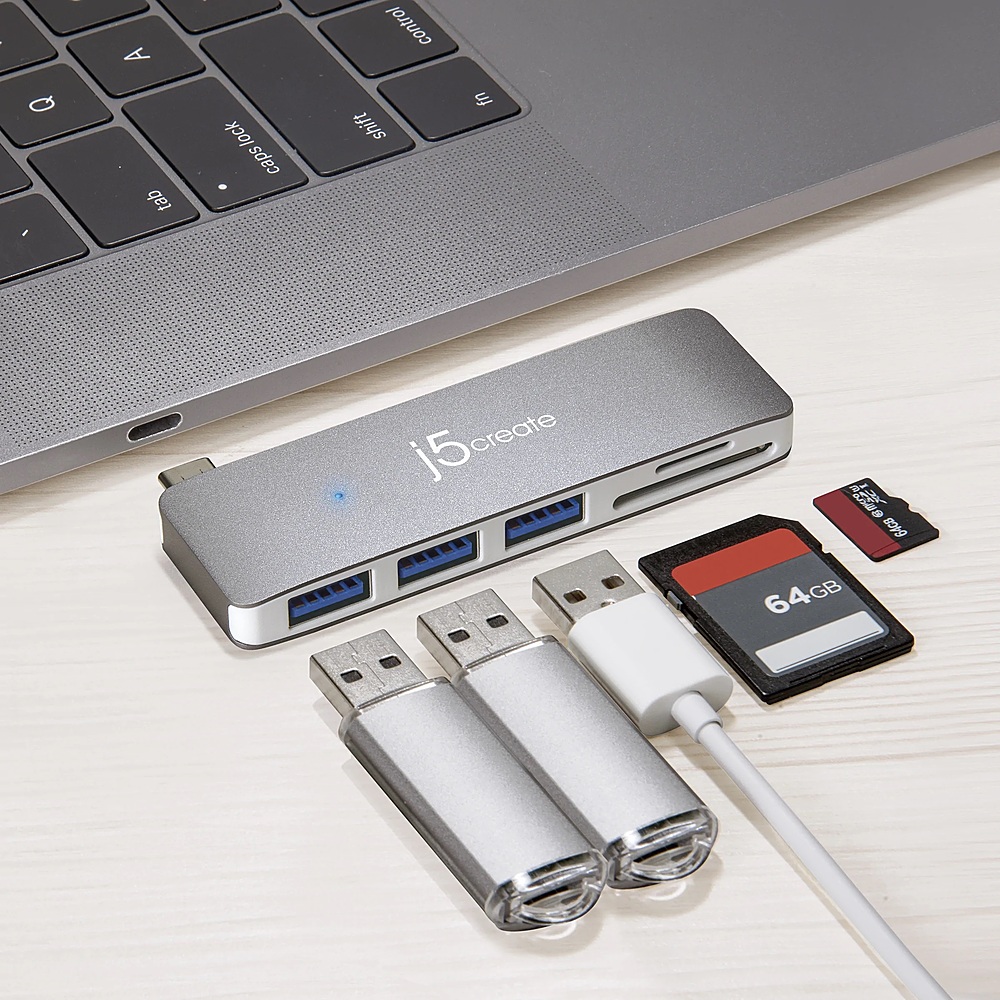
Q: QuestionWill this charge a FitBit watch through the USB-A port? Will this power an external WD MyPassport portable hard drive through the USB-A port?
Asked by Minnesota.
- A:Answer The 3 ports are for transferring data, no fast charging capabilities. The Dock is powered by a computer once it's connected and may not have enough power through a USB port to function a external HDD properly. We recommend a USB hub with external power for high-powered USB devices. Thank you.
Answered by J5create Team
Q: QuestionDoes this device work on a iMac desktop computer?
Asked by Anonymous.
- A:Answer If your iMac has a USB-C/Thunderbolt 3 or 4 port, the Mini Dock will work. This device is Plug-and-play, no driver installation is required. However, please keep in mind Bus-powered USB hubs only draw power from the connected device such as your computer's USB port. If you are connecting high-powered devices like printers, scanners, or external hard drives, we recommend a USB hub with external power. If you have any questions, please contact our customer service department and they'll be happy to assist you. Their information can be found on our website under the "Support" tab. Thank you.
Answered by J5create Team
Q: QuestionWill it work with thunderbolt/USB 4 port?
Asked by John1956.
- A:Answer The JCD348, will work on Thunderbolt 3 and Thunderbolt 4 ports.
Answered by J5create Team
Q: QuestionCan I leave this dock plugged in after use, or should I disconnect it from power when I'm done?
Asked by Janos.
- A:Answer Yes, you can leave this dock connected to your computer, or you can disconnect it. It's really up to your own discretion.
Answered by J5create Team
Q: QuestionWill it work to allo charging of the iPad while connecting other devices
Asked by Ipadpro.
- A:Answer Unfortunately the JCD348 does not provide pass through charging and therefore it will not charge. Depending on the specifications of the iPad, we may be able to recommend a different device that will work for you. We recommend contacting the Technical Support team on the packaging for further assistance.
Answered by J5create Team
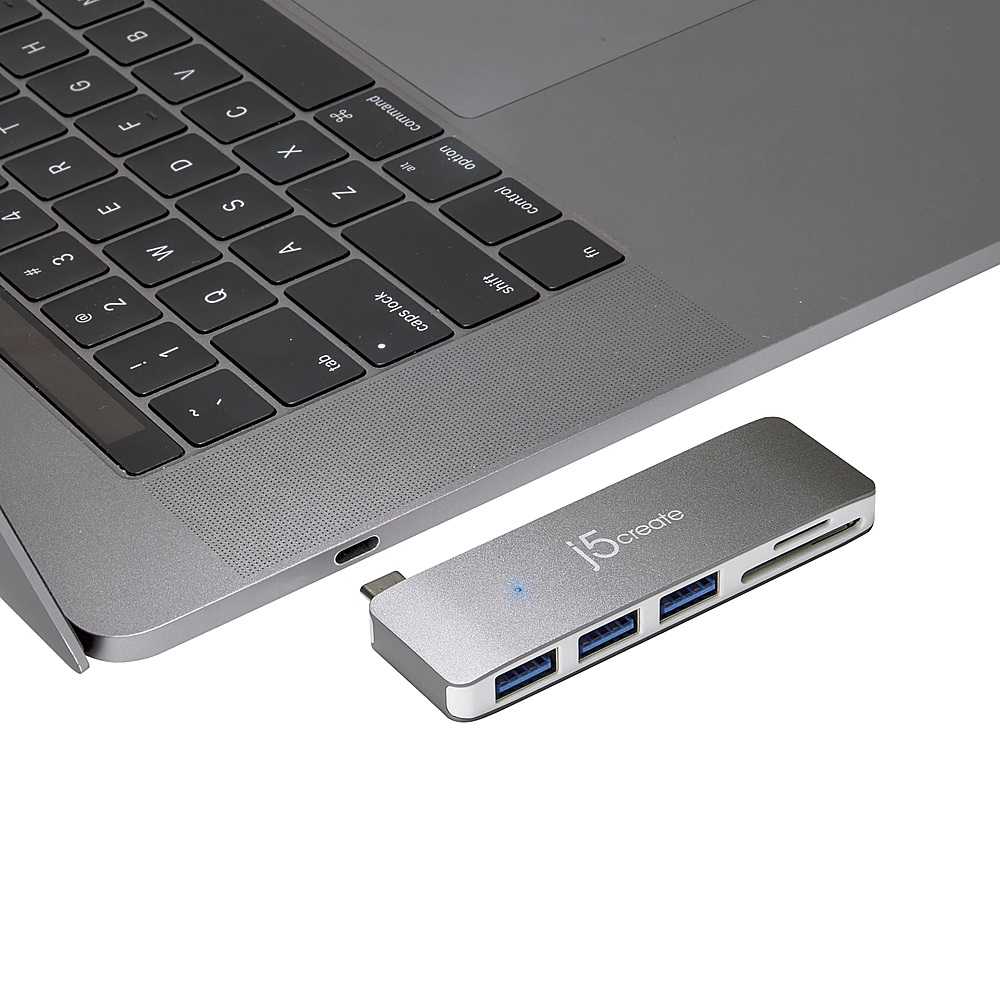
Q: QuestionDoes this fit into a MacBook Air 2020 13inch?
Asked by Anonymous.
- A:Answer I would take it into Best Buy to check before buying. I asked them if it would fit my computer and they said Yes. The only way I can use it is to unplug my computer first, so I'm losing charge while using it and I wanted something I could leave connected. So don't ask them, go into the store and check for yourself.
Answered by DockingStation
Q: QuestionWill this fit my razer blade stealth 13?
Asked by Moe0721.
- A:Answer Yes, this adapter will work with a Razer Blade laptop.
Answered by J5create Team
Q: QuestionIs this compatible with Lenovo laptop, can I hock up monitor and key board with this
Asked by nanaV.
- A:Answer It depends on what connection your monitor and mouse have but if it's USB-C it should work.
Answered by J5create Team
Q: QuestionWill this work with a Dell Inspiron 17 7000 2in1 Laptop?
Asked by DockingStation.
- A:Answer Yes, the JCD348 will work with the Dell Inspiron 17 7000.
Answered by J5create Team
Page 1, Showing 1-9 of 9 questions
Most-viewed items
- $499.99$499.99The price was $899.99
- $329.99$329.99The price was $469.99
- $99.99$99.99The price was $129.99
- $299.00$299.00The price was $349.00
- $449.99$449.99The price was $649.99
- $1,149.00$1,149.00The price was $1,299.00