A:AnswerWork on a factory floor. These are loud enough to listen to podcasts. Haven't had someone complain about not being able to hear me while Im on the shop floor either. Great headphones. Would buy again.
A:AnswerOnce you turn on the headphones for the first time you’ll simply need to go to the Bluetooth menu under settings in your iPhone and choose to connect to the headphones which will appear under available connections
A:AnswerHi - For specific technical questions regarding the Jabra Elite 65e, please reach out to our Technical Support Team: https://www.jabra.com/contact/support/jabra-support-consumer. Thank you!
A:AnswerHello Glenno - Thanks for your question! When voice guidance is enabled on your Jabra Elite 65t, you can answer with a voice command. When a call comes in, you will hear "Call from __," followed by a beep tone. After the tone, say "answer" or "ignore."
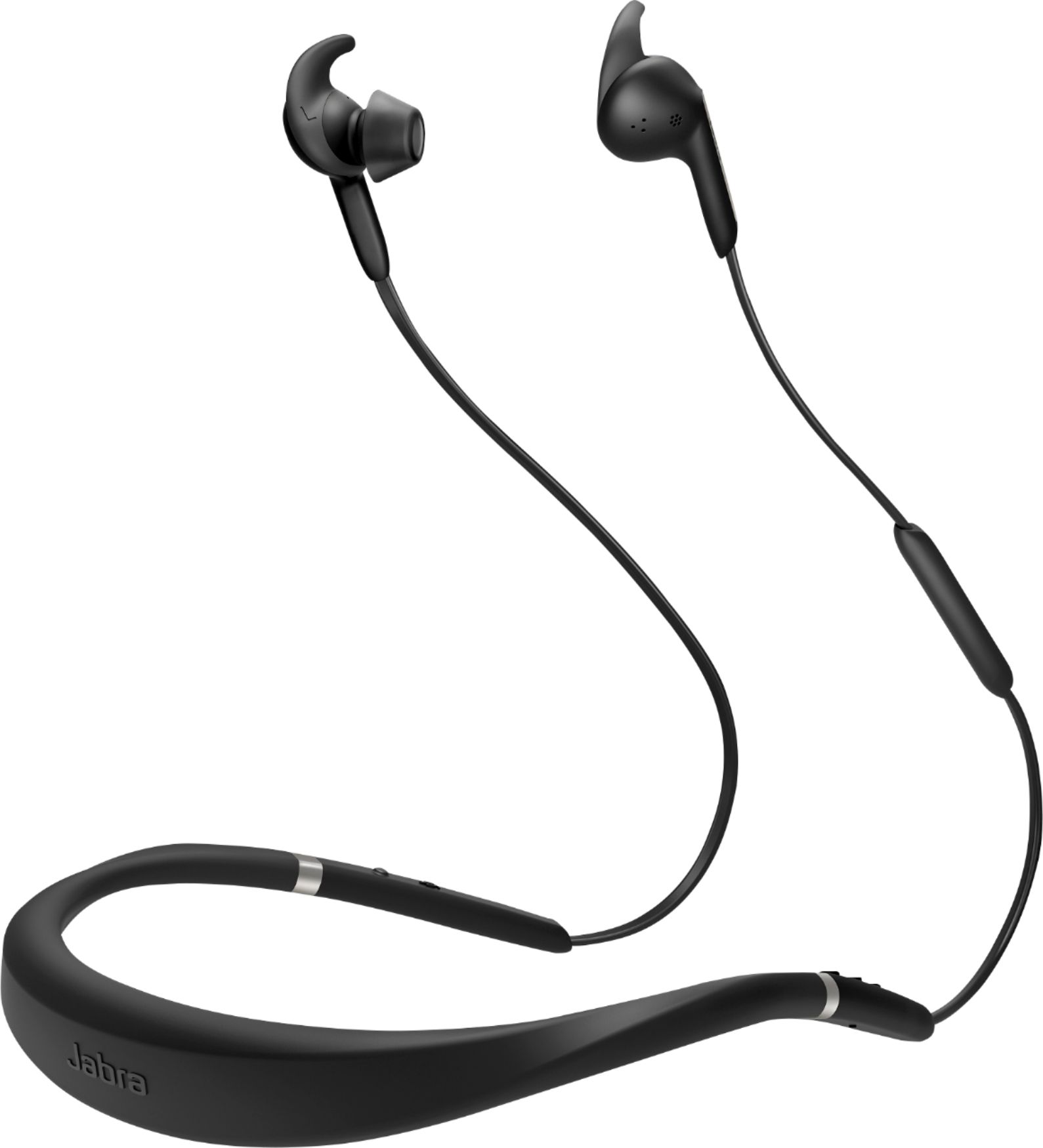
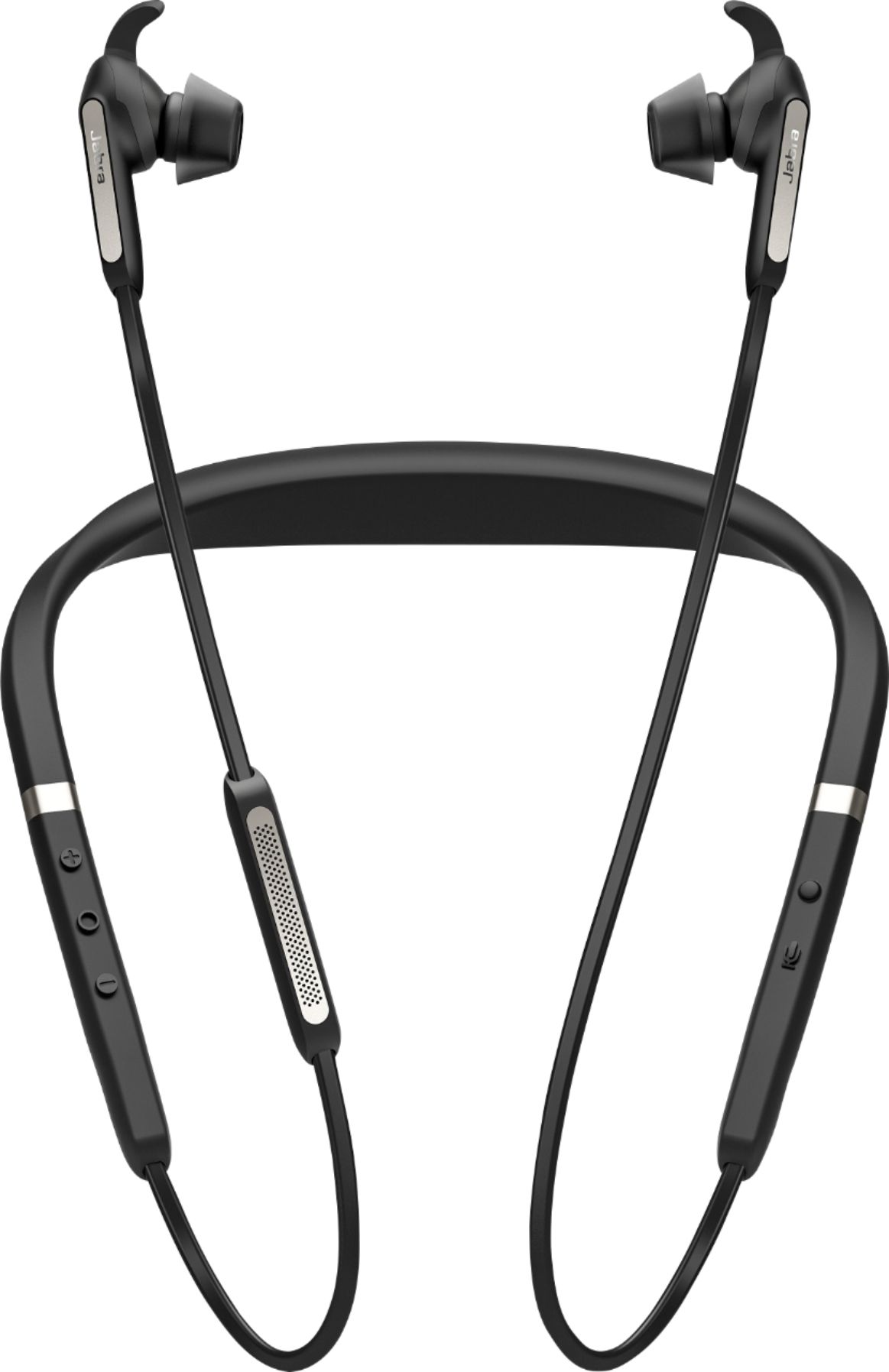
A:Answer1. Yes, the multipurpose button on the right side picks up and hangs up calls.
2. Hearthrough is engaged by pushing a button and stays engaged until you change the mode. You don't have to keep holding the button, just push and leg go.