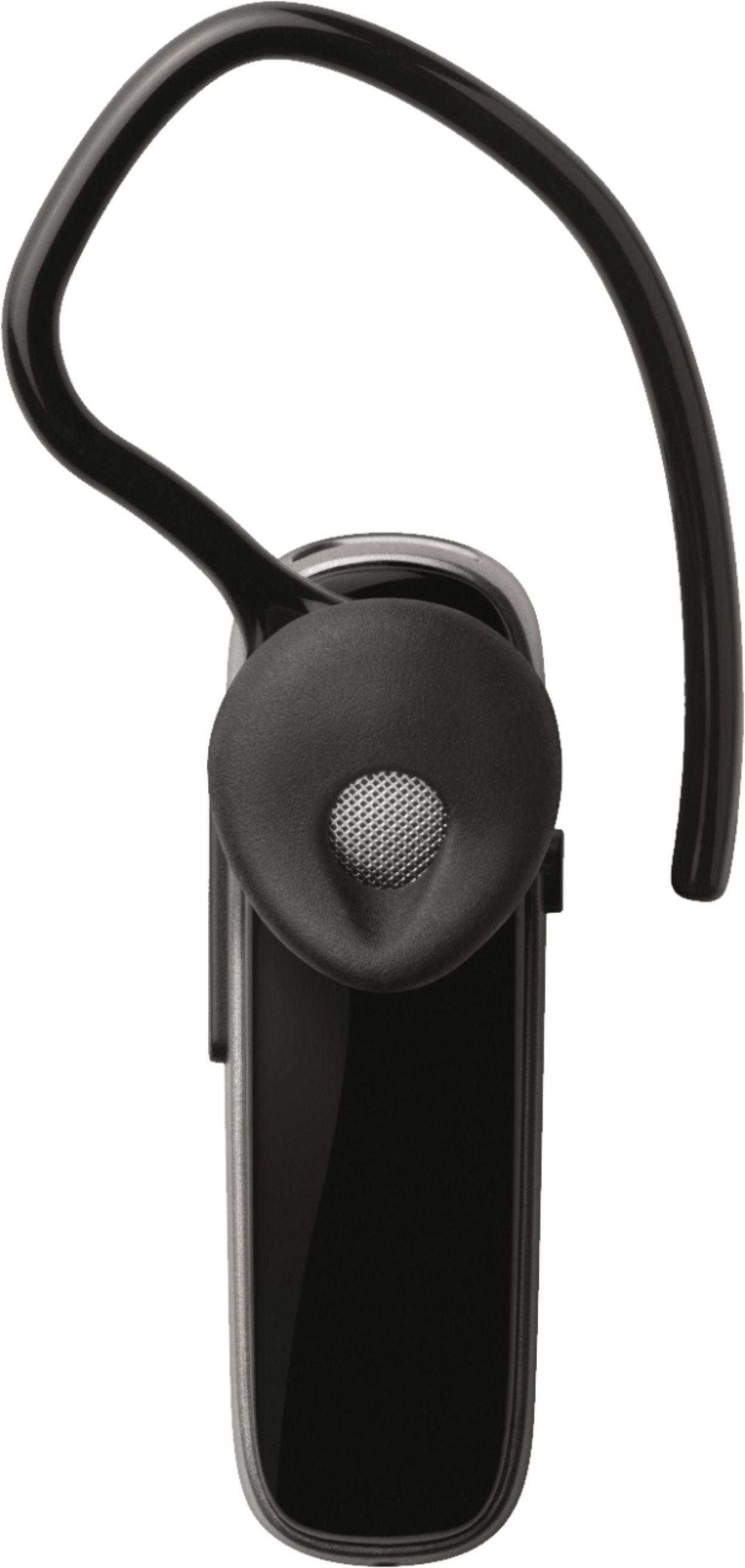
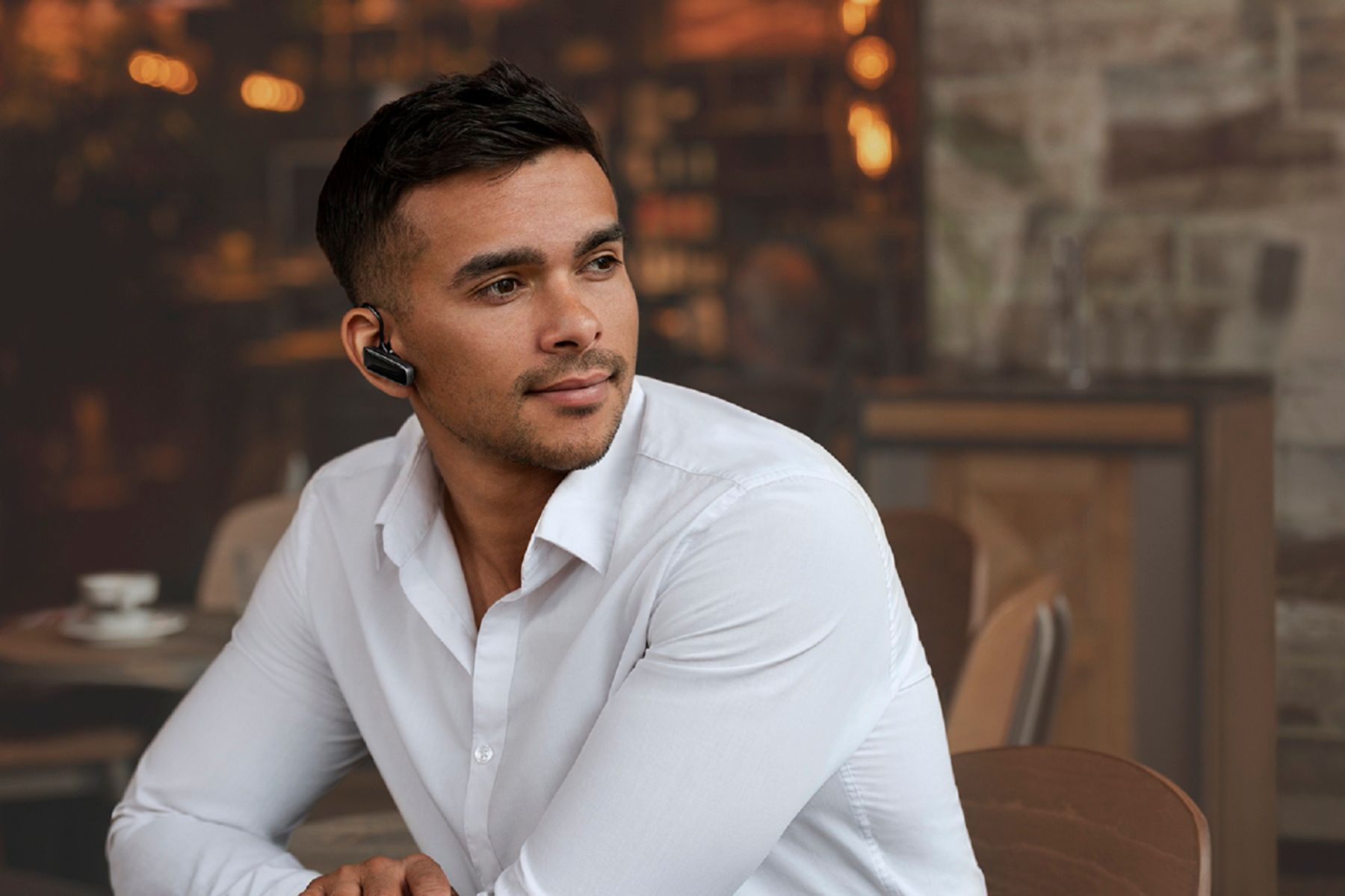
A:AnswerHi Wendoc- Jabra devices are designed and engineered to provide sound quality for calls and music listening. They are optimized to be used with other Bluetooth devices such as Smartphones and Tablets. The use of a Jabra device with a Computer, Gaming System, Laptop, or Smartwatch may not provide the best experience and is not officially supported. Thank you!
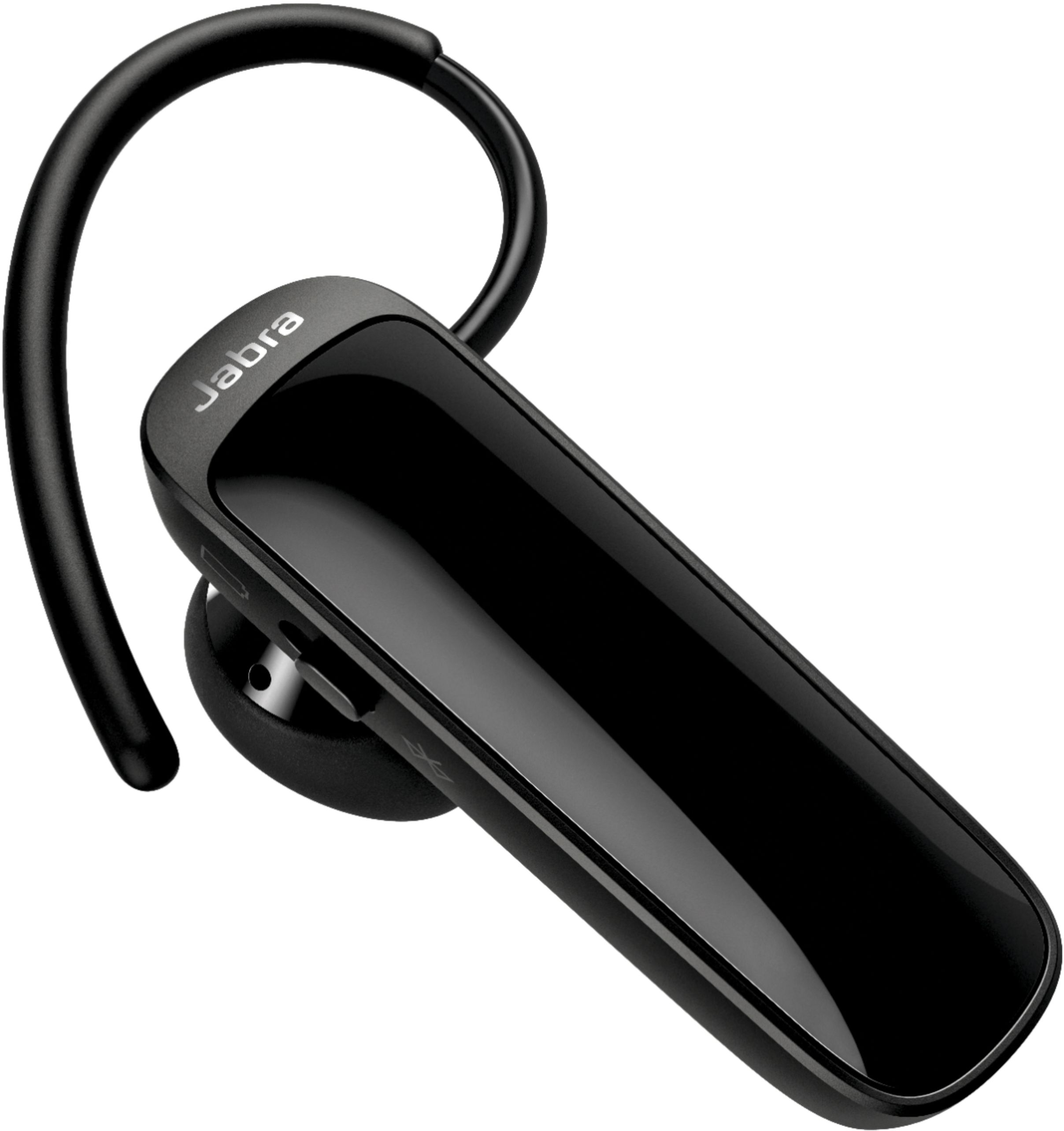
A:AnswerHello there- thank you for your interest in Jabra. You can see a complete list of all of the Jabra devices which are supported with your Samsung smartphone on our compatibility guide linked here: https://www.jabra.com/compatibilityguide/.
A:AnswerHi Headphone- thank you so much for your question about the Jabra Talk 25. At this time we do not recommend you pair your Jabra Talk 25 directly with a Surface Pro 7 as it is optimized to be used primarily with smartphones or tablets running either iOS or Android. While many of our users have found success pairing their true wireless earbuds to their computers, this is not something that we officially support. For this reason, we cannot guarantee device performance or provide support for performance problems that may result.
A:AnswerHi Shrtcake6- thanks for your question about the Jabra Talk 25 and for your interest in Jabra. You can see a complete list of all of the Jabra devices which are supported with your iPhone XR on our compatibility guide linked here: https://bit.ly/2NxAy4J.
A:AnswerHello Omar- The Jabra Talk 25 is designed to pair with smartphones and tablets. We cannot guarantee full functionality connecting the Jabra Talk 25 to a home phone. We are sorry for any inconvenience. Thank you for your question!
A:AnswerHi Rich- For a list of devices that are compatible with the Jabra Talk 25, please check out our Compatibility Guide here: https://www.jabra.com/compatibilityguide/. Thank you!
A:AnswerHello Carol- The Jabra Talk 25 is able to pair with smartphones and tablets. Please feel free to check out the compatibility guide, we have available conveniently on the Jabra website: https://www.jabra.com/compatibilityguide/. If you have any other questions, please contact the Jabra support team: https://www.jabra.com/support#/. We are happy to help!
A:AnswerMake sure the bluetooth device is on then go to your phone and slide your finger downwards from the top until the icons show and click bluetooth. The bluetooth will flash and your phone will ask if you want to connect to the device with the name of the device. Just make sure it's the right device if you have more than one user of a bluetooth around you. It's best to do it at home where you're alone.
A:AnswerHello Ehud11- thanks for your question! At this time we do not recommend you pair your Jabra Talk 25 directly with a computer as it is optimized to be used primarily with smartphones or tablets. While many of our users have found success pairing their Talk 25 to their computers, this is not something that we officially support. For this reason, we cannot guarantee device performance or provide support for performance problems that may result.
A:AnswerYou have to use the correct orientation and size ear piece that goes around the back of the ear and rotate the inner rubber ear piece to match the ear shape. I found once I did this it was more secure. Hope it helps :)
A:Answeri wouldn't recommend using this for media audio. its meant to be used as call headset. it has about 2-3 hours of media playback simply because it isn't built to be used as earphones.