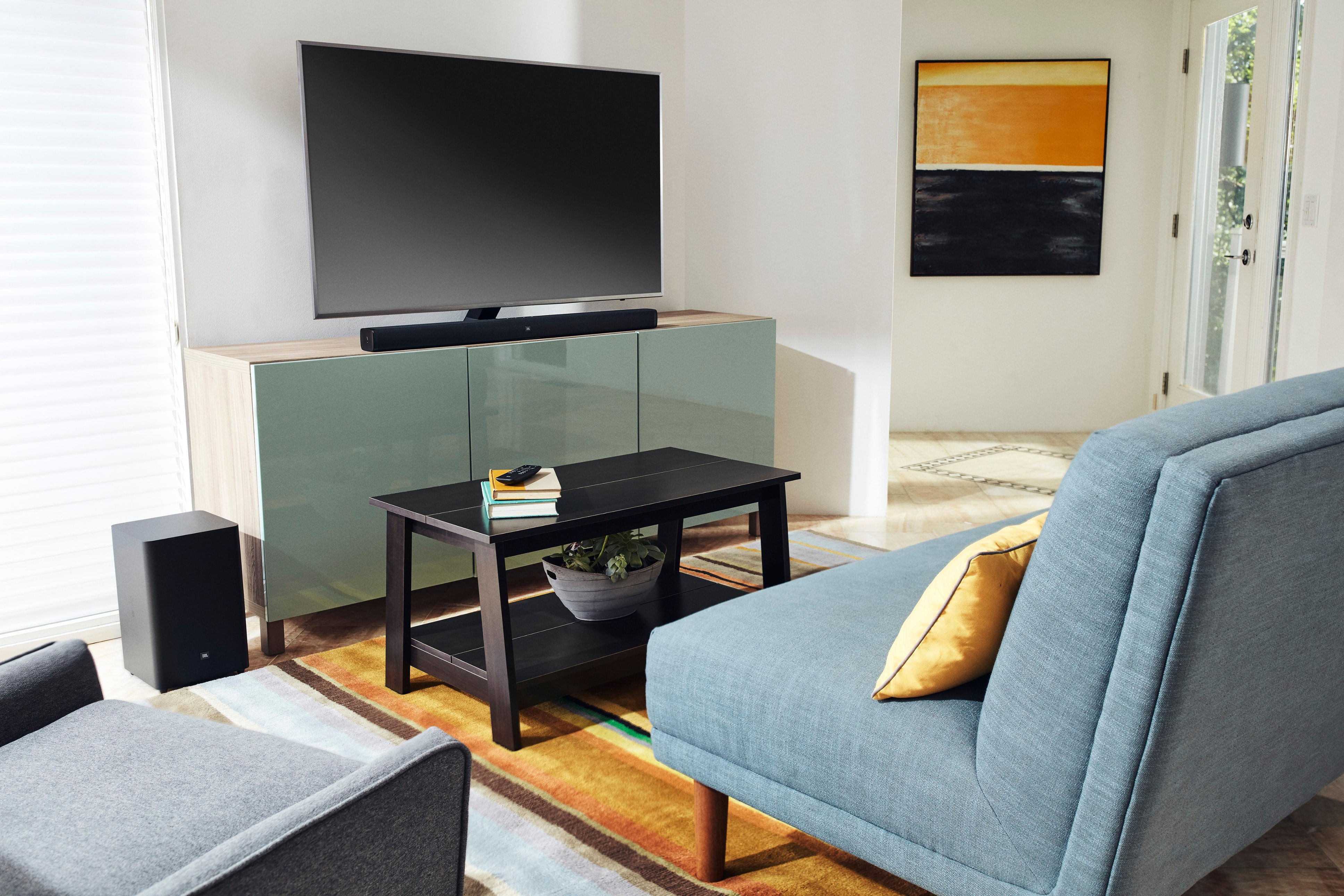
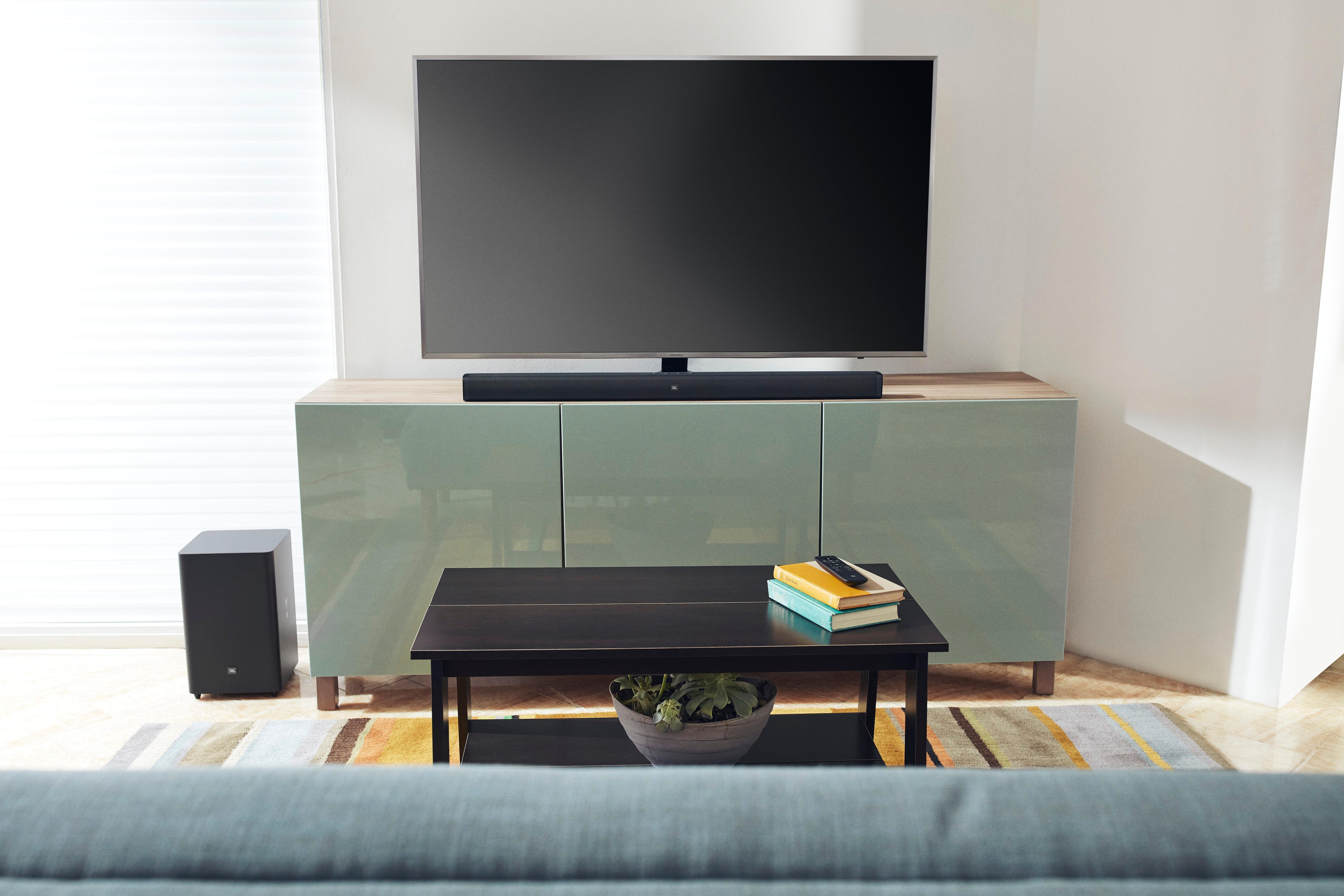
A:AnswerNot sure how you connected to the TV via bluetooth, but you can connect by optical cable or HDMI cable, and definitely should. Only the subwoofer should be connected wirelessly to the system.
A:AnswerThe JBL Bar 5.1 Surround uses Bluetooth technology for the remote. If you're using an IR based remote, then it would not be possible to control it.
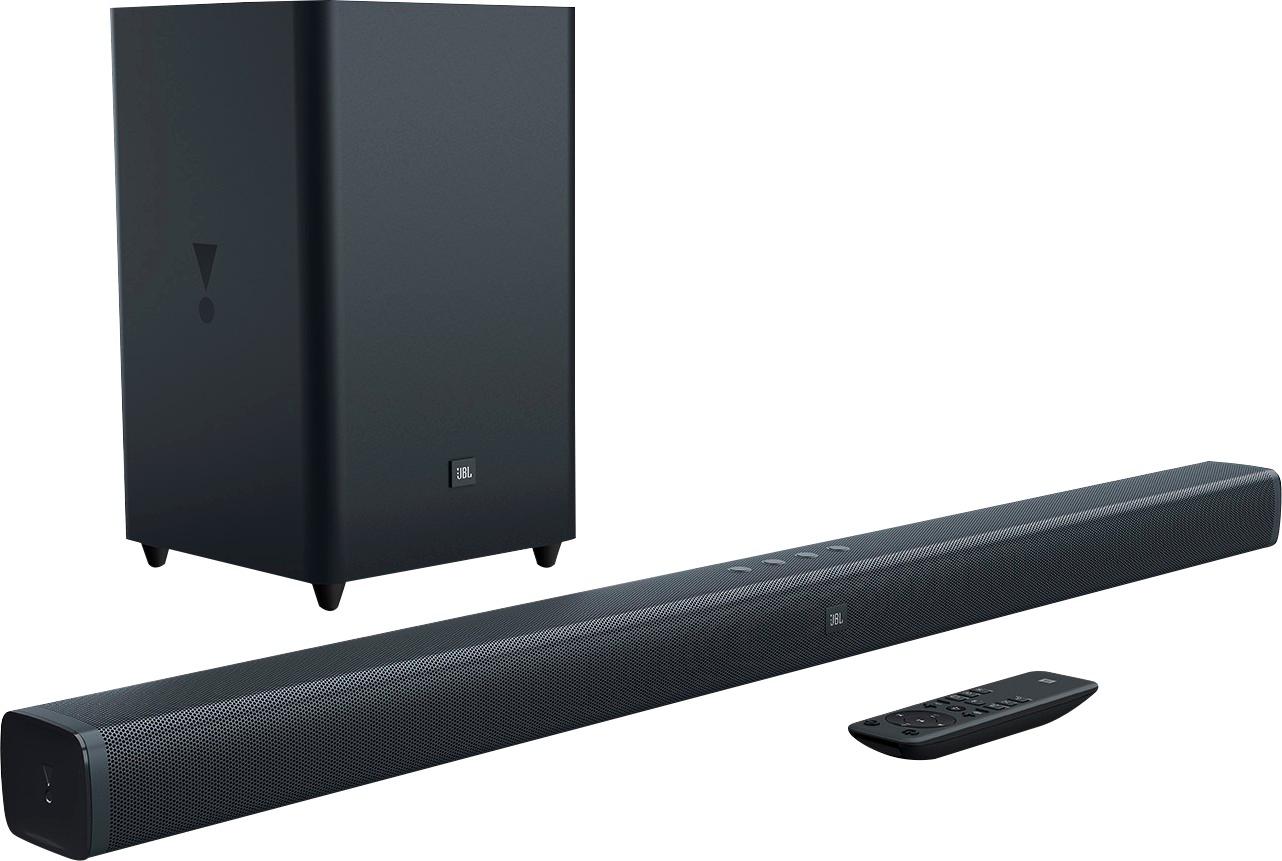
A:AnswerOur JBL Bar 2.1 has the following accessories included upon purchase.
1 x Remote control with battery
1 x Power cables (number and types varied by region)
1 x Optical cable
1 x AUX cable
1 x Wall-mount bracket kit
1 x Quickstart guide
1 x Warranty card
1 x Safety sheet
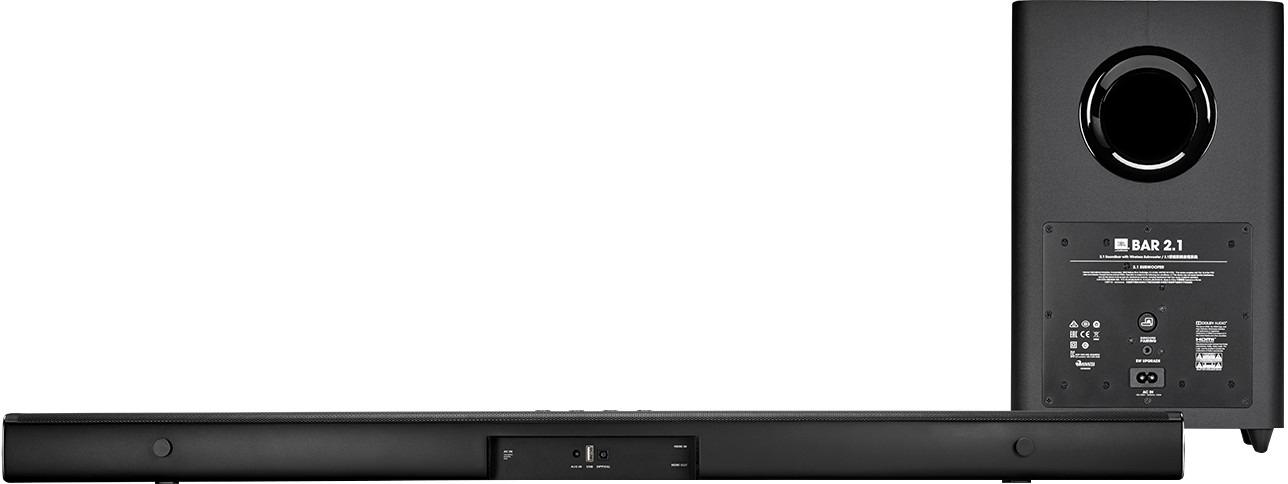
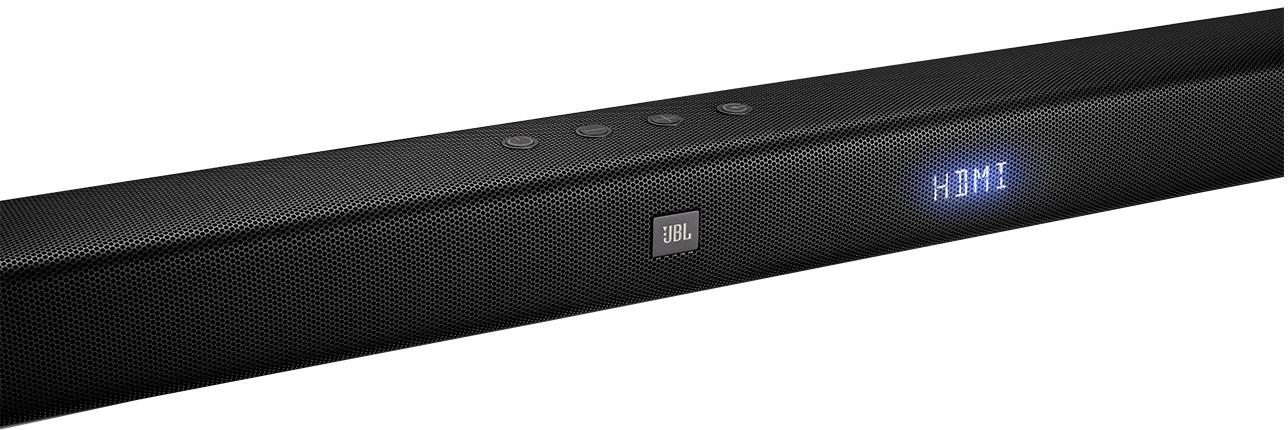
A:AnswerOur JBL Bar 2.1 can be connected to your television via HDMI, HDMI ARC, analog, or optical. Technically, both HDMI and optical cable can be connected to the soundbar at the same time. It will depend on your TV Settings if the audio will be sent through the optical cable or HDMI. It's best recommended to choose one connectivity as to not confuse both systems, the TV and the soundbar. If you have more questions, please reach out to our Customer Support. https://support.jbl.com/us/en/
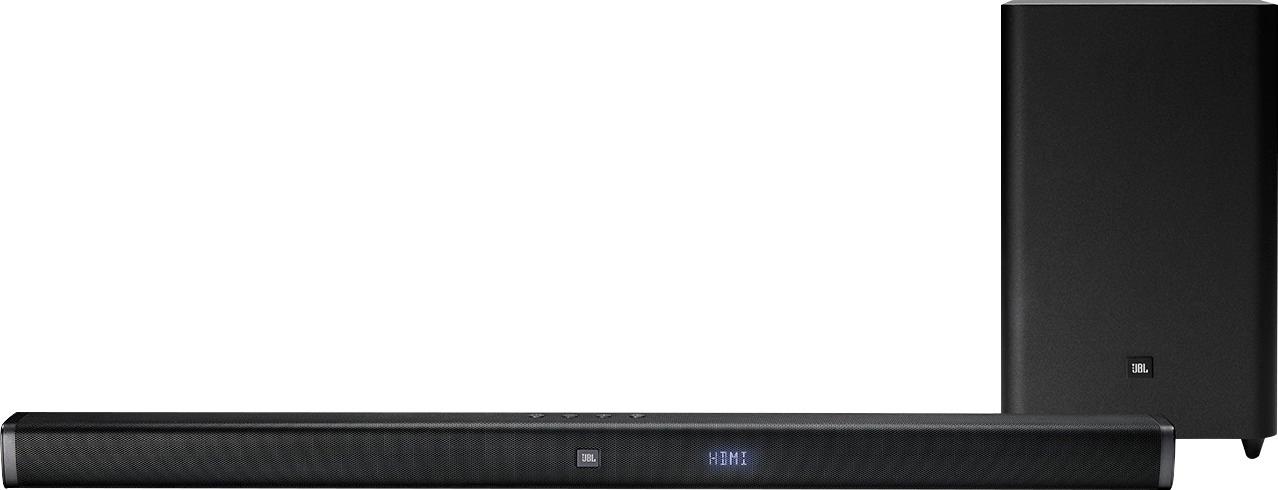
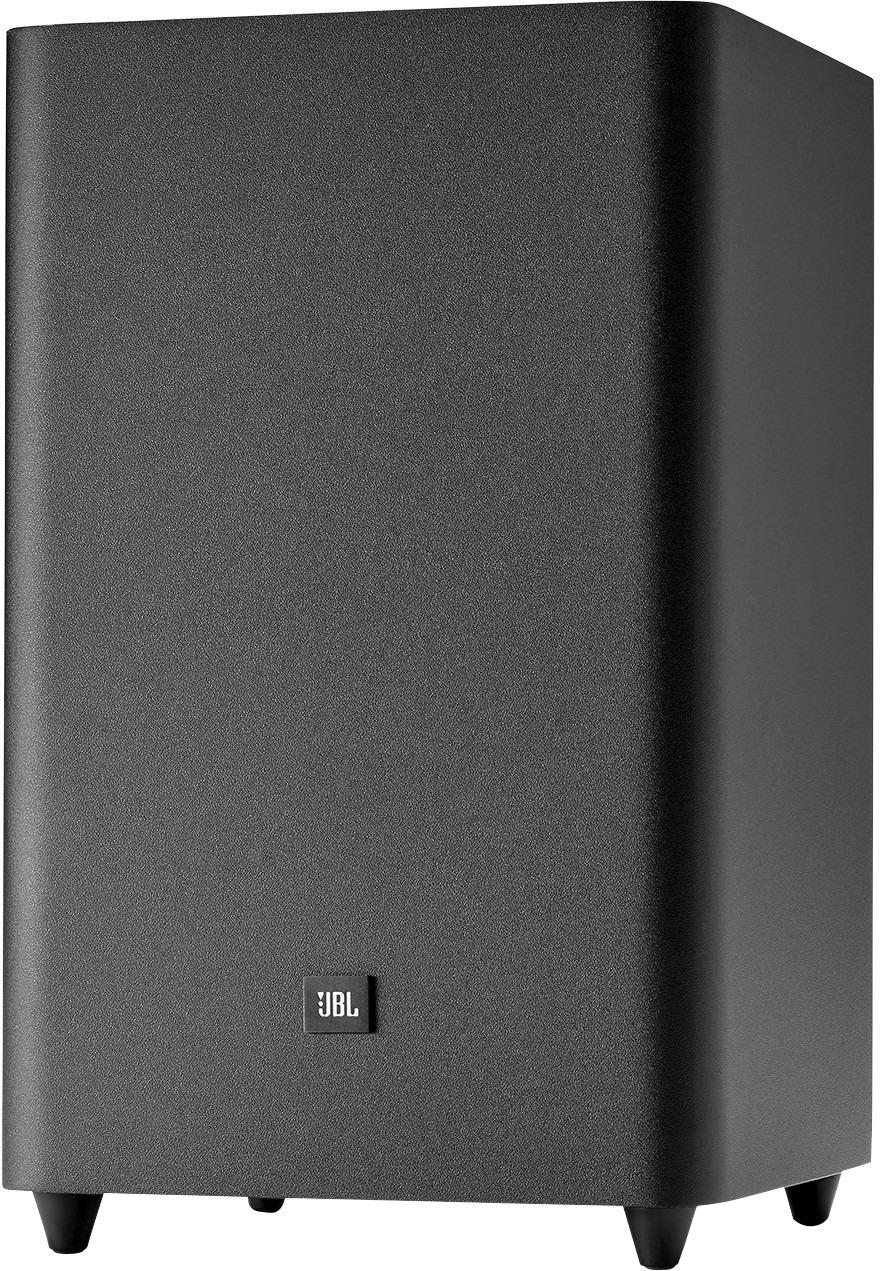
A:AnswerOur JBL Bar 2.1 is a soundbar-subwoofer system. The wireless subwoofer has to be paired with the soundbar. Please check the steps on page 11 of the Owner's Manual for the instructions. http://bit.ly/2TNmlEC
A:AnswerPlease check the subwoofer LED on your JBL Bar 2.1. It should be in a solid white color. If the white LED is blinking, the connection of the subwoofer to the soundbar is lost. Please try the troubleshooting steps on page 9 of the Owner's Manual using the link to isolate the issue: http://bit.ly/2E6nbmT
A:AnswerWe'd like to work with you directly about your JBL Bar 2.1. Please reach out to our Customer Support so we could try some troubleshooting steps. https://support.jbl.com/us/en/
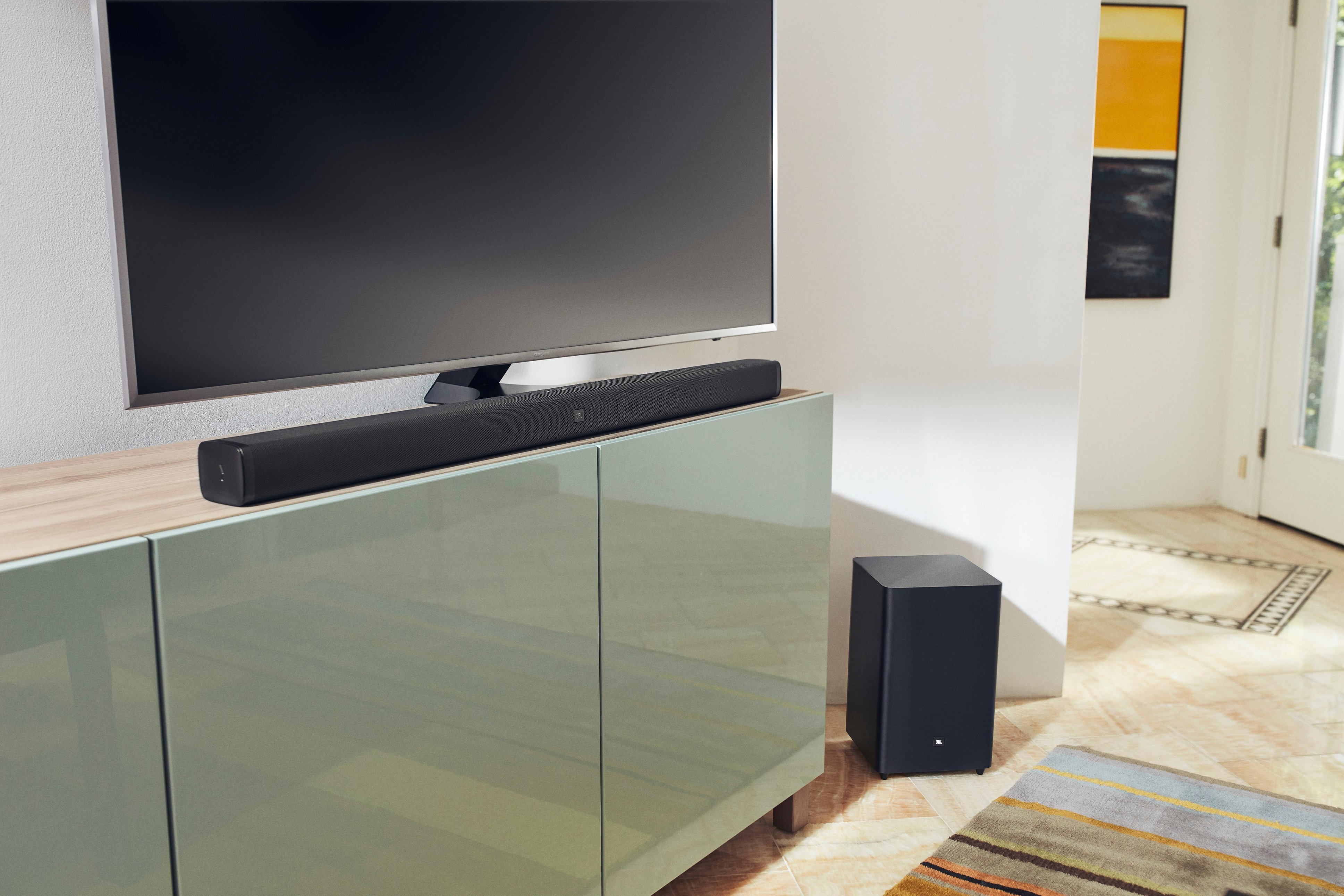
A:AnswerWe'd like to work with you directly and help you check some settings on your JBL Bar 2.1. Please reach out to our Customer Support. https://www.jbl.com/support-contact.html